Barcode Technology

Barcode History

Barcode Label Paper

Barcode Printer

Barcode Application

Inventory Management

AI Barcode QRCode

Barcode Scanner

Barcode Software

Barcode Software B

Barcode Software C

Barcode Software D

Barcode Software E

New Technology A

New Technology B

Robot Technology

Barcode Types

Barcode Types B

Barcode Types C

Barcode Types D

Barcode Types E

Barcode Types F

Electronic Technology

Psychology at Work

Barcode Technology and Barcode Software Related   <<< Back to Directory <<<

AI robotics technology and healthcare

Nursing work indeed demands significant physical effort and can be quite challenging.

However, the intersection of AI robotics technology and healthcare holds immense promise. Let's delve into the exciting developments in this field:

1. Generative AI in Healthcare:

The global generative AI in healthcare market is projected to grow significantly. In 2022, it was estimated at USD 1.28 billion, and it's expected to expand at a CAGR of 36.7% from 2023 to 2030.

Generative AI is a subset of AI that has the potential to create new data and solutions. It's particularly promising for innovative approaches in diagnostics, drug discovery, and personalized medicine.

Applications include generating medical images, designing drug molecules, and tailoring treatments based on individual health data. For instance, it accelerates drug development by creating innovative protein structures and predicting molecular interactions.

2. Nurse Robots and Healthcare AI Tools:

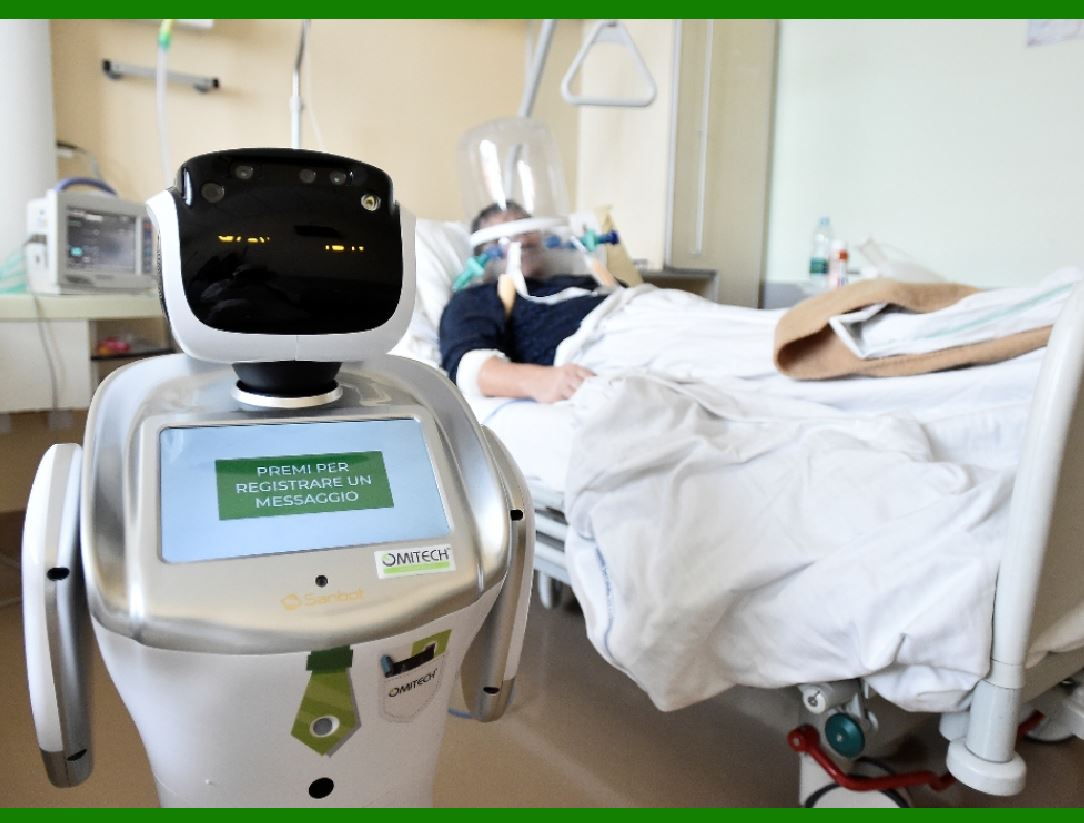
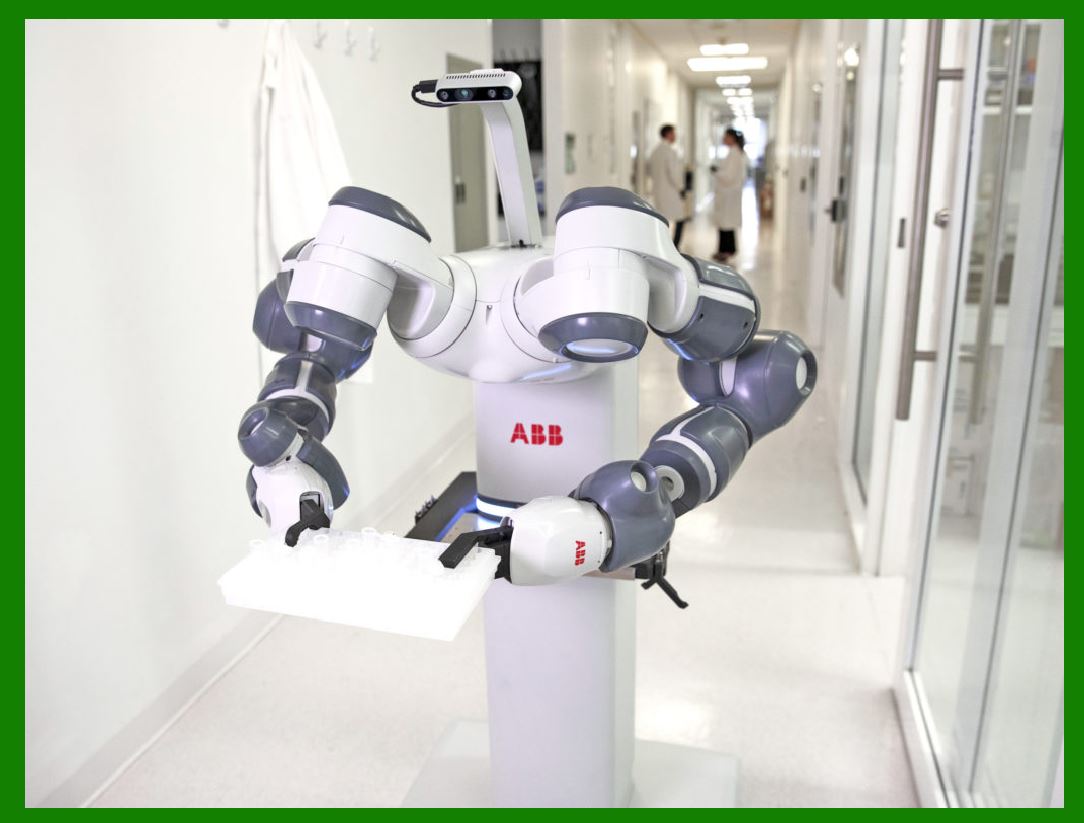
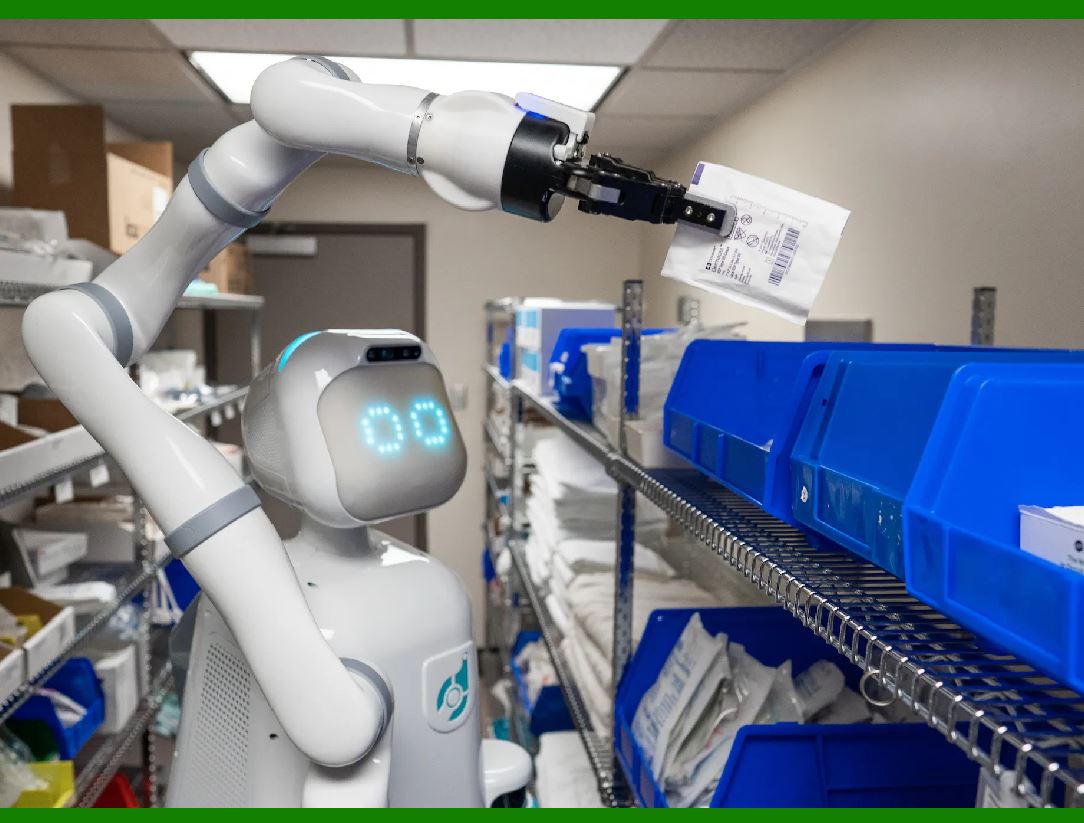
In Japan, human-like robots have been used as supplemental healthcare workers in elderly homes for years. Recently, hospitals and healthcare facilities have introduced nurse robots and other AI tools.

These nurse robots assist with tasks like monitoring patients, providing reminders for medication, and even offering companionship. They alleviate the burden on human nurses and enhance patient care.

3. Artificial Intelligence in Healthcare Market:

The global artificial intelligence in healthcare market reached USD 6.1 billion in 2023. Looking ahead, it's expected to reach USD 57.2 billion by 2032, exhibiting a remarkable CAGR of 27.4% during 2024-2032.

AI applications span various areas, including diagnostics, treatment planning, drug discovery, and personalized medicine. Virtual nursing assistants and robot-assisted AI surgery are gaining prominence.

4. Efficiency and Innovation:

The integration of generative AI and other AI technologies marks a pivotal shift toward a more efficient and innovative future in biopharmaceutical research and development.

The abundance of quality healthcare data is propelling the growth and effectiveness of generative AI applications. With comprehensive data, these models better understand intricate patterns, leading to more accurate outputs.

In summary, the convergence of AI and healthcare presents exciting opportunities to enhance patient care, reduce manual labor, and create more effective treatments.

The market space for AI-assisted nursing equipment is indeed vast, and its development is crucial for the future of healthcare.


EasierSoft Barcode Label Design & Bulk Printing Software

---- Use Excel Data to Batch Print Barcodes on Label Sheets or Roll Labels  

---- How to use this barcode software

Download:  Free Barcode Software + Barcode Label Designer

Download Free Barcode Software at Softonic

     Download at CNET

Once you obtain a GS1/UPC/EAN barcode, or other barcode type and QR code, you can use our free software to batch print barcode labels onto Roll label paper using a professional label printer, or to batch print barcodes onto Avery 5160 label sheets using a regular laser or inkjet printer. Our software has free and paid versions.

The free version fully meets your needs for batch printing GS1/UPC/EAN barcodes. The paid version can import data from Excel and databases to batch print barcode labels with different values.

How to Start

Input Data

Import Excel Data

Print Barcode

Barcode Format

Label Designer

All Screen Shot

Export Barcode Image

Save Template

Output Word Excel

How to Use & FAQ:

Manually copy data from Excel files

Filter some data for printing

Edit imported barcode data

Input data (Pro)

Label Designer

Edit data in Label designer

Label Designer - Add new label

Label Designer - Printing

Set the barcode label format to be printed

Other Barcode Label Format Settings

Barcode types supported by this program

Barcode Label Font Settings

Configuring the Barcode Print Rotation

Text Alignment for Barcode Labels

Automatically Adjusting Barcode Width

Text Beneath the Barcode

Configuring Barcode Size

Auto Calculate the Barcode Size

Export Barcode images

Export Barcode Image Format

File Names for Exported Barcode

Resolution of Exported Barcode Images

Fixed Folder for Exporting Barcode

Default Barcode Image Export Format

Print bulk barcodes quickly

Print barcodes to Avery 5160 label

How to bulk Barcode Printing

Sample - Avery 5162 (2x7) Label Sheet

Example: Print barcodes to 5*3cm roll

Example: Print barcodes to 5161 label

Example: Print barcodes to 5162 label

Example: Print barcodes to 5163 label

Example: Print barcodes to 5164 label

Example: Print portrait orientation 5164

Example: Print barcodes to 5167 label

Example: Print barcodes to 5168 label

Example: Print portrait orientation 5168

Example: Print barcodes to 5169 label

Example: Print barcodes to 5660 label

Example: Print barcodes to 5661 label

Example: Print barcodes to 5662 label

Example: Print barcodes to 5663 label

Example: Print barcodes to 5664 label

Example: Print portrait orientation 5664

Example: Print barcodes to 5873 label

Example: Print barcodes to 5874 label

Two ways to import Excel data

Import Excel Data - Pro Edition

Import Excel Data - Std Edition

Import Data from Excel - Detail

Highlights

Excel integration: Import data directly from Excel to generate and print barcodes in bulk.

Label designer: Create complex labels with multiple barcodes, text, logos, and shapes.

Batch printing: Print thousands of barcodes at once using standard inkjet/laser printers or professional barcode printers.


Flexible editions:

Standard Edition: Simple batch printing with Excel data.

Professional Edition: Adds command-line automation for workflow integration.

Label Designer Edition: Advanced design features for complex labels.


Why Choose Our Barcode Solutions?

Cost-effective: Free online generator and permanent free desktop version available.

Easy to use: No technical expertise required—just input data and print.

Versatile: Supports nearly all 1D and 2D barcode types, including QR codes.

Trusted: Recommended by CNET and widely downloaded by users worldwide.


Suitable Use Cases

Small businesses and startups needing quick barcode labels for products.

Retailers and online sellers managing inventory with batch barcode printing.

Manufacturers requiring sequential or custom barcode labels for packaging.

Educational and testing environments where barcodes are used for tracking.


CONTACT

cs@easiersoft.com

If you have any question, please feel free to email us.


https://free-barcode.com


<<< Back to Directory <<<     Barcode Generator     Barcode Freeware     Privacy Policy