Barcode Technology

Barcode History

Barcode Label Paper

Barcode Printer

Barcode Application

Inventory Management

AI Barcode QRCode

Barcode Scanner

Barcode Software

Barcode Software B

Barcode Software C

Barcode Software D

Barcode Software E

New Technology A

New Technology B

Robot Technology

Barcode Types

Barcode Types B

Barcode Types C

Barcode Types D

Barcode Types E

Barcode Types F

Electronic Technology

Psychology at Work

Barcode Technology and Barcode Software Related   <<< Back to Directory <<<

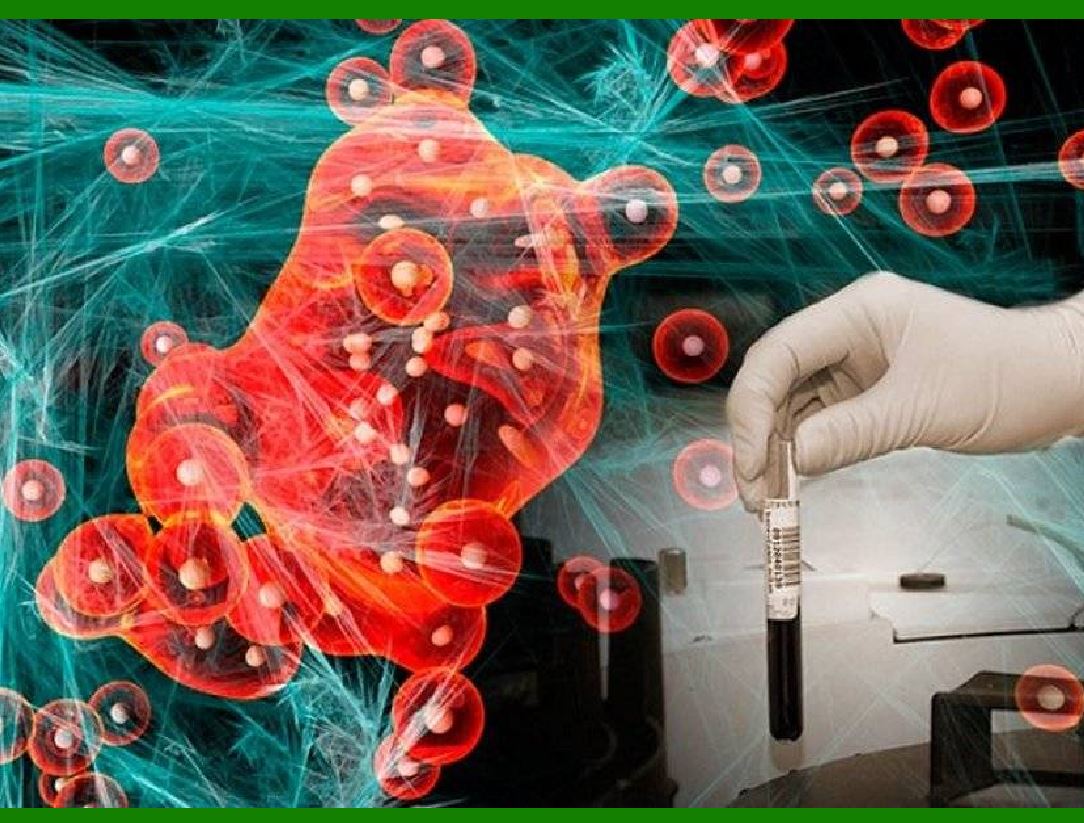
AI in cancer diagnosis and treatment

Artificial intelligence (AI) has made impressive progress in the field of cancer, providing strong support for cancer diagnosis, prognosis, and treatment.

Let's take a look at some key aspects:

1. Application of machine learning in cancer diagnosis and prognosis:

Machine learning (ML) has been widely used in oncology to diagnose tumors, predict patient conditions, and inform treatment planning.

ML models have received regulatory approval in some countries and are used in cancer diagnosis, cancer development prediction, cancer treatment and tumor detection.

2. Medical Imaging and Machine Learning:

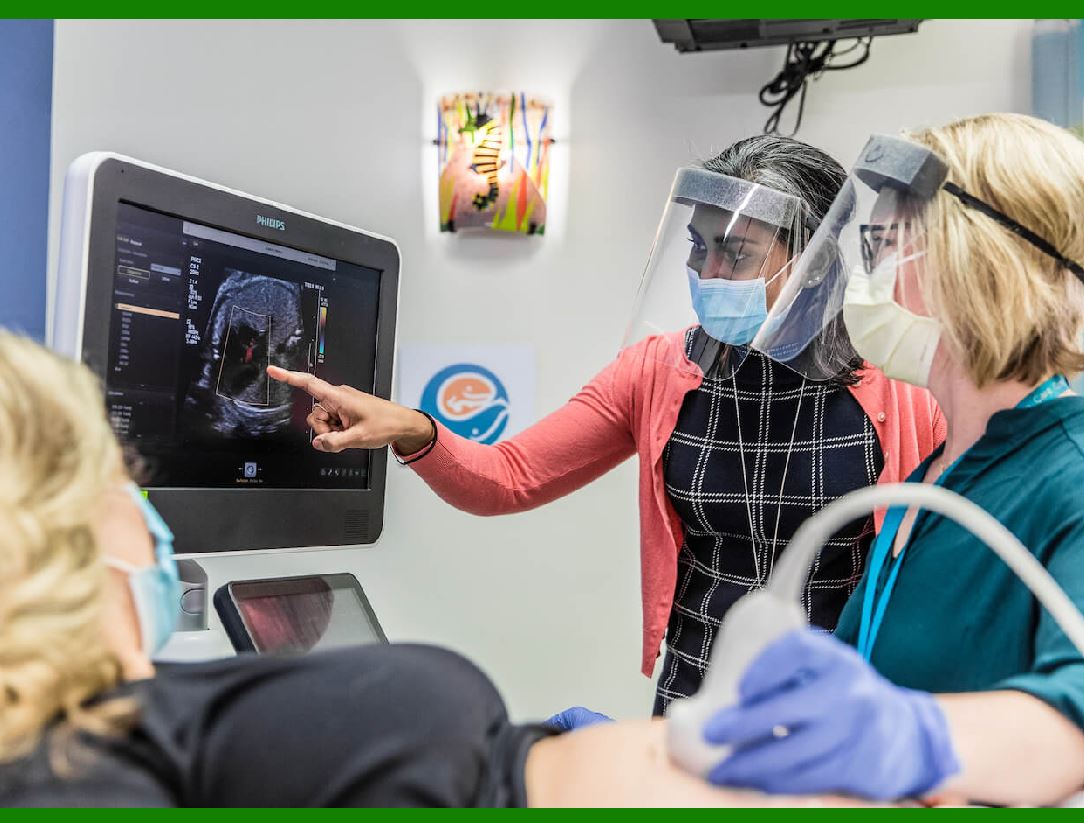
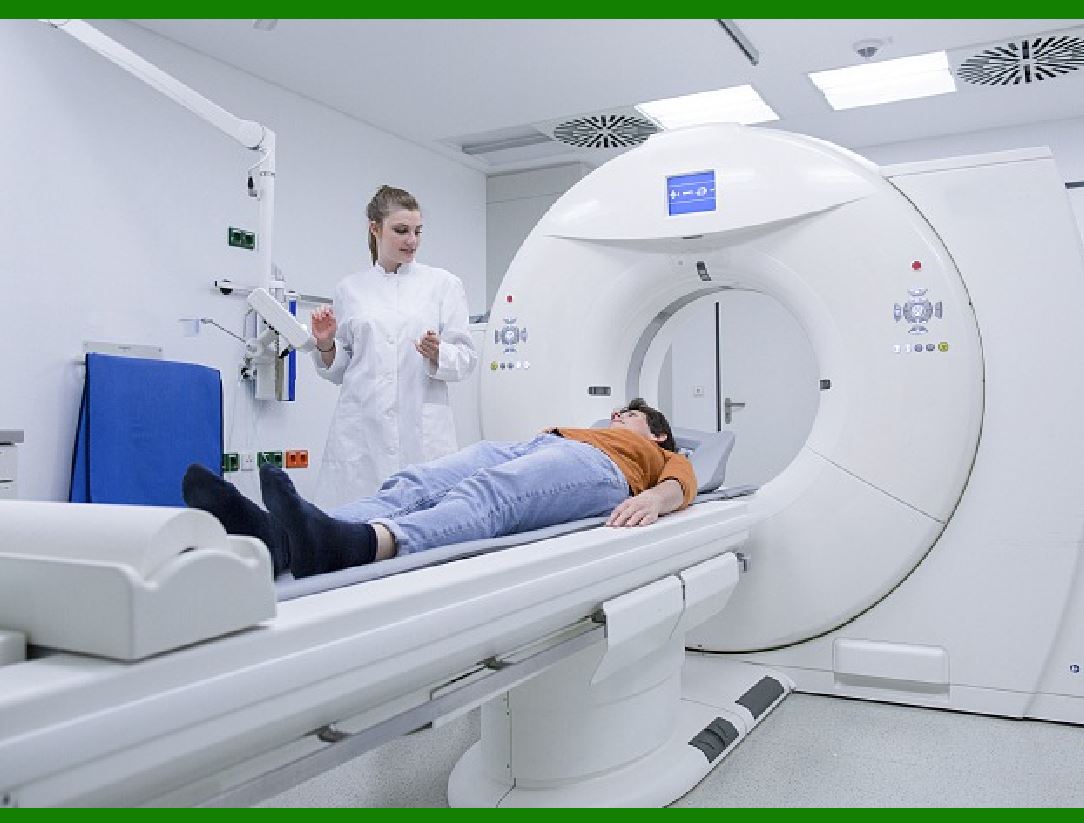
Medical imaging has become a powerful tool for machine learning-assisted cancer diagnosis.

Radiology images and other image modalities, such as superficial images or colonoscopies, can be used to screen and diagnose pathology in tissue samples and assist in the development of chemotherapy or immunotherapy regimens.

3. Establishment of machine learning model:

Common machine learning models include random trees, regression models, neural networks, and convolutional neural networks.

These models are used in cancer diagnosis, prognosis, and treatment by learning patterns and structures in data sets.

4. Molecular data and machine learning:

The development of machine learning algorithms requires rigorous clinical trials and validation to obtain regulatory approval.

Although machine learning has made significant progress in the cancer field, several challenges still need to be addressed, such as imbalanced datasets and assessment of clinical outcomes.

In the future, as biomedical data and machine learning methods develop, the predictive power and clinical utility of these models will continue to improve.

The application of machine learning (ML) in oncology is growing rapidly. As a complex, heterogeneous, and ubiquitous disease, cancer poses both challenging diagnostic problems and a wealth of relevant data, making clinical oncology an emerging field for machine learning.

Machine learning has potential in tumor detection, quantification, and histopathological characterization. Cancer diagnosis, localization and surveillance can be aided by analyzing medical imaging data, such as radiology images and other image modalities such as superficial images or colonoscopies. Technologies such as computer vision and convolutional neural networks have shown considerable promise in rapidly and accurately analyzing a variety of imaging in clinical oncology.

Machine learning models leverage large-scale clinical data and molecular datasets such as circulating cell-free DNA (cfDNA), methylation levels, and fragmentomics to predict patient cancer prognosis. This helps develop a personalized treatment plan and provide patients with treatment recommendations.

Some machine learning algorithms have received regulatory approval in some countries and are used in cancer diagnosis, cancer development prediction, cancer treatment and tumor detection. However, limitations remain in the development of machine learning, and a lack of high-quality, diverse evaluations hinders the ability to assess the true performance of algorithms in patient populations.

While machine learning has made significant progress in the cancer field, rigorous clinical trials and validation testing are needed to ensure its effectiveness and reliability in real-world applications. In the future, as biomedical data, integrated imaging, and omics develop, machine learning will continue to change the way cancer is diagnosed and improve the predictive power and clinical utility of these models.


EasierSoft Barcode Label Design & Bulk Printing Software

---- Use Excel Data to Batch Print Barcodes on Label Sheets or Roll Labels  

---- How to use this barcode software

Download:  Free Barcode Software + Barcode Label Designer

Download Free Barcode Software at Softonic

     Download at CNET

Once you obtain a GS1/UPC/EAN barcode, or other barcode type and QR code, you can use our free software to batch print barcode labels onto Roll label paper using a professional label printer, or to batch print barcodes onto Avery 5160 label sheets using a regular laser or inkjet printer. Our software has free and paid versions.

The free version fully meets your needs for batch printing GS1/UPC/EAN barcodes. The paid version can import data from Excel and databases to batch print barcode labels with different values.

How to Start

Input Data

Import Excel Data

Print Barcode

Barcode Format

Label Designer

All Screen Shot

Export Barcode Image

Save Template

Output Word Excel

How to Use & FAQ:

Load Excel data (pro)

Manually copy data from Excel files

Filter some data for printing

Edit imported barcode data

Input data (Pro)

Label Designer

Edit data in Label designer

Label Designer - Add new label

Label Designer - Printing

Set the barcode label format to be printed

Other Barcode Label Format Settings

Barcode types supported by this program

Barcode Label Font Settings

Configuring the Barcode Print Rotation

Text Alignment for Barcode Labels

Automatically Adjusting Barcode Width

Text Beneath the Barcode

Configuring Barcode Size

Auto Calculate the Barcode Size

Export Barcode images

Export Barcode Image Format

File Names for Exported Barcode

Resolution of Exported Barcode Images

Fixed Folder for Exporting Barcode

Default Barcode Image Export Format

Print bulk barcodes quickly

Print barcodes to Avery 5160 label

How to bulk Barcode Printing

Sample - Avery 5162 (2x7) Label Sheet

Example: Print barcodes to 5*3cm roll

Example: Print barcodes to 5161 label

Example: Print barcodes to 5162 label

Example: Print barcodes to 5163 label

Example: Print barcodes to 5164 label

Example: Print portrait orientation 5164

Example: Print barcodes to 5167 label

Example: Print barcodes to 5168 label

Example: Print portrait orientation 5168

Example: Print barcodes to 5169 label

Example: Print barcodes to 5660 label

Example: Print barcodes to 5661 label

Example: Print barcodes to 5662 label

Example: Print barcodes to 5663 label

Example: Print barcodes to 5664 label

Example: Print portrait orientation 5664

Example: Print barcodes to 5873 label

Example: Print barcodes to 5874 label

Two ways to import Excel data

Import Excel Data - Pro Edition

Import Excel Data - Std Edition

Highlights

Excel integration: Import data directly from Excel to generate and print barcodes in bulk.

Label designer: Create complex labels with multiple barcodes, text, logos, and shapes.

Batch printing: Print thousands of barcodes at once using standard inkjet/laser printers or professional barcode printers.


Flexible editions:

Standard Edition: Simple batch printing with Excel data.

Professional Edition: Adds command-line automation for workflow integration.

Label Designer Edition: Advanced design features for complex labels.


Why Choose Our Barcode Solutions?

Cost-effective: Free online generator and permanent free desktop version available.

Easy to use: No technical expertise required—just input data and print.

Versatile: Supports nearly all 1D and 2D barcode types, including QR codes.

Trusted: Recommended by CNET and widely downloaded by users worldwide.


Suitable Use Cases

Small businesses and startups needing quick barcode labels for products.

Retailers and online sellers managing inventory with batch barcode printing.

Manufacturers requiring sequential or custom barcode labels for packaging.

Educational and testing environments where barcodes are used for tracking.


CONTACT

cs@easiersoft.com

If you have any question, please feel free to email us.


https://free-barcode.com


<<< Back to Directory <<<     Barcode Generator     Barcode Freeware     Privacy Policy