Barcode Technology

Barcode History

Barcode Label Paper

Barcode Printer

Barcode Application

Inventory Management

AI Barcode QRCode

Barcode Scanner

Barcode Software

Barcode Software B

Barcode Software C

Barcode Software D

Barcode Software E

New Technology A

New Technology B

Robot Technology

Barcode Types

Barcode Types B

Barcode Types C

Barcode Types D

Barcode Types E

Barcode Types F

Electronic Technology

Psychology at Work

Barcode Technology and Barcode Software Related   <<< Back to Directory <<<

AI in factory inventory management

Application of artificial intelligence in factory inventory management

The implementation of Artificial Intelligence (AI) has brought about a revolution in factories' inventory management, resulting in increased efficiency, accuracy, and cost-effectiveness.

AI is reshaping this crucial aspect of supply chains.

1. Predictive Forecasting:

AI algorithms analyze historical data, seasonality, and market dynamics to provide exceptionally accurate demand forecasts.

Businesses can maintain optimal stock levels and proactively adapt to changing customer preferences and market conditions.

2. Dynamic Safety Stock Management:

AI helps determine safety stock levels dynamically based on real-time demand fluctuations and supply chain disruptions.

This ensures that factories have sufficient buffer inventory to meet unexpected spikes in demand.

3. Efficient Warehouse Layouts:

AI optimizes warehouse layouts by analyzing data and designing efficient storage configurations.

Streamlined layouts improve inventory accessibility and reduce operational costs.

4. Real-Time Inventory Tracking:

AI enables real-time tracking of inventory movements within warehouses.

This visibility enhances decision-making, reduces stockouts, and minimizes excess inventory.

5. Demand-Supply Gap Closure:

AI bridges the gap between demand and supply by adjusting production schedules and inventory levels.

Factories can respond swiftly to changing market demands.

6. Data Accuracy and Accessibility:

AI ensures accurate inventory data by automating data entry and minimizing human errors.

Accessible data supports informed decision-making.

7. Enhanced Workforce Productivity:

AI-powered tools assist factory workers in managing inventory efficiently.

Tasks like order fulfillment, stock replenishment, and cycle counting become more streamlined.

In summary, AI brings about a fundamental change in inventory management, morphing it from a perplexing puzzle into a meticulously coordinated symphony that harmonizes supply, demand, and costs.

As technology progresses, the evolution of AI-based inventory management is set to continue, delivering advantages to businesses on a global scale.

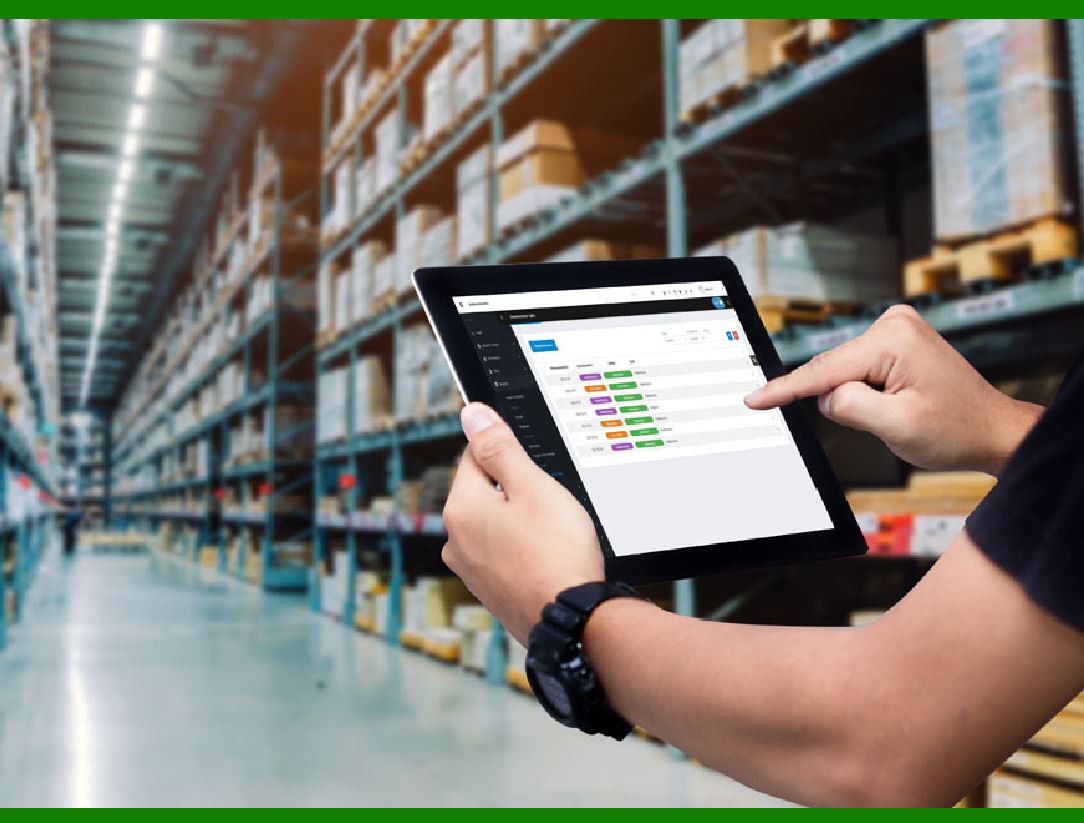
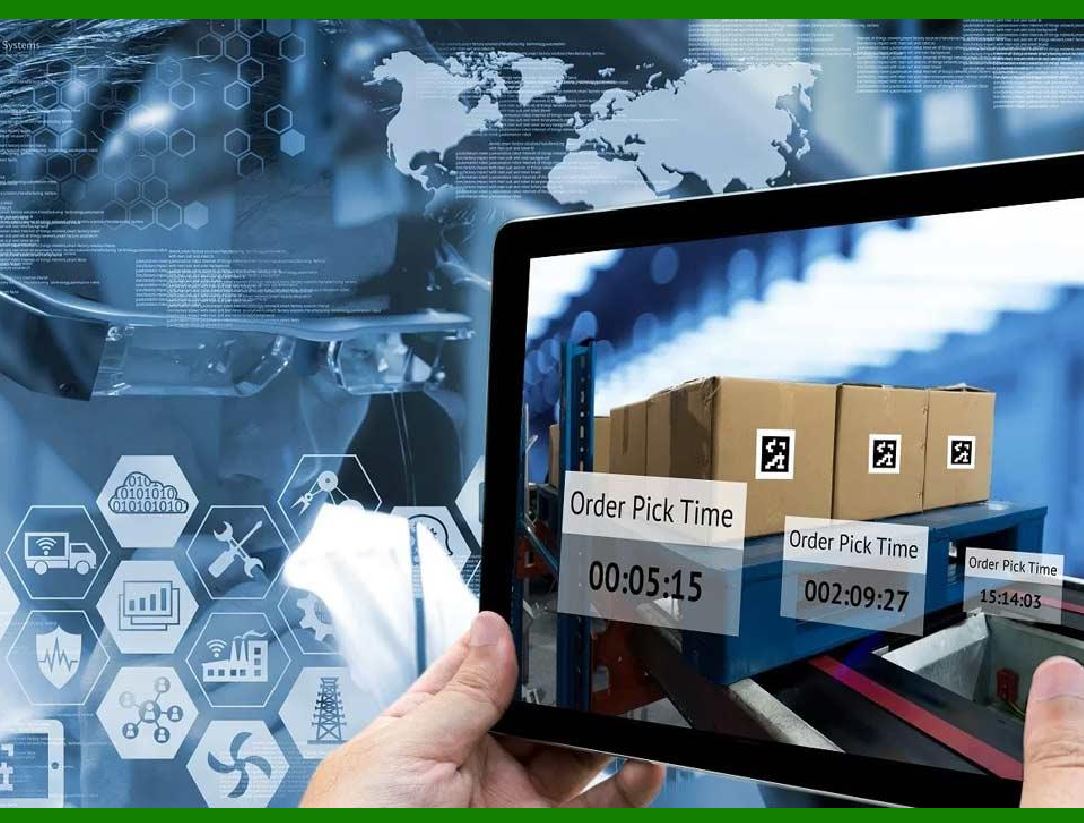
In factory inventory management, the joint use of AI and barcode technology can achieve higher efficiency.

Barcode scanning, as opposed to traditional manual recording, markedly increases data accuracy, diminishing errors and information distortion arising from human factors and consequently elevating the precision of inventory management.


EasierSoft Barcode Label Design & Bulk Printing Software

---- Use Excel Data to Batch Print Barcodes on Label Sheets or Roll Labels  

---- How to use this barcode software

Download:  Free Barcode Software + Barcode Label Designer

Download Free Barcode Software at Softonic

     Download at CNET

Once you obtain a GS1/UPC/EAN barcode, or other barcode type and QR code, you can use our free software to batch print barcode labels onto Roll label paper using a professional label printer, or to batch print barcodes onto Avery 5160 label sheets using a regular laser or inkjet printer. Our software has free and paid versions.

The free version fully meets your needs for batch printing GS1/UPC/EAN barcodes. The paid version can import data from Excel and databases to batch print barcode labels with different values.

How to Start

Input Data

Import Excel Data

Print Barcode

Barcode Format

Label Designer

All Screen Shot

Export Barcode Image

Save Template

Output Word Excel

How to Use & FAQ:

Auto calculate barcode size (Std)

Make barcode by command line

Export barcode image files

Barcode text font setting

Generate ISBN barcode

Predefined label templates

Printing setup

Save settings

Serial number generator

The supported barcode types

Load Excel data (pro)

Manually copy data from Excel files

Filter some data for printing

Edit imported barcode data

Input data (Pro)

Label Designer

Edit data in Label designer

Label Designer - Add new label

Label Designer - Printing

Set the barcode label format to be printed

Other Barcode Label Format Settings

Barcode types supported by this program

Barcode Label Font Settings

Configuring the Barcode Print Rotation

Text Alignment for Barcode Labels

Automatically Adjusting Barcode Width

Text Beneath the Barcode

Configuring Barcode Size

Auto Calculate the Barcode Size

Export Barcode images

Export Barcode Image Format

File Names for Exported Barcode

Resolution of Exported Barcode Images

Fixed Folder for Exporting Barcode

Default Barcode Image Export Format

Print bulk barcodes quickly

Print barcodes to Avery 5160 label

How to bulk Barcode Printing

Sample - Avery 5162 (2x7) Label Sheet

Example: Print barcodes to 5*3cm roll

Example: Print barcodes to 5161 label

Example: Print barcodes to 5162 label

Example: Print barcodes to 5163 label

Example: Print barcodes to 5164 label

Example: Print portrait orientation 5164

Example: Print barcodes to 5167 label

Example: Print barcodes to 5168 label

Example: Print portrait orientation 5168

Example: Print barcodes to 5169 label

Example: Print barcodes to 5660 label

Highlights

Excel integration: Import data directly from Excel to generate and print barcodes in bulk.

Label designer: Create complex labels with multiple barcodes, text, logos, and shapes.

Batch printing: Print thousands of barcodes at once using standard inkjet/laser printers or professional barcode printers.


Flexible editions:

Standard Edition: Simple batch printing with Excel data.

Professional Edition: Adds command-line automation for workflow integration.

Label Designer Edition: Advanced design features for complex labels.


Why Choose Our Barcode Solutions?

Cost-effective: Free online generator and permanent free desktop version available.

Easy to use: No technical expertise required—just input data and print.

Versatile: Supports nearly all 1D and 2D barcode types, including QR codes.

Trusted: Recommended by CNET and widely downloaded by users worldwide.


Suitable Use Cases

Small businesses and startups needing quick barcode labels for products.

Retailers and online sellers managing inventory with batch barcode printing.

Manufacturers requiring sequential or custom barcode labels for packaging.

Educational and testing environments where barcodes are used for tracking.


CONTACT

cs@easiersoft.com

If you have any question, please feel free to email us.


https://free-barcode.com


<<< Back to Directory <<<     Barcode Generator     Barcode Freeware     Privacy Policy