Barcode Technology

Barcode History

Barcode Label Paper

Barcode Printer

Barcode Application

Inventory Management

AI Barcode QRCode

Barcode Scanner

Barcode Software

Barcode Software B

Barcode Software C

Barcode Software D

Barcode Software E

New Technology A

New Technology B

Robot Technology

Barcode Types

Barcode Types B

Barcode Types C

Barcode Types D

Barcode Types E

Barcode Types F

Electronic Technology

Psychology at Work

Barcode Technology and Barcode Software Related   <<< Back to Directory <<<

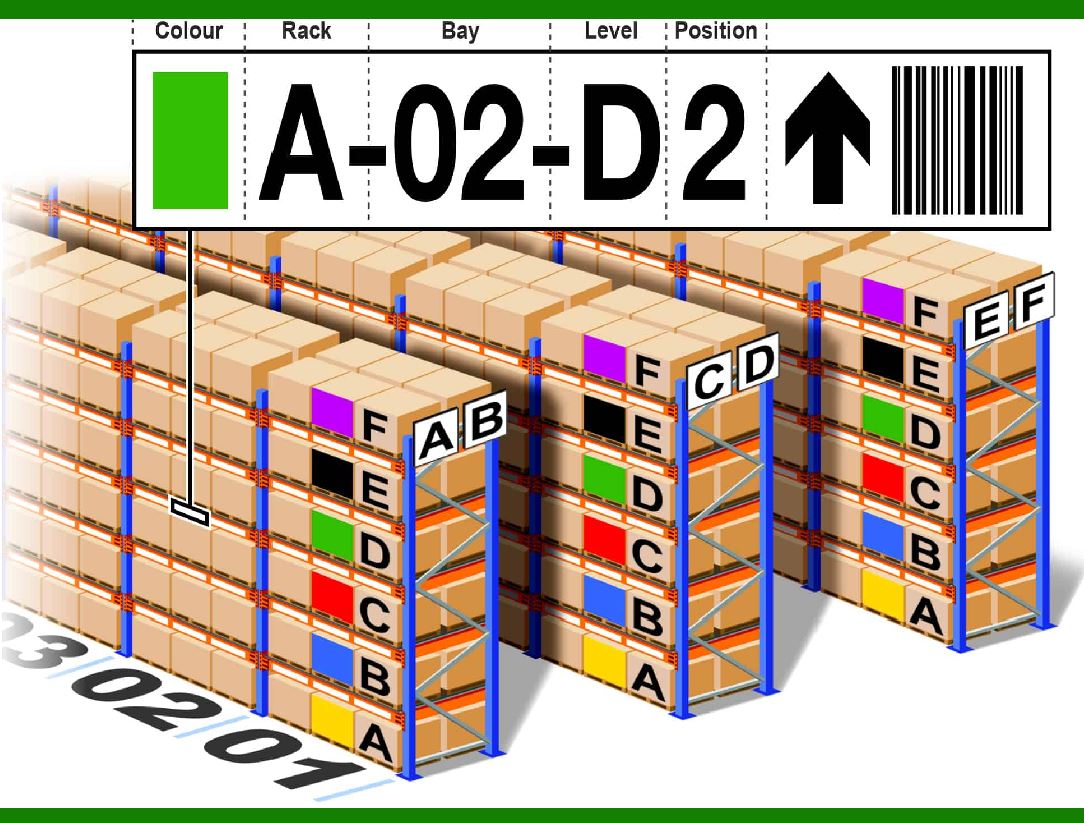
Barcodes combined with AI for Inventory Management

Barcodes combined with AI lead to efficient inventory tracking.

Barcoding, when coupled with AI, becomes a formidable force in optimizing inventory management tasks.

AI-enhanced barcoding goes beyond mere code scanning; it empowers retailers with extraordinary visibility, operational efficiency, and intelligent decision-making.

Let's delve into how this fusion is revolutionizing the inventory management landscape:

1. Enhanced Automation:

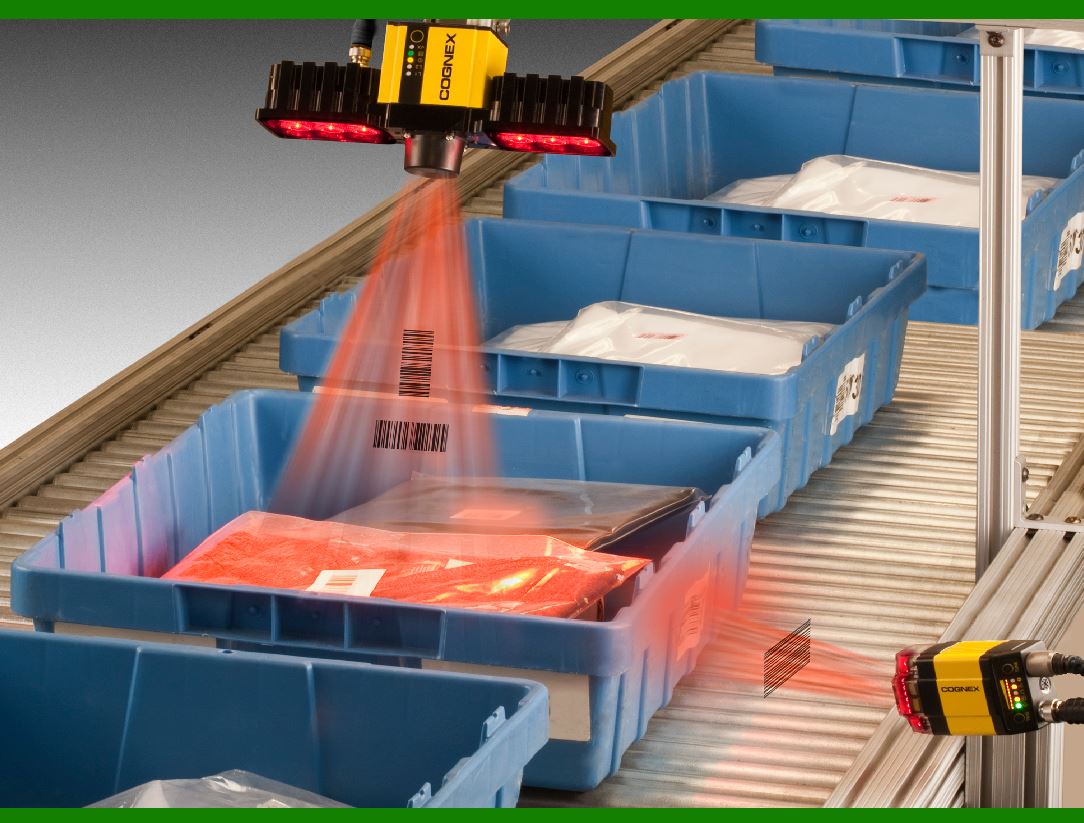
A. Imagine a truckload of new inventory arriving at your loading dock. Boxes and pallets stacked high, each containing hundreds of stock keeping units (SKUs). Manually tallying everything would take days.

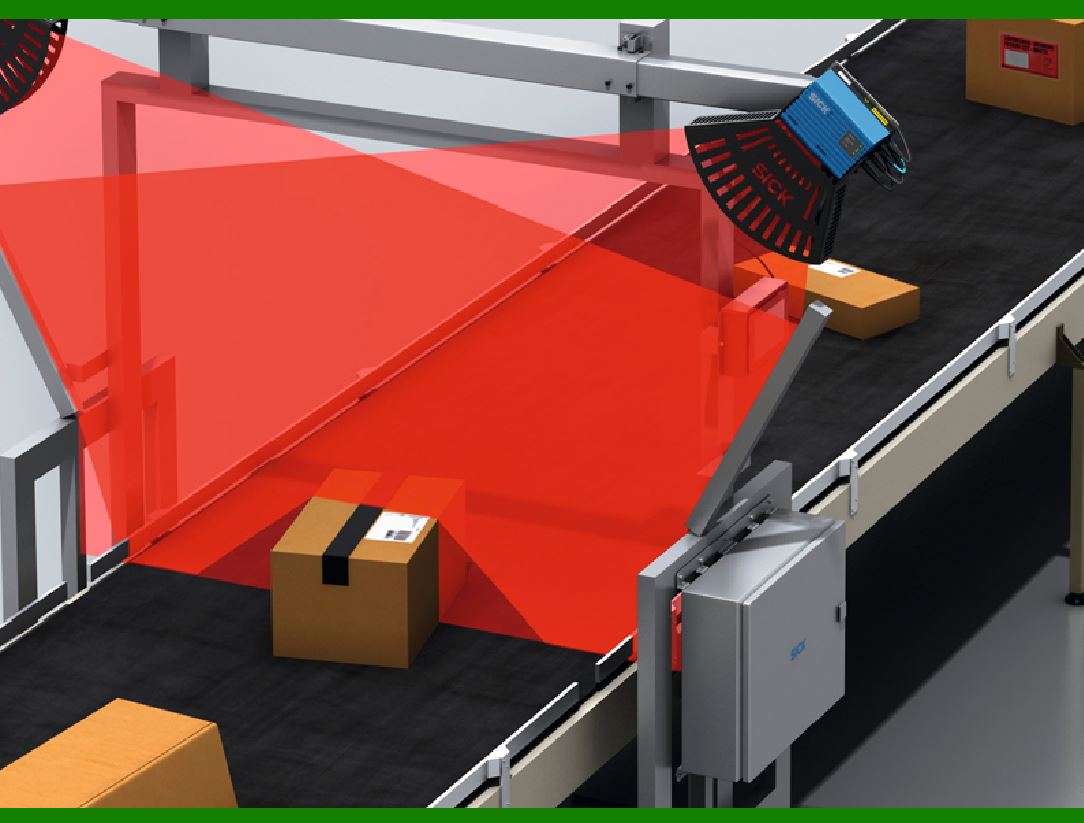
B. Enter AI-powered cameras integrated with barcode detection systems. As workers unload stock, these systems instantly recognize each product by scanning codes. No more crushing manual labor!

C. For instance, seasonal candies and decor that fly off the shelves during holidays are captured by barcode-triggered AI the moment they cross the threshold, ensuring timely restocking.

2. Improved Accuracy and Data Integrity:

A. Manual counts and paper-based records can be notoriously inaccurate, leading to overselling, out-of-stock items, or excessive storage.

B. AI-powered barcode and image analysis capture data with incredible precision. The system maintains correct inventory records in real-time across your entire supply chain.

C. Even damaged barcode labels or partially obscured codes are no match for these intelligent algorithms. Consider using durable metal barcode labels to enhance accuracy further.

3. Advanced Demand Forecasting:

A. Predicting future demand has always been a challenge. Customer preferences can shift rapidly.

B. Barcode data provides valuable insights. AI ingests sales history, detects usage patterns down to the SKU level, and develops scientific forecasts.

C. Armed with this information, you can optimize your supply chain, reduce waste, improve efficiency, and make data-driven decisions with confidence.

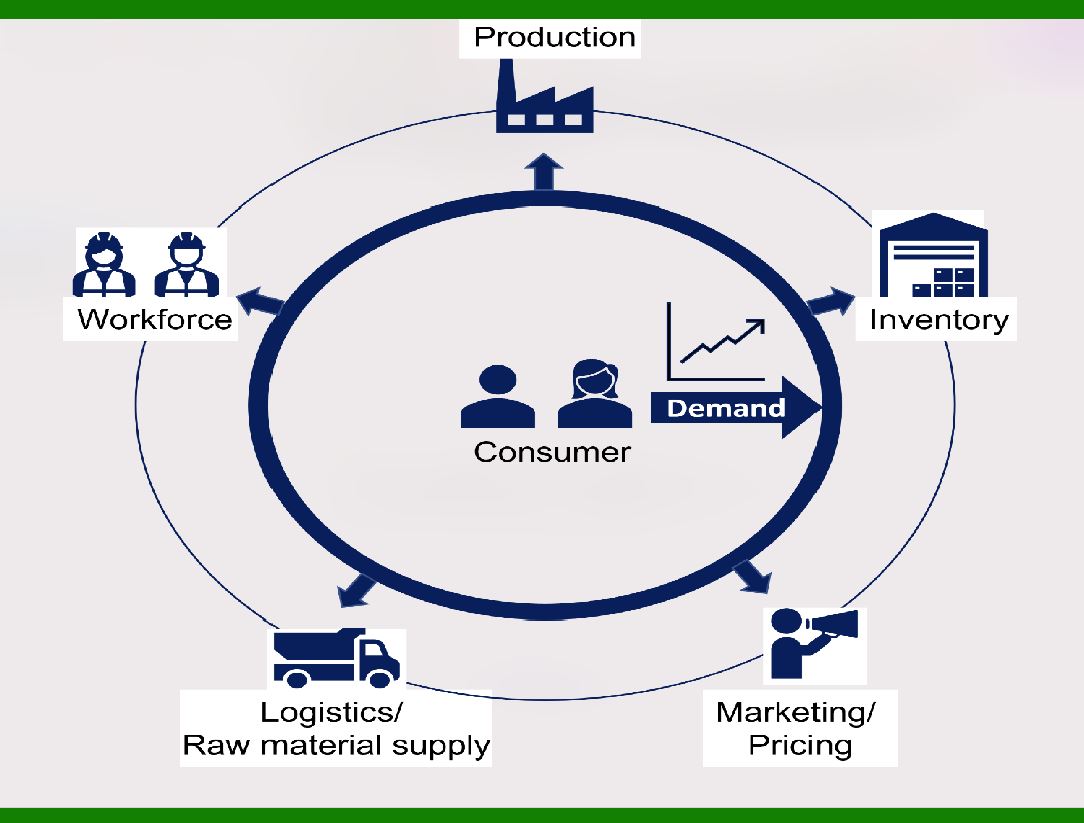
AI demand forecasting is a powerful tool that leverages artificial intelligence (AI) and machine learning to predict future demand for products or services. AI demand forecasting revolutionizes decision-making by providing accurate predictions, optimizing supply chains, and enhancing overall business efficiency.

AI-powered forecasting reduces errors in supply chain networks by up to 50% compared to traditional methods. Accurate forecasts ensure products are available when needed, leading to happier customers. Precise demand forecasts help retailers optimize promotions and discounts.

AI tracks every aspect of the supply chain, from sales volume to stock levels based on SKU numbers. It identifies poorly performing products, monitors sales fluctuations, and adapts to seasonal changes. By minimizing cash-in-stock costs, companies can make better decisions within their supply chain.

Real-World Examples:

Retail: AI demand forecasting helps retailers stock the right products at the right time, reducing excess inventory.

Manufacturing: Manufacturers use AI to optimize production schedules and manage raw material inventory.

E-Commerce: Online platforms predict demand for various products, ensuring timely availability.


EasierSoft Barcode Label Design & Bulk Printing Software

---- Use Excel Data to Batch Print Barcodes on Label Sheets or Roll Labels  

---- How to use this barcode software

Download:  Free Barcode Software + Barcode Label Designer

Download Free Barcode Software at Softonic

     Download at CNET

Once you obtain a GS1/UPC/EAN barcode, or other barcode type and QR code, you can use our free software to batch print barcode labels onto Roll label paper using a professional label printer, or to batch print barcodes onto Avery 5160 label sheets using a regular laser or inkjet printer. Our software has free and paid versions.

The free version fully meets your needs for batch printing GS1/UPC/EAN barcodes. The paid version can import data from Excel and databases to batch print barcode labels with different values.

How to Start

Input Data

Import Excel Data

Print Barcode

Barcode Format

Label Designer

All Screen Shot

Export Barcode Image

Save Template

Output Word Excel

How to Use & FAQ:

Barcode text font setting

Generate ISBN barcode

Predefined label templates

Printing setup

Save settings

Serial number generator

The supported barcode types

Load Excel data (pro)

Manually copy data from Excel files

Filter some data for printing

Edit imported barcode data

Input data (Pro)

Label Designer

Edit data in Label designer

Label Designer - Add new label

Label Designer - Printing

Set the barcode label format to be printed

Other Barcode Label Format Settings

Barcode types supported by this program

Barcode Label Font Settings

Configuring the Barcode Print Rotation

Text Alignment for Barcode Labels

Automatically Adjusting Barcode Width

Text Beneath the Barcode

Configuring Barcode Size

Auto Calculate the Barcode Size

Export Barcode images

Export Barcode Image Format

File Names for Exported Barcode

Resolution of Exported Barcode Images

Fixed Folder for Exporting Barcode

Default Barcode Image Export Format

Print bulk barcodes quickly

Print barcodes to Avery 5160 label

How to bulk Barcode Printing

Sample - Avery 5162 (2x7) Label Sheet

Example: Print barcodes to 5*3cm roll

Example: Print barcodes to 5161 label

Example: Print barcodes to 5162 label

Example: Print barcodes to 5163 label

Example: Print barcodes to 5164 label

Example: Print portrait orientation 5164

Example: Print barcodes to 5167 label

Example: Print barcodes to 5168 label

Example: Print portrait orientation 5168

Example: Print barcodes to 5169 label

Example: Print barcodes to 5660 label

Example: Print barcodes to 5661 label

Example: Print barcodes to 5662 label

Example: Print barcodes to 5663 label

Highlights

Excel integration: Import data directly from Excel to generate and print barcodes in bulk.

Label designer: Create complex labels with multiple barcodes, text, logos, and shapes.

Batch printing: Print thousands of barcodes at once using standard inkjet/laser printers or professional barcode printers.


Flexible editions:

Standard Edition: Simple batch printing with Excel data.

Professional Edition: Adds command-line automation for workflow integration.

Label Designer Edition: Advanced design features for complex labels.


Why Choose Our Barcode Solutions?

Cost-effective: Free online generator and permanent free desktop version available.

Easy to use: No technical expertise required—just input data and print.

Versatile: Supports nearly all 1D and 2D barcode types, including QR codes.

Trusted: Recommended by CNET and widely downloaded by users worldwide.


Suitable Use Cases

Small businesses and startups needing quick barcode labels for products.

Retailers and online sellers managing inventory with batch barcode printing.

Manufacturers requiring sequential or custom barcode labels for packaging.

Educational and testing environments where barcodes are used for tracking.


CONTACT

cs@easiersoft.com

If you have any question, please feel free to email us.


https://free-barcode.com


<<< Back to Directory <<<     Barcode Generator     Barcode Freeware     Privacy Policy