Barcode Technology

Barcode History

Barcode Label Paper

Barcode Printer

Barcode Application

Inventory Management

AI Barcode QRCode

Barcode Scanner

Barcode Software

Barcode Software B

Barcode Software C

Barcode Software D

Barcode Software E

New Technology A

New Technology B

Robot Technology

Barcode Types

Barcode Types B

Barcode Types C

Barcode Types D

Barcode Types E

Barcode Types F

Electronic Technology

Psychology at Work

Barcode Technology and Barcode Software Related   <<< Back to Directory <<<

The benefits and risks of AI to humans

The benefits and risks of AI to humans

Artificial intelligence is a discipline that studies and develops theories, methods, technologies and applications that can simulate, extend and expand human intelligence.

AI involves computer science, mathematics, linguistics, biology and other fields, aiming to give machines the ability to perceive, understand, reason, make decisions and create.

AI has played an increasingly important role in our lives:

1. Through voice assistants and chatbots, we can communicate with computers in natural language to obtain information, entertainment or help.

Let's look at some actual enterprise-level cases to experience the diverse application scenarios of chatbots:

StarHub & Haptik:

Singapore-based communications company StarHub built an intelligent Chatbot virtual assistant through Haptik to answer queries about digital TV, cable TV, broadband Internet and other services. This initiative has significantly improved the customer experience and shortened response times for routine inquiries.

ENN Group & IBM:

ENN Group uses IBM Watson Assistant and IBM Watson Discovery technology, combined with RPA and Automation Anywhere solutions, to realize the interpretation and response of IT staff service desk requests. This solution significantly increases productivity, reduces processing time, and creates millions of dollars in value.

Applications in Everyday Life:

Chatbots are not only useful in businesses but also play a role in daily life. For example, to check the weather, traffic conditions, find restaurants or hospitals, etc., chatbots can help users quickly obtain the information they need and improve efficiency.

2. Through smart home devices, we can control lighting, temperature, security and other equipment in the home to improve the quality of life and convenience.

3. Through self-driving cars and autonomous driving systems, we can enjoy safer and more efficient travel methods, reducing traffic congestion and pollution.

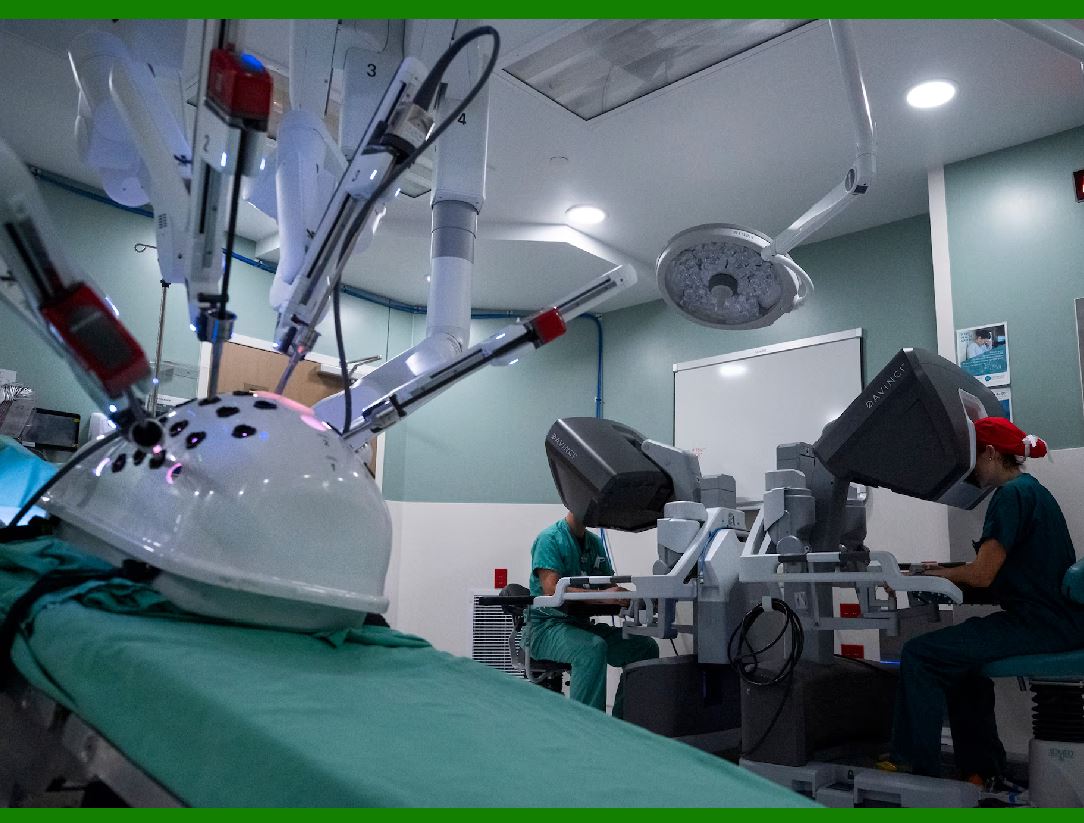
4. Through medical diagnosis and treatment systems, we can use artificial intelligence to analyze a large amount of medical data to improve diagnosis accuracy and treatment effects.

5. Through the creative content generation system, we can use artificial intelligence to create poems, stories, codes, songs and other content to enrich our cultural life.

But AI also brings us some challenges and risks:

1. Network security issues:

As network attackers use artificial intelligence to carry out network intrusions and fraud, we need to strengthen network protection measures to protect personal privacy and property security.

2. Ethical and moral issues:

As artificial intelligence simulates or surpasses human cognitive level, we need to think about how to regulate its behavior and responsibilities to avoid causing adverse consequences or affecting social fairness and justice.

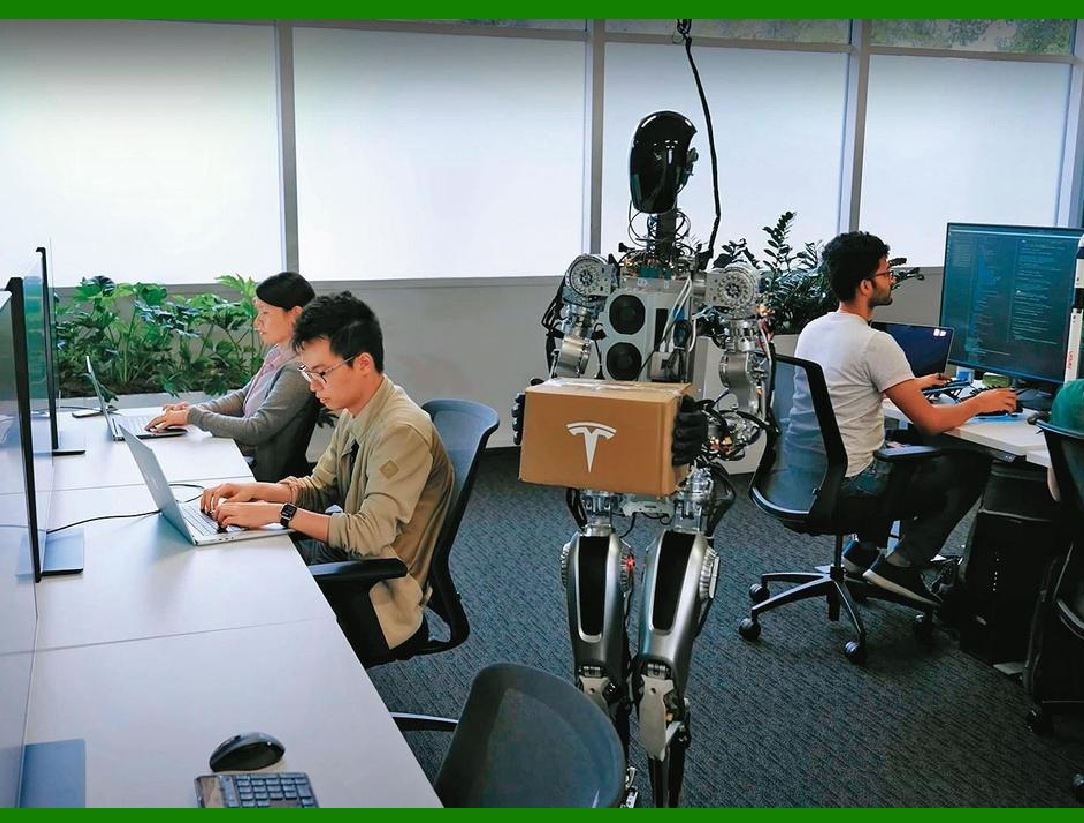
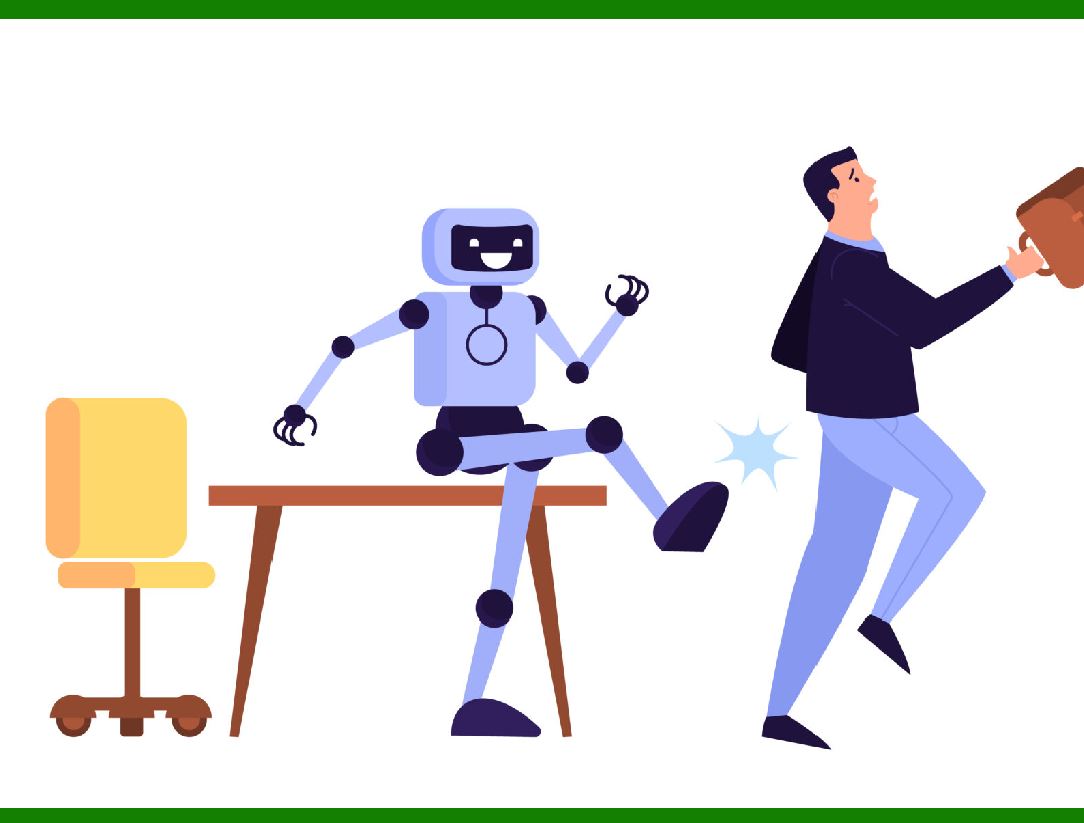
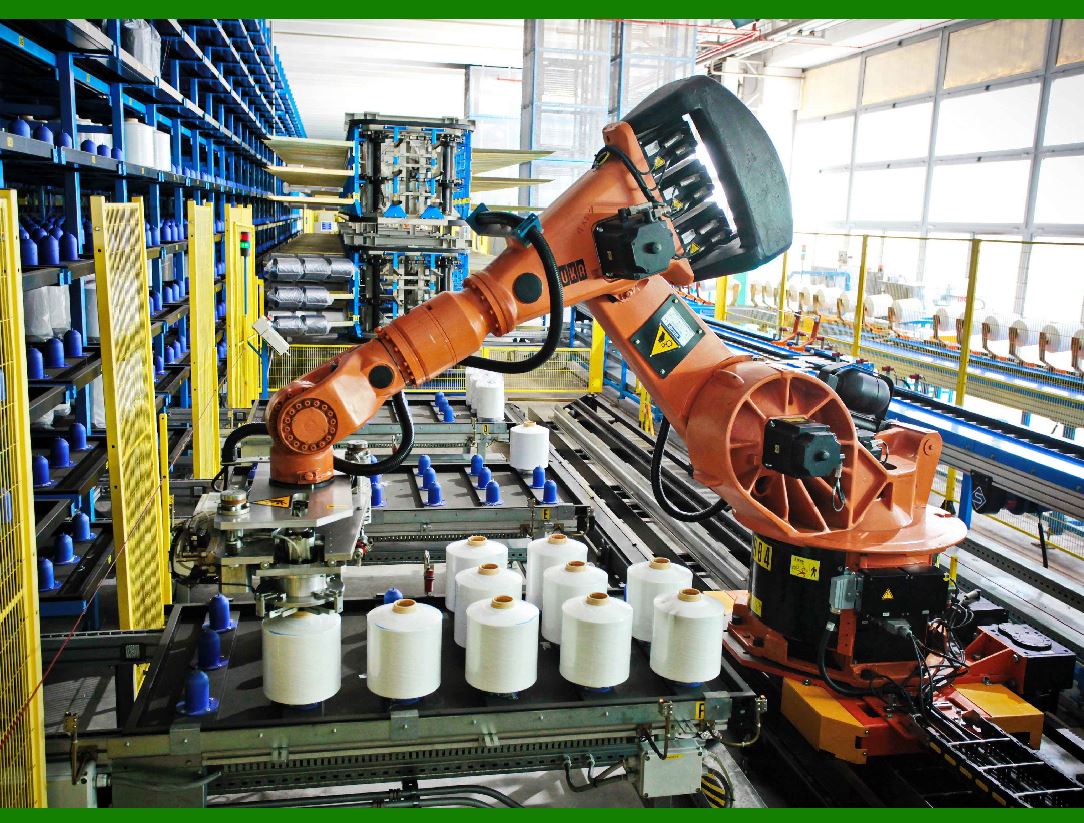
3. Employment transformation issues: As some traditional industries are replaced by artificial intelligence or work methods are changed, we need to adjust our career planning and skills training to adapt to the new employment environment.

How many people will be unemployed as a result of AI? Will it have a greater impact on developed countries or on underdeveloped countries?

According to a report released by Goldman Sachs, the global labor market may be about to see "major disruption", with artificial intelligence (AI) affecting the equivalent of 300 million full-time jobs. In the United States and Europe, two-thirds of jobs can be automated at least to some extent. However, it could also mean new job opportunities.

Developed markets will be greatly affected, with up to 60% of jobs likely to be affected by AI, much higher than emerging markets and low-income countries. In the United States, office and administrative support jobs have the highest proportion of tasks that can be automated at 46%, followed by legal jobs at 44% and tasks in construction and engineering at 37%. Globally, as many as 300 million jobs may be affected.

While technological advances typically create new jobs, the use of AI technology can also boost labor productivity growth and boost global GDP by 7% over time. So while AI may eliminate some jobs in the short term, it also has the potential to create more opportunities.


EasierSoft Barcode Label Design & Bulk Printing Software

---- Use Excel Data to Batch Print Barcodes on Label Sheets or Roll Labels  

---- How to use this barcode software

Download:  Free Barcode Software + Barcode Label Designer

Download Free Barcode Software at Softonic

     Download at CNET

Once you obtain a GS1/UPC/EAN barcode, or other barcode type and QR code, you can use our free software to batch print barcode labels onto Roll label paper using a professional label printer, or to batch print barcodes onto Avery 5160 label sheets using a regular laser or inkjet printer. Our software has free and paid versions.

The free version fully meets your needs for batch printing GS1/UPC/EAN barcodes. The paid version can import data from Excel and databases to batch print barcode labels with different values.

How to Start

Input Data

Import Excel Data

Print Barcode

Barcode Format

Label Designer

All Screen Shot

Export Barcode Image

Save Template

Output Word Excel

How to Use & FAQ:

Save settings

Serial number generator

The supported barcode types

Load Excel data (pro)

Manually copy data from Excel files

Filter some data for printing

Edit imported barcode data

Input data (Pro)

Label Designer

Edit data in Label designer

Label Designer - Add new label

Label Designer - Printing

Set the barcode label format to be printed

Other Barcode Label Format Settings

Barcode types supported by this program

Barcode Label Font Settings

Configuring the Barcode Print Rotation

Text Alignment for Barcode Labels

Automatically Adjusting Barcode Width

Text Beneath the Barcode

Configuring Barcode Size

Auto Calculate the Barcode Size

Export Barcode images

Export Barcode Image Format

File Names for Exported Barcode

Resolution of Exported Barcode Images

Fixed Folder for Exporting Barcode

Default Barcode Image Export Format

Print bulk barcodes quickly

Print barcodes to Avery 5160 label

How to bulk Barcode Printing

Sample - Avery 5162 (2x7) Label Sheet

Example: Print barcodes to 5*3cm roll

Example: Print barcodes to 5161 label

Example: Print barcodes to 5162 label

Example: Print barcodes to 5163 label

Example: Print barcodes to 5164 label

Example: Print portrait orientation 5164

Example: Print barcodes to 5167 label

Example: Print barcodes to 5168 label

Example: Print portrait orientation 5168

Example: Print barcodes to 5169 label

Example: Print barcodes to 5660 label

Example: Print barcodes to 5661 label

Example: Print barcodes to 5662 label

Example: Print barcodes to 5663 label

Example: Print barcodes to 5664 label

Example: Print portrait orientation 5664

Example: Print barcodes to 5873 label

Example: Print barcodes to 5874 label

Highlights

Excel integration: Import data directly from Excel to generate and print barcodes in bulk.

Label designer: Create complex labels with multiple barcodes, text, logos, and shapes.

Batch printing: Print thousands of barcodes at once using standard inkjet/laser printers or professional barcode printers.


Flexible editions:

Standard Edition: Simple batch printing with Excel data.

Professional Edition: Adds command-line automation for workflow integration.

Label Designer Edition: Advanced design features for complex labels.


Why Choose Our Barcode Solutions?

Cost-effective: Free online generator and permanent free desktop version available.

Easy to use: No technical expertise required—just input data and print.

Versatile: Supports nearly all 1D and 2D barcode types, including QR codes.

Trusted: Recommended by CNET and widely downloaded by users worldwide.


Suitable Use Cases

Small businesses and startups needing quick barcode labels for products.

Retailers and online sellers managing inventory with batch barcode printing.

Manufacturers requiring sequential or custom barcode labels for packaging.

Educational and testing environments where barcodes are used for tracking.


CONTACT

cs@easiersoft.com

If you have any question, please feel free to email us.


https://free-barcode.com


<<< Back to Directory <<<     Barcode Generator     Barcode Freeware     Privacy Policy