Barcode Technology

Barcode History

Barcode Label Paper

Barcode Printer

Barcode Application

Inventory Management

AI Barcode QRCode

Barcode Scanner

Barcode Software

Barcode Software B

Barcode Software C

Barcode Software D

Barcode Software E

New Technology A

New Technology B

Robot Technology

Barcode Types

Barcode Types B

Barcode Types C

Barcode Types D

Barcode Types E

Barcode Types F

Electronic Technology

Psychology at Work

Barcode Technology and Barcode Software Related   <<< Back to Directory <<<

What are the risks of AI for humanity?

What are the risks of AI for humanity?

This is an important and complex topic.

There are numerous possible dangers of AI to humans, depending on how AI is constructed and operated.

Some of the most prevalent ones are:

1. Lack of AI transparency and explainability:

AI and deep learning models can be difficult to understand. This leads to a lack of transparency for how and why AI comes to its conclusions, creating a lack of explanation for what data AI algorithms use, or why they may make biased or unsafe decisions.

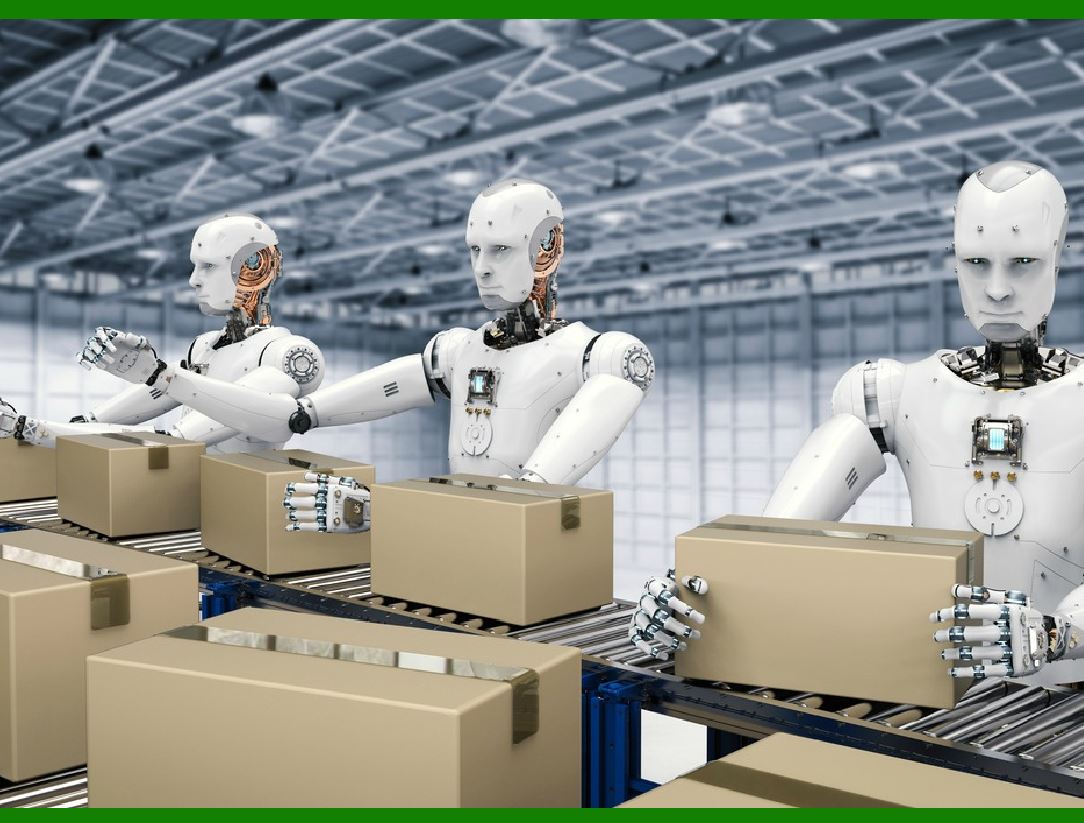
2. Job losses due to AI automation:

AI-powered job automation is a pressing concern as the technology is adopted in industries like marketing, manufacturing and healthcare.

By 2030, tasks that account for up to 30 percent of hours currently being worked in the U.S. economy could be automated.

This could lead to unemployment, inequality and social unrest.

3. Social manipulation through AI algorithms:

AI can be used to spread misinformation, fake news and propaganda through social media platforms and other channels.

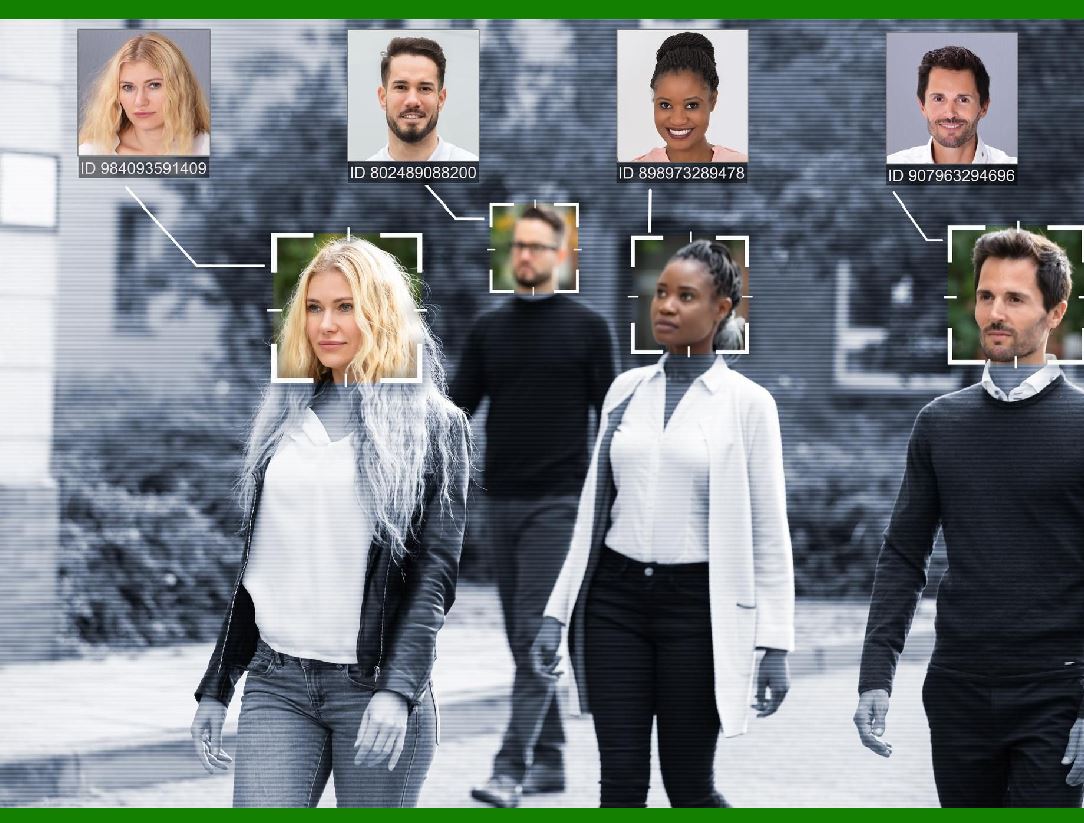
4. Social surveillance with AI technology:

AI can enable mass surveillance and data collection by governments, corporations and other entities.

This can violate people’s privacy, security and human rights, and expose them to potential abuse and exploitation.

5. Biases due to AI:

AI can inherit and amplify human biases, such as racism, sexism and discrimination, through the data and algorithms it uses.

6. Socioeconomic inequality as a result of AI:

AI can create a digital divide between those who have access to and benefit from the technology, and those who do not.

7. Weakening ethics and goodwill because of AI:

AI can erode human values, morals and empathy, by replacing human interactions and judgments with automated and impersonal ones.

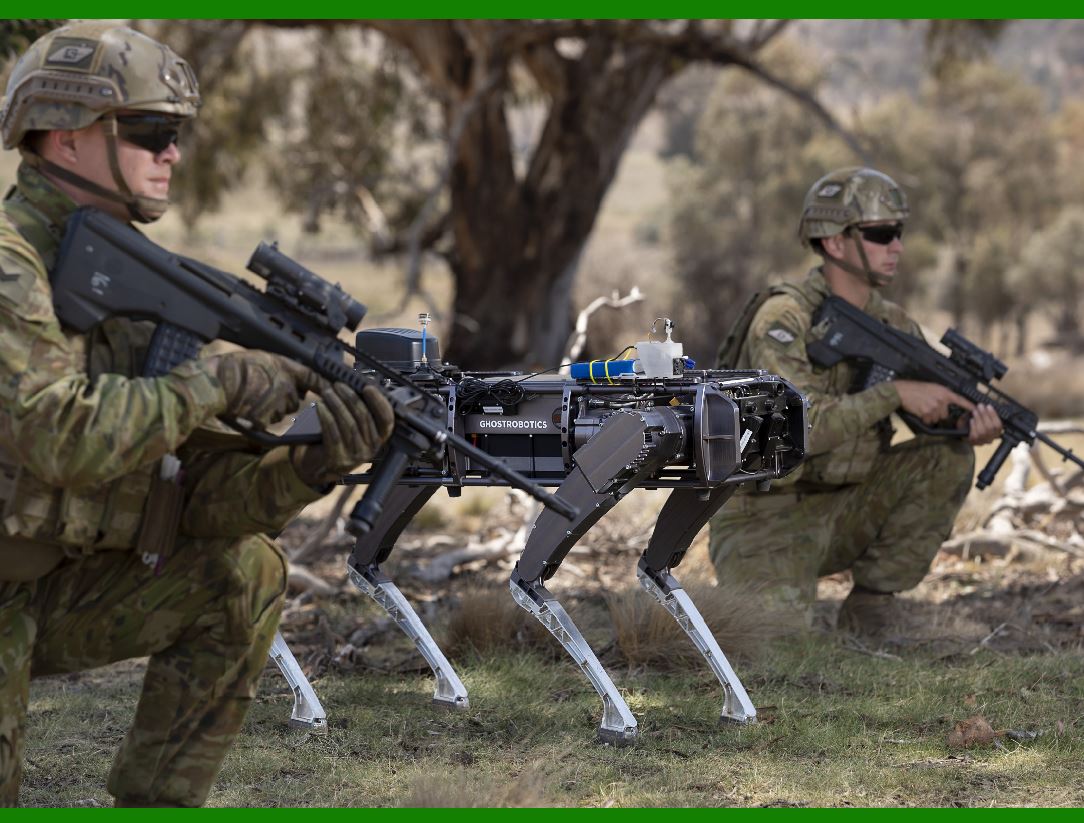
8. Weapons automation:

AI can enable the development and deployment of autonomous weapons, such as drones, robots and missiles, that can operate without human oversight or control.

This can increase the likelihood and scale of violence, conflict and war, and pose serious threats to global security and stability.

9. Uncontrollable self-aware AI:

AI can reach a point of rapid self-improvement, where it surpasses human intelligence and capabilities, and becomes an artificial superintelligence (ASI).

This can create an existential risk for humanity, as ASI may have goals and values that are incompatible or hostile to ours, and may decide to take over or eliminate us.

AI poses some potential threats to human beings, but we may not be aware of or foresee all of them. Hence, it is essential to create and apply AI in a way that is ethical, responsible and secure, and that benefits the well-being of people and the earth.


EasierSoft Barcode Label Design & Bulk Printing Software

---- Use Excel Data to Batch Print Barcodes on Label Sheets or Roll Labels  

---- How to use this barcode software

Download:  Free Barcode Software + Barcode Label Designer

Download Free Barcode Software at Softonic

     Download at CNET

Once you obtain a GS1/UPC/EAN barcode, or other barcode type and QR code, you can use our free software to batch print barcode labels onto Roll label paper using a professional label printer, or to batch print barcodes onto Avery 5160 label sheets using a regular laser or inkjet printer. Our software has free and paid versions.

The free version fully meets your needs for batch printing GS1/UPC/EAN barcodes. The paid version can import data from Excel and databases to batch print barcode labels with different values.

How to Start

Input Data

Import Excel Data

Print Barcode

Barcode Format

Label Designer

All Screen Shot

Export Barcode Image

Save Template

Output Word Excel

How to Use & FAQ:

Filter some data for printing

Edit imported barcode data

Input data (Pro)

Label Designer

Edit data in Label designer

Label Designer - Add new label

Label Designer - Printing

Set the barcode label format to be printed

Other Barcode Label Format Settings

Barcode types supported by this program

Barcode Label Font Settings

Configuring the Barcode Print Rotation

Text Alignment for Barcode Labels

Automatically Adjusting Barcode Width

Text Beneath the Barcode

Configuring Barcode Size

Auto Calculate the Barcode Size

Export Barcode images

Export Barcode Image Format

File Names for Exported Barcode

Resolution of Exported Barcode Images

Fixed Folder for Exporting Barcode

Default Barcode Image Export Format

Print bulk barcodes quickly

Print barcodes to Avery 5160 label

How to bulk Barcode Printing

Sample - Avery 5162 (2x7) Label Sheet

Example: Print barcodes to 5*3cm roll

Example: Print barcodes to 5161 label

Example: Print barcodes to 5162 label

Example: Print barcodes to 5163 label

Example: Print barcodes to 5164 label

Example: Print portrait orientation 5164

Example: Print barcodes to 5167 label

Example: Print barcodes to 5168 label

Example: Print portrait orientation 5168

Example: Print barcodes to 5169 label

Example: Print barcodes to 5660 label

Example: Print barcodes to 5661 label

Example: Print barcodes to 5662 label

Example: Print barcodes to 5663 label

Example: Print barcodes to 5664 label

Example: Print portrait orientation 5664

Example: Print barcodes to 5873 label

Example: Print barcodes to 5874 label

Two ways to import Excel data

Import Excel Data - Pro Edition

Import Excel Data - Std Edition

Import Data from Excel - Detail

Load Data From Excel File

Highlights

Excel integration: Import data directly from Excel to generate and print barcodes in bulk.

Label designer: Create complex labels with multiple barcodes, text, logos, and shapes.

Batch printing: Print thousands of barcodes at once using standard inkjet/laser printers or professional barcode printers.


Flexible editions:

Standard Edition: Simple batch printing with Excel data.

Professional Edition: Adds command-line automation for workflow integration.

Label Designer Edition: Advanced design features for complex labels.


Why Choose Our Barcode Solutions?

Cost-effective: Free online generator and permanent free desktop version available.

Easy to use: No technical expertise required—just input data and print.

Versatile: Supports nearly all 1D and 2D barcode types, including QR codes.

Trusted: Recommended by CNET and widely downloaded by users worldwide.


Suitable Use Cases

Small businesses and startups needing quick barcode labels for products.

Retailers and online sellers managing inventory with batch barcode printing.

Manufacturers requiring sequential or custom barcode labels for packaging.

Educational and testing environments where barcodes are used for tracking.


CONTACT

cs@easiersoft.com

If you have any question, please feel free to email us.


https://free-barcode.com


<<< Back to Directory <<<     Barcode Generator     Barcode Freeware     Privacy Policy