Exploring the Applications of BEEtag: A 25-bit (5x5) Code Matrix | BEEtag, a 25-bit (5x5) code matrix, is a versatile and robust tagging system used widely in various fields for tracking and identifying objects. Developed primarily for behavioral research, BEEtag has found applications in diverse domains due to its simplicity, accuracy, and ease of use. In this article, we will delve into several detailed application examples of BEEtag, showcasing its capabilities and potential in different sectors. | 
| 1. Behavioral Research in Insects | One of the primary applications of BEEtag is in the study of insect behavior, particularly in bees. Researchers use BEEtag to track individual insects within a colony to understand their movements, interactions, and roles within the social structure. By attaching tiny BEEtag stickers to the backs of bees, scientists can monitor their activity patterns using video recording and computer vision software. Example: Tracking Foraging Behavior in Honeybees Researchers attach BEEtags to foraging honeybees to study their foraging patterns and preferences. By analyzing the recorded data, scientists can determine how different environmental factors, such as the availability of floral resources or weather conditions, influence foraging behavior. This information is crucial for understanding the dynamics of pollination and the health of bee colonies. | 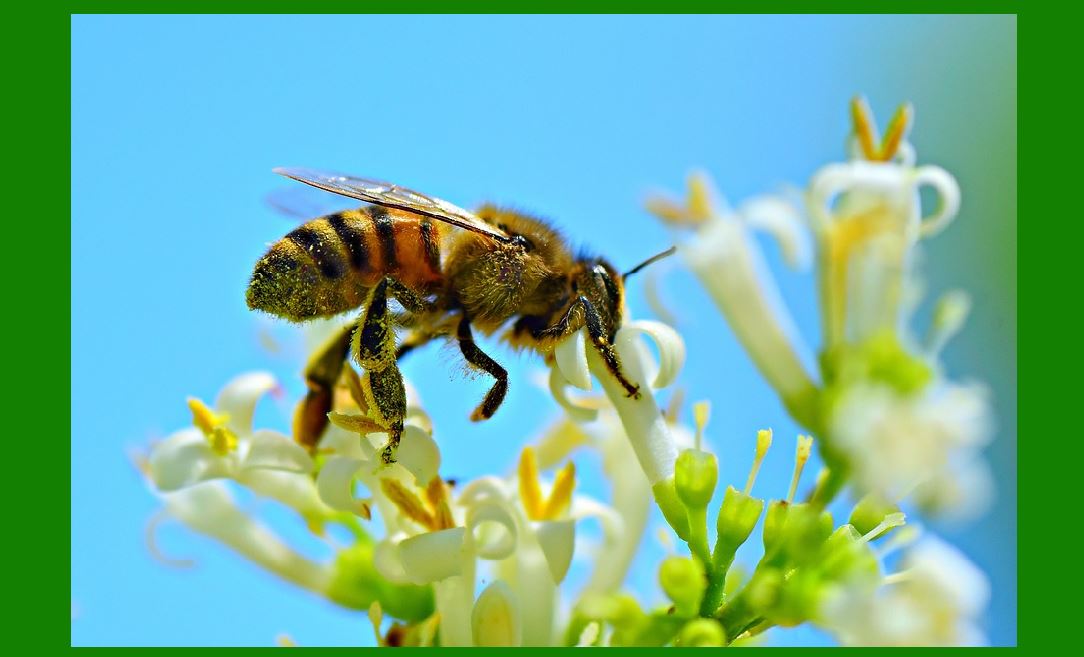
| 2. Robotics and Automation | In robotics, BEEtag is used for localization and navigation. Robots equipped with cameras can identify and read BEEtags placed in the environment, allowing them to determine their position and navigate autonomously. The simplicity and robustness of BEEtag make it an ideal choice for various robotic applications. Example: Indoor Robot Navigation In indoor environments, where GPS signals are unreliable or unavailable, robots can use BEEtags placed at strategic locations for navigation. A robot can move through a warehouse, identifying BEEtags on shelves to determine its position and ensure it follows the correct path. This application is particularly useful in automated warehouses and logistics centers. | 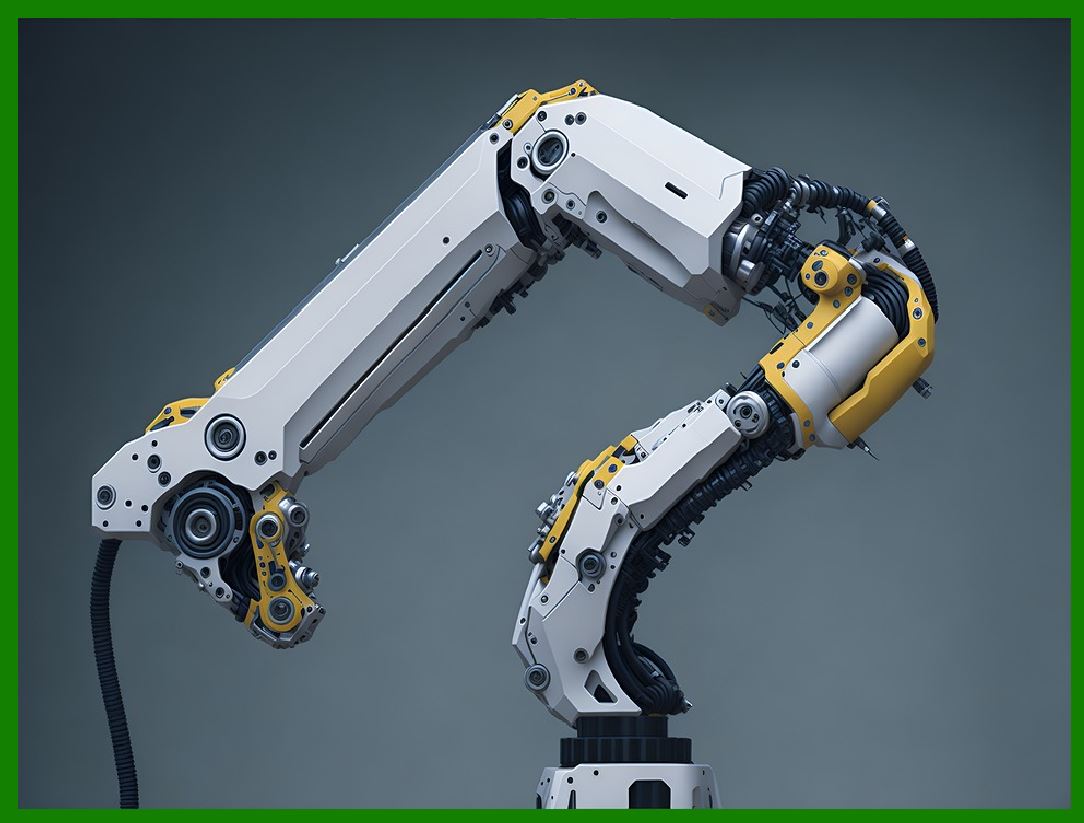
| 3. Augmented Reality (AR) and Virtual Reality (VR) | BEEtag can be used in AR and VR applications to provide precise tracking of physical objects in the virtual environment. By attaching BEEtags to objects, systems can accurately determine their position and orientation, enhancing the user experience in AR and VR applications. Example: Interactive Learning Tools In educational settings, BEEtag can be used to create interactive learning tools. For instance, in a biology class, students can use AR applications to study animal anatomy. By pointing their device's camera at a BEEtag attached to a physical model of an animal, they can view detailed 3D renderings of the animal's internal structures, enhancing their understanding through interactive exploration. | 
| 4. Inventory Management | BEEtag is also useful in inventory management systems, providing a simple and cost-effective method for tracking items. Unlike traditional barcodes, BEEtags can be identified from various angles and do not require line-of-sight, making them more efficient in dynamic environments. Example: Retail Inventory Tracking In a retail setting, products can be tagged with BEEtags to streamline inventory management. Store employees can use handheld scanners or mobile devices to quickly locate items, check stock levels, and update inventory records. This reduces the time spent on manual inventory checks and minimizes errors, improving overall efficiency. | 
| 5. Animal Husbandry and Wildlife Monitoring | In animal husbandry, BEEtag can be used to monitor livestock, track their movements, and collect data on their behavior and health. Similarly, in wildlife monitoring, BEEtags can be attached to animals to study their habits and habitat use. Example: Monitoring Livestock Health Farmers can attach BEEtags to livestock to monitor their movements and behavior patterns. By analyzing the data, they can identify signs of illness or distress early, allowing for timely intervention. This application improves animal welfare and can increase productivity in animal husbandry. | 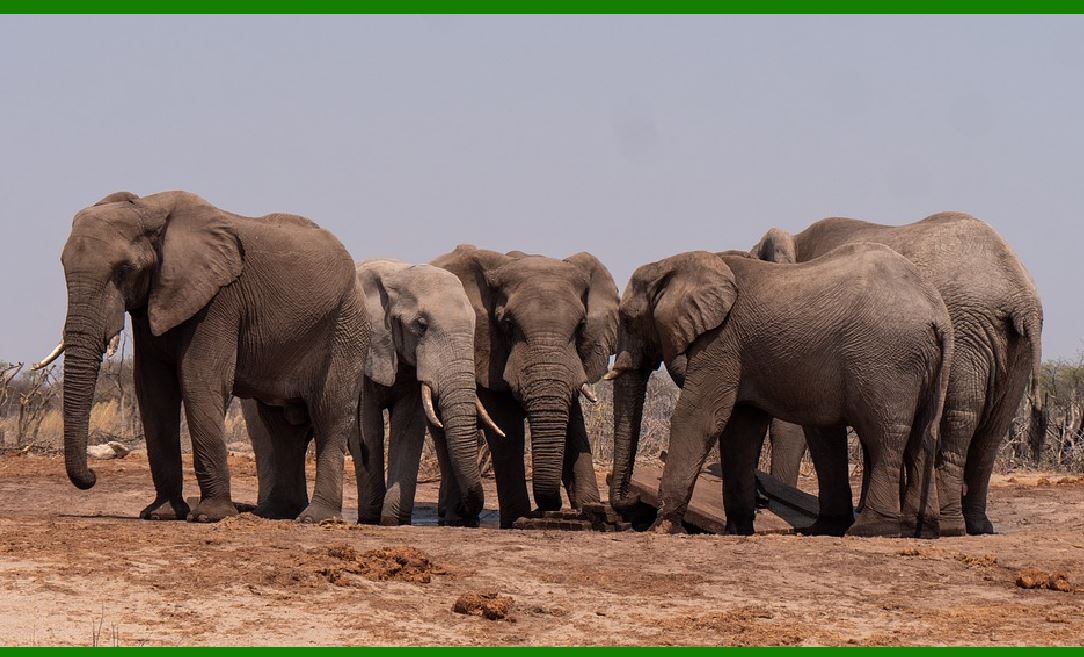
| 6. Scientific Research and Experiments | BEEtag is widely used in various scientific research and experimental setups where precise tracking and identification of objects are required. Its reliability and ease of integration make it a valuable tool in controlled experimental environments. Example: Studying Social Interactions in Primates In primate research, BEEtags can be used to track individual animals within a group to study their social interactions and hierarchy. Researchers can attach BEEtags to primates and use video recording systems to monitor their behavior, gaining insights into social structures and communication patterns within the group. | 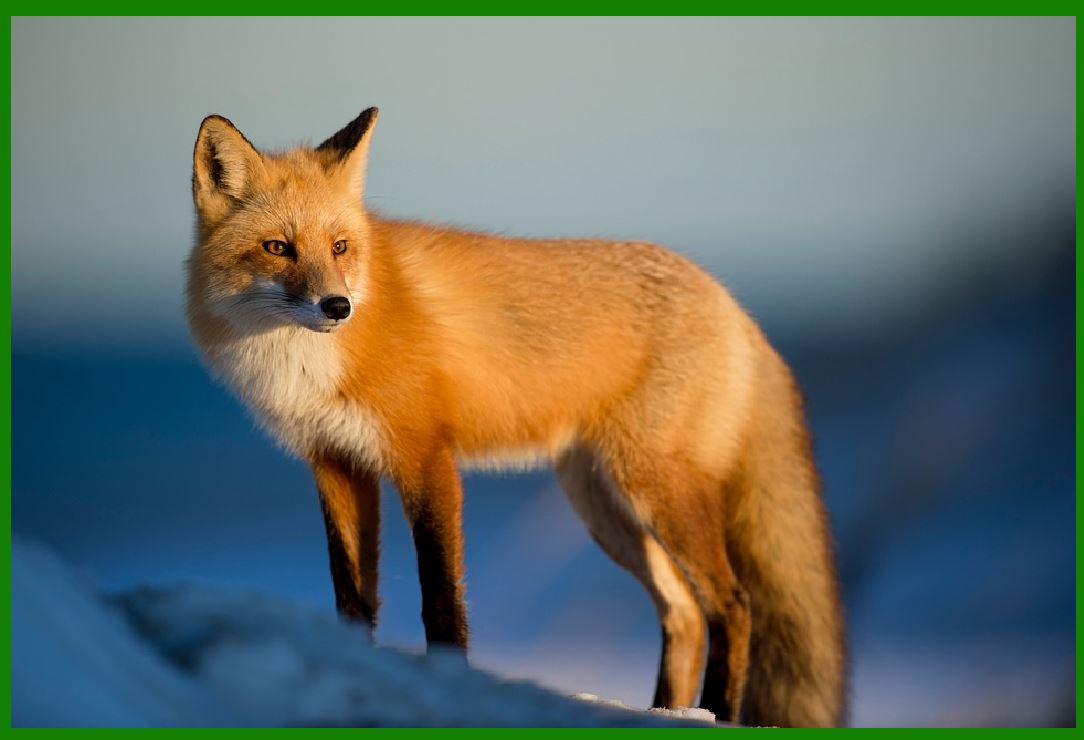
| 7. Healthcare and Medical Research | In healthcare and medical research, BEEtag can be used to track the movement and location of medical equipment, supplies, and even patients. This enhances operational efficiency and ensures the availability of critical resources when needed. Example: Tracking Medical Equipment in Hospitals Hospitals can use BEEtags to track the location of essential medical equipment, such as wheelchairs, infusion pumps, and diagnostic devices. By placing BEEtags on these items, staff can quickly locate them using a centralized tracking system, reducing the time spent searching for equipment and improving patient care. | 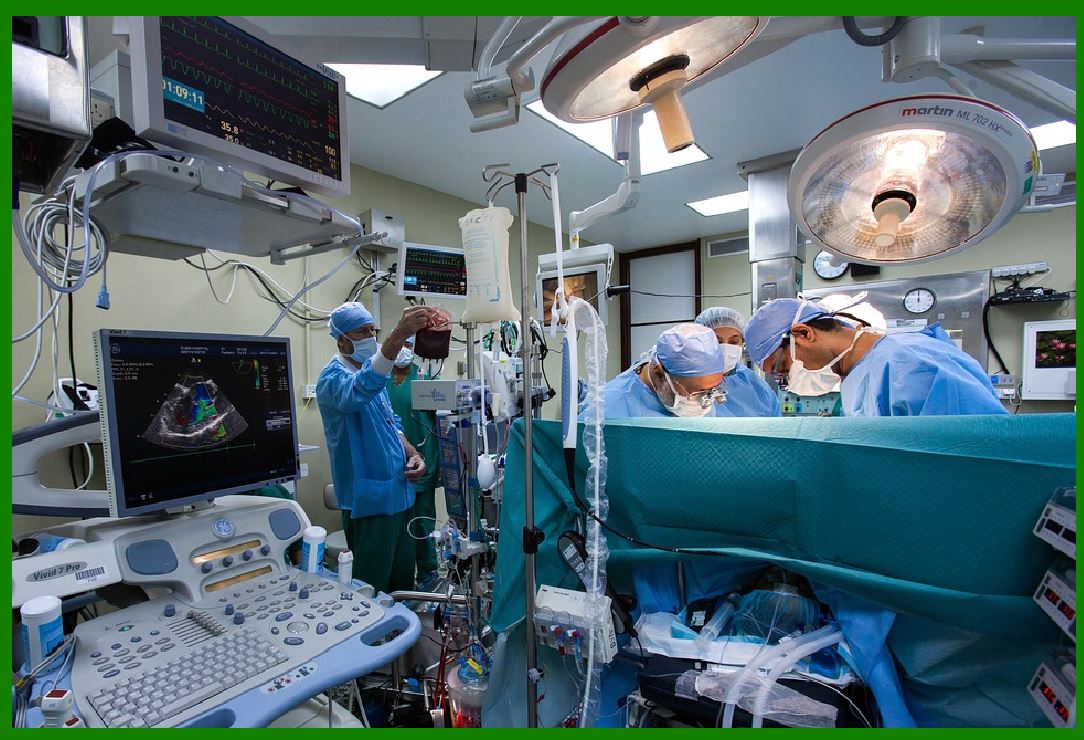
| 8. Sports and Performance Analysis | In sports, BEEtag can be used to track the movement of players and equipment, providing valuable data for performance analysis and coaching. This application enhances training programs and helps in developing strategies for improving performance. Example: Analyzing Player Movement in Team Sports In sports like soccer or basketball, players can wear BEEtags to track their movements during a game or practice session. Coaches can analyze the data to understand player positioning, movement patterns, and overall team dynamics. This information can be used to refine training programs and develop strategies for upcoming matches. | 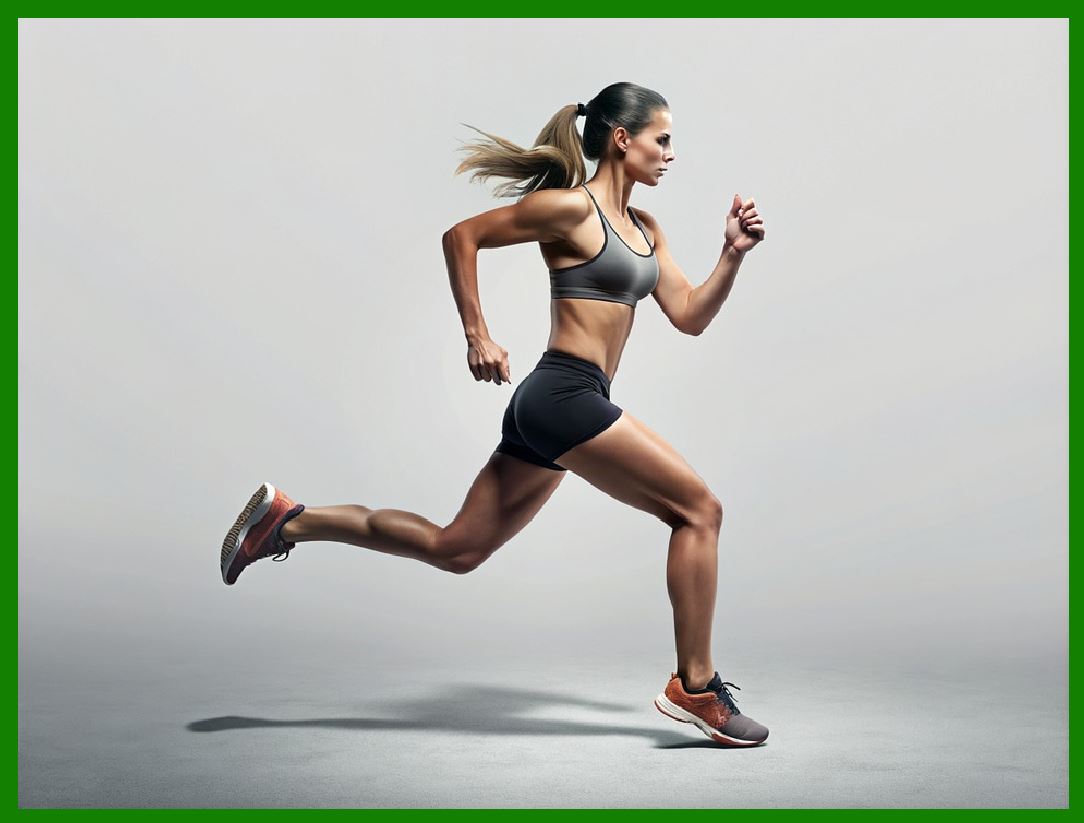
| Conclusion | BEEtag's 25-bit (5x5) code matrix offers a versatile and reliable solution for a wide range of applications across various fields. Its simplicity, accuracy, and ease of use make it an invaluable tool for tracking and identifying objects in diverse environments. From behavioral research in insects to healthcare and medical research, BEEtag has proven its potential to enhance efficiency, improve data accuracy, and provide valuable insights. As technology continues to advance, the applications of BEEtag are likely to expand, offering new possibilities for innovation and discovery in numerous domains. |
|
 cs@easiersoft.com