Barcode Technology

Barcode History

Barcode Label Paper

Barcode Printer

Barcode Application

Inventory Management

AI Barcode QRCode

Barcode Scanner

Barcode Software

Barcode Software B

Barcode Software C

Barcode Software D

Barcode Software E

New Technology A

New Technology B

Robot Technology

Barcode Types

Barcode Types B

Barcode Types C

Barcode Types D

Barcode Types E

Barcode Types F

Electronic Technology

Psychology at Work

Barcode Technology and Barcode Software Related   <<< Back to Directory <<<

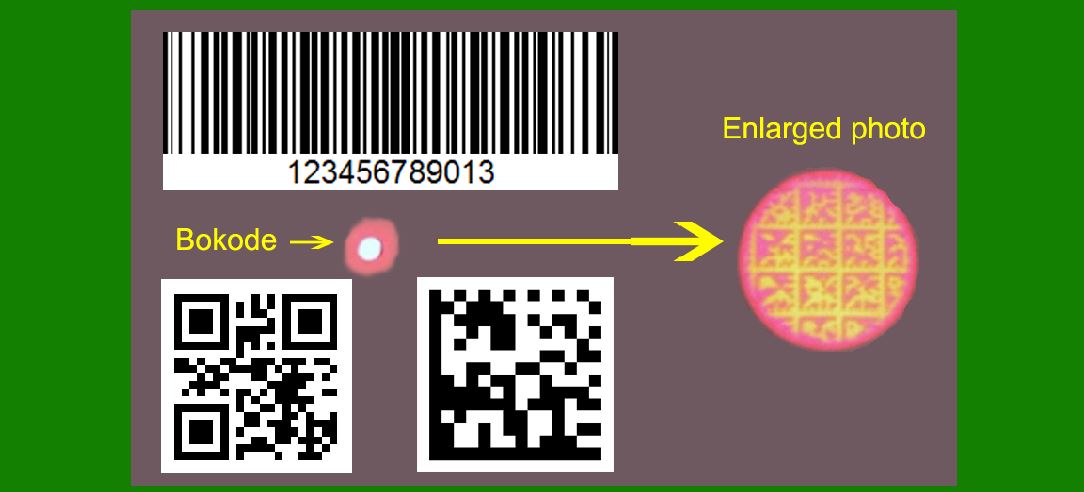
Some application examples of Bokodes

Bokodes, a technology developed by MIT, are tiny, optically readable tags that encode information in a way that's similar to barcodes or QR codes but with significantly higher data density and readability from a greater distance.

Here are some detailed application examples of Bokodes:

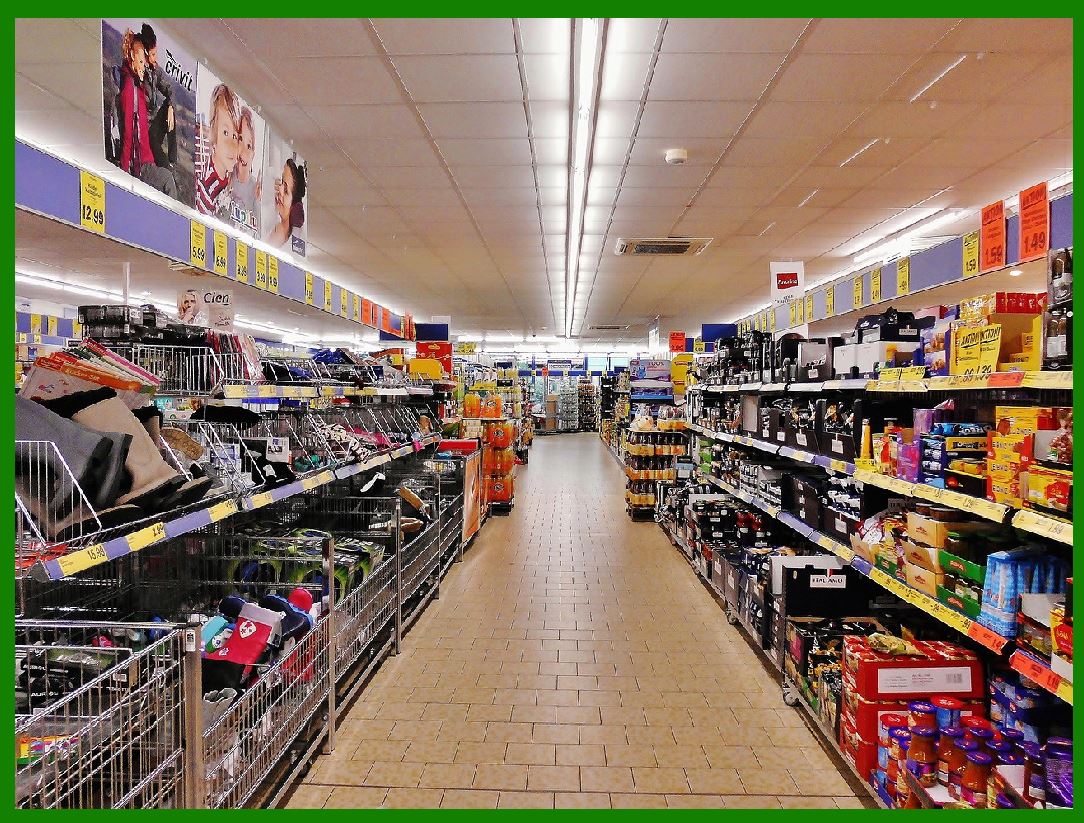
1.Retail and Inventory Management:

Enhanced Product Information: Bokodes can be attached to products in stores to provide detailed information to customers. Using a smartphone or a specialized scanner, customers can retrieve product details, reviews, prices, and even promotional offers.

Inventory Tracking: Bokodes can be used in warehouses to manage and track inventory with high precision. Since they can be read from a distance and at different angles, warehouse staff can quickly scan shelves without having to manually handle each item.

2.Augmented Reality (AR):

Marker-Based AR: Bokodes can serve as markers for augmented reality applications. When viewed through an AR headset or a smartphone camera, Bokodes can trigger virtual content to be overlaid on the real world, such as interactive advertisements or instructional guides.

Gaming: In gaming environments, Bokodes can be used to enhance player experiences by providing in-game information or creating interactive elements that respond to the player's position and movements.

3.Medical Applications:

Patient Identification: Bokodes can be used on wristbands or patient records to securely store and access patient information. This can improve the efficiency of patient care by providing quick access to medical histories and treatment plans.

Drug Packaging: Pharmaceuticals can be tagged with Bokodes to ensure proper identification, prevent counterfeiting, and provide detailed usage instructions.

4.Supply Chain and Logistics:

Asset Tracking: Bokodes can be used to track the movement of goods throughout the supply chain. With their ability to be read from a distance, Bokodes can facilitate efficient monitoring of cargo and packages in transit.

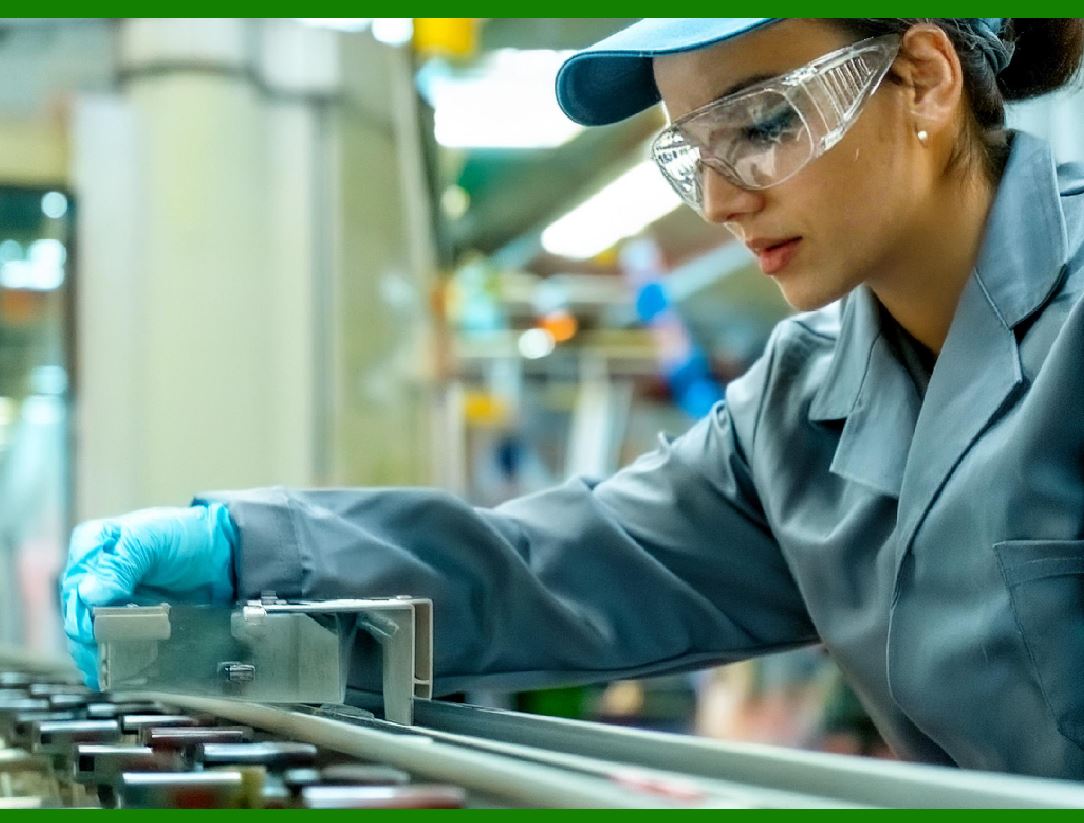
Quality Control: Bokodes can store information about the production process and quality checks, ensuring that products meet required standards before reaching consumers.

5.Security and Authentication:

Secure Document Verification: Bokodes can be embedded in important documents such as passports, ID cards, and tickets to store encrypted data. This can enhance security by making it difficult to forge or alter the documents.

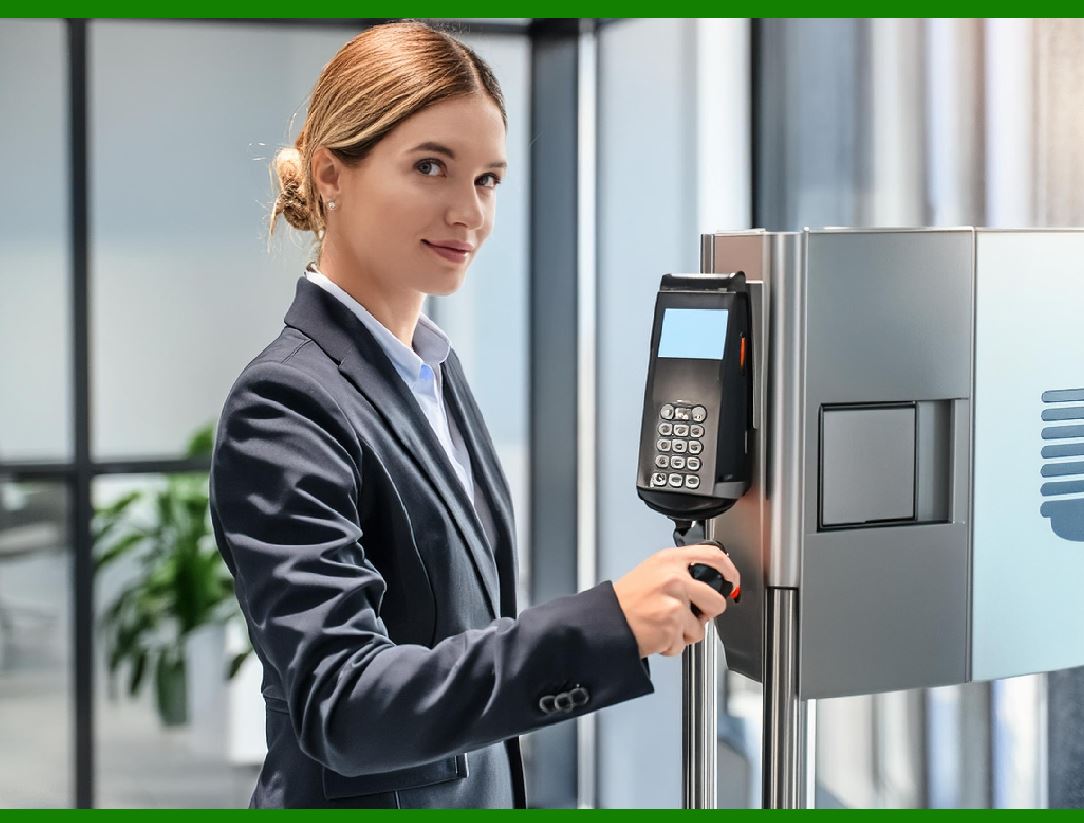
Building Access: Bokodes can be used in access control systems to securely manage entry to buildings and restricted areas. Authorized personnel can be identified and granted access without physical contact.

6.Education and Libraries:

Interactive Learning Materials: Educational resources such as textbooks and lab equipment can be tagged with Bokodes. Students can scan these tags to access additional learning materials, video tutorials, and quizzes.

Library Management: Books and other library resources can be equipped with Bokodes for efficient cataloging, tracking, and borrowing processes.

7.Automotive Industry:

Vehicle Identification: Bokodes can be used on vehicles to store information about ownership, maintenance records, and insurance details. This can be particularly useful for law enforcement and vehicle registration authorities.

Parts Management: Automotive parts can be tagged with Bokodes to streamline inventory management, ensuring that the correct parts are available for repairs and manufacturing.

8.Advertising and Marketing:

Interactive Advertising: Advertisements can incorporate Bokodes to provide consumers with additional information and interactive content. When scanned, these tags can lead to promotional videos, product demos, or special offers.

Market Research: Companies can use Bokodes to gather data on how consumers interact with products and advertisements. This data can be used to refine marketing strategies and improve customer engagement.

These examples illustrate the versatility and potential impact of Bokodes across various industries, offering enhanced data storage, improved efficiency, and new interactive capabilities.


EasierSoft Barcode Label Design & Bulk Printing Software

---- Use Excel Data to Batch Print Barcodes on Label Sheets or Roll Labels  

---- How to use this barcode software

Download:  Free Barcode Software + Barcode Label Designer

Download Free Barcode Software at Softonic

     Download at CNET

Once you obtain a GS1/UPC/EAN barcode, or other barcode type and QR code, you can use our free software to batch print barcode labels onto Roll label paper using a professional label printer, or to batch print barcodes onto Avery 5160 label sheets using a regular laser or inkjet printer. Our software has free and paid versions.

The free version fully meets your needs for batch printing GS1/UPC/EAN barcodes. The paid version can import data from Excel and databases to batch print barcode labels with different values.

How to Start

Input Data

Import Excel Data

Print Barcode

Barcode Format

Label Designer

All Screen Shot

Export Barcode Image

Save Template

Output Word Excel

How to Use & FAQ:

Auto calculate barcode size (Std)

Make barcode by command line

Export barcode image files

Barcode text font setting

Generate ISBN barcode

Predefined label templates

Printing setup

Save settings

Serial number generator

The supported barcode types

Load Excel data (pro)

Manually copy data from Excel files

Filter some data for printing

Edit imported barcode data

Input data (Pro)

Label Designer

Edit data in Label designer

Label Designer - Add new label

Label Designer - Printing

Set the barcode label format to be printed

Other Barcode Label Format Settings

Barcode types supported by this program

Barcode Label Font Settings

Configuring the Barcode Print Rotation

Text Alignment for Barcode Labels

Automatically Adjusting Barcode Width

Text Beneath the Barcode

Configuring Barcode Size

Auto Calculate the Barcode Size

Export Barcode images

Export Barcode Image Format

File Names for Exported Barcode

Resolution of Exported Barcode Images

Fixed Folder for Exporting Barcode

Default Barcode Image Export Format

Print bulk barcodes quickly

Print barcodes to Avery 5160 label

How to bulk Barcode Printing

Sample - Avery 5162 (2x7) Label Sheet

Example: Print barcodes to 5*3cm roll

Example: Print barcodes to 5161 label

Example: Print barcodes to 5162 label

Example: Print barcodes to 5163 label

Example: Print barcodes to 5164 label

Example: Print portrait orientation 5164

Example: Print barcodes to 5167 label

Example: Print barcodes to 5168 label

Example: Print portrait orientation 5168

Example: Print barcodes to 5169 label

Example: Print barcodes to 5660 label

Highlights

Excel integration: Import data directly from Excel to generate and print barcodes in bulk.

Label designer: Create complex labels with multiple barcodes, text, logos, and shapes.

Batch printing: Print thousands of barcodes at once using standard inkjet/laser printers or professional barcode printers.


Flexible editions:

Standard Edition: Simple batch printing with Excel data.

Professional Edition: Adds command-line automation for workflow integration.

Label Designer Edition: Advanced design features for complex labels.


Why Choose Our Barcode Solutions?

Cost-effective: Free online generator and permanent free desktop version available.

Easy to use: No technical expertise required—just input data and print.

Versatile: Supports nearly all 1D and 2D barcode types, including QR codes.

Trusted: Recommended by CNET and widely downloaded by users worldwide.


Suitable Use Cases

Small businesses and startups needing quick barcode labels for products.

Retailers and online sellers managing inventory with batch barcode printing.

Manufacturers requiring sequential or custom barcode labels for packaging.

Educational and testing environments where barcodes are used for tracking.


CONTACT

cs@easiersoft.com

If you have any question, please feel free to email us.


https://free-barcode.com


<<< Back to Directory <<<     Barcode Generator     Barcode Freeware     Privacy Policy