Barcode Technology

Barcode History

Barcode Label Paper

Barcode Printer

Barcode Application

Inventory Management

AI Barcode QRCode

Barcode Scanner

Barcode Software

Barcode Software B

Barcode Software C

Barcode Software D

Barcode Software E

New Technology A

New Technology B

Robot Technology

Barcode Types

Barcode Types B

Barcode Types C

Barcode Types D

Barcode Types E

Barcode Types F

Electronic Technology

Psychology at Work

Barcode Technology and Barcode Software Related   <<< Back to Directory <<<

Barcode and RFID in patient identification

Barcode and RFID in Patient Identification

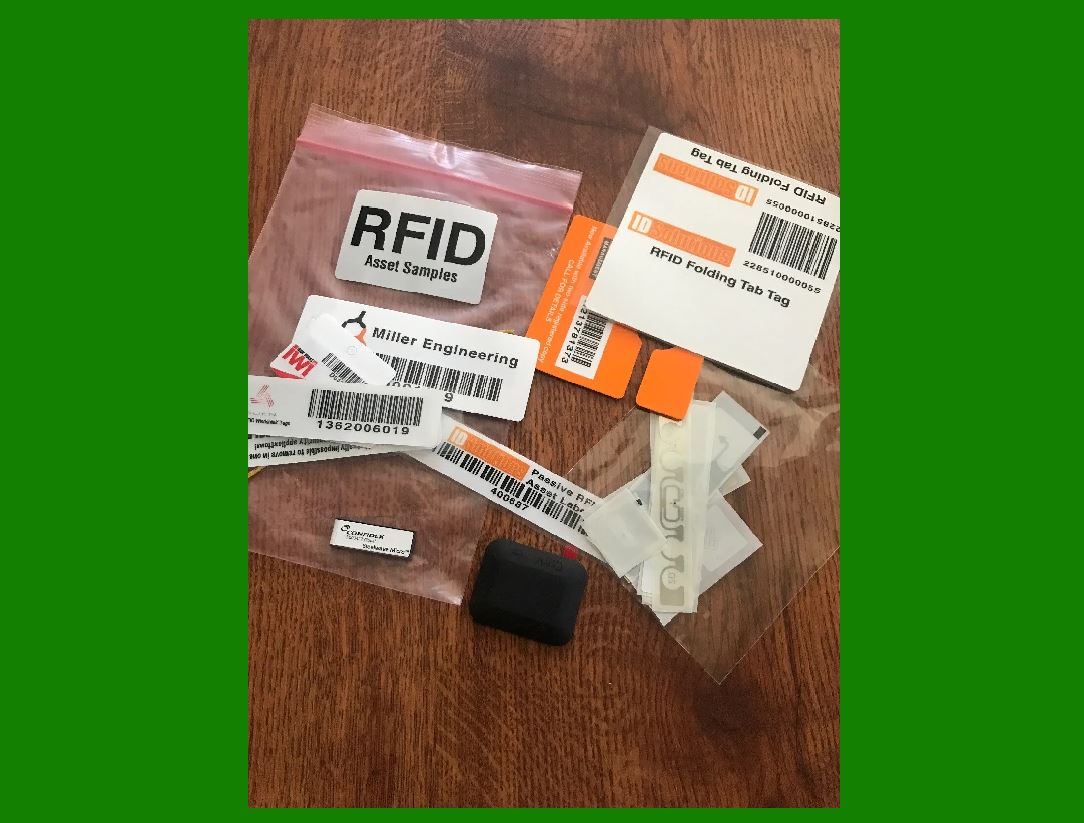
Barcodes and RFID (Radio Frequency Identification) are two technologies widely used in healthcare for patient identification. They enhance the accuracy, efficiency, and safety of patient care.

Barcodes in Patient Identification

1. Patient Wristbands:

Usage:

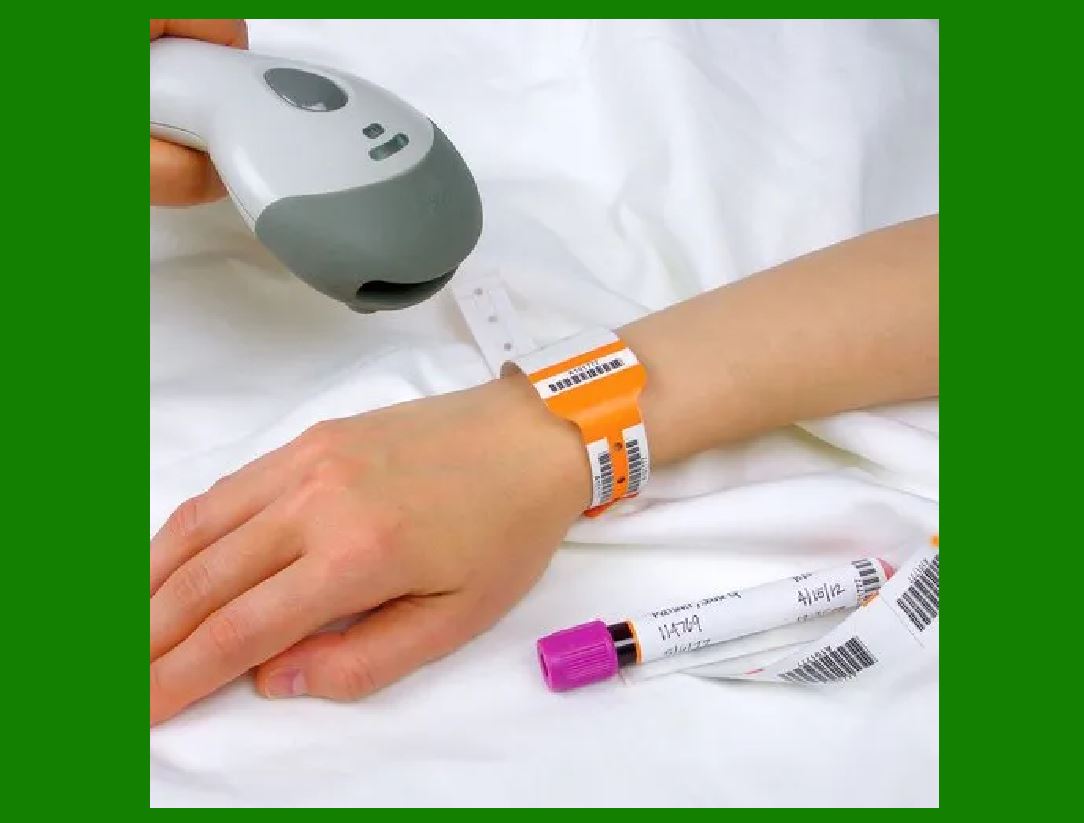
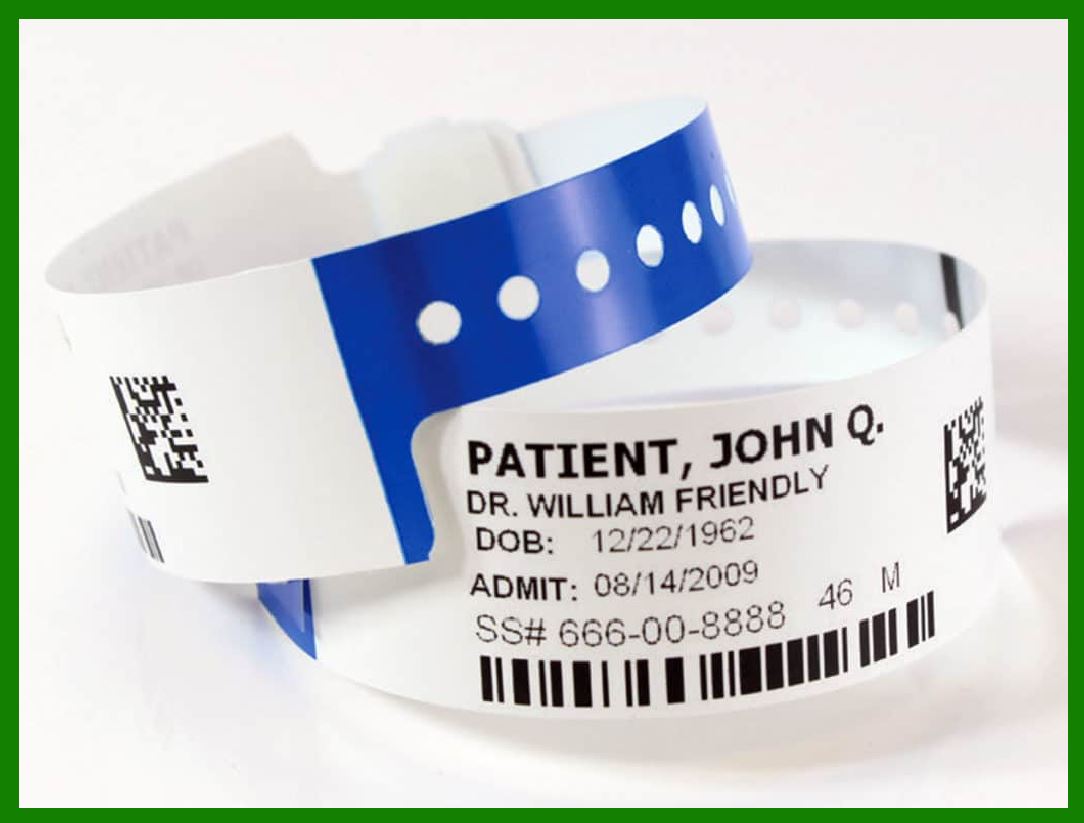
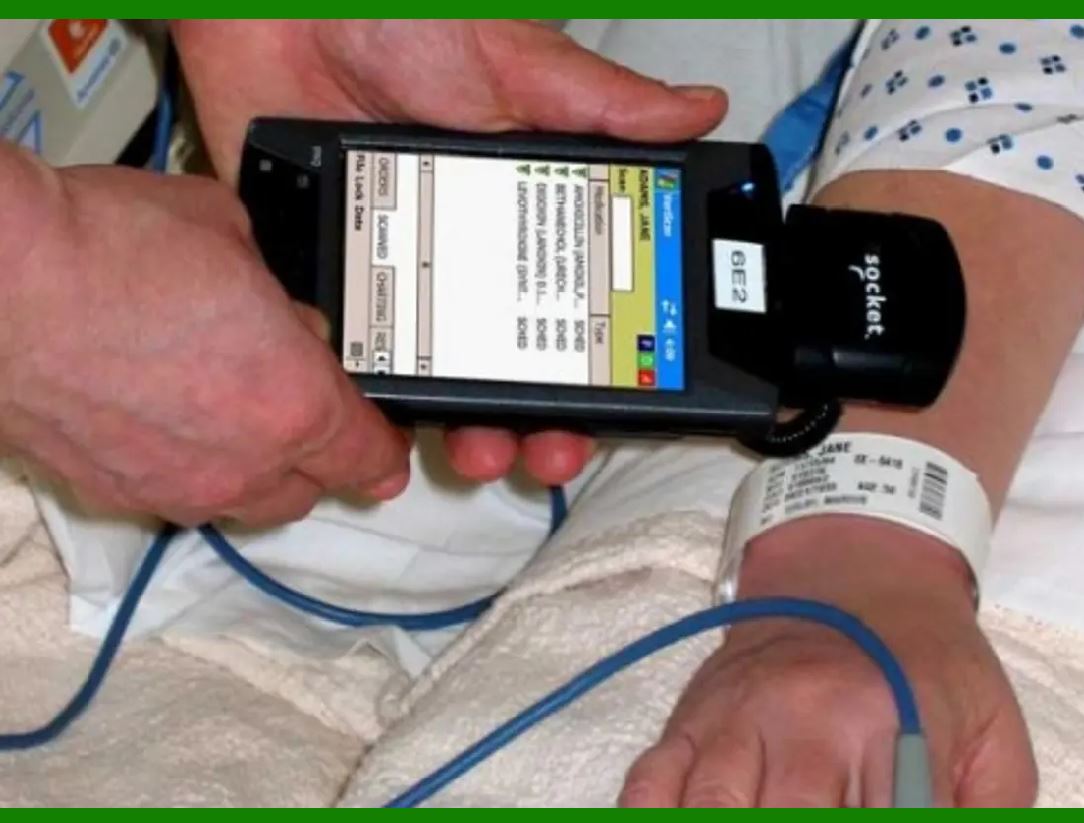
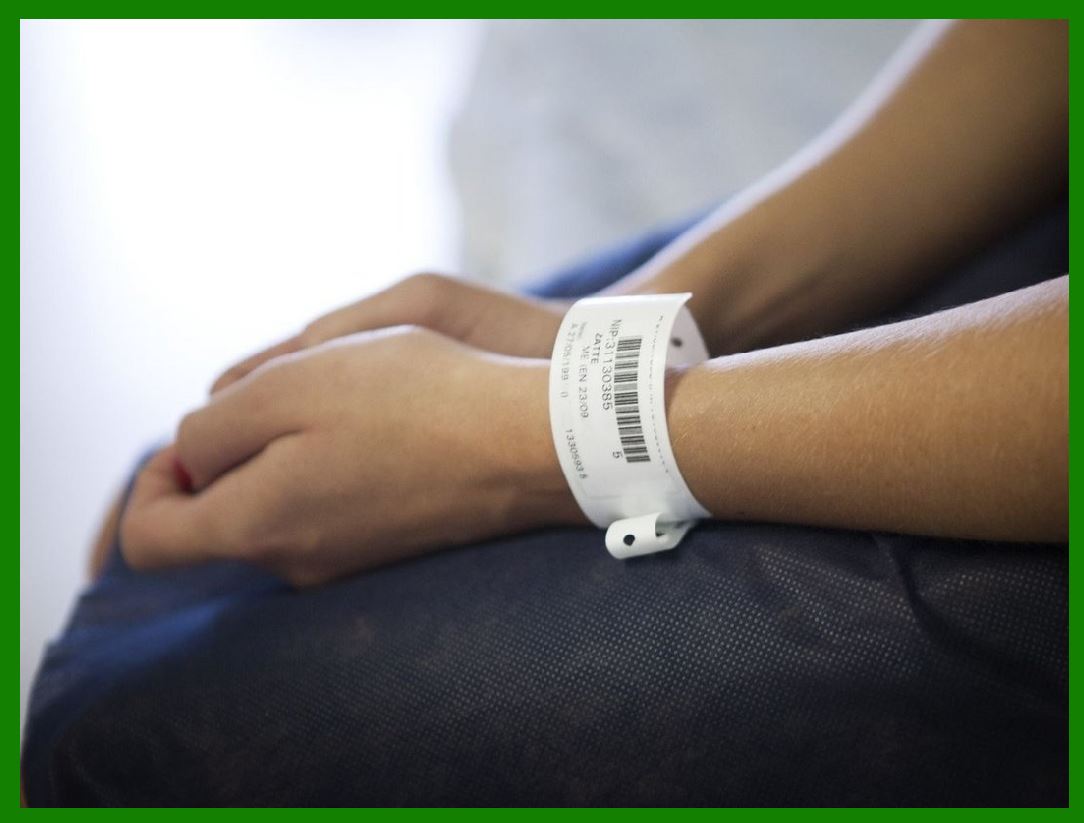
Barcodes are printed on patient wristbands at the time of admission. These wristbands contain a unique identifier for each patient.

Details:

The barcode can be scanned to retrieve patient information such as name, medical record number, allergies, and treatment history.

Benefits:

Reduces the risk of misidentification, ensures that the right patient receives the correct medication and treatment, and simplifies data entry processes.

2. Medication Administration:

Usage:

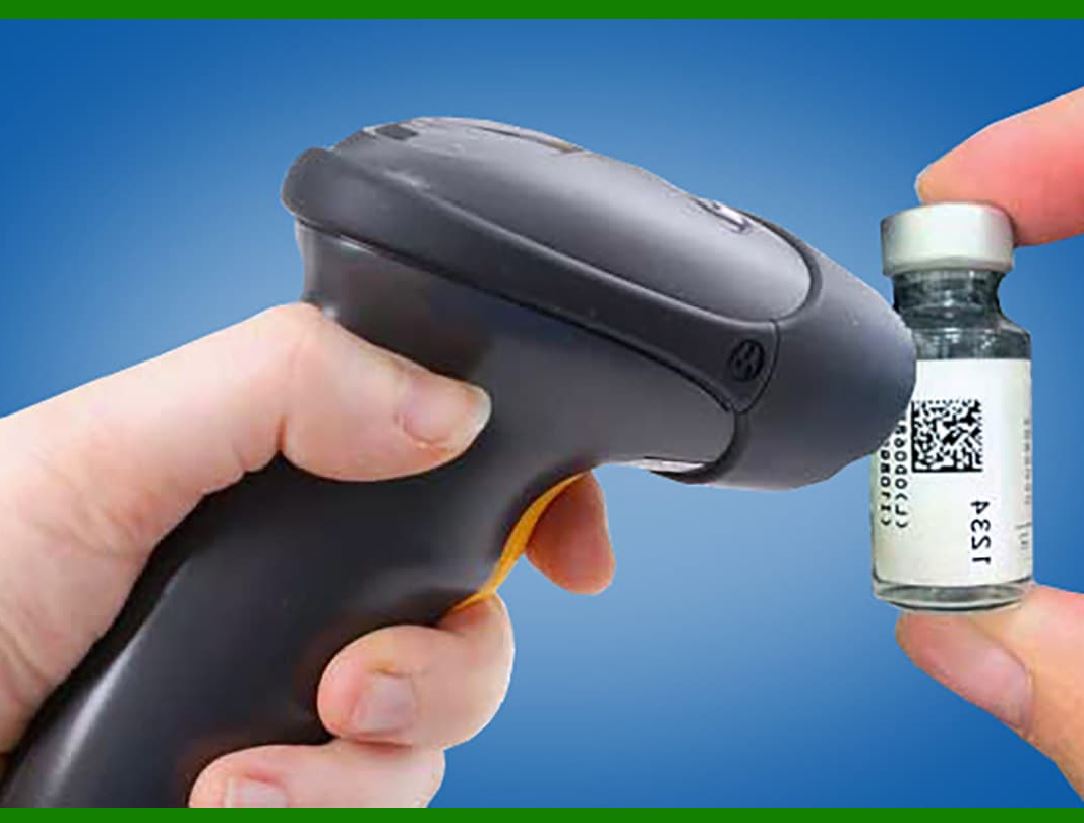
Barcodes are used on medication packaging.

Details:

Nurses scan both the patient’s wristband and the medication barcode before administration.

Benefits:

Ensures the right drug, dose, and administration time, thereby reducing medication errors.

3. Laboratory Samples:

Usage:

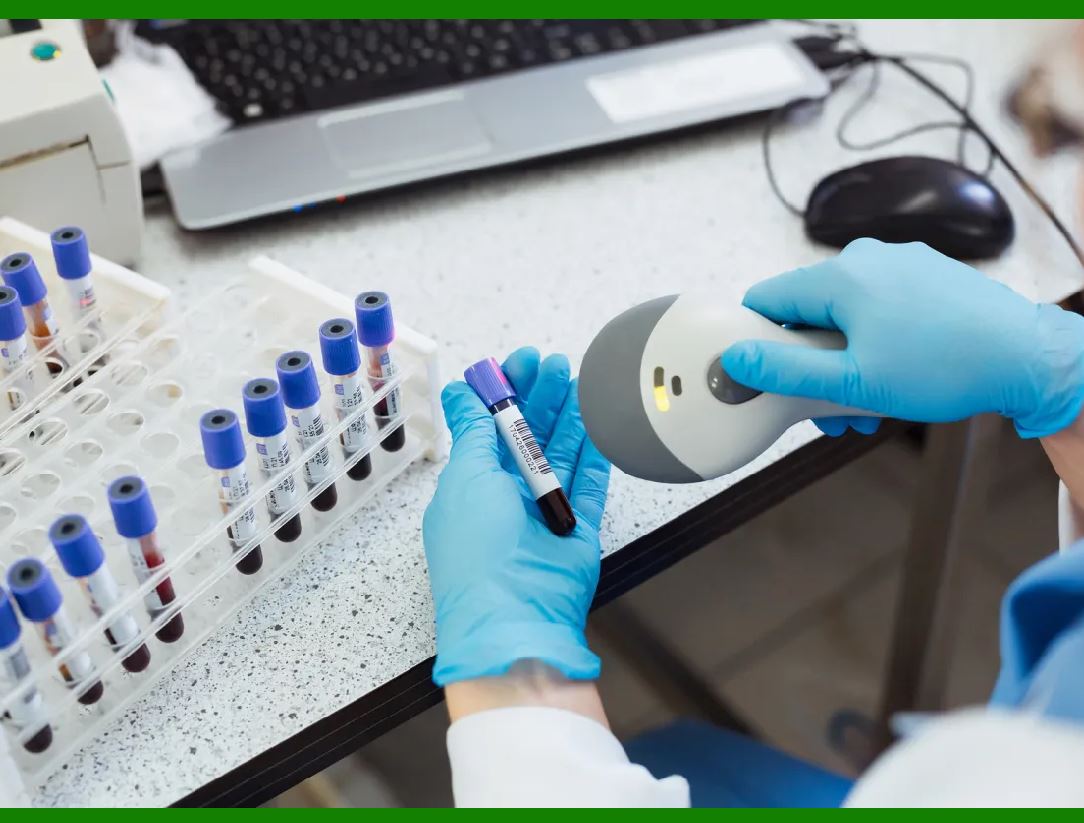
Barcodes are used on laboratory sample labels.

Details:

Samples are labeled with barcodes at the point of collection, and the barcode is scanned during each step of the analysis process.

Benefits:

Prevents mix-ups and ensures that test results are correctly matched to the patient.

4. Medical Records:

Usage:

Barcodes are used in digital and paper medical records.

Details:

Barcoded patient records can be quickly scanned to retrieve information.

Benefits:

Enhances the speed and accuracy of record retrieval and reduces manual data entry errors.

5. RFID in Patient Identification

Patient Wristbands:

Usage:

RFID tags embedded in patient wristbands.

Details:

RFID readers can automatically identify and track patients in real-time.

Benefits:

Allows for continuous monitoring of patient location within a facility, enhances security, and ensures timely delivery of services.

6. Asset Tracking:

Usage:

RFID tags on medical equipment.

Details:

Ensures that essential equipment is available and locatable for patient care.

Benefits:

Reduces time spent searching for equipment, ensuring timely patient care.

7. Surgical Safety:

Usage:

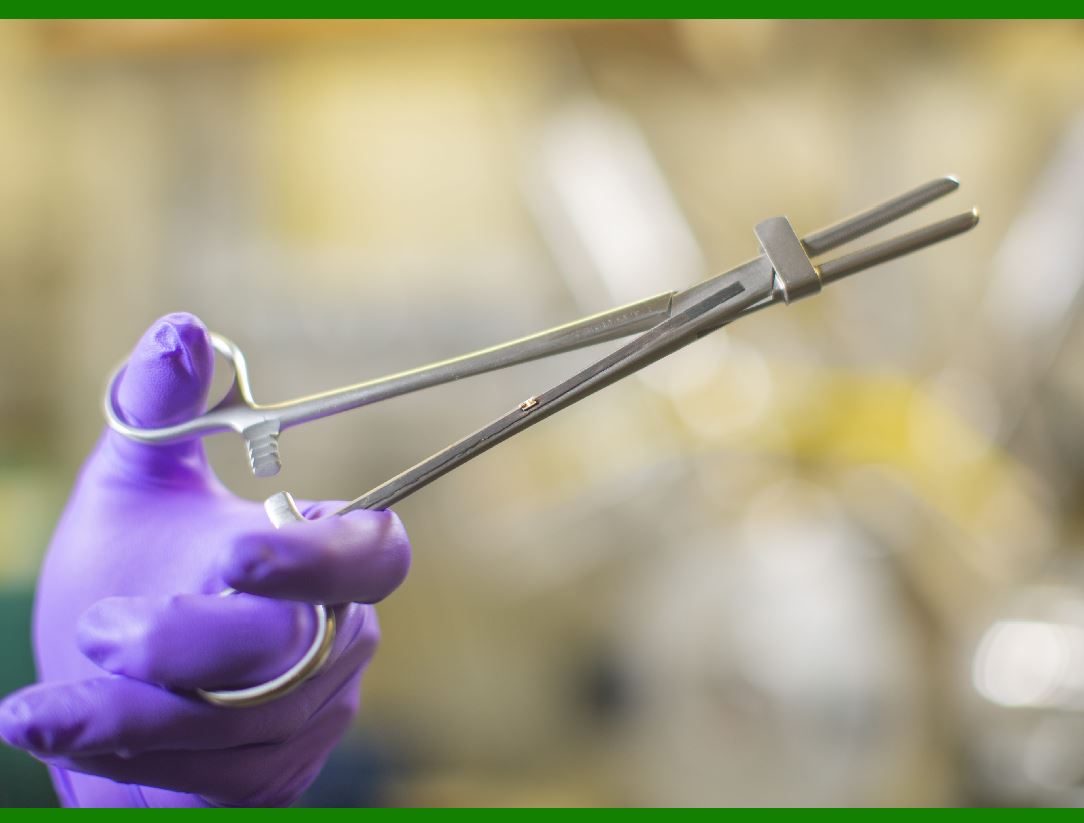
RFID tags for surgical instruments and sponges.

Details:

Instruments and sponges are tracked to ensure none are left inside a patient post-surgery.

Benefits:

Increases surgical safety and prevents complications arising from retained surgical items.

8. Patient Monitoring:

Usage:

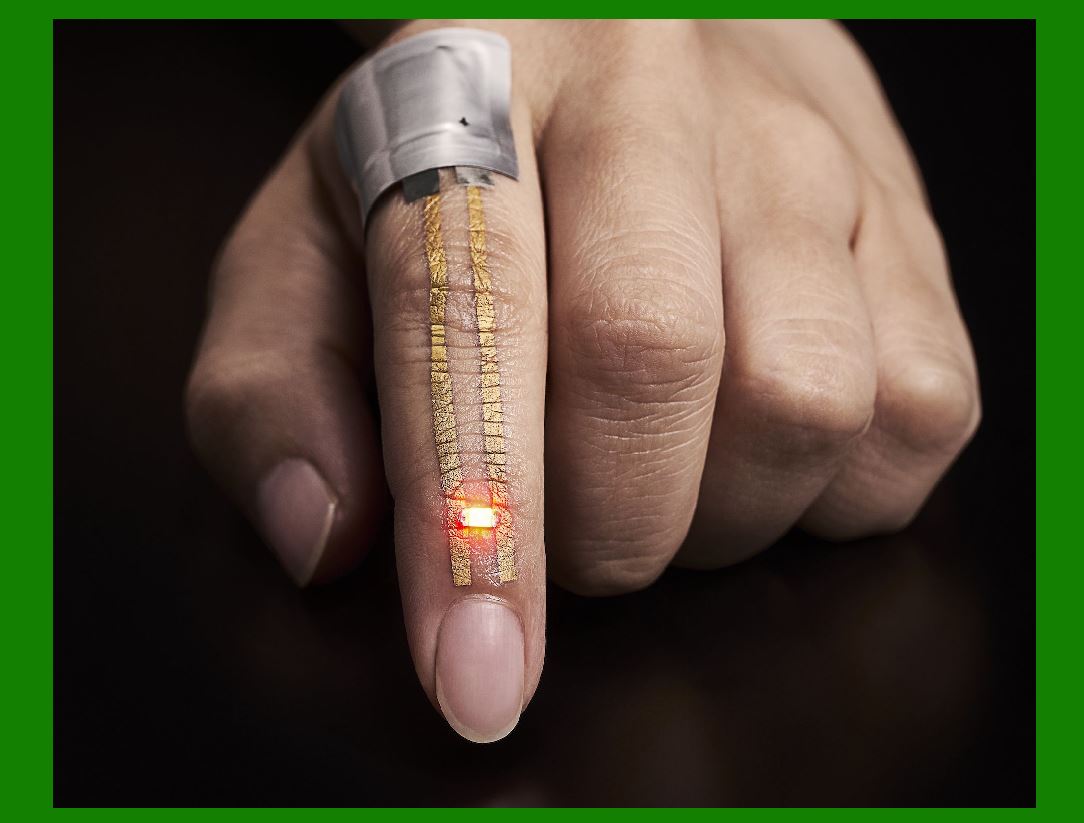
RFID tags in wearable devices for patients.

Details:

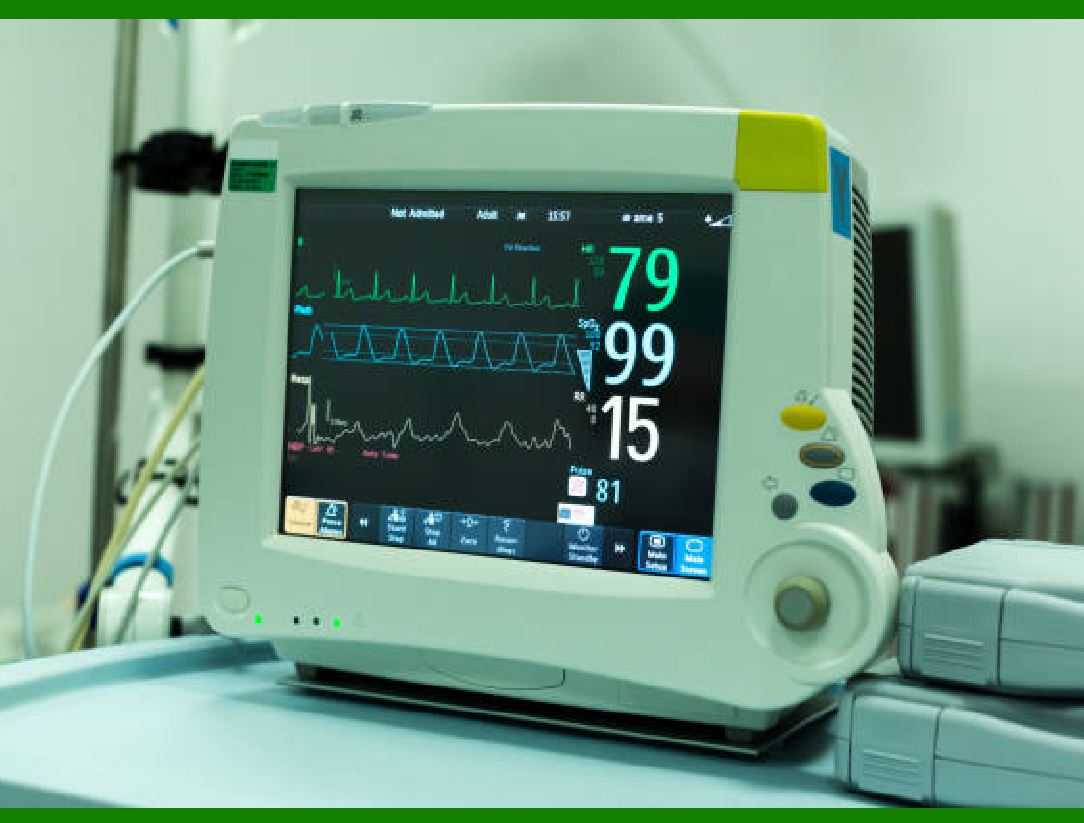
Continuously monitor patient vitals and movements.

Benefits:

Provides real-time data to healthcare providers, enabling proactive and immediate responses to patient needs.

9. Comparison and Integration

Accuracy and Efficiency:

Both barcodes and RFID improve the accuracy of patient identification and streamline hospital operations. Barcodes are cost-effe

ctive and widely adopted, while RFID offers more advanced capabilities such as real-time tracking and does not require a direct line of sight.

Scalability:

Barcodes are simpler to implement and scale, especially in environments where cost is a major concern. RFID systems are more expensive but offer advanced features that are valuable in large healthcare facilities.

Integration:

Many healthcare facilities use a combination of both technologies. For example, barcodes may be used for medication administration and lab samples, while RFID is used for patient tracking and asset management.

10. Challenges and Considerations

Cost:

Implementing RFID systems is more expensive than barcode systems. Facilities must consider the cost-benefit ratio.

Privacy and Security:

Both technologies must ensure patient data is secure and compliant with regulations such as HIPAA. RFID, in particular, needs robust security measures to prevent unauthorized access.

Training:

Staff need training to effectively use these technologies. Misuse or misunderstanding can lead to errors.

In summary, barcodes and RFID play crucial roles in patient identification within healthcare settings. They enhance patient safety, improve operational efficiency, and reduce errors, ultimately contributing to better patient care outcomes. The choice between barcodes and RFID, or the decision to integrate both, depends on the specific needs and resources of the healthcare facility.


EasierSoft Barcode Label Design & Bulk Printing Software

---- Use Excel Data to Batch Print Barcodes on Label Sheets or Roll Labels  

---- How to use this barcode software

Download:  Free Barcode Software + Barcode Label Designer

Download Free Barcode Software at Softonic

     Download at CNET

Once you obtain a GS1/UPC/EAN barcode, or other barcode type and QR code, you can use our free software to batch print barcode labels onto Roll label paper using a professional label printer, or to batch print barcodes onto Avery 5160 label sheets using a regular laser or inkjet printer. Our software has free and paid versions.

The free version fully meets your needs for batch printing GS1/UPC/EAN barcodes. The paid version can import data from Excel and databases to batch print barcode labels with different values.

How to Start

Input Data

Import Excel Data

Print Barcode

Barcode Format

Label Designer

All Screen Shot

Export Barcode Image

Save Template

Output Word Excel

How to Use & FAQ:

Export barcodes to Word

Add ascii key to barcode

Auto calculate barcode size (Std)

Make barcode by command line

Export barcode image files

Barcode text font setting

Generate ISBN barcode

Predefined label templates

Printing setup

Save settings

Serial number generator

The supported barcode types

Load Excel data (pro)

Manually copy data from Excel files

Filter some data for printing

Edit imported barcode data

Input data (Pro)

Label Designer

Edit data in Label designer

Label Designer - Add new label

Label Designer - Printing

Set the barcode label format to be printed

Other Barcode Label Format Settings

Barcode types supported by this program

Barcode Label Font Settings

Configuring the Barcode Print Rotation

Text Alignment for Barcode Labels

Automatically Adjusting Barcode Width

Text Beneath the Barcode

Configuring Barcode Size

Auto Calculate the Barcode Size

Export Barcode images

Export Barcode Image Format

File Names for Exported Barcode

Resolution of Exported Barcode Images

Fixed Folder for Exporting Barcode

Default Barcode Image Export Format

Print bulk barcodes quickly

Print barcodes to Avery 5160 label

How to bulk Barcode Printing

Sample - Avery 5162 (2x7) Label Sheet

Example: Print barcodes to 5*3cm roll

Example: Print barcodes to 5161 label

Example: Print barcodes to 5162 label

Example: Print barcodes to 5163 label

Example: Print barcodes to 5164 label

Example: Print portrait orientation 5164

Example: Print barcodes to 5167 label

Example: Print barcodes to 5168 label

Example: Print portrait orientation 5168

Highlights

Excel integration: Import data directly from Excel to generate and print barcodes in bulk.

Label designer: Create complex labels with multiple barcodes, text, logos, and shapes.

Batch printing: Print thousands of barcodes at once using standard inkjet/laser printers or professional barcode printers.


Flexible editions:

Standard Edition: Simple batch printing with Excel data.

Professional Edition: Adds command-line automation for workflow integration.

Label Designer Edition: Advanced design features for complex labels.


Why Choose Our Barcode Solutions?

Cost-effective: Free online generator and permanent free desktop version available.

Easy to use: No technical expertise required—just input data and print.

Versatile: Supports nearly all 1D and 2D barcode types, including QR codes.

Trusted: Recommended by CNET and widely downloaded by users worldwide.


Suitable Use Cases

Small businesses and startups needing quick barcode labels for products.

Retailers and online sellers managing inventory with batch barcode printing.

Manufacturers requiring sequential or custom barcode labels for packaging.

Educational and testing environments where barcodes are used for tracking.


CONTACT

cs@easiersoft.com

If you have any question, please feel free to email us.


https://free-barcode.com


<<< Back to Directory <<<     Barcode Generator     Barcode Freeware     Privacy Policy