Scanning Life: How Barcode and RFID Technologies Are Revolutionizing Healthcare |
Chapter 1: The Silent Revolution |
In the bustling corridors of modern hospitals, a silent digital revolution is taking place. Barcodes and RFID (Radio Frequency Identification) are moving beyond retail checkout counters and into the very fabric of patient care, drastically reducing human error and saving lives. |
Chapter 2: The Basic Difference - Barcode vs. RFID |
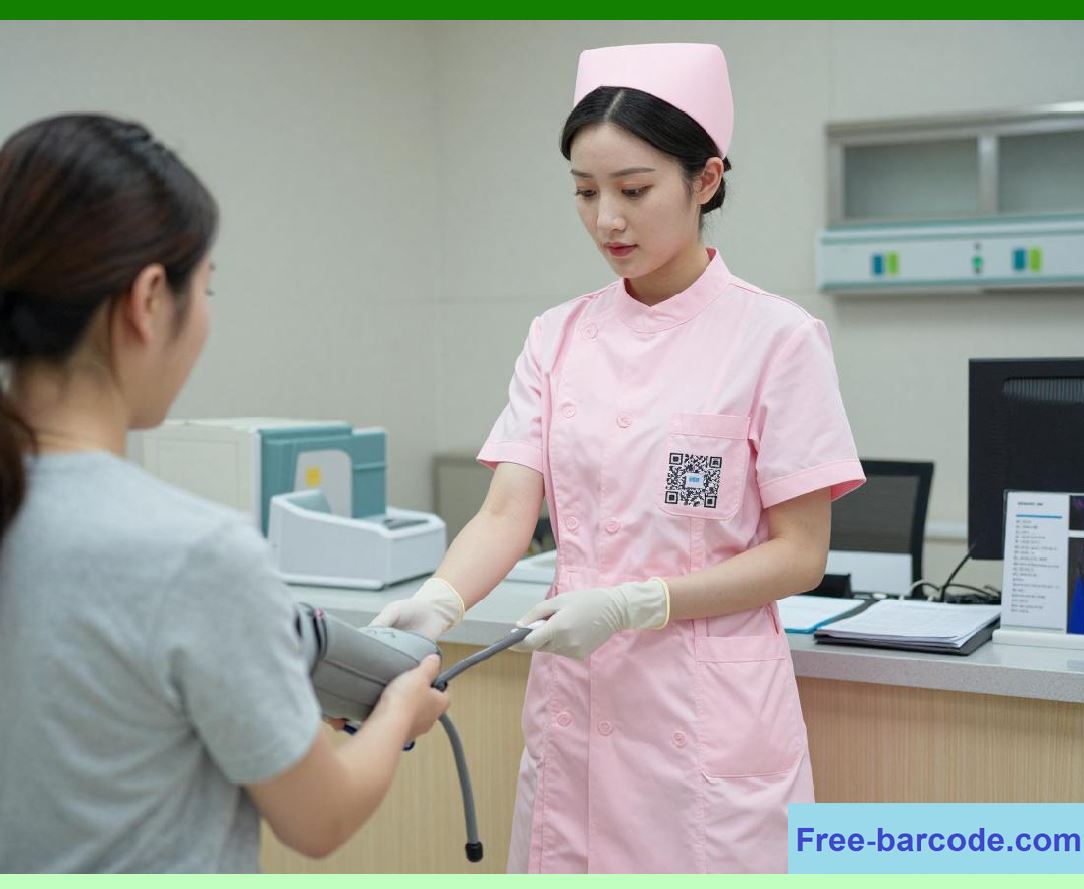
A barcode is an optical, line-of-sight technology that requires a scanner to 'see' the code. RFID uses radio waves; a reader can identify a tag from several feet away without a direct line of sight, and can read hundreds of tags simultaneously. |
|
Chapter 3: The 'Wristband of Truth' |
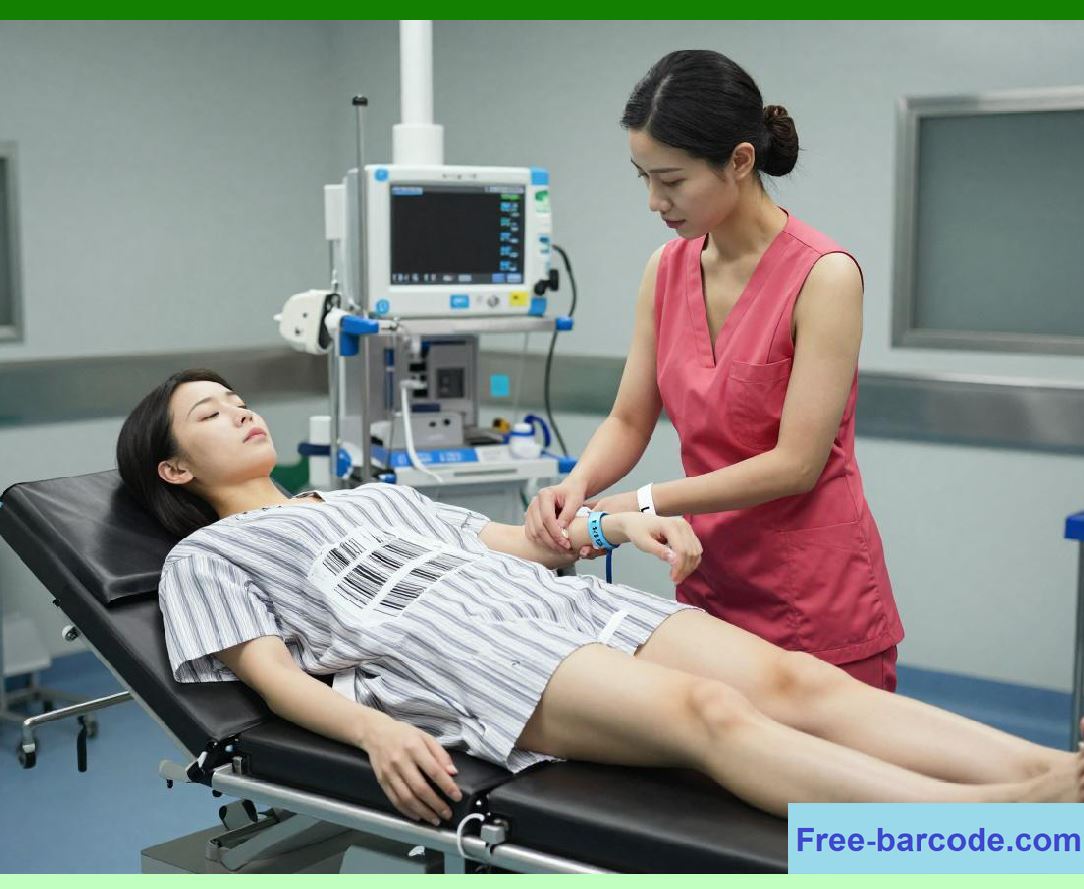
Upon admission, a patient receives a wristband containing a barcode or an RFID chip. This links the physical person to their digital medical record. A simple scan confirms identity, allergies, blood type, and treatment history. |
Chapter 4: The Five Rights of Medication |
Medical errors often occur when the wrong drug is given to the wrong patient. Barcode Medication Administration (BCMA) ensures the 'Five Rights': right patient, right drug, right dose, right route, and right time. |

|
Chapter 5: How BCMA Works |
A nurse scans their own ID badge, scans the patient's wristband, and then scans the medication's barcode. If any element doesn't match the doctor's orders in the electronic health record (EHR), the system alerts the nurse instantly. |
Chapter 6: Preventing Blood Transfusion Mix-ups |
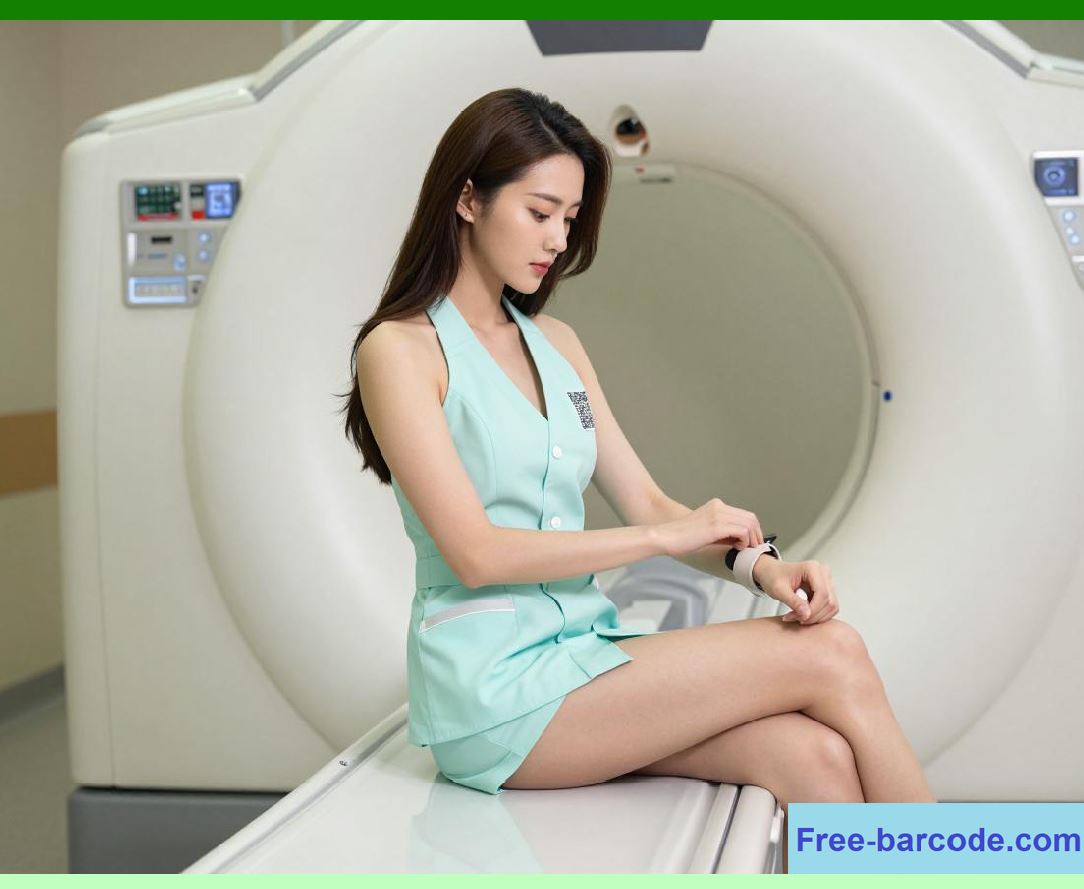
Blood bag misidentification can be fatal. Barcodes on blood bags, patient wristbands, and lab requisition forms create a 'closed-loop' verification system, ensuring the blood type matches perfectly before a single drop is administered. |
|
Chapter 7: RFID in the Blood Bank |
RFID tags on blood bags go one step further. They constantly monitor temperature during storage and transit. If a bag of plasma leaves the cold chain, the RFID system logs a breach and flags the unit as unusable. |
Chapter 8: Tracking Surgical Sponges |
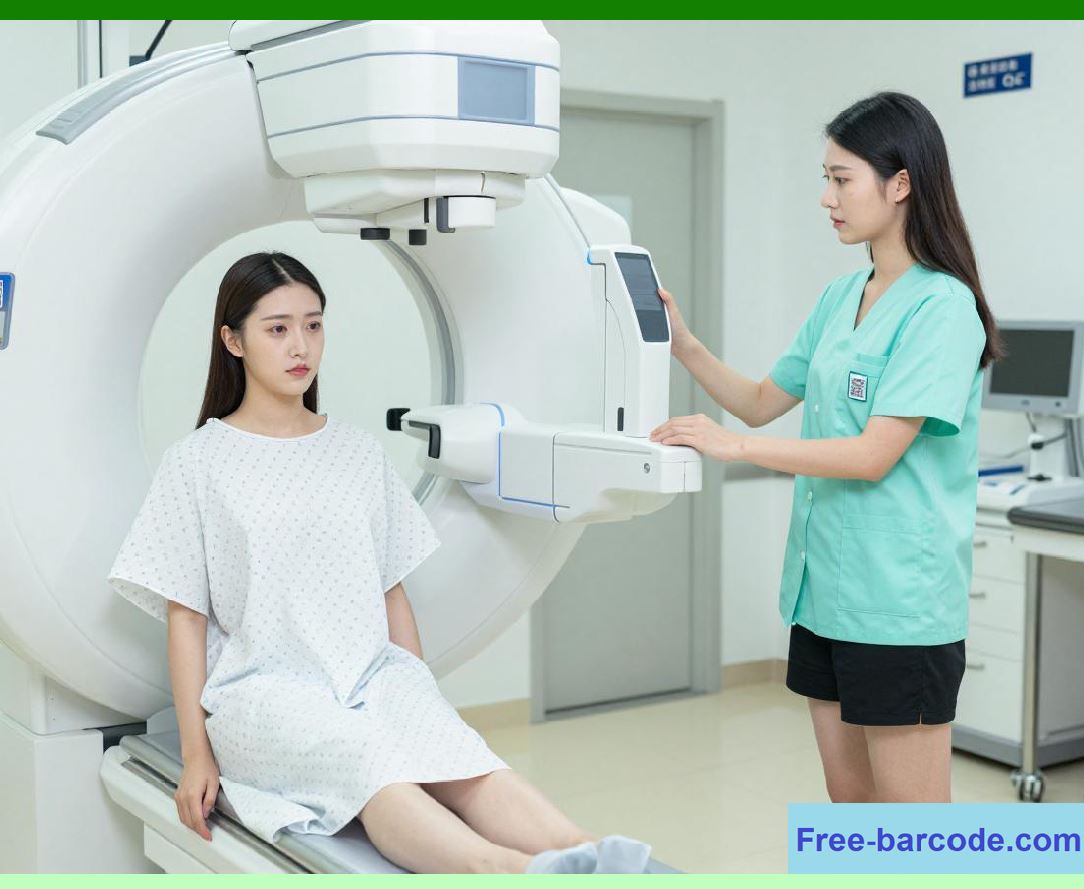
One of surgery's oldest fears is leaving a sponge inside a patient. RFID-enabled sponges can be counted automatically by a mat under the patient before and after surgery. If a sponge is still inside, the system screams a warning. |
|
Chapter 9: Smart Surgical Instrument Trays |
Hospitals used to count scalpels and clamps manually. Now, RFID cabinets for surgical tools know exactly what is inside. When a tray is returned dirty, the system knows which instruments are missing before sterilization begins. |
Chapter 10: The Sterilization Challenge |
Barcodes on instrument pouches are read when the pouch enters the autoclave (sterilizer). This logs exactly which tools were in which cycle, ensuring that every scalpel used in surgery has been properly sterilized. |
|
Chapter 11: Asset Tracking - The Hunt for the Infusion Pump |
Nurses waste 20% of their time searching for equipment. RFID ceiling sensors create a real-time location system (RTLS). With a glance at a screen, staff can find the nearest available IV pump, wheelchair, or defibrillator. |
Chapter 12: Preventing Equipment Theft |
Hospitals are prime targets for theft of expensive portable devices. RFID exit portals sound an alarm if a tagged ultrasound machine or video laryngoscope leaves the unit without being properly checked out. |

|
Chapter 13: The Wanderer Alert (Dementia & Pediatrics) |
RFID wristbands for dementia patients or infants activate door locks. If a patient wanders toward an unauthorized exit, the system locks the door and alerts the nursing station within milliseconds. |
Chapter 14: Maternal-Fetal Matching |
In a busy maternity ward, infants look similar. Active RFID tags on both mother and baby send continuous signals. The system triggers an alarm if the wrong baby is placed in the wrong mother's room or if a baby approaches an elevator. |

|
Chapter 15: Lab Specimen Integrity |
When a nurse draws blood, they print a barcode label at the bedside. This label is used on the vial, the requisition form, and the transport bag. Any mismatch at the lab automatically rejects the sample. |
Chapter 16: The 'Time-Sensitive' Biopsy |
For cancer biopsies, the time between removal and preservation (cold ischemia time) is critical. RFID tags track exactly when the specimen leaves the operating room, when it arrives in pathology, and when it is processed. |

|
Chapter 17: Pharmacy Automation - The Robot Dispenser |
Hospital pharmacies use barcode scanning on every single pill packet. Automated robots read these codes to fill prescription trays with 99.9% accuracy, far exceeding human capability for repetitive counting. |
Chapter 18: Expiration Date Management |
Manually checking thousands of drug vials for expiration dates is impossible. RFID readers can sweep a shelf in seconds. The system generates a report of all drugs expiring within 30 days, prioritizing their use. |

|
Chapter 19: The Central Supply Dilemma |
For supplies like catheters or gloves, RFID bins reorder automatically. When a box is empty, the bin's sensor detects the weight change or lack of RFID signals and sends a purchase order to the distributor. |
Chapter 20: Implantable Devices (Pacemakers & Joints) |
Surgical implants like hip joints now have unique device identifiers (UDI) barcodes. When scanned into the patient's EHR, the hospital knows exactly which serial number is inside the patient for life-long recall management. |

|
Chapter 21: RFID in the Laundry Department |
Hospital linens are a major infection vector and a massive expense. RFID chips sewn into scrubs and bed sheets track how many times they are washed. This prevents linen shortages and identifies contaminated batches. |
Chapter 22: The Emergency Room (ED) Dashboard |
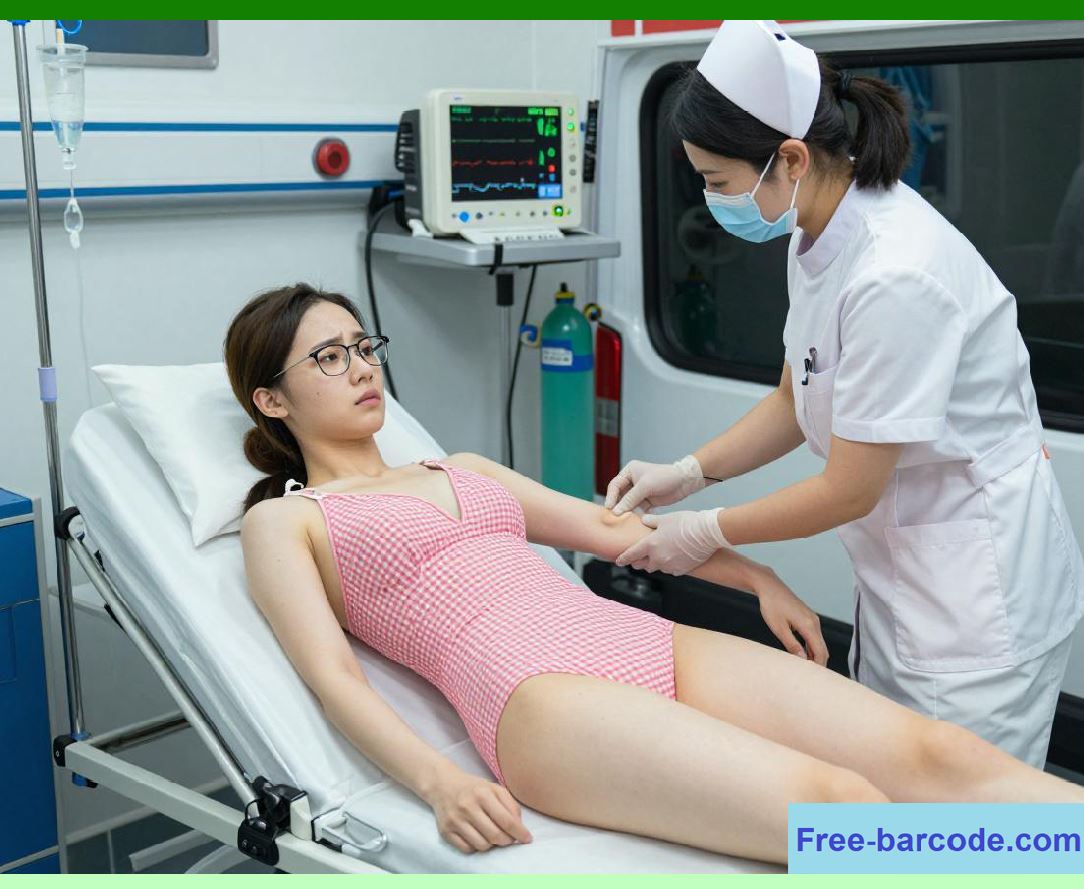
In a chaotic ED, RFID tags on gurneys let administrators see a live dashboard: which beds are occupied, which patients have been waiting longest for imaging, and which room needs cleaning. |
|
Chapter 23: Contact Tracing for Infection Control |
During outbreaks (like COVID-19 or Norovirus), hospital RFID data can replay the last 48 hours of movement. It can tell which staff and patients were within 6 feet of a newly infected patient, enabling rapid quarantine. |
Chapter 24: Reducing Alarm Fatigue |
Monitors beep constantly. But passive RFID location data can be integrated. If a patient with a fall risk tries to stand up, their RFID tag is detected by the floor mat sensor, triggering a *specific* 'help, I'm getting up' alert, not a generic beep. |

|
Chapter 25: The Privacy Concern |
RFID and barcode systems generate enormous amounts of location data. Who is tracking the trackersModern hospital systems use anonymization and tiered access - a janitor's badge can find a trash can, but cannot locate a specific patient's history. |
Chapter 26: Metallic Interference - The MRI Problem |
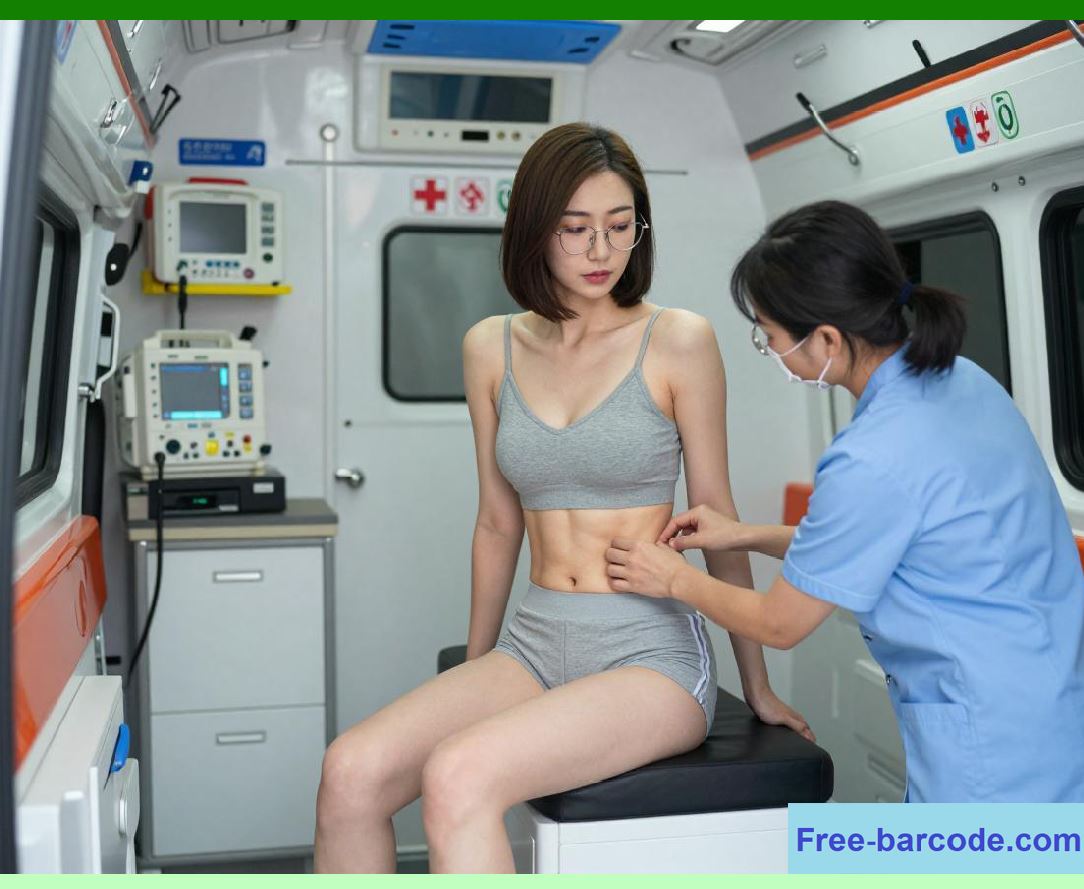
RFID tags contain metal antennas. In an MRI machine, these can heat up or cause artifacts on images. Hospitals use 'MRI-safe' RFID tags or remove wristbands before scanning - a step that is itself verified by a scanner. |
|
Chapter 27: Cost vs. Return on Investment |
A barcode costs $0.001; an RFID tag costs $0.10. For a simple drug vial, barcode is fine. For a $50,000 surgical robot part that is easily stolen, RFID pays for itself on the first day of prevented loss. |
Chapter 28: The Interoperability Standard (GS1 & UDI) |
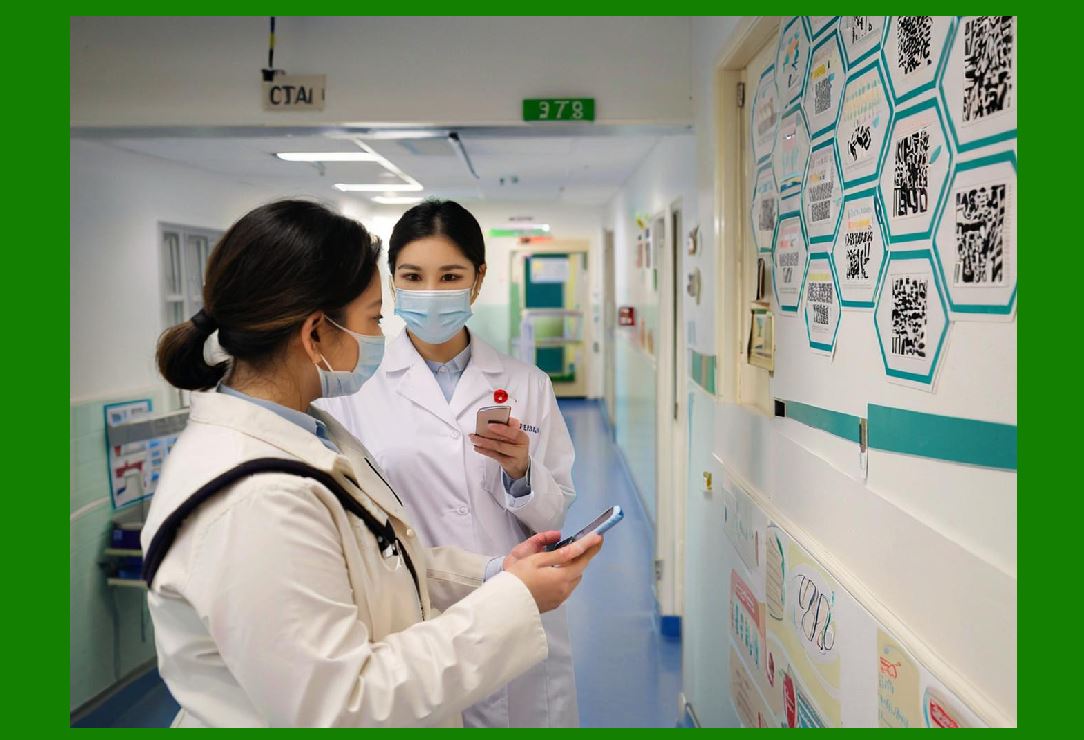
Healthcare is moving toward the GS1 global standard. This means a barcode on a syringe made in Germany will be readable by a scanner in Brazil. The Unique Device Identifier (UDI) regulation mandates this for all medical devices in most developed nations. |
|
Chapter 29: Future - The 'Smart OR' |
The operating room of the future uses passive RFID floors. As a surgeon walks in, the system identifies them, adjusts the lights to their preference, and opens the cabinet containing the exact implants needed for the scheduled surgery. |
Chapter 30: Conclusion - From Barcode to Bionic |
Barcodes and RFID are not flashy technologies. They do not perform surgery or diagnose cancer. But they provide the chain of trust - the absolute certainty that you are the right patient, receiving the right medicine, with the right tool, at the right moment. In medicine, certainty is the most powerful cure of all. |
 cs@easiersoft.com