Part 14: Barcode Applications in Assembly Verification, Work-in-Progress (WIP) Validation, and Operator Accountability in Automotive Production Lines |
14.1 Introduction to Assembly Verification Challenges |
Automotive production lines involve complex assembly processes, often with thousands of individual components integrated into vehicles in precise sequences. Errors in assembly can lead to quality issues, safety risks, production delays, and costly recalls. Ensuring each part is installed correctly and in the proper sequence is critical for product reliability. |
Barcode technology is widely used for assembly verification and WIP validation, providing real-time control over production processes while improving operator accountability and traceability. This reduces errors and supports continuous quality improvement. |

|
14.2 Work-in-Progress (WIP) Tracking Using Barcodes |
Work-in-progress represents the intermediate state of vehicles or components as they move through the production line. Barcode systems enable manufacturers to track WIP by: |
* Assigning a unique barcode to each vehicle body, subassembly, or component. |
* Scanning the barcode at every assembly station to record progress. |
* Capturing timestamps to monitor cycle time, station throughput, and line efficiency. |
* Linking assembly data to specific operators, tools, or robotic systems. |
By maintaining real-time visibility into WIP, manufacturers can identify bottlenecks, monitor production rates, and ensure that assembly processes adhere to planned schedules. |

|
14.3 Assembly Verification and Error Prevention |
Barcode scanning at assembly stations serves as a verification checkpoint. The system ensures that: |
* Only the correct components are installed according to the vehicle build specification. |
* Optional features and variations are verified before installation. |
* Error-prone operations, such as fastening torque, electrical connections, or part orientation, are cross-checked against barcode-linked instructions. |
* Any mismatch triggers an alert for corrective action before production continues. |
This automated verification reduces human errors, prevents rework, and minimizes the risk of defective vehicles leaving the line. |

|
14.4 Operator Accountability and Task Verification |
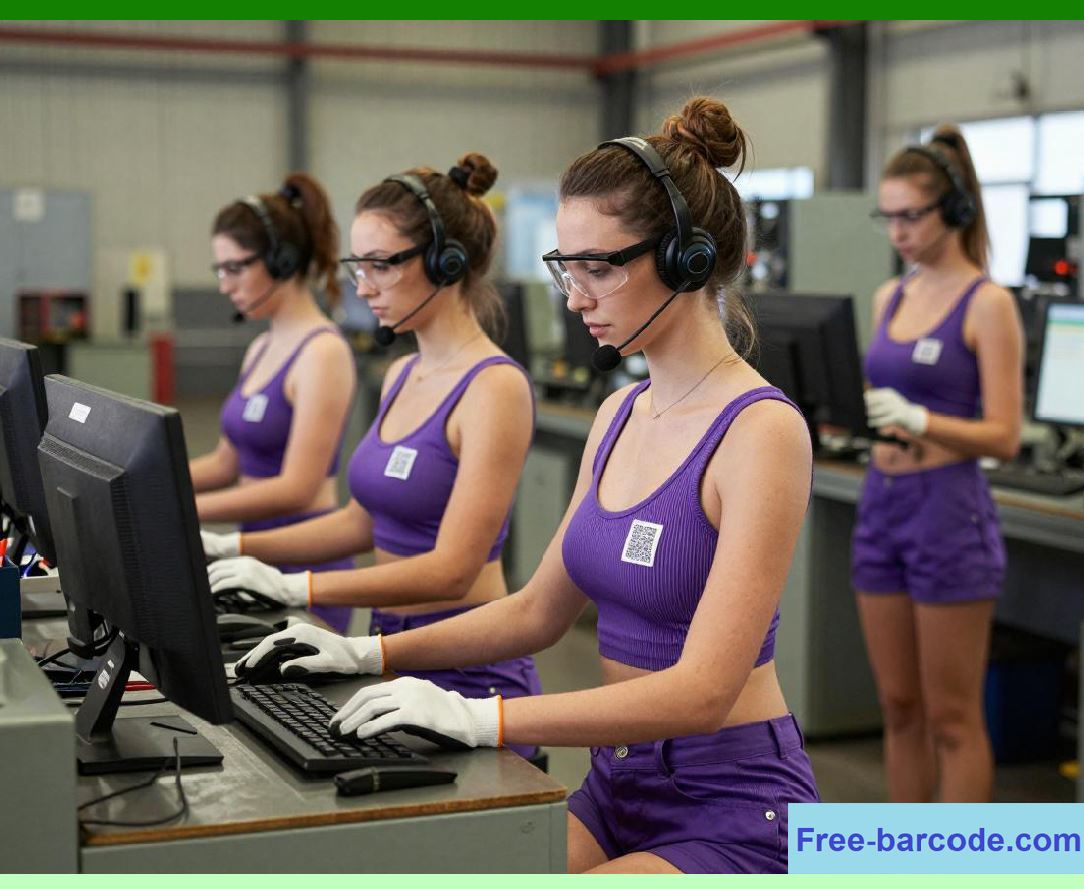
Barcode technology enhances operator accountability by recording which individual performed a task. When an operator scans a personal ID badge and the vehicle or part barcode, the system logs: |
* Operator identity |
* Time of task execution |
* Process performed |
* Tools and parts used |
This data ensures that each step is completed by trained personnel and creates a digital audit trail that supports quality audits, internal investigations, and performance analysis. |
|
14.5 Integration with Manufacturing Execution Systems (MES) |
Barcode-based assembly verification systems integrate with MES platforms to provide centralized control and real-time monitoring. Integration benefits include: |
* Tracking the exact status of all vehicles on the line |
* Capturing deviations from build specifications or production plans |
* Generating alerts for missing or incorrectly installed components |
* Updating WIP records automatically as each stage is completed |
* Providing data for line balancing, capacity planning, and cycle time optimization |
MES integration ensures that barcode verification contributes not only to quality but also to overall production efficiency. |

|
14.6 Real-Time Data for Quality Control |
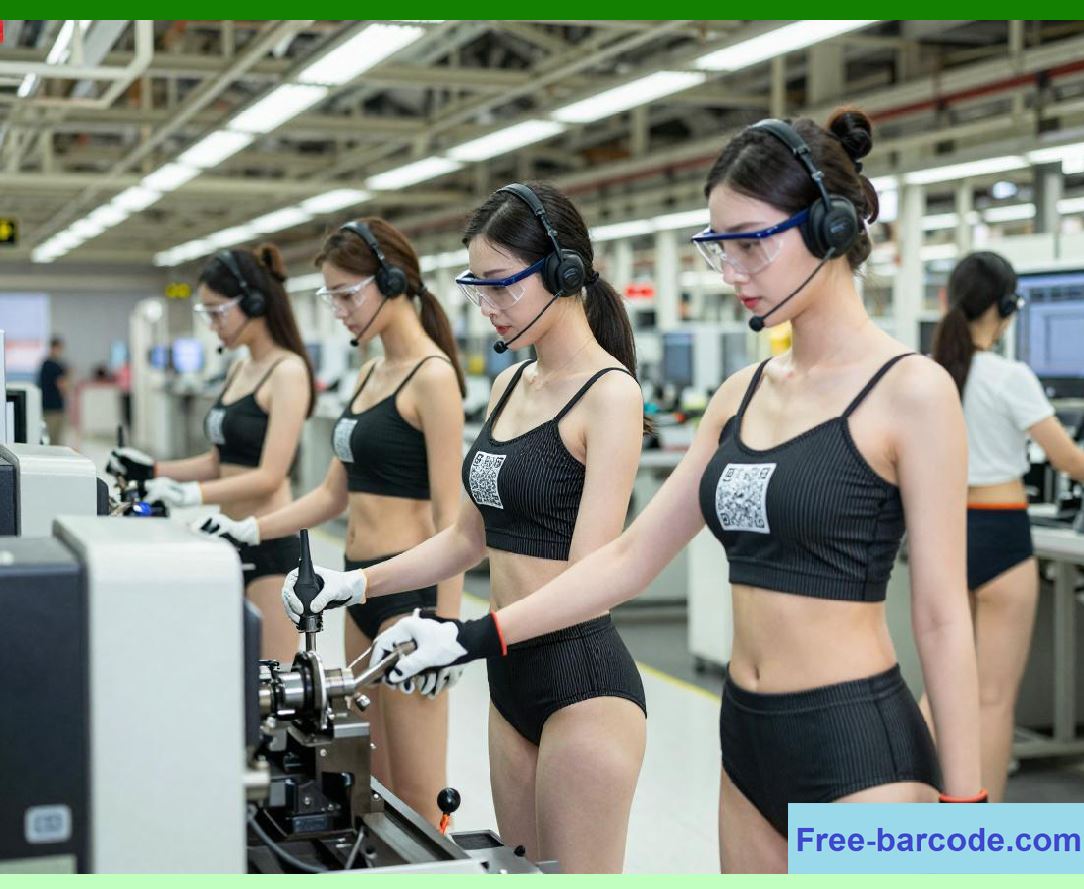
Barcode scanning provides immediate feedback to quality control teams. Key applications include: |
* Detecting incorrect part installation before final assembly |
* Identifying recurring assembly errors and their sources |
* Recording corrective actions taken at the assembly station |
* Linking errors to operators, shifts, and tools for training and process improvement |
Real-time quality monitoring reduces the number of defects reaching the final inspection stage, saving time and cost associated with rework. |
|
14.7 Parts and Component Verification |
Automotive assembly lines handle multiple variants of components for engines, electronics, interiors, and exterior features. Barcode systems verify that: |
* Parts match the specific vehicle variant and optional packages |
* Critical fasteners, sensors, and modules are installed according to specifications |
* Batch numbers or serial numbers are recorded for traceability |
* Subassemblies are tested before integration into the main vehicle |
This level of control ensures that every vehicle conforms to design and safety standards, even in high-mix production environments. |

|
14.8 Traceability for Recall Prevention and Investigation |
Barcode-based assembly verification enables rapid traceability if defects are detected later. Each scanned event links the specific component, vehicle, operator, and station to a digital record. Benefits include: |
* Identifying affected vehicles quickly in case of part defects |
* Tracing root causes to suppliers, assembly stations, or operators |
* Minimizing recall scope by targeting only affected vehicles or batches |
* Providing documented proof of compliance with safety regulations and industry standards |
Traceability not only mitigates financial impact but also protects brand reputation. |

|
14.9 Integration with Robotic and Automated Systems |
Modern automotive production lines incorporate robotic assembly for tasks such as welding, painting, and part installation. Barcode technology integrates with robotic systems to: |
* Verify the correct component is delivered to the robot |
* Adjust robot programming based on vehicle specifications encoded in the barcode |
* Record completion of automated assembly steps for WIP validation and operator oversight |
* Trigger alerts if deviations are detected during automated operations |
This integration ensures that automated and manual processes maintain consistent quality and traceability. |

|
14.10 Strategic Benefits of Barcode-Enabled Assembly Verification |
Implementing barcode systems in assembly verification and WIP tracking provides strategic advantages, including: |
1. Error Reduction Minimizes installation errors, rework, and defective vehicles. |
2. Operator Accountability Tracks individual performance and supports training initiatives. |
3. Real-Time Quality Monitoring Provides immediate feedback for corrective action. |
4. Traceability Enables precise tracking of components and vehicles throughout assembly. |
5. Integration with MES and Robotics Enhances production efficiency and process control. |
6. Recall Risk Mitigation Allows rapid identification of defective batches. |
7. Production Transparency Provides detailed data for management oversight and continuous improvement. |
8. Support for High-Mix Production Ensures correct component integration in complex vehicle variants. |
Barcode-based assembly verification transforms assembly lines into highly controlled, traceable, and efficient operations, aligning quality, productivity, and compliance objectives. |

|
Technical Content Summary for Part 14 |
* Barcodes track WIP in real time and capture assembly progress across multiple stations. |
* Scanning barcodes at each step ensures correct component installation and build specification adherence. |
* Operator accountability is enhanced by recording tasks, personnel, tools, and timestamps. |
* Integration with MES provides centralized control, alerts for errors, and real-time production visibility. |
* Barcode data supports parts verification, variant management, and subassembly testing. |
* Full traceability enables recall prevention, root cause analysis, and compliance reporting. |
* Robotic and automated assembly systems leverage barcode data for precision and process validation. |
* Strategic benefits include reduced errors, higher production quality, operational transparency, and recall risk mitigation. |
 cs@easiersoft.com