Part 25: Barcode Applications in Automotive Digital Twins, Simulation-Based Manufacturing Optimization, and Virtual Production Monitoring Systems |
25.1 Introduction to Digital Twins in Automotive Manufacturing |
Digital twins are virtual replicas of physical assets, processes, or systems. In automotive manufacturing, they represent vehicles, assembly lines, and entire plants in a digital environment. Digital twins enable simulation, monitoring, and predictive analysis to optimize production efficiency, quality, and cost management. |
Barcode technology forms a critical foundation for digital twins by providing accurate, real-time data on components, machines, and assembly processes. This data ensures that the virtual model precisely reflects the physical reality, enabling reliable simulation and informed decision-making. |

|
25.2 Linking Physical Assets to Digital Twins via Barcodes |
Every physical asset machines, conveyors, robotic arms, tools, and components can be uniquely identified using barcodes. The benefits include: |
* Mapping each physical asset to its digital counterpart in the virtual model |
* Recording operational data, maintenance history, and configuration information |
* Feeding real-time production and process status into simulation software |
* Ensuring that virtual models are dynamically updated to reflect physical conditions |
This creates a digital environment where manufacturers can experiment with process changes, resource allocation, and layout optimization safely and efficiently. |

|
25.3 Component-Level Traceability for Virtual Production |
Barcodes on individual components and subassemblies allow digital twins to track material flow throughout the plant. Functions include: |
* Capturing the exact quantity, location, and usage of each component |
* Linking production events, assembly tasks, and quality inspection results to each barcode |
* Simulating part availability and sequencing in virtual production environments |
* Analyzing bottlenecks or inefficiencies in the material flow |
Virtual simulations using barcode-driven component data allow manufacturers to optimize assembly line throughput and reduce waste. |

|
25.4 Machine and Equipment Performance Monitoring |
Barcode-enabled digital twins integrate machine data to monitor performance and predict maintenance needs: |
* Each machine barcode links to operational metrics, maintenance records, and sensor data |
* Virtual models simulate machine utilization, downtime, and process variability |
* Predictive analytics identify potential failures before they impact production |
* Maintenance scheduling is optimized based on actual usage and virtual simulations |
This approach reduces unplanned downtime and improves overall equipment effectiveness (OEE). |

|
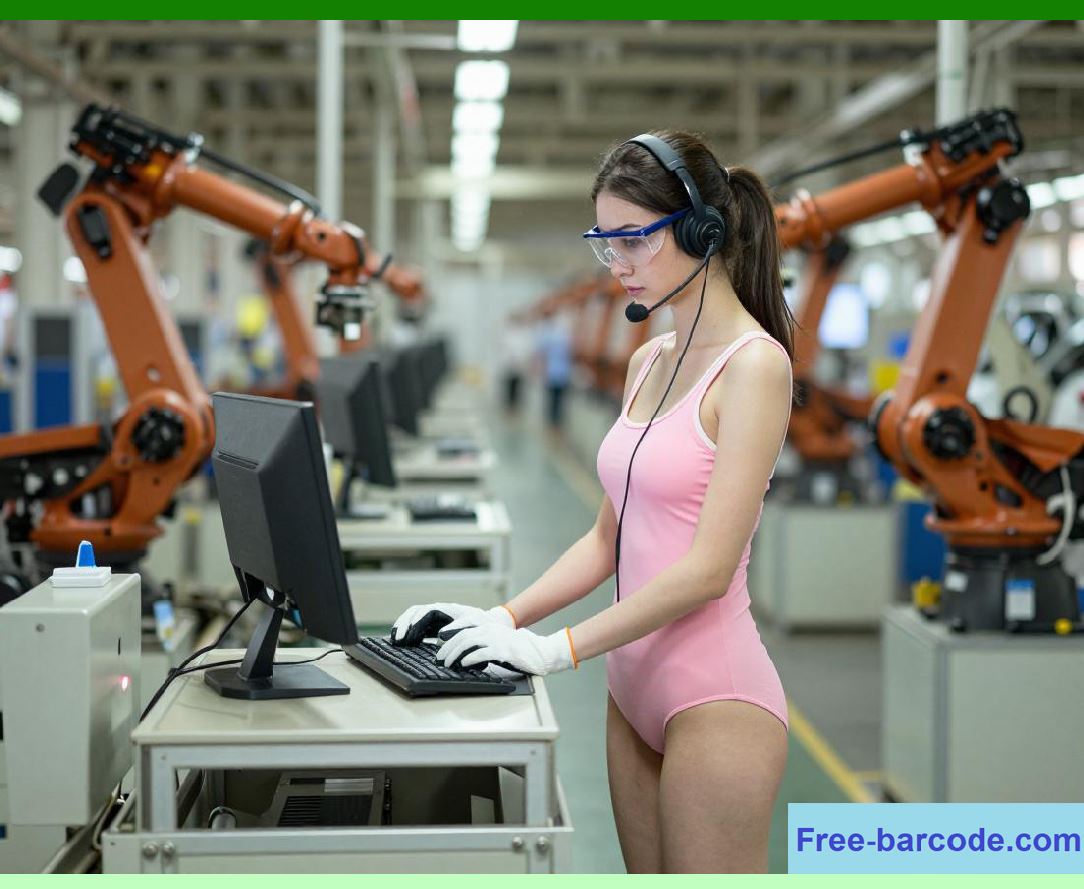
25.5 Simulation of Production Line Configurations |
Digital twins allow automotive plants to experiment with line configurations and workflows. Barcode data enhances the accuracy of these simulations by: |
* Providing real-time inventory levels, component locations, and assembly sequence information |
* Tracking JIT delivery and material handling processes |
* Evaluating the impact of line changes on throughput, resource utilization, and cycle time |
* Predicting production delays or quality risks before physical implementation |
Simulation based on barcode-driven data supports decision-making without halting production. |
|
25.6 Integration with Virtual Quality Control Systems |
Barcode data enriches virtual quality control (QC) models by linking physical inspection results to the digital twin: |
* Components scanned for defects feed into virtual QC dashboards |
* Predictive quality simulations evaluate potential defect propagation through assembly lines |
* Alerts can be generated in the virtual environment to test mitigation strategies |
* Training scenarios can be developed for operators and engineers without disrupting live production |
This enables proactive quality management and supports continuous improvement initiatives. |
|
25.7 Digital Twin Support for Supply Chain Coordination |
Barcode information extends beyond the plant floor into the supply chain, providing: |
* Accurate visibility of incoming shipments, inventory levels, and component arrival times |
* Simulation of supply chain disruptions and their impact on production schedules |
* Optimization of cross-plant material distribution and logistics planning |
* Evaluation of alternative sourcing strategies under virtual scenarios |
The integration of barcodes with digital twins ensures the supply chain is synchronized with production planning and simulation models. |

|
25.8 Operator and Task Management in Virtual Environments |
Barcodes also enable monitoring of human operators and task allocation within digital twins: |
* Each operator tasks, station assignments, and cycle times are tracked via barcode scans |
* Simulation of staffing requirements and skill allocation can be performed virtually |
* Virtual training modules use barcode-based task data to replicate real-world scenarios |
* Performance metrics from the virtual model help optimize labor efficiency |
This ensures optimal workforce utilization and reduces human error in production. |
|
25.9 Strategic Advantages of Barcode-Enabled Digital Twins |
Integrating barcode systems with digital twins provides significant operational and strategic benefits: |
1. Accurate Virtual Modeling Barcodes ensure digital twins reflect real-world assets and materials. |
2. Process Optimization Simulation of production flow identifies bottlenecks and resource inefficiencies. |
3. Predictive Maintenance Barcode-linked machine data informs proactive interventions. |
4. Quality Assurance Virtual QC allows proactive defect detection and process adjustment. |
5. Supply Chain Integration Barcodes provide visibility and simulation capability across suppliers and plants. |
6. Cost Reduction Optimized layouts, staffing, and material flow reduce waste and operating costs. |
7. Decision Support Data-driven virtual experimentation improves strategic and tactical planning. |
8. Training and Safety Barcode data enables realistic simulation for operator training without production risk. |
9. Change Management Testing line modifications virtually before physical implementation minimizes disruption. |
10. Continuous Improvement Insights from digital twins guide ongoing operational enhancements. |
Barcode-enabled digital twins transform automotive manufacturing into a data-driven, optimized, and resilient operation, bridging physical production with virtual simulation and predictive analytics. |
|
Technical Content Summary for Part 25 |
* Barcodes link physical assets, components, and machines to their digital twin representations. |
* Component-level traceability ensures accurate virtual material flow simulations. |
* Machine performance and maintenance history are monitored and optimized through barcode data. |
* Production line configurations can be simulated to identify efficiency gains and bottlenecks. |
* Virtual quality control uses barcode-linked inspection data to predict defects and validate processes. |
* Barcode data integrates supply chain visibility into digital twins for synchronized planning. |
* Operator and task performance is tracked and optimized in virtual environments. |
* Strategic benefits include cost reduction, improved quality, predictive maintenance, and continuous process improvement. |
* Barcodes provide the foundation for accurate, real-time digital twin models supporting decision-making and operational optimization. |
 cs@easiersoft.com