Part 29: Barcode Applications in Automotive Production Safety Systems, Worker Safety Monitoring, and Compliance Enforcement |
29.1 Introduction to Safety Management in Automotive Manufacturing |
Automotive manufacturing environments are among the most complex and high-risk industrial settings. Heavy machinery, robotic systems, high-temperature processes, electrical systems, and fast-moving assembly lines create significant safety hazards for workers. Ensuring compliance with safety procedures is not only a regulatory requirement but also a critical factor in maintaining operational continuity and protecting human life. |
Barcode technology plays an important role in strengthening safety systems by linking workers, equipment, tools, and processes into a controlled, traceable safety ecosystem. It enables real-time verification of safety compliance, access control, and incident tracking. |

|
29.2 Worker Identification and Safety Certification Verification |
Each worker in an automotive plant is assigned a unique barcode ID badge that connects them to safety and operational systems. This ID is used to: |
* Verify training completion and safety certification status |
* Restrict access to hazardous areas based on qualifications |
* Record work activity at specific machines or stations |
* Ensure only authorized personnel perform high-risk operations |
Before entering restricted zones or operating machinery, workers must scan their ID barcode, ensuring compliance with safety protocols. |

|
29.3 Machine Access Control and Operational Safety |
Barcode systems help control access to machinery and automated systems: |
* Machines require operator barcode authentication before activation |
* Only certified operators can initiate high-risk operations such as welding or robotic assembly |
* Safety interlocks prevent machine operation if proper authorization is not verified |
* Logs are maintained of all machine activations and operator identities |
This reduces the risk of unauthorized or untrained personnel operating dangerous equipment. |

|
29.4 Safety Procedure Enforcement at Workstations |
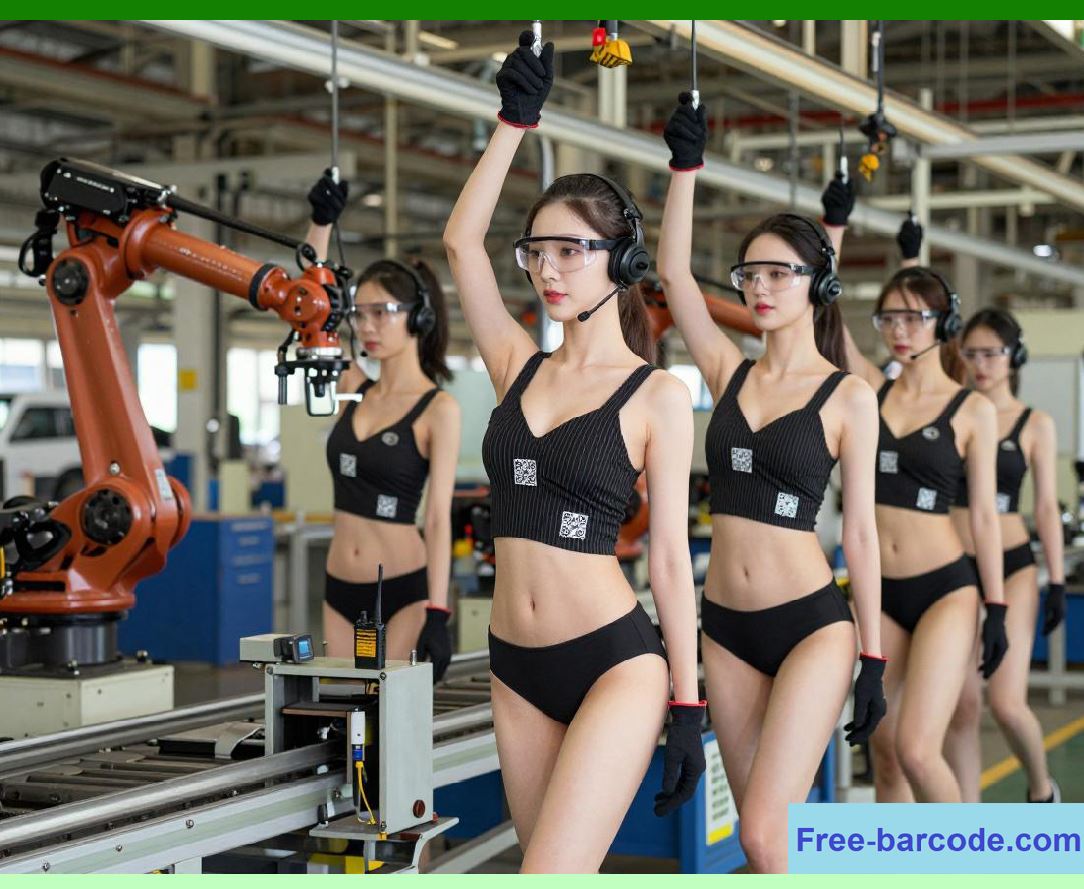
At each workstation, barcode scanning is used to enforce safety procedures: |
* Operators must scan both their ID and workstation barcode before starting tasks |
* System verifies required personal protective equipment (PPE) compliance |
* Digital checklists ensure that safety steps are followed in sequence |
* Work cannot proceed until all safety conditions are met |
This ensures consistent adherence to safety protocols across all production areas. |
|
29.5 Personal Protective Equipment (PPE) Compliance Tracking |
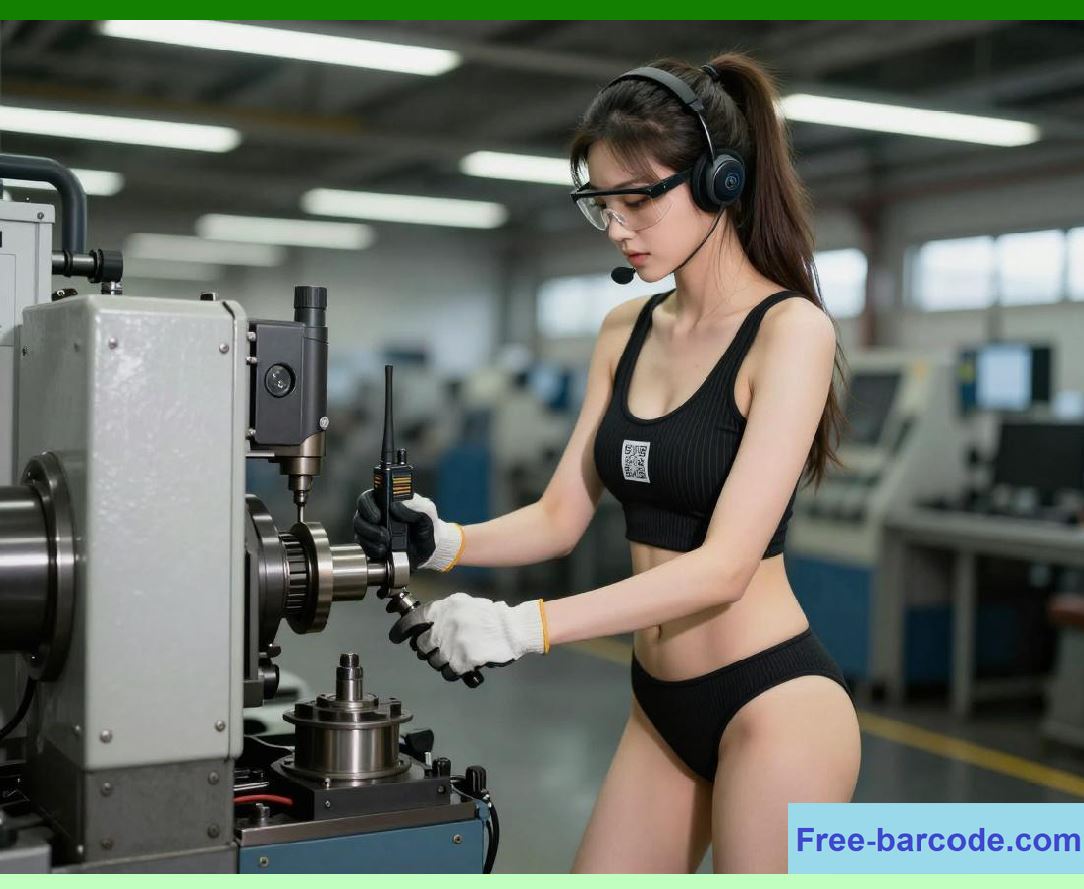
Barcode systems can also track PPE usage and compliance: |
* PPE items such as helmets, gloves, or safety harnesses may have barcodes for tracking issuance and usage |
* Worker scans confirm receipt and usage of required PPE before entering work zones |
* Compliance data is recorded for audits and safety inspections |
* Alerts are generated if PPE requirements are not met |
This improves accountability and reduces workplace accidents. |
|
29.6 Safety Incident Recording and Traceability |
In the event of a safety incident, barcode systems support rapid and accurate data collection: |
* Worker and equipment IDs are recorded through barcode scans at the incident site |
* Location, time, and task being performed are automatically logged |
* Associated machines, tools, and materials are identified through barcode data |
* Incident reports are generated with full traceability for investigation |
This accelerates root cause analysis and corrective action implementation. |

|
29.7 Hazardous Area Monitoring and Access Control |
Certain areas in automotive plants, such as paint shops or chemical storage zones, require strict access control. Barcode systems enforce this by: |
* Restricting entry to authorized personnel with valid barcode credentials |
* Logging all entries and exits for audit purposes |
* Linking access permissions to training and certification records |
* Triggering alerts for unauthorized access attempts |
This reduces the risk of exposure to hazardous environments. |

|
29.8 Safety Auditing and Compliance Reporting |
Barcode-based safety systems provide comprehensive audit trails: |
* Records of worker activity, machine usage, and safety compliance |
* Documentation of PPE usage and safety training verification |
* Logs of safety inspections and corrective actions |
* Historical records for regulatory audits and internal reviews |
These records simplify compliance reporting for occupational safety regulations and industry standards. |

|
29.9 Integration with Industrial IoT and Safety Sensors |
Modern automotive plants often use IoT-enabled safety systems, which can be integrated with barcode tracking: |
* Barcode IDs link workers and machines to sensor data such as proximity, motion, or environmental conditions |
* Safety alarms can be correlated with specific operators or stations |
* Real-time alerts are generated when unsafe conditions are detected |
* Historical data supports predictive safety risk analysis |
This integration enhances proactive safety management rather than reactive incident response. |

|
29.10 Emergency Response and Evacuation Management |
In emergency situations, barcode systems assist in managing workforce safety: |
* Tracking worker locations based on last scanned workstation or zone |
* Verifying evacuation completion through exit barcode scans |
* Identifying missing personnel quickly during emergencies |
* Coordinating rescue and response efforts with accurate location data |
This improves emergency preparedness and response efficiency. |

|
29.11 Strategic Benefits of Barcode-Based Safety Systems |
Key strategic advantages include: |
1. Enhanced Worker Safety Ensures only trained and authorized personnel perform tasks. |
2. Access Control Enforcement Restricts hazardous areas and equipment usage. |
3. PPE Compliance Monitoring Ensures consistent use of safety equipment. |
4. Incident Traceability Provides detailed records for accident investigation. |
5. Regulatory Compliance Supports occupational safety and legal requirements. |
6. Operational Accountability Links worker actions to safety outcomes. |
7. Reduced Accident Risk Prevents unauthorized or unsafe operations. |
8. Improved Emergency Response Enables rapid worker location tracking. |
9. Integration with IoT Systems Enhances real-time safety monitoring. |
10. Continuous Safety Improvement Data-driven analysis reduces future risks. |
Barcode systems transform automotive plant safety from a manual enforcement process into a fully automated, traceable, and data-driven safety management system. |

|
Technical Content Summary for Part 29 |
* Worker ID barcodes verify training, certification, and authorization. |
* Machine access is controlled through barcode authentication systems. |
* Safety procedures are enforced through workstation scanning requirements. |
* PPE compliance is tracked using barcode-linked records. |
* Safety incidents are recorded with full traceability of personnel and equipment. |
* Hazardous area access is restricted and monitored via barcode systems. |
* Safety audits are supported with complete digital records. |
* IoT integration enhances real-time safety monitoring and alerts. |
* Emergency response is improved through barcode-based personnel tracking. |
* Strategic benefits include improved safety, compliance, accountability, and risk reduction. |
 cs@easiersoft.com