Part 6: Barcode Applications in Assembly Verification, Error-Proofing (Poka-Yoke), and Production Quality Assurance Systems |
6.1 The Role of Assembly Verification in Automotive Production |
Automotive assembly lines are highly complex, involving hundreds of steps that combine thousands of components into a finished vehicle. Each assembly step must be executed with precision to ensure that the vehicle meets design specifications, safety requirements, and regulatory standards. Errors in assembly, such as incorrect part installation, skipped steps, or misaligned components, can lead to vehicle malfunctions, recalls, or even accidents. Traditional visual inspection alone is often insufficient to prevent errors in a high-speed production environment. Barcode technology provides a powerful solution by enabling automated verification of each component at every assembly stage. |

|
6.2 Implementing Barcode-Based Assembly Verification |
During assembly, each part or subassembly is labeled with a unique barcode that contains detailed information, including part number, supplier, batch, and production date. When the operator or automated system scans the barcode, the assembly verification system checks whether the correct part is being installed in the designated vehicle or assembly station. This verification process ensures that: |
* Only the correct component is installed at the correct location. |
* Subassemblies are correctly sequenced and integrated. |
* Optional features and configurations match the vehicle order. |
* Defective or quarantined parts are prevented from entering the assembly. |
For example, in engine assembly, barcode scans can verify that the correct pistons, camshafts, and injectors are installed according to the engine configuration specified for the vehicle order. Incorrect components trigger immediate alerts, preventing misassembly. |

|
6.3 Error-Proofing (Poka-Yoke) with Barcode Systems |
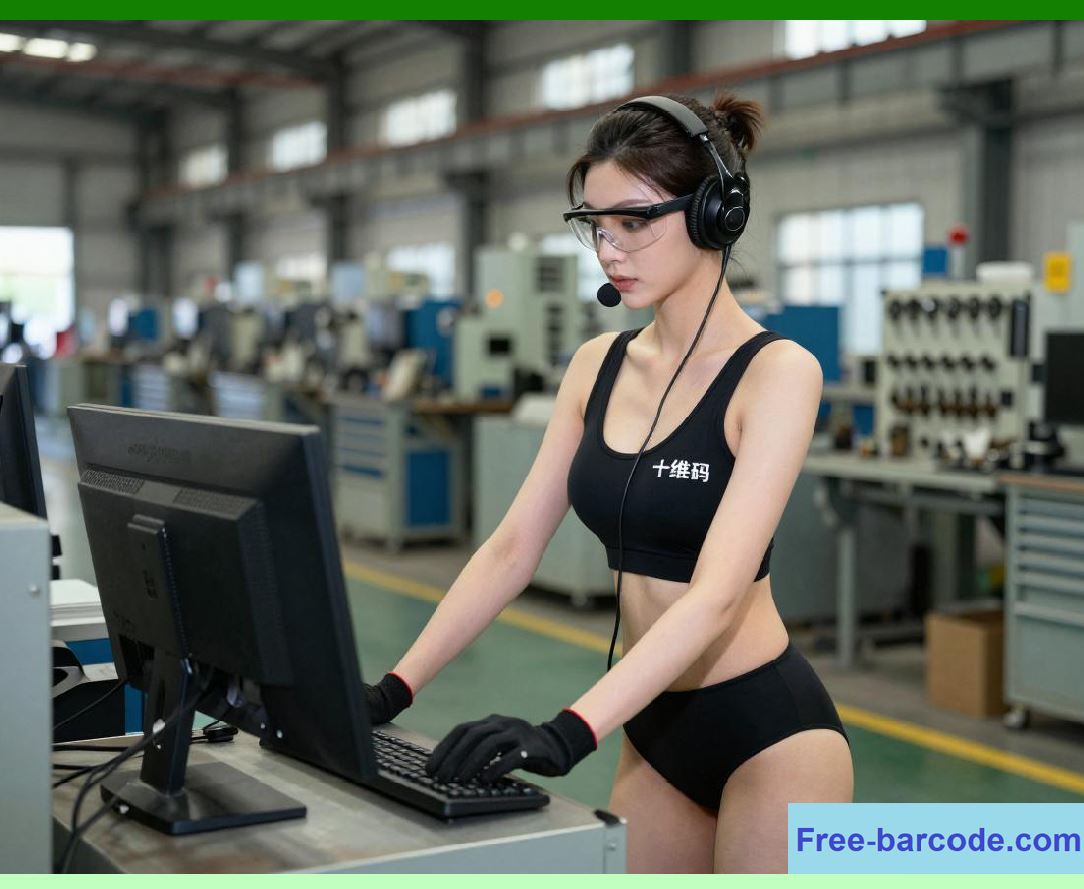
Poka-Yoke, or error-proofing, is a fundamental principle in lean manufacturing aimed at preventing mistakes before they occur. Barcode technology is a critical enabler of Poka-Yoke in automotive assembly. By scanning a part barcode, the system can automatically confirm that: |
* The part type matches the vehicle configuration. |
* The part has passed all required quality inspections. |
* The part has not already been installed elsewhere in the vehicle. |
* Installation sequence and orientation are correct. |
When the system detects a mismatch, it can lock out the assembly step, alert operators, and prevent defective installation. This proactive error prevention reduces the likelihood of costly rework, improves product quality, and enhances overall production reliability. |
|
6.4 Integration with Production Quality Assurance Systems |
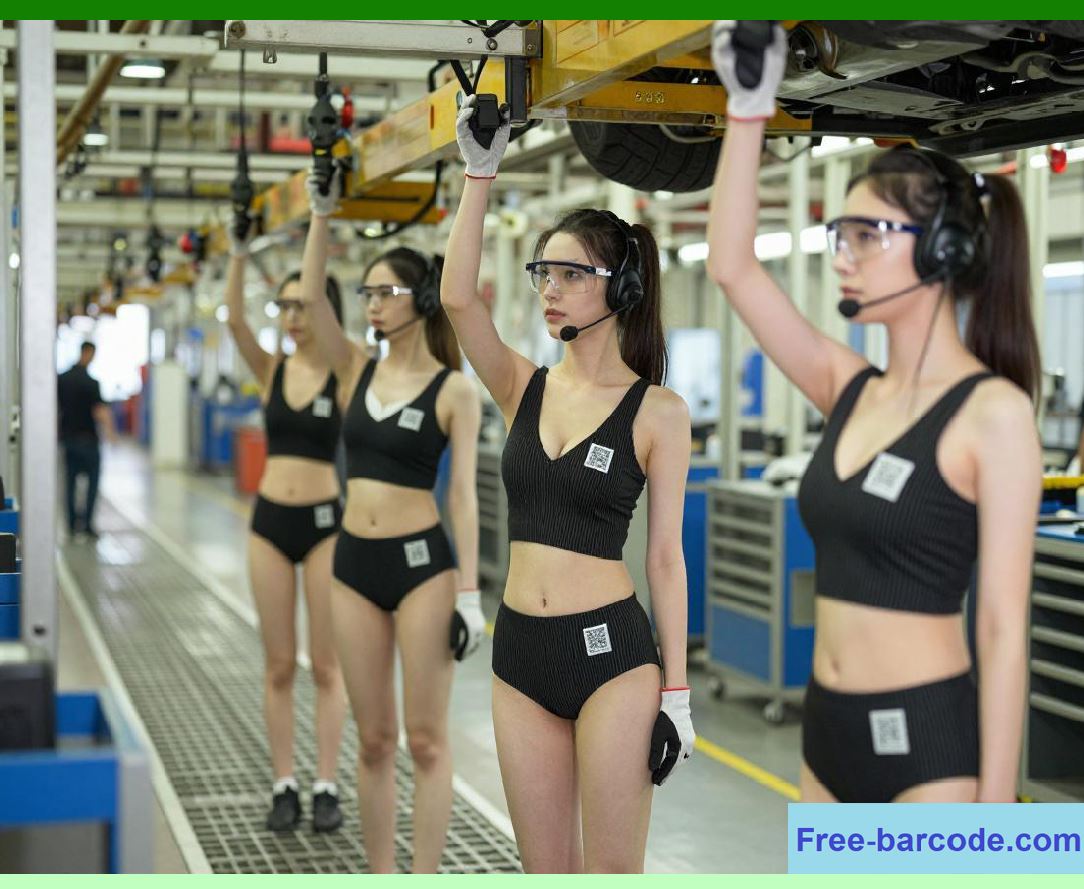
Barcode technology integrates seamlessly with production quality assurance systems, providing a continuous flow of real-time quality data. Each barcode scan during assembly updates the production database with information such as: |
* Part ID and serial number |
* Installation timestamp |
* Operator or robotic station identification |
* Inspection and testing results |
* Configuration verification |
This integration enables comprehensive monitoring of assembly quality. Quality assurance engineers can review data trends, identify recurring issues, and implement process improvements. Barcode records also provide a verifiable audit trail for regulatory compliance, supplier accountability, and warranty claims. |
|
6.5 Supporting Automated Assembly Lines and Robotics |
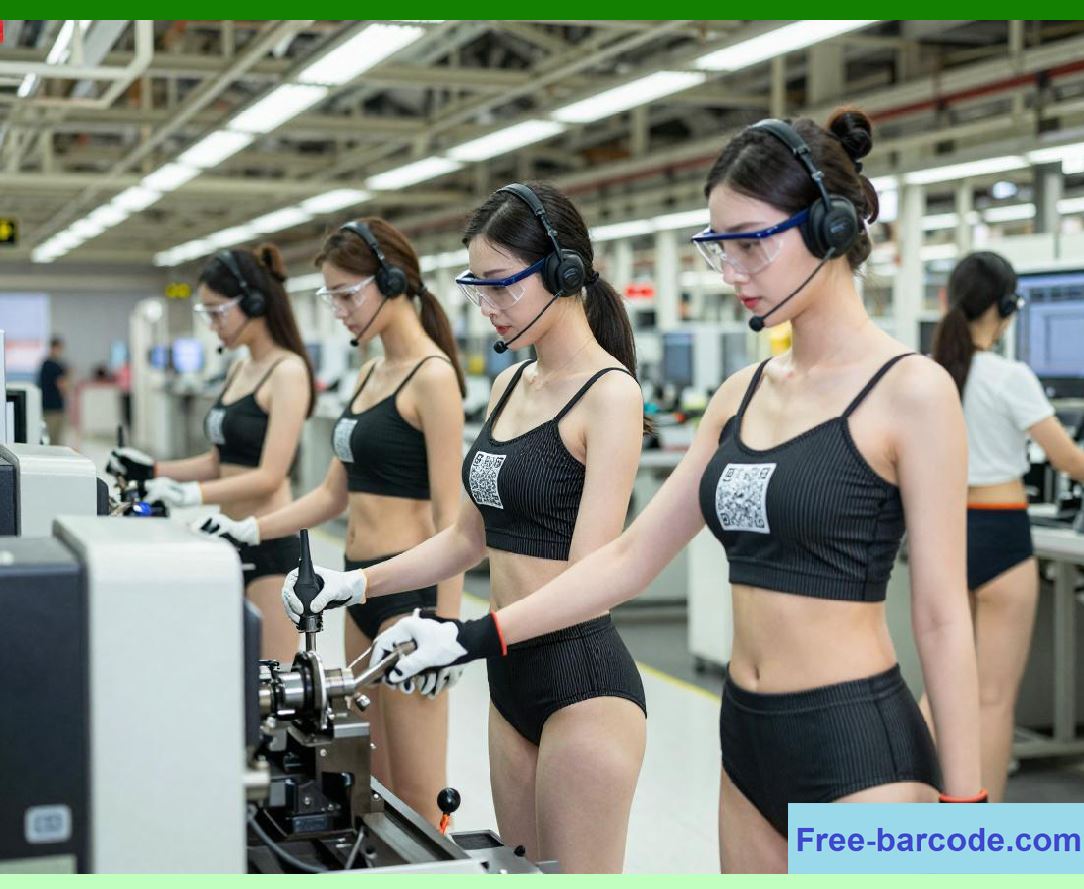
Modern automotive assembly lines increasingly use robotics to perform high-precision tasks such as welding, painting, component installation, and inspection. Barcode technology is essential for guiding robots in these operations. Scanning barcodes ensures that: |
* Robots pick the correct parts from storage bins or conveyors. |
* Assembly sequences are followed precisely. |
* Parts are placed in the correct orientation. |
* Quality checks are automatically triggered at the appropriate stages. |
For example, a robotic arm assembling a dashboard can scan barcodes on airbag modules, wiring harnesses, and control units to confirm part identity before installation. This ensures accuracy and reduces the risk of misassembly in high-speed automated environments. |
|
6.6 Real-Time Quality Alerts and Corrective Actions |
Barcode-based assembly verification allows for immediate detection of deviations from standard operating procedures. When an incorrect part or improper installation is detected, the system can: |
* Send alerts to operators, line supervisors, or quality engineers. |
* Log the incident in the production database. |
* Halt production on the affected line or station. |
* Trigger corrective actions such as part replacement, rework, or additional inspection. |
This real-time feedback loop improves overall production quality, prevents defective vehicles from proceeding through the assembly process, and reduces downstream rework or warranty costs. |

|
6.7 Tracking Vehicle Build Status Using Barcode Scans |
In addition to verifying individual components, barcode scans provide visibility into the overall vehicle build status. Each vehicle is assigned a unique barcode linked to its VIN. Scanning the vehicle barcode at each assembly stage allows production managers to: |
* Track progress across the assembly line. |
* Confirm that all required steps have been completed. |
* Identify delays or bottlenecks. |
* Ensure configuration compliance for optional features. |
This vehicle-level tracking provides a comprehensive view of assembly quality and operational efficiency, enabling proactive management and optimization of production workflows. |

|
6.8 Ensuring Compliance with Industry Standards |
Automotive manufacturers must comply with numerous quality and safety standards, such as ISO/TS 16949, IATF 16949, and various regulatory certifications for airbags, braking systems, and emissions. Barcode-based assembly verification provides a verifiable audit trail that documents: |
* Part origin and batch history |
* Inspection results at each assembly step |
* Operator or robotic station accountability |
* Corrective actions taken |
This detailed traceability is invaluable during audits, regulatory inspections, and quality investigations. It demonstrates that manufacturers have implemented robust controls to prevent defects and maintain compliance. |

|
6.9 Benefits of Barcode-Based Assembly Verification and Poka-Yoke |
The adoption of barcode technology for assembly verification and error-proofing offers multiple benefits: |
1. Error Reduction Prevents incorrect or defective parts from entering assembly. |
2. Improved Product Quality Ensures that every component meets specifications. |
3. Increased Production Efficiency Reduces rework, downtime, and delays. |
4. Enhanced Traceability Provides a comprehensive audit trail for regulatory compliance. |
5. Real-Time Monitoring Allows immediate corrective actions and continuous quality improvement. |
6. Support for Automated Manufacturing Integrates seamlessly with robotics and MES systems for high-speed assembly. |
By combining barcode verification with Poka-Yoke principles, manufacturers can achieve near-zero assembly errors and maintain consistent quality across high-volume production lines. |

|
Technical Content Summary for Part 6 |
* Assembly verification is essential for ensuring that each component is installed correctly, reducing defects in complex automotive assembly lines. |
* Barcode systems provide unique identification for parts, linking them to vehicle configurations and production requirements. |
* Error-proofing (Poka-Yoke) uses barcodes to prevent incorrect installation, misorientation, or skipped steps. |
* Integration with production quality assurance systems ensures that inspection and verification data are recorded in real time. |
* Barcodes guide robotics and automated assembly processes, verifying part identity and orientation. |
* Real-time alerts and corrective actions reduce production errors and downstream rework. |
* Vehicle build status can be monitored at each assembly stage through barcode scans, ensuring operational efficiency. |
* Barcode verification supports compliance with industry standards, such as ISO/TS 16949 and IATF 16949. |
* Benefits include error reduction, improved product quality, enhanced traceability, real-time monitoring, and support for high-speed automated production. |
 cs@easiersoft.com