Barcodes are a widely used method for tracking production progress in manufacturing and other industries. |
They enable efficient and accurate monitoring of items as they move through various stages of production. |
|
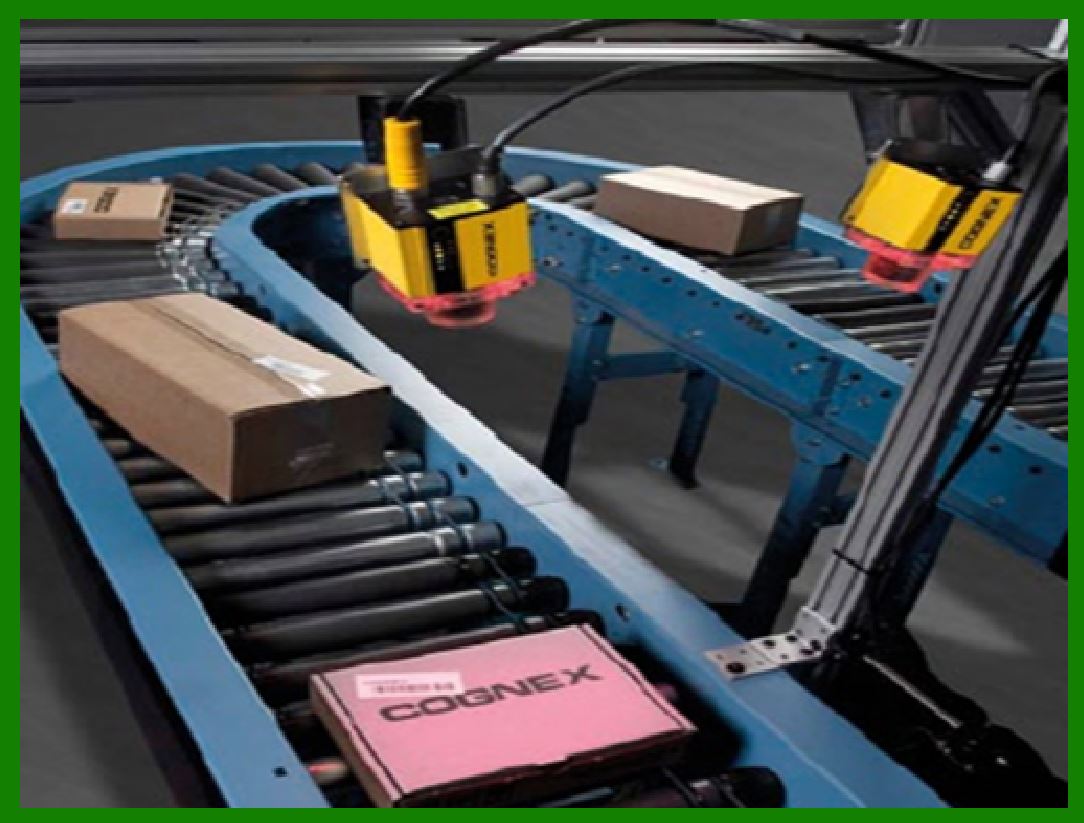
Here's a detailed description of how barcodes are used for this purpose: |
1. Barcode Generation and Assignment |
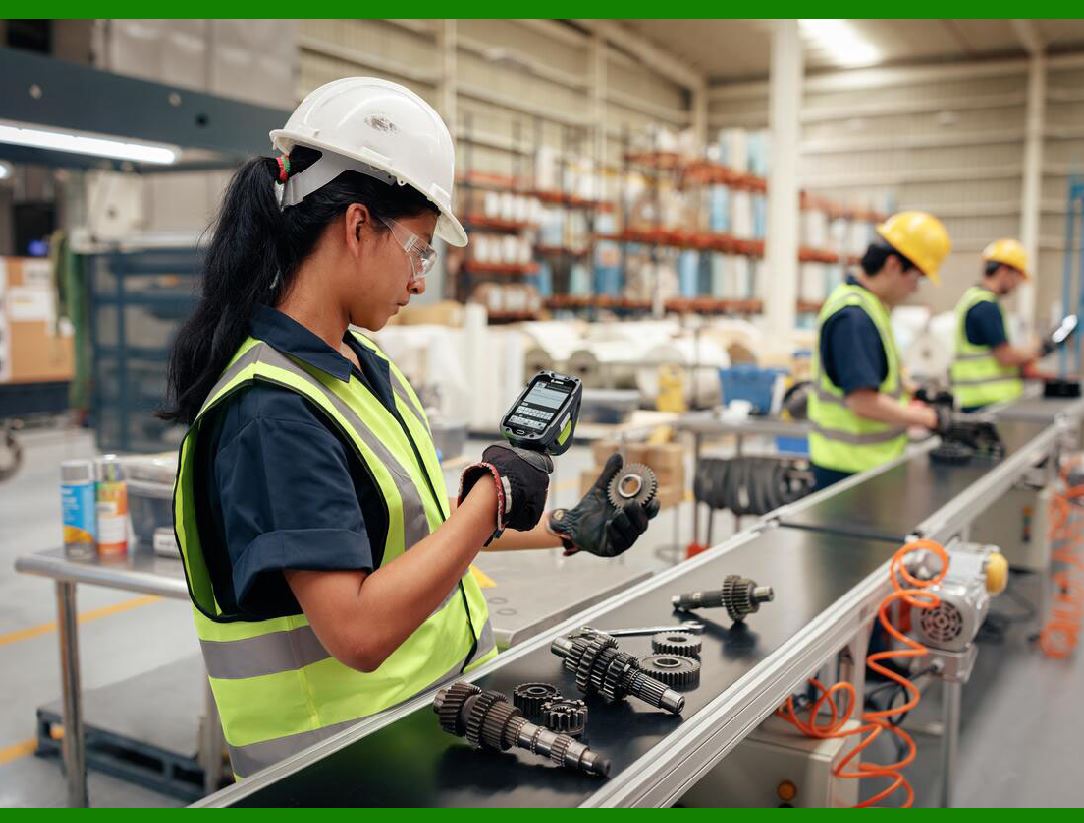
Product Identification: Each product or component is assigned a unique barcode, which is generated at the beginning of the production process. This barcode contains information about the product such as its type, model, batch number, and other relevant data. Labeling: The barcode is printed on a label and affixed to the product or its packaging. In some cases, the barcode may be directly printed or etched onto the product. |
|
2. Integration with Production Management Systems |
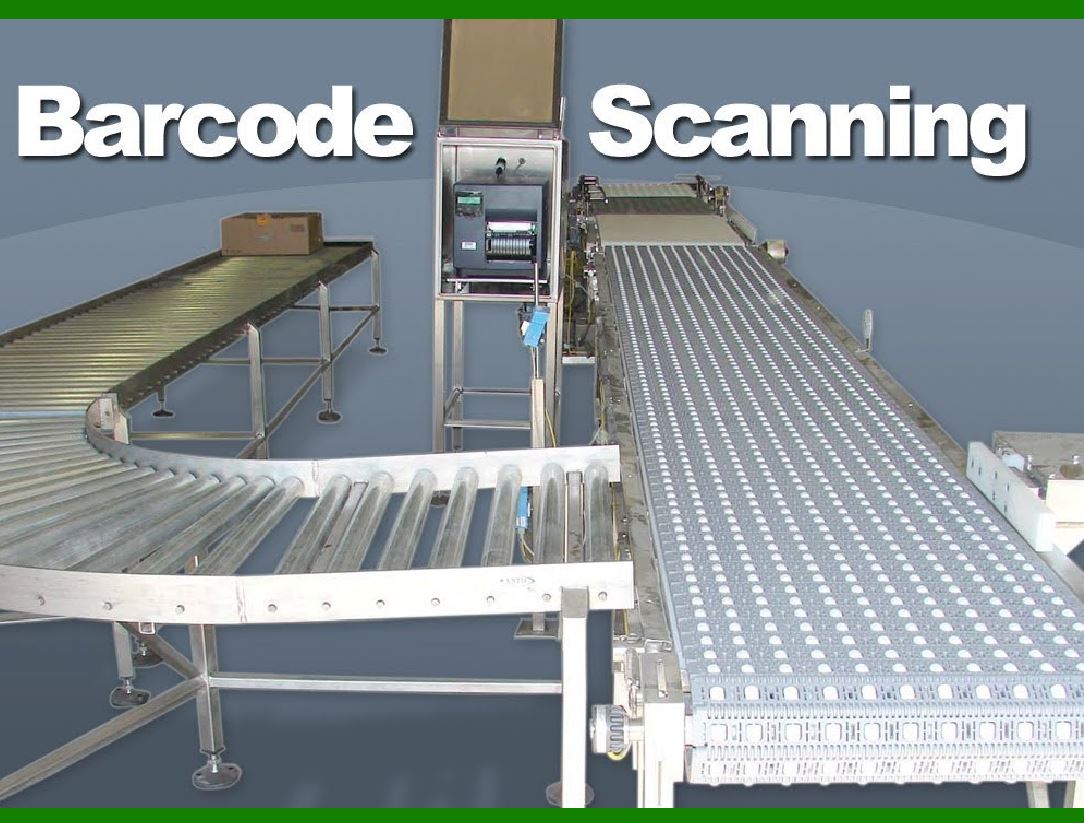
ERP and MES Integration: Barcodes are integrated with Enterprise Resource Planning (ERP) and Manufacturing Execution Systems (MES). These systems store and process data related to production schedules, inventory levels, and work orders. Database Linking: Each scanned barcode links to a database record that contains detailed information about the product and its current status in the production process. |
|
3. Tracking Production Stages |
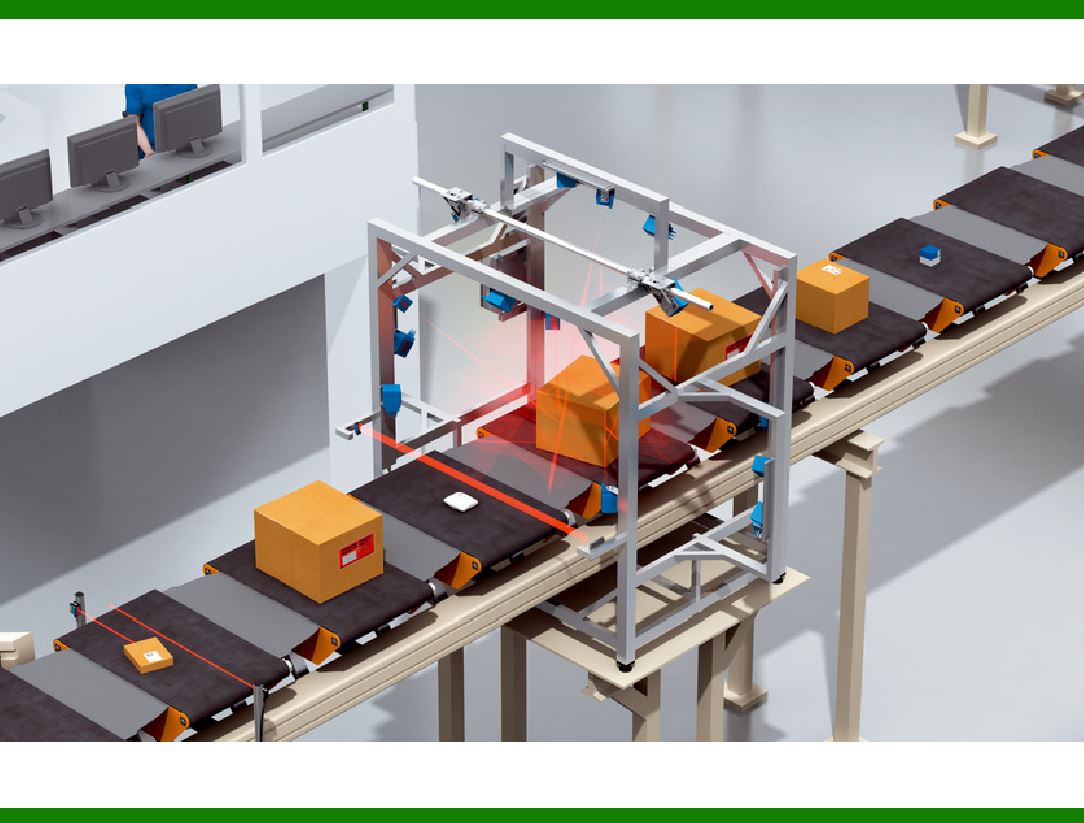
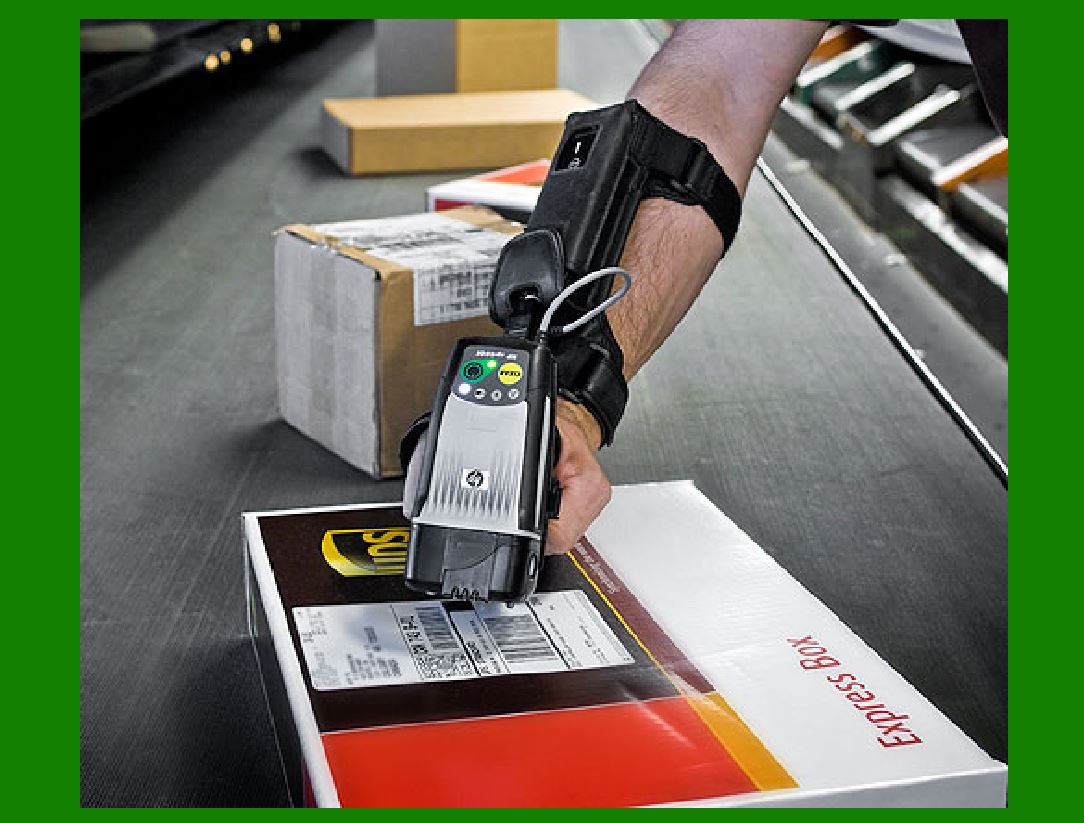
Workstations and Scanners: At each workstation or production stage, barcode scanners are used to read the barcodes on products. This can be done manually by operators or automatically by fixed scanners. Status Updates: When a barcode is scanned at a workstation, the MES updates the product's status in real-time, indicating its progress. For example, the system can log when a product enters and exits an assembly line, passes quality control, or is packaged. |
|
4. Real-Time Monitoring and Data Collection |
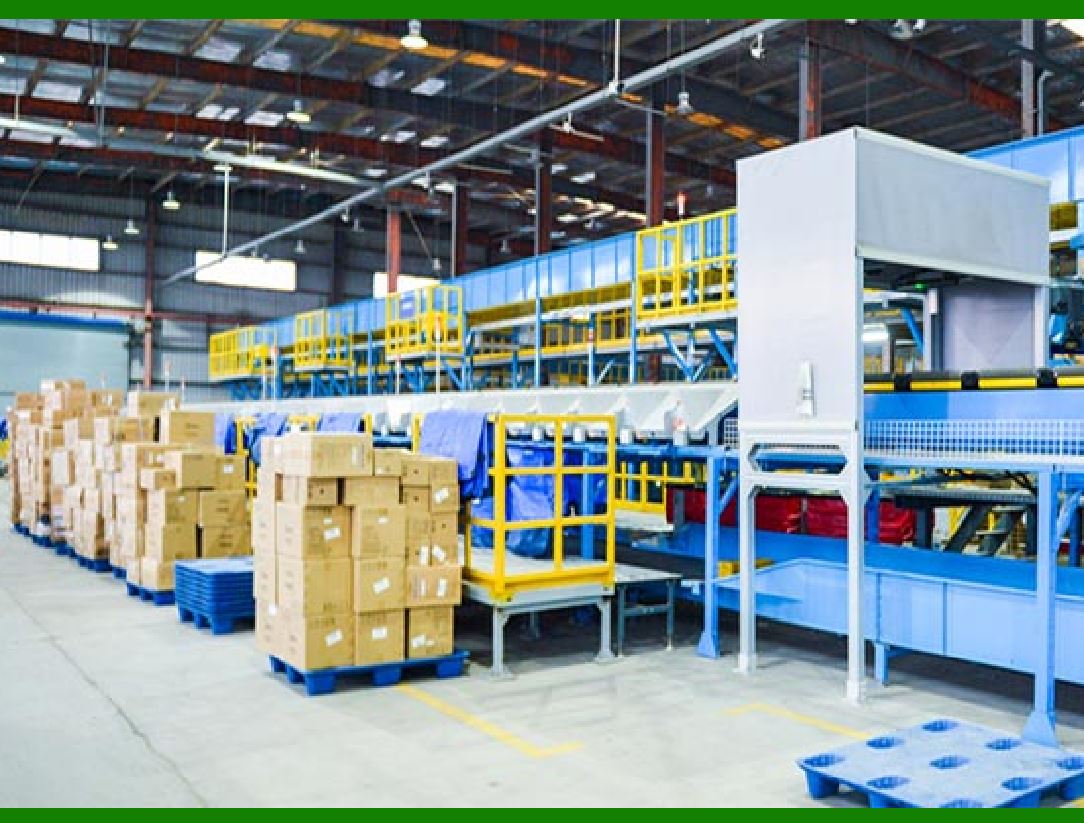
Progress Monitoring: Supervisors and managers can monitor production progress in real-time through dashboards and reports generated by the MES. They can see which products are at which stage, identify bottlenecks, and make informed decisions to optimize the workflow. Data Collection: Each scan event is recorded, creating a detailed log of the production history for each product. This data can be used for tracking, analysis, and reporting. |
|
5. Quality Control and Traceability |
Quality Inspections: Barcodes are used to track products during quality control inspections. Inspectors can scan the barcode to access product specifications and inspection criteria. The results of the inspection are recorded and linked to the product's barcode. Traceability: In case of defects or recalls, barcodes provide a traceable record of the product's production history, including raw materials used, production dates, and personnel involved. This traceability is crucial for identifying the root cause of issues and taking corrective actions. |
|
6. Inventory Management and Logistics |
Inventory Tracking: Finished products are scanned into inventory, updating stock levels in the ERP system. Barcodes help ensure accurate inventory counts and facilitate reordering processes. Shipping and Receiving: Barcodes are used in the shipping process to track products as they are packed and dispatched. At the receiving end, barcodes are scanned to verify that the correct items have been delivered. |

|
7. Benefits |
Accuracy: Barcodes reduce human error associated with manual data entry, ensuring accurate tracking of production progress. Efficiency: Automated scanning speeds up data collection and reduces the time required to update production records. Visibility: Real-time data provides visibility into the production process, allowing for better planning and resource allocation. Traceability: Detailed logs of each product's journey through production enhance traceability and accountability. |
|
8. Implementation Considerations |
Barcode Selection: Choose the appropriate type of barcode (e.g., 1D, 2D, QR codes) based on the amount of information to be encoded and the scanning environment. Scanner Compatibility: Ensure that barcode scanners are compatible with the types of barcodes used and can operate in the production environment. System Integration: Integrate barcode systems with existing ERP and MES to streamline data flow and enhance functionality. Training: Train staff on the use of barcode scanners and the importance of accurate scanning at each production stage. |

|
In conclusion, barcodes are an integral tool in tracking production progress, providing a robust and efficient method for managing and optimizing manufacturing operations. Their use enhances accuracy, efficiency, visibility, and traceability throughout the production lifecycle. |
 cs@easiersoft.com