Apply barcoding in warehouse management |
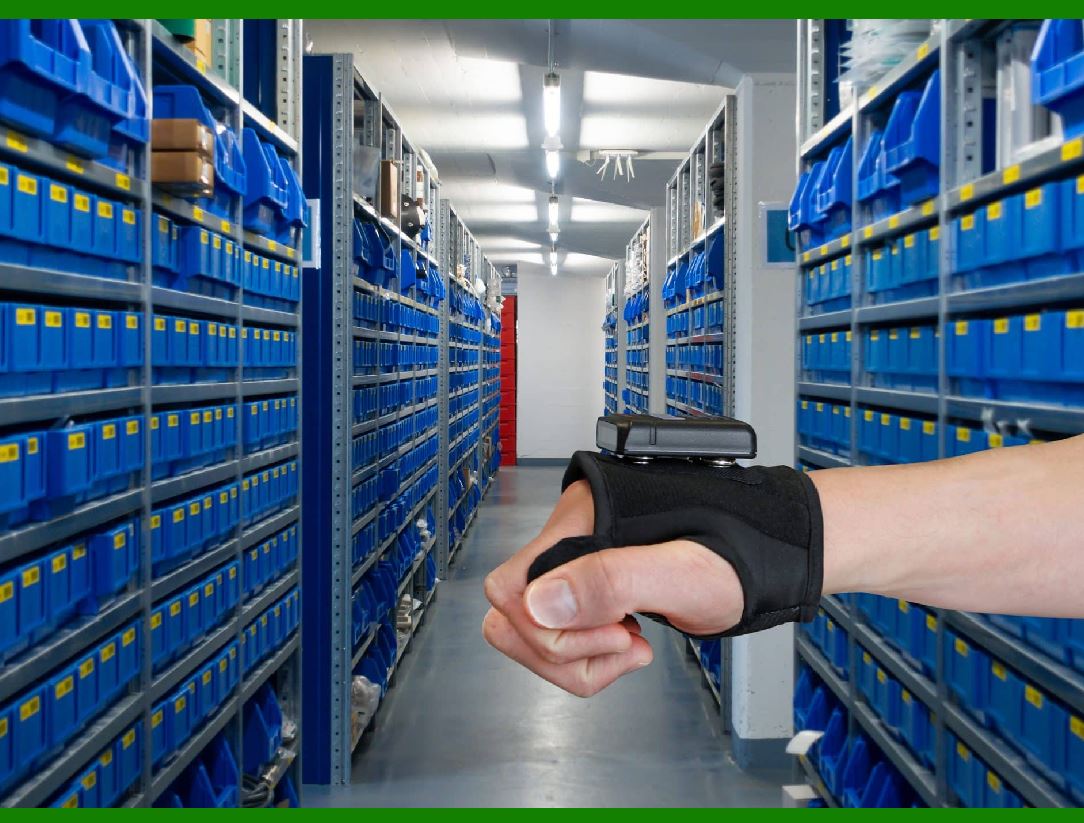
Implementing barcodes in a warehouse can significantly enhance efficiency, accuracy, and overall management. |
|
Step-by-step guide on how to do it: |
1. Create an Initial Barcode Plan: |
.......Start by planning the implementation. Consider the following: .......Which items or locations need barcodes (racks, containers, items)? .......What information should each barcode encode (product ID, location, etc.)? .......How will you physically attach the barcodes (floor labels, hanging labels, etc.)? |
2. Configure the Centralized Software Platform: |
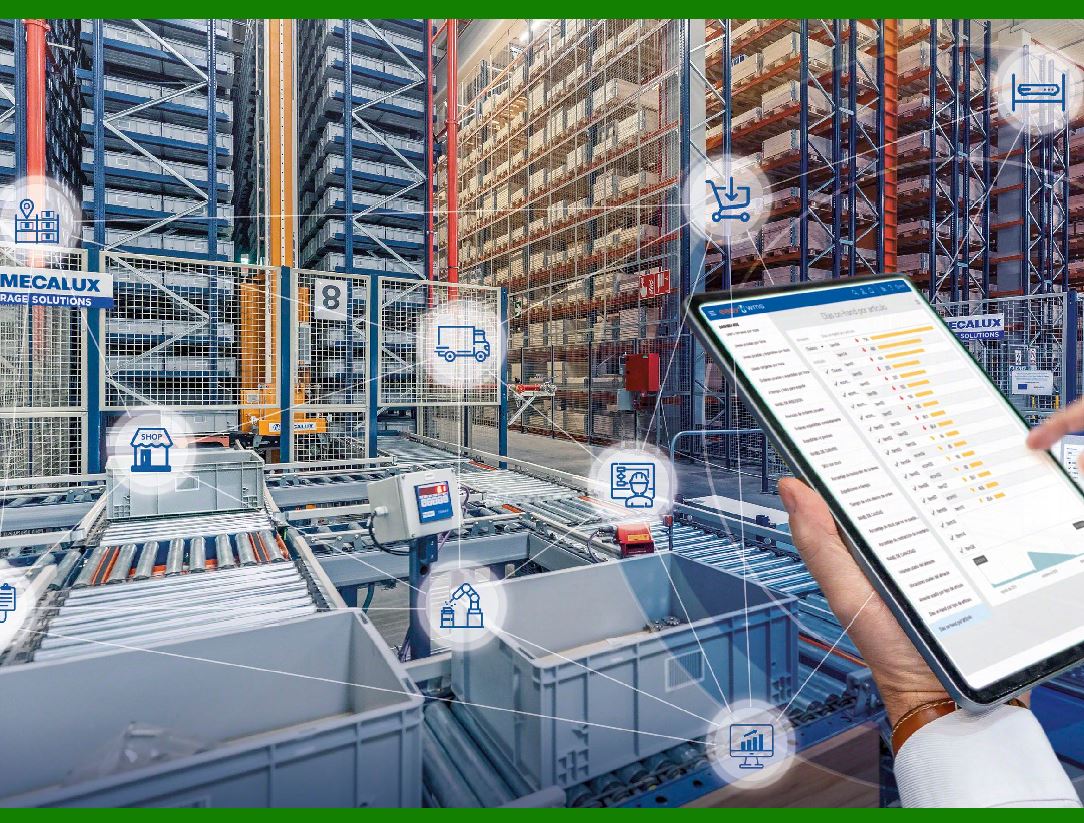
.......Choose a centralized software system to manage your barcodes. .......Ensure compatibility with existing systems (inventory management, order processing, etc.). .......Configure the software to handle barcode data efficiently. |
What software is commonly used for warehouse management? |
NorthStar WMS: .......As a comprehensive warehouse management software, NorthStar WMS supports multi-company and multi-warehouse operations. It comes with rich features, including order fulfillment, third-party logistics module, EDI capabilities, supplier comparison and productivity tracking. In addition, NorthStar WMS has flexible deployment options, including cloud, private cloud and on-premises deployment, suitable for different warehouse environments. .......Logiwa WMS: .......For online retailers or businesses with diverse sales channels. Logiwa WMS connects with more than 240 e-commerce, logistics and accounting platforms, including Amazon, eBay and Shopify. It is particularly suitable for wholesalers, distributors and third-party logistics, focusing on direct-to-consumer fulfillment methods. However, Logiwa is less compatible for manufacturing companies or small businesses that don't regularly deal with high-volume fulfillment or logistics. .......These software can help companies achieve more efficient and accurate warehouse management, improve inventory visibility, and optimize supply chain processes. |
|
3. Select Barcode Symbologies: |
.......Decide on the type of barcode symbology to use (e.g., Code 128, QR code, UPC). .......Consider factors like readability, data capacity, and compatibility with your scanning equipment. |
4. Design Barcode Labels: |
.......Create visually clear and scannable barcode labels.Include essential information such as product name, SKU, and location. .......Test the readability of your labels using scanners. |
What type of barcode is suitable for use in warehouse management? .......The choice of barcode type depends on your specific warehouse requirements, the complexity of your operations, and the level of data you need to track. .......The commonly used for inventory tracking: |
A. Code 39 (1D Barcode): .......Description: Code 39 barcodes consist of lines and spaces, making them simple and easy to read. .......Use Case: They are widely used in warehouses due to their simplicity and ease of scanning. .......Data Capacity: Limited compared to other types. .......Suitability: Ideal for basic inventory management. |
B. Code 128 (1D Barcode): .......Description: Code 128 barcodes are more versatile and can hold more information than Code 39. .......Use Case: Suitable for complex operations where additional data capacity is needed. .......Scanning Requirements: Requires more advanced scanners. .......Applications: Used in various warehouse processes, including inventory tracking and stock auditing. |
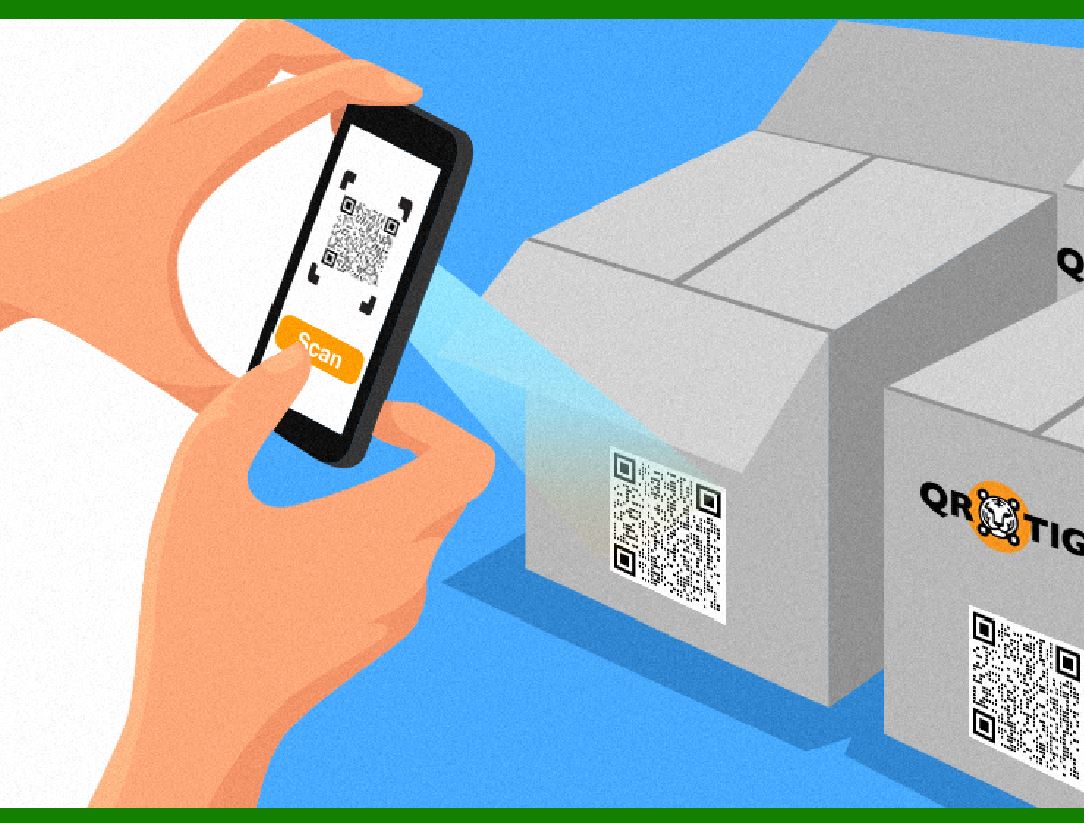
C. QR Codes (2D Barcode): .......Description: QR codes store more data than 1D barcodes and are square in shape. .......Use Case: Useful for linking to detailed information or websites. .......Applications: Can be applied to products, shelves, or bins for efficient tracking. .......Scanning Requirements: Requires specialized QR code scanners. .......Advantage: Can hold extensive data, such as batch numbers, expiration dates, and product details. |
|
5. Establish Barcode Inventory Processes: |
.......Train warehouse staff on how to use barcodes effectively. .......Set up procedures for: .......Scanning items during receiving, picking, and shipping. .......Performing cycle counts and inventory adjustments. .......Transferring goods between locations. .......Handling exceptions (missing or damaged barcodes). |
Desktop or handheld barcode scanner - Which one is suitable for use in a warehouse? |
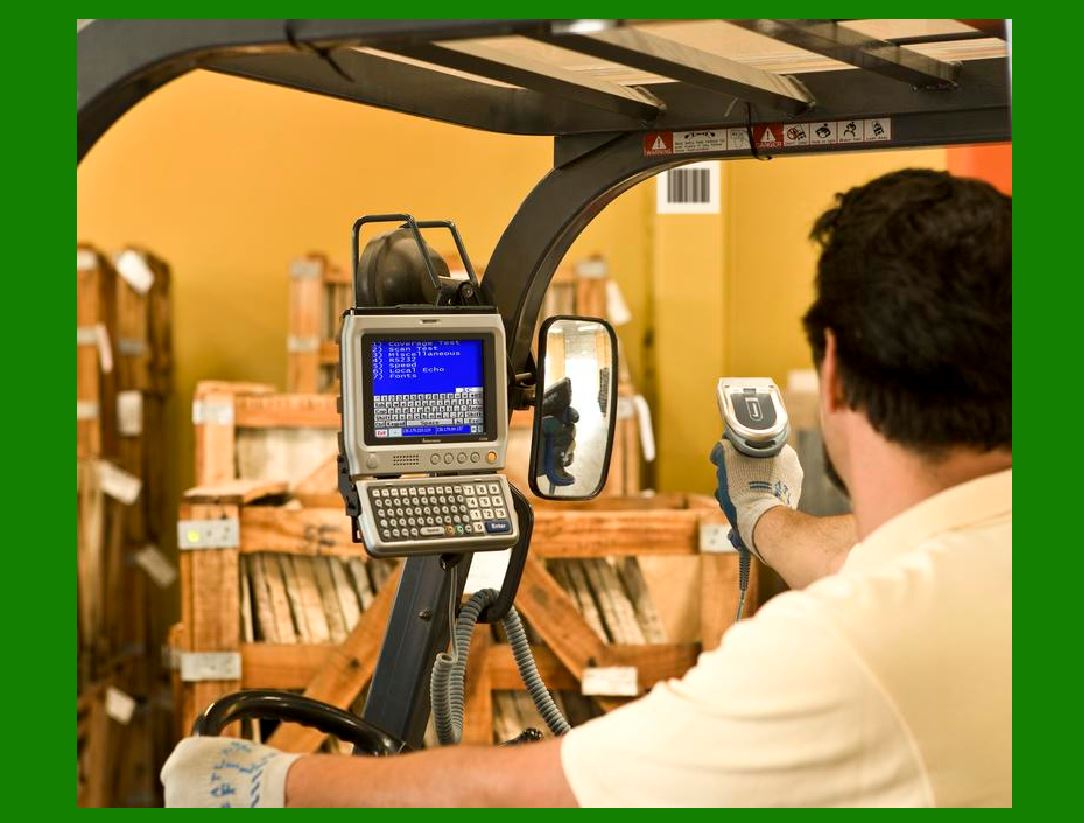
.......Desktop Scanners: In warehouses, desktop scanners are often mounted on the workstation at the warehouse entrance. They help with receiving shipments, picking orders, and stocking shelves. .......Handheld Scanners: Warehouse workers use handheld scanners to scan barcodes on packages, track shipments, and manage inventory. They're portable and efficient. |

|
6. Scanning Barcodes for Material Entry: |
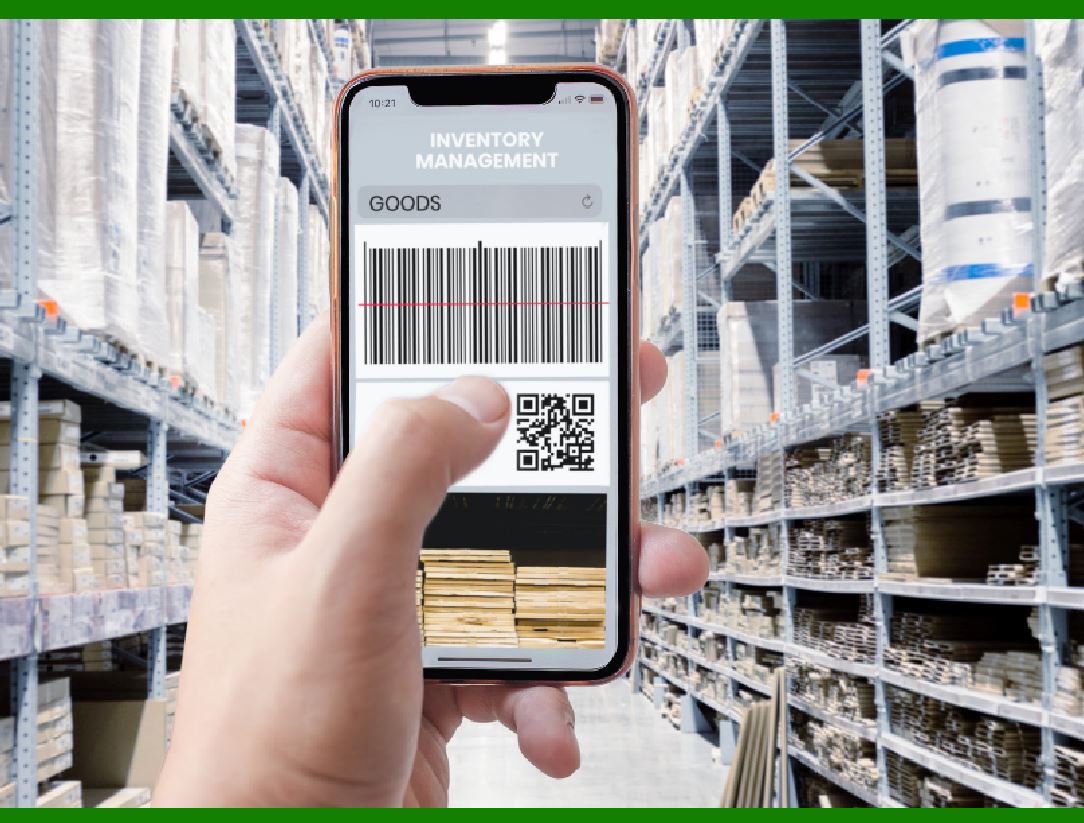
.......When a product arrives at the warehouse or stockroom, a worker scans both the product's barcode and the location's barcode. .......The inventory management system records this data, associating the product with its location. .......Think of it like scanning a license plate on a car: The barcode doesn't reveal details about the car itself but links to relevant information stored in a database. |
7. Material Exit Information: |
.......When a product is removed from inventory (e.g., for shipping or internal use), the barcode is scanned again. .......The system updates the inventory count, ensuring accurate tracking. .......Larger businesses can track inventory across multiple locations, with real-time updates accessible worldwide. |
|
Why Use Barcodes in a Warehouse? |
.......Efficiency: Barcodes streamline processes, allowing smooth movement of goods. .......Speed: Faster order processing due to automated scanning. .......Accuracy: Fewer errors in inventory management. .......Scalability: Easily expandable for future growth. .......Organization: Creates a professional and organized warehouse layout. .......Real-Time Updates: Barcodes provide immediate information on stock levels, aiding decision-making for reordering. .......Cost Reduction: Reduced clerical and operating costs. Efficient inventory management lowers costs associated with overstocking or stockouts. |
A well-implemented warehouse barcoding system can lead to better inventory control and real-time data monitoring. .......It's a powerful tool for modern warehouse management! |
|
 cs@easiersoft.com