Barcode Technology

Barcode History

Barcode Label Paper

Barcode Printer

Barcode Application

Inventory Management

AI Barcode QRCode

Barcode Scanner

Barcode Software

Barcode Software B

Barcode Software C

Barcode Software D

Barcode Software E

New Technology A

New Technology B

Robot Technology

Barcode Types

Barcode Types B

Barcode Types C

Barcode Types D

Barcode Types E

Barcode Types F

Electronic Technology

Psychology at Work

Barcode Technology and Barcode Software Related   <<< Back to Directory <<<

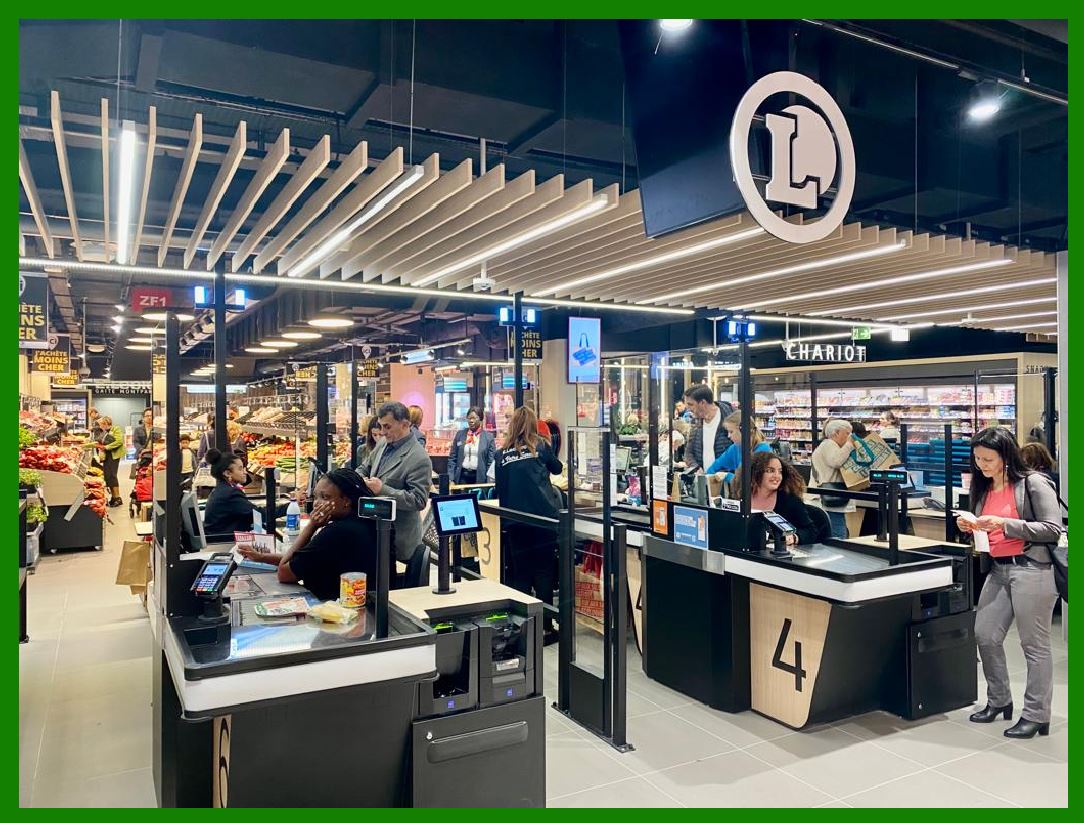
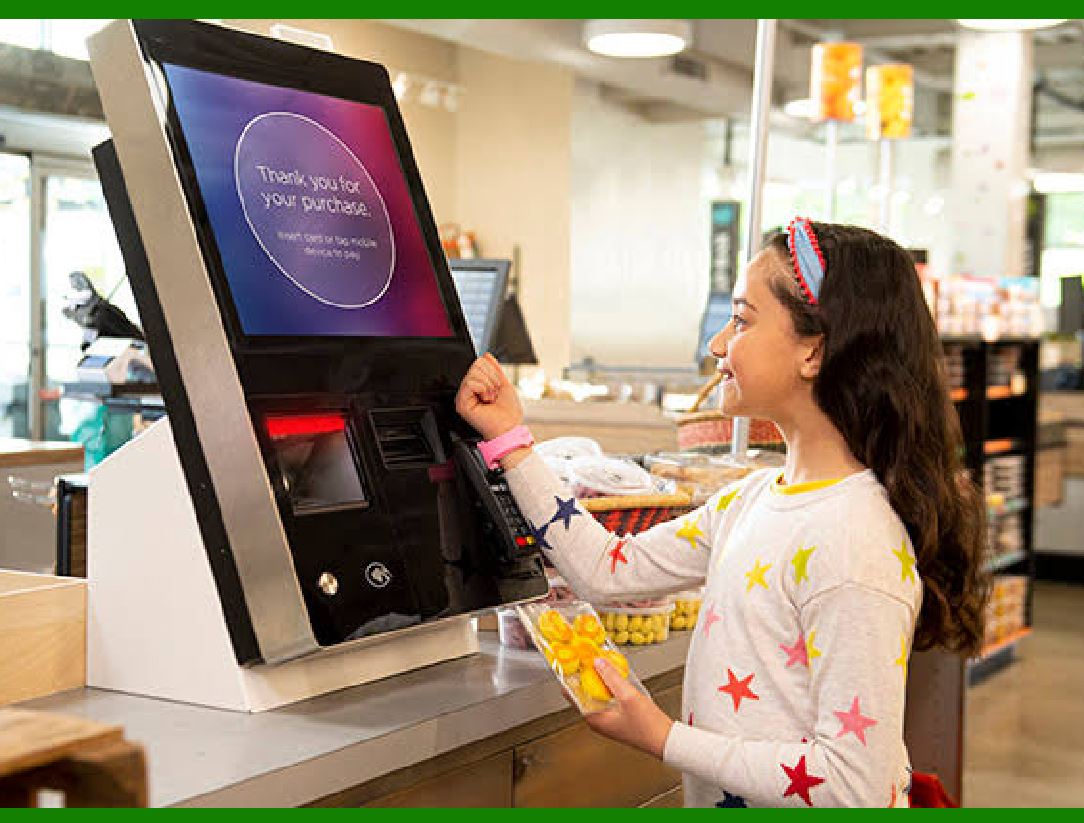
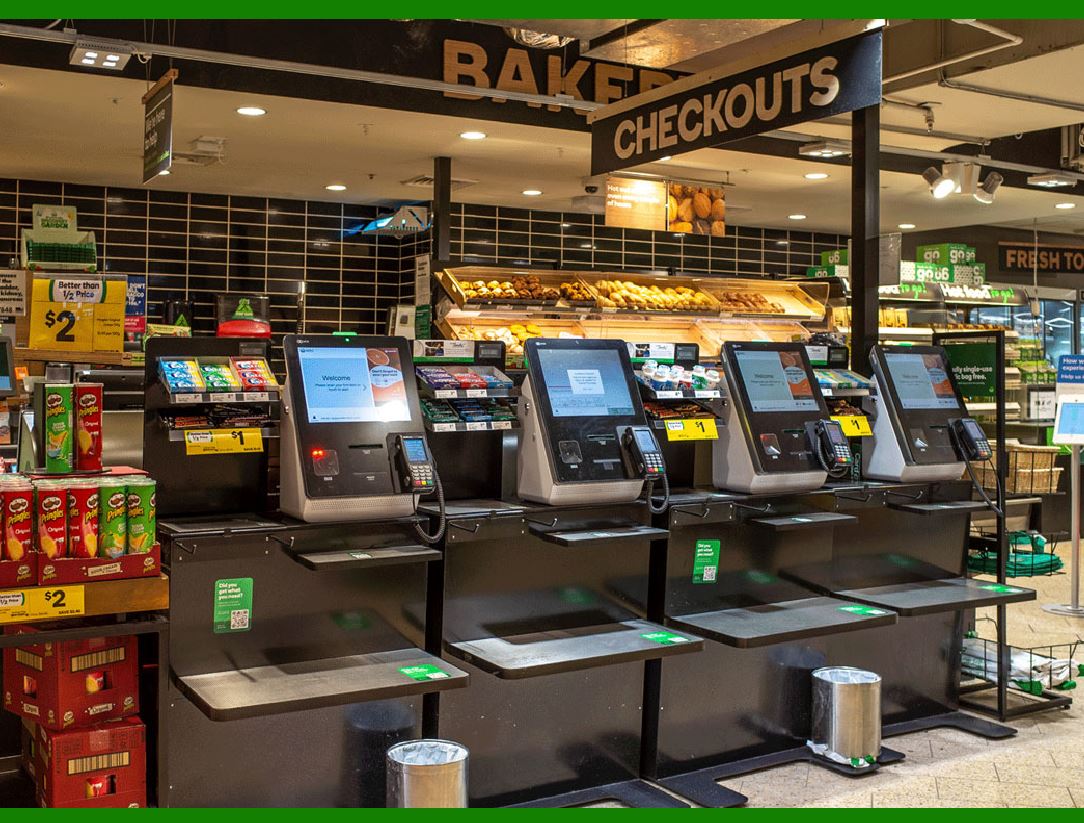
Barcodes for quick checkout at retail

Barcodes are essential for quick checkout at retail terminals, providing a streamlined and efficient way to handle transactions.

Here is a detailed description of how barcodes work and their benefits for retail checkout systems:

1. Types of Barcodes

1.1. 1D Barcodes (Linear Barcodes):

UPC (Universal Product Code): Commonly used in the United States for retail products. Consists of 12 numerical digits.

EAN (European Article Number): Used internationally, similar to UPC but can have 13 or 8 digits.

Code 39, Code 128: Used in various industries for inventory, shipping, and logistics. These can encode letters and numbers.

1.2. 2D Barcodes:

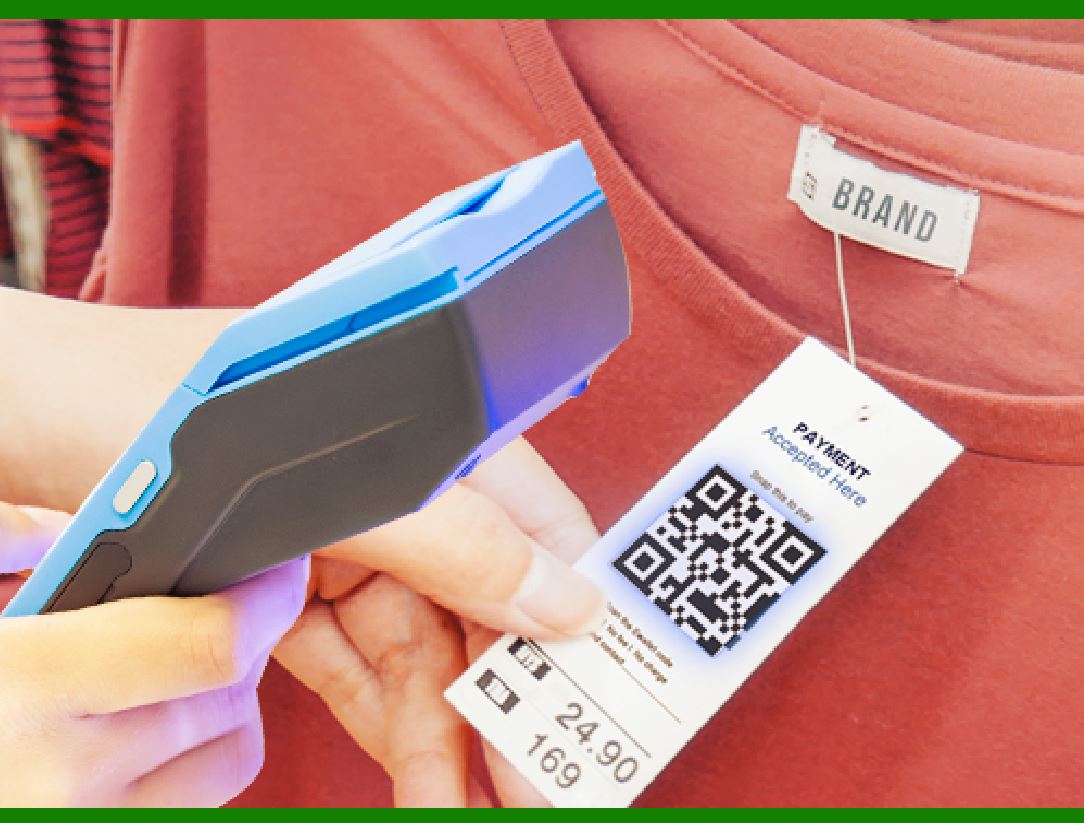
QR Code (Quick Response Code): Can hold a large amount of data, including URLs, text, and other information.

Data Matrix: Used for marking small items due to its compact size, widely used in manufacturing.

2. How Barcodes Work at Retail Terminals

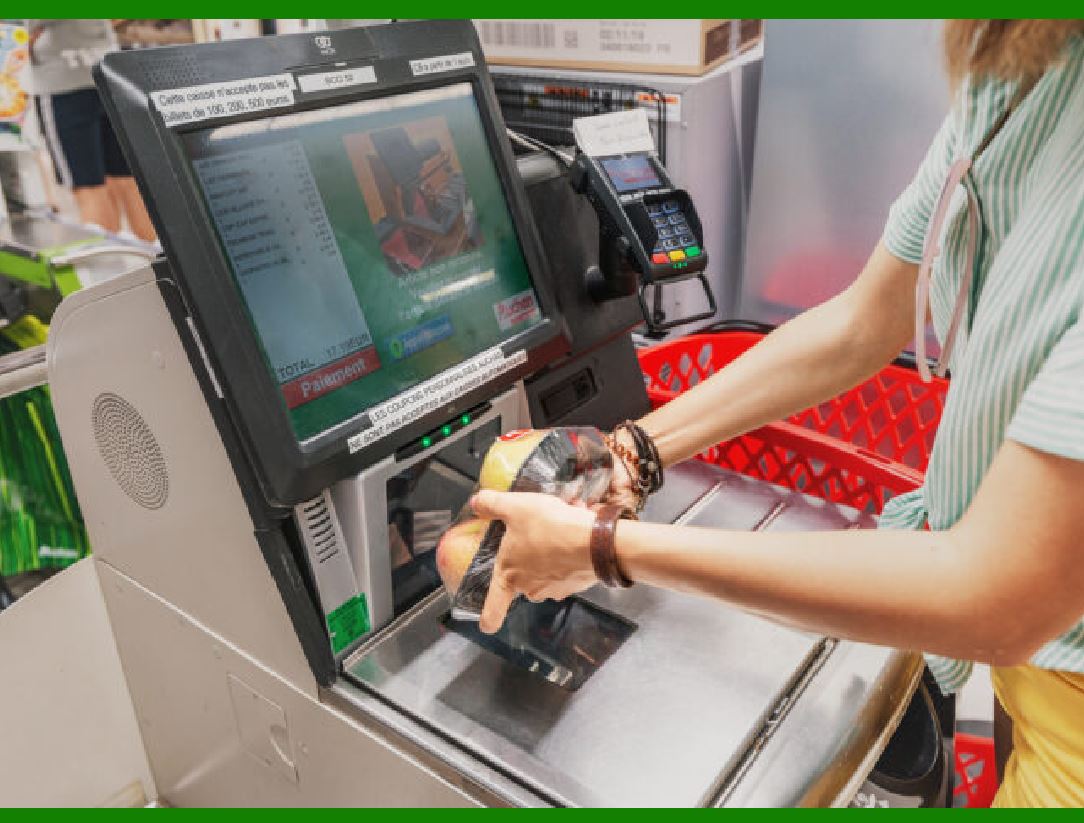
2.1. Scanning:

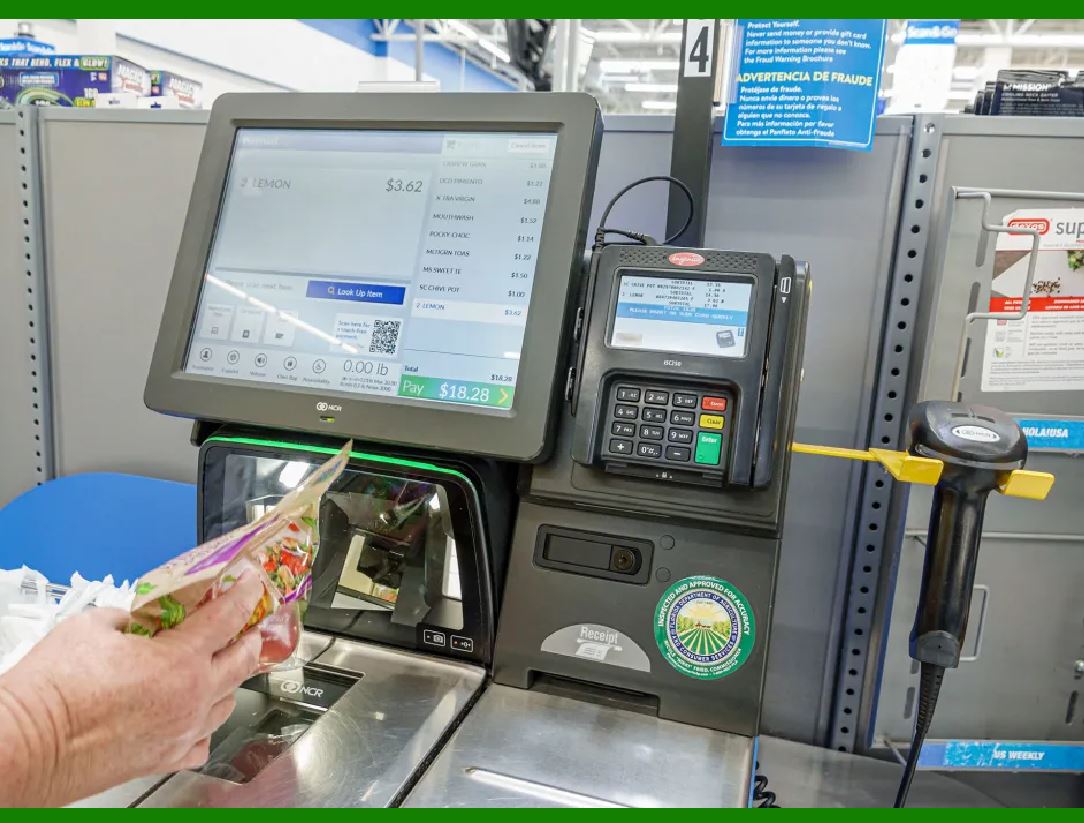
Barcode Scanner Types: Handheld scanners, fixed position scanners, and mobile devices.

Technology: Uses laser or camera-based systems to read the barcode by detecting the contrast between the bars and spaces.

2.2. Data Retrieval:

Decoding the Barcode: The scanner decodes the pattern of bars and spaces into a digital signal that the computer can understand.

Database Lookup: The digital signal (usually a string of numbers) is sent to the retail terminal's computer system, which looks up the product details (such as price, description, and inventory status) from a database.

2.3. Checkout Process:

Adding Items to Cart: The product details are added to the customer's virtual shopping cart on the terminal.

Total Calculation: The system automatically calculates the total cost, including any taxes or discounts.

Payment Processing: The checkout terminal processes the payment through various methods (cash, credit/debit card, mobile payment).

3. Benefits of Using Barcodes

3.1. Speed and Efficiency:

Quick Scanning: Products can be scanned in seconds, significantly speeding up the checkout process compared to manual entry.

Reduced Errors: Automatic scanning reduces human errors associated with manual data entry.

3.2. Inventory Management:

Real-time Updates: Scanning barcodes automatically updates inventory levels, helping to maintain accurate stock records.

Tracking: Helps in tracking sales patterns, identifying best-selling items, and managing reorder levels.

3.3. Customer Experience:

Shorter Wait Times: Faster checkouts lead to shorter lines and improved customer satisfaction.

Accurate Pricing: Reduces the likelihood of pricing errors, ensuring customers are charged correctly.

3.4. Data Collection and Analytics:

Sales Data: Collects detailed sales data for analysis, helping businesses make informed decisions regarding stock, promotions, and staffing.

Consumer Behavior: Insights into consumer purchasing patterns can be used to tailor marketing strategies and improve product offerings.

4. Implementation Considerations

4.1. Barcode Quality:

Printing: Barcodes must be printed clearly and accurately to be easily scannable.

Placement: Proper placement on products and packaging to ensure easy access for scanners.

4.2. Scanner Compatibility:

Hardware Selection: Choosing the right type of scanner based on the store layout and volume of transactions.

Integration: Ensuring scanners are compatible with the store's point-of-sale (POS) system.

4.3. Staff Training:

Training Programs: Staff should be trained on how to use barcode scanners and troubleshoot common issues.

Customer Interaction: Educating staff on assisting customers with barcode-related problems.

5. Future Trends

5.1. RFID Integration:

Beyond Barcodes: Radio Frequency Identification (RFID) tags are being used in conjunction with barcodes for even faster and more efficient checkouts.

Automated Checkouts: Systems like Amazon Go utilize RFID and computer vision to enable checkout-free shopping experiences.

5.2. Mobile and Digital Barcodes:

E-Tickets and Digital Receipts: Increasing use of digital barcodes for e-tickets, mobile coupons, and digital receipts.

Smartphone Integration: Customers can scan barcodes using their smartphones for additional product information and promotions.

By utilizing barcodes for quick checkout, retail terminals can enhance operational efficiency, improve customer satisfaction, and provide valuable data insights, ultimately benefiting both retailers and consumers.


EasierSoft Barcode Label Design & Bulk Printing Software

---- Use Excel Data to Batch Print Barcodes on Label Sheets or Roll Labels  

---- How to use this barcode software

Download:  Free Barcode Software + Barcode Label Designer

Download Free Barcode Software at Softonic

     Download at CNET

Once you obtain a GS1/UPC/EAN barcode, or other barcode type and QR code, you can use our free software to batch print barcode labels onto Roll label paper using a professional label printer, or to batch print barcodes onto Avery 5160 label sheets using a regular laser or inkjet printer. Our software has free and paid versions.

The free version fully meets your needs for batch printing GS1/UPC/EAN barcodes. The paid version can import data from Excel and databases to batch print barcode labels with different values.

How to Start

Input Data

Import Excel Data

Print Barcode

Barcode Format

Label Designer

All Screen Shot

Export Barcode Image

Save Template

Output Word Excel

How to Use & FAQ:

Example: Print barcodes to 5162 label

Example: Print barcodes to 5163 label

Example: Print barcodes to 5164 label

Example: Print portrait orientation 5164

Example: Print barcodes to 5167 label

Example: Print barcodes to 5168 label

Example: Print portrait orientation 5168

Example: Print barcodes to 5169 label

Example: Print barcodes to 5660 label

Example: Print barcodes to 5661 label

Example: Print barcodes to 5662 label

Example: Print barcodes to 5663 label

Example: Print barcodes to 5664 label

Example: Print portrait orientation 5664

Example: Print barcodes to 5873 label

Example: Print barcodes to 5874 label

Two ways to import Excel data

Import Excel Data - Pro Edition

Import Excel Data - Std Edition

Import Data from Excel - Detail

Load Data From Excel File

Data Editing Table

Copy Data From Excel

Four ways to input barcode data

Add ASCII Key E

Input Multiple Lines of Text for Barcodes

Generates Sequential Serial Numbers

Import or copy data from Excel sheets

Special sequence number generation

Std Details: Simple Input Form

Std Details: Multiple Line Text Input

Details: Sequence Barcode Generator

Examples: Sequence Barcode Generator

Import Data From Excel Spreadsheet

Barcode Data Correspondence Diagram

Data Editor

Editing a Single Row Data in Form

Batch Editing Multiple Rows of Data

Batch Data Editing - Example 2

Design & print complex barcode labels

Configuring Text Elements on Label

Configuring Barcode Elements on Label

Configuring Image Elements on Label

Setting Line Elements on Label

Designing Labels for 5164 Sheet

Advanced Page Layout Settings

Add Barcode Elements to a Label

Configuring Parameters of a Barcode

Entering Multiple Values for a Barcode

Print barcode labels

Highlights

Excel integration: Import data directly from Excel to generate and print barcodes in bulk.

Label designer: Create complex labels with multiple barcodes, text, logos, and shapes.

Batch printing: Print thousands of barcodes at once using standard inkjet/laser printers or professional barcode printers.


Flexible editions:

Standard Edition: Simple batch printing with Excel data.

Professional Edition: Adds command-line automation for workflow integration.

Label Designer Edition: Advanced design features for complex labels.


Why Choose Our Barcode Solutions?

Cost-effective: Free online generator and permanent free desktop version available.

Easy to use: No technical expertise required—just input data and print.

Versatile: Supports nearly all 1D and 2D barcode types, including QR codes.

Trusted: Recommended by CNET and widely downloaded by users worldwide.


Suitable Use Cases

Small businesses and startups needing quick barcode labels for products.

Retailers and online sellers managing inventory with batch barcode printing.

Manufacturers requiring sequential or custom barcode labels for packaging.

Educational and testing environments where barcodes are used for tracking.


CONTACT

cs@easiersoft.com

If you have any question, please feel free to email us.


https://free-barcode.com


<<< Back to Directory <<<     Barcode Generator     Barcode Freeware     Privacy Policy