Barcodes play a crucial role in food traceability management, enabling efficient tracking and recording of food products through every stage of the supply chain¡ªfrom production and processing to distribution and retail. |
Here's a detailed overview of how barcodes are used in food traceability: |
1. Types of Barcodes Used in Food Traceability |
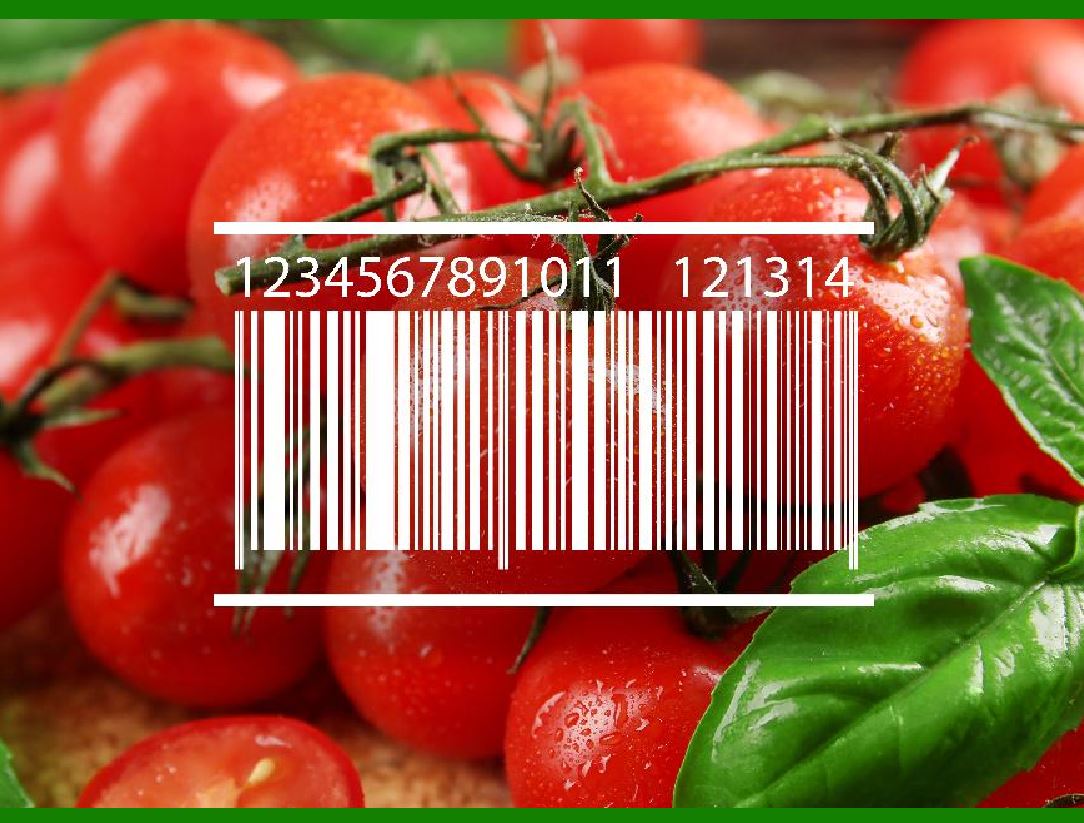
1.1. Linear Barcodes: UPC (Universal Product Code): Commonly used in retail, UPC codes are found on most consumer products. They help identify the product at the point of sale. EAN (European Article Number): Similar to UPC but used internationally, EAN barcodes are used for identifying products globally. |
|
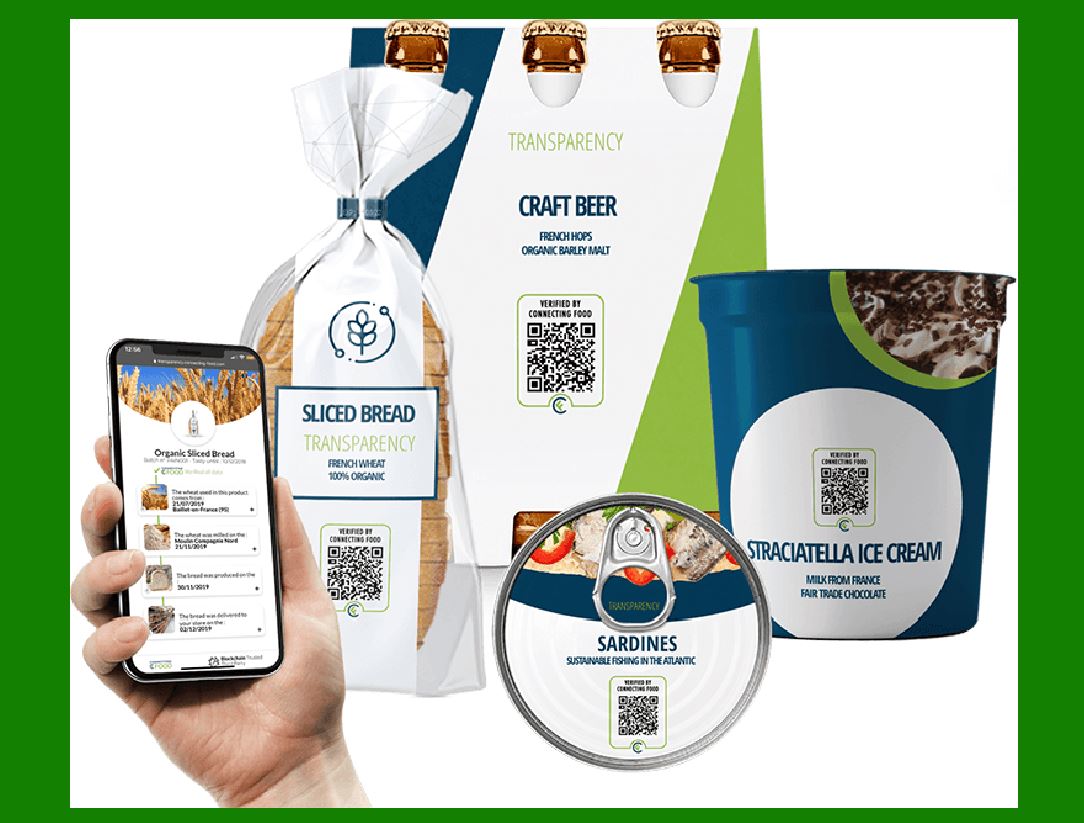
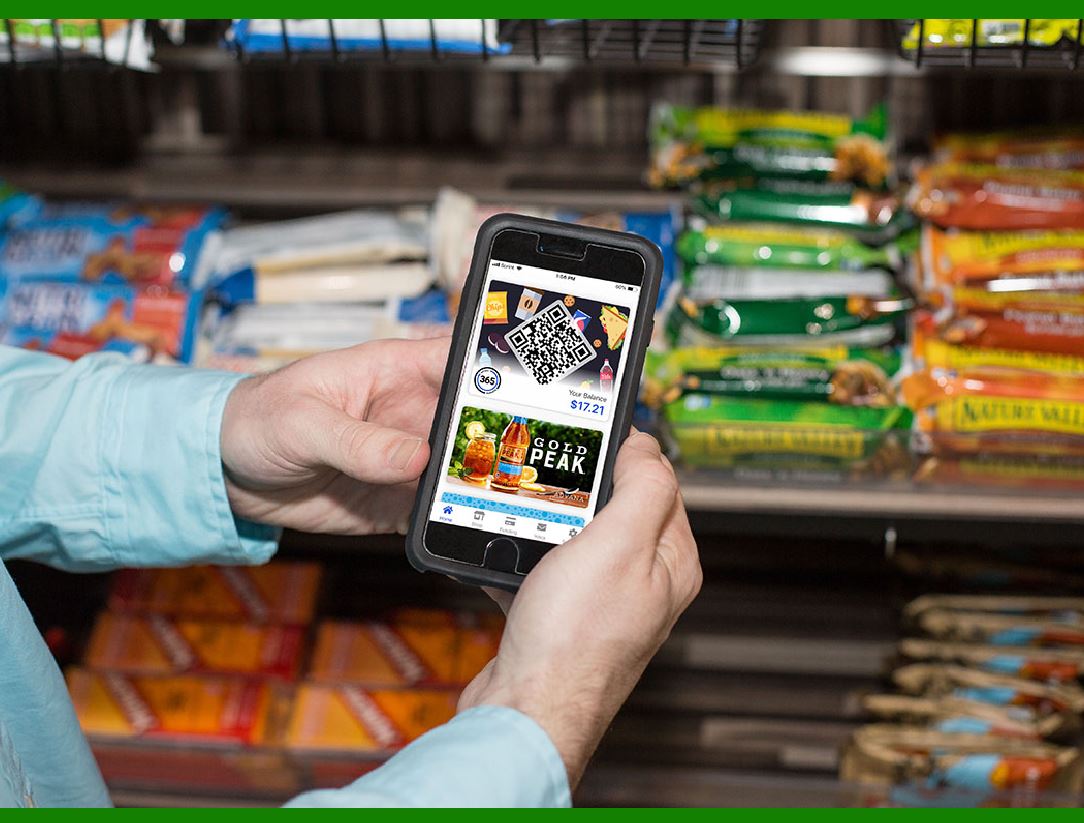
1.2. 2D Barcodes: QR Codes (Quick Response Codes): Capable of storing more information than linear barcodes, QR codes can hold URLs, product information, and batch details, which can be accessed by scanning with smartphones. Data Matrix: Widely used in industrial applications, Data Matrix codes are compact and can store large amounts of data in a small space, making them ideal for small packages. |
|
1.3. GS1-128 (formerly UCC/EAN-128): A high-density barcode standard that can encode extensive information including batch numbers, expiration dates, and other logistics information, making it suitable for supply chain management. |
2. Key Components of Food Traceability Using Barcodes |
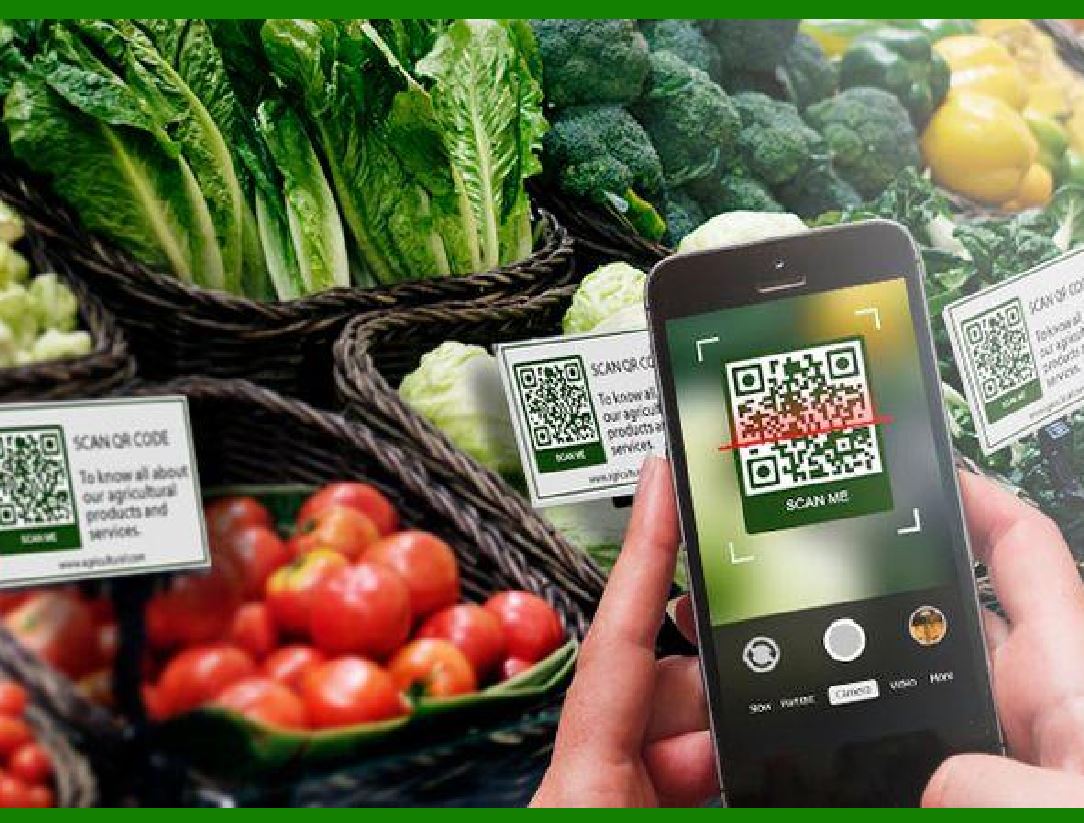
2.1. Product Identification: Barcodes on food items provide a unique identifier for each product. This identifier links to a database that contains detailed information about the product, including its origin, ingredients, and manufacturing process. |
|
2.2. Batch/Lot Tracking: Barcodes can include batch or lot numbers, which are essential for tracking products in case of recalls. This allows specific batches to be identified and isolated quickly. |
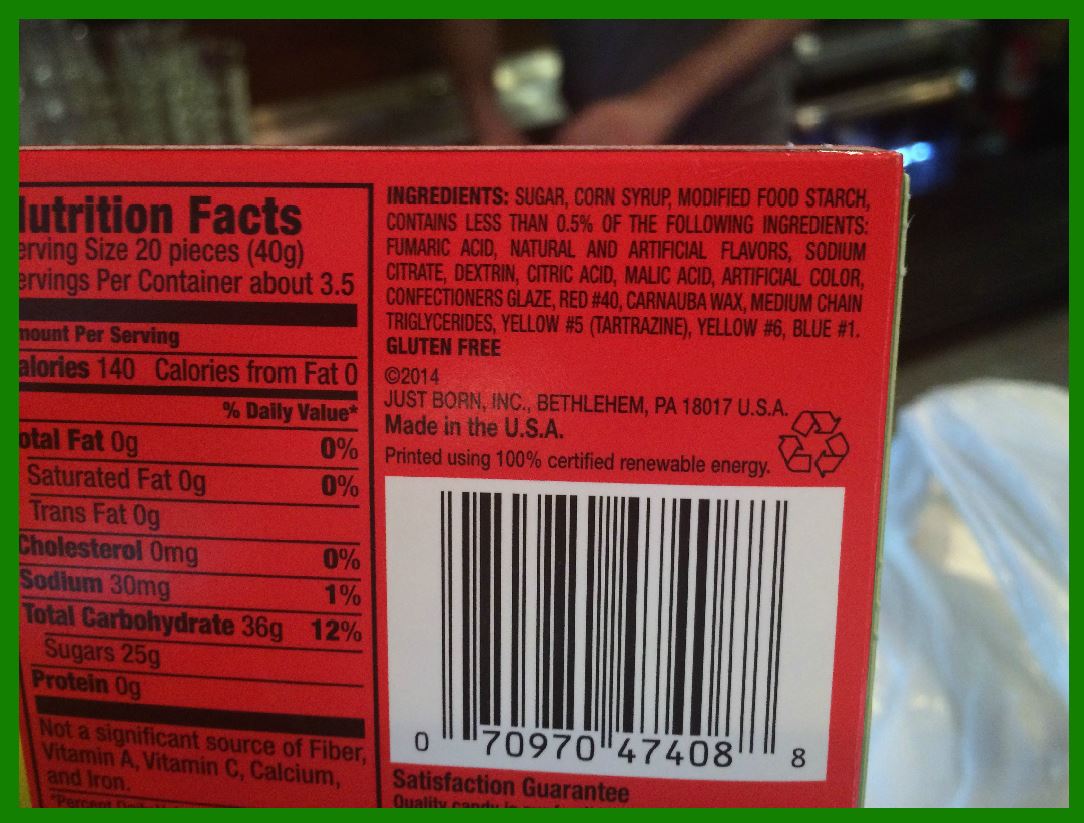
2.3. Date Coding: Barcodes can store production dates, expiration dates, and best-before dates. This ensures that perishable goods are properly managed and rotated, reducing waste and ensuring consumer safety. |
|
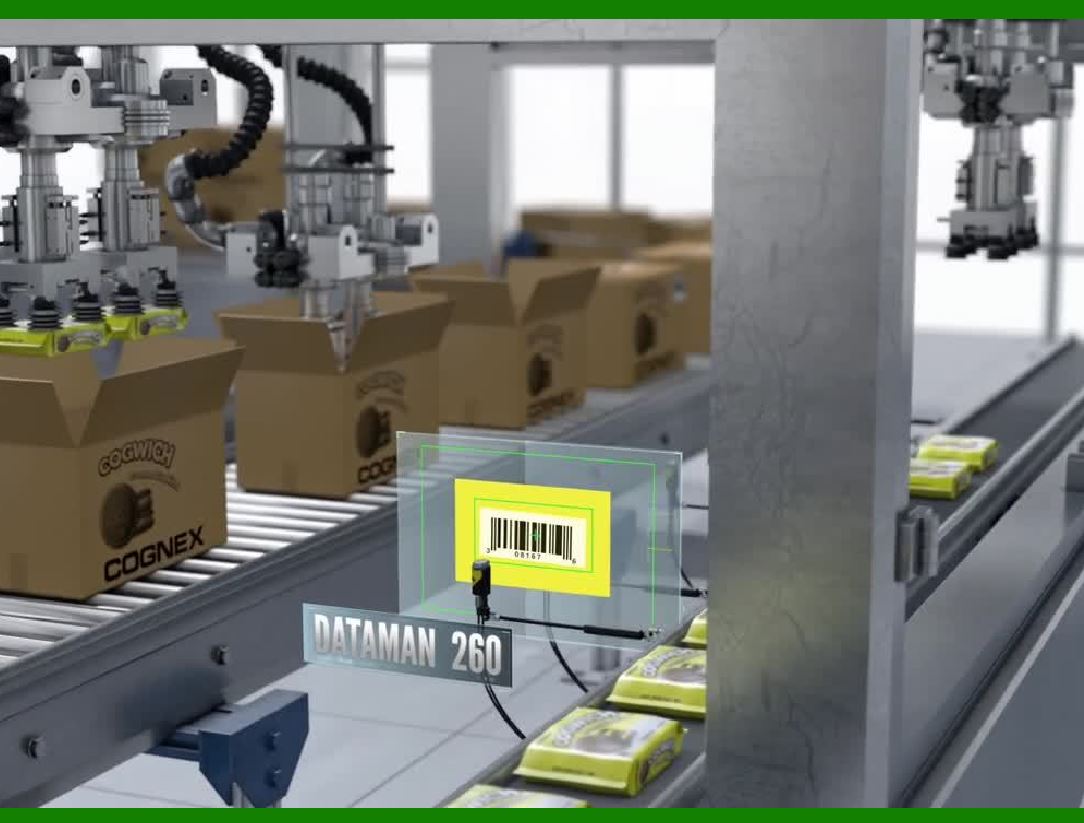
2.4. Supply Chain Integration: At each stage of the supply chain, barcodes are scanned to update the status of the product in real-time. This ensures visibility and transparency from the point of origin to the final destination. Information such as shipping details, handling instructions, and storage conditions can be encoded in barcodes to maintain quality control throughout the supply chain. |
2.5. Inventory Management: Barcodes facilitate efficient inventory management by providing accurate and immediate data entry during stocktaking. This helps in maintaining optimal stock levels and preventing shortages or overstocking. |
|
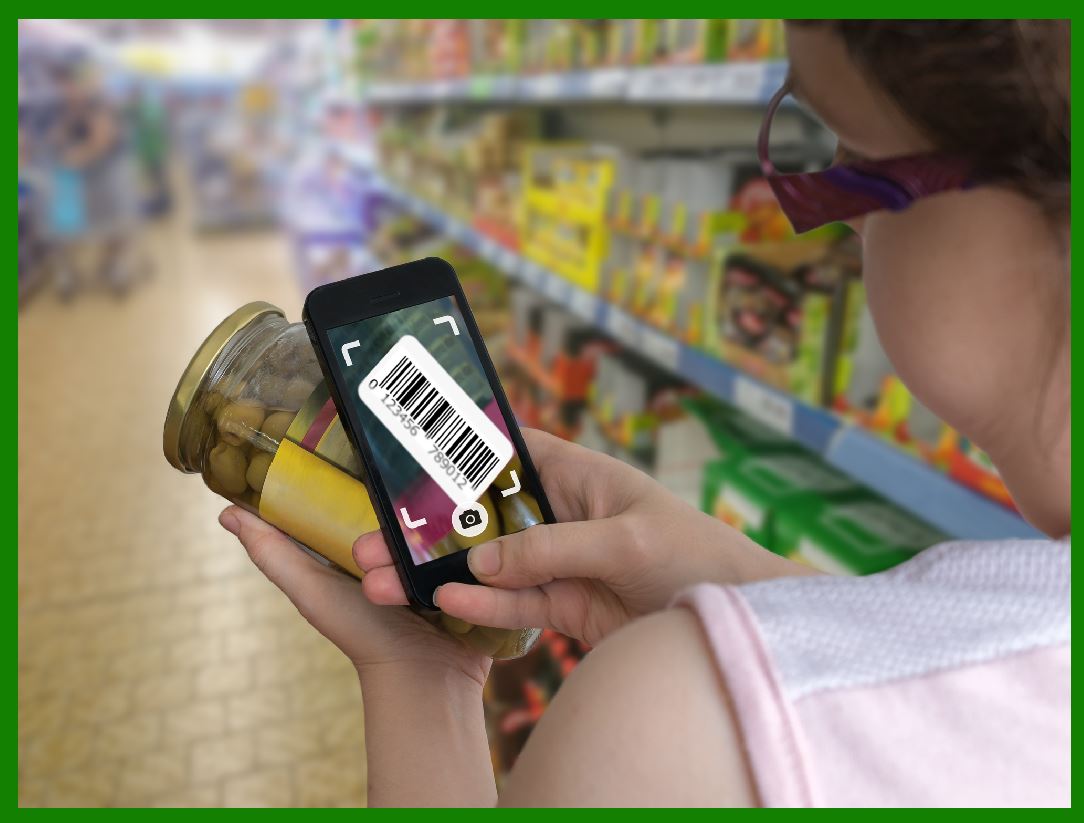
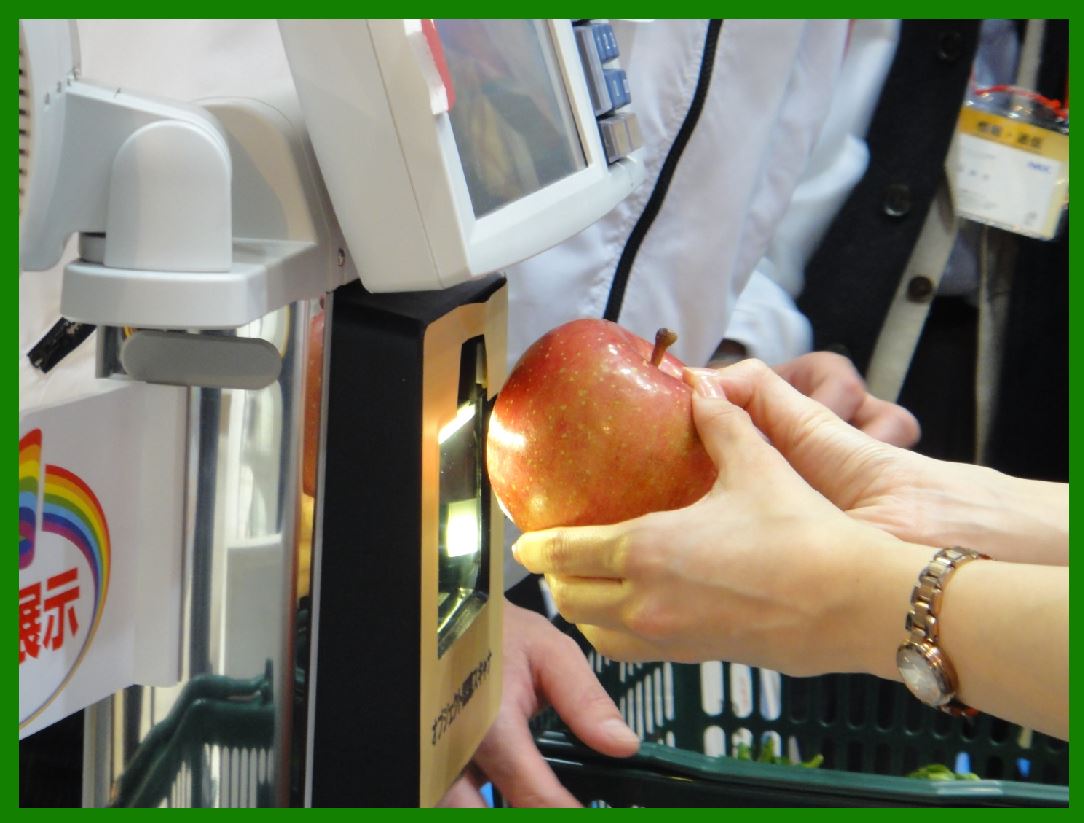
2.6. Point of Sale (POS) Systems: At the retail level, barcodes are scanned at checkout to provide product information, pricing, and to update inventory levels automatically. This streamlines the sales process and ensures accurate sales tracking. |
|
3. Implementation Steps for Barcode-Based Traceability |
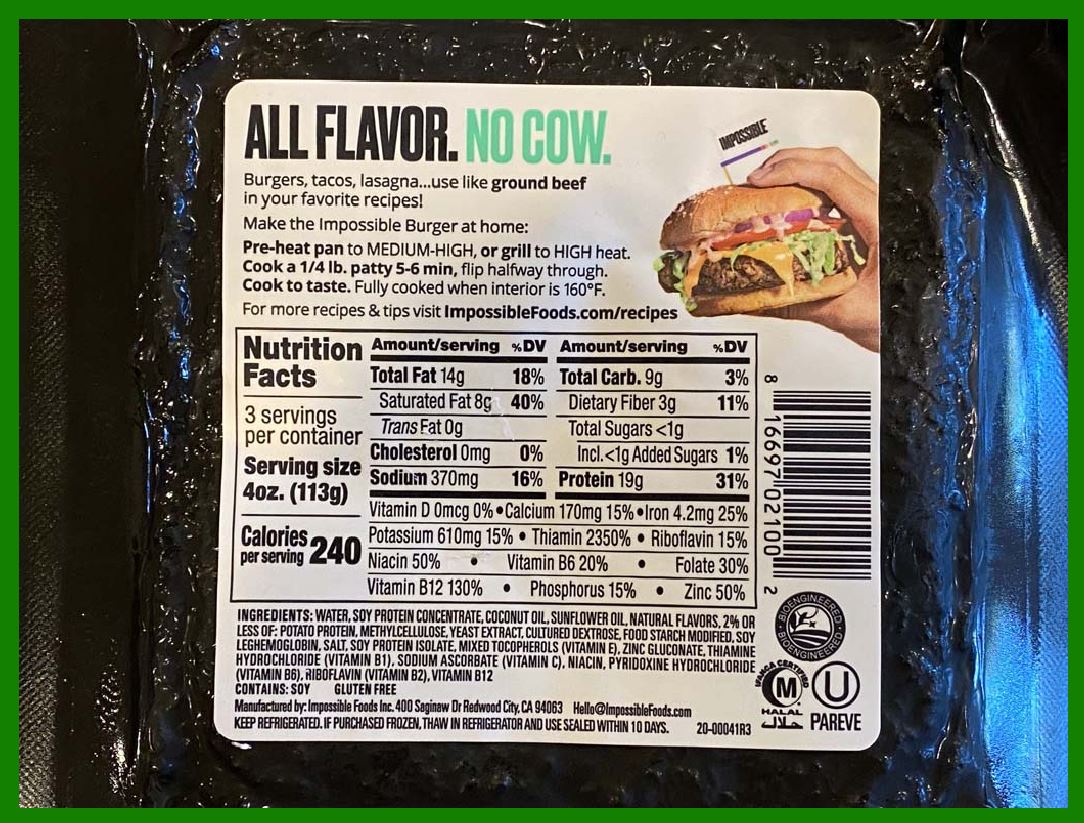
3.1. Standardization: Choose appropriate barcode standards and formats that meet industry requirements and are compatible with existing systems. Ensure all stakeholders in the supply chain agree on the barcode standards to be used. 3.2. Labeling: Implement labeling systems that can print and apply barcodes accurately on all products and packaging. Ensure barcodes are placed in consistent locations on packaging for easy scanning. 3.3. Database Integration: Develop or adapt database systems to store and manage information associated with each barcode. This includes product details, batch numbers, and supply chain data. Ensure databases are accessible to all stakeholders and can be updated in real-time. 3.4. Scanning Infrastructure: Deploy barcode scanners and readers at critical points in the supply chain, including production facilities, warehouses, distribution centers, and retail outlets. Train staff on the correct use of barcode scanners and the importance of accurate scanning. 3.5. Data Management and Analysis: Implement software systems to collect, manage, and analyze data captured through barcode scanning. Use this data to monitor product movement, identify inefficiencies, and respond quickly to any issues such as recalls or quality concerns. |
|
4. Benefits of Using Barcodes for Food Traceability |
4.1 Enhanced Accuracy: Reduces human errors associated with manual data entry. 4.2 Improved Efficiency: Speeds up processes such as inventory management and checkout. 4.3 Real-Time Tracking: Provides up-to-date information on product location and status. 4.4 Better Quality Control: Ensures products meet safety standards and regulations. 4.5 Effective Recall Management: Enables quick and precise identification of affected products. 4.6 Consumer Trust: Enhances transparency and trust in the food supply chain by providing detailed product information. |
|
By implementing barcodes for food traceability, businesses can improve operational efficiency, ensure product safety, and meet regulatory requirements, thereby enhancing overall supply chain management. |
|
|
 cs@easiersoft.com