Barcode Technology

Barcode History

Barcode Label Paper

Barcode Printer

Barcode Application

Inventory Management

AI Barcode QRCode

Barcode Scanner

Barcode Software

Barcode Software B

Barcode Software C

Barcode Software D

Barcode Software E

New Technology A

New Technology B

Robot Technology

Barcode Types

Barcode Types B

Barcode Types C

Barcode Types D

Barcode Types E

Barcode Types F

Electronic Technology

Psychology at Work

Barcode Technology and Barcode Software Related   <<< Back to Directory <<<

Barcodes in manufacturing quality control

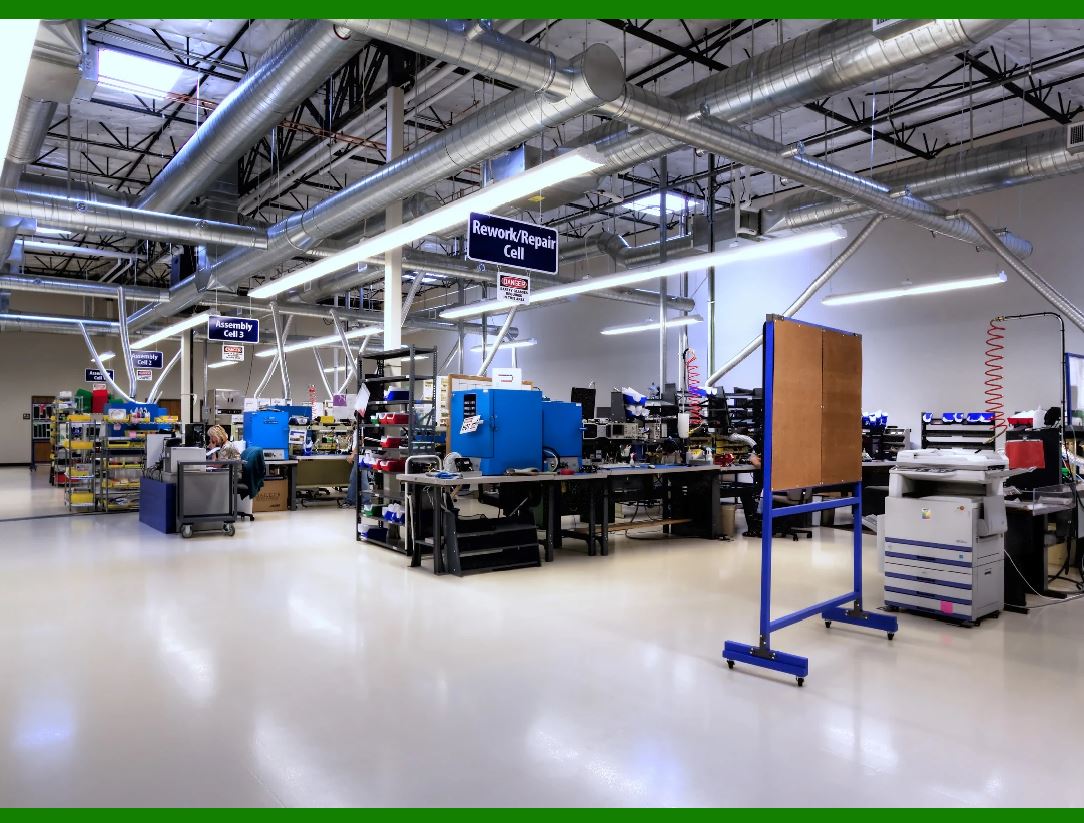
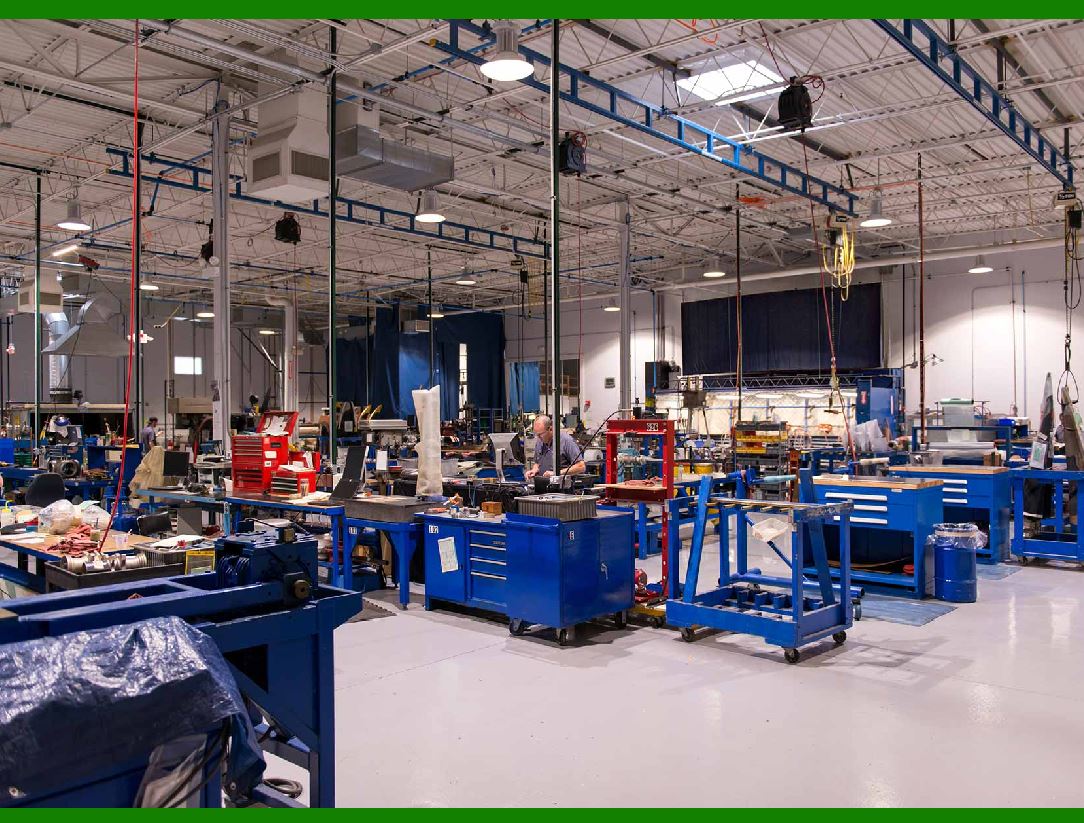
Barcodes are widely used in manufacturing quality control to enhance accuracy, traceability, and efficiency.

1. Inventory Management and Tracking

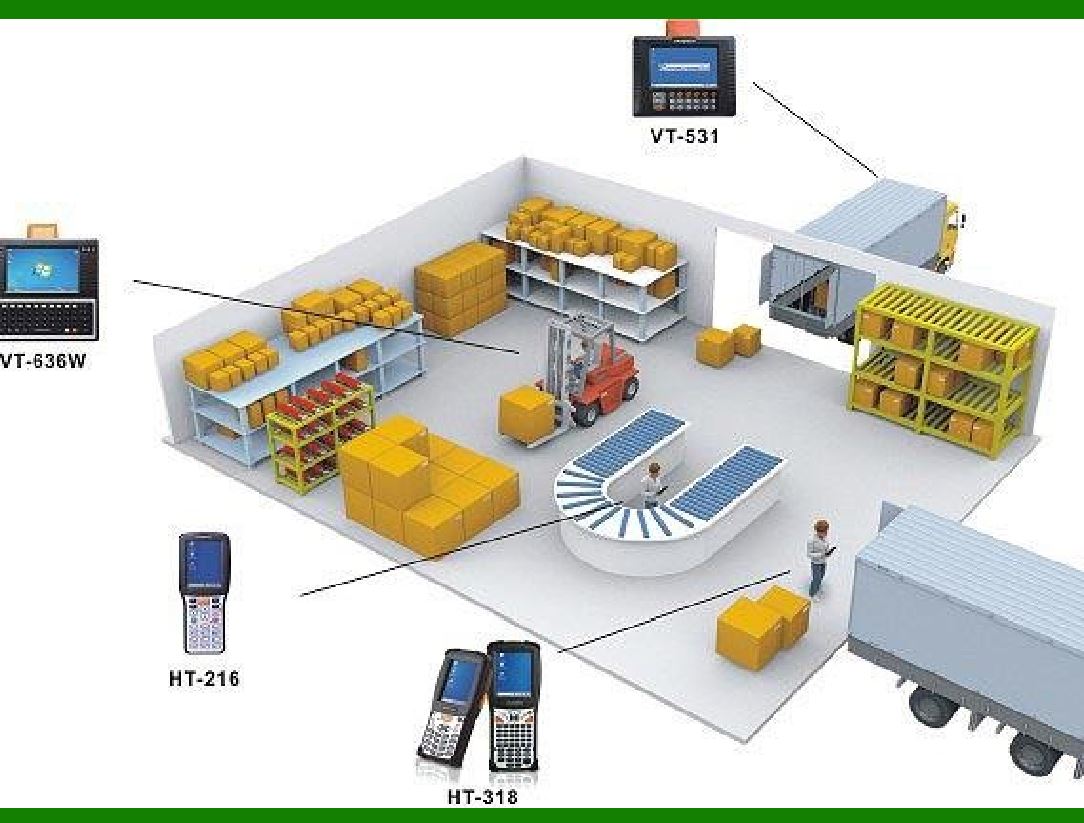
Raw Materials Tracking: Barcodes are used to label raw materials upon arrival. This helps in tracking the movement and usage of materials throughout the manufacturing process, ensuring the right materials are used at the right time.

Work-in-Progress (WIP) Tracking: Each stage of the manufacturing process is tracked by scanning barcodes on products or components. This allows real-time monitoring of production status and identification of bottlenecks.

Finished Goods Inventory: Barcodes on finished products help in maintaining accurate inventory levels, facilitating quick and precise stocktaking.

2. Traceability and Recall Management

Component Traceability: Barcodes on individual components or parts enable manufacturers to trace the source and batch of each part used in a product. This is critical for identifying defective components in case of quality issues.

Product History: Scanning barcodes throughout the production process builds a detailed history of each product, including information on when and where each process step occurred and who performed it.

Recall Management: In the event of a product recall, barcodes allow for rapid identification of affected batches, minimizing the scope and cost of the recall.

3. Quality Inspections and Control

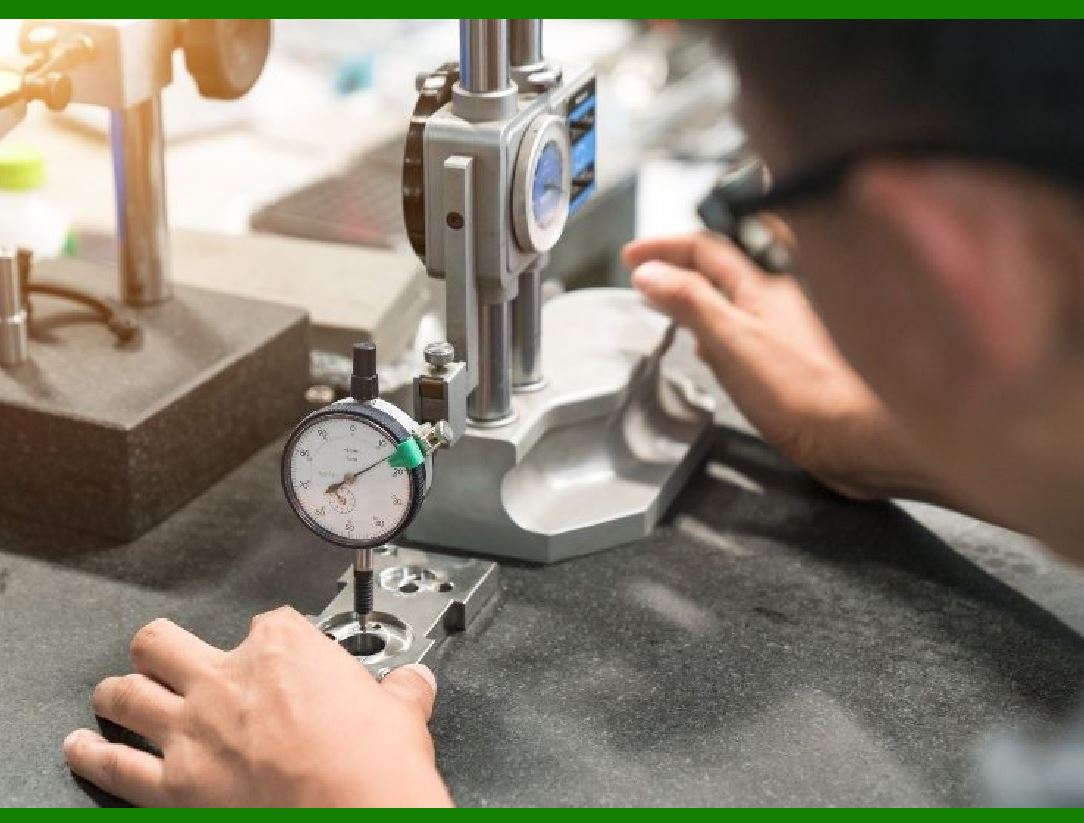
Inspection Checkpoints: Barcodes are used at various quality inspection points. Scanning a product's barcode pulls up its production data and inspection criteria, ensuring that inspections are thorough and standardized.

Defect Tracking: When defects are found, barcodes enable quick logging of defect type, location, and responsible process or machine. This information helps in root cause analysis and corrective actions.

Compliance and Reporting: Barcodes ensure that products meet regulatory standards by providing a reliable way to record and verify compliance data. This data can be easily compiled into reports for audits and certification processes.

4. Process Automation and Efficiency

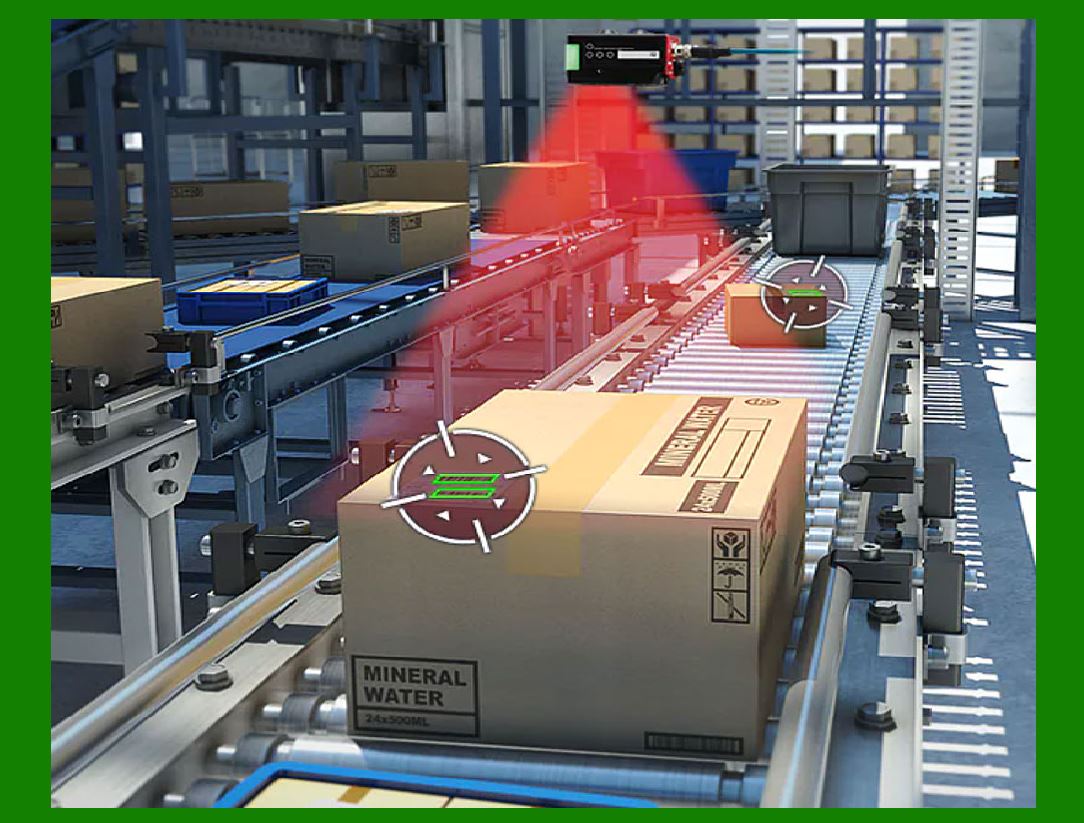
Automated Data Capture: Barcodes reduce manual data entry errors by automating the data capture process. This improves accuracy and speeds up operations.

Workflow Integration: Barcodes integrate with Manufacturing Execution Systems (MES) and Enterprise Resource Planning (ERP) systems, providing real-time data flow and improving overall operational efficiency.

Reduction of Human Error: Automated barcode scanning reduces the likelihood of human errors associated with manual tracking and data entry, leading to higher overall quality.

5. Product Authentication and Anti-counterfeiting

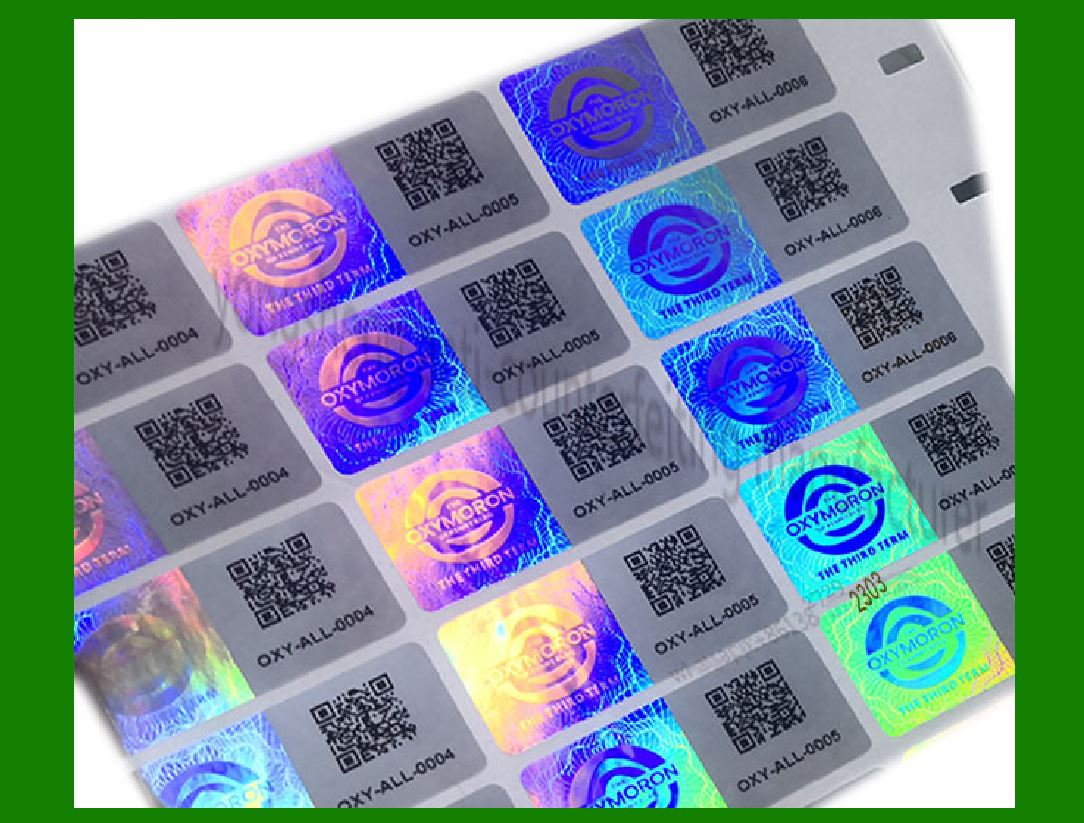
Unique Identifiers: Barcodes provide each product with a unique identifier, making it difficult for counterfeit products to enter the supply chain.

Verification Systems: Barcodes can be scanned at various points in the supply chain to verify product authenticity, ensuring that only genuine products reach the market.

6. Customer Satisfaction and Feedback

Customer Returns and Warranty: Barcodes on products streamline the returns and warranty claims process by providing detailed product information and purchase history.

Feedback and Improvements: Barcode data can be analyzed to identify trends and areas for improvement, leading to enhanced product quality and customer satisfaction.

7. Lean Manufacturing and Just-In-Time (JIT) Production

Lean Inventory: Barcodes help maintain lean inventory levels by providing real-time visibility into stock levels, reducing excess inventory and associated costs.

JIT Production: Barcodes facilitate Just-In-Time production by ensuring that materials and components are available exactly when needed, reducing waste and improving efficiency.

In summary, the application of barcodes in manufacturing quality control significantly enhances traceability, accuracy, and efficiency.

By integrating barcodes into various stages of the manufacturing process, companies can ensure higher product quality, better compliance with standards, and improved overall operational performance.


EasierSoft Barcode Label Design & Bulk Printing Software

---- Use Excel Data to Batch Print Barcodes on Label Sheets or Roll Labels  

---- How to use this barcode software

Download:  Free Barcode Software + Barcode Label Designer

Download Free Barcode Software at Softonic

     Download at CNET

Once you obtain a GS1/UPC/EAN barcode, or other barcode type and QR code, you can use our free software to batch print barcode labels onto Roll label paper using a professional label printer, or to batch print barcodes onto Avery 5160 label sheets using a regular laser or inkjet printer. Our software has free and paid versions.

The free version fully meets your needs for batch printing GS1/UPC/EAN barcodes. The paid version can import data from Excel and databases to batch print barcode labels with different values.

How to Start

Input Data

Import Excel Data

Print Barcode

Barcode Format

Label Designer

All Screen Shot

Export Barcode Image

Save Template

Output Word Excel

How to Use & FAQ:

Edit data in Label designer

Label Designer - Add new label

Label Designer - Printing

Set the barcode label format to be printed

Other Barcode Label Format Settings

Barcode types supported by this program

Barcode Label Font Settings

Configuring the Barcode Print Rotation

Text Alignment for Barcode Labels

Automatically Adjusting Barcode Width

Text Beneath the Barcode

Configuring Barcode Size

Auto Calculate the Barcode Size

Export Barcode images

Export Barcode Image Format

File Names for Exported Barcode

Resolution of Exported Barcode Images

Fixed Folder for Exporting Barcode

Default Barcode Image Export Format

Print bulk barcodes quickly

Print barcodes to Avery 5160 label

How to bulk Barcode Printing

Sample - Avery 5162 (2x7) Label Sheet

Example: Print barcodes to 5*3cm roll

Example: Print barcodes to 5161 label

Example: Print barcodes to 5162 label

Example: Print barcodes to 5163 label

Example: Print barcodes to 5164 label

Example: Print portrait orientation 5164

Example: Print barcodes to 5167 label

Example: Print barcodes to 5168 label

Example: Print portrait orientation 5168

Example: Print barcodes to 5169 label

Example: Print barcodes to 5660 label

Example: Print barcodes to 5661 label

Example: Print barcodes to 5662 label

Example: Print barcodes to 5663 label

Example: Print barcodes to 5664 label

Example: Print portrait orientation 5664

Example: Print barcodes to 5873 label

Example: Print barcodes to 5874 label

Two ways to import Excel data

Import Excel Data - Pro Edition

Import Excel Data - Std Edition

Import Data from Excel - Detail

Load Data From Excel File

Data Editing Table

Copy Data From Excel

Four ways to input barcode data

Add ASCII Key E

Highlights

Excel integration: Import data directly from Excel to generate and print barcodes in bulk.

Label designer: Create complex labels with multiple barcodes, text, logos, and shapes.

Batch printing: Print thousands of barcodes at once using standard inkjet/laser printers or professional barcode printers.


Flexible editions:

Standard Edition: Simple batch printing with Excel data.

Professional Edition: Adds command-line automation for workflow integration.

Label Designer Edition: Advanced design features for complex labels.


Why Choose Our Barcode Solutions?

Cost-effective: Free online generator and permanent free desktop version available.

Easy to use: No technical expertise required—just input data and print.

Versatile: Supports nearly all 1D and 2D barcode types, including QR codes.

Trusted: Recommended by CNET and widely downloaded by users worldwide.


Suitable Use Cases

Small businesses and startups needing quick barcode labels for products.

Retailers and online sellers managing inventory with batch barcode printing.

Manufacturers requiring sequential or custom barcode labels for packaging.

Educational and testing environments where barcodes are used for tracking.


CONTACT

cs@easiersoft.com

If you have any question, please feel free to email us.


https://free-barcode.com


<<< Back to Directory <<<     Barcode Generator     Barcode Freeware     Privacy Policy