Barcode Technology

Barcode History

Barcode Label Paper

Barcode Printer

Barcode Application

Inventory Management

AI Barcode QRCode

Barcode Scanner

Barcode Software

Barcode Software B

Barcode Software C

Barcode Software D

Barcode Software E

New Technology A

New Technology B

Robot Technology

Barcode Types

Barcode Types B

Barcode Types C

Barcode Types D

Barcode Types E

Barcode Types F

Electronic Technology

Psychology at Work

Barcode Technology and Barcode Software Related   <<< Back to Directory <<<

Barcodes in lab sample management

Barcodes play a crucial role in lab sample management by enhancing efficiency, accuracy, and traceability.

Here's a detailed overview of their application:

1. Sample Identification and Labeling

Unique Identification:

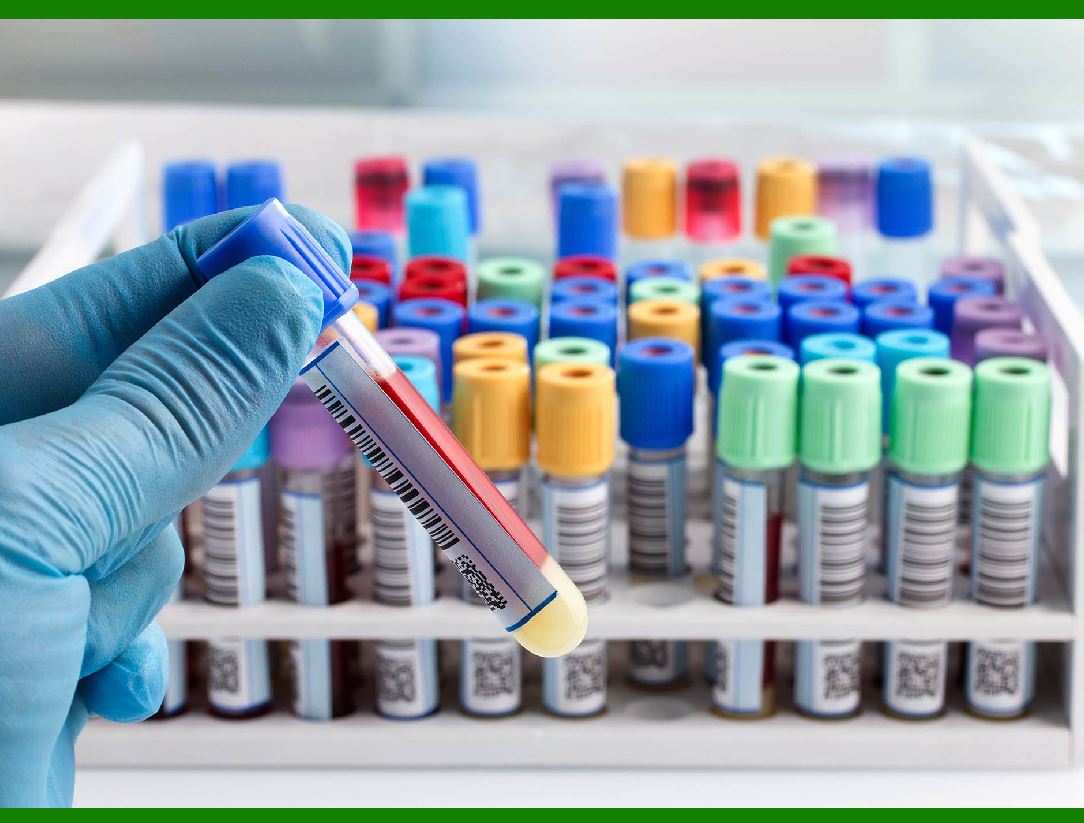
Each sample receives a unique barcode that distinguishes it from all other samples. This prevents mix-ups and ensures that each sample can be accurately identified throughout its lifecycle.

Automated Labeling:

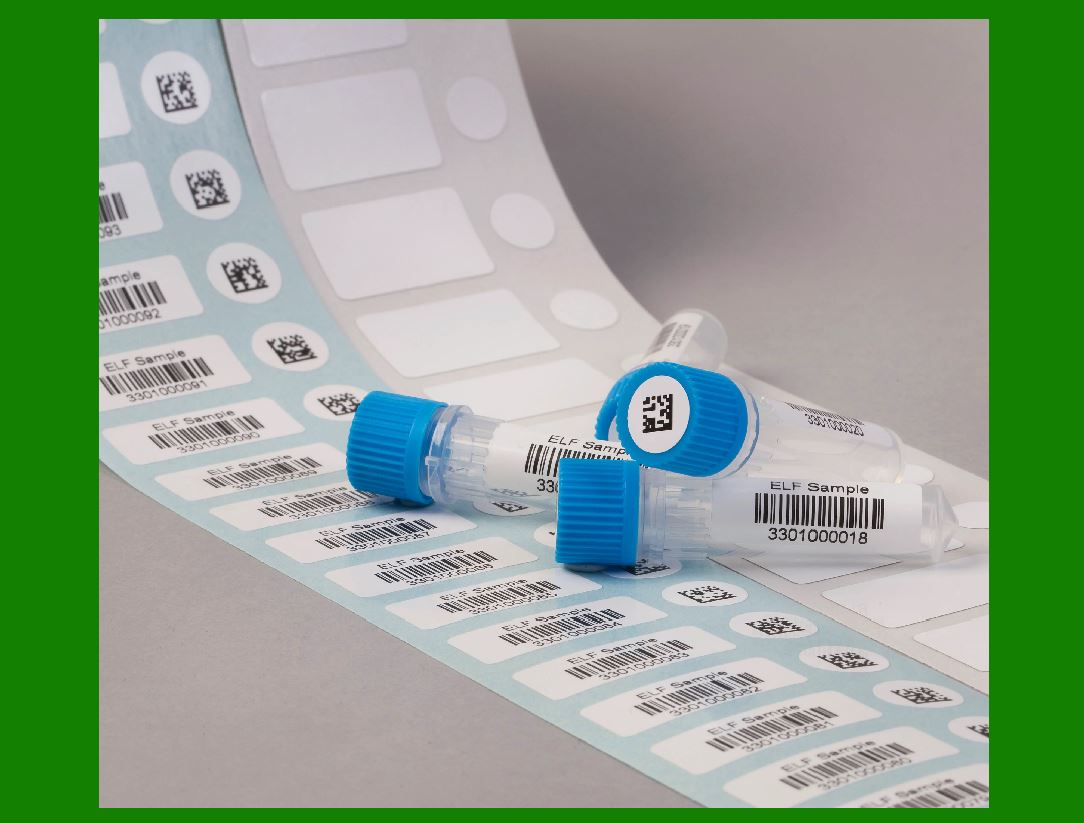
Barcodes can be printed and attached to samples at the point of collection. This reduces human errors associated with manual labeling.

2. Tracking and Traceability

Real-Time Tracking:

Barcodes allow for real-time tracking of samples as they move through various stages of processing. This includes collection, transport, analysis, and storage.

Chain of Custody:

Barcodes maintain a detailed log of who handled the sample and when, ensuring a transparent chain of custody. This is critical for forensic and clinical samples where maintaining integrity is paramount.

3. Data Entry and Management

Automated Data Entry:

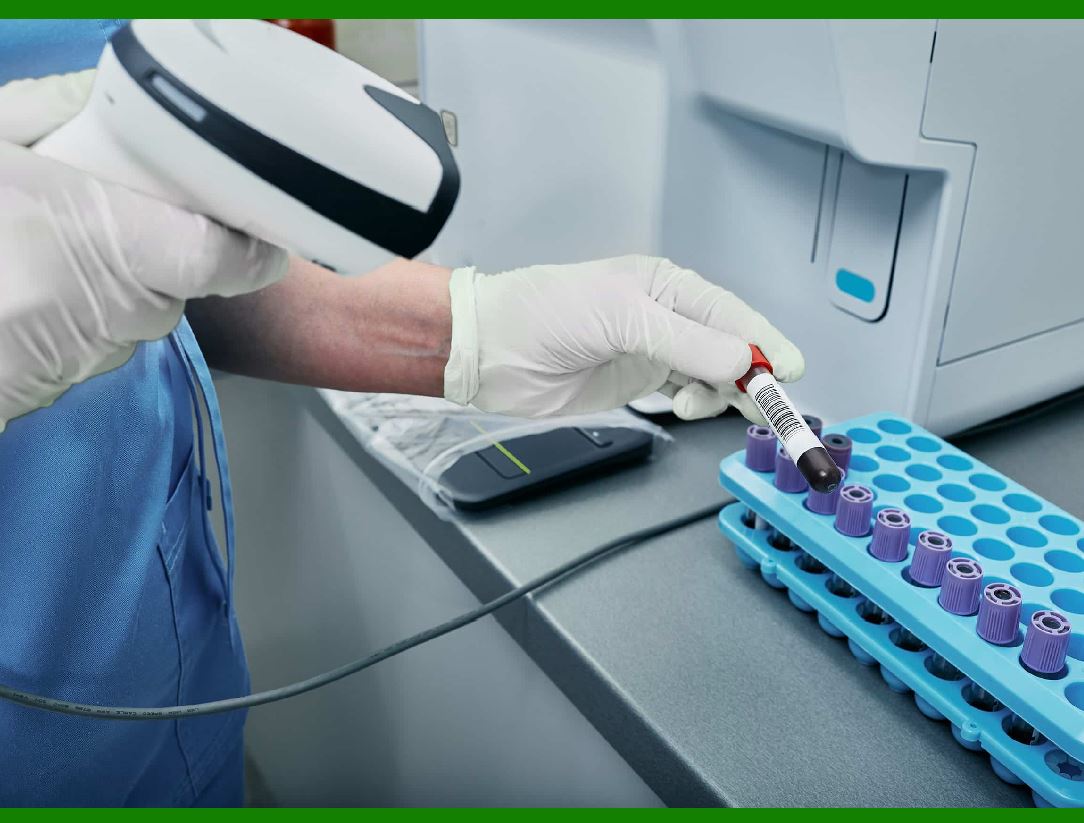
Scanning barcodes automates the data entry process, minimizing errors associated with manual data input and ensuring data consistency.

Integration with Laboratory Information Management Systems (LIMS):

Barcodes integrate seamlessly with LIMS, enabling automatic updates and retrieval of sample information. This streamlines workflows and improves data accessibility.

4. Sample Processing and Analysis

Workflow Optimization:

Barcodes help streamline workflows by providing quick and accurate access to sample information. This aids in efficient sample processing and reduces the turnaround time for analysis.

Error Reduction:

Barcodes minimize the risk of sample misidentification during processing, which is critical for maintaining the accuracy of test results.

5. Quality Control and Compliance

Standardization:

Barcodes standardize the labeling and tracking process, ensuring consistent practices across the laboratory.

Regulatory Compliance:

Many regulatory bodies require accurate tracking and documentation of samples. Barcodes help labs meet these regulatory requirements by providing detailed and accurate records.

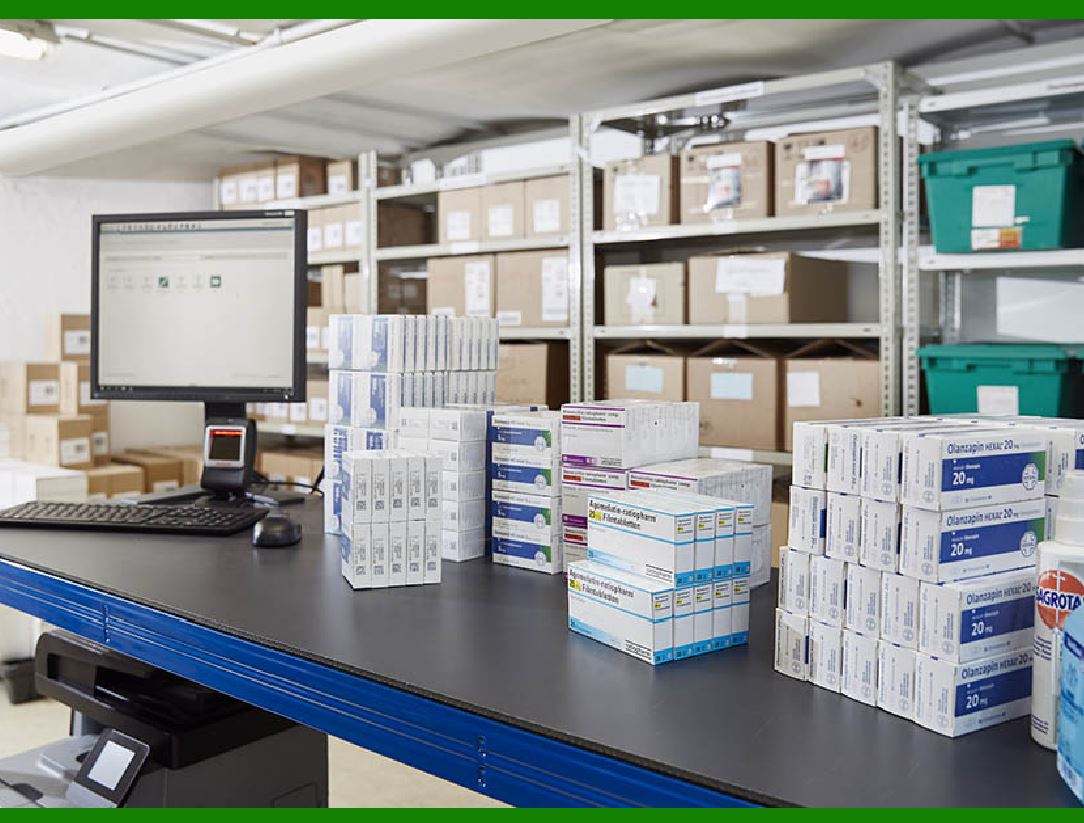
6. Inventory Management

Stock Management:

Barcodes can also be used to manage laboratory reagents and supplies. This ensures that the laboratory is always well-stocked and can prevent shortages of critical materials.

Expiration Tracking:

Barcodes can be used to track the expiration dates of reagents and samples, helping labs manage their inventory more effectively and reduce waste.

7. Reporting and Auditing

Accurate Reporting:

Barcodes facilitate the generation of accurate and detailed reports on sample processing and analysis. This is essential for quality assurance and audit purposes.

Audit Trails:

The detailed logs generated by barcode systems provide a comprehensive audit trail, which is crucial for investigations and ensuring compliance with standards.

8. Remote and Off-Site Management

Field Sample Collection:

Barcodes enable efficient management of samples collected off-site. Mobile devices with barcode scanners can be used to record sample details and sync them with the central LIMS.

Remote Access:

Authorized personnel can access barcode data remotely, facilitating collaboration and data sharing across different locations.

9. Cost Efficiency

Reduced Labor Costs:

Automation of data entry and tracking reduces the need for manual labor, leading to cost savings.

Minimized Errors:

Reducing errors associated with sample handling and data entry also lowers the costs associated with rework and potential misdiagnoses.

10. Future Integration and Advancements

Advanced Technologies:

The integration of barcodes with technologies like RFID (Radio Frequency Identification) and IoT (Internet of Things) can further enhance sample management by enabling even more detailed tracking and real-time monitoring.

AI and Machine Learning:

Barcoded data can be utilized by AI and machine learning algorithms to predict trends, optimize workflows, and improve overall laboratory efficiency.

In summary, barcodes are a vital tool in lab sample management, offering significant benefits in terms of efficiency, accuracy, traceability, and compliance. Their application spans the entire lifecycle of a sample, from collection to analysis, ensuring that laboratories can operate smoothly and maintain high standards of quality.


EasierSoft Barcode Label Design & Bulk Printing Software

---- Use Excel Data to Batch Print Barcodes on Label Sheets or Roll Labels  

---- How to use this barcode software

Download:  Free Barcode Software + Barcode Label Designer

Download Free Barcode Software at Softonic

     Download at CNET

Once you obtain a GS1/UPC/EAN barcode, or other barcode type and QR code, you can use our free software to batch print barcode labels onto Roll label paper using a professional label printer, or to batch print barcodes onto Avery 5160 label sheets using a regular laser or inkjet printer. Our software has free and paid versions.

The free version fully meets your needs for batch printing GS1/UPC/EAN barcodes. The paid version can import data from Excel and databases to batch print barcode labels with different values.

How to Start

Input Data

Import Excel Data

Print Barcode

Barcode Format

Label Designer

All Screen Shot

Export Barcode Image

Save Template

Output Word Excel

How to Use & FAQ:

Label Designer - Add new label

Label Designer - Printing

Set the barcode label format to be printed

Other Barcode Label Format Settings

Barcode types supported by this program

Barcode Label Font Settings

Configuring the Barcode Print Rotation

Text Alignment for Barcode Labels

Automatically Adjusting Barcode Width

Text Beneath the Barcode

Configuring Barcode Size

Auto Calculate the Barcode Size

Export Barcode images

Export Barcode Image Format

File Names for Exported Barcode

Resolution of Exported Barcode Images

Fixed Folder for Exporting Barcode

Default Barcode Image Export Format

Print bulk barcodes quickly

Print barcodes to Avery 5160 label

How to bulk Barcode Printing

Sample - Avery 5162 (2x7) Label Sheet

Example: Print barcodes to 5*3cm roll

Example: Print barcodes to 5161 label

Example: Print barcodes to 5162 label

Example: Print barcodes to 5163 label

Example: Print barcodes to 5164 label

Example: Print portrait orientation 5164

Example: Print barcodes to 5167 label

Example: Print barcodes to 5168 label

Example: Print portrait orientation 5168

Example: Print barcodes to 5169 label

Example: Print barcodes to 5660 label

Example: Print barcodes to 5661 label

Example: Print barcodes to 5662 label

Example: Print barcodes to 5663 label

Example: Print barcodes to 5664 label

Example: Print portrait orientation 5664

Example: Print barcodes to 5873 label

Example: Print barcodes to 5874 label

Two ways to import Excel data

Import Excel Data - Pro Edition

Import Excel Data - Std Edition

Import Data from Excel - Detail

Load Data From Excel File

Data Editing Table

Copy Data From Excel

Four ways to input barcode data

Add ASCII Key E

Input Multiple Lines of Text for Barcodes

Highlights

Excel integration: Import data directly from Excel to generate and print barcodes in bulk.

Label designer: Create complex labels with multiple barcodes, text, logos, and shapes.

Batch printing: Print thousands of barcodes at once using standard inkjet/laser printers or professional barcode printers.


Flexible editions:

Standard Edition: Simple batch printing with Excel data.

Professional Edition: Adds command-line automation for workflow integration.

Label Designer Edition: Advanced design features for complex labels.


Why Choose Our Barcode Solutions?

Cost-effective: Free online generator and permanent free desktop version available.

Easy to use: No technical expertise required—just input data and print.

Versatile: Supports nearly all 1D and 2D barcode types, including QR codes.

Trusted: Recommended by CNET and widely downloaded by users worldwide.


Suitable Use Cases

Small businesses and startups needing quick barcode labels for products.

Retailers and online sellers managing inventory with batch barcode printing.

Manufacturers requiring sequential or custom barcode labels for packaging.

Educational and testing environments where barcodes are used for tracking.


CONTACT

cs@easiersoft.com

If you have any question, please feel free to email us.


https://free-barcode.com


<<< Back to Directory <<<     Barcode Generator     Barcode Freeware     Privacy Policy