Barcode Technology

Barcode History

Barcode Label Paper

Barcode Printer

Barcode Application

Inventory Management

AI Barcode QRCode

Barcode Scanner

Barcode Software

Barcode Software B

Barcode Software C

Barcode Software D

Barcode Software E

New Technology A

New Technology B

Robot Technology

Barcode Types

Barcode Types B

Barcode Types C

Barcode Types D

Barcode Types E

Barcode Types F

Electronic Technology

Psychology at Work

Barcode Technology and Barcode Software Related   <<< Back to Directory <<<

Barcodes in Security Access Control

Using barcodes in Security and Access Control

Let's delve into the fascinating world of barcodes and their critical role in security and access control.

What Is Access Control in Security?

Access control is a fundamental component of information technology (IT) and cybersecurity. It serves as a mechanism to regulate who or what can view, use, or access specific resources within a computing environment. The primary goal is to minimize security risks by ensuring that only authorized users, systems, or services have access to the necessary resources.

How Does Access Control Work?

Access control involves several key components:

Authentication:

The process of verifying an individual's identity. It ensures that the user is who they claim to be.

Authorization:

Determining what actions or resources a user is allowed to access based on their authenticated identity.

Access:

Granting or denying access to specific resources based on authorization.

Management:

Administering access control policies, user roles, and permissions.

Audit:

Tracking and recording access patterns for security and compliance purposes.

Types of Security Access Controls

Several access control models exist, each with its own approach:

Role-Based Access Control (RBAC):

Assigns permissions based on predefined roles (e.g., admin, user, guest).

Attribute-Based Access Control (ABAC):

Considers various attributes (e.g., user location, time of day) to determine access.

Discretionary Access Control (DAC):

Allows resource owners to set access permissions.

Mandatory Access Control (MAC):

Enforces strict access rules based on security labels.

Policy-Based Access Control (PBAC):

Uses policies to determine access rights.

Barcode Access Control

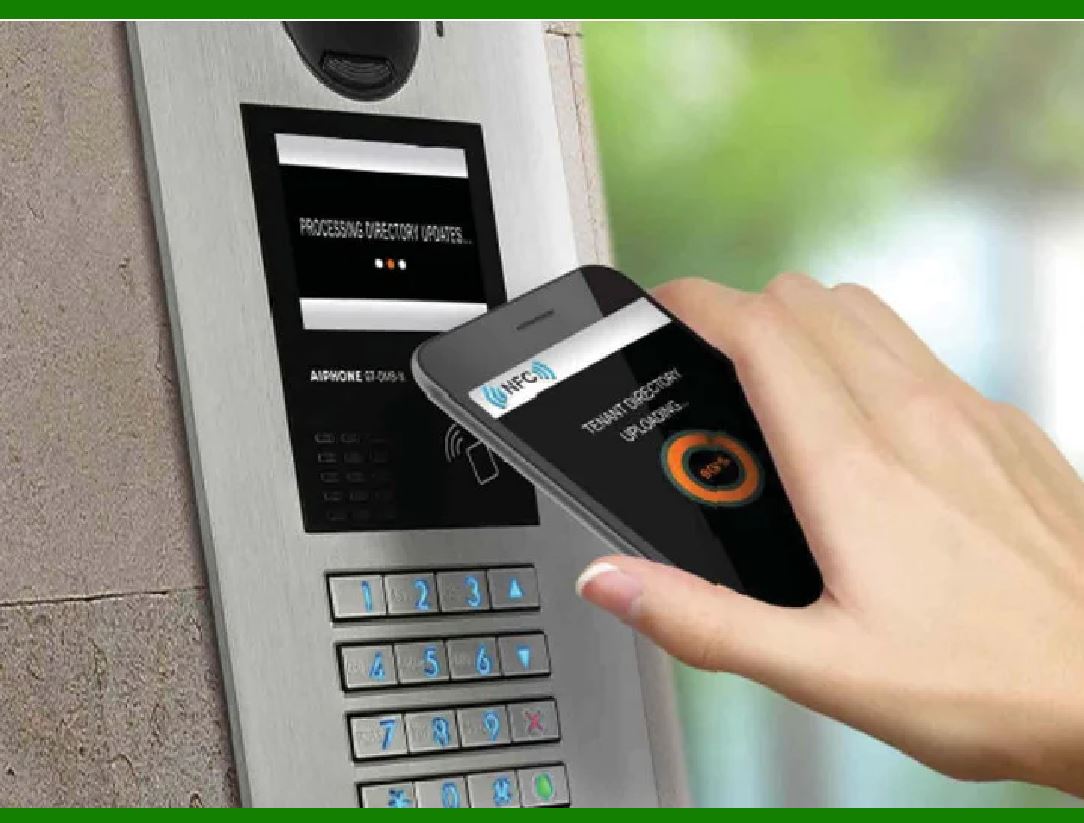
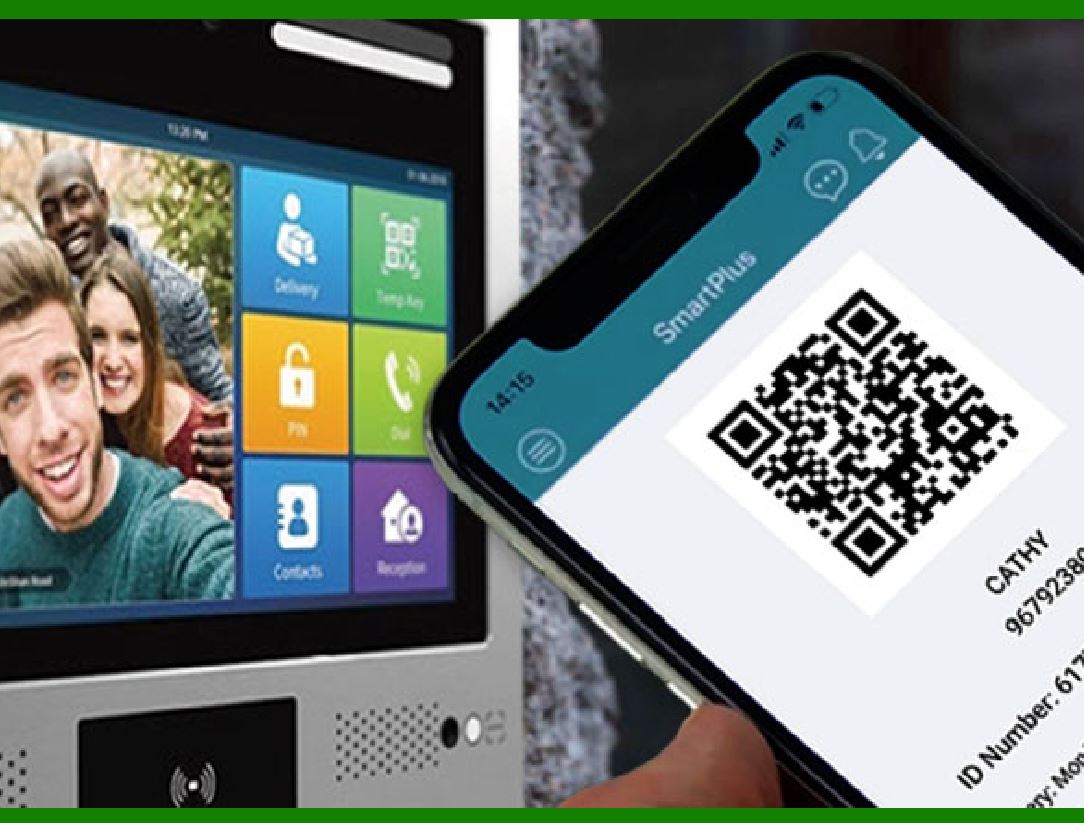
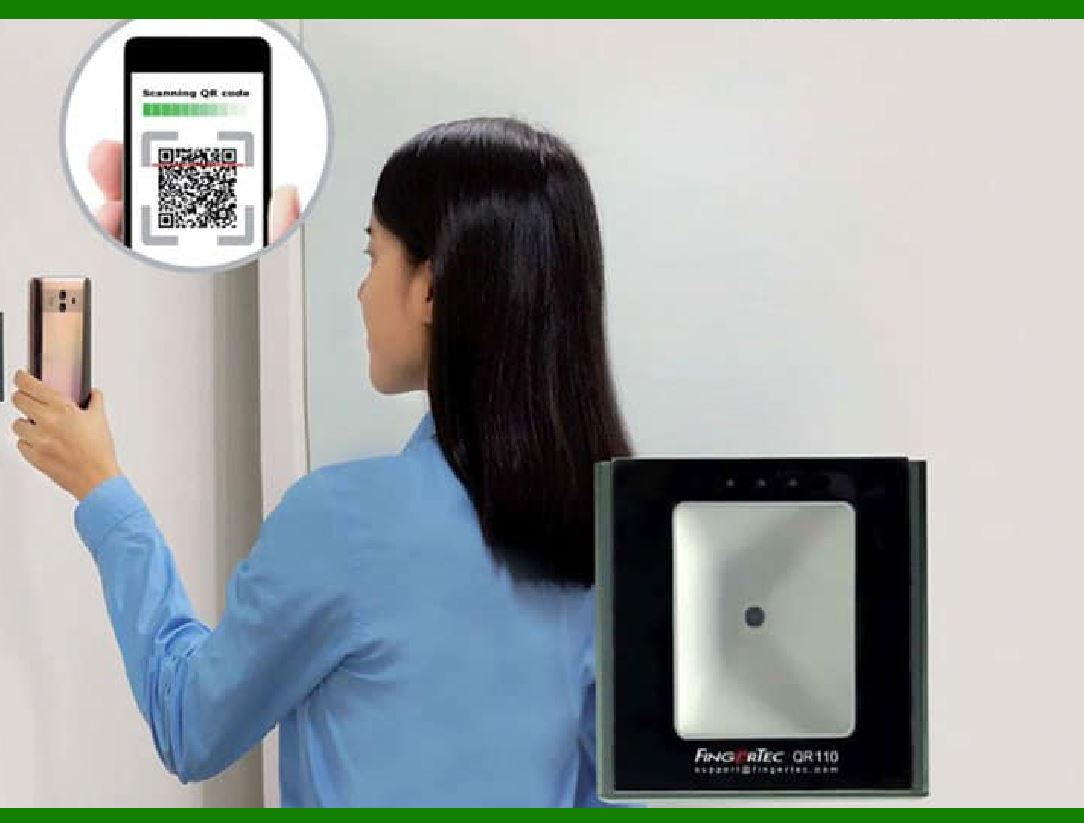
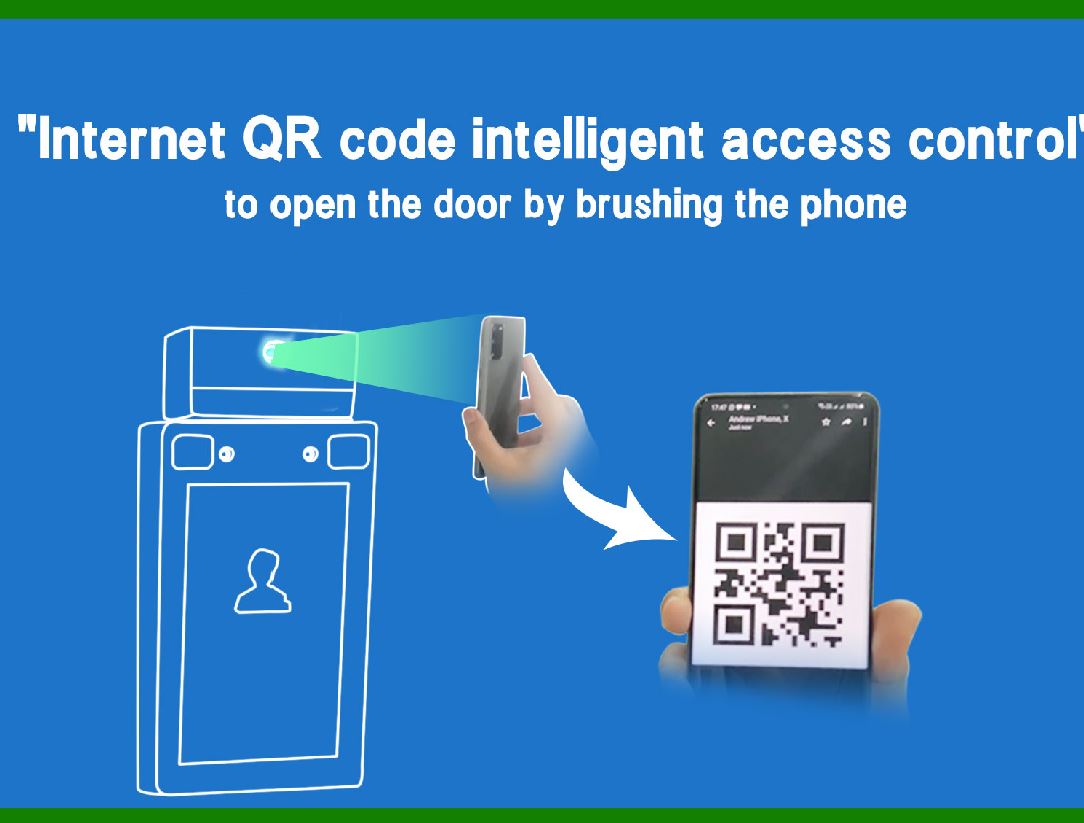
Barcode access control leverages barcodes those familiar series of parallel lines and spaces representing data¡ªto grant or deny access to specific areas. Here's how it works:

Unique Barcodes:

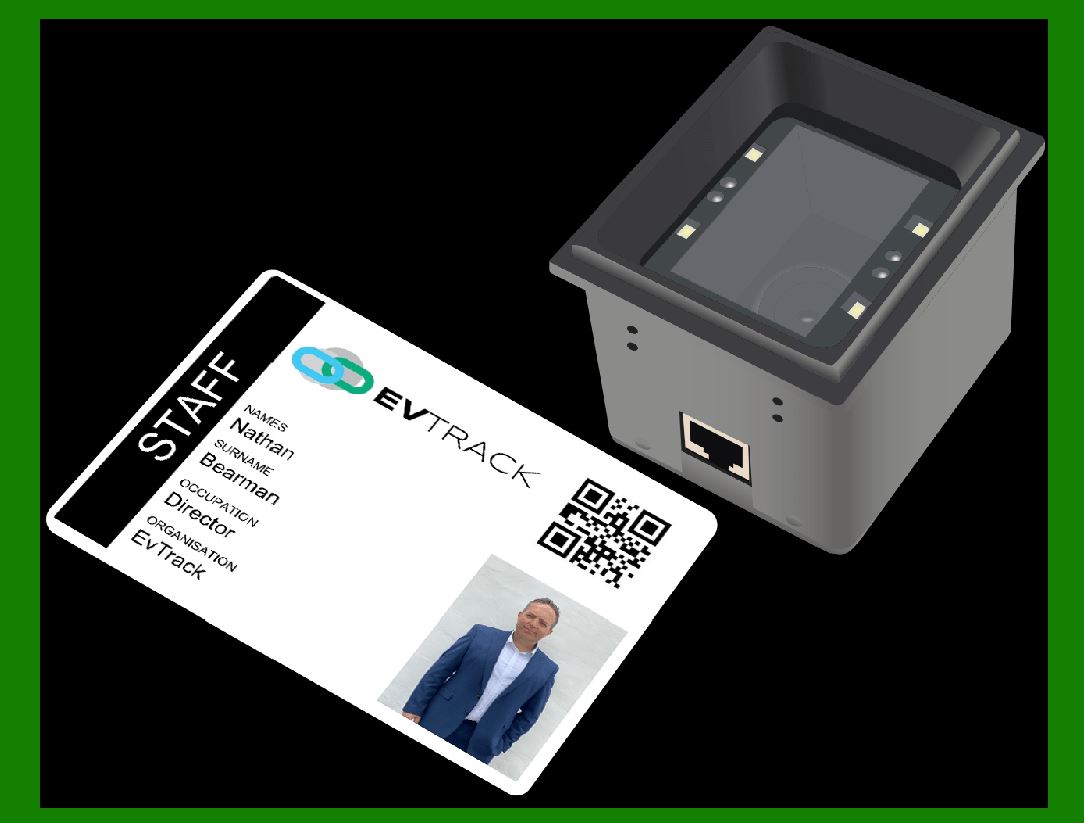
Authorized individuals or ID cards are assigned unique barcodes.

Scanning Process:

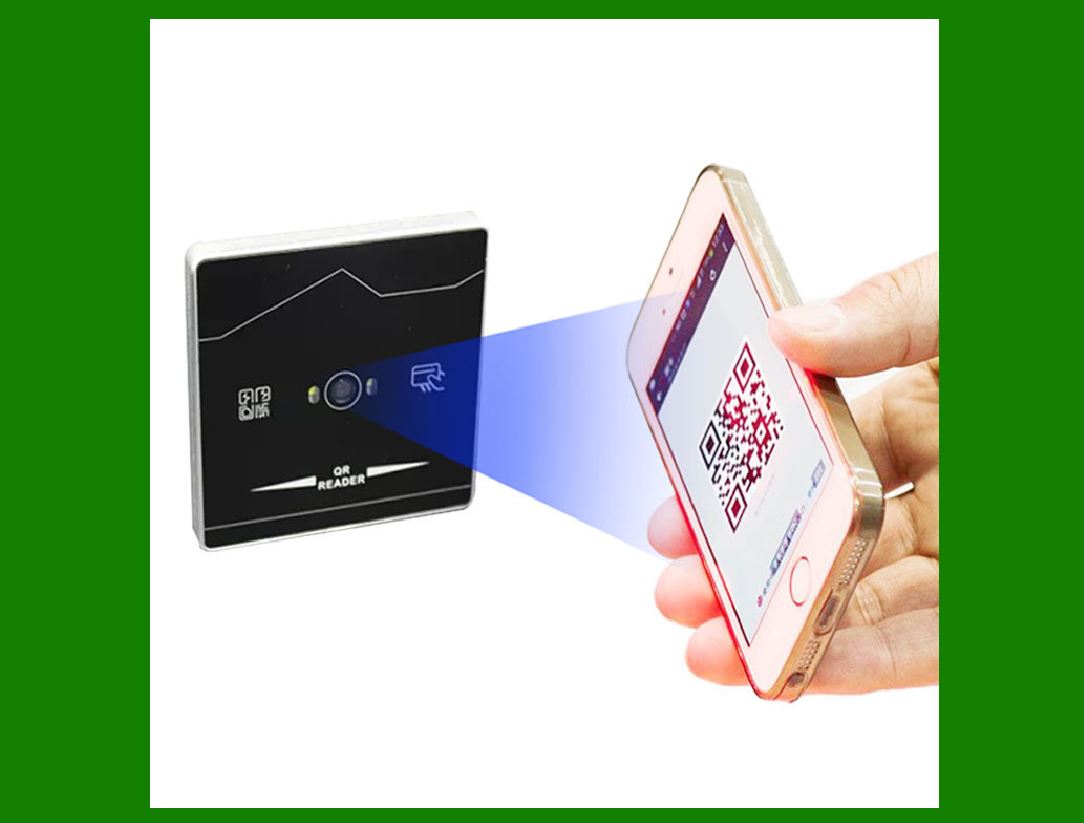
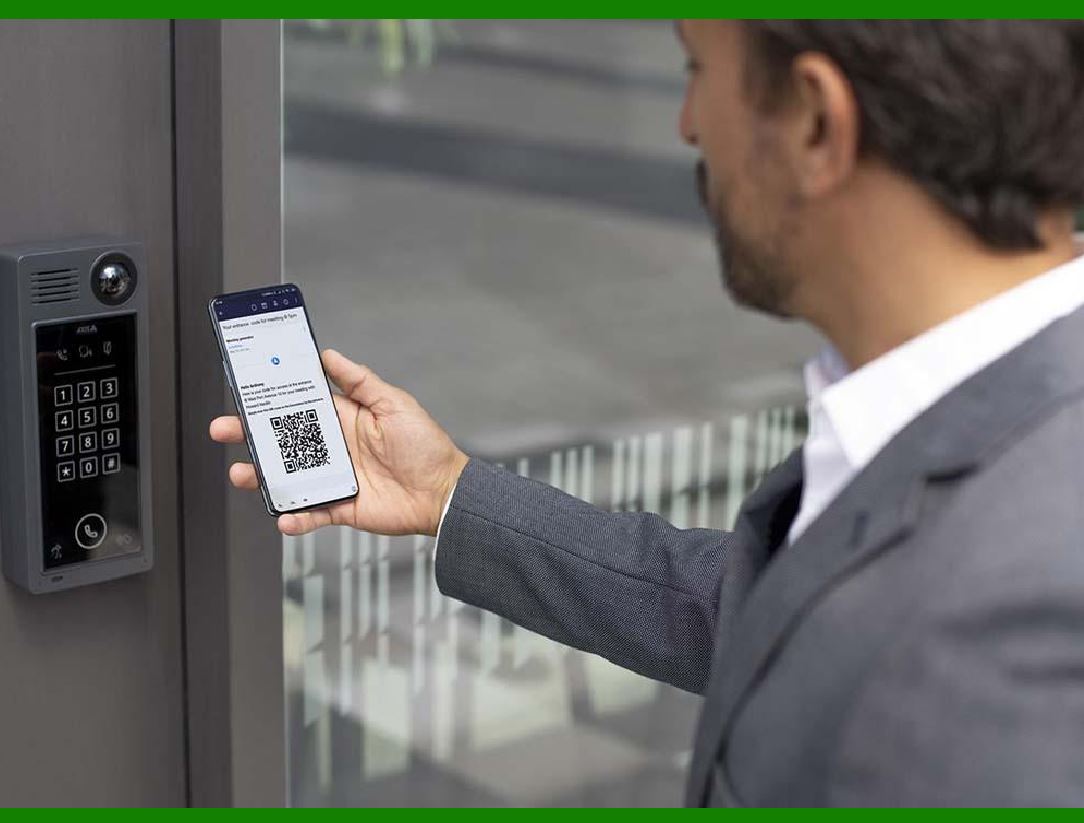
At access points (doors, gates, etc.), a compatible barcode reader scans the barcode.

Authentication:

The system verifies the scanned data against its records.

Access Decision:

Based on authentication, access is either granted or denied.

Applications of Barcodes in Security and Access Control

Physical Access Control:

Barcodes are integrated into employee identification processes. Personalized barcode ID cards ensure that only authorized personnel gain entry to specific areas.

Asset Tracking:

Barcodes are used to track assets (equipment, inventory, etc.) within a facility. Scanning barcodes allows organizations to monitor movement and prevent theft.

Visitor Management:

Barcodes on visitor badges help manage access to restricted areas. Temporary visitors receive unique barcodes for controlled entry.

Time and Attendance:

Barcoded badges facilitate accurate time tracking for employees. Scanning at entry and exit points records work hours.

Library Systems:

Libraries use barcodes to manage book checkouts, returns, and inventory.

Parking Lots and Garages:

Barcodes on parking permits enable automated entry and exit.

Event Access:

Barcoded tickets or wristbands control entry to concerts, conferences, and other events.

Benefits of Barcode Access Control

Cost-Effective:

Barcodes are affordable to produce and implement.

Efficiency:

Quick scanning speeds up access processes.

Accuracy:

Barcodes reduce manual errors.

Audit Trail:

Scanned data provides an audit trail for security monitoring.

In summary, barcodes play a pivotal role in enhancing security, access control, and asset management across various domains. Their simplicity, efficiency, and versatility make them a valuable tool in safeguarding resources and ensuring authorized access.

Remember, whether it's securing a warehouse, managing employee access, or tracking library books, barcodes quietly contribute to a safer and more organized world.


EasierSoft Barcode Label Design & Bulk Printing Software

---- Use Excel Data to Batch Print Barcodes on Label Sheets or Roll Labels  

---- How to use this barcode software

Download:  Free Barcode Software + Barcode Label Designer

Download Free Barcode Software at Softonic

     Download at CNET

Once you obtain a GS1/UPC/EAN barcode, or other barcode type and QR code, you can use our free software to batch print barcode labels onto Roll label paper using a professional label printer, or to batch print barcodes onto Avery 5160 label sheets using a regular laser or inkjet printer. Our software has free and paid versions.

The free version fully meets your needs for batch printing GS1/UPC/EAN barcodes. The paid version can import data from Excel and databases to batch print barcode labels with different values.

How to Start

Input Data

Import Excel Data

Print Barcode

Barcode Format

Label Designer

All Screen Shot

Export Barcode Image

Save Template

Output Word Excel

How to Use & FAQ:

Edit data in Label designer

Label Designer - Add new label

Label Designer - Printing

Set the barcode label format to be printed

Other Barcode Label Format Settings

Barcode types supported by this program

Barcode Label Font Settings

Configuring the Barcode Print Rotation

Text Alignment for Barcode Labels

Automatically Adjusting Barcode Width

Text Beneath the Barcode

Configuring Barcode Size

Auto Calculate the Barcode Size

Export Barcode images

Export Barcode Image Format

File Names for Exported Barcode

Resolution of Exported Barcode Images

Fixed Folder for Exporting Barcode

Default Barcode Image Export Format

Print bulk barcodes quickly

Print barcodes to Avery 5160 label

How to bulk Barcode Printing

Sample - Avery 5162 (2x7) Label Sheet

Example: Print barcodes to 5*3cm roll

Example: Print barcodes to 5161 label

Example: Print barcodes to 5162 label

Example: Print barcodes to 5163 label

Example: Print barcodes to 5164 label

Example: Print portrait orientation 5164

Example: Print barcodes to 5167 label

Example: Print barcodes to 5168 label

Example: Print portrait orientation 5168

Example: Print barcodes to 5169 label

Example: Print barcodes to 5660 label

Example: Print barcodes to 5661 label

Example: Print barcodes to 5662 label

Example: Print barcodes to 5663 label

Example: Print barcodes to 5664 label

Example: Print portrait orientation 5664

Example: Print barcodes to 5873 label

Example: Print barcodes to 5874 label

Two ways to import Excel data

Import Excel Data - Pro Edition

Import Excel Data - Std Edition

Import Data from Excel - Detail

Load Data From Excel File

Data Editing Table

Copy Data From Excel

Four ways to input barcode data

Add ASCII Key E

Highlights

Excel integration: Import data directly from Excel to generate and print barcodes in bulk.

Label designer: Create complex labels with multiple barcodes, text, logos, and shapes.

Batch printing: Print thousands of barcodes at once using standard inkjet/laser printers or professional barcode printers.


Flexible editions:

Standard Edition: Simple batch printing with Excel data.

Professional Edition: Adds command-line automation for workflow integration.

Label Designer Edition: Advanced design features for complex labels.


Why Choose Our Barcode Solutions?

Cost-effective: Free online generator and permanent free desktop version available.

Easy to use: No technical expertise required—just input data and print.

Versatile: Supports nearly all 1D and 2D barcode types, including QR codes.

Trusted: Recommended by CNET and widely downloaded by users worldwide.


Suitable Use Cases

Small businesses and startups needing quick barcode labels for products.

Retailers and online sellers managing inventory with batch barcode printing.

Manufacturers requiring sequential or custom barcode labels for packaging.

Educational and testing environments where barcodes are used for tracking.


CONTACT

cs@easiersoft.com

If you have any question, please feel free to email us.


https://free-barcode.com


<<< Back to Directory <<<     Barcode Generator     Barcode Freeware     Privacy Policy