Barcode Technology

Barcode History

Barcode Label Paper

Barcode Printer

Barcode Application

Inventory Management

AI Barcode QRCode

Barcode Scanner

Barcode Software

Barcode Software B

Barcode Software C

Barcode Software D

Barcode Software E

New Technology A

New Technology B

Robot Technology

Barcode Types

Barcode Types B

Barcode Types C

Barcode Types D

Barcode Types E

Barcode Types F

Electronic Technology

Psychology at Work

Barcode Technology and Barcode Software Related   <<< Back to Directory <<<

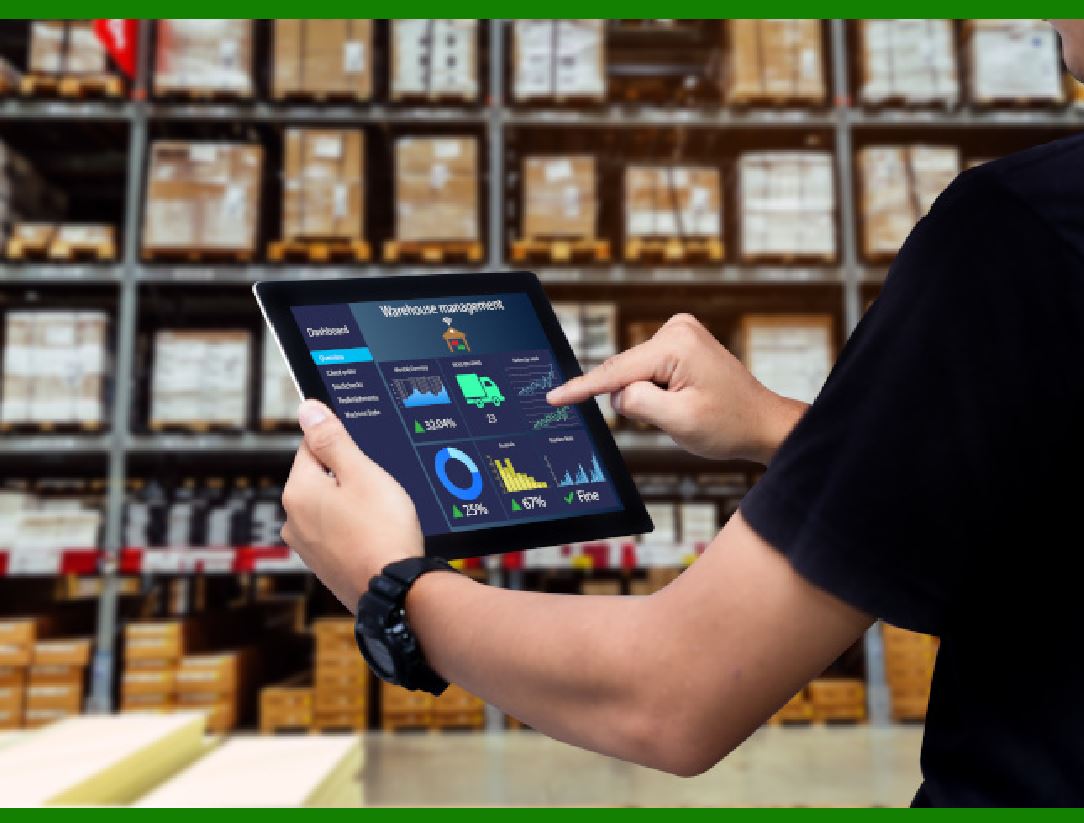
Barcodes in warehouse management

The application of barcodes in warehouse management

Let's delve into the fascinating world of barcodes and their crucial role in warehouse management.

1. Efficiency and Accuracy

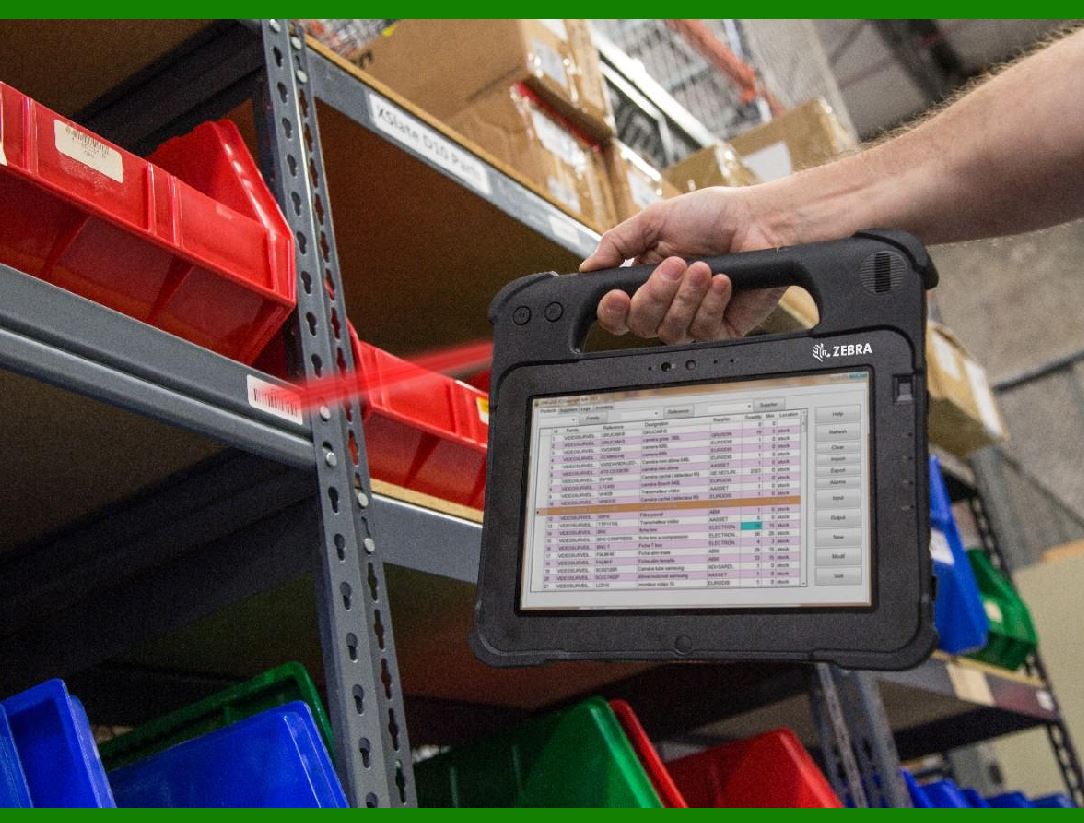
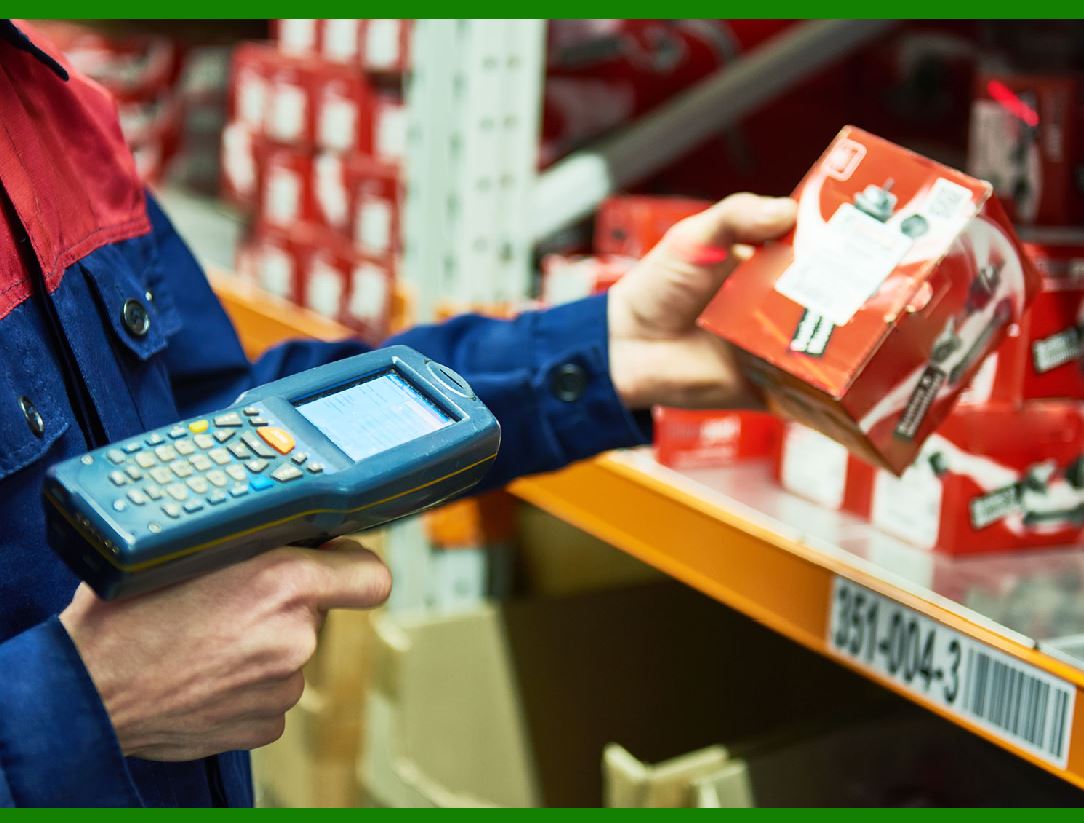
Barcodes are essential tools for streamlining warehouse operations. They provide a unique identifier for each item, making it easy to track goods as they move through various stages within the warehouse.

Here are some key benefits:

Faster Order Processing Speed:

Barcodes enable quick scanning, reducing the time it takes to process orders. Whether it's picking items for shipment or replenishing stock, barcode scanning accelerates these tasks.

Reduced Clerical and Operating Costs: Manual data entry and paperwork can be error-prone and time-consuming. Barcodes automate processes, minimizing the need for manual record-keeping and reducing operational costs.

Fewer Errors:

Human errors, such as mistyped numbers or incorrect data entry, can lead to costly mistakes. Barcodes eliminate these errors by providing accurate and consistent information.

Greater Inventory and Cycle Count Accuracy:

Regular cycle counts are essential for maintaining accurate inventory levels. Barcodes allow for semi-automated cycle counting, ensuring that stock levels are up-to-date.

2. Warehouse Layout and Organization

Barcodes contribute to a professional and organized warehouse layout:

Tagging Locations:

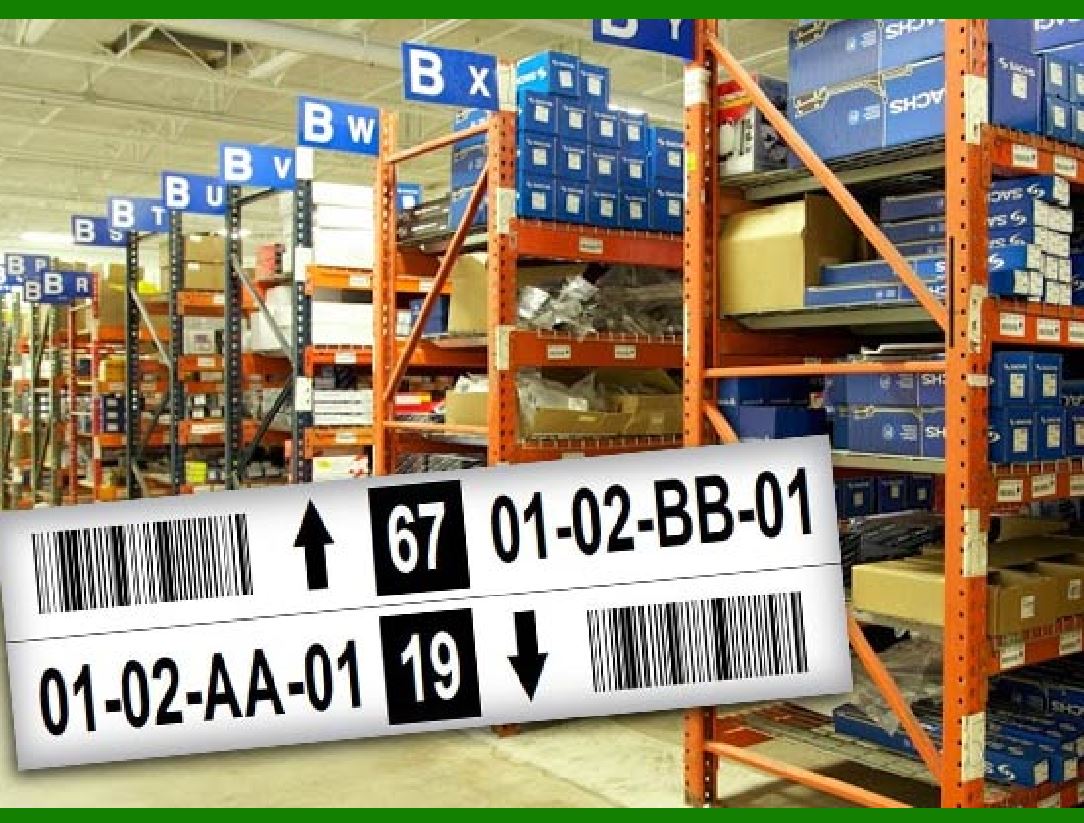
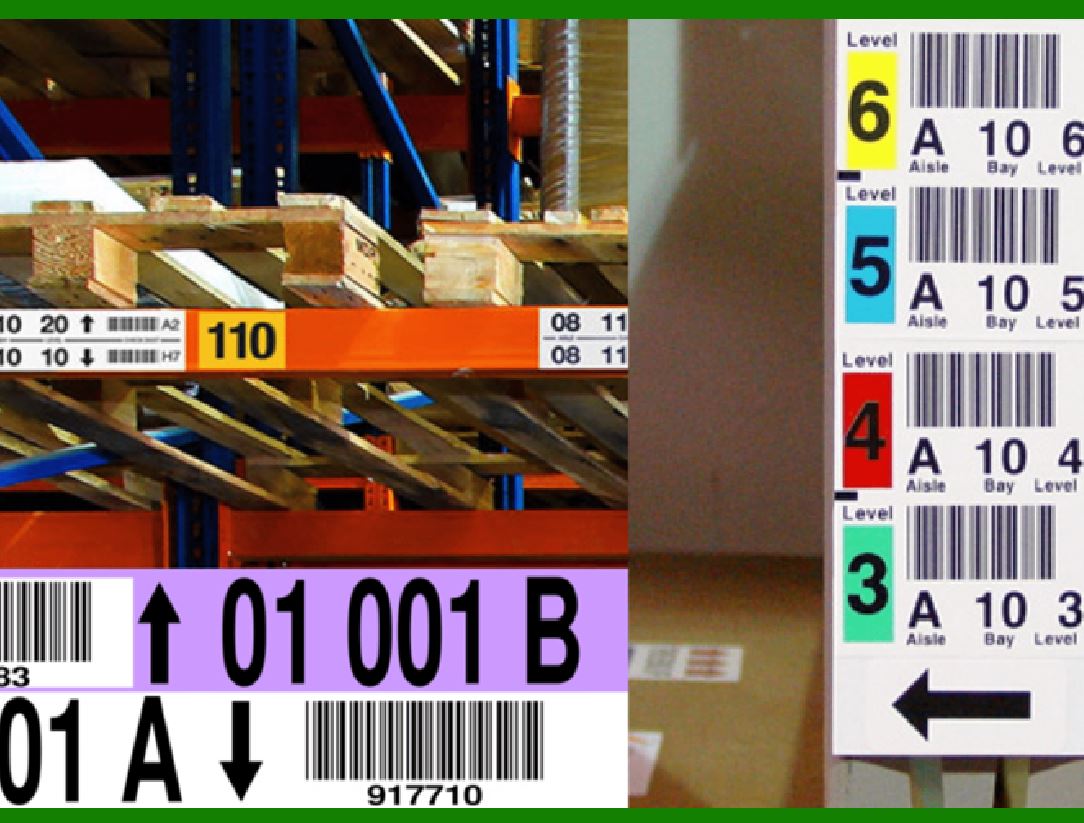
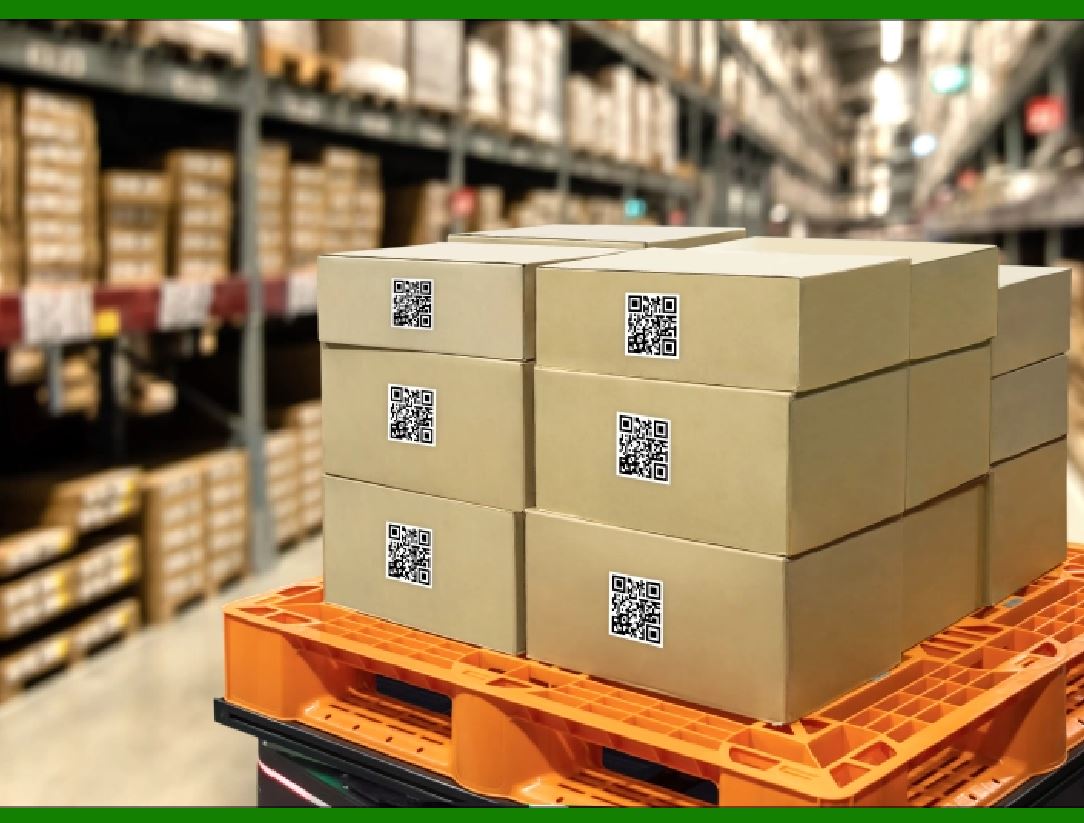
Each warehouse location, rack, pallet, and container can be labeled with a barcode. These labels can be easily scanned, providing real-time information about the contents and location of each item.

Perpetual Inventory Control:

By linking barcodes to a centralized warehouse management system, you can monitor inventory in real time. This perpetual inventory control system helps prevent stockouts and ensures efficient stock replenishment.

3. Scalability and Future Expansions

Scalability:

As your warehouse grows, barcode systems can accommodate additional products, locations, and inventory. Adding new barcodes is straightforward.

Future Expansions: Whether you're opening new warehouses or expanding existing ones, barcodes facilitate seamless transitions.

4. Linking Information

Barcodes allow you to link essential information to each unique identifier:

Product Details:

You can associate product size, weight, and other relevant data with specific barcodes. This information aids in efficient handling and storage.

5. Implementation Steps

When implementing barcodes in your warehouse, follow these steps:

Create an Initial Barcode Plan:

Plan meticulously to ensure compatibility between different components of the barcode system.

Consider factors like label design, placement, and scanning devices.

Select the Right Barcode Type:

Choose from various barcode types (e.g., UPC, Code 128, QR codes) based on your specific needs.

Consider factors like readability, data capacity, and scanning distance.

Label Your Warehouse Locations:

Use floor labels or hanging labels to tag each location, rack, and container.

Ensure that labels are easily scannable.

Train Staff:

Properly train warehouse staff on barcode scanning procedures.

Emphasize the importance of accurate scanning.

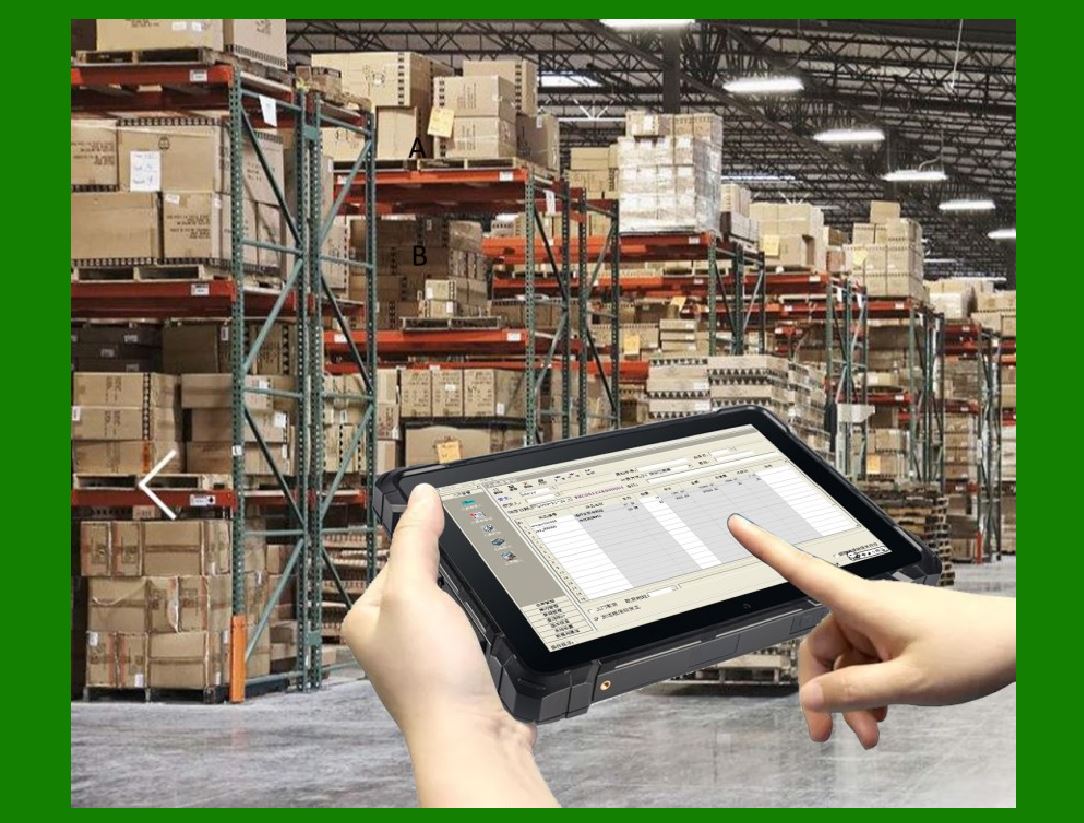
Integrate with Warehouse Management Software:

Use a centralized system to manage barcode data.

Link barcodes to relevant product information.

Effective barcode implementation requires planning, training, and ongoing maintenance. With the right approach, barcodes can significantly enhance warehouse efficiency and accuracy.


EasierSoft Barcode Label Design & Bulk Printing Software

---- Use Excel Data to Batch Print Barcodes on Label Sheets or Roll Labels  

---- How to use this barcode software

Download:  Free Barcode Software + Barcode Label Designer

Download Free Barcode Software at Softonic

     Download at CNET

Once you obtain a GS1/UPC/EAN barcode, or other barcode type and QR code, you can use our free software to batch print barcode labels onto Roll label paper using a professional label printer, or to batch print barcodes onto Avery 5160 label sheets using a regular laser or inkjet printer. Our software has free and paid versions.

The free version fully meets your needs for batch printing GS1/UPC/EAN barcodes. The paid version can import data from Excel and databases to batch print barcode labels with different values.

How to Start

Input Data

Import Excel Data

Print Barcode

Barcode Format

Label Designer

All Screen Shot

Export Barcode Image

Save Template

Output Word Excel

How to Use & FAQ:

Example: Print barcodes to 5*3cm roll

Example: Print barcodes to 5161 label

Example: Print barcodes to 5162 label

Example: Print barcodes to 5163 label

Example: Print barcodes to 5164 label

Example: Print portrait orientation 5164

Example: Print barcodes to 5167 label

Example: Print barcodes to 5168 label

Example: Print portrait orientation 5168

Example: Print barcodes to 5169 label

Example: Print barcodes to 5660 label

Example: Print barcodes to 5661 label

Example: Print barcodes to 5662 label

Example: Print barcodes to 5663 label

Example: Print barcodes to 5664 label

Example: Print portrait orientation 5664

Example: Print barcodes to 5873 label

Example: Print barcodes to 5874 label

Two ways to import Excel data

Import Excel Data - Pro Edition

Import Excel Data - Std Edition

Import Data from Excel - Detail

Load Data From Excel File

Data Editing Table

Copy Data From Excel

Four ways to input barcode data

Add ASCII Key E

Input Multiple Lines of Text for Barcodes

Generates Sequential Serial Numbers

Import or copy data from Excel sheets

Special sequence number generation

Std Details: Simple Input Form

Std Details: Multiple Line Text Input

Details: Sequence Barcode Generator

Examples: Sequence Barcode Generator

Import Data From Excel Spreadsheet

Barcode Data Correspondence Diagram

Data Editor

Editing a Single Row Data in Form

Batch Editing Multiple Rows of Data

Batch Data Editing - Example 2

Design & print complex barcode labels

Configuring Text Elements on Label

Configuring Barcode Elements on Label

Configuring Image Elements on Label

Setting Line Elements on Label

Designing Labels for 5164 Sheet

Advanced Page Layout Settings

Add Barcode Elements to a Label

Configuring Parameters of a Barcode

Highlights

Excel integration: Import data directly from Excel to generate and print barcodes in bulk.

Label designer: Create complex labels with multiple barcodes, text, logos, and shapes.

Batch printing: Print thousands of barcodes at once using standard inkjet/laser printers or professional barcode printers.


Flexible editions:

Standard Edition: Simple batch printing with Excel data.

Professional Edition: Adds command-line automation for workflow integration.

Label Designer Edition: Advanced design features for complex labels.


Why Choose Our Barcode Solutions?

Cost-effective: Free online generator and permanent free desktop version available.

Easy to use: No technical expertise required—just input data and print.

Versatile: Supports nearly all 1D and 2D barcode types, including QR codes.

Trusted: Recommended by CNET and widely downloaded by users worldwide.


Suitable Use Cases

Small businesses and startups needing quick barcode labels for products.

Retailers and online sellers managing inventory with batch barcode printing.

Manufacturers requiring sequential or custom barcode labels for packaging.

Educational and testing environments where barcodes are used for tracking.


CONTACT

cs@easiersoft.com

If you have any question, please feel free to email us.


https://free-barcode.com


<<< Back to Directory <<<     Barcode Generator     Barcode Freeware     Privacy Policy