Chapter 10: Purchasing and Supplier Collaboration |
10.1 The Bridge Between the Factory and the World |
No mechanical factory is an island. Every gear, every shaft, every housing, every fastener ultimately comes from somewhere outside the factory's four walls. Raw steel arrives from a mill. Bearings arrive from a specialized manufacturer. Castings arrive from a foundry. Cutting tools arrive from a distributor. Even the most vertically integrated factory relies on a network of suppliers for materials, components, and services. |
The purchasing department is the bridge between the factory and this external world. Its job is deceptively simple: buy the right things, at the right time, at the right price, from the right supplier. But in a busy mechanical factory with thousands of different purchased items, hundreds of active purchase orders, and dozens of suppliers, this simple job becomes enormously complex. |
An ERP system transforms purchasing from a reactive, paper-based, crisis-driven function into a proactive, data-driven, strategic function. It automates the routine work of generating purchase orders, tracking receipts, and matching invoices. It provides visibility into supplier performance. It enables collaboration that extends beyond individual transactions to long-term partnerships. And it integrates purchasing with the rest of the factory - with MRP, with inventory, with quality, and with finance. |
This chapter explores how the ERP supports purchasing and supplier collaboration, from the automatic creation of purchase requisitions to the strategic management of supplier relationships. It shows how a well-implemented purchasing module can reduce costs, improve quality, and ensure that the factory never stops for lack of a twelve-dollar bearing. |

|
10.2 The Old Way - Paper, Phones, and Firefighting |
Before ERP, purchasing was a world of paper and firefighting. The process typically looked something like this. A planner, looking at a low inventory level, would fill out a paper purchase requisition. The requisition would travel by internal mail to the purchasing department. A buyer would review it, call a supplier to get a price and delivery date, and then type a paper purchase order. The purchase order would be faxed or mailed to the supplier. When the goods arrived, the receiving clerk would check the packing slip against the paper purchase order, sign it, and send a copy to purchasing. The buyer would then match the receiving document to the purchase order to the supplier's invoice. Any mismatch - a different quantity, a different price, a different delivery date - would require phone calls and paperwork. |
This process was slow, error-prone, and opaque. A planner could not easily see whether a purchase order had been sent, whether the supplier had acknowledged it, or when the goods were expected. A buyer might spend hours on the phone, chasing order acknowledgments and delivery promises. The factory operated with large safety stocks to compensate for the uncertainty, and still suffered shortages when suppliers were late. |
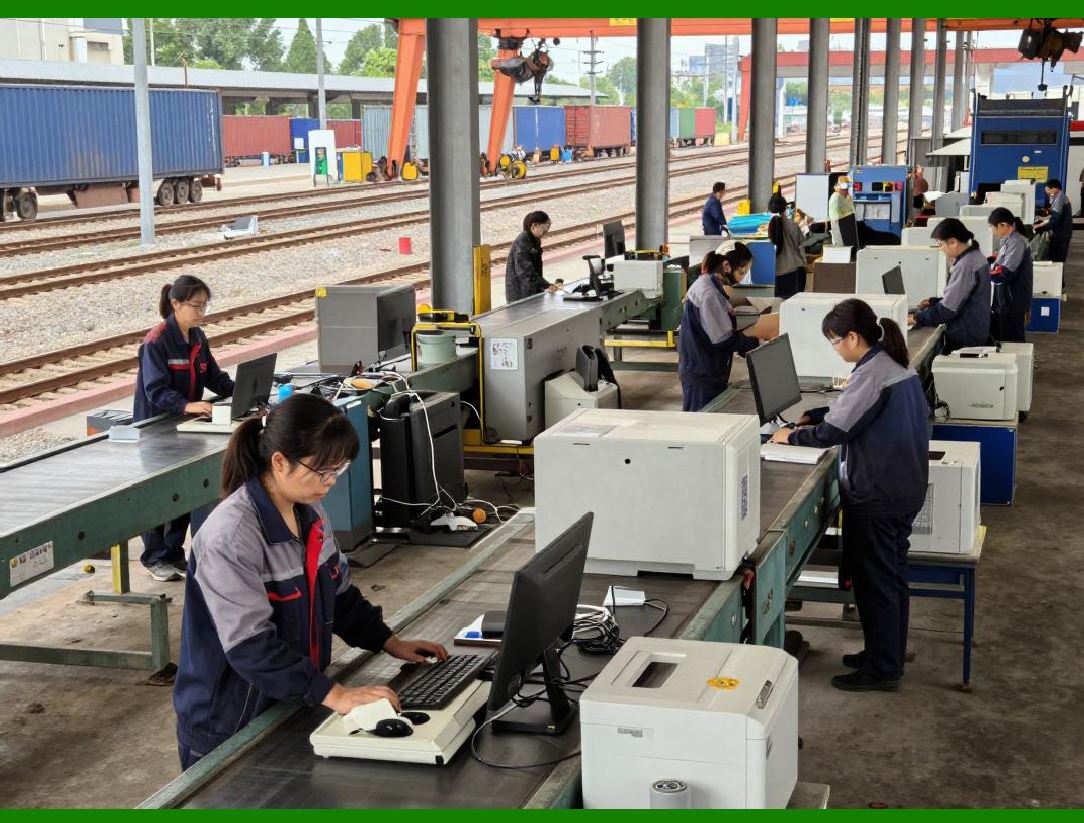
The ERP revolutionizes every step of this process. Purchase requisitions are generated automatically by MRP, not by human judgment. Purchase orders are transmitted electronically to suppliers, often with immediate acknowledgment. Receiving is done with barcode scanners, automatically updating inventory and creating electronic receiving documents. Invoices are matched electronically, with discrepancies flagged for human review. The entire process is visible in real time to everyone who needs to see it. |
|
10.3 From Requisition to Order - The Automated Workflow |
The purchasing process in an ERP system begins with a purchase requisition. A requisition is a request to buy something. It can be created manually by a planner who sees a need, but most requisitions are created automatically by the MRP system. When MRP calculates a net requirement for a purchased item, it generates a requisition for the required quantity, with the required due date. |
The requisition flows to the purchasing module. The system checks whether there is an existing contract or blanket purchase order for the item. If there is, the system suggests using it. The system also checks the approved supplier list for the item. If multiple suppliers are approved, the system may suggest the one with the best price, best quality history, or best delivery performance, depending on the factory's priorities. |
The buyer reviews the requisition. In a well-tuned system, most requisitions require no human intervention. The buyer simply approves a batch of them with a single click. For exceptions - a new item, a new supplier, an urgent need, a quantity outside normal ranges - the buyer investigates and may modify the requisition before converting it to a purchase order. |
When the buyer approves a requisition, the ERP creates a purchase order. The purchase order is an electronic document that contains all the information the supplier needs: the item number, the description, the quantity, the requested delivery date, the price, the shipping address, the payment terms, and any special instructions. The purchase order is assigned a unique number for tracking. |
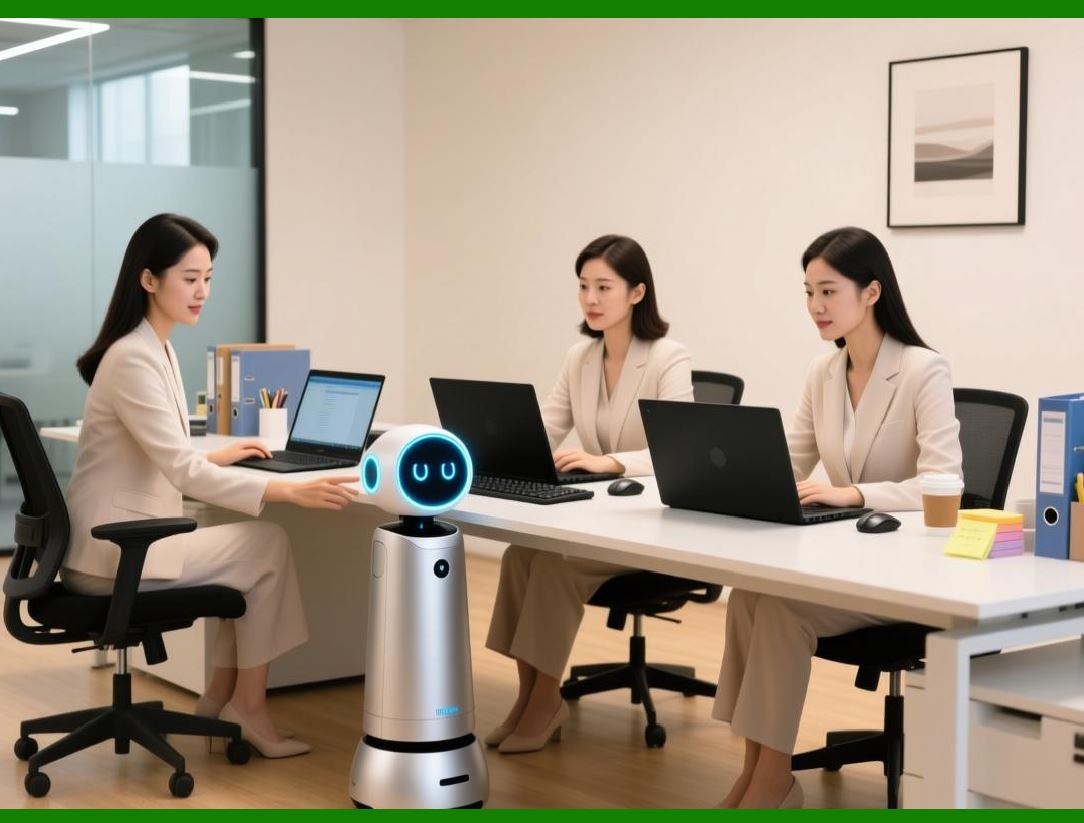
The ERP then transmits the purchase order to the supplier. The transmission method can be email, electronic data interchange (EDI), or a supplier portal. The best method is the one that the supplier prefers. Some large suppliers require EDI; others are happy with email. The ERP can support multiple methods simultaneously. |
When the supplier receives the purchase order, they can acknowledge it. The acknowledgment confirms that the supplier has received the order, understands the requirements, and promises to deliver by the requested date. If the supplier cannot meet the requested date, they can propose an alternative date. The ERP records the acknowledgment and the promised date. If the promised date is later than the requested date, the system alerts the planner, who may need to adjust the production schedule or find an alternative source. |
|
10.4 Supplier Portals - Beyond Purchase Orders |
The most sophisticated ERP systems include supplier portals. A supplier portal is a web-based interface that suppliers can log into to see their orders, update their status, and communicate with the factory. The portal is a two-way street. The factory posts purchase orders, forecasts, and quality requirements. The supplier posts acknowledgments, shipping notices, and quality certificates. |
The supplier portal eliminates many of the inefficiencies of traditional purchasing. The supplier can see their open orders at any time, without calling the buyer. The buyer can see the supplier's latest shipping status, without calling the supplier. The portal provides a single source of truth for both parties. |
The portal also enables collaborative forecasting. Instead of sending individual purchase orders, the factory can share a rolling forecast of expected demand with key suppliers. The forecast might look twelve weeks into the future, showing expected weekly requirements. The supplier can use this forecast to plan their own production, order raw materials, and reserve capacity. When the firm purchase order arrives later, it should match the forecast, and the supplier is already prepared. |
Collaborative forecasting is especially valuable for items with long lead times. A casting might have a six-week lead time from the foundry. The factory's firm production schedule may only be firm for four weeks. Without a forecast, the factory would have to order castings before the schedule is firm, taking a risk. With a collaborative forecast, the foundry can start working on the castings based on the forecast, but the factory is not committed until the firm order is placed. Both parties share the risk, and both benefit from the reduced lead time. |

|
10.5 Receiving, Inspection, and the Three-Way Match |
When the supplier's shipment arrives at the factory, the receiving process begins. The receiving clerk scans the shipment's barcode or enters the purchase order number. The ERP retrieves the purchase order and displays what is expected: which items, in what quantities, by what date. |
The clerk counts the received items and enters the quantity. If the quantity matches the purchase order, the ERP creates a receiving record. If there is a discrepancy - too many, too few, or the wrong items - the system flags it. The clerk may need to create a receipt for the correct items and a discrepancy report for the others. |
After receiving, the items may go to incoming inspection. The ERP directs this process, as described in Chapter 8. If the items pass inspection, they are moved to inventory, and the ERP updates the on-hand quantity. If they fail, they are quarantined, and a non-conformance report is created. |
The final step in the purchasing process is the three-way match. The ERP compares three documents: the purchase order, the receiving record, and the supplier's invoice. If all three agree on the item, quantity, and price, the system approves the invoice for payment. If there is a mismatch, the system flags it for human review. |
The three-way match is a critical internal control. It prevents the factory from paying for goods it did not receive, or paying a higher price than agreed. In a paper-based system, the three-way match is a tedious, time-consuming manual process. In an ERP, it is automatic and instantaneous. The buyer only sees the exceptions - the mismatches that need investigation. |

|
10.6 Supplier Performance Management - The Scorecard |
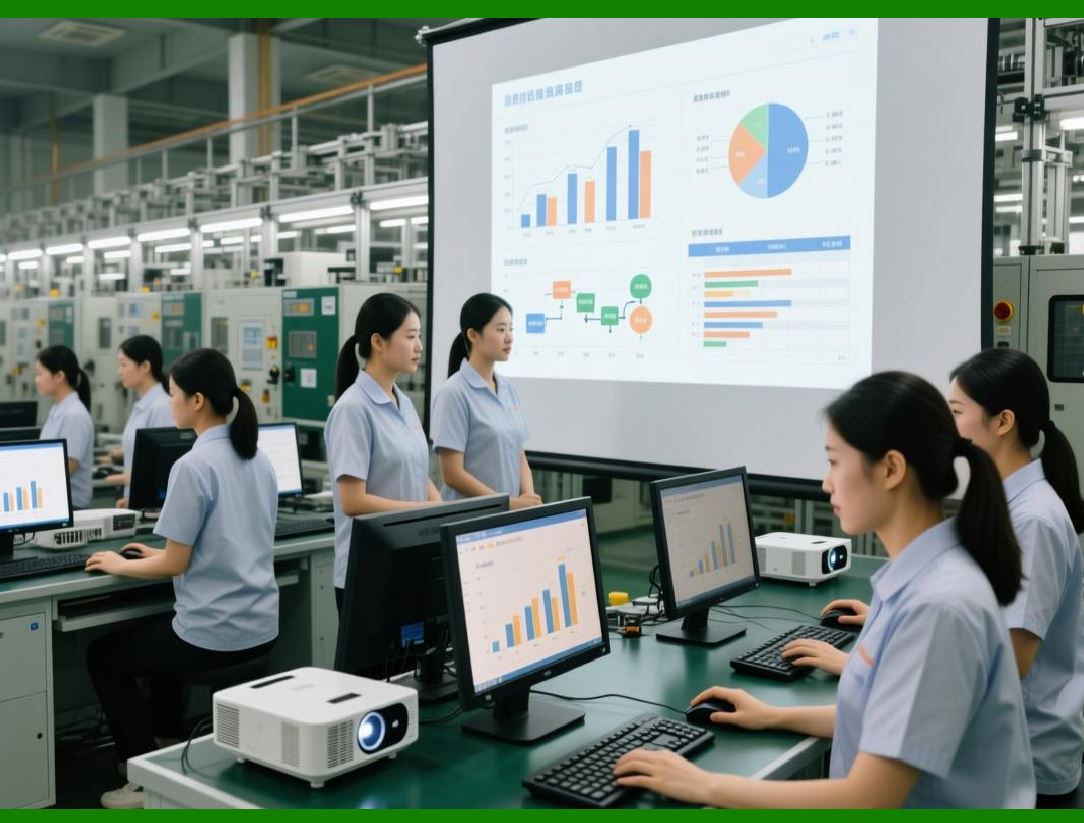
A purchase order is a transaction. A supplier relationship is a partnership. The ERP helps manage the partnership through supplier performance management. The system tracks key performance indicators for each supplier and presents them on a scorecard. |
The most important indicator is on-time delivery. The ERP compares the promised delivery date from the purchase order acknowledgment to the actual receipt date. A supplier that delivers early is not necessarily good - early delivery can create inventory problems. A supplier that delivers exactly when promised is ideal. The system calculates the on-time delivery percentage, typically over a rolling twelve-month period. |
The second indicator is quality. The ERP tracks the results of incoming inspection for each supplier. What percentage of shipments are accepted without defectsWhat is the defect rate for items that are acceptedHow quickly does the supplier respond to non-conformance reportsThe system calculates a quality score, often as a percentage of acceptable lots. |
The third indicator is price competitiveness. The ERP tracks the prices paid to each supplier over time, and can compare them to market prices or to prices from other suppliers. A supplier whose prices are consistently above market may be a candidate for negotiation or replacement. |
The fourth indicator is responsiveness. How quickly does the supplier acknowledge purchase ordersHow quickly do they respond to requests for quotesHow quickly do they resolve problemsThis is more subjective, but the ERP can capture it through transaction timestamps and through manual ratings from buyers. |
The supplier scorecard is not just for the factory's internal use. The best factories share the scorecard with the supplier. A supplier that sees its on-time delivery score declining can take corrective action before the factory decides to switch to a competitor. The scorecard becomes a tool for continuous improvement, not just for evaluation. |
|
10.7 Strategic Sourcing - Beyond the Lowest Price |
Many factories choose suppliers based primarily on price. The lowest bidder wins the business. This approach seems rational, but it often leads to higher total costs. A low-priced supplier may have poor quality, causing scrap and rework. They may have long or unreliable lead times, forcing the factory to hold high safety stock. They may be financially unstable, creating risk of disruption. |
Strategic sourcing is an approach that considers total cost of ownership, not just purchase price. The ERP supports strategic sourcing by providing data on all the costs associated with each supplier: price, quality costs, delivery costs, and administrative costs. |
For example, Supplier A offers a bearing for ten dollars. Supplier B offers the same bearing for eleven dollars. At first glance, Supplier A is cheaper. But the ERP's data shows that Supplier A's bearings have a five percent defect rate, while Supplier B's have a one percent defect rate. The cost of finding and replacing the defective bearings is fifty cents per bearing. The total cost of Supplier A is ten dollars and fifty cents. The total cost of Supplier B is eleven dollars and eleven cents - still higher, but the gap has narrowed. If the ERP also shows that Supplier A's lead time is variable, forcing the factory to hold an extra week of safety stock at a carrying cost of ten cents per bearing, the total cost of Supplier A becomes ten dollars and sixty cents. Supplier B is now cheaper, despite the higher purchase price. |
The ERP can perform this total cost analysis automatically, using stored data on defect rates, lead time variability, and inventory carrying costs. It can suggest which supplier to choose for a new item, or whether to switch suppliers for an existing item. |
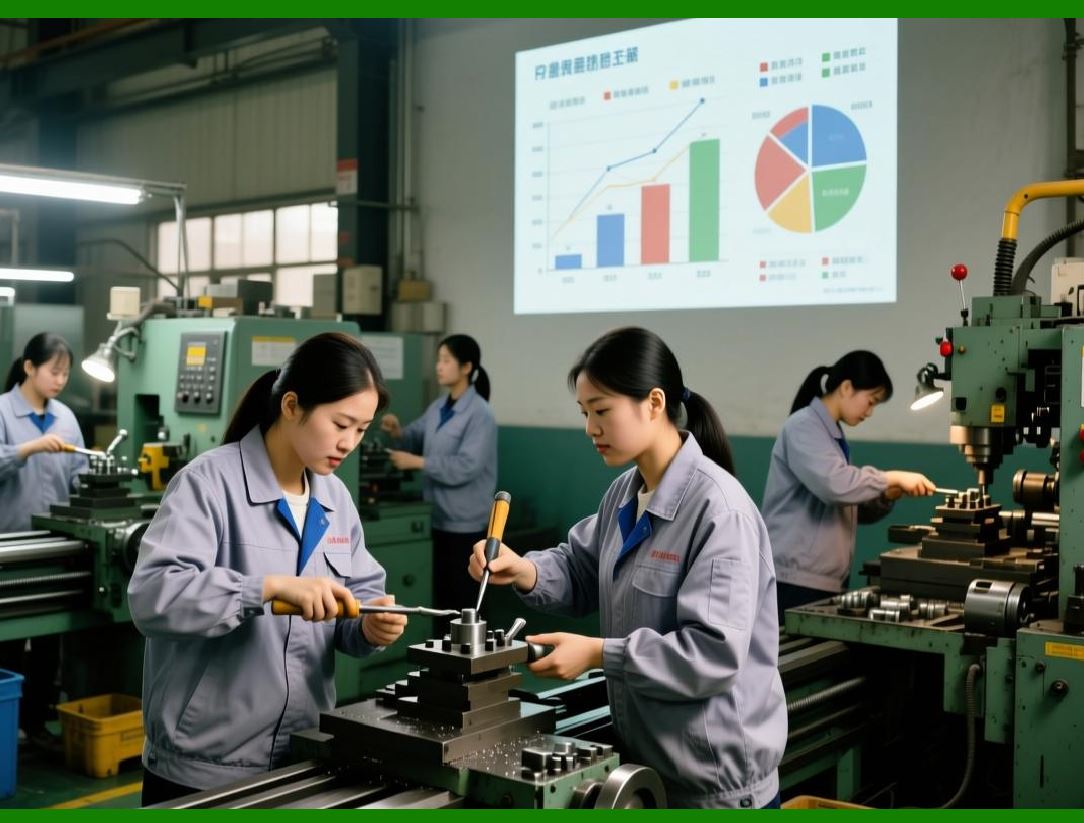
Strategic sourcing also considers supplier relationships. A factory that treats suppliers as adversaries, squeezing every penny out of each transaction, will find that suppliers are uncooperative when problems arise. A factory that treats suppliers as partners, sharing forecasts, collaborating on quality improvement, and paying fairly, will find that suppliers go the extra mile when needed. The ERP cannot create this partnership, but it can provide the transparency and communication tools that make partnership possible. |
|
10.8 Purchase Order Financing and Payment |
The purchasing process ends with payment. The ERP integrates with the factory's financial system to manage supplier payments. When an invoice passes the three-way match, it is scheduled for payment according to the agreed payment terms. Some suppliers are paid in thirty days, some in sixty days, some upon receipt of goods. |
The ERP can take advantage of early payment discounts. Many suppliers offer a small discount, such as two percent, if the invoice is paid within ten days instead of thirty. The ERP can calculate whether taking the discount is financially beneficial, based on the factory's cost of capital. If the discount is beneficial, the system can prioritize those invoices for early payment. |
Conversely, the ERP can manage payment timing to optimize cash flow. If the factory is short of cash, the system can delay payments to suppliers with longer terms, while paying those that offer discounts. The ERP can generate a payment forecast, showing expected cash outflows over the coming weeks and months. |
The integration between purchasing and finance also enables accrual accounting. When goods are received, the ERP creates an accounting entry: debit inventory, credit accrued liabilities. When the invoice is paid, the ERP reverses the accrual and records the cash payment. This ensures that the factory's financial statements reflect the economic reality of the transaction, not just the timing of the invoice. |

|
10.9 The Human Side of Purchasing - From Order Takers to Strategic Partners |
In a factory without an ERP, buyers spend most of their time on transactional work: creating purchase orders, chasing acknowledgments, resolving invoice discrepancies, and expediting late orders. This is reactive, low-value work. The buyer is an order taker, not a strategic contributor. |
In a factory with a well-implemented ERP, the transactional work is automated. Purchase orders are generated automatically. Acknowledgments are received electronically. Invoice matching is automatic. Expediting is driven by system alerts, not by manual checks. The buyer is freed from the routine. |
What do buyers do with their freed timeThey become strategic partners. They analyze supplier performance data to identify improvement opportunities. They negotiate long-term agreements that benefit both parties. They work with engineering to identify cost reduction opportunities through alternative materials or designs. They develop new suppliers to reduce risk and increase competition. They collaborate with suppliers on quality improvement and lead time reduction. |
This transformation is not automatic. It requires training, trust, and a willingness to let go of old habits. Some buyers resist the move to strategic work because they are comfortable with the familiar routine of transactional purchasing. But the factories that succeed in making the transition gain a significant competitive advantage. Their purchasing departments are not cost centers; they are value creators. |
|
10.10 Real-World Example: The Pump Manufacturer's Supplier Collaboration |
Consider a manufacturer of industrial pumps. The company had hundreds of suppliers, ranging from large steel mills to small local machine shops. The purchasing department was overwhelmed with transactional work. Buyers spent most of their time creating purchase orders and chasing late deliveries. Supplier quality was inconsistent. The factory often stopped because a simple seal or fastener was missing. |
The company implemented a comprehensive purchasing module within their ERP, including a supplier portal. The first step was to clean the supplier master data. Every approved supplier was reviewed. Contact information was updated. Lead times were verified. Minimum order quantities were recorded. |
The second step was to automate the requisition-to-order process. MRP-generated requisitions flowed directly to the purchasing module. Buyers approved them in batches. Purchase orders were sent electronically via the supplier portal. Suppliers acknowledged them online. |
The third step was to implement supplier scorecards. Every supplier received a monthly scorecard showing on-time delivery, quality, and responsiveness. The scorecards were shared with the suppliers. Poor performers were put on improvement plans. Good performers were given more business and longer contracts. |
The fourth step was to implement collaborative forecasting for key suppliers. The company shared a twelve-week rolling forecast with its top twenty suppliers. The suppliers used the forecast to plan their own production. The result was a dramatic reduction in lead times. A casting that previously took eight weeks from order to delivery now took four weeks, because the foundry had already started working based on the forecast. |
The results were impressive. Purchase order processing time dropped from thirty minutes per order to five minutes. On-time delivery from suppliers increased from seventy percent to ninety-five percent. Incoming quality improved, with defect rates falling by half. The purchasing department reduced its headcount by two people, even though the company's volume grew by twenty percent. The freed buyers focused on strategic sourcing, negotiating better prices and developing new suppliers. The factory's total cost of purchased materials fell by eight percent. |
The purchasing manager noted that the biggest change was not in the numbers, but in the culture. Before the ERP, suppliers were treated as adversaries. After the ERP, they became partners. The supplier portal created transparency. Both sides could see the same data. Problems were solved together, not blamed on each other. |
|
10.11 The Future - Artificial Intelligence in Purchasing |
The next frontier in purchasing is the application of artificial intelligence. AI can go beyond automation to make decisions that currently require human judgment. |
For routine items with stable demand and reliable suppliers, AI can manage the entire purchasing cycle without human intervention. The AI monitors inventory levels, forecasts demand, generates purchase orders, sends them to suppliers, and processes receipts and invoices. The human buyer only sees exceptions - a supplier that is consistently late, a price that has changed unexpectedly, a quality problem. |
For more complex items, AI can assist the buyer by suggesting actions. Given a shortage of a critical component, the AI can search for alternative suppliers, check their quality and delivery history, calculate the total cost of switching, and present the buyer with a ranked list of options. The buyer makes the final decision, but the AI does the research. |
AI can also improve supplier selection. Instead of relying on simple scorecards, AI can analyze patterns in supplier performance that are too subtle for humans to detect. It might find, for example, that a particular supplier's quality problems occur only in the summer, suggesting a problem with temperature control in their factory. Or it might find that a supplier's delivery performance degrades when the factory orders more than a certain quantity, suggesting a capacity constraint. |
These AI capabilities are not yet standard in most ERP systems, but they are coming. The purchasing department of the future will be a partnership between human strategic thinkers and AI-powered analytical engines. |
|
10.12 Summary: Purchasing as a Competitive Weapon |
Purchasing is often seen as a support function, necessary but not strategic. This view is outdated. In a globalized economy, where materials and components can be sourced from anywhere, purchasing is a source of competitive advantage. A factory that buys better than its competitors - lower total cost, higher quality, more reliable delivery - has a fundamental edge. |
The ERP provides the tools to achieve this advantage. Automated requisitioning and order processing eliminate waste. Supplier portals enable collaboration and transparency. Scorecards drive performance improvement. Total cost analysis reveals the true economics of sourcing decisions. Integration with finance ensures accurate and timely payment. |
But the tools are only half the story. The other half is the purchasing organization's mindset. A purchasing department that sees itself as an order-taking, paper-pushing cost center will never be strategic, no matter how good the ERP. A purchasing department that sees itself as a partner to suppliers, a guardian of quality, and a driver of cost reduction will use the ERP to achieve remarkable results. |
In the next chapter, we will explore how the ERP captures and manages the costs of all these activities - purchasing, production, quality, maintenance - and transforms them into actionable financial intelligence. Costing is where the operational data of the factory meets the financial data of the enterprise. And as we will see, that meeting is where true profitability is revealed. |
|
Key takeaways from Chapter 10: |
1. The ERP automates the purchasing workflow from requisition to payment, eliminating paper and reducing manual effort. |
2. Purchase requisitions are generated automatically by MRP, not by human guesswork. |
3. Purchase orders are transmitted electronically, often with immediate supplier acknowledgment. |
4. Supplier portals provide a two-way communication channel, enabling collaborative forecasting and real-time visibility. |
5. The three-way match (purchase order, receiving record, invoice) is automated, with exceptions flagged for human review. |
6. Supplier scorecards track on-time delivery, quality, price competitiveness, and responsiveness, driving continuous improvement. |
7. Strategic sourcing considers total cost of ownership, not just purchase price, using ERP data on quality and delivery costs. |
8. ERP integration with finance enables early payment discounts, cash flow optimization, and accurate accrual accounting. |
9. The human buyer's role shifts from transactional order-taking to strategic partnership, analysis, and negotiation. |
10. Real-world success stories show dramatic reductions in processing time, improvements in on-time delivery, and lower total costs. |
11. Artificial intelligence will increasingly automate routine purchasing and assist buyers with complex decisions, but human judgment remains essential. |
 cs@easiersoft.com