Chapter 12: Traceability - From Ore to Order |
12.1 The Thirty-Thousand-Pound Paper Trail |
An aerospace fastener manufacturer received an urgent call from a major aircraft assembler. A routine audit had discovered that a batch of titanium alloy used in certain fasteners might have been improperly heat treated. The potential defect was serious. A fastener that failed in flight could have catastrophic consequences. The aircraft assembler needed to know immediately which fasteners contained the suspect titanium, where those fasteners were installed, and which aircraft were affected. |
The fastener manufacturer had a problem. They knew which batch of titanium they had received from their supplier. They knew which work orders had used that batch. But they did not know which specific fasteners from those work orders had been shipped to which customers. The information existed, but it was scattered across paper travelers, spreadsheets, and the memories of retired employees. Reconstructing the traceability took three months and cost over a million dollars in labor and expediting. Fortunately, no aircraft were ever found to contain a defective fastener. But the manufacturer lost the customer's trust and eventually lost the contract. |
This story illustrates the life-or-death importance of traceability in mechanical manufacturing. For most consumer products, traceability is a nice-to-have. For products in aerospace, medical devices, automotive safety systems, defense, and nuclear power, traceability is a legal and ethical requirement. A defect discovered in the field must be traced back to its source. All affected products must be identified and recalled. The cost of failing to do so can be measured in lives, not just dollars. |
Traceability is the ERP module that answers three fundamental questions for every product that leaves the factory. First, where did it come fromWhich raw materials, which suppliers, which machines, which operators, which inspectionsSecond, where did it goWhich customer, which order, which shipment, which locationThird, what else is connectedWhich other finished products share the same raw material batch or the same production runThis chapter explores how ERP systems provide these answers, and why traceability is essential for any factory that takes quality and liability seriously. |
|
12.2 The Two Directions of Traceability |
Traceability has two directions, often called forward and backward. Both are essential, and the ERP supports both using the same underlying data. |
Backward traceability starts with a finished product that has been shipped to a customer. It traces backward through the production process to answer: What raw materials went into this productWhich supplier provided those materialsWhich machine performed each operationWhich operator ran the machineWhich inspection records exist for this productBackward traceability is used when a finished product fails in the field. You have the product. You need to understand why it failed and whether other products share the same risk. |
Forward traceability starts with a raw material or a production batch. It traces forward through the production process to answer: Which finished products contain this materialWhich customers received those productsWhich shipments carried themForward traceability is used when a raw material is found to be defective, or when a production process is discovered to be out of control. You have the cause. You need to find all the effects. |
The ERP must support both directions seamlessly. The same links between raw materials, work orders, finished products, and shipments serve both purposes. The system is essentially a directed graph, with nodes representing materials, operations, and shipments, and edges representing consumption, production, and movement. Tracing in either direction is a matter of following the edges. |

|
12.3 Lot Tracking Versus Serial Tracking |
Traceability can be implemented at two levels of granularity: lot tracking and serial tracking. The choice depends on the criticality of the product and the cost of tracking. |
Lot tracking assigns a unique lot number to a batch of parts that are produced under essentially identical conditions. The lot might be a single heat treatment batch, a single day's production on a particular machine, or a single shipment from a supplier. All parts in the lot share the same traceability information. If a defect is found in one part from the lot, all parts in the lot are suspect. |
Lot tracking is efficient. It requires assigning a lot number to each batch, and recording that lot number on every transaction. But it does not require marking each individual part. The lot number can be recorded on the packaging or on a traveler. For many mechanical products, lot tracking provides sufficient granularity. If a bearing fails, recalling all bearings from the same production lot is acceptable. |
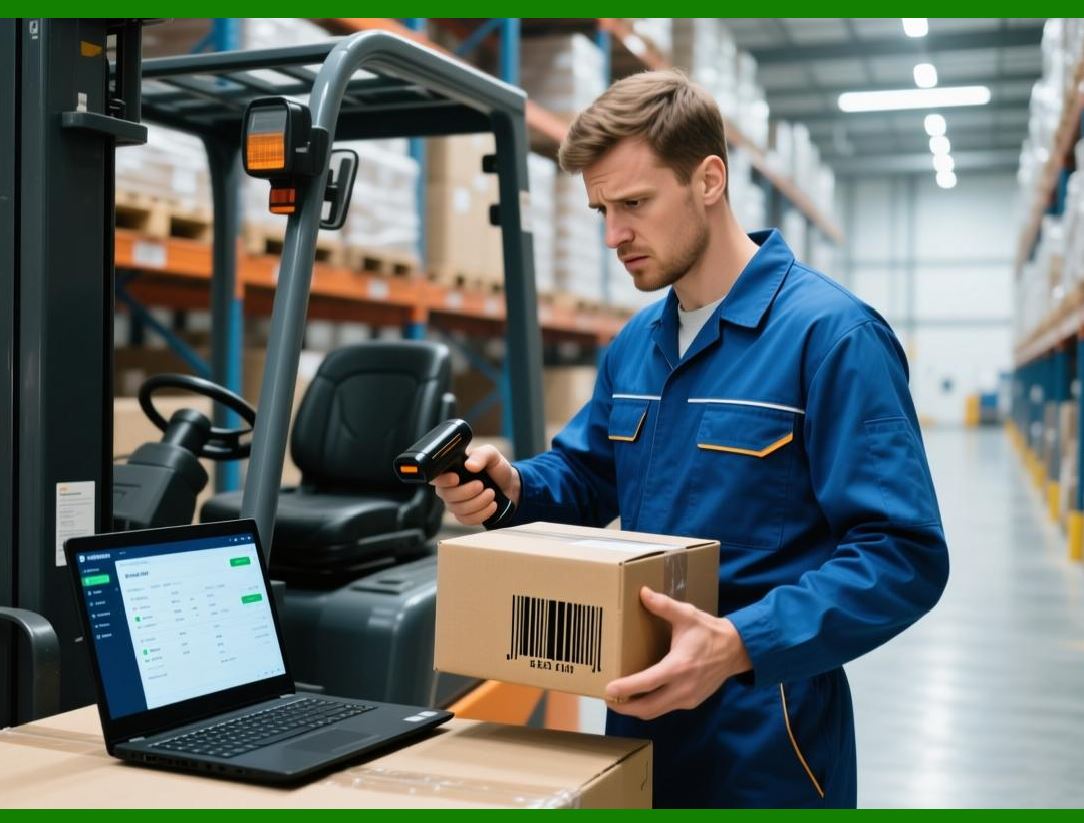
Serial tracking assigns a unique serial number to every individual part. Each part is marked, usually with a laser-etched data matrix code, a barcode, or a stamped number. The serial number follows the part from raw material through every operation to the end customer. The ERP records every transaction against the serial number. |
Serial tracking provides perfect granularity. If a single part fails, only that part needs to be recalled. Its siblings from the same lot are not suspect unless the failure mode suggests a lot-wide problem. Serial tracking is essential for the most critical products: aircraft engine blades, medical implants, nuclear reactor components. The cost is higher. Each part must be marked and scanned at every operation. But for products where failure is catastrophic, the cost is justified. |
The ERP supports both lot and serial tracking, and can even mix them. A factory might use serial tracking for its high-risk products and lot tracking for everything else. The same data structures and workflows handle both, with serial numbers simply being a special case of lot numbers where the lot size is one. |
|
12.4 The Marking Problem - How Parts Carry Their Identity |
Traceability is impossible if parts cannot be identified. The physical part must carry its identity in a way that survives processing, handling, and time. The ERP does not solve the marking problem, but it must be compatible with the marking method chosen. |
For large parts, direct marking is possible. The part can be stamped with a number, engraved with a barcode, or etched with a data matrix code using a laser. The mark must be readable after all processing steps, including heat treatment, coating, and finishing. Laser etching is often the best choice, as it is permanent and does not affect the part's mechanical properties. |
For small parts, direct marking may be impractical. The part may be too small for a readable code, or the marking may interfere with the part's function. In these cases, traceability is maintained through batch integrity. The parts are kept together in a container that carries the lot number. As long as the batch is never mixed, the traceability is preserved. The ERP records that all parts in the container share the same lot number. |
Batch integrity requires disciplined material handling. If a worker removes ten parts from a container, they must either keep those ten parts together in a sub-container, or record which specific parts were removed. If they mix parts from different containers, traceability is lost. The ERP can help by requiring scanning at every transfer, but the physical discipline must be enforced on the shop floor. |
For serialized parts, marking is mandatory. The most common method in modern mechanical manufacturing is the data matrix code, a two-dimensional barcode that can store a unique serial number in a small space. Data matrix codes can be laser-etched directly onto metal parts. They can be read by handheld scanners or by fixed cameras on machines. The ERP generates the serial numbers, and the marking equipment applies them. |

|
12.5 Capturing Traceability Data at Every Step |
Traceability data is not created in a single step. It is accumulated over the entire lifecycle of the part, from the supplier's shipment to the customer's receipt. The ERP must capture data at every step, and it must capture it accurately. |
The first step is receiving. When raw materials arrive from a supplier, the ERP assigns a lot number. The lot number is linked to the supplier's own lot number, the date of receipt, the purchase order, and the material certificate. The receiving clerk scans the material, scans the lot number label, and the ERP records the link. |
The second step is material issuance. When a worker issues material to a work order, they scan the material's lot number and the work order number. The ERP records that this specific lot of material is consumed by this work order. If the work order requires multiple lots, each is recorded separately. |
The third step is production. As the work order moves through operations, the ERP records which machine performed each operation, which operator ran the machine, and the start and end times. For serialized parts, each serial number is scanned at each operation. For lot-tracked parts, the lot number is scanned at the beginning and end of the operation, with the assumption that the entire lot stays together. |
The fourth step is quality inspection. When a part or lot is inspected, the ERP records the inspection results, the inspector, and the date. The results are linked to the lot number or serial number. If the part fails inspection, the ERP records the failure and may block further processing. |
The fifth step is shipping. When finished products are shipped to a customer, the ERP records which lot numbers or serial numbers are on each shipment. The shipment is linked to the customer, the sales order, and the date. This completes the forward traceability chain. |
The ERP does not require that every step be performed in a single system. Traceability data can come from multiple sources: supplier portals, machine controllers, quality systems, and shipping systems. The ERP must be the central repository, collecting data from these sources and linking it together. The key is that every piece of traceability data must include a reference to the lot number or serial number. Without that reference, the data is useless. |

|
12.6 The Traceability Report - Answering the Recall Question |
The ultimate test of a traceability system is the recall. When a defect is discovered, the factory must produce a traceability report that answers the recall question: Which customers received potentially defective products, and what did they receive |
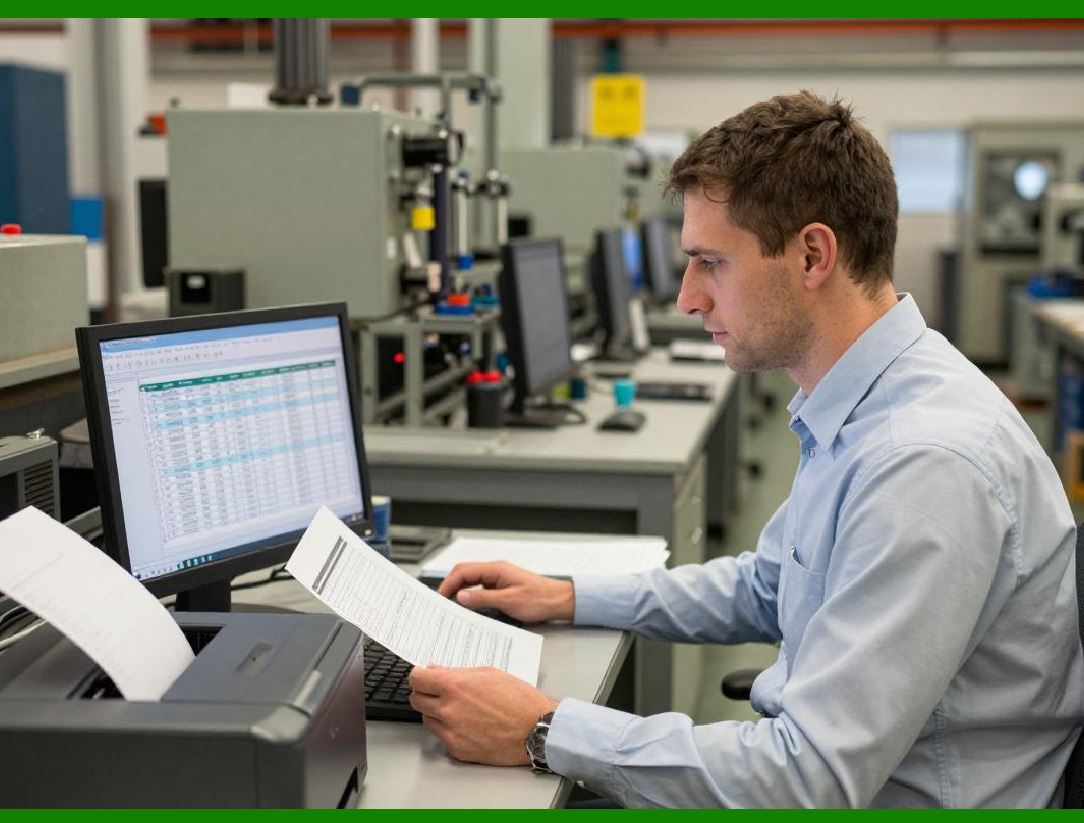
The traceability report is generated by the ERP automatically, given a starting point. The starting point can be a raw material lot, a production lot, a serial number, or a customer complaint. The ERP follows the links in both directions. |
For example, suppose a customer reports that a specific serial number, S/N 12345, failed in service. The ERP starts with that serial number. It traces backward to find which work order produced it, which machine and operator, which raw material lots were consumed, and which inspections were performed. It then traces forward from those raw material lots to find all other finished products that consumed the same lots. It also traces forward from the work order to find all other serial numbers produced in the same batch, even if they used different raw material lots. The result is a list of potentially affected finished products. |
The ERP then traces forward from those finished products to find which shipments they were on, which customers received them, and when they were delivered. The final report is a list of customers and the affected products each received. The recall team knows exactly whom to contact and what to recall. |
The traceability report can be generated in minutes, not months. But this speed depends on the quality of the underlying data. If any link in the chain is missing - a material issue not recorded, a serial number not scanned, a shipment not logged - the report will be incomplete. The factory may recall products that are not affected, or fail to recall products that are. Both outcomes are bad. The first wastes money. The second risks liability and lives. |

|
12.7 Regulatory Requirements - The Legal Backbone |
For many mechanical manufacturers, traceability is not optional. It is required by law. Different industries have different regulations, but they all share a common theme: the manufacturer must be able to trace products from raw material to customer, and must maintain records for a specified period. |
In aerospace, the AS9100 quality standard requires traceability for all critical parts. The manufacturer must maintain records for each part showing the raw material source, the production operations, the inspections performed, and the final destination. Records must be retained for decades, often for the life of the aircraft. |
In medical devices, the FDA's Unique Device Identification (UDI) rule requires that each device be marked with a unique identifier. The manufacturer must maintain a database linking the UDI to the production history. Recalls must be executed quickly and completely. |
In automotive, the IATF 16949 standard requires traceability for safety-critical components. The manufacturer must be able to trace a component to the specific production run and the specific raw material lot. In the event of a recall, the manufacturer must identify all affected vehicles. |
The ERP must support these regulatory requirements. It must maintain an audit trail of all changes to traceability data. It must prevent deletion or modification of historical records. It must support retention periods that can extend for decades. It must produce reports in the format required by regulators. |
Compliance is not automatic. The ERP provides the tools, but the factory must implement the processes. Traceability data must be captured at every step. Records must be retained. Audits must be passed. The cost of compliance is real, but the cost of non-compliance - fines, lawsuits, lost certifications - is much higher. |
|
12.8 Traceability and Process Improvement |
Traceability is not just about recalls and compliance. It is also a powerful tool for process improvement. When you can trace every defect back to its root cause, you can fix that cause permanently. |
Consider a factory that experiences an intermittent defect. A certain part fails inspection about one percent of the time. The defect seems random. With lot-level traceability, the factory can look for patterns. Is the defect more common on certain machinesOn certain shiftsWith certain operatorsWith certain raw material lotsThe ERP can generate reports that answer these questions. |
Suppose the analysis shows that the defect occurs only on parts produced on Machine 7, only on the night shift, and only when using raw material from Supplier B. The factory now has a focused investigation. They inspect Machine 7 and find a worn spindle bearing that causes vibration at certain speeds. The night shift operator was not reporting the vibration because they thought it was normal. The raw material from Supplier B is slightly harder than the standard, which exacerbates the vibration. The factory replaces the bearing, trains the operator to report vibration, and works with Supplier B to control hardness. The defect rate drops to near zero. |
Without traceability, this investigation would be impossible. The factory would see a one percent defect rate but would have no idea where to look. They might replace every machine, retrain every operator, and switch all suppliers - an expensive and unlikely solution. Traceability provides the data that turns a mystery into a solvable problem. |
The ERP supports this analysis by providing traceability reports that can be filtered, sorted, and aggregated by any attribute. The quality engineer can ask: Show me all defects from the last three months, grouped by machine. Show me all defects grouped by operator. Show me all defects grouped by raw material lot. The answer appears in seconds, not weeks. |

|
12.9 The Cost of Traceability - Investment Versus Risk |
Traceability is not free. It requires investment in marking equipment, scanners, software, and training. It requires time to scan at every operation, which can reduce throughput. It requires discipline to maintain batch integrity, which can be difficult in a busy factory. |
The factory must decide how much traceability is enough. The decision is a risk trade-off. For products where the consequence of failure is low - a non-critical bracket, a decorative cover - minimal traceability may be sufficient. A simple lot number on the packaging may be enough to identify the production batch. The cost of a recall, if one ever occurs, would be low. |
For products where the consequence of failure is high - a brake caliper, a heart pump, a turbine blade - maximal traceability is essential. Serial numbers, individual marking, scanning at every operation, and full record retention are required. The cost is high, but the cost of a failed recall is astronomical. |
The ERP cannot make this trade-off for the factory. But it can support multiple levels of traceability, from none to full serialization. The factory can assign traceability requirements by part number. A simple part might have no traceability. A critical part might have full serialization. The ERP enforces the requirements, requiring scans only where they are needed. |

|
12.10 Real-World Example: The Brake Caliper Foundry |
Consider a foundry that produces brake calipers for heavy trucks. A brake caliper failure could cause a fatal accident. The foundry's customers - the truck manufacturers - require full traceability from the raw metal melt to the finished casting to the final assembly. |
The foundry implemented a comprehensive traceability system within their ERP. Each batch of raw metal was assigned a lot number when it arrived at the foundry. The lot number was linked to the supplier's certificate of analysis. The metal was melted in an electric furnace. The furnace operator recorded the lot numbers of all metal added to the melt. The ERP assigned a new lot number to the melt itself. |
The molten metal was poured into molds to produce caliper castings. Each casting was marked with a data matrix code while it was still hot, using a dot-peen marking machine. The code contained a unique serial number. The ERP recorded that this serial number was produced from that melt lot number. |
The castings went through heat treatment, machining, and inspection. At each operation, a scanner read the data matrix code. The ERP recorded which machine, which operator, and which inspection results. Some castings failed inspection and were scrapped. The ERP recorded the failure reason and the serial number. |
The finished calipers were shipped to the truck manufacturer. The ERP recorded which serial numbers were on which shipment, which customer order, and which date. The truck manufacturer installed the calipers on trucks and recorded the serial numbers against the vehicle identification numbers. |
Years later, a routine audit of the foundry's heat treatment furnace revealed that the temperature controller had drifted out of calibration for a period of two weeks. The drift was small - only ten degrees - but it could potentially affect the mechanical properties of the castings. The foundry needed to recall any calipers that were heat treated during that period. |
The ERP generated a traceability report. It identified the melt lots that were processed during the affected two weeks. It then identified all serial numbers produced from those melt lots. It then identified which shipments contained those serial numbers, and which customers received them. The recall was targeted to exactly five hundred calipers. The foundry contacted the customers, arranged for replacement calipers to be shipped, and covered the cost of installation. The total cost was significant, but it was contained. Without traceability, the foundry might have had to recall every caliper produced in the entire year - tens of thousands of parts - or risk a catastrophic failure. The traceability system paid for itself many times over in that single incident. |
|
12.11 The Human Factor - Discipline in Every Scan |
Traceability depends on people. A scanner that is not used captures no data. A lot number that is not recorded creates a broken link. A batch that is mixed without recording destroys traceability for every part in the batch. |
The ERP cannot force people to scan. It can make scanning easy, with barcode readers at every station and intuitive interfaces. It can provide feedback, showing the traceability status of each work order. It can flag missing scans and require explanations. But ultimately, the culture of the factory must value traceability. |
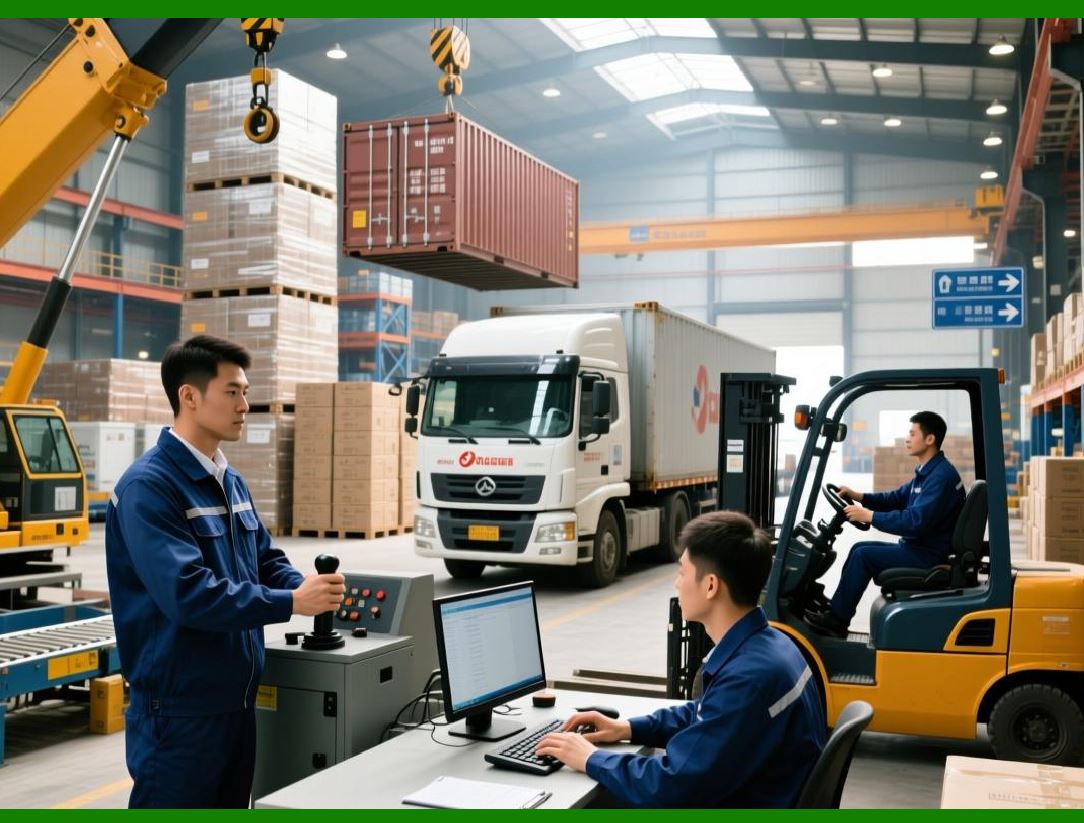
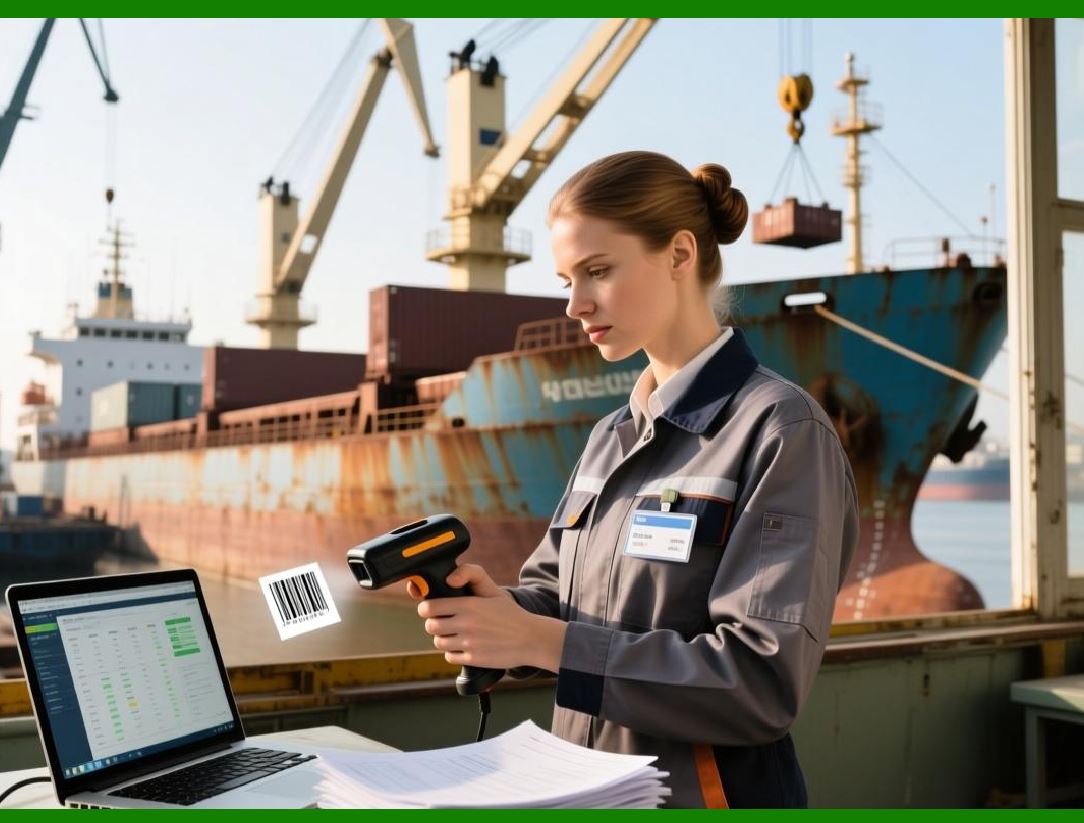
The best factories build traceability into the standard work. Scanning is not an extra task. It is part of the task. The operator scans the lot number as they pick up the material. They scan the work order as they start the machine. They scan the serial number as they place the part in the container. These scans take seconds. The cost of a missing scan, in a future recall, could be millions. |
Training is essential. Operators must understand why traceability matters. They must see the connection between their scans and the safety of the end user. A brake caliper that fails because a scan was missed could cause a fatal accident. That is not an exaggeration; it is the reality of traceability in critical industries. When operators understand the stakes, they take scanning seriously. |
|
12.12 Summary: The Chain That Must Not Break |
Traceability is a chain. It starts with the supplier's raw material and ends with the customer's receipt. Every link in the chain must be strong. Every transaction must be recorded. Every lot number or serial number must be scanned. If a single link breaks, the chain is useless. A recall that cannot be executed is a liability. A defect that cannot be traced is a mystery. |
The ERP provides the structure for the chain. It assigns lot numbers, records links, and generates traceability reports. It captures data from receiving, material issuance, production, inspection, and shipping. It supports both lot and serial tracking, and can mix them as needed. It maintains audit trails and supports regulatory compliance. |
But the ERP is only the structure. The strength of the chain comes from the people who use it. The receiving clerk who scans every lot. The operator who marks every serial number. The inspector who records every measurement. The shipper who logs every package. These people, working with discipline and understanding the stakes, create a chain that can withstand the worst-case scenario. |
In the next chapter, we will explore how the ERP integrates with finance, bringing together all the operational data - purchasing, production, quality, maintenance, traceability - into the language of money. Finance is where the factory's performance is ultimately measured. And as we will see, integration is the key to measurement that is accurate, timely, and actionable. |
|
Key takeaways from Chapter 12: |
1. Traceability answers three questions: where did it come from, where did it go, and what else is connected |
2. Backward traceability starts with a finished product and traces to its origins; forward traceability starts with a cause and traces to all affected products. |
3. Lot tracking assigns a unique identifier to a batch of parts; serial tracking assigns a unique identifier to each individual part - the choice depends on criticality and cost. |
4. Marking methods include laser etching, stamping, engraving, and data matrix codes - the mark must survive all processing steps. |
5. Traceability data is captured at receiving, material issuance, production, inspection, and shipping - every transaction must be linked to a lot or serial number. |
6. The traceability report is the ultimate test - it identifies which customers received affected products in minutes, not months. |
7. Regulatory requirements (AS9100, UDI, IATF 16949) mandate traceability for critical products - the ERP must support audit trails and record retention. |
8. Traceability is a powerful process improvement tool - it reveals patterns that identify root causes of intermittent defects. |
9. The cost of traceability must be balanced against the risk of failure - high-risk products justify full serialization. |
10. Real-world examples show that traceability limits recalls to affected products, saving millions in unnecessary replacement costs. |
11. Human discipline is essential - every scan matters, and operators must understand the stakes of missing a link in the traceability chain. |
 cs@easiersoft.com