Chapter 14: Human Resources - Skill Matching |
14.1 The Most Expensive Resource in the Factory |
A mechanical factory can replace a broken CNC machine in a matter of weeks. It can order raw steel and have it delivered in days. It can install new software in hours. But when a skilled machinist retires, or when a certified welder leaves for a competitor, replacing that person can take months or years. The knowledge, the judgment, the muscle memory, the problem-solving ability - these cannot be ordered from a catalog. They must be developed over time, through experience and training. |
The human resources of a mechanical factory are its most expensive and most valuable asset. A skilled machinist operating a CNC lathe can produce high-quality parts quickly, with minimal scrap. An unskilled operator on the same machine will produce defects, waste material, and damage tools. The difference in productivity and quality is enormous. The difference in cost is even larger when you account for rework, scrap, and customer returns. |
Yet many factories treat human resources as an afterthought. They track inventory obsessively. They monitor machine utilization. They analyze material costs. But they have no systematic way to track who knows what, who is certified to do what, and who is available when. They schedule work without considering skills, assigning complex jobs to unqualified workers and simple jobs to overqualified workers. The result is defects, delays, and demoralization. |
The ERP's human resources module changes this. It treats people as the valuable resources they are. It tracks skills, certifications, training, and availability. It integrates with production scheduling to match the right person to the right job. It helps managers identify skill gaps and plan training. It ensures that the factory's most expensive resource is used wisely. This chapter explores how. |

|
14.2 The Skill Matrix - Knowing What Your People Can Do |
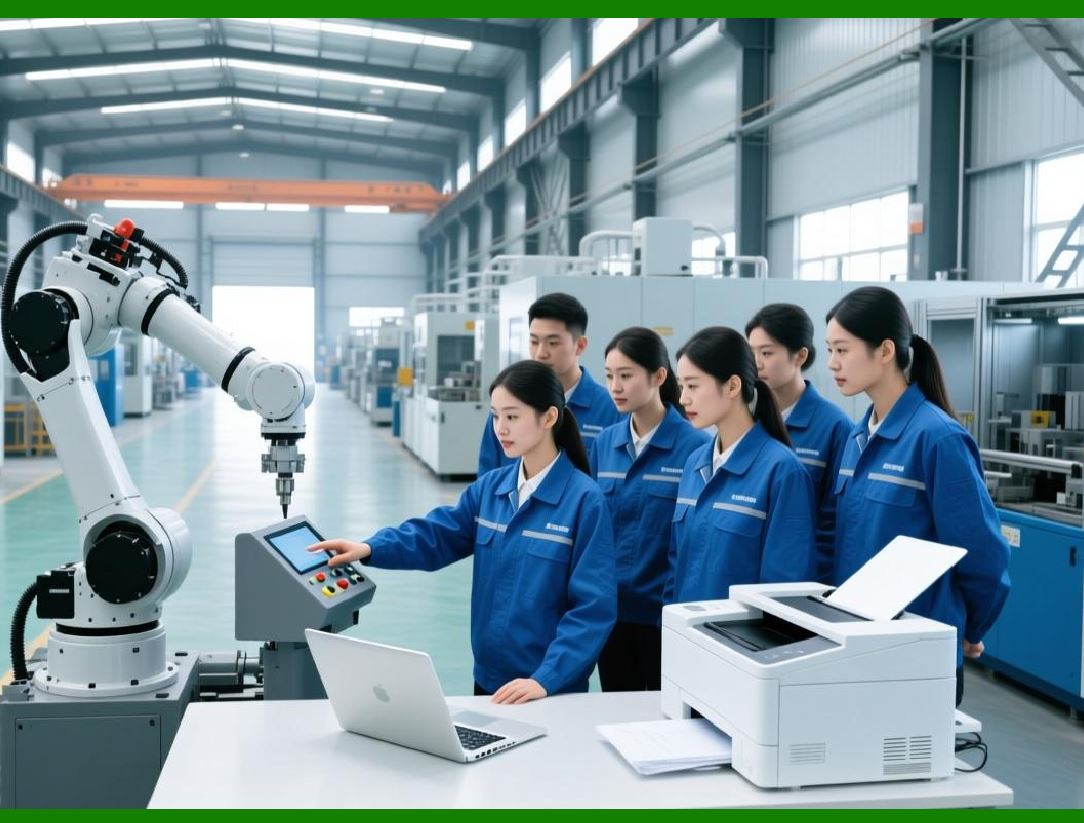
The foundation of human resource management in an ERP is the skill matrix. The skill matrix is a database that links each employee to the skills they possess, the machines they can operate, the tasks they can perform, and the certifications they hold. |
For each employee, the ERP stores a list of skills. A skill might be 'operate CNC lathe Model X' or 'perform first article inspection' or 'certified forklift operator' or 'read blueprints' or 'program in G-code.' Each skill has a level, such as beginner, intermediate, advanced, or expert. Each skill has a last-verified date. Some skills, like welding certifications, expire after a period and must be renewed. |
The skill matrix is not static. It is updated continuously. When an employee completes training, the training coordinator enters the new skill into the ERP. When an employee demonstrates proficiency in a new area, their supervisor updates the skill level. When a certification expires, the ERP flags it and alerts the employee and the training coordinator. |
The skill matrix serves several purposes. First, it enables skill-based scheduling. When a work order is released, the ERP checks the skill requirements for each operation. It then looks at the available workers and their skill levels. It assigns the operation to a worker who has the required skill at the required level. If no such worker is available, the ERP alerts the supervisor. |
Second, the skill matrix enables training planning. The training coordinator can run a report showing, for each skill, how many workers possess it and at what level. If a critical skill is held by only one worker, the factory is vulnerable. The coordinator can schedule training for additional workers to create redundancy. |
Third, the skill matrix enables career development. Employees can see what skills they have and what skills they need to advance to the next pay grade or job classification. The ERP can suggest training paths. |
Fourth, the skill matrix supports quality and compliance. In regulated industries, certain operations can only be performed by certified workers. The ERP enforces this by checking the skill matrix before allowing an operation to start. If the assigned worker lacks the required certification, the system blocks the operation. |
|
14.3 Skill-Based Scheduling - The Right Person for the Right Job |
In a factory without skill-based scheduling, the production supervisor assigns work based on availability. The first available worker gets the next job. This is simple, but it is often inefficient. A complex job that requires advanced skills may be assigned to a beginner, leading to slow production, errors, and rework. A simple job that could be done by anyone may be assigned to an expert, wasting their higher-value time. |
Skill-based scheduling, enabled by the ERP, is more intelligent. The system considers both availability and skill. When a job becomes ready, the ERP looks at all available workers. It filters by the required skills. It then ranks the remaining workers by skill level, giving preference to the best match. It may also consider other factors, such as the worker's current workload, their shift, and their location. |
For example, consider a work order that requires operating a five-axis CNC machine and performing in-process inspections. The skill matrix shows that three workers are certified on that machine. One is an expert, one is intermediate, and one is a beginner. All three are available. The ERP assigns the job to the expert, because the job is complex and high-value. A simple job, like deburring a batch of brackets, might be assigned to the beginner, because the skill requirement is low. |
Skill-based scheduling can also handle skill progression. If the expert is busy with another critical job, the ERP might assign the complex job to the intermediate worker, but with a note to the supervisor to provide extra support. The system can also suggest that the intermediate worker is ready for advanced training, based on their performance on similar jobs. |
The ERP does not override the supervisor's judgment. The supervisor can override any assignment. But the system provides a starting point, and it ensures that skill requirements are not overlooked. |

|
14.4 Training Management - Closing the Skill Gaps |
A skill matrix is only useful if it leads to action. When the ERP identifies a skill gap - a critical skill with too few qualified workers - it can trigger a training plan. The training management module tracks training requirements, schedules training events, records completion, and updates the skill matrix. |
The training process begins with a training need. The need might come from several sources. The skill matrix report might show that only one worker is certified to operate the heat treatment furnace. The quality module might show a recurring defect that could be prevented by better training. The safety module might require annual refresher training on lockout-tagout procedures. The HR module might track upcoming retirements, creating a need to train replacements. |
Once a training need is identified, the training coordinator creates a training event. The event has a date, a location, an instructor, a list of attendees, and a curriculum. The ERP sends invitations to the selected employees. It tracks responses, manages waitlists, and sends reminders. |
When the training is completed, the instructor records the results. For a simple training, completion may be all that is needed. For a certification, the instructor enters the exam score and the expiration date. The ERP updates the skill matrix automatically. The employee's skill level is increased, and the certification expiry date is recorded. |
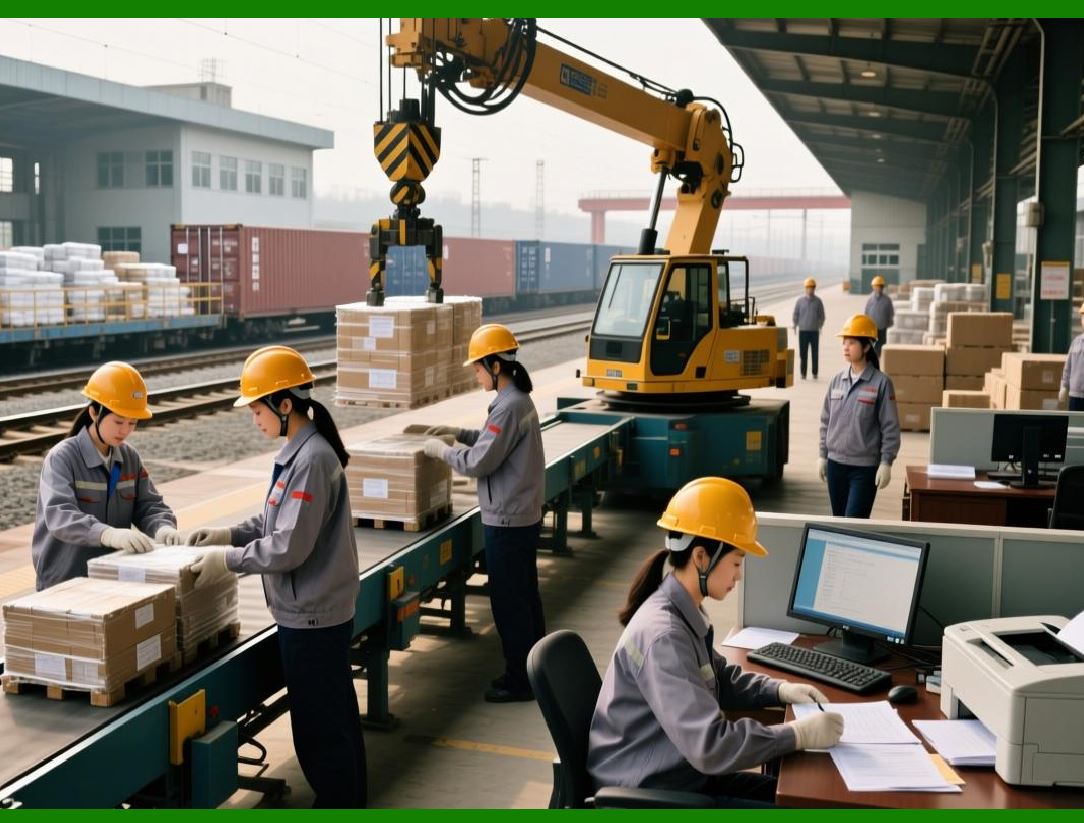
Training management is not just for technical skills. It also covers soft skills, safety, quality systems, and ERP usage itself. A new employee needs training on the ERP's shop floor control interface. A promoted supervisor needs training on the planning module. The ERP can track all of this, ensuring that employees have the knowledge they need to do their jobs. |
|
14.5 Certification and Compliance - The Regulatory Imperative |
In many mechanical manufacturing industries, certification is not optional. It is required by law or by customer contracts. An uncertified welder cannot weld a pressure vessel. An uncertified inspector cannot sign off on a critical dimension. An uncertified forklift operator cannot move materials. The factory that ignores certification requirements faces fines, lawsuits, and loss of business. |
The ERP's certification management module ensures compliance. For each certification type, the ERP stores the requirements: the training needed, the exam required, the issuing body, and the expiration period. For each employee, the ERP tracks which certifications they hold, the date earned, and the expiration date. |
The ERP monitors expiring certifications. Thirty days before a certification expires, the system sends an alert to the employee and the training coordinator. If the certification is not renewed by the expiration date, the ERP updates the skill matrix to remove that skill. The employee can no longer be assigned to jobs that require that certification. |
The ERP also supports certification audits. A customer or regulator may request proof that certain work was performed by certified personnel. The ERP can produce a report showing, for a specific work order or a specific date range, which employees worked on which operations and which certifications they held at that time. The report provides an audit trail that demonstrates compliance. |

|
14.6 Time and Attendance - Tracking When People Work |
Skill matching is about who can do the work. Time and attendance is about when they are available to do it. The ERP's time and attendance module tracks employee work hours, overtime, absences, vacations, and holidays. This data feeds into skill-based scheduling, ensuring that the system only assigns work to employees who are actually present. |
Time and attendance can be integrated with physical clocks or biometric scanners. When an employee arrives at work, they swipe a badge or scan a fingerprint. The ERP records the arrival time. When they leave, they scan again. The system calculates the hours worked, including breaks. It applies overtime rules - time and a half after eight hours, double time on Sundays, and so on. |
For employees who work on the shop floor, time and attendance can be integrated with job tracking. When the employee scans a work order to start a job, the ERP records that they are actively working. When they finish the job and scan again, the ERP records the stop. The system can distinguish between direct labor (time spent on a specific work order) and indirect labor (time spent on training, meetings, maintenance, or waiting). This distinction is important for cost accounting and for productivity analysis. |
Time and attendance data also feeds into payroll. The ERP calculates gross pay based on hours worked, overtime, shift differentials, and bonuses. It applies tax withholdings and deductions. It produces paychecks or direct deposit files. The integration between time tracking and payroll eliminates manual entry and reduces errors. |

|
14.7 Workforce Planning - Having the Right Number of People |
Skill matching is about matching people to jobs. Workforce planning is about having the right number of people, with the right skills, at the right time. The ERP supports workforce planning by analyzing historical data and forecasting future needs. |
The system can answer questions like: How many machinists do we need on the second shift next month, given the current production scheduleHow many inspectors do we need during the peak shipping weekHow many maintenance technicians need to be on call over the holiday shutdown |
To answer these questions, the ERP uses the production schedule and the routing data. For each work order, the system knows which skills are required and how many hours of each skill are needed. It aggregates these requirements over time, producing a skill demand forecast. It compares the demand forecast to the available capacity, considering scheduled vacations and planned training. The result is a gap analysis: we need twenty hours of CNC programming next week, but we have only ten hours available. |
The workforce planning module then suggests solutions. The solutions might include overtime, temporary workers, cross-training, or adjusting the production schedule. The planner evaluates the options and chooses the best one. The ERP tracks the cost of each option, enabling a data-driven decision. |
Workforce planning is especially important for factories with seasonal demand or with long-lead-time products. A factory that builds agricultural equipment might need twice as many workers in the spring as in the fall. Without planning, they would either be overstaffed in the fall (wasting money) or understaffed in the spring (missing deliveries). The ERP helps them plan the ramp-up and ramp-down. |

|
14.8 Performance Management - Feedback and Development |
Skill matching ensures that employees are assigned to jobs they can do. But it does not ensure that they do those jobs well. Performance management is the process of providing feedback, evaluating performance, and developing employees. |
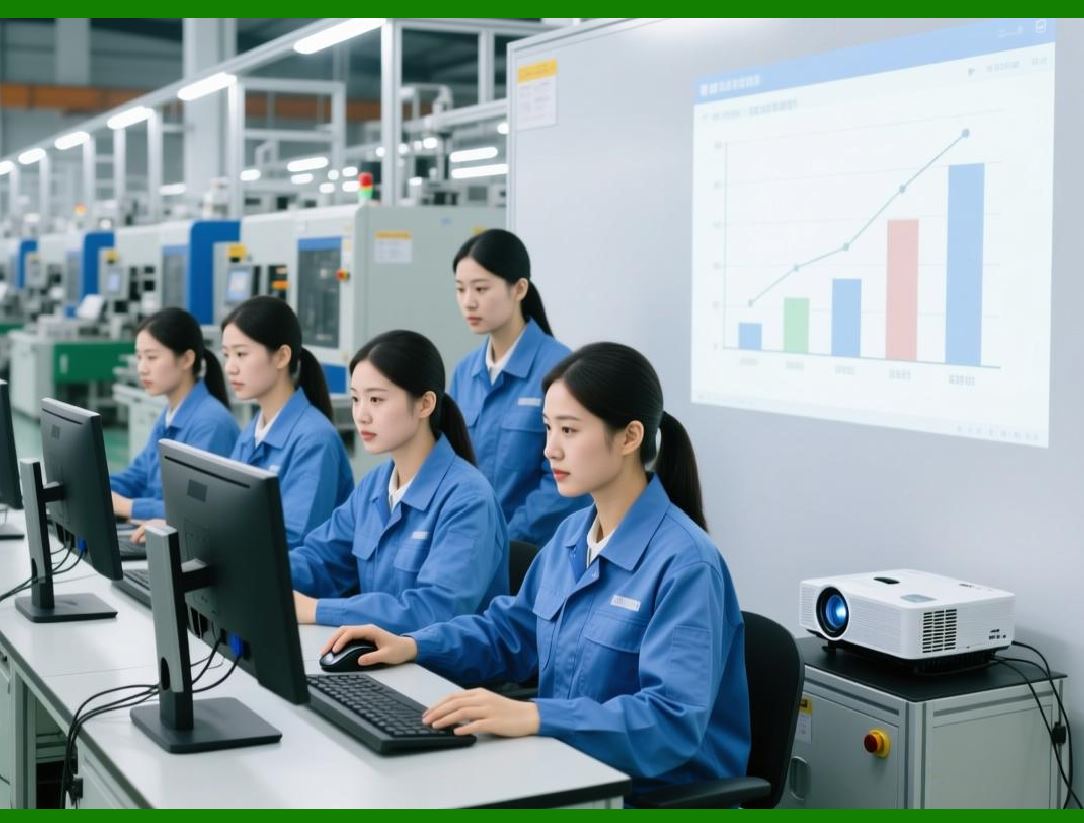
The ERP can support performance management by collecting objective data. For each employee, the system knows their productivity: how many units they produced, how much scrap they generated, how often they met the standard time. It knows their quality: how many defects they created, how many customer returns they caused. It knows their attendance: how many days they missed, how often they were late. |
This data is not a complete picture of performance. It does not capture attitude, teamwork, creativity, or leadership. But it provides a factual foundation for performance discussions. The supervisor can say, 'Your productivity is fifteen percent below the standard for this operation. Let's discuss why and how to improve it.' The employee can respond, 'The standard is based on the old machine. The new machine is slower because of a safety interlock.' The discussion moves from opinion to fact. |
The ERP can also track performance improvement plans. When an employee is not meeting expectations, the supervisor creates a plan in the system. The plan includes specific goals, a timeline, and regular check-ins. The ERP sends reminders and tracks progress. If the employee meets the goals, the plan is closed. If not, the system escalates to the next level of management. |
Performance management is sensitive. Used poorly, it can demoralize employees and create fear. Used well, it helps employees grow and helps the factory improve. The ERP provides the data. The supervisor provides the wisdom and the empathy. |
|
14.9 Succession Planning - Preparing for the Inevitable |
People leave. They retire. They take jobs elsewhere. They get sick. They have family emergencies. A factory that is dependent on a single person for a critical skill is vulnerable. When that person leaves, the factory's operations may be disrupted for months. |
Succession planning is the process of identifying critical roles and preparing backup people to fill them. The ERP supports succession planning by tracking who is qualified for each role, who is being trained, and when the current incumbent is likely to leave. |
For each critical role - lead machinist, maintenance supervisor, quality manager - the ERP identifies potential successors. The successors are employees who have the required skills, or who are close to having them. The ERP tracks the development plan for each successor: what training they need, when they will complete it, and when they will be ready. |
Succession planning also considers retirement dates. The human resources module stores expected retirement dates for each employee. When a key employee's retirement is approaching, the ERP alerts management. The succession plan is activated. The successor is accelerated through training. Knowledge is transferred. When the retirement happens, the factory is ready. |

|
14.10 Real-World Example: The Aerospace Machinist Shortage |
Consider an aerospace machining company that specialized in complex titanium components. The company had a small team of highly skilled machinists who could program and operate five-axis CNC machines. These machinists were the heart of the company. They were also aging. The average age was fifty-eight. Several were planning to retire within five years. |
The company implemented an ERP with a comprehensive human resources module. They built a skill matrix for every machining skill. They identified which skills were critical and which were held by only one or two people. The gap analysis was alarming. The ability to program complex five-axis toolpaths was held by only three people. The ability to set up the company's oldest but most reliable machine was held by one person. |
The company launched an aggressive apprenticeship program. They hired younger machinists with basic skills and enrolled them in a structured training program. The ERP tracked each apprentice's progress against a skill checklist. When an apprentice demonstrated a skill, the supervisor recorded it in the system. The skill matrix was updated. |
The company also implemented cross-training. The three expert programmers each trained two apprentices. The ERP scheduled the training sessions and tracked completion. Within eighteen months, the number of people qualified to program five-axis machines increased from three to nine. |
When the first of the aging machinists retired, the company was ready. The successor had been trained, had shadowed the retiree for three months, and had been gradually taking on responsibilities. The transition was seamless. Production did not miss a beat. |
The ERP's human resources module did not create the apprenticeship program or the cross-training. People did that. But the ERP provided the data that justified the investment, the tools to track progress, and the integration that ensured the trained skills were recognized in the scheduling system. |

|
14.11 The Human Factor - People Are Not Resources |
There is a danger in treating people as 'human resources.' The term itself is dehumanizing. People are not resources to be optimized like inventory or machine capacity. They are individuals with hopes, fears, families, and dreams. A factory that forgets this will have high turnover, low morale, and poor performance. |
The ERP's human resources module must be used with respect. Skill matching should be about enabling people to succeed, not about controlling them. Training should be about developing careers, not just filling gaps. Performance management should be about growth, not punishment. Succession planning should be about creating opportunities, not just managing risk. |
The best factories use the ERP to support a positive culture. They share skill data with employees, so people can see their own progress and plan their own development. They use the training module to offer courses that employees want, not just courses that the factory needs. They use the time and attendance data to ensure fair scheduling, not to police lateness. They use the performance data to recognize excellence, not just to identify problems. |
The ERP is a tool. How it is used depends on the people who use it. A factory that values its people will use the human resources module to empower them. A factory that treats people as costs will use the same module to control them. The technology is neutral. The culture is not. |

|
14.12 Summary: The Right Person, The Right Job, The Right Time |
Skill matching is the art of putting the right person on the right job at the right time. It sounds simple, but in a busy mechanical factory with dozens of machines, hundreds of part numbers, and scores of employees, it is enormously complex. Without a system, the supervisor assigns work based on who is available. Skill is an afterthought. The result is inefficiency, errors, and frustration. |
The ERP's human resources module changes this. It builds a skill matrix that knows what each employee can do. It integrates with production scheduling to assign work based on both availability and skill. It tracks training and certifications, ensuring that skills are developed and maintained. It plans for the future, identifying skill gaps and preparing successors. It treats people as the valuable assets they are. |
The benefits are real. Better skill matching means higher productivity, lower scrap, faster throughput, and fewer errors. Better training management means a more capable workforce, ready for new challenges. Better succession planning means resilience, not vulnerable to the departure of a single expert. |
But the ultimate benefit is not measured in dollars. It is measured in the satisfaction of employees who are assigned to work they can do well, who are trained for work they want to learn, and who are treated as partners in the factory's success. The ERP enables that. The people create it. |
In the next chapter, we will explore how the ERP manages the documents that are essential to mechanical manufacturing - drawings, specifications, work instructions, quality records, and more. Documents are the memory of the factory. And as we will see, an ERP that manages documents well is a factory that never forgets. |
|
Key takeaways from Chapter 14 (expanded without formulas or tables): |
1. Human resources are the most expensive and most valuable asset in a mechanical factory - skilled workers produce higher quality and productivity. |
2. The skill matrix is a database linking each employee to their skills, skill levels, certifications, and last-verified dates. |
3. Skill-based scheduling assigns work based on both availability and skill, ensuring the right person for the right job. |
4. Training management identifies skill gaps, schedules training, tracks completion, and updates the skill matrix automatically. |
5. Certification management ensures compliance with legal and customer requirements, tracking expirations and blocking assignment when certifications lapse. |
6. Time and attendance tracking integrates with job tracking, distinguishing direct labor from indirect labor and feeding payroll. |
7. Workforce planning uses the production schedule to forecast skill demand and identify gaps, suggesting overtime, temporary workers, or cross-training. |
8. Performance management uses objective data on productivity, quality, and attendance to provide factual feedback and track improvement plans. |
9. Succession planning identifies critical roles and prepares backup people, reducing vulnerability to retirements or departures. |
10. Real-world examples show that skill management enables smooth transitions and protects critical capabilities. |
11. The human factor is critical - the ERP must be used with respect, treating people as partners, not as resources to be optimized. |
 cs@easiersoft.com