Chapter 15: Document Control - The Digital Notebook |
15.1 The Drawing That Killed the Order |
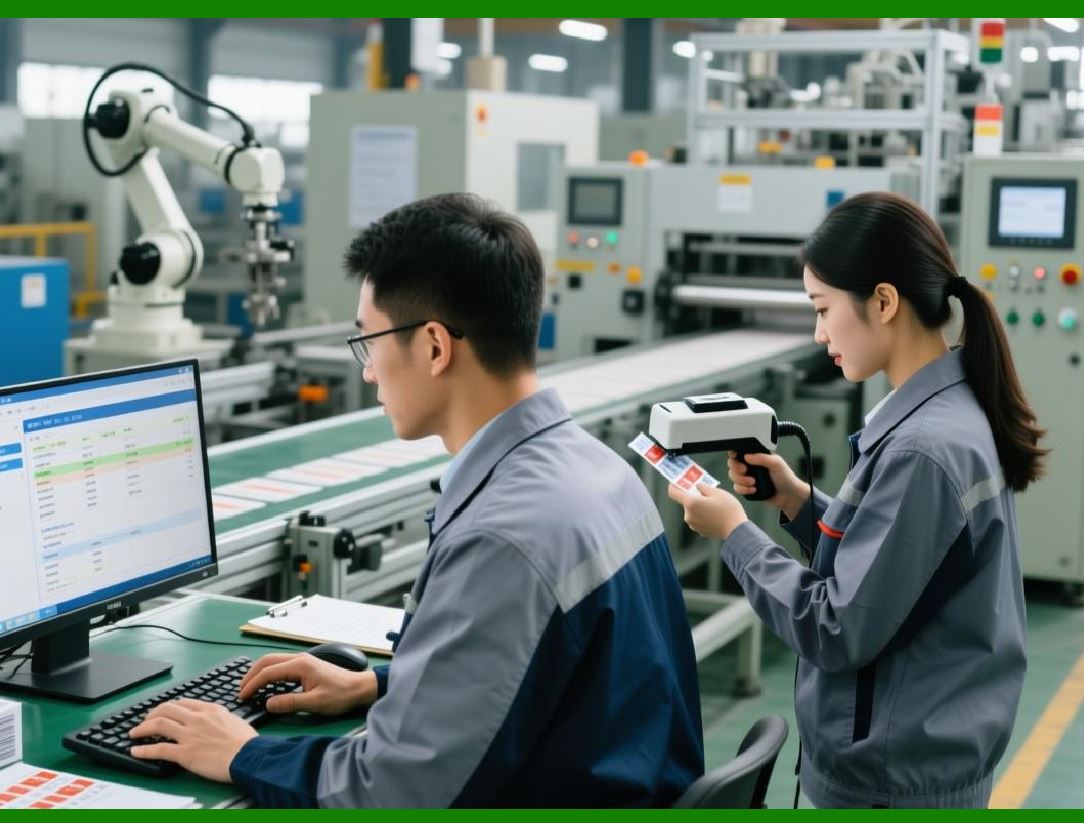
A mechanical factory received an urgent order for two hundred custom brackets. The engineering department had created a detailed drawing. The purchasing department ordered the raw material. The production department set up the CNC machine. The machinist, following the paper drawing that had been printed and placed in the traveler, produced two hundred perfect brackets. The brackets were shipped to the customer. A week later, the customer called. The brackets were wrong. Not by much - just a few millimeters on one critical dimension. But wrong enough that they could not be used. The customer rejected the entire order. |
The investigation revealed the cause. The engineer had updated the drawing two days after the order was received, changing the critical dimension to meet a new customer requirement. The updated drawing was saved on the engineering server. But the paper drawing in the traveler was never updated. It was the old version. The machinist, diligent and skilled, had followed the old drawing perfectly. The error was not in the machining. It was in the document control. The wrong drawing was used. |
This story is repeated every day in mechanical factories around the world. Engineering changes happen constantly. Customers change their minds. Suppliers change their specifications. Quality requirements evolve. Safety regulations are updated. Each change creates a new version of a document. And each new version creates a risk that someone, somewhere, will use the old version. |
Document control is the ERP module that manages this risk. It ensures that everyone in the factory - engineers, buyers, planners, machinists, inspectors, and shippers - uses the correct version of every document. It provides a single, authoritative source for drawings, specifications, work instructions, quality plans, and all the other documents that guide the factory's work. It maintains a complete history of changes, so you can always see what changed, when, and why. And it integrates with the rest of the ERP, so that document versions are linked to the parts, orders, and operations that depend on them. |
This chapter explores how document control works, why it is essential for mechanical manufacturing, and how it prevents the kind of costly error that turned a profitable order into a complete loss. |
|
15.2 The Document Lifecycle - From Draft to Archive |
Every document in a mechanical factory follows a lifecycle. The ERP tracks each document through this lifecycle, enforcing the rules and recording the history. |
The lifecycle begins with draft. An engineer creates a new drawing or revises an existing one. The document is stored in the ERP, but it is not yet released. Only the author and authorized reviewers can see it. The draft status allows changes to be made freely, without affecting the rest of the factory. |
When the author believes the document is ready, they submit it for review. The ERP sends notifications to the assigned reviewers - perhaps a senior engineer, a manufacturing engineer, a quality engineer, and a safety officer. Each reviewer opens the document, examines it, and records their approval or rejection in the ERP. If any reviewer rejects the document, it returns to draft status with comments. The author makes the needed changes and resubmits. |
When all reviewers have approved, the document moves to released status. A released document is the official, authoritative version. It can be used by anyone in the factory. The ERP makes it visible to all relevant roles. The previous version is still stored, but it is marked as superseded. Anyone who tries to access the old version sees a clear warning that a newer version exists. |
When a document is no longer needed - perhaps the product has been discontinued, or the process has been completely redesigned - it moves to archived status. Archived documents are read-only. They cannot be changed. They are stored for legal or historical reasons, but they are not used for current production. |
The ERP enforces the lifecycle strictly. A released document cannot be changed without starting a new version. A document that is in review cannot be used for production. An archived document cannot be reactivated without special approval. These rules may seem rigid, but they are essential for preventing the kind of error described in the opening story. |

|
15.3 Version Control - The Single Source of Truth |
Version control is the heart of document management. Every time a document is changed, the ERP creates a new version. The old version is not deleted. It is preserved as a historical record. The ERP assigns a version number, such as 1, 2, 3, or A, B, C. The version number is displayed prominently whenever the document is viewed. |
The ERP also maintains a version history. The history shows, for each version, who made the change, when they made it, and what they changed. The change description is entered by the author when they submit the new version. A good description might be: 'Changed hole diameter from 12mm to 14mm to accommodate larger fastener, as requested by customer change order CO-1234.' |
The version history serves several purposes. First, it provides an audit trail for quality and regulatory purposes. If a regulator asks why a dimension changed, the factory can show the change order and the approval record. Second, it helps with troubleshooting. If a problem arises, engineers can look back at previous versions to see what changed and when. Third, it supports learning. A new engineer can study the evolution of a design to understand why certain decisions were made. |
The most important rule of version control is: there is only one current version. At any moment, for any document, there is exactly one version that is marked as released and current. All others are drafts, superseded, or archived. This is the single source of truth. Everyone in the factory uses that version. No one uses a local copy saved on their desktop. No one prints a drawing and puts it in a folder. The ERP is the master. Everything else is a reference copy that should be discarded when the job is done. |

|
15.4 Document Types - More Than Just Drawings |
When people think of documents in a mechanical factory, they think of engineering drawings. But drawings are just one of many document types that must be controlled. |
Engineering drawings are the most obvious. They show dimensions, tolerances, materials, finishes, and notes. Drawings may be in paper form, but increasingly they are in digital formats such as PDF or native CAD files. The ERP stores the digital file and displays it when needed. |
Bill of Materials is itself a document, though it is also a database structure. Many factories maintain the BOM in the ERP's BOM module, but they also maintain a drawing-level BOM in the CAD system. Document control ensures that the two are synchronized. |
Work instructions describe how to perform specific operations. A work instruction might show how to set up a particular machine, how to install a particular tool, or how to perform a particular quality check. Work instructions are critical for ensuring consistency across shifts and operators. |
Quality plans specify which inspections are required, at what frequencies, and with what acceptance criteria. A quality plan might be a separate document or might be embedded in the work instruction. |
Setup sheets provide the specific parameters for a machine: speeds, feeds, tool offsets, and program numbers. Setup sheets are often generated automatically from the CAM system, but they still need version control. |
Test procedures describe how to test a finished product, what equipment to use, and what results are acceptable. |
Material specifications describe the required properties of raw materials: chemical composition, hardness, tensile strength, and so on. Material specifications are often referenced from drawings rather than embedded in them. |
Safety data sheets describe the hazards of chemicals used in the factory and the precautions that must be taken. |
Quality certificates from suppliers provide evidence that raw materials meet specifications. These are received documents, not created documents, but they still need to be stored and linked to the relevant lots. |
The ERP can manage any document type. Each document type may have its own metadata and its own workflow. A drawing might require review by engineering and manufacturing. A safety data sheet might require review by the safety officer only. The ERP is flexible enough to handle the differences. |
|
15.5 Linking Documents to the Rest of the ERP |
A document is not an island. It is linked to the parts, orders, and operations that depend on it. The ERP stores these links, so that when a document changes, the system can identify everything that is affected. |
The most important link is between a document and a part number. Every drawing, work instruction, quality plan, and setup sheet is linked to one or more part numbers. When a document is revised, the ERP knows which parts are affected. It can alert the planners and buyers who work with those parts. |
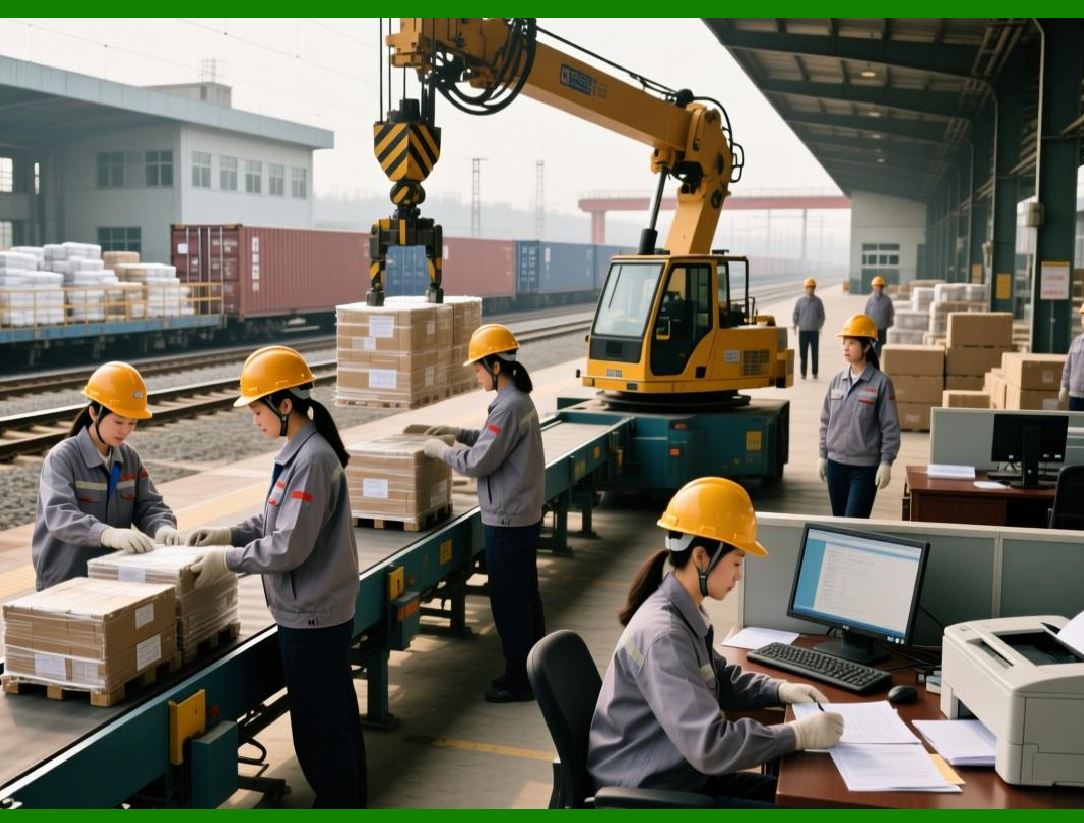
The ERP also links documents to work orders. When a work order is created, the ERP collects all the relevant documents - the drawing, the work instructions, the quality plan, the setup sheet - and makes them available to the worker. The worker accesses them through a terminal or tablet on the shop floor. They never need to search for a paper copy. They always see the current version. |
The ERP links documents to purchase orders. When a buyer creates a purchase order for a raw material, the ERP attaches the material specification. The supplier can access the specification through the supplier portal, ensuring that they deliver the correct material. |
The ERP links documents to customers and sales orders. A customer may provide their own drawings or specifications. These are stored in the ERP and linked to the customer's sales orders. When the factory produces the customer's parts, the customer's documents are used, not the factory's internal documents. |
These links are the key to impact analysis. When an engineer proposes a change to a drawing, the ERP can show: which parts use this drawingWhich work orders are currently open for those partsWhich purchase orders are outstanding for raw materialsWhich customers are affectedThe engineer can assess the impact of the change before making it. If the impact is too large, the change can be postponed or phased in gradually. |

|
15.6 Change Management - The Engineering Change Order |
Changing a document is not trivial. It can affect inventory, work-in-progress, open orders, and customer commitments. The ERP manages changes through the Engineering Change Order (ECO) process. |
An ECO is a formal request to change a document. The ECO contains the reason for the change, the affected documents, the proposed new version, and an impact analysis. The ECO is submitted for review and approval, just like the document itself. But the ECO adds an extra layer: it also requires a plan for implementing the change. |
The implementation plan addresses the disposition of existing inventory and work-in-progress. For example, suppose a drawing changes the diameter of a hole from 10mm to 12mm. What should happen to the parts that have already been machined with the 10mm holeThe ECO might specify: use existing inventory as-is (they are acceptable), rework existing work-in-progress to the new size, and scrap any raw material that is not yet machined. The ERP tracks these dispositions. |
The ECO also specifies the effective date. The change might take effect immediately for all new orders, or it might be phased in starting on a specific date, or it might apply only to a specific customer. The ERP enforces the effective date. Before the effective date, the old version is used. After the effective date, the new version is used. |
The ECO workflow is often the most rigorous process in the ERP. It requires multiple approvals: engineering, manufacturing, quality, purchasing, and sometimes sales and customer service. The ERP routes the ECO to the right people, tracks their responses, and notifies them of deadlines. An ECO that is not approved within a certain time may be escalated to higher management. |
The ECO process may seem bureaucratic. But it exists for a reason. Uncontrolled changes are a major source of errors, scrap, and rework. The ECO process ensures that changes are thought through, communicated, and implemented cleanly. |

|
15.7 Access Control - Who Can See What |
Not everyone in the factory should see every document. A machinist does not need to see the supplier's price list. A buyer does not need to see the detailed toolpath for a CNC program. A customer should not see the factory's internal work instructions. Access control is essential for security, confidentiality, and simplicity. |
The ERP provides role-based access control. Each user is assigned one or more roles, such as engineer, buyer, planner, machinist, inspector, manager, or customer. Each role has permissions to view, create, edit, approve, or delete specific document types. |
For example, a machinist role might have permission to view released drawings and work instructions for the parts they are assigned to. They might not have permission to view drawings for parts they are not assigned to. They certainly do not have permission to edit drawings. An engineer role might have permission to create and edit drawings, but not to release them without approval. A quality manager role might have permission to approve quality plans but not to change engineering drawings. |
Access control also applies to document states. A user might be able to view a draft document but not use it for production. A user might be able to view a superseded document but only with a warning that it is outdated. A user might not be able to view an archived document at all unless they have special permission. |
The ERP enforces access control at the file level. Even if a user knows the document's file name, they cannot open it without the proper permissions. This security is especially important for customer-provided documents, which may be confidential or export-controlled. |

|
15.8 Document Distribution - Getting the Right Document to the Right Place |
Creating a document and controlling its versions is not enough. The document must also reach the people who need it. In a paper-based system, distribution is a physical process: print copies, put them in folders, mail them to suppliers, post them on bulletin boards. In a digital ERP, distribution is automatic. |
When a document is released, the ERP notifies everyone who has a need to know. A new drawing triggers a notification to the buyers who purchase the raw material, the planners who schedule the work, and the machinists who will run the job. The notification contains a link to the document. The recipient clicks the link and views the document on their screen. No paper is printed. No folder is created. No copy is lost. |
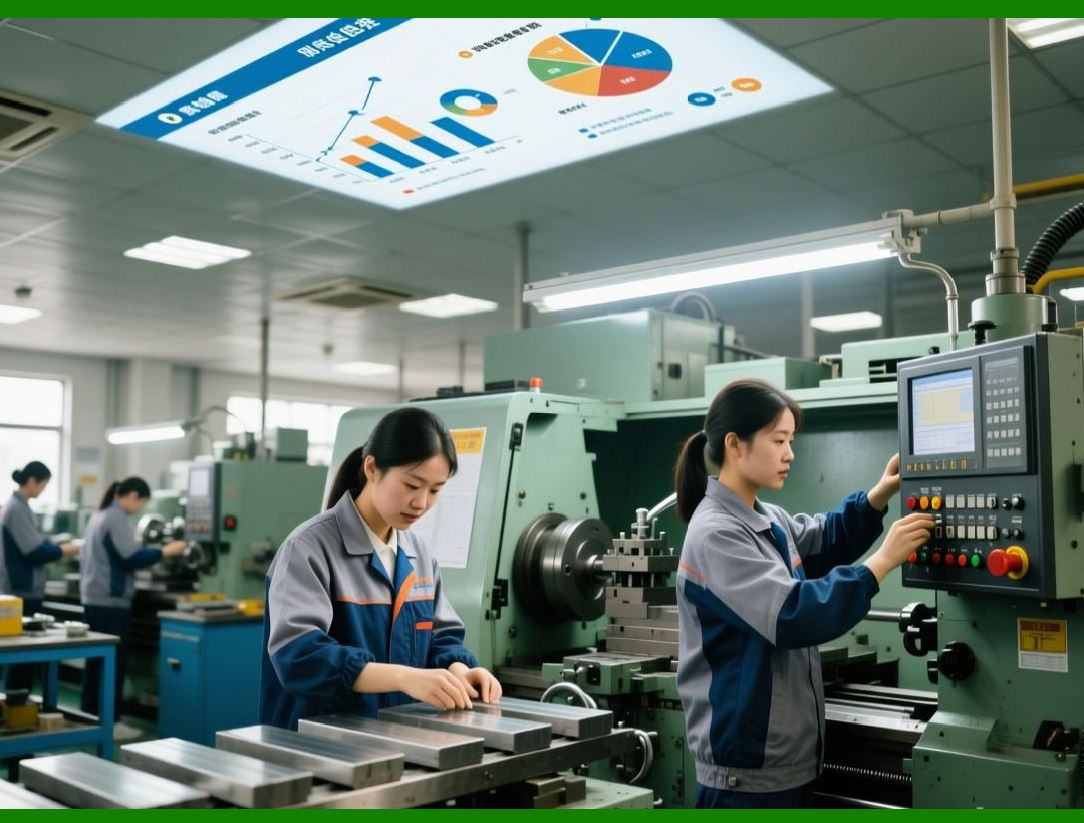
For workers on the shop floor, the ERP makes documents available at the point of use. When a worker scans a work order, the ERP displays the relevant documents on the terminal or tablet at the work center. The worker does not need to search for a paper traveler or a drawing folder. The document is right there, on the screen, current and correct. |
For suppliers, the ERP makes documents available through the supplier portal. When a supplier logs in, they see the specifications and drawings for the parts they are supplying. They can download the documents or view them online. They always see the latest version. |
For customers, the ERP can provide a customer portal. Customers can view the drawings and specifications for the products they have ordered. They can see the status of engineering changes that affect their orders. They can download quality certificates for the shipments they have received. |
Digital distribution eliminates the delays and errors of paper. It ensures that everyone uses the same version. It saves the time and cost of printing, copying, and mailing. And it provides an audit trail: the ERP knows who viewed which document and when. |
|
15.9 Document Retention - Keeping What You Must, Deleting What You Can |
Not every document needs to be kept forever. Some documents have legal retention requirements. Others become obsolete and can be deleted. The ERP helps manage document retention through retention policies. |
A retention policy specifies how long a document must be kept after it is archived. For example, quality records for medical devices might need to be kept for the life of the device plus ten years. Tax records might need to be kept for seven years. Supplier contracts might need to be kept for three years after the contract ends. |
The ERP tracks the archive date for each document. When the retention period expires, the system flags the document for deletion. A manager reviews the flagged documents and approves or rejects deletion. Once approved, the document is permanently deleted from the system. It cannot be recovered. |
Retention policies are not just about saving storage space. They are about legal compliance. Keeping documents longer than required creates liability. In a lawsuit, the factory may be required to produce all documents related to a product. If the factory has documents that should have been deleted, they may be discoverable. Deleting documents according to policy is a legal protection. |
The ERP also supports legal holds. When a lawsuit or investigation is anticipated, the legal department can place a hold on all documents related to a specific product, customer, or time period. The ERP prevents those documents from being deleted, even if their retention period has expired. The hold is lifted when the legal matter is resolved. |
|
15.10 Real-World Example: The Medical Device Supplier's Audit |
Consider a manufacturer of surgical instruments. The company supplied critical components to a major medical device company. The medical device company required that every drawing, work instruction, and quality record be under strict document control. An annual audit was required to maintain the supplier status. |
The manufacturer implemented a comprehensive document control module within their ERP. Every document was stored in the system. Every change went through an ECO workflow with electronic approvals. Every document was linked to the relevant part numbers and work orders. Access was controlled by role. |
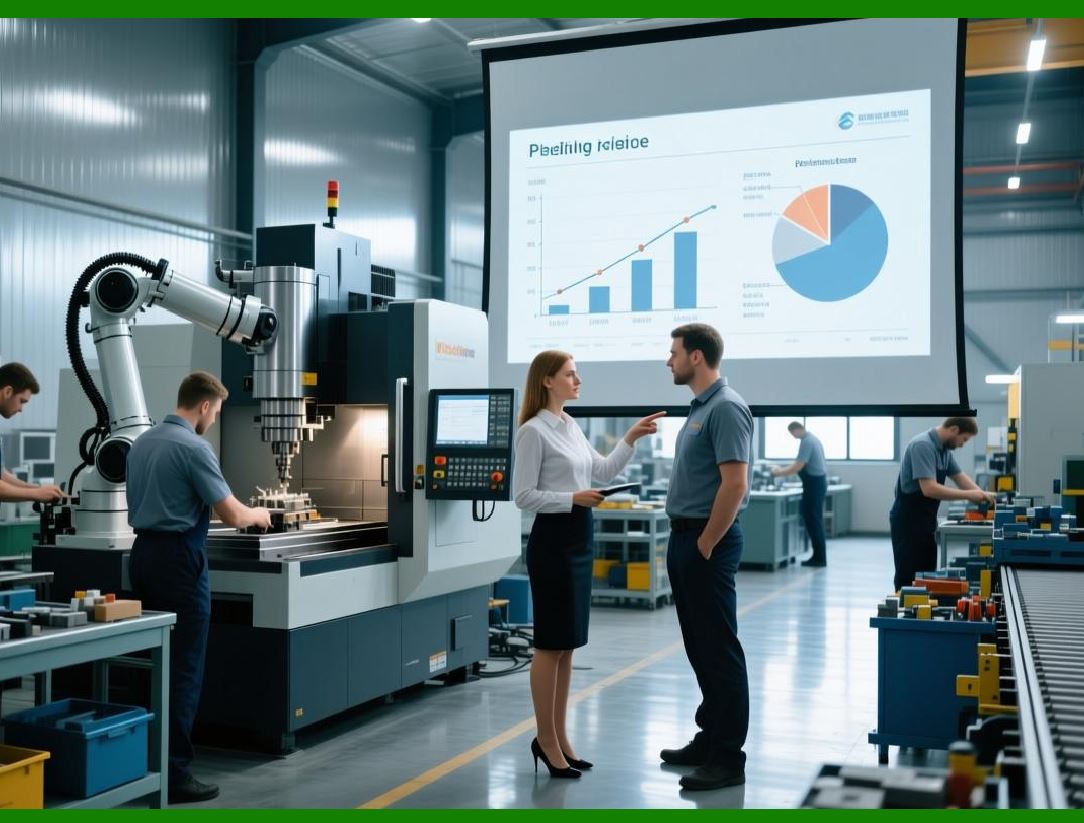
When the auditor arrived, the quality manager did not need to pull paper files from a cabinet. She sat at her computer, logged into the ERP, and ran a report. The report showed every document, its current version, its approval history, and its link to production records. The auditor selected a sample of documents and asked to see the approval records. The ERP displayed them instantly. The auditor asked to see who had accessed a particular drawing. The ERP displayed a log of every view. |
The audit passed with no findings. The auditor commented that this was the best-documented supplier they had ever visited. The manufacturer's reputation was enhanced. They won additional business from the medical device company. |
Six months later, a customer complained about a batch of instruments that did not fit properly. The quality manager used the ERP to trace the batch back to the work orders, the work orders back to the drawings, and the drawings back to the revision history. She discovered that the machinist had used an old, superseded drawing that had been accidentally left on a shop floor terminal. The terminal's cache had not been cleared when the new drawing was released. The ERP's access logs showed that the machinist had viewed the old drawing, but the system had not prevented it because the old drawing was still technically accessible. |
The manufacturer updated their procedures. Terminals were configured to clear their caches daily. The ERP was configured to make superseded documents read-only and to display a clear warning banner when they were opened. The incident was a close call, but the ERP's traceability allowed the root cause to be identified and fixed. No further incidents occurred. |

|
15.11 The Human Factor - Discipline in a Digital World |
Document control is a discipline. The ERP provides the tools, but the people must use them. An engineer who saves a drawing to their local hard drive instead of uploading it to the ERP has broken the discipline. A planner who prints a drawing and puts it in a folder, then uses that folder instead of the ERP, has broken the discipline. A machinist who ignores the warning banner and uses a superseded drawing has broken the discipline. |
Discipline must be taught and enforced. New employees must be trained on document control procedures from their first day. Managers must model the behavior they expect. Violations must be addressed, not ignored. |
But discipline is not just about rules. It is also about convenience. If the ERP is slow, if the interface is confusing, if the documents are hard to find, people will find workarounds. The workarounds will break the discipline. The ERP must be fast, intuitive, and reliable. Accessing a document should take seconds, not minutes. The current version should be clearly marked. The search function should work. |
The best factories make document control invisible. The worker does not think about 'accessing the ERP.' They think about 'looking at the drawing.' The drawing appears on their screen when they need it, without extra steps. The technology fades into the background, and the discipline becomes habit. |
|
15.12 Summary: The Memory That Never Forgets |
A factory's memory is stored in its documents. Drawings remember the design. Work instructions remember the process. Quality plans remember the inspections. Change orders remember the decisions. Without document control, the memory is unreliable. Different people remember different versions. Old memories override new ones. The factory repeats its mistakes. |
Document control in an ERP creates a memory that never forgets and never confuses. Every document has a single current version. Every change is recorded with who, when, and why. Every document is linked to the parts, orders, and operations that depend on it. Access is controlled. Distribution is automatic. Retention is managed. The factory always knows what the current truth is, and it always has a complete record of how that truth evolved. |
The benefits are tangible. No more wrong drawings on the shop floor. No more work done to obsolete specifications. No more confusion about which version is current. No more lost documents. No more audit failures. The cost of a single error - like the two hundred wrong brackets in the opening story - can pay for a document control system many times over. |
But the ultimate benefit is not measured in dollars saved. It is measured in confidence. The engineer can change a drawing knowing that the change will reach everyone who needs it. The machinist can trust the drawing on the screen. The quality manager can prove compliance to any auditor. The customer can rely on the factory's work. That confidence is the foundation of a successful mechanical manufacturing business. |
In the next chapter, we will explore a real-world example - a custom gearbox manufacturer - to see how all the ERP modules we have discussed work together in practice. Theory is important, but nothing teaches like a story. |

|
Key takeaways from Chapter 15: |
1. Document control prevents the costly error of using wrong or outdated drawings, specifications, and work instructions. |
2. The document lifecycle (draft, review, released, archived) ensures that only approved documents are used for production. |
3. Version control maintains a single source of truth - exactly one current version of each document, with a complete history of changes. |
4. Document types include drawings, BOMs, work instructions, quality plans, setup sheets, test procedures, material specifications, safety data sheets, and certificates. |
5. Documents are linked to part numbers, work orders, purchase orders, and customers, enabling impact analysis when changes occur. |
6. Engineering Change Orders (ECOs) manage document changes, including disposition of existing inventory and effective dates. |
7. Role-based access control ensures that people see only the documents they need, protecting security and simplifying the user experience. |
8. Digital distribution through portals and shop floor terminals puts the right document in the right place at the right time. |
9. Retention policies specify how long documents must be kept; legal holds prevent deletion during litigation. |
10. Real-world examples show that document control enables smooth audits, rapid root-cause analysis, and continuous improvement. |
11. Human discipline is essential - the ERP provides tools, but people must use them consistently, and the system must be convenient enough to make discipline easy. |
 cs@easiersoft.com