Chapter 19: Small Shops, Big Benefits - SME Perspective |
19.1 The Myth That ERP Is Only for the Big Guys |
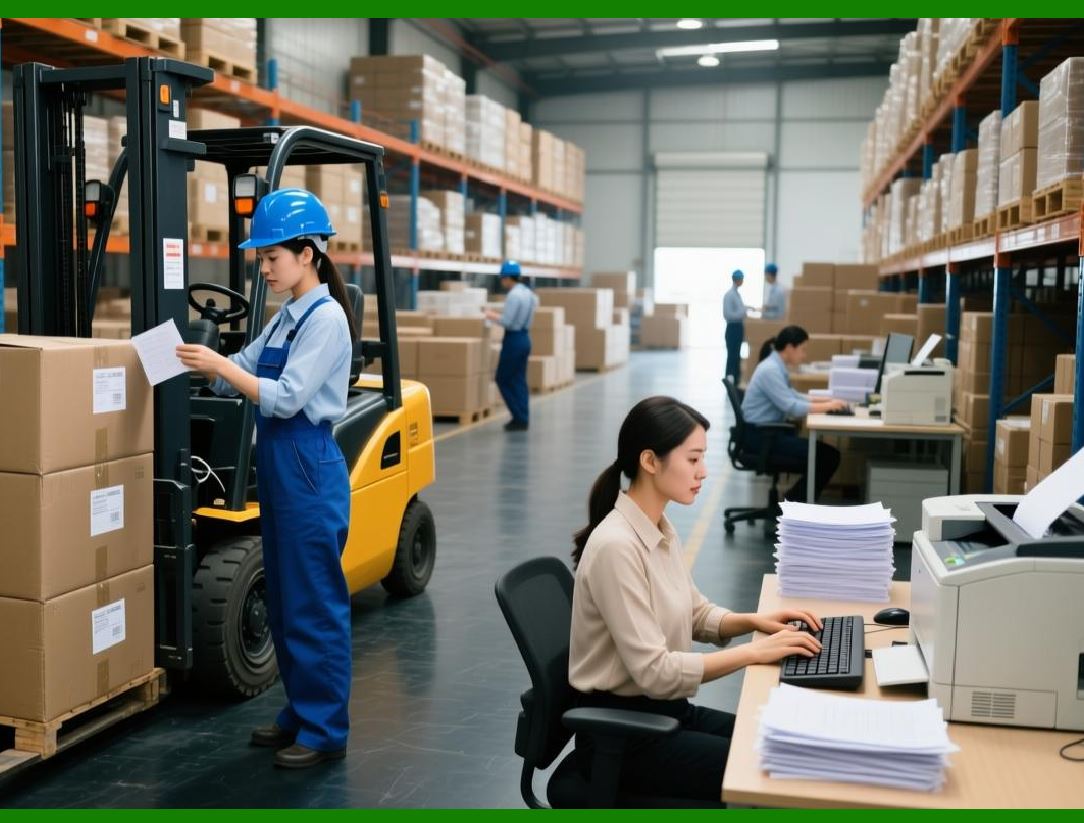
Walk into a small machine shop with ten employees and mention the word 'ERP.' You are likely to get a laugh. The owner will imagine million-dollar software, a room full of servers, a team of consultants, and years of implementation. They will say, 'We're too small for that. We use spreadsheets and a whiteboard. It works fine.' |
This is a myth. It is a myth that harms small shops. The truth is that small shops often need ERP more than large factories do. A large factory has layers of management, formal processes, and buffers of inventory. It can absorb mistakes. A small shop has no buffers. A single missed delivery can lose a major customer. A single inventory error can stop production. A single pricing mistake can wipe out a month's profit. |
Small shops operate on thin margins. They cannot afford waste. They cannot afford expediting. They cannot afford excess inventory. They cannot afford to lose customers because of late deliveries. ERP helps small shops eliminate waste, reduce expediting, optimize inventory, and deliver on time. |
The difference is that small shops need ERP that is designed for them. They do not need the complexity of a system designed for a multinational corporation. They need something simple, affordable, and quick to implement. And today, thanks to cloud technology, that exists. |
This chapter explores the unique perspective of small and medium-sized mechanical manufacturing enterprises. It describes the challenges they face, the benefits they can achieve, and the strategies they can use to implement ERP successfully with limited resources. |
|
19.2 The Small Shop's Reality - No Room for Error |
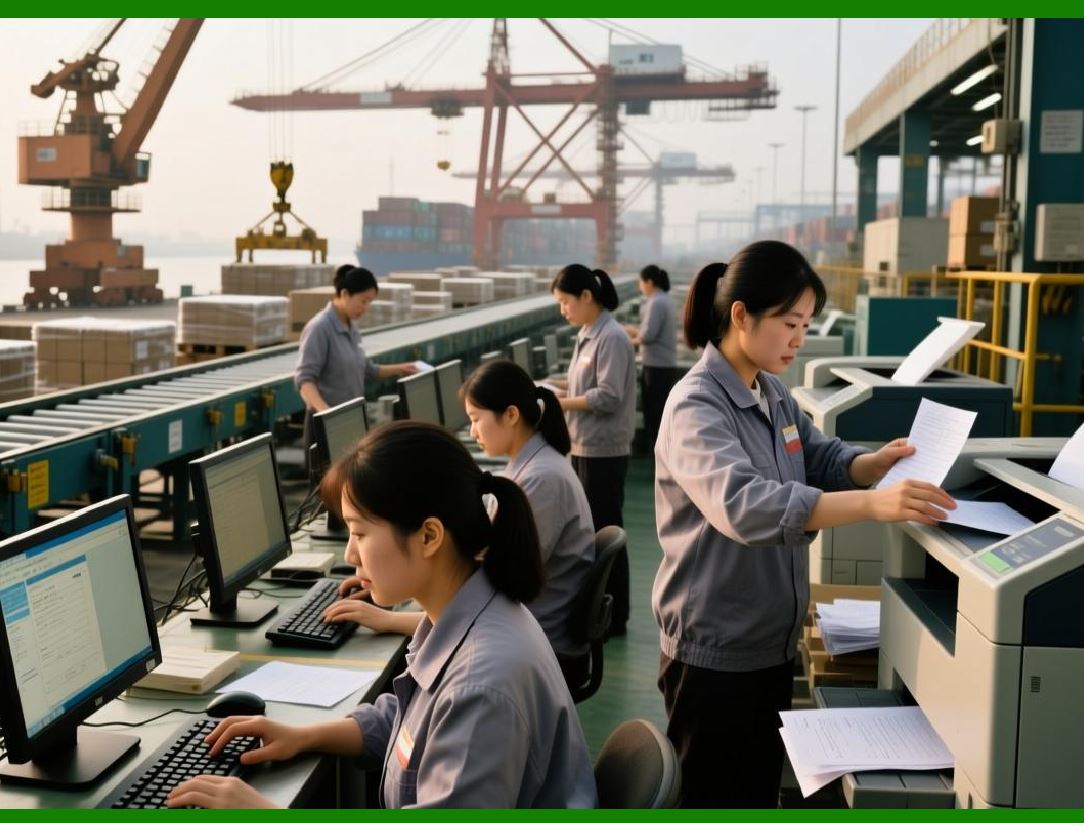
A small shop lives on the edge. Consider a typical job shop with fifteen employees. They have a handful of CNC machines, a manual mill and lathe, and a small inspection area. They take orders from a variety of customers - some large, some small. They quote each job, hoping to win it. They schedule the work on a whiteboard. They buy material as needed. They ship when the job is done. |
The owner wears many hats: sales, purchasing, scheduling, quality, shipping, and sometimes even machining. The office manager handles invoices and payments. The lead machinist manages the floor. Everyone works hard. Most days, things get done. |
But problems are constant. A customer calls with an urgent order. The owner says yes without checking capacity. The order is late. The customer is unhappy. A supplier delivers the wrong steel. The job stops. The owner pays expedited shipping for the correct steel, eating the profit. A machinist finishes a job but forgets to record it. The office manager does not know to invoice the customer. Payment is delayed. |
These problems are not due to laziness or incompetence. They are due to lack of information. The owner cannot see the whole picture. There is no single place where orders, inventory, capacity, and shipments are all visible. The owner makes decisions based on incomplete information, because that is all that is available. |
In a large factory, a mistake might cost a few thousand dollars - painful but survivable. In a small shop, the same mistake might cost a few thousand dollars - enough to wipe out the month's profit. Small shops have no room for error. That is why they need ERP most. |
|
19.3 The Spreadsheet Trap |
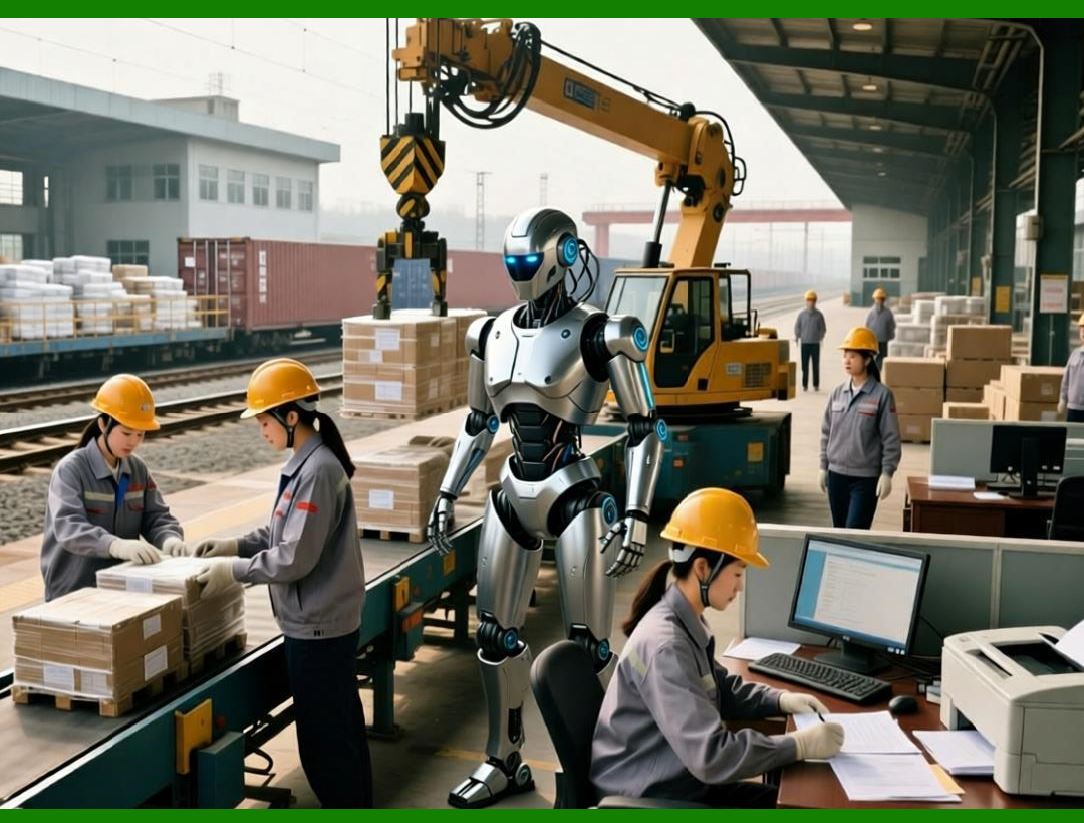
When a small shop outgrows paper, the natural next step is spreadsheets. Excel is familiar. It is flexible. It is cheap. It seems like the perfect solution. But spreadsheets are a trap. |
A spreadsheet for orders might work when there are ten open orders. When there are fifty open orders, the spreadsheet becomes unwieldy. When there are one hundred, it becomes unusable. Multiple people need to update the same spreadsheet, leading to version conflicts. A formula gets accidentally overwritten, and no one notices until the error causes a problem. |
Spreadsheets do not enforce data integrity. A part number can be entered as 'BRKT-001' in one place and 'Bracket 1' in another. The spreadsheet treats them as different. Spreadsheets do not have audit trails. When a mistake is made, there is no record of who made it or when. Spreadsheets do not integrate. The order spreadsheet is separate from the inventory spreadsheet, which is separate from the accounting software. Data must be re-entered multiple times, each time risking error. |
The spreadsheet trap is insidious. The shop starts with a simple spreadsheet. It works. The shop grows. The spreadsheet becomes more complex. More time is spent maintaining it. Errors increase. But the shop is invested. They have years of data in the spreadsheet. They cannot easily switch. They are trapped. |
ERP escapes the trap. It provides a single, integrated database. Data is entered once. It is validated. It is linked. There is one version of the truth. The shop can grow without outgrowing the system. |
|
19.4 What Small Shops Need from ERP |
Not every ERP system is suitable for a small shop. A system designed for a large enterprise with hundreds of users and complex supply chains will overwhelm a small shop. Small shops need different things. |
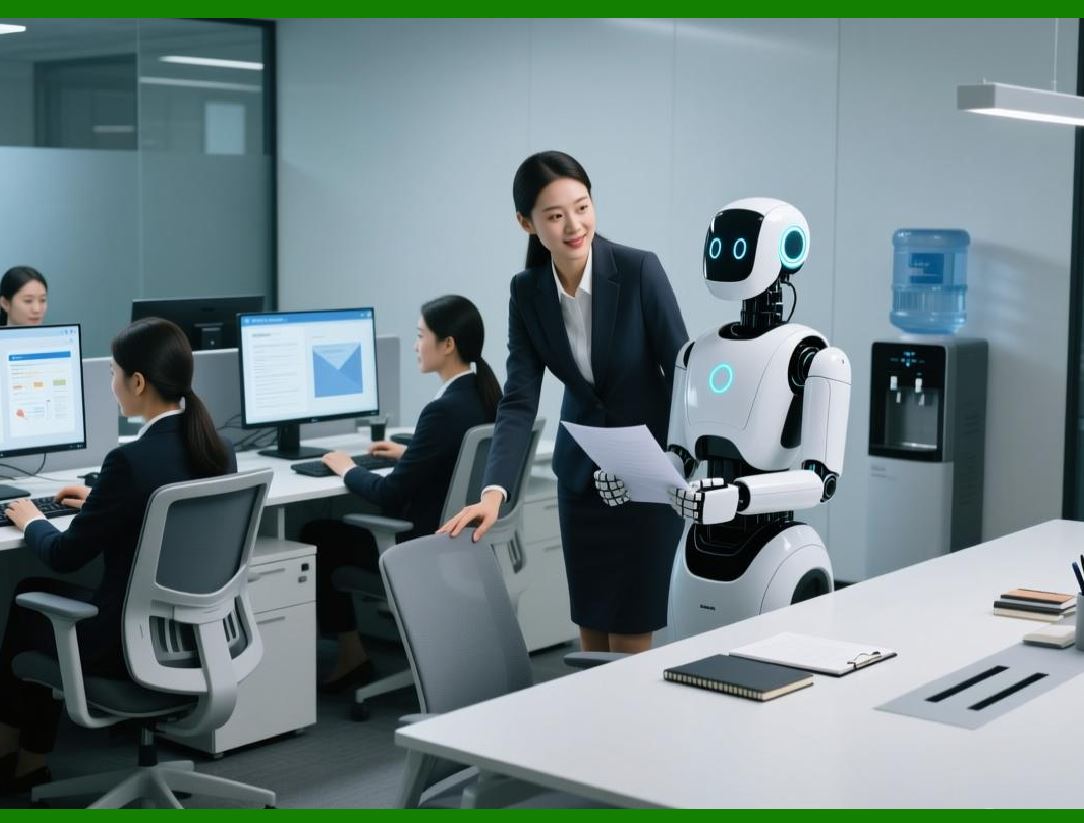
Simplicity is the most important. The system must be easy to use. The screens should be uncluttered. The workflows should be intuitive. A machinist should be able to scan a work order and start a job with two or three taps. A buyer should be able to approve a purchase order with a single click. If the system is complicated, people will not use it. |
Affordability is essential. A small shop cannot spend hundreds of thousands of dollars on software. The monthly subscription for a cloud ERP designed for small manufacturers might be a few hundred dollars. That is affordable. The return on investment - in reduced expediting, lower inventory, fewer errors - will far exceed the cost. |
Speed of implementation matters. A large factory can spend a year implementing an ERP. A small shop cannot. They need to be up and running in weeks, not months. The system must be pre-configured for common manufacturing processes, with minimal customization required. |
Essential functions only is a feature, not a limitation. A small shop does not need advanced supply chain optimization or global financial consolidation. They need order management, BOMs, MRP, inventory, purchasing, shop floor tracking, and basic costing. That is enough. Extra features are just clutter. |
Accessibility is important. The owner should be able to check the status of an order from home, from a customer site, or from a trade show. Cloud-based systems provide this accessibility naturally. |
Scalability matters for growth. The system that works for ten users should also work for fifty. The small shop should not have to switch systems as they grow. They should be able to add users, add modules, and add data without disruption. |
|
19.5 The Cloud Advantage for Small Shops |
For small shops, the choice between cloud and on-premise is not a close call. Cloud wins decisively. The reasons are compelling. |
No IT staff is the biggest advantage. A small shop cannot afford to hire a dedicated IT person. Cloud ERP requires no on-premise servers, no database administration, no backup management, no security patching. The vendor handles all of that. The shop just uses the software. |
Low upfront cost removes the barrier to entry. A small shop might not have fifty thousand dollars to spend on software licenses and servers. But they do have five hundred dollars per month. The subscription model makes ERP accessible. |
Automatic updates mean the shop always has the latest features and security patches. They do not need to plan upgrades or test new versions. The vendor handles it. |
Access from anywhere supports the owner's lifestyle. The owner can check the system from a phone while visiting a customer. They can approve a purchase order from home on a weekend. They can see production status while at a trade show. |
Disaster recovery is built in. If the shop's building burns down, the data is safe in the cloud. The owner can log in from any computer and be back in business. With on-premise, a fire could destroy the server and the data. |
The only potential disadvantage is internet dependency. But in most areas, reliable internet is available. A backup cellular connection can provide redundancy. The benefits far outweigh the risk. |

|
19.6 Starting Small - The Minimal Viable ERP |
A small shop does not need to implement every module at once. They can start with a minimal viable ERP - just the essential functions. Add more later as needed. |
The minimal viable ERP for a small mechanical shop might include: |
Order management to track customer orders, delivery dates, and status. |
BOM management to define product structures for common jobs. |
Inventory management to track raw material and finished goods quantities. |
Purchasing to create and track purchase orders. |
Basic shop floor tracking to know where each order is. |
Shipping and invoicing to close the loop with customers. |
That is enough. With these modules, the shop can replace spreadsheets and paper. They can see open orders, available inventory, and purchase order status in one place. They can generate invoices automatically from shipments. |
Later, they can add MRP to automate material ordering. They can add quality management to track inspections. They can add maintenance management to schedule preventive maintenance. They can add costing to understand profitability. But they do not need to do everything at once. |
Starting small has several advantages. The upfront cost is lower. The implementation is faster. The learning curve is shallower. The risk of failure is reduced. And success with the minimal system builds momentum for adding more functions. |

|
19.7 The Quote-to-Cash Cycle - Small Shop's Greatest Opportunity |
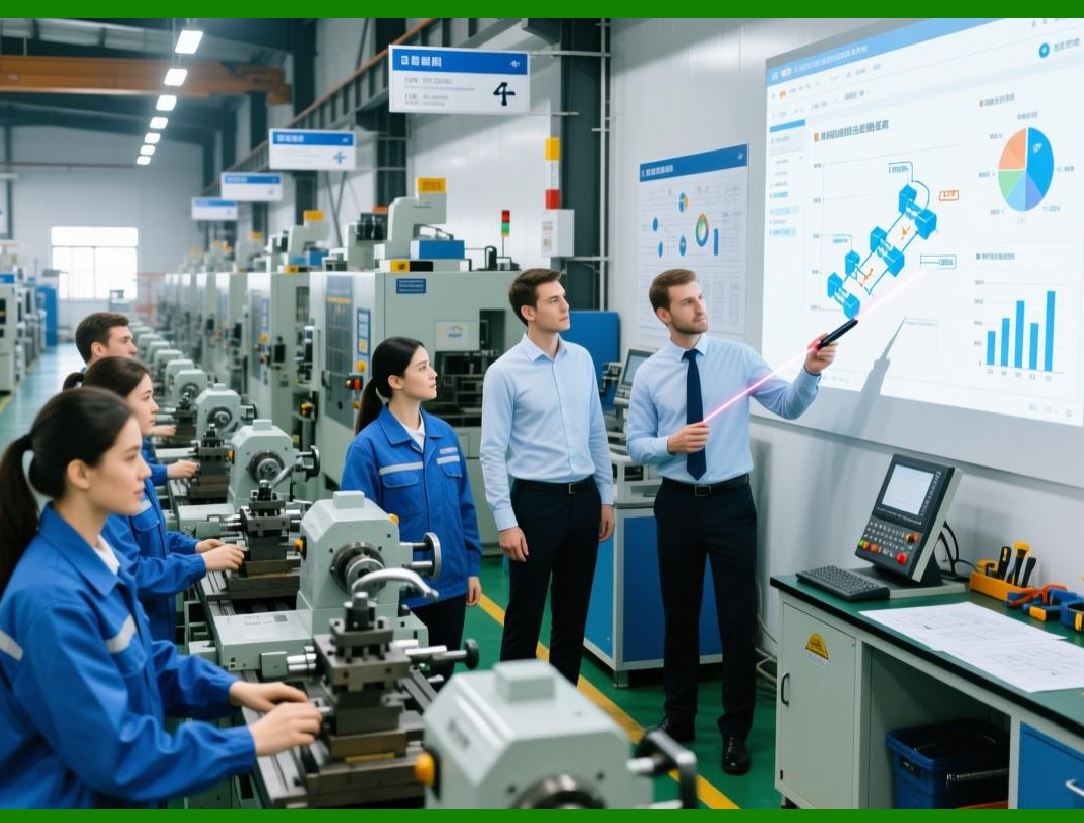
For a small shop, the greatest opportunity for improvement is the quote-to-cash cycle - from the moment a customer asks for a quote to the moment the shop receives payment. This cycle is often broken, with manual handoffs, lost information, and long delays. |
A customer calls for a quote. The owner takes notes. They calculate the cost - material, labor, overhead - using a spreadsheet or a calculator. They add a markup. They call the customer back with a price. If the customer accepts, the owner creates an order - maybe in a notebook, maybe in a spreadsheet. They schedule the work on a whiteboard. They order material. The job is produced. A paper traveler follows the job through the shop. When the job is done, the office manager creates an invoice. The invoice is mailed. The customer pays weeks later. |
An ERP system streamlines this cycle. The quote is created in the system, using standard costs and configured BOMs. The quote is emailed to the customer. If accepted, the quote is converted to an order with one click. The order triggers MRP, which creates purchase requisitions. The purchase requisitions are converted to purchase orders. The work order is created automatically. Shop floor terminals track progress. When the job is complete, the system creates an invoice automatically. The invoice is emailed. The customer pays. The entire cycle is visible in the system. |
The time savings are enormous. The reduction in errors is significant. The improvement in cash flow - from faster invoicing - is real. |
|
19.8 The Owner's Dilemma - Letting Go |
The owner of a small shop often has a hard time letting go. They have built the business. They know every customer. They know every machine. They know every part. They trust their own judgment more than any system. |
Implementing an ERP requires the owner to let go. They must trust the system's available-to-promise date instead of guessing. They must trust the system's reorder point instead of ordering based on feel. They must trust the system's schedule instead of overriding it. |
This is hard. The owner has been successful by trusting their own judgment. The ERP feels like a threat. But the ERP is not a threat. It is a tool that amplifies the owner's judgment. The owner still makes the big decisions. The ERP handles the routine ones. |
The owner must model the behavior they want from employees. If the owner bypasses the system, employees will bypass it too. If the owner uses the system, employees will follow. The owner must be the system's biggest advocate. |
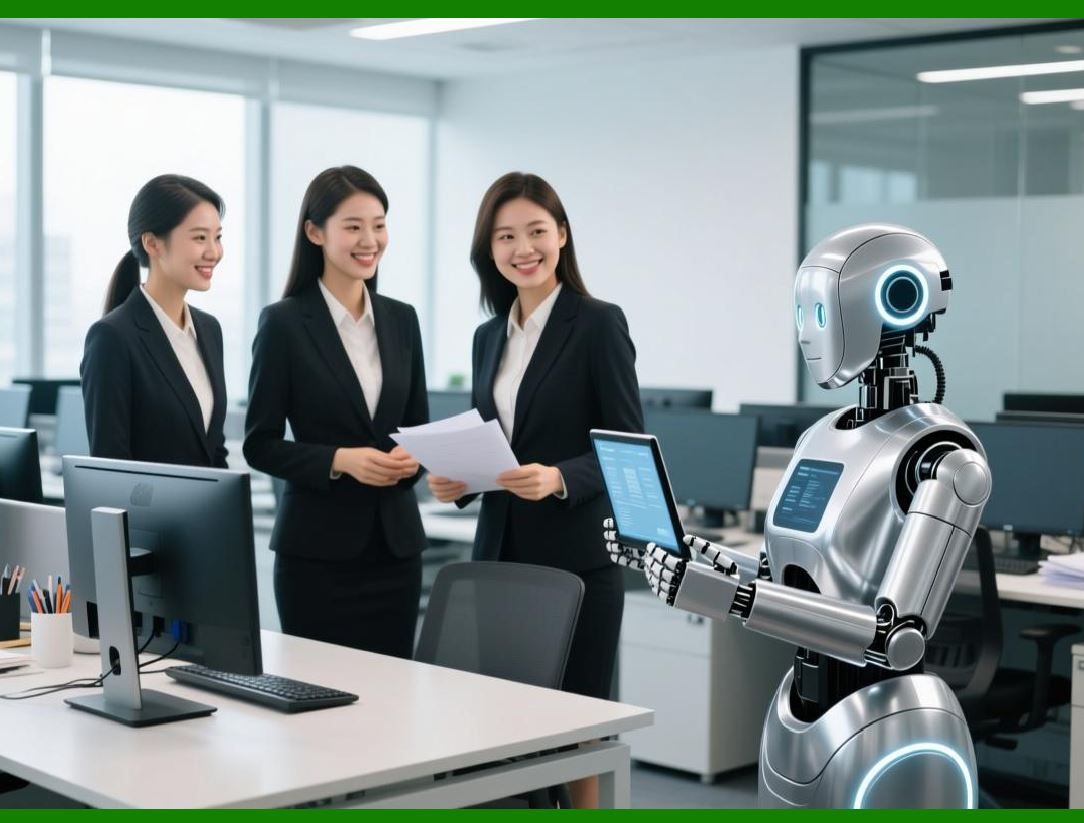
Letting go is also about delegation. An ERP makes it possible to delegate tasks that previously required the owner's personal attention. A trusted employee can manage purchasing because the system shows what to buy and when. A supervisor can schedule work because the system shows capacity. The owner can focus on strategy, sales, and growth. |
|
19.9 Real-World Example: The Five-Person Job Shop |
Consider a small job shop called Precision Machining Solutions. Five employees. The owner, Mike, did everything - sales, quoting, purchasing, scheduling, shipping, and often machining. The shop had three CNC mills, a lathe, and a manual machine. They made parts for local manufacturers and repair shops. |
Mike used a spiral notebook for orders. He used a whiteboard for scheduling. He used Excel for inventory. He used QuickBooks for accounting. The systems did not talk to each other. Errors were common. Mike was always putting out fires. |
A friend recommended a cloud ERP for small manufacturers. Mike was skeptical. 'We're too small,' he said. But he tried the free trial. He entered a few orders. He created a simple BOM. He was surprised at how intuitive it was. |
He signed up for the lowest tier - ninety-nine dollars per month for two users. He and his office manager learned the system. They entered all open orders. They entered inventory quantities. They started using the shop floor tracking feature on an iPad. |
The first week was bumpy. They forgot to scan some jobs. They entered quantities wrong. But by the second week, they had the hang of it. By the third week, Mike noticed a change. He was no longer constantly answering questions about where orders were. The office manager could see the status on the system. The machinists could see what to run next on the iPad. |
After three months, Mike calculated the savings. He was spending two hours less per day on administrative work. That was worth two hundred dollars per day, or four thousand dollars per month. The ERP cost ninety-nine dollars. The ROI was forty to one. |
But the real benefit was not the money. It was the peace of mind. Mike no longer woke up at 3 AM wondering if a job would be late. He could see the schedule. He could trust it. He could sleep. |
|
19.10 Growing with ERP - From Small to Medium |
A small shop that implements ERP early has a growth advantage. When they win new customers, the system can handle the volume. When they hire new employees, the system provides structure. When they add new machines, the system can track them. |
Consider a shop that started with ten users and grew to fifty. The same ERP system that worked for ten users works for fifty. The shop does not need to switch systems. They do not need to migrate data. They just add users. |
The ERP also provides the discipline needed for growth. A shop that grows without systems becomes chaotic. Orders are missed. Inventory is wrong. Customers are unhappy. The shop hits a ceiling. They cannot grow further without better systems. ERP removes that ceiling. |
The data in the ERP helps the shop make better growth decisions. Which customers are most profitableWhich products have the highest marginWhich machines are bottlenecksThe answers are in the data. The shop can focus on what works and stop doing what does not. |
|
19.11 The Competitive Advantage |
A small shop with an ERP system has a competitive advantage over shops without one. They can quote faster. They can promise more reliable delivery dates. They can deliver on time more consistently. They can provide better customer service because they can answer questions instantly. |
When a customer calls and asks, 'Where is my order' the small shop with ERP can answer immediately. The shop without ERP says, 'Let me go check on the floor and call you back.' The first shop sounds professional. The second sounds disorganized. Customers notice. |
When a customer asks for a quote on a complex part, the small shop with ERP can use the system's costing to calculate a price quickly. The shop without ERP has to do a manual calculation, taking longer and risking errors. The first shop responds faster. The second shop may lose the order. |
When a customer asks for an expedited delivery, the small shop with ERP can check capacity and material availability instantly. The shop without ERP has to guess. The first shop can give a confident answer. The second shop either says no (losing the order) or says yes and fails (losing the customer). |
In a competitive market, these differences matter. The small shop with ERP is not just more efficient. They are more professional, more reliable, and more trustworthy. |
|
19.12 Common Objections - And Answers |
Small shop owners raise several objections to ERP. Each objection has an answer. |
'It's too expensive.' Cloud ERP for small shops costs less than one hundred dollars per month for basic functionality. That is less than the cost of one hour of machine time. The savings in reduced expediting, lower inventory, and fewer errors will far exceed the cost. |
'It's too complicated.' Modern cloud ERPs for small shops are designed to be simple. They have clean interfaces, intuitive workflows, and minimal configuration. If you can use online banking, you can use these systems. |
'We don't have time to implement it.' Implementation for a small shop can take a few days or weeks, not months. The time invested is quickly recovered through efficiency gains. |
'Our people won't use it.' People use systems that make their jobs easier. A good ERP makes a machinist's job easier by eliminating the search for paper travelers and the guesswork about what to run next. Show them the benefits, and they will use it. |
'We have a unique way of doing things.' Most small shops are not as unique as they think. Standard manufacturing processes - orders, BOMs, purchasing, inventory, shipping - are common across thousands of shops. The ERP is designed for these processes. If the shop's process is truly unique, they can configure the system or adapt their process. Adaptation is often beneficial. |
'We'll do it when we get bigger.' This is the most dangerous objection. Waiting until you are bigger means waiting until the problems are worse. Implementing ERP when you are small is easier. There is less data to clean. There are fewer people to train. There is less resistance. Do it now. |
|
19.13 Summary: Small but Mighty |
Small mechanical shops are the backbone of manufacturing. They are agile, responsive, and customer-focused. But they are also vulnerable. A single mistake can be catastrophic. A single lost customer can be devastating. |
ERP systems level the playing field. They give small shops the same information, discipline, and efficiency that large factories have. They enable small shops to compete on delivery, quality, and price. They free the owner from firefighting so they can focus on growth. |
The myth that ERP is only for the big guys is just that - a myth. The reality is that small shops need ERP more, and modern cloud ERP makes it affordable and accessible. The small shop that implements ERP gains a competitive advantage that is hard to replicate. |
In the final chapter, we will look to the future - how AI and predictive analytics will transform ERP for mechanical manufacturing. The systems we have today are powerful. The systems of tomorrow will be astonishing. |
|
Key takeaways from Chapter 19: |
1. The myth that ERP is only for large factories harms small shops - they often need ERP more because they have no room for error. |
2. Spreadsheets are a trap - they work at first but become unmanageable as the shop grows, leading to errors and wasted time. |
3. Small shops need ERP that is simple, affordable, quick to implement, focused on essential functions, accessible from anywhere, and scalable. |
4. Cloud ERP is the clear choice for small shops - no IT staff, low upfront cost, automatic updates, anywhere access, and built-in disaster recovery. |
5. Start with a minimal viable ERP - order management, BOMs, inventory, purchasing, basic shop floor tracking, and shipping/invoicing. Add more later. |
6. The quote-to-cash cycle is the greatest opportunity for improvement - ERP streamlines it from quote to invoice to payment. |
7. The owner must let go - trust the system, delegate routine tasks, and model the behavior they want from employees. |
8. Real-world examples show that a five-person shop can achieve forty-to-one ROI with a ninety-nine-dollar-per-month cloud ERP. |
9. ERP enables growth - the same system works from ten users to fifty, and the data supports better growth decisions. |
10. ERP provides a competitive advantage - faster quotes, reliable delivery promises, better customer service, and professional credibility. |
11. Common objections - cost, complexity, time, people, uniqueness, timing - all have answers; the benefits far outweigh the challenges. |
12. Small shops are the backbone of manufacturing - ERP levels the playing field, enabling them to compete with larger factories. |
 cs@easiersoft.com