How ERP Systems Drive the Mechanical Manufacturing Industry |
Chapter 1: The Orchestra Conductor - What is ERP |
Imagine a factory floor with dozens of machines, hundreds of workers, and thousands of parts moving at once. Without a central leader, it would be chaos. An Enterprise Resource Planning (ERP) system acts like an orchestra conductor. It gathers information from every department - sales, inventory, production, finance - into one unified digital platform. For mechanical manufacturers, ERP turns complexity into a harmonious workflow. |
Chapter 2: From Blueprint to BOM - The Product Structure |
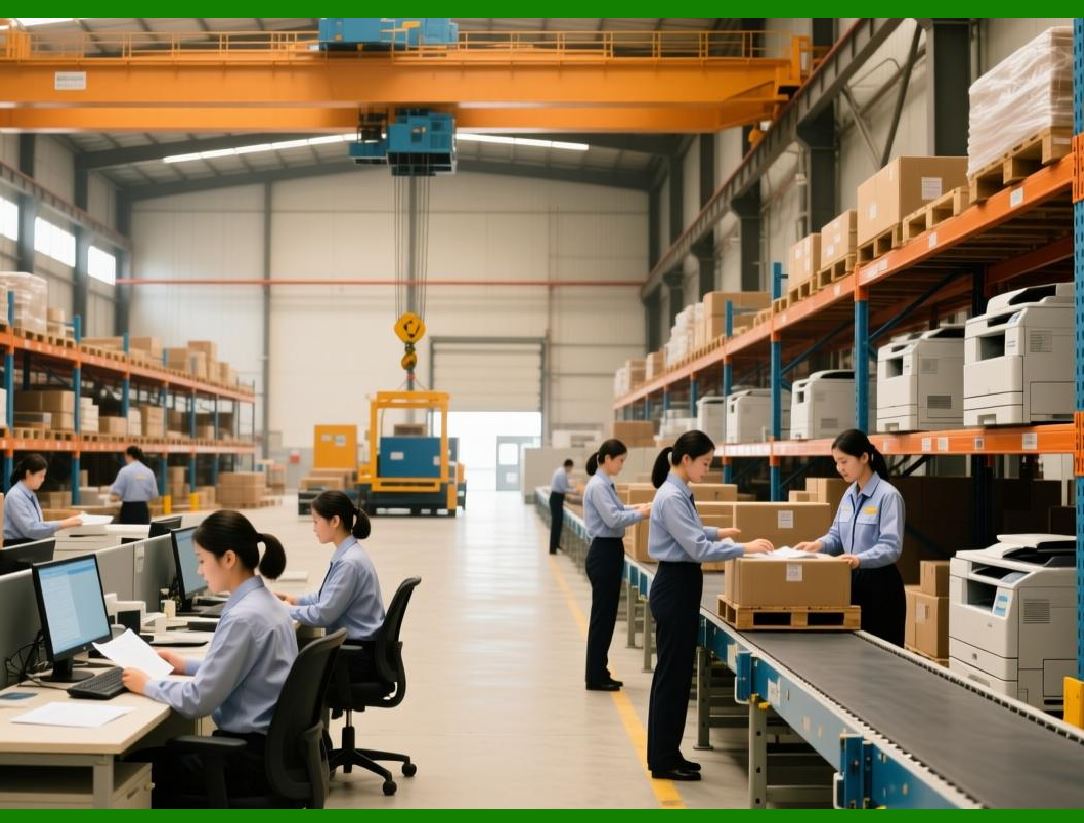
Every mechanical product, whether a gearbox or a lathe, starts with a Bill of Materials (BOM). This is a digital recipe listing every screw, bolt, motor, and casing. ERP manages the BOM across multiple levels - from raw metal bars to finished assemblies. When an engineer updates a blueprint, the ERP instantly adjusts the BOM, ensuring no one builds from outdated plans. |
|
Chapter 3: Stock Without Stops - Inventory Intelligence |
Metal coils, bearings, cutting tools - mechanical shops hold hundreds of material types. An ERP system applies smart inventory rules. It flags when steel stock falls below a safety limit, suggests reorder quantities based on past usage, and even distinguishes between similar-looking metric vs. imperial bolts. No more production stops due to a missing fastener. |
Chapter 4: The Heartbeat - Master Production Scheduling (MPS) |
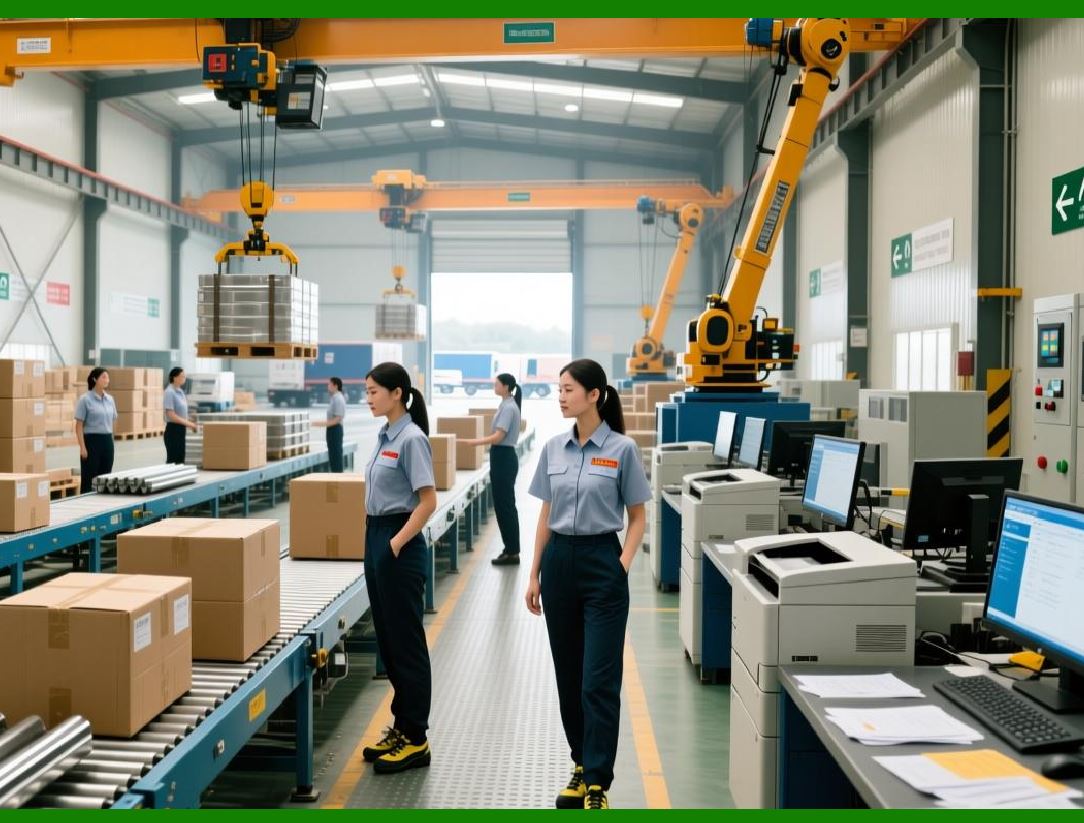
When a customer orders 500 customized shafts, where do you startERP's Master Production Scheduling looks at available machines, worker shifts, and material arrival dates to create a realistic daily plan. It answers: 'Can we promise delivery in 10 days' If not, it suggests the earliest feasible date - before you take the order. |
|
Chapter 5: Material Requirements Planning - The Classic Brain |
In the 1960s, the concept of MRP (Material Requirements Planning) revolutionized manufacturing. Today, it lives inside every ERP. For mechanical manufacturing, MRP answers: 'To make 100 pumps next week, what do I buy, when do I buy it, and when should it arrive' It offsets lead times - ordering raw steel three weeks ahead so it arrives just as machining starts. |
Chapter 6: Capacity vs. Load - Stopping Bottlenecks |
A CNC machine can run 16 hours a day, but what if three large orders all need that same machine in the same weekERP's capacity planning draws a visual chart of 'load' (work required) versus 'capacity' (hours available). If load exceeds capacity, the system suggests overtime, shifting orders, or subcontracting - before deadlines collapse. |

|
Chapter 7: Shop Floor Control - Digital Eyes on the Factory |
Modern ERP systems connect to shop floor terminals or even machines directly. A machinist logs in, sees today's tasks, and clicks 'start' when a job begins. The ERP records real-time progress: 'Cutting complete - 45 minutes taken, quality check pending.' This turns a black-box factory into a transparent, data-driven process. |
Chapter 8: Quality Management - Every Part Counts |
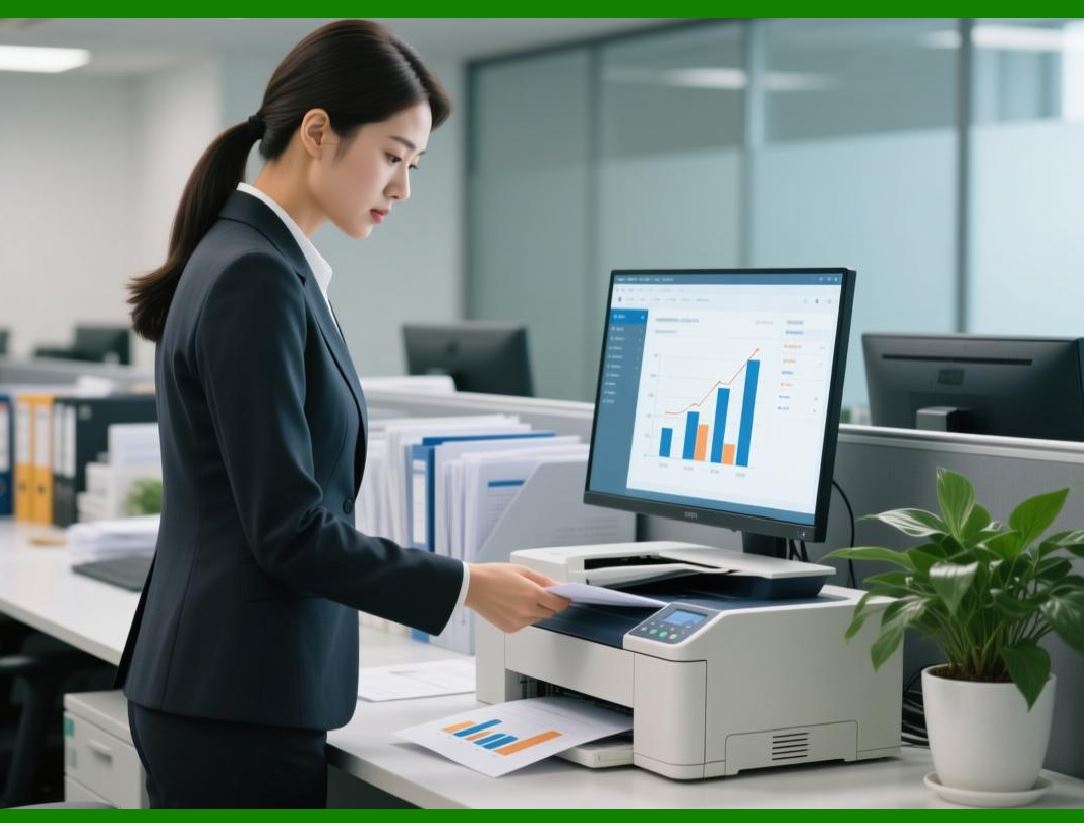
In mechanical manufacturing, a faulty 5 mm hole can scrap a $10,000 housing. ERP enforces quality gates. It can require a measurement entry before allowing work to move to the next operation. If a batch fails inspection, the system traces which raw material lot or which machine caused the issue, enabling targeted fixes. |
|
Chapter 9: Maintenance Management - Keeping Spindles Spinning |
Unexpected machine breakdowns are the enemy of delivery dates. ERP includes a maintenance module that schedules regular lubrication, calibration, and part replacement based on run hours or calendar days. It sends alerts to technicians. A well-maintained spindle delivers precision; an ERP makes sure that spindle never gets forgotten. |
Chapter 10: Purchasing & Supplier Collaboration |
Steel prices fluctuate, and suppliers have minimum order quantities. ERP streamlines purchasing by automatically generating purchase orders when inventory dips. For contract manufacturers, it can even share rolling forecasts with key suppliers, so they reserve capacity for your raw castings. This transforms purchasing from reactive buying to strategic sourcing. |

|
Chapter 11: Costing - Where Every Penny Goes |
How much does it actually cost to machine one bracketERP uses standard costing with variances. It records actual material cost, actual machine time, actual labor hours, and compares them to standard values. For mechanical workshops, this reveals hidden waste - like a dull cutter causing extra 10% machining time - and helps price future jobs accurately. |
Chapter 12: Traceability - From Ore to Order |
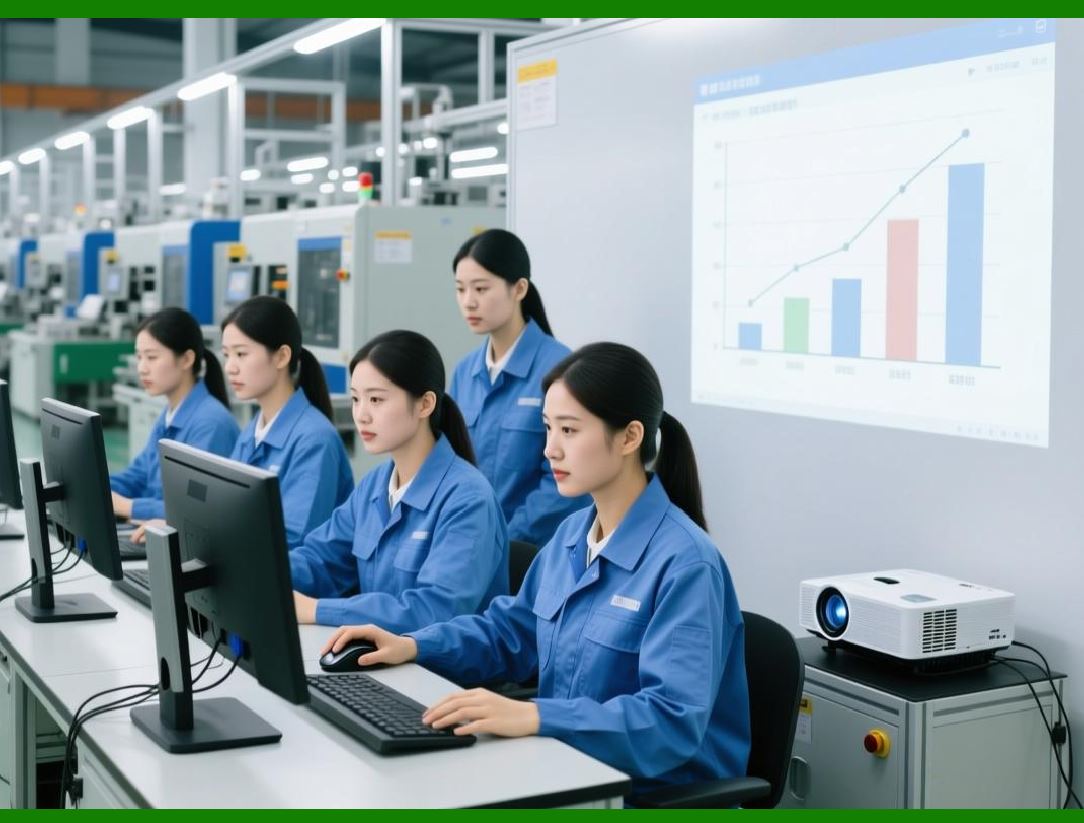
Medical, automotive, and aerospace mechanical parts require full traceability. ERP assigns batch or serial numbers to raw materials and tracks them through every heat treatment, weld, and assembly step. If a steel coil is found defective, the ERP identifies every finished part containing that coil and where it was shipped. This is not just quality - it is legal protection. |
|
Chapter 13: Finance Integrates Naturally |
In a non-ERP factory, finance uses spreadsheets disconnected from the floor. With ERP, every goods receipt creates an accounting entry: debit inventory, credit accrual. Every shipment invoices the customer automatically. At month end, work-in-progress (WIP) valuation is computed directly from open shop orders. The CFO and plant manager now see the same numbers. |
Chapter 14: Human Resources - Skill Matching |
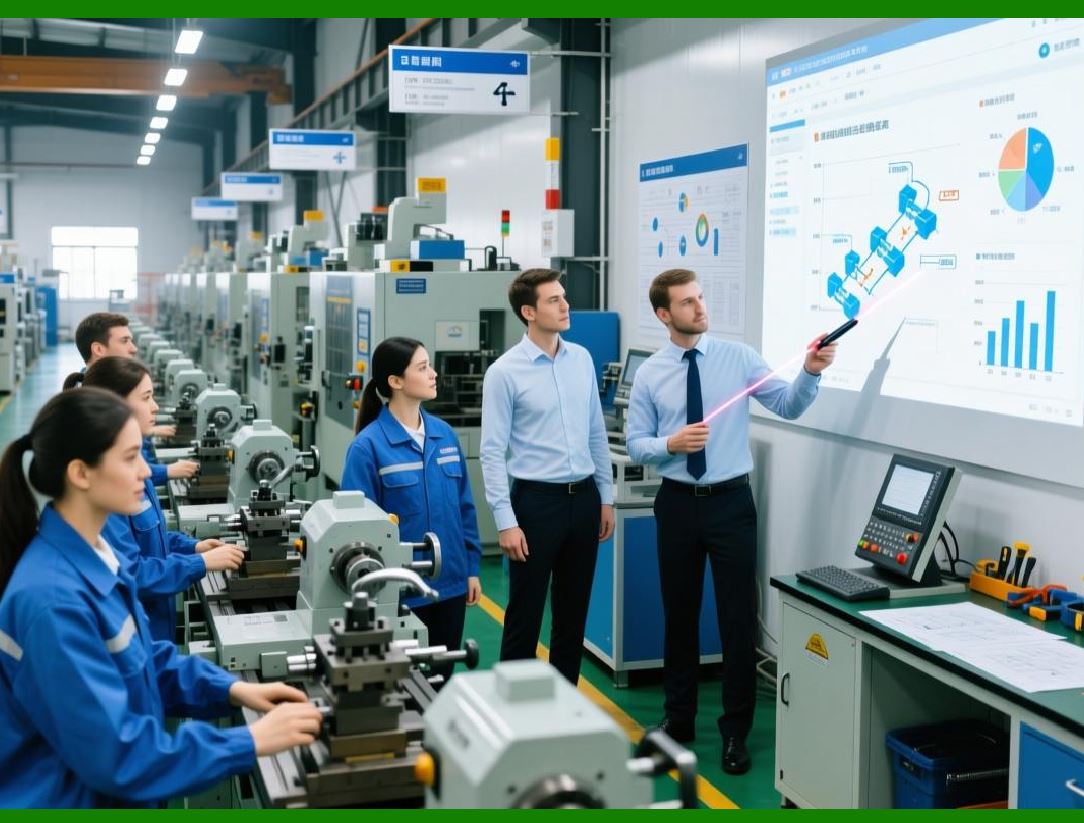
Not every worker can run a 5-axis mill. ERP's HR module stores employee skills, certifications, and shift preferences. When scheduling, the system preferentially assigns complex jobs to qualified machinists. This reduces defects caused by inexperience and helps training managers identify where skill gaps exist. |
|
Chapter 15: Document Control - The Digital Notebook |
Engineering changes, setup sheets, tool lists - a mechanical shop lives on documents. ERP centralizes document control, ensuring the latest revision of a setup sheet is always displayed on the shop tablet. When a change occurs, the ERP notifies all affected roles, from purchasing to inspection. No more 'but I used the old drawing' excuses. |
Chapter 16: Real-World Example - Custom Gearbox Manufacturer |
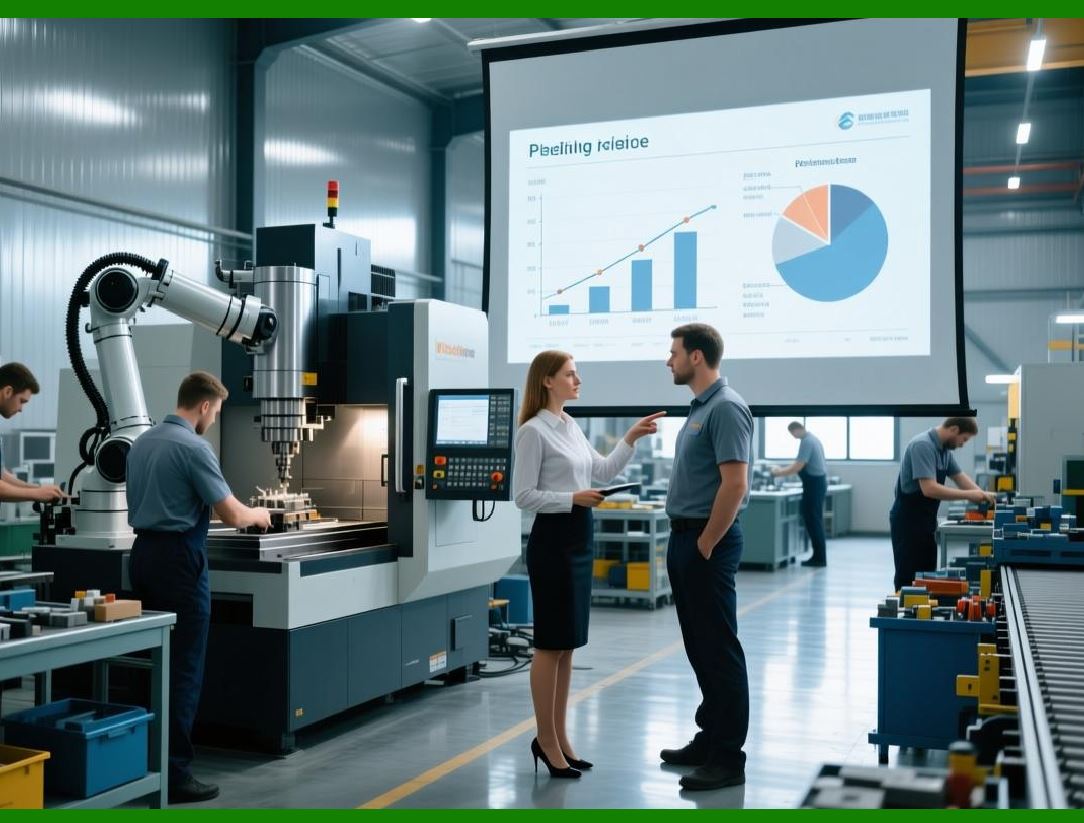
Consider a company that makes custom gearboxes for wind turbines. Without ERP, sales promises 3 weeks, but engineering needs 2 weeks for design, purchasing 2 weeks for bearings, and machining 3 weeks - impossible. With ERP, when sales enters a quote, the system checks real available-to-promise dates. It tells sales: 'Earliest delivery = 6 weeks.' Customer expectations align with reality. |
|
Chapter 17: Cloud vs. On-Premise - Choices for the Shop Floor |
Today, many mechanical manufacturers choose cloud ERP. This means no expensive servers in a dusty closet; workers access the system via a web browser or mobile tablet on the shop floor. However, some large defense or aerospace contractors still prefer on-premise for security. Both work; the key is real-time data sharing, not where the server sits. |
Chapter 18: Implementation - The Human Challenge |
Implementing ERP is 30% software and 70% change management. Machinists accustomed to paper travelers must learn to tap a screen. Planners must trust the system's suggested purchase orders. Successful shops assign 'ERP champions' on each shift and run parallel trials for a month. The goal: prove that the digital way saves time and prevents mistakes. |
|
Chapter 19: Small Shops, Big Benefits - SME Perspective |
Do only large factories need ERPNo. A 20-person job shop benefits immensely. For a small mechanical shop, a lightweight cloud ERP can reduce quoting time by half, eliminate double data entry, and prevent missed due dates. The investment often pays back in less than a year by recovering just 5% of lost shop floor efficiency. |
Chapter 20: The Future - AI and Predictive ERP |
The next generation of ERP for mechanical manufacturing will add artificial intelligence. The system will predict when a cutter will break based on vibration data from the CNC. It will automatically renegotiate delivery dates with customers if a storm delays steel delivery. And it will suggest design changes to reduce cost before the first part is made. The ERP of the future does not just record reality - it shapes a more efficient one. |
|
Summary Table for Quick Reference |
| Chapter | Focus Area | Key Benefit for Mechanical Manufacturing | |
|||-| |
| 1-3 | Basics & BOM | Single source of truth | |
| 4-6 | Planning | Feasible schedules, no bottlenecks | |
| 7-9 | Execution & Quality | Real-time tracking, defect prevention | |
| 10-12 | Materials & Traceability | Strategic buying, full history | |
| 13-15 | Finance & HR | Aligned numbers, skilled assignment | |
| 16-20 | Real-world & Future | Informed decisions, AI-driven insights | |
|
Final thought: In an industry where a one-millimeter error can ruin a product, ERP systems provide the digital discipline that turns chaotic metalwork into predictable, profitable manufacturing. They do not replace the skilled machinist - they empower them. |
 cs@easiersoft.com