Chapter 7: Shop Floor Control - Digital Eyes on the Factory |
7.1 The Blind Factory |
Imagine trying to drive a car with a cloth over your eyes. You can feel the engine rumble. You can hear the wind outside. But you have no idea how fast you are going, where the road curves, or whether a red light is ahead. You are driving blind. Disaster is only seconds away. |
This is exactly how many mechanical factories operate. The planners create a schedule. The materials are purchased. The work orders are released. And then ... nothing. The factory becomes a black hole. Parts enter, and some time later, parts emerge. But what happens in between is invisible. Did the machinist start the job on timeIs the setup completeIs the part waiting for inspection or has it been sitting in a bin for three daysNo one knows. |
This blindness is expensive. Without real-time visibility into the shop floor, a factory cannot respond to disruptions. A machine breakdown might not be discovered until the end of the shift. A quality problem might continue for hours, producing hundreds of defective parts, before someone notices. A job that is ahead of schedule might sit idle while a late job is still waiting for materials. The planners make decisions based on yesterday's data, or last week's data, or guesses. |
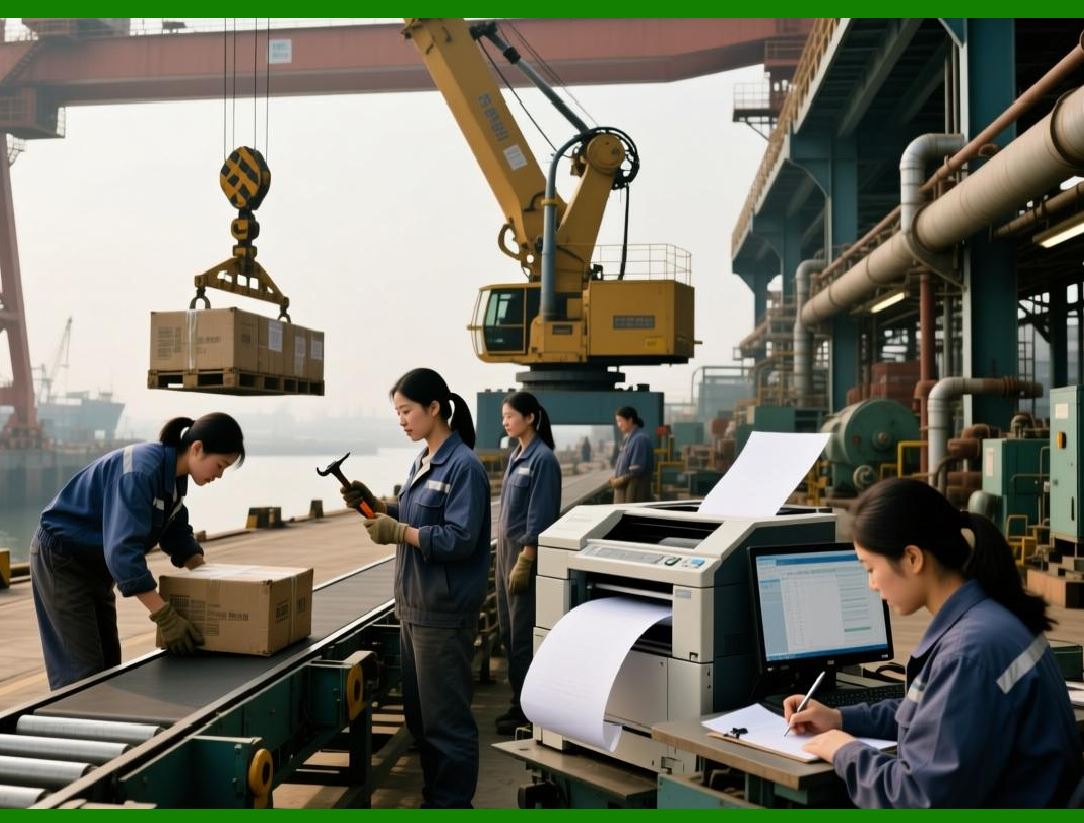
Shop Floor Control (SFC) is the ERP module that removes the cloth. It puts digital eyes on the factory, tracking every job, every operation, every machine, and every worker in real time or near-real time. SFC does not replace the machinist or the supervisor. It gives them information - accurate, timely, actionable information - so they can see what is happening, understand why it is happening, and decide what to do about it. |
This chapter explores how shop floor control works, what data it collects, how it communicates with the rest of the ERP, and why it is essential for any mechanical factory that wants to move from reactive firefighting to proactive management. |
|
7.2 From Paper Travelers to Digital Workflows |
For most of industrial history, the shop floor was controlled with paper. A work order was printed on a multi-part form called a traveler or a route sheet. The traveler listed every operation: cut raw material, rough turn, heat treat, finish grind, inspect, assemble. It had spaces for the machinist to initial and write the time taken. The traveler traveled with the part, from machine to machine, in a plastic sleeve or a metal box. |
Paper travelers have many problems. They are easy to lose. They can be damaged by oil or coolant. The data written on them must be manually entered into a computer later, introducing delays and errors. A manager cannot see, at a glance, where all one hundred active work orders are. They would have to walk the floor, find each traveler, and read it. |
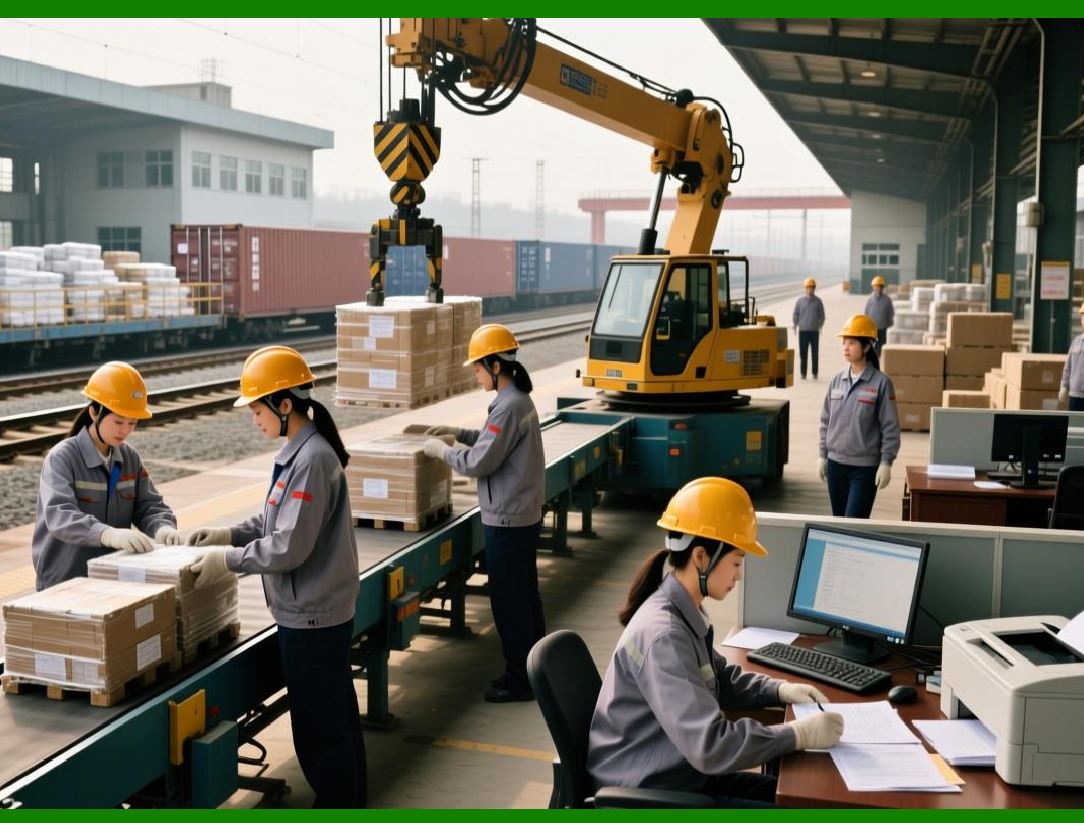
Modern shop floor control replaces the paper traveler with a digital workflow. The work order exists in the ERP database. On the shop floor, workers interact with the system through terminals, tablets, barcode scanners, or even voice commands. When a machinist starts a job, they scan the work order barcode or select it from a touchscreen. The ERP records the start time. When they complete the job, they scan again and enter any needed data - quantity completed, scrap quantity, machine hours, or notes. The ERP records the completion time and automatically updates the work order status. |
The digital traveler is never lost. It is never damaged. It is visible to anyone with access to the ERP, from the plant manager to the customer service representative. The data is entered once, at the source, and is immediately available for reporting, analysis, and decision-making. |
The transition from paper to digital is not just a technology change. It is a cultural change. Machinists who have used paper travelers for twenty years may be skeptical of screens and scanners. Successful implementations involve training, patience, and a clear demonstration of benefits. When a machinist sees that digital data means fewer shortages, less expediting, and less last-minute chaos, they become advocates rather than resisters. |
|
7.3 The Key Transactions - Start, Complete, Report |
At its heart, shop floor control is built on a small set of transaction types. Each transaction records an event on the shop floor. The exact names vary between ERP systems, but the logic is universal. |
The start transaction records that a worker has begun working on a specific operation of a specific work order. The ERP records the timestamp, the worker's identity, the machine or work center, and the quantity being started (if the job is split). The start transaction changes the status of the operation from 'released' to 'in process.' The ERP also allocates the materials for that quantity, if they were not already allocated. |
The complete transaction records that a worker has finished an operation. The ERP records the timestamp, the quantity completed, the quantity scrapped, and any variance notes. The system calculates the actual labor time and machine time by subtracting the start time from the completion time. This actual time is compared to the standard time from the routing. The difference is a variance, which feeds into cost accounting. |
The report transaction is used for activities that are not simple start-complete pairs. For example, a worker might spend an hour on setup, then run the job for four hours, then spend thirty minutes on cleanup. The report transaction allows the worker to enter each of these elements separately, with different cost codes. Or a worker might need to report that a machine is down for maintenance, or that a material shortage has stopped the job. |
The move transaction records that a completed part has been moved from one work center to the next. This is optional in some systems, where the completion of an operation implies the move. But in complex factories with physical distance between operations, explicit move transactions provide better traceability. |
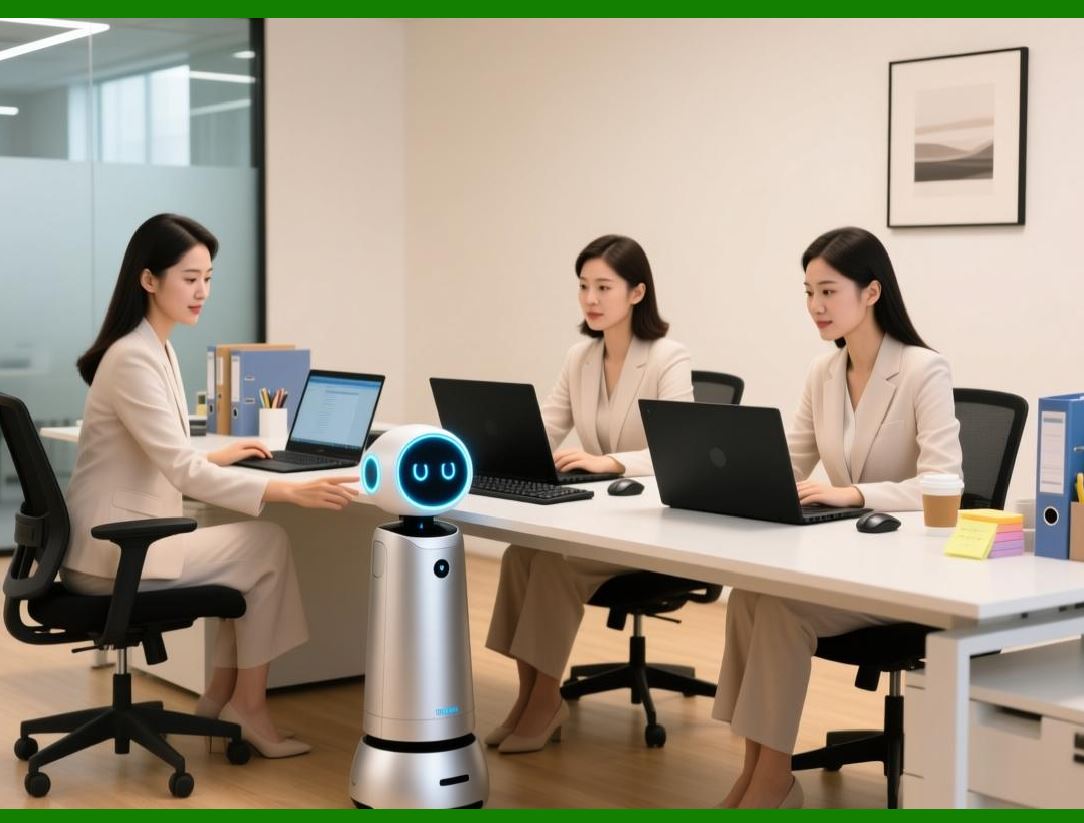
These transactions seem simple, but their cumulative effect is powerful. A factory that diligently records start, complete, and report transactions has a complete, time-stamped history of every minute of work on every order. This data is a goldmine for continuous improvement. |
|
7.4 Real-Time Visibility - The Dashboard View |
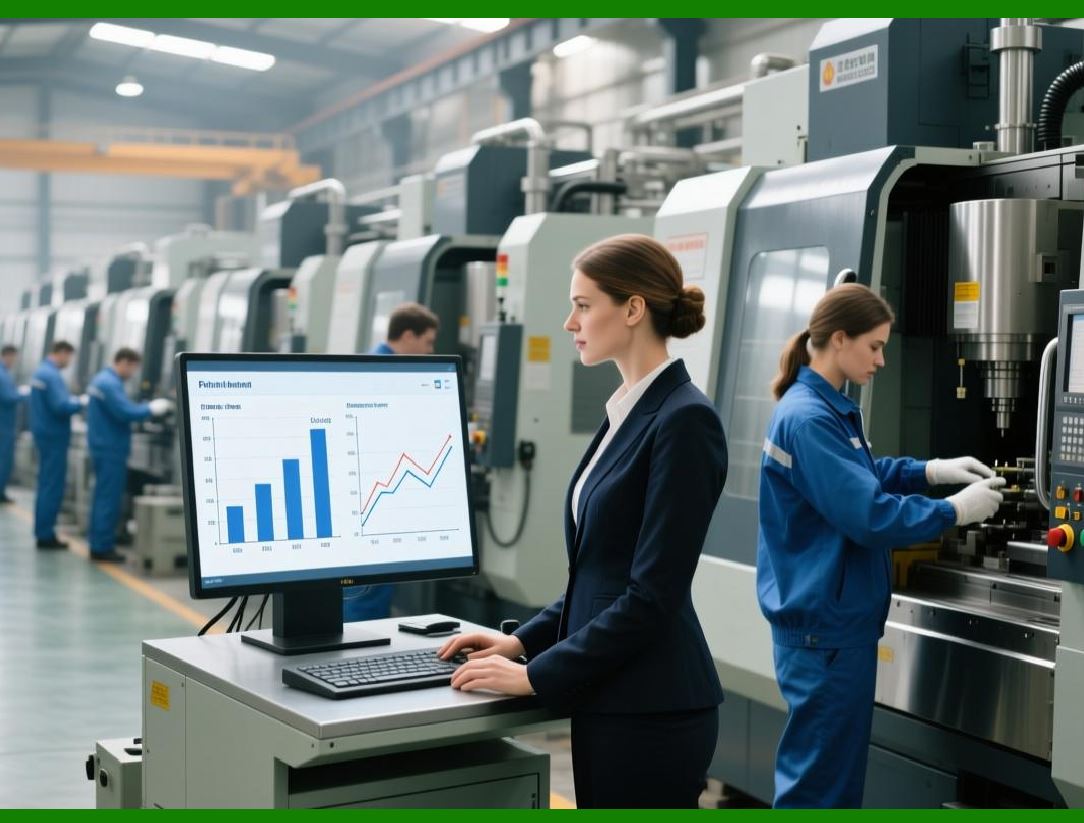
All the data collected on the shop floor is useless if it is not presented in a useful way. The shop floor control module includes dashboards that give different people different views of the same data. |
The production supervisor sees a dashboard showing every work center, color-coded by status. Green means the work center is running on schedule. Yellow means it is slightly behind. Red means it is significantly behind or stopped. The supervisor can click on a red work center to see which orders are causing the problem. Is it a machine breakdownA missing toolA quality issueThe supervisor can then take action, such as moving a mechanic to repair the machine or reassigning the order to another work center. |
The planner sees a dashboard showing all active work orders, with estimated completion times based on actual progress. If a work order is falling behind, the planner can see it hours after the delay starts, not days later. The planner can reschedule dependent orders, notify sales, or arrange overtime. |
The plant manager sees a high-level dashboard showing overall factory performance. What is the on-time completion rate for this weekWhat is the average queue time between operationsWhich work centers have the highest variance between actual and standard timesThese metrics guide strategic decisions about training, investment, and process improvement. |
The customer service representative sees a dashboard showing the status of each customer order. When a customer calls asking 'Where is my order' the representative can see exactly which operation is currently in progress and when the order is expected to be complete. They can give the customer a specific, confident answer, not a vague promise. |
These dashboards are not static reports. They update automatically as transactions are recorded. A supervisor in an office can see a machine go down on the dashboard at the same moment the machinist on the floor reports it. This real-time visibility is the essence of shop floor control. |

|
7.5 Barcode and RFID - Making Data Entry Easy |
The biggest barrier to effective shop floor control is the effort required to enter data. If data entry is hard, slow, or error-prone, workers will avoid it. The data will be incomplete, and the dashboards will be misleading. |
Barcode scanning is the most common solution. Each work order has a printed barcode label. Each worker has a badge with a barcode. Each machine or work center has a barcode label. The worker scans the work order, scans their own badge, scans the machine, and then scans a 'start' barcode from a menu card. The whole process takes a few seconds. At completion, the worker scans again, scans a 'complete' barcode, and enters the quantity completed on a simple numeric keypad. |
Barcode scanning is fast and accurate. It eliminates typing errors. It requires minimal training. A worker who can scan a grocery item at a supermarket can scan a work order on a factory floor. |
Radio Frequency Identification (RFID) is a more advanced option. An RFID tag attached to a work order or a pallet can be read automatically by antennas placed at key locations. When a pallet passes through a doorway, the system knows it has moved. When a machine with an RFID reader is running, the system knows which work order is in the machine. RFID requires no worker action at all - the data is collected automatically. |
RFID is more expensive than barcodes and requires more infrastructure. It is most valuable in factories with very high volumes, complex movements, or hazardous environments where workers cannot easily use scanners. For most mechanical manufacturers, barcode scanning provides excellent value. |

|
7.6 Data Collection from Machines - The Industrial Internet of Things |
The most advanced shop floor control systems go beyond worker-entered data. They connect directly to the machines themselves. This is part of the Industrial Internet of Things (IIoT) - sensors and software that turn machines into data sources. |
A modern CNC machine has a controller that knows exactly what it is doing. It knows the current program, the current spindle speed and feed rate, the current power consumption, and any alarms or errors. By connecting the machine controller to the ERP, the system can collect data automatically, without any worker action. It knows when the machine started a job, when it finished, and whether it ran at the expected speed. |
Machine data collection provides accuracy that manual entry cannot match. A worker might estimate that a job took forty-five minutes, but the machine controller knows it took forty-seven minutes and twenty-three seconds. The machine controller also knows if the machine was idle for ten minutes while the worker was doing something else. This level of detail is invaluable for cost analysis and productivity improvement. |
Machine data also enables predictive analytics. By tracking vibration, temperature, and power consumption over time, the system can detect patterns that precede a breakdown. A gradual increase in vibration on a particular axis might indicate a bearing that is about to fail. The ERP can generate a maintenance alert before the machine stops, not after. Preventive maintenance becomes predictive maintenance, and unplanned downtime is dramatically reduced. |
Not every machine can be connected. Older manual machines have no controller to connect to. For these, worker-entered data remains essential. But for the core CNC machines that do most of the work, direct data collection is a game-changer. |

|
7.7 Queue Management and Work-in-Progress Reduction |
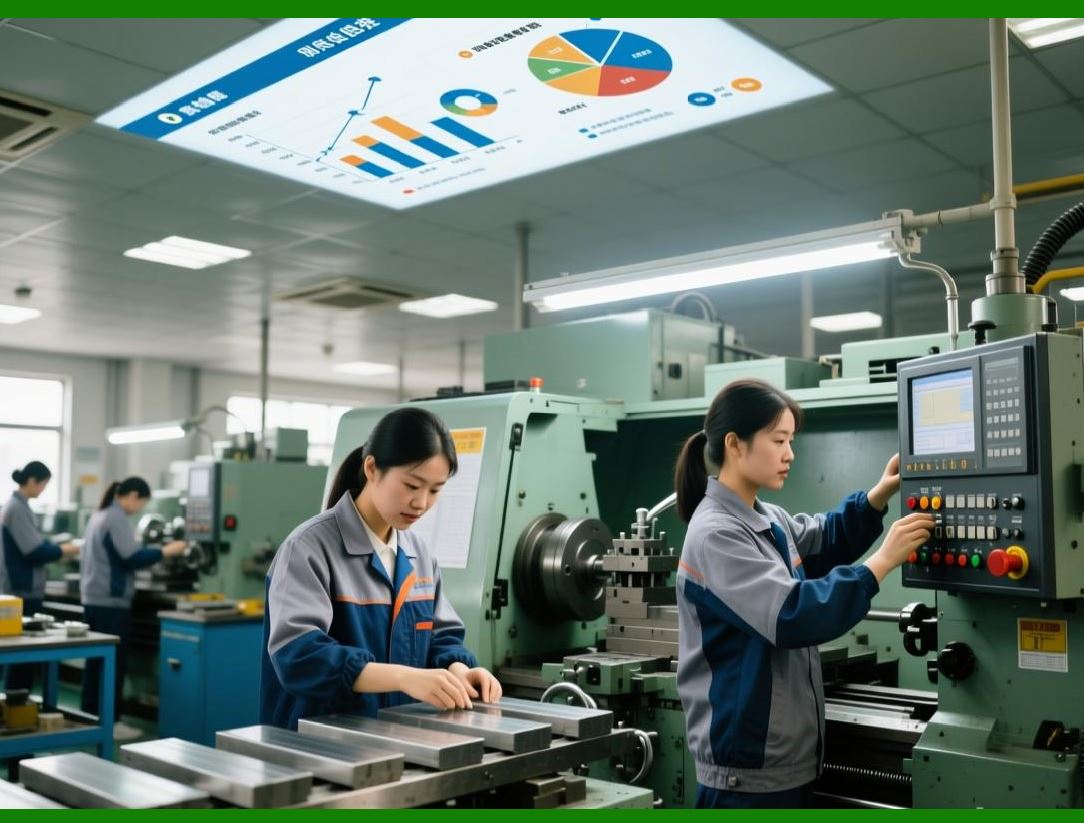
One of the most valuable insights from shop floor control is the visibility of queue time - the time a part spends waiting between operations. In many factories, queue time is much larger than the actual processing time. A part might take ten minutes to machine and then wait four hours to be moved to the next operation. That wait time adds nothing to the product's value. It only extends the total lead time and ties up working capital. |
The ERP can measure queue time automatically. When a worker completes an operation, the ERP records the completion time. When the next operation is started, the ERP records the start time. The difference is the queue time. By analyzing queue times across the factory, the system can identify bottlenecks and imbalances. A long queue at a particular work center suggests that it is overloaded. A long queue after a work center suggests that the next work center is underloaded or that material handling is slow. |
With this data, the factory can take action. They might add a second shift at the overloaded work center. They might change the layout to reduce travel distances. They might implement a pull system where downstream work centers signal upstream centers when they are ready for more work. The ERP does not prescribe the solution, but it provides the evidence to justify the solution. |
The goal is to reduce total lead time without reducing machine utilization. This is possible because much of the lead time is waiting, not processing. By compressing queue times, the factory can deliver orders faster, with less work-in-progress inventory, and with no additional capital investment. |
|
7.8 Quality Integration - Stopping Defects Early |
Shop floor control is not just about quantity and time. It is also about quality. The ERP can integrate quality checks directly into the workflow. |
When a work order is created, the ERP can attach a quality plan. The quality plan specifies which operations require inspection, what measurements must be taken, and what the acceptable ranges are. At the appropriate operation, the worker is prompted to take measurements and enter them into the system. The ERP checks the measurements against the specifications. If a measurement is out of spec, the system can automatically flag the work order, prevent it from moving to the next operation, and notify a quality engineer. |
This immediate feedback is critical. If a defect is found ten operations later, hundreds of parts may need to be reworked or scrapped. If the defect is found at the operation that caused it, only the current batch is affected. The cost of quality drops dramatically. |
For critical parts, the ERP can enforce first article inspection. The worker must complete a full inspection of the first part and enter the results before the system allows the machine to continue running the rest of the batch. This prevents a setup error from producing a thousand bad parts before anyone notices. |
All quality data is stored in the ERP and linked to the specific work order, operation, and even the specific machine and operator. This traceability is essential for regulatory compliance in industries like aerospace and medical devices. It also provides data for continuous improvement. Which machines consistently produce parts out of specWhich operators have the highest first-pass yieldThe answers are in the data. |
|
7.9 Labor Tracking and Performance Measurement |
Shop floor control also tracks labor. When a worker scans their badge to start an operation, the ERP records which worker performed which work. This enables several valuable analyses. |
First, it enables accurate labor costing. Instead of allocating labor costs based on averages or estimates, the ERP assigns actual labor costs to specific work orders. If a job takes longer than standard, the cost variance is visible and can be investigated. Was the worker inexperiencedWas the machine setup more complex than expectedWas the material harder to machineThe answer guides improvement. |
Second, it enables performance measurement. The ERP can compare each worker's actual time to the standard time. This is sensitive territory. If used punitively, performance measurement can create fear and discourage reporting. If used constructively, it can identify training needs and reward excellence. The best factories use the data anonymously for process improvement, not for individual punishment. |
Third, it enables skill tracking. The ERP knows which workers are certified to run which machines and which operations. When releasing work orders, the system can consider skill requirements. It can prevent a work order from being assigned to a worker who lacks the required certification. It can also help training managers identify skill gaps. If a particular operation is consistently running behind schedule, perhaps because only one worker is certified to run it, the solution might be to train additional workers. |
|
7.10 Closing the Loop - Feedback to Planning |
The most powerful benefit of shop floor control is the closed loop between planning and execution. Earlier chapters described how the ERP creates plans - MPS, MRP, capacity plans. Those plans are based on assumptions about how fast the factory runs, how much scrap occurs, and how reliable the machines are. |
Shop floor control provides actual data that tests those assumptions. When the actual cycle time for an operation is consistently higher than the standard, the ERP can flag the routing for review. Perhaps the standard is outdated. Perhaps the machine needs maintenance. Perhaps the operation needs a different tool. The data drives correction. |
When the actual scrap rate is higher than assumed, the ERP can adjust the planning factors for future orders. If a particular part has a five percent scrap rate, the system can automatically add five percent to the planned order quantity. This ensures that the desired quantity of good parts is produced, without a last-minute scramble to remake scrap. |
When a machine breakdown causes a delay, the ERP captures the duration of the delay and its impact on downstream operations. Over time, the system builds a statistical model of machine reliability. This model can be used in capacity planning. Instead of assuming that the machine is available one hundred percent of the time, the plan assumes ninety-five percent availability, with the remaining five percent reserved for breakdowns and maintenance. |
This closed loop transforms the ERP from a passive record-keeper into an active learning system. The more the factory uses the system, the more accurate the system becomes. And the more accurate the system becomes, the more the factory can trust its plans. |
|
7.11 Real-World Example: The Bearing Manufacturer's Visibility Revolution |
Consider a manufacturer of precision bearings for automotive and industrial applications. The factory had over one hundred machines, thousands of active work orders, and a chronic problem with late deliveries. The planners would release work orders based on the master schedule, but then they lost visibility. Parts would disappear into the factory for days or weeks. Expediting was a daily fire drill. |
The company implemented a shop floor control module integrated with their ERP. They installed touchscreen terminals at every work center. They printed barcode labels for every work order. They trained all workers on the new system. |
The first week was difficult. Workers forgot to scan. They entered incorrect quantities. They complained that the system was slow. But the plant manager persisted. He posted a dashboard in the break room showing each work center's compliance with the scanning protocol. Peer pressure did the rest. |
Within a month, compliance was over ninety-five percent. And the data began to reveal surprises. The planners had assumed that the bottleneck was the grinding department. The shop floor data showed otherwise. The real bottleneck was the heat treatment furnace, which had a long queue and a high variability in cycle time. The grinding department was actually underutilized, waiting for parts from heat treatment. |
With this new visibility, the company invested in a second heat treatment furnace. The investment was expensive, but the data justified it. Within six months, total factory output increased by thirty percent. On-time delivery rose from seventy percent to ninety-two percent. Work-in-progress inventory fell by forty percent because parts no longer sat in queues. |
The shop floor control system paid for itself in less than a year. And the benefits continued. The data collected over years allowed the company to fine-tune their planning factors, improve their maintenance schedules, and identify their best operators for training programs. |
|
7.12 The Limitations - Garbage In, Garbage Out |
Shop floor control is powerful, but it is not magic. It depends entirely on the quality of the data entered. If workers skip scans, enter wrong quantities, or fail to report problems, the system becomes misleading. A dashboard that shows green when the factory is actually red is worse than no dashboard at all. |
Discipline is essential. Successful factories build data entry into the standard work. It is not an optional extra. It is as much a part of the job as machining the part. Supervisors enforce the discipline, but they also make it easy. Terminals are located conveniently. Scanners are reliable. The software is intuitive. |
Data quality is also a management responsibility. If workers see that no one acts on the data they enter, they will stop entering it carefully. The data must be used. Reports must be reviewed. Problems identified through the data must be addressed. When workers see that their scans lead to real improvements, they become partners in the system, not reluctant participants. |
7.13 Summary: From Blind to Seeing |
A factory without shop floor control is blind. It cannot see its own operations. It cannot respond to disruptions. It cannot learn from its mistakes. It lurches from crisis to crisis, always reacting, never anticipating. |
A factory with shop floor control has digital eyes everywhere. It sees every start, every completion, every queue, every defect. It knows where every order is and what is happening to it. It can spot problems when they begin, not when they have already caused damage. It can learn from data, improving its own performance over time. |
The shop floor control module is not the most glamorous part of an ERP system. It does not have the strategic power of the MPS or the analytical depth of MRP. But it is the module that closes the loop. It takes the plan and compares it to reality. It provides the feedback that makes all the other modules work better. |
In the next chapter, we will explore how the ERP integrates quality management into this digital nervous system. Quality is not a separate activity. It is woven into every operation, every scan, every transaction. And shop floor control is the thread that weaves it. |
|
Key takeaways from Chapter 7: |
1. Shop floor control replaces paper travelers with digital workflows, providing real-time visibility into factory operations. |
2. The key transactions are start, complete, report, and move - each records an event and updates the ERP instantly. |
3. Dashboards give different roles (supervisor, planner, manager, customer service) tailored views of the same real-time data. |
4. Barcode scanning makes data entry fast and accurate; RFID enables automatic data collection without worker action. |
5. Direct machine connection (IIoT) provides precision and enables predictive maintenance. |
6. Queue time visibility reveals waiting as the largest component of lead time, offering major reduction opportunities. |
7. Quality integration stops defects early by enforcing inspections at the operation level. |
8. Labor tracking enables accurate costing, performance measurement, and skill management. |
9. The closed loop between execution data and planning factors makes the ERP a learning system. |
10. Data quality requires discipline, convenient tools, and visible management action - without it, the system is worse than useless. |
11. Real-world success stories show dramatic improvements in output, delivery, and inventory through shop floor visibility. |
 cs@easiersoft.com