Part 11 |
Product Lifecycle Management (PLM) and Design Collaboration in Apparel ERP Systems |
1. Introduction to PLM in the Apparel Industry |
1.1 The Strategic Role of Product Development in Fashion Enterprises |
1.1.1 |
Product development is one of the most strategically important activities in the apparel industry. Unlike industries where products may remain stable for years, apparel companies continuously create new collections, seasonal products, and trend-driven designs. |
1.1.2 |
Fashion enterprises must rapidly transform creative ideas into commercially viable products while balancing: |
* Design innovation |
* Production feasibility |
* Material availability |
* Cost control |
* Market timing |
* Brand positioning |
|
1.1.3 |
A typical apparel product development process may involve: |
* Trend research |
* Concept design |
* Fabric selection |
* Sketch creation |
* Technical specification development |
* Sampling |
* Fitting adjustments |
* Cost calculation |
* Production approval |
1.1.4 |
Without structured digital management, product development processes often suffer from: |
* Communication breakdowns |
* Version confusion |
* Delayed sampling |
* Cost overruns |
* Inconsistent specifications |
|
1.1.5 |
Product Lifecycle Management (PLM) systems integrated with ERP platforms help apparel enterprises coordinate the entire product development lifecycle. |
1.1.6 |
PLM functions increasingly serve as the upstream foundation of modern apparel ERP ecosystems. |

|
2. Characteristics of Apparel Product Development |
2.1 Rapid Product Cycles |
2.1.1 |
Fashion products generally have short market life cycles. |
2.1.2 |
Many apparel brands release: |
* Seasonal collections |
* Capsule collections |
* Trend-driven limited releases |
* Fast fashion updates |
2.1.3 |
Some fast fashion companies may launch new styles every week. |
2.1.4 |
This rapid development pace requires highly efficient product coordination systems. |
2.1.5 |
ERP-integrated PLM systems improve speed-to-market capabilities. |

|
2.2 Cross-Functional Collaboration Complexity |
2.2.1 |
Apparel product development involves collaboration across multiple departments including: |
* Design |
* Merchandising |
* Procurement |
* Production |
* Quality control |
* Marketing |
* Sales |
2.2.2 |
External partners may also participate, including: |
* Fabric suppliers |
* Sample factories |
* Printing vendors |
* Pattern-making studios |
2.2.3 |
ERP and PLM systems centralize collaboration and data sharing. |

|
3. Product Concept Development |
3.1 Trend Research and Market Analysis |
3.1.1 |
Fashion product development often begins with trend analysis. |
3.1.2 |
Design teams analyze: |
* Consumer preferences |
* Fashion shows |
* Social media trends |
* Competitor collections |
* Retail performance data |
3.1.3 |
ERP-integrated analytics provide historical sales insights to support design decisions. |
3.1.4 |
Data-driven product planning improves commercial success rates. |

|
3.2 Collection Planning |
3.2.1 |
Collection planning defines the structure of upcoming product lines. |
3.2.2 |
Planning considerations may include: |
* Product categories |
* Price ranges |
* Seasonal themes |
* Color palettes |
* Target demographics |
3.2.3 |
ERP systems support collection planning through integrated merchandising data. |
3.2.4 |
Structured collection planning improves assortment balance and inventory optimization. |
|
4. Style Master Data Management |
4.1 Style Creation and Identification |
4.1.1 |
ERP and PLM systems manage centralized style master records. |
4.1.2 |
Each apparel style may contain: |
* Style codes |
* Product descriptions |
* Category classifications |
* Fabric specifications |
* Color options |
* Size ranges |
4.1.3 |
Centralized style management improves operational consistency across departments. |

|
4.2 SKU Generation |
4.2.1 |
Each style may generate multiple SKUs based on: |
* Colors |
* Sizes |
* Fits |
* Regional variations |
4.2.2 |
ERP systems automatically generate SKU combinations. |
4.2.3 |
Automated SKU creation reduces manual data entry errors. |
4.2.4 |
This capability is essential for large apparel enterprises managing massive product assortments. |
|
5. Technical Specification Management |
5.1 Tech Pack Development |
5.1.1 |
Technical specifications are essential for translating design concepts into manufacturable garments. |
5.1.2 |
Tech packs may include: |
* Construction details |
* Stitching instructions |
* Measurement charts |
* Fabric requirements |
* Label specifications |
* Packaging instructions |
5.1.3 |
ERP-integrated PLM systems centralize tech pack management. |
5.1.4 |
Accurate technical documentation reduces production errors and supplier misunderstandings. |

|
5.2 Version Control Management |
5.2.1 |
Apparel product development often involves frequent revisions. |
5.2.2 |
Changes may occur due to: |
* Fitting adjustments |
* Material substitutions |
* Cost optimization |
* Production feasibility |
5.2.3 |
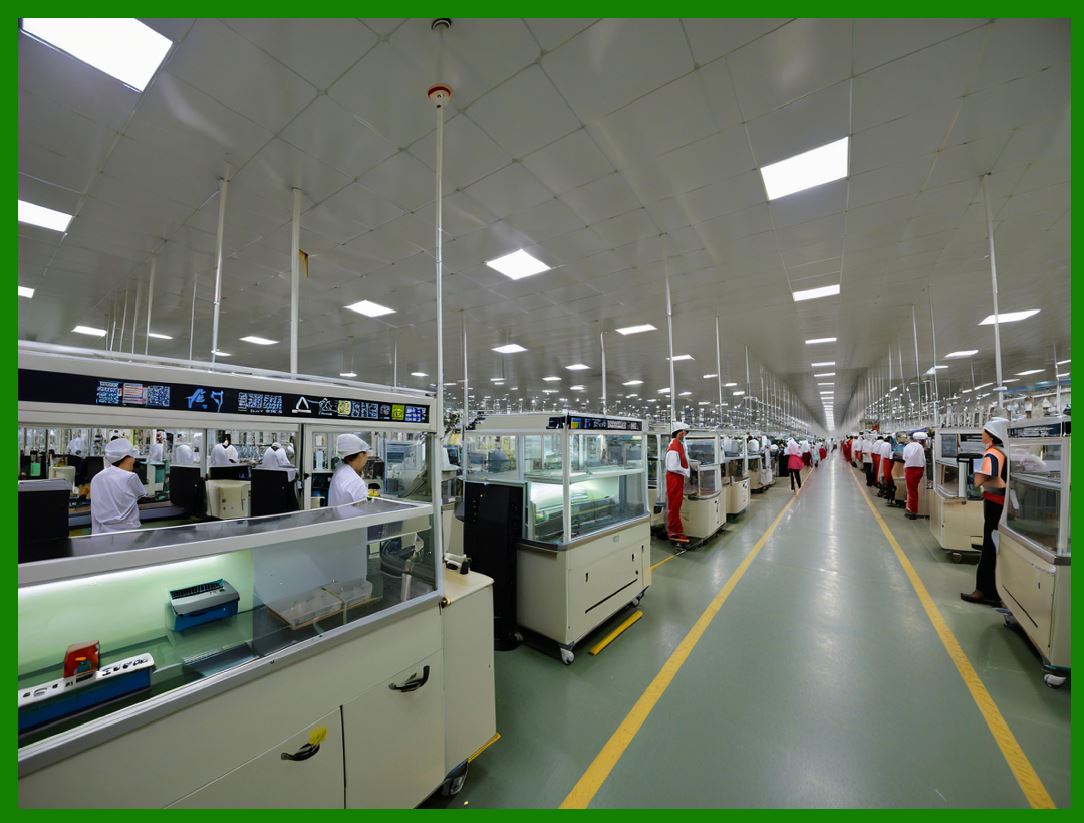
ERP systems maintain detailed version histories. |
5.2.4 |
Version control prevents outdated specifications from reaching production. |
|
6. Material and Trim Management |
6.1 Fabric Library Management |
6.1.1 |
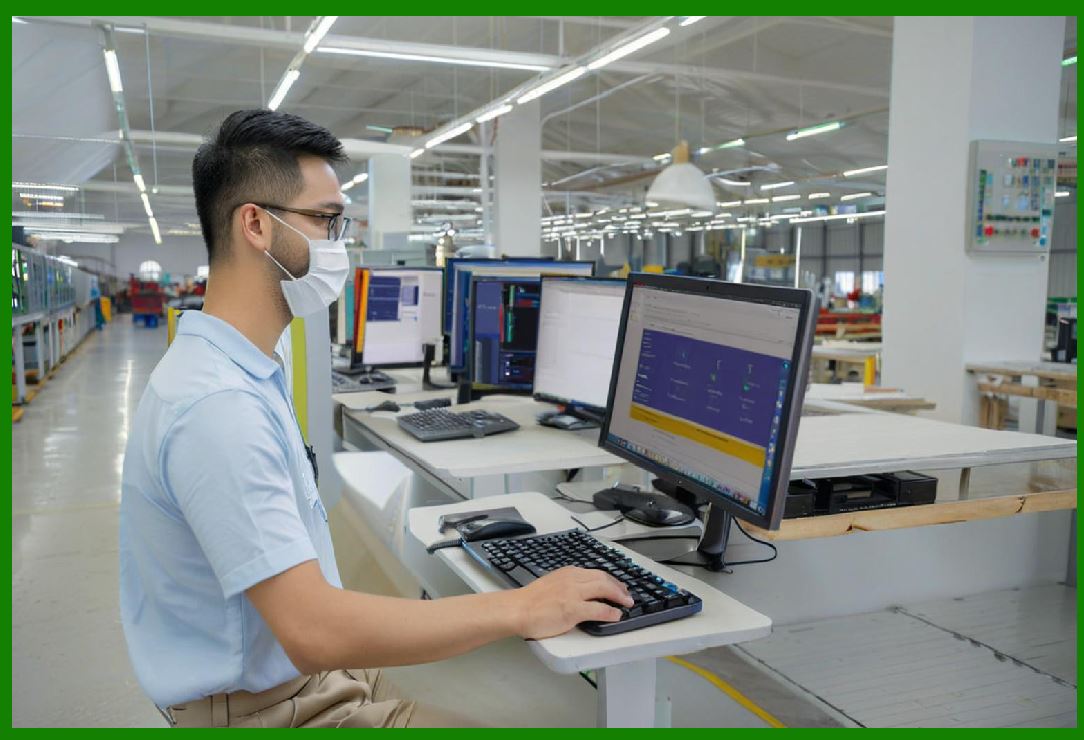
ERP and PLM systems maintain centralized fabric libraries. |
6.1.2 |
Fabric records may include: |
* Composition |
* Weight |
* Width |
* Shrinkage properties |
* Supplier information |
* Cost data |
6.1.3 |
Centralized fabric management improves procurement and design coordination. |
|
6.2 Trim and Accessory Management |
6.2.1 |
Apparel products require numerous trims and accessories including: |
* Buttons |
* Zippers |
* Labels |
* Packaging materials |
6.2.2 |
ERP systems manage trim specifications and supplier coordination. |
6.2.3 |
Accurate trim management prevents production delays caused by missing components. |

|
7. Sample Development Management |
7.1 Importance of Sampling |
7.1.1 |
Sample development is one of the most important stages in apparel product creation. |
7.1.2 |
Samples are used for: |
* Design evaluation |
* Fitting adjustments |
* Cost estimation |
* Marketing presentations |
* Buyer approvals |
7.1.3 |
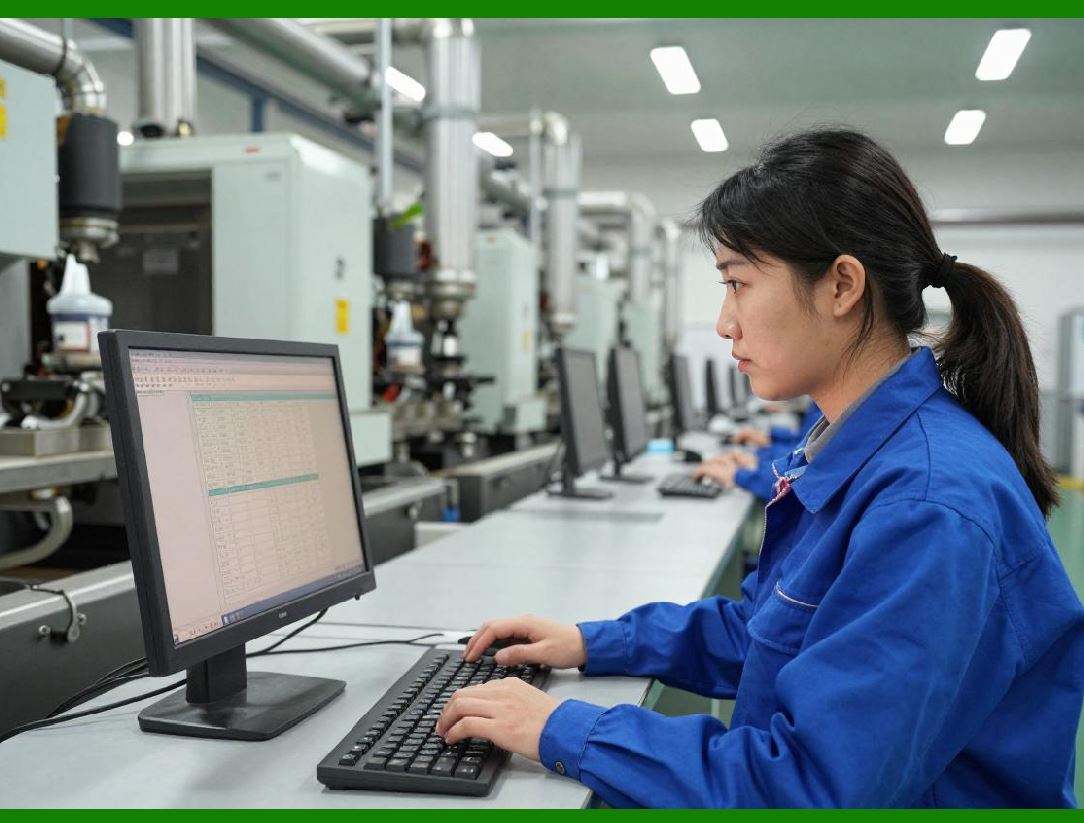
ERP systems track the entire sample lifecycle. |
|
7.2 Sample Workflow Coordination |
7.2.1 |
Sample workflows may involve: |
* Sample requests |
* Material allocation |
* Factory coordination |
* Fitting reviews |
* Approval processes |
7.2.2 |
ERP-integrated workflows improve communication efficiency. |
7.2.3 |
Sample tracking improves development timeline control. |

|
8. Size and Fit Management |
8.1 Importance of Size Consistency |
8.1.1 |
Size consistency is critically important in apparel manufacturing. |
8.1.2 |
Poor fit quality increases: |
* Return rates |
* Customer dissatisfaction |
* Brand damage |
8.1.3 |
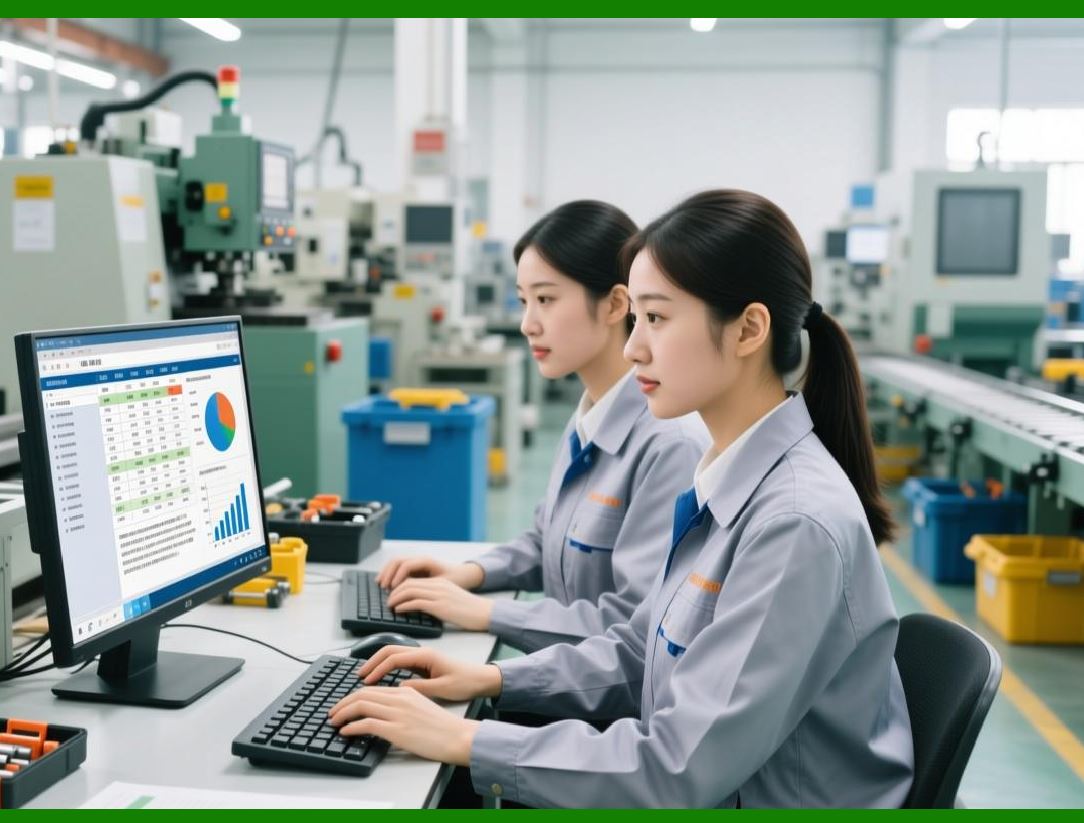
ERP systems manage standardized size specifications across product lines. |
|
8.2 Measurement Specification Management |
8.2.1 |
ERP systems store detailed garment measurement data. |
8.2.2 |
Measurement specifications may include: |
* Chest width |
* Sleeve length |
* Waist size |
* Inseam measurements |
8.2.3 |
Centralized measurement control improves production consistency. |

|
9. Product Costing During Development |
9.1 Early Cost Estimation |
9.1.1 |
Cost estimation begins early in the product development process. |
9.1.2 |
ERP systems calculate estimated costs based on: |
* Fabric consumption |
* Trim costs |
* Labor estimates |
* Packaging requirements |
9.1.3 |
Early costing helps design teams balance creativity with profitability targets. |

|
9.2 Cost Revision Management |
9.2.1 |
Product costs may change during development due to: |
* Material substitutions |
* Design modifications |
* Supplier changes |
9.2.2 |
ERP systems continuously update product cost calculations. |
9.2.3 |
Real-time cost visibility improves decision-making. |
|
10. Supplier Collaboration in Product Development |
10.1 External Development Coordination |
10.1.1 |
Many apparel enterprises collaborate closely with external suppliers during development. |
10.1.2 |
Suppliers may provide: |
* Fabric recommendations |
* Sample production |
* Technical feedback |
* Cost proposals |
10.1.3 |
ERP and PLM systems facilitate supplier collaboration through shared digital platforms. |
|
10.2 Supplier Document Sharing |
10.2.1 |
ERP systems support centralized sharing of: |
* Technical specifications |
* Measurement charts |
* Artwork files |
* Packaging instructions |
10.2.2 |
Digital collaboration reduces communication delays and specification errors. |

|
11. Integration Between PLM and ERP |
11.1 Data Flow from Design to Production |
11.1.1 |
One of the most important ERP integration functions is connecting product development with operational execution. |
11.1.2 |
Once products are approved, ERP systems automatically transfer: |
* BOM data |
* Material specifications |
* Cost structures |
* Production instructions |
11.1.3 |
Integrated workflows reduce duplicate data entry and operational inconsistencies. |
11.2 Single Source of Product Information |
11.2.1 |
Integrated ERP-PLM systems create a centralized product information repository. |
11.2.2 |
All departments access consistent product data throughout the product lifecycle. |
11.2.3 |
This improves operational coordination and data accuracy. |
|
12. Compliance and Sustainability Tracking |
12.1 Regulatory Compliance Management |
12.1.1 |
Apparel products must comply with various regulations involving: |
* Fabric safety |
* Labeling standards |
* Chemical restrictions |
* Country-of-origin requirements |
12.1.2 |
ERP systems track compliance documentation throughout product development. |
12.2 Sustainable Material Tracking |
12.2.1 |
Consumers increasingly demand sustainable apparel products. |
12.2.2 |
ERP systems track: |
* Organic materials |
* Recycled fabrics |
* Environmental certifications |
* Supplier sustainability compliance |
12.2.3 |
Sustainability visibility supports responsible sourcing initiatives. |
|
13. Digital Product Development and 3D Technologies |
13.1 3D Apparel Design |
13.1.1 |
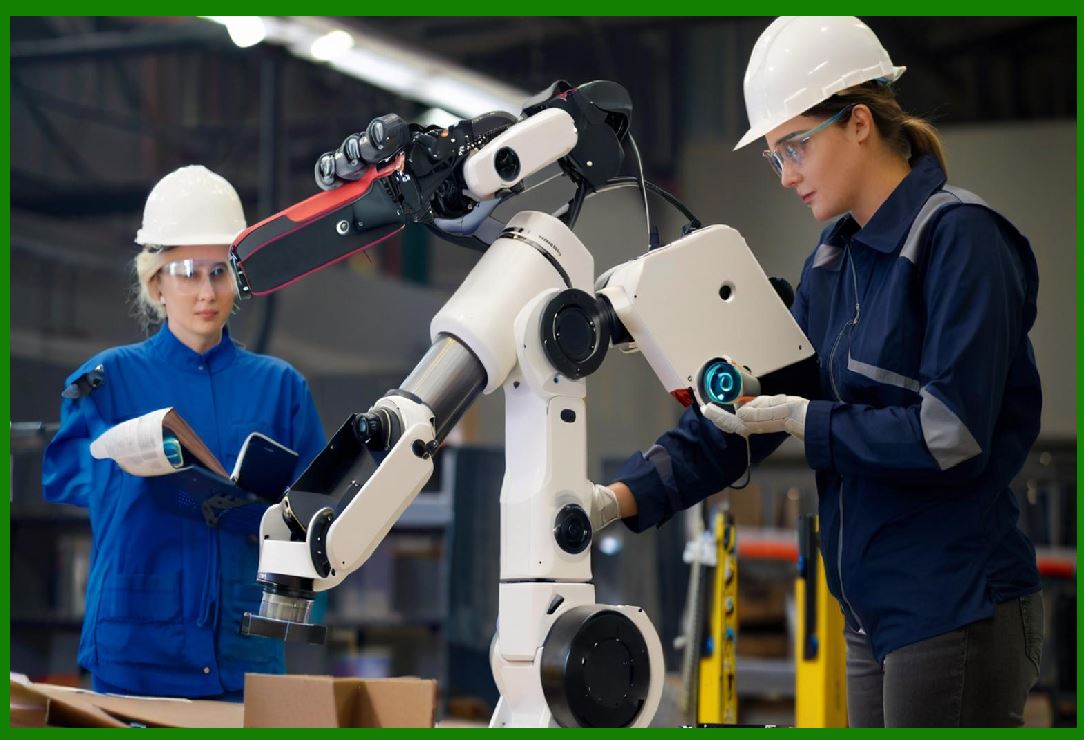
Many apparel enterprises are adopting 3D product development technologies. |
13.1.2 |
3D systems allow designers to: |
* Visualize garments digitally |
* Simulate fabric draping |
* Evaluate fit virtually |
13.1.3 |
ERP-integrated 3D workflows reduce physical sampling requirements. |
|
13.2 Digital Twin Concepts |
13.2.1 |
Future apparel development may increasingly rely on digital product twins. |
13.2.2 |
Digital twins may include: |
* Virtual product simulations |
* Real-time product lifecycle data |
* Integrated manufacturing information |
13.2.3 |
ERP systems will increasingly coordinate digital product ecosystems. |
|
14. AI and Future Trends in Apparel Product Development |
14.1 AI-Assisted Design Analysis |
14.1.1 |
AI technologies increasingly support apparel product development. |
14.1.2 |
AI applications may include: |
* Trend forecasting |
* Design recommendation systems |
* Consumer preference analysis |
* Color trend prediction |
14.1.3 |
AI-driven analytics improve market responsiveness. |
|
14.2 Intelligent Product Lifecycle Automation |
14.2.1 |
Future ERP and PLM systems may automate portions of: |
* Cost estimation |
* Material selection |
* Supplier matching |
* Compliance verification |
14.2.2 |
Automation will improve product development speed and operational efficiency. |
|
Technical Content Summary of Part 11 |
This part explored Product Lifecycle Management (PLM) and design collaboration within apparel ERP systems. It explained how apparel product development involves highly dynamic, cross-functional workflows requiring coordination between design, merchandising, sourcing, production, and external suppliers. |
The discussion covered trend research, collection planning, style master data management, SKU generation, technical specification management, tech packs, version control, fabric and trim libraries, sample development workflows, size and fit management, product costing, supplier collaboration, ERP-PLM integration, compliance tracking, sustainability management, 3D digital product development, and AI-assisted design technologies. |
These PLM capabilities are essential for accelerating speed-to-market, improving product quality, reducing development costs, and enabling more agile and data-driven apparel product innovation. |
|
URLs for reference: |
* [https://www.sap.com/](https://www.sap.com/) |
* [https://www.oracle.com/](https://www.oracle.com/) |
* [https://www.infor.com/](https://www.infor.com/) |
* [https://www.ptc.com/](https://www.ptc.com/) |
* [https://www.centricsoftware.com/](https://www.centricsoftware.com/) |
 cs@easiersoft.com