Part 13 |
Production Scheduling and Manufacturing Execution in Apparel ERP Systems |
1. Introduction to Apparel Production Scheduling |
1.1 The Importance of Production Scheduling in Apparel Manufacturing |
1.1.1 |
Production scheduling is one of the most operationally complex and strategically important functions in the apparel industry. Apparel enterprises must continuously balance production efficiency, delivery commitments, labor utilization, material availability, and rapidly changing customer demand. |
1.1.2 |
Unlike highly standardized manufacturing industries, apparel production involves: |
* Frequent style changes |
* Seasonal product transitions |
* Short production cycles |
* High SKU complexity |
* Labor-intensive operations |
* Variable order quantities |

|
1.1.3 |
A single apparel factory may simultaneously produce: |
* Multiple product categories |
* Different size ranges |
* Diverse fabrics |
* Various customer orders |
* Multiple seasonal collections |
1.1.4 |
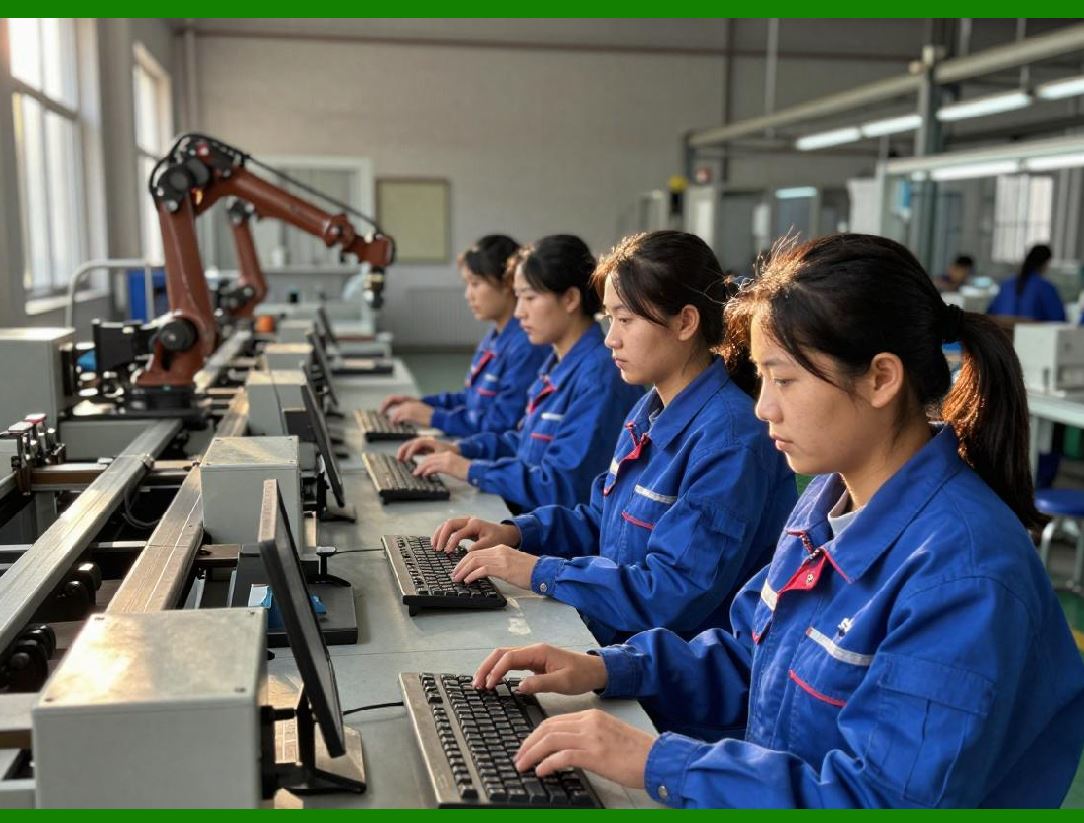
ERP systems provide centralized production scheduling capabilities that coordinate: |
* Production planning |
* Capacity allocation |
* Material preparation |
* Work order execution |
* Shop floor monitoring |
* Delivery scheduling |
|
1.1.5 |
Without ERP-driven scheduling systems, apparel manufacturers often experience: |
* Production bottlenecks |
* Missed delivery deadlines |
* Excess overtime |
* Material shortages |
* Low equipment utilization |
* Frequent schedule disruptions |
1.1.6 |
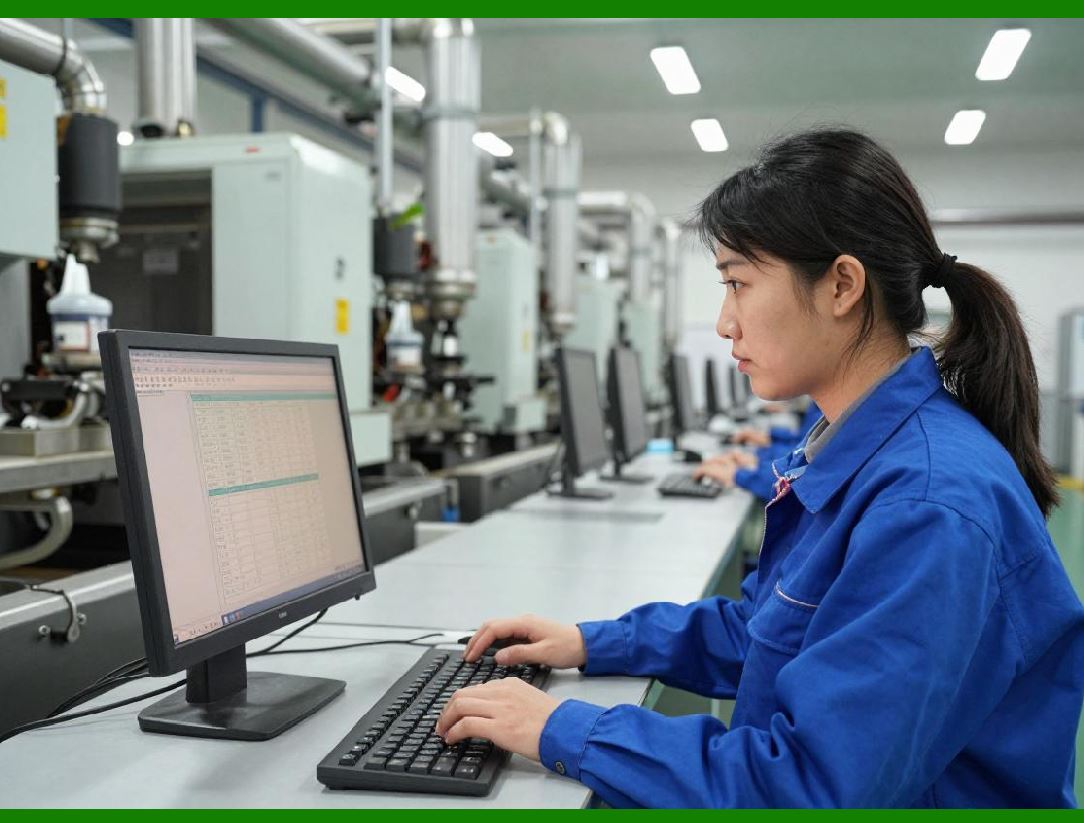
Efficient production scheduling directly affects: |
* Delivery reliability |
* Manufacturing costs |
* Customer satisfaction |
* Inventory turnover |
* Enterprise profitability |
|
2. Characteristics of Apparel Manufacturing Operations |
2.1 High Production Variability |
2.1.1 |
Apparel production environments are highly dynamic. |
2.1.2 |
Production variability may result from: |
* Style complexity differences |
* Fabric handling characteristics |
* Seasonal demand fluctuations |
* Customer customization requirements |
* Workforce skill variations |

|
2.1.3 |
Different garment types require different production workflows. |
2.1.4 |
For example: |
* T-shirts may involve relatively simple sewing operations. |
* Formal jackets require highly complex tailoring procedures. |
* Sportswear may require specialized stitching technologies. |
2.1.5 |
ERP systems help manufacturers manage this operational variability through flexible scheduling models. |

|
2.2 Labor-Intensive Manufacturing Structure |
2.2.1 |
Although automation is increasing, apparel manufacturing remains heavily labor-dependent. |
2.2.2 |
Key labor-intensive processes include: |
* Sewing |
* Cutting |
* Inspection |
* Finishing |
* Packaging |
2.2.3 |
Production efficiency therefore depends heavily on workforce coordination and scheduling accuracy. |
2.2.4 |
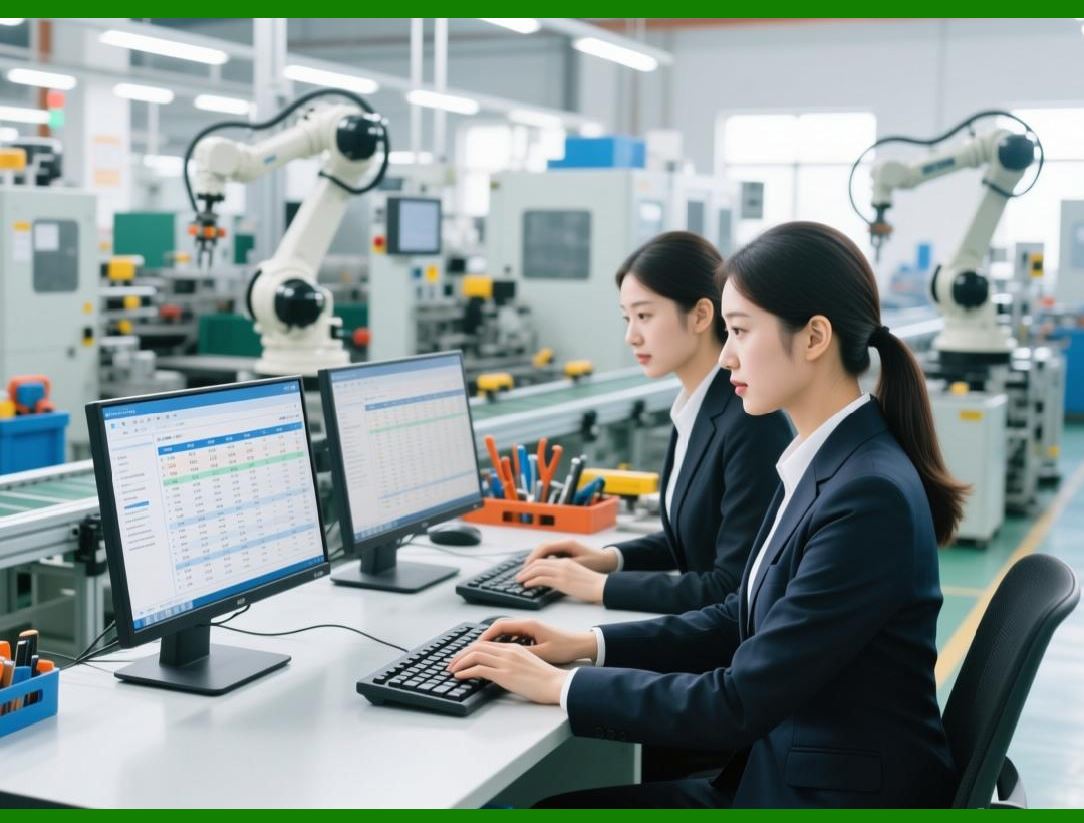
ERP systems optimize labor allocation according to: |
* Production priorities |
* Worker skill levels |
* Capacity availability |
|
3. Production Planning in Apparel ERP |
3.1 Master Production Planning |
3.1.1 |
Master production planning defines overall manufacturing objectives and schedules. |
3.1.2 |
ERP systems generate production plans based on: |
* Sales forecasts |
* Customer orders |
* Inventory levels |
* Material availability |
* Factory capacity |
3.1.3 |
Production plans establish: |
* Production quantities |
* Target completion dates |
* Resource allocation requirements |
3.1.4 |
Integrated planning improves operational coordination across departments. |

|
3.2 Seasonal Production Planning |
3.2.1 |
The apparel industry operates according to seasonal product cycles. |
3.2.2 |
Manufacturers must prepare collections months before retail launch dates. |
3.2.3 |
ERP systems coordinate: |
* Seasonal demand forecasting |
* Production preparation |
* Material procurement |
* Capacity planning |
3.2.4 |
Accurate seasonal planning reduces inventory risks and delivery delays. |

|
4. Capacity Planning and Resource Allocation |
4.1 Production Capacity Analysis |
4.1.1 |
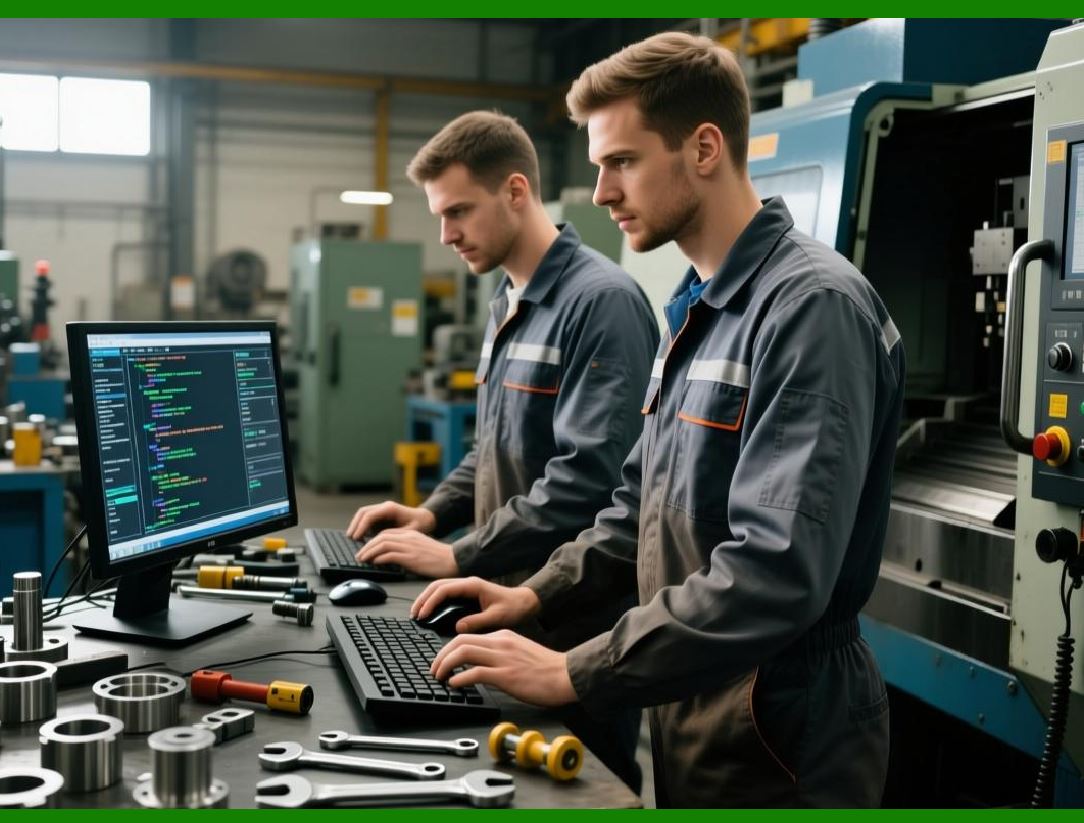
ERP systems analyze factory production capacity based on: |
* Labor availability |
* Machine availability |
* Production line efficiency |
* Working hours |
4.1.2 |
Capacity analysis helps identify: |
* Bottlenecks |
* Overloaded departments |
* Underutilized resources |
4.1.3 |
Balanced capacity planning improves operational efficiency. |
|
4.2 Finite Capacity Scheduling |
4.2.1 |
Finite capacity scheduling ensures production plans remain realistic. |
4.2.2 |
ERP systems schedule production according to actual available resources rather than theoretical assumptions. |
4.2.3 |
This approach improves: |
* Delivery reliability |
* Workforce stability |
* Operational predictability |

|
5. Work Order Management |
5.1 Production Work Orders |
5.1.1 |
ERP systems generate production work orders containing: |
* Style information |
* Quantity requirements |
* Size breakdowns |
* Material requirements |
* Production instructions |
5.1.2 |
Work orders coordinate factory operations throughout the production process. |

|
5.2 Work Order Prioritization |
5.2.1 |
Apparel manufacturers often manage competing production priorities. |
5.2.2 |
ERP systems prioritize work orders according to: |
* Delivery deadlines |
* Customer importance |
* Material readiness |
* Production efficiency |
5.2.3 |
Prioritization improves schedule control and customer service. |

|
6. Cutting Room Scheduling |
6.1 Fabric Cutting Coordination |
6.1.1 |
Fabric cutting is one of the first stages in apparel manufacturing. |
6.1.2 |
ERP systems coordinate: |
* Marker planning |
* Fabric allocation |
* Cutting schedules |
* Layer management |
6.1.3 |
Cutting efficiency significantly affects material utilization and production speed. |

|
6.2 Fabric Optimization |
6.2.1 |
Fabric represents one of the largest apparel production costs. |
6.2.2 |
ERP-integrated cutting systems optimize: |
* Fabric consumption |
* Marker efficiency |
* Waste reduction |
6.2.3 |
Improved fabric utilization reduces production costs and environmental waste. |

|
7. Sewing Line Scheduling |
7.1 Sewing Line Balancing |
7.1.1 |
Sewing operations are the core production activities in apparel manufacturing. |
7.1.2 |
ERP systems support sewing line balancing by distributing workloads evenly across operations. |
7.1.3 |
Balanced production lines reduce: |
* Idle time |
* Bottlenecks |
* Labor inefficiencies |

|
7.2 Skill-Based Worker Assignment |
7.2.1 |
Different sewing operations require different skill levels. |
7.2.2 |
ERP systems assign workers according to: |
* Technical expertise |
* Productivity history |
* Operation complexity |
7.2.3 |
Skill-based scheduling improves production quality and efficiency. |

|
8. Real-Time Production Monitoring |
8.1 Shop Floor Data Collection |
8.1.1 |
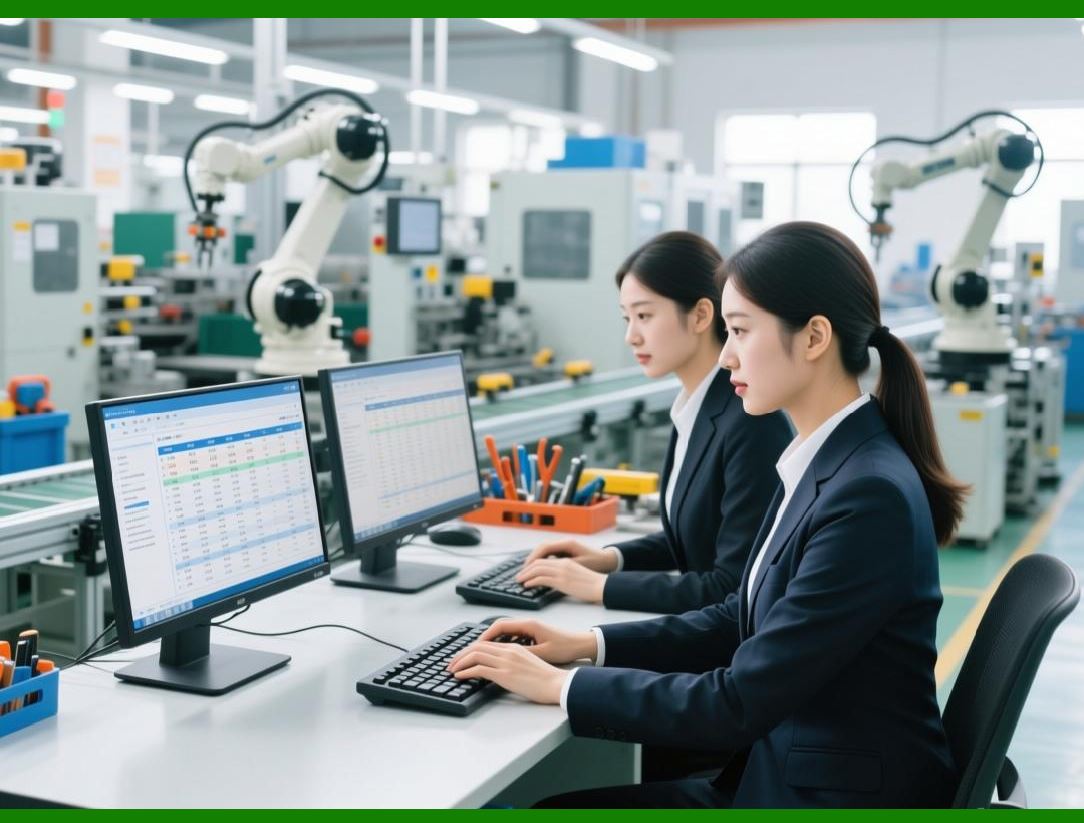
Modern ERP systems collect real-time production data from factory operations. |
8.1.2 |
Collected data may include: |
* Production output |
* Defect rates |
* Worker productivity |
* Machine downtime |
8.1.3 |
Real-time monitoring improves operational visibility. |
|
8.2 Production Progress Tracking |
8.2.1 |
ERP systems continuously track work order completion status. |
8.2.2 |
Managers can monitor: |
* Production delays |
* Bottlenecks |
* Efficiency performance |
* Delivery risks |
8.2.3 |
Real-time tracking improves schedule responsiveness. |

|
9. Manufacturing Execution Systems (MES) |
9.1 Integration Between ERP and MES |
9.1.1 |
Many apparel enterprises integrate ERP systems with Manufacturing Execution Systems (MES). |
9.1.2 |
ERP systems manage high-level planning while MES platforms control detailed shop floor execution. |
9.1.3 |
MES functions may include: |
* Operator tracking |
* Real-time machine monitoring |
* Production reporting |
* Quality inspection coordination |
9.1.4 |
ERP-MES integration improves manufacturing transparency. |

|
9.2 Digital Production Visibility |
9.2.1 |
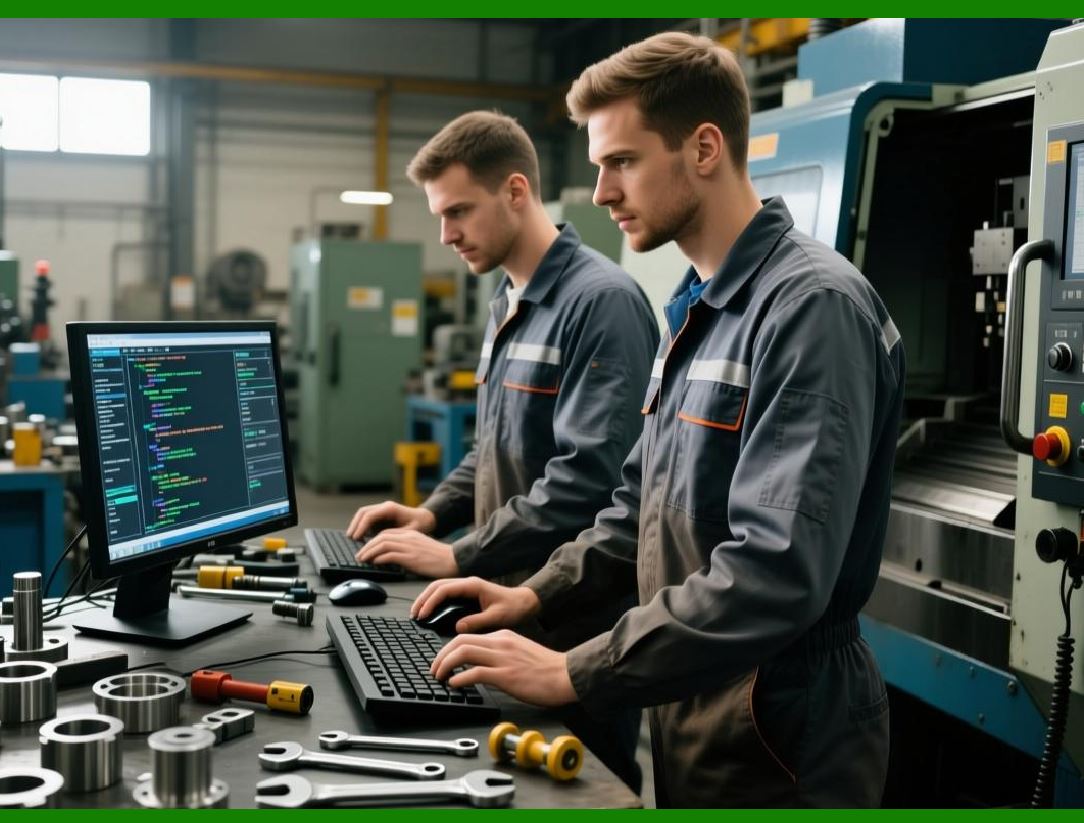
Integrated MES environments provide live production dashboards. |
9.2.2 |
Managers can monitor: |
* Line efficiency |
* Production throughput |
* Defect trends |
* Worker performance |
9.2.3 |
Digital visibility supports rapid operational decision-making. |
|
10. Production Scheduling for Fast Fashion |
10.1 Ultra-Short Production Cycles |
10.1.1 |
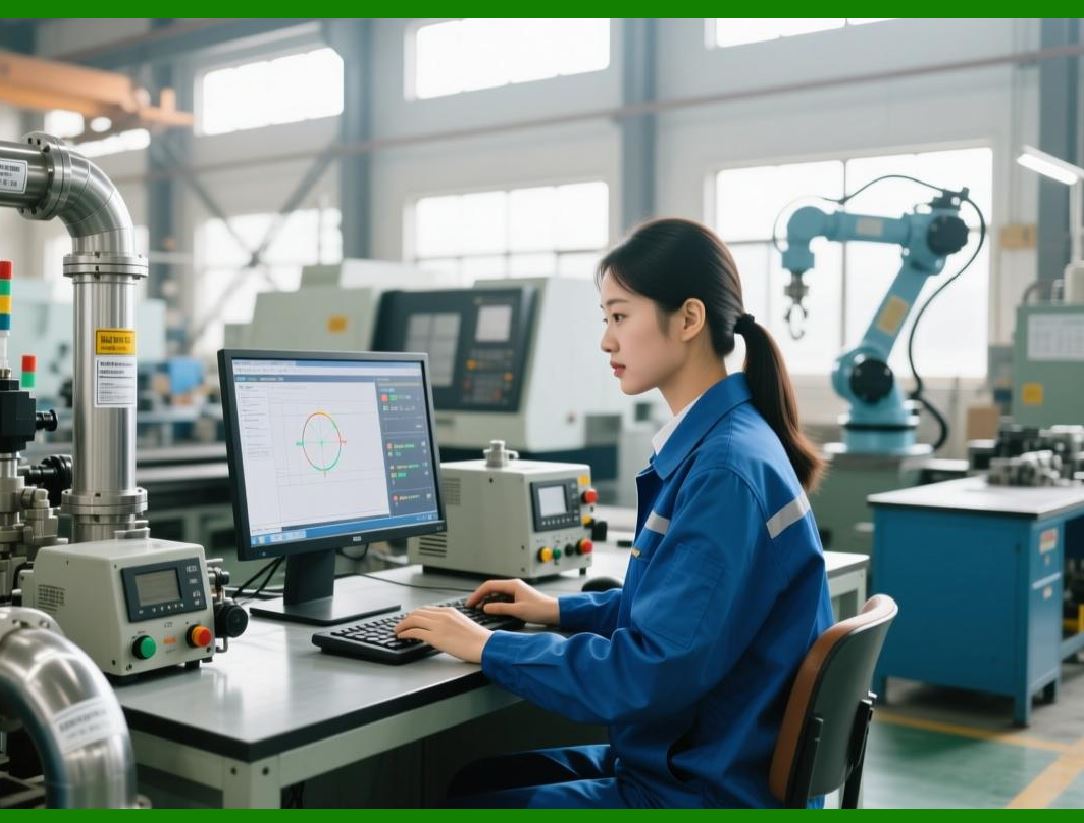
Fast fashion enterprises operate under extremely compressed production timelines. |
10.1.2 |
New designs may move from concept to retail within weeks. |
10.1.3 |
ERP systems must support: |
* Rapid production planning |
* Agile scheduling |
* Fast material coordination |
10.1.4 |
Scheduling flexibility is essential for fast fashion competitiveness. |
|
10.2 Rapid Replenishment Models |
10.2.1 |
Fast fashion companies frequently replenish successful products rapidly. |
10.2.2 |
ERP systems analyze real-time sales data to trigger replenishment production orders. |
10.2.3 |
Rapid replenishment reduces stockout risks while minimizing overproduction. |

|
11. Production Scheduling for Custom Apparel |
11.1 Small-Batch Manufacturing Complexity |
11.1.1 |
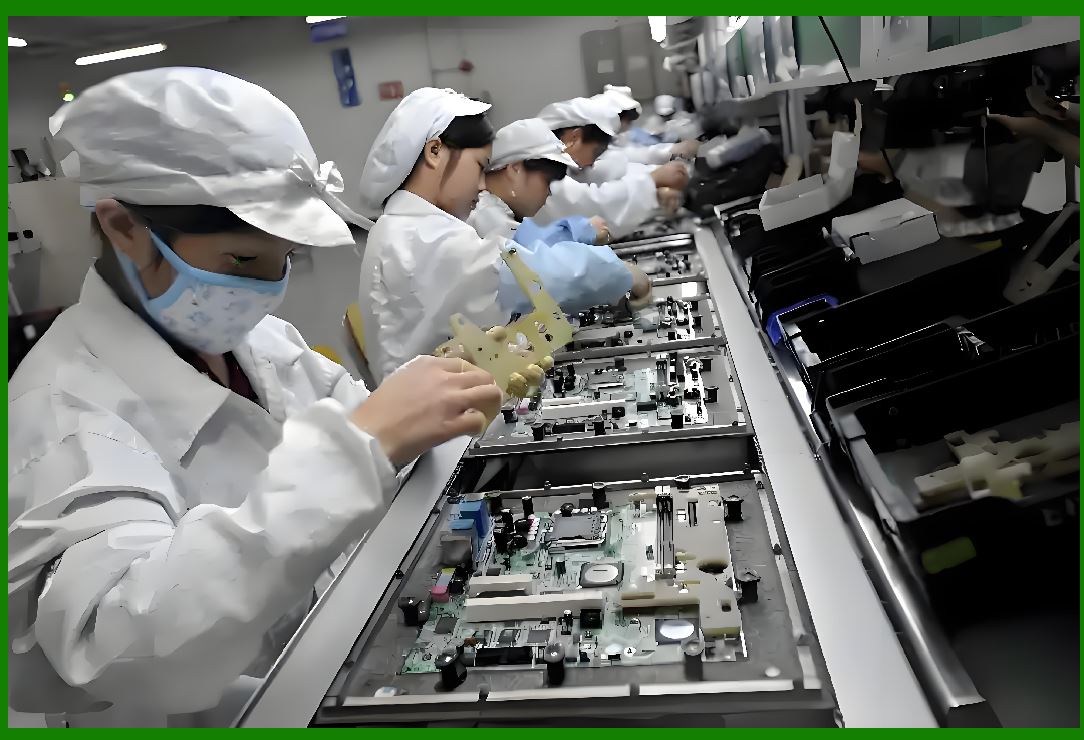
Customized apparel production involves highly variable order requirements. |
11.1.2 |
Challenges include: |
* Small order quantities |
* Personalized specifications |
* Frequent design adjustments |
11.1.3 |
ERP systems support flexible scheduling for customized manufacturing environments. |
|
11.2 Make-to-Order Production Coordination |
11.2.1 |
Many high-end apparel businesses operate using make-to-order production models. |
11.2.2 |
ERP systems coordinate: |
* Customer measurements |
* Personalized material requirements |
* Tailored production workflows |
11.2.3 |
Accurate scheduling is essential for maintaining customer delivery commitments. |
|
12. Outsourcing and External Factory Coordination |
12.1 Multi-Factory Production Management |
12.1.1 |
Many apparel brands outsource production to multiple factories. |
12.1.2 |
ERP systems coordinate: |
* Production allocation |
* Capacity balancing |
* Supplier scheduling |
* Delivery tracking |
12.1.3 |
Centralized coordination improves supply chain visibility. |
|
12.2 Subcontractor Performance Monitoring |
12.2.1 |
ERP systems monitor external factory performance through: |
* Delivery compliance |
* Quality metrics |
* Productivity analysis |
12.2.2 |
Supplier performance visibility improves outsourcing management. |
|
13. AI and Future Trends in Apparel Production Scheduling |
13.1 AI-Driven Production Optimization |
13.1.1 |
AI technologies increasingly improve production scheduling efficiency. |
13.1.2 |
AI systems analyze: |
* Historical production performance |
* Labor productivity |
* Material availability |
* Delivery priorities |
13.1.3 |
AI-generated schedules improve factory utilization and operational responsiveness. |
|
13.2 Smart Factory Integration |
13.2.1 |
Future apparel factories may integrate: |
* IoT sensors |
* Autonomous equipment |
* Real-time machine communication |
* AI-driven workflow optimization |
13.2.2 |
ERP systems will function as the centralized orchestration platform for smart manufacturing ecosystems. |
|
14. Common Challenges in Apparel Production Scheduling |
14.1 Frequent Schedule Changes |
14.1.1 |
Apparel production schedules often change due to: |
* Material delays |
* Customer modifications |
* Demand fluctuations |
* Quality issues |
14.1.2 |
ERP systems support dynamic schedule adjustments and rapid replanning. |
|
14.2 Balancing Efficiency and Flexibility |
14.2.1 |
Highly optimized schedules may reduce operational flexibility. |
14.2.2 |
Apparel manufacturers must balance: |
* Production efficiency |
* Delivery responsiveness |
* Workforce stability |
14.2.3 |
ERP systems support scenario analysis and scheduling simulations to improve decision-making. |
|
Technical Content Summary of Part 13 |
This part explored production scheduling and manufacturing execution within apparel ERP systems. It explained the operational complexity of apparel manufacturing environments involving high SKU variability, labor-intensive production, seasonal demand cycles, and rapidly changing customer requirements. |
The discussion covered master production planning, seasonal scheduling, capacity analysis, finite capacity scheduling, work order management, cutting room coordination, sewing line balancing, skill-based worker assignment, real-time production monitoring, MES integration, fast fashion scheduling models, customized apparel production, outsourcing coordination, and AI-driven production optimization. |
These production scheduling and manufacturing execution capabilities are essential for improving manufacturing efficiency, delivery reliability, production flexibility, labor utilization, and overall operational competitiveness in the apparel industry. |
|
URLs for reference: |
* [https://www.sap.com/](https://www.sap.com/) |
* [https://www.oracle.com/](https://www.oracle.com/) |
* [https://www.infor.com/](https://www.infor.com/) |
* [https://www.lectra.com/](https://www.lectra.com/) |
* [https://www.gerpisa.org/](https://www.gerpisa.org/) |
 cs@easiersoft.com