Part 17 |
Retail Store Management and Omni-Channel Operations in Apparel ERP Systems |
1. Introduction to Apparel Retail Management |
1.1 The Evolution of Apparel Retail Operations |
1.1.1 |
The apparel retail industry has undergone major operational transformation over the past two decades. Traditional store-centric retail models have evolved into highly integrated omni-channel ecosystems where consumers interact with brands through: |
* Physical retail stores |
* E-commerce websites |
* Mobile applications |
* Social media platforms |
* Marketplaces |
* Livestream commerce channels |
|
1.1.2 |
Modern consumers expect seamless shopping experiences across all channels. |
1.1.3 |
Customers may: |
* Browse products online |
* Purchase in-store |
* Return through another channel |
* Request home delivery |
* Use mobile payment systems |
* Access loyalty rewards universally |
1.1.4 |
ERP systems function as the centralized operational platform coordinating: |
* Retail transactions |
* Inventory synchronization |
* Customer data |
* Promotions |
* Financial operations |
* Fulfillment coordination |
|
1.1.5 |
Without integrated ERP systems, apparel retailers often struggle with: |
* Inventory inconsistency |
* Customer experience fragmentation |
* Pricing conflicts |
* Poor demand visibility |
* Operational inefficiency |
1.1.6 |
Retail ERP integration has therefore become essential for modern apparel enterprises. |

|
2. Characteristics of Apparel Retail Operations |
2.1 High Product Turnover |
2.1.1 |
Apparel retail stores experience rapid product turnover due to: |
* Seasonal collections |
* Fashion trends |
* Promotional campaigns |
* Fast fashion cycles |
2.1.2 |
Store inventory changes continuously throughout the year. |
2.1.3 |
ERP systems support dynamic inventory management and rapid merchandise transitions. |
|
2.2 High SKU Complexity in Retail Environments |
2.2.1 |
Retail apparel stores manage extremely large SKU assortments. |
2.2.2 |
Inventory complexity results from combinations involving: |
* Styles |
* Colors |
* Sizes |
* Fits |
* Seasonal variations |
2.2.3 |
ERP systems provide detailed inventory visibility across all retail locations. |

|
3. Point-of-Sale (POS) Integration |
3.1 ERP and POS Connectivity |
3.1.1 |
Point-of-sale systems are critical operational components in apparel retail. |
3.1.2 |
ERP systems integrate with POS platforms to synchronize: |
* Sales transactions |
* Inventory updates |
* Customer data |
* Financial records |
3.1.3 |
Real-time POS integration improves operational accuracy and inventory visibility. |

|
3.2 Real-Time Transaction Processing |
3.2.1 |
Modern ERP systems process retail transactions in real time. |
3.2.2 |
When a product is sold: |
* Inventory is updated immediately. |
* Revenue is recorded automatically. |
* Loyalty points may be updated. |
* Replenishment calculations may be triggered. |
3.2.3 |
Real-time synchronization improves operational responsiveness. |

|
4. Retail Inventory Management |
4.1 Store-Level Inventory Visibility |
4.1.1 |
ERP systems provide detailed inventory visibility at individual store locations. |
4.1.2 |
Managers can monitor: |
* Current stock levels |
* Fast-selling products |
* Slow-moving inventory |
* Replenishment needs |
4.1.3 |
Store-level visibility improves inventory allocation decisions. |

|
4.2 Automatic Replenishment Systems |
4.2.1 |
ERP systems automate inventory replenishment processes. |
4.2.2 |
Replenishment algorithms may consider: |
* Sales velocity |
* Seasonal demand |
* Store performance |
* Safety stock levels |
4.2.3 |
Automated replenishment reduces stockouts and overstock situations. |

|
5. Merchandise Allocation and Distribution |
5.1 Initial Merchandise Allocation |
5.1.1 |
Before seasonal launches, apparel enterprises must distribute products across retail locations. |
5.1.2 |
ERP systems optimize allocation according to: |
* Store size |
* Regional demand |
* Historical sales patterns |
* Customer demographics |
5.1.3 |
Effective allocation improves sales performance and inventory utilization. |

|
5.2 Dynamic Inventory Redistribution |
5.2.1 |
Inventory demand may vary significantly between stores. |
5.2.2 |
ERP systems support inter-store inventory transfers to balance stock levels. |
5.2.3 |
Redistribution improves inventory efficiency and sales opportunities. |

|
6. Omni-Channel Retail Coordination |
6.1 Unified Commerce Operations |
6.1.1 |
Modern apparel retailers increasingly operate unified commerce environments. |
6.1.2 |
ERP systems coordinate operations across: |
* Physical stores |
* E-commerce channels |
* Mobile applications |
* Third-party marketplaces |
6.1.3 |
Unified commerce improves customer experience consistency. |
|
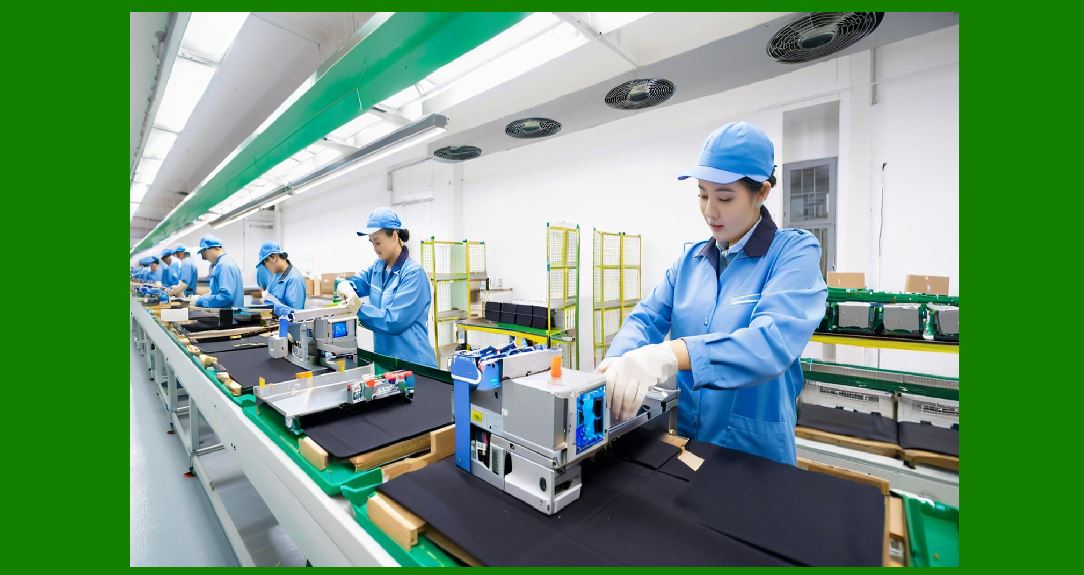
6.2 Cross-Channel Fulfillment |
6.2.1 |
Consumers increasingly expect flexible fulfillment options. |
6.2.2 |
ERP systems support: |
* Buy online pickup in store |
* Ship-from-store |
* Endless aisle ordering |
* Cross-store fulfillment |
6.2.3 |
Omni-channel fulfillment improves inventory utilization and customer convenience. |
|
7. Retail Pricing and Promotion Management |
7.1 Centralized Pricing Control |
7.1.1 |
ERP systems centrally manage retail pricing strategies. |
7.1.2 |
Pricing management may involve: |
* Regional pricing |
* Seasonal markdowns |
* Promotional campaigns |
* Channel-specific pricing |
7.1.3 |
Centralized control improves pricing consistency across retail channels. |

|
7.2 Markdown Optimization |
7.2.1 |
Apparel retailers frequently use markdowns to clear seasonal inventory. |
7.2.2 |
ERP systems analyze: |
* Inventory aging |
* Sell-through rates |
* Margin performance |
7.2.3 |
Markdown optimization improves profitability while reducing excess inventory. |

|
8. Customer Relationship Management in Retail |
8.1 Unified Customer Profiles |
8.1.1 |
ERP systems centralize customer data from all channels. |
8.1.2 |
Customer profiles may include: |
* Purchase history |
* Preferred styles |
* Return behavior |
* Loyalty participation |
8.1.3 |
Unified profiles improve personalization and customer engagement. |
|
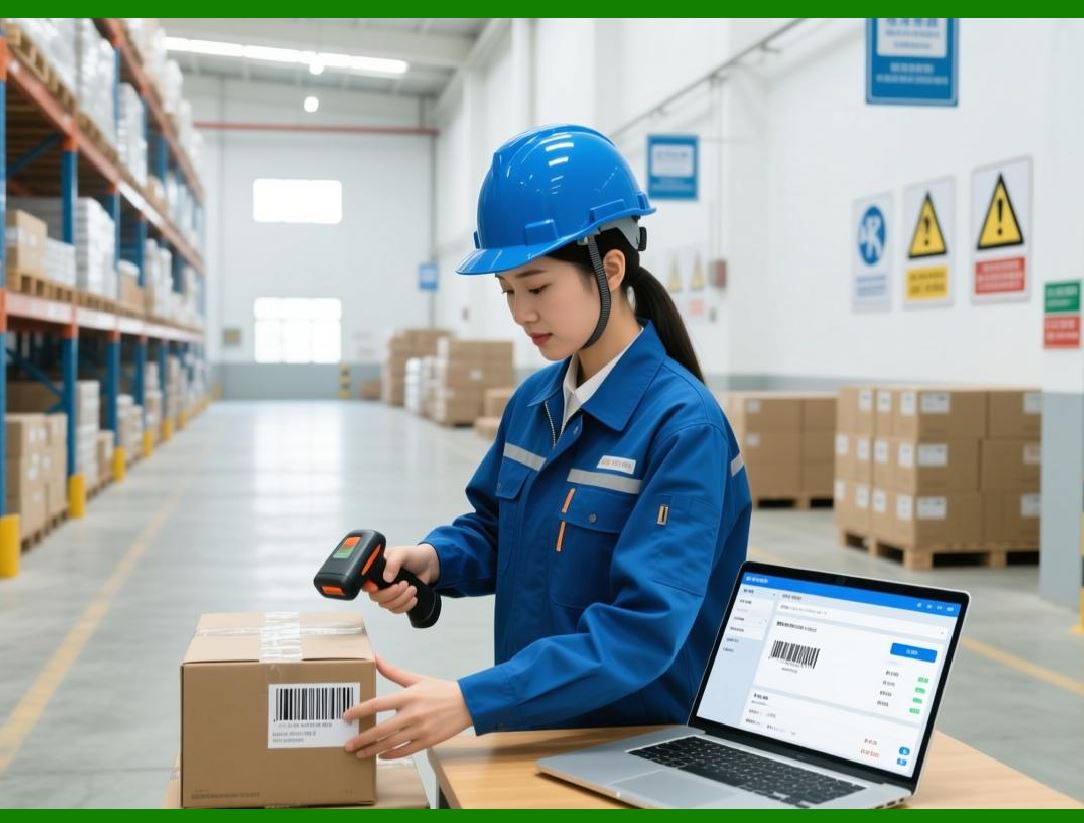
8.2 Loyalty Program Integration |
8.2.1 |
Many apparel retailers operate loyalty programs. |
8.2.2 |
ERP systems manage: |
* Reward points |
* Membership levels |
* Personalized promotions |
* Customer incentives |
8.2.3 |
Loyalty integration strengthens customer retention. |
|
9. Retail Workforce Management |
9.1 Store Staff Scheduling |
9.1.1 |
Retail labor management significantly affects customer service quality and operating costs. |
9.1.2 |
ERP systems optimize staffing schedules according to: |
* Store traffic patterns |
* Sales forecasts |
* Seasonal demand |
9.1.3 |
Optimized scheduling improves labor efficiency and customer service. |

|
9.2 Employee Performance Monitoring |
9.2.1 |
ERP systems may track: |
* Sales productivity |
* Customer service metrics |
* Attendance records |
* Incentive performance |
9.2.2 |
Performance analytics support workforce development initiatives. |

|
10. Visual Merchandising and Store Operations |
10.1 Merchandise Presentation Coordination |
10.1.1 |
Visual merchandising plays a critical role in apparel retail performance. |
10.1.2 |
ERP systems support store presentation coordination involving: |
* Display planning |
* Promotional execution |
* Seasonal floor layouts |
10.1.3 |
Operational consistency strengthens brand presentation. |

|
10.2 Store Execution Monitoring |
10.2.1 |
ERP systems help ensure retail stores properly execute: |
* Promotions |
* Pricing updates |
* Display standards |
* Inventory adjustments |
10.2.2 |
Store compliance monitoring improves operational consistency. |
|
11. Retail Analytics and Business Intelligence |
11.1 Store Performance Analysis |
11.1.1 |
ERP systems provide retail performance dashboards. |
11.1.2 |
Key metrics may include: |
* Sales per square foot |
* Conversion rates |
* Average transaction value |
* Inventory turnover |
11.1.3 |
Analytics improve retail strategy optimization. |

|
11.2 Consumer Behavior Analysis |
11.2.1 |
Retail ERP systems increasingly analyze customer behavior patterns. |
11.2.2 |
Analytics may identify: |
* Product preferences |
* Regional demand differences |
* Shopping frequency |
* Promotional responsiveness |
11.2.3 |
Consumer insights improve merchandising decisions. |

|
12. Mobile Retail Technologies |
12.1 Mobile POS Systems |
12.1.1 |
Many apparel retailers increasingly use mobile POS technologies. |
12.1.2 |
Mobile POS devices improve: |
* Checkout flexibility |
* Queue reduction |
* Customer service mobility |
12.1.3 |
ERP systems synchronize mobile transactions in real time. |

|
12.2 Clienteling Applications |
12.2.1 |
Retail associates increasingly use clienteling tools connected to ERP systems. |
12.2.2 |
Clienteling applications may provide: |
* Customer purchase history |
* Product recommendations |
* Inventory lookup capabilities |
12.2.3 |
Personalized customer service improves retail engagement. |
|
13. Retail Security and Loss Prevention |
13.1 Inventory Shrinkage Control |
13.1.1 |
Inventory shrinkage is a major challenge in apparel retail operations. |
13.1.2 |
Losses may result from: |
* Theft |
* Miscounting |
* Administrative errors |
* Fraud |
13.1.3 |
ERP systems support shrinkage monitoring and inventory auditing. |
|
13.2 RFID-Based Retail Tracking |
13.2.1 |
RFID technologies increasingly support apparel retail operations. |
13.2.2 |
RFID improves: |
* Inventory accuracy |
* Loss prevention |
* Cycle counting speed |
13.2.3 |
ERP-integrated RFID systems improve store inventory visibility. |
|
14. AI and Future Trends in Apparel Retail ERP |
14.1 AI-Driven Retail Optimization |
14.1.1 |
AI technologies increasingly support apparel retail operations. |
14.1.2 |
AI applications may include: |
* Demand forecasting |
* Dynamic pricing |
* Personalized recommendations |
* Workforce optimization |
14.1.3 |
AI improves retail responsiveness and profitability. |
|
14.2 Smart Retail Ecosystems |
14.2.1 |
Future retail environments may increasingly integrate: |
* Smart fitting rooms |
* Computer vision analytics |
* Automated checkout systems |
* Interactive customer experiences |
14.2.2 |
ERP systems will coordinate intelligent retail ecosystems across physical and digital channels. |
|
15. Common Challenges in Apparel Retail ERP |
15.1 Balancing Inventory Availability and Efficiency |
15.1.1 |
Retailers must maintain sufficient inventory while minimizing excess stock. |
15.1.2 |
ERP systems support inventory optimization strategies balancing: |
* Service levels |
* Stock turnover |
* Margin performance |
|
15.2 Maintaining Omni-Channel Consistency |
15.2.1 |
Customers expect consistent experiences across all channels. |
15.2.2 |
Operational inconsistencies may damage brand trust. |
15.2.3 |
ERP systems centralize operational coordination to improve omni-channel consistency. |
|
Technical Content Summary of Part 17 |
This part explored retail store management and omni-channel operations within apparel ERP systems. It explained how modern apparel retailers operate increasingly integrated retail ecosystems combining physical stores, e-commerce platforms, mobile commerce, and social retail channels. |
The discussion covered POS integration, real-time transaction processing, retail inventory management, merchandise allocation, omni-channel fulfillment, pricing and promotion management, customer relationship management, workforce scheduling, visual merchandising coordination, retail analytics, mobile retail technologies, RFID-based inventory tracking, AI-driven retail optimization, and smart retail ecosystems. |
These retail management capabilities are essential for improving customer experiences, increasing inventory visibility, optimizing store operations, supporting omni-channel commerce, and maintaining competitiveness in modern apparel retail environments. |
|
URLs for reference: |
* [https://www.sap.com/](https://www.sap.com/) |
* [https://www.oracle.com/](https://www.oracle.com/) |
* [https://www.microsoft.com/](https://www.microsoft.com/) |
* [https://www.zebra.com/](https://www.zebra.com/) |
* [https://www.netsuite.com/](https://www.netsuite.com/) |
 cs@easiersoft.com