Part 5 |
Inventory Management in Apparel ERP Systems |
1. Introduction to Inventory Management in the Apparel Industry |
1.1 Inventory as the Core Operational Asset of Apparel Enterprises |
1.1.1 |
Inventory management is one of the most critical operational functions in the apparel industry. In many apparel enterprises, inventory represents the largest operational asset and simultaneously the largest operational risk. |
1.1.2 |
Unlike industries producing standardized industrial materials with long product life cycles, apparel inventory is highly time-sensitive. Fashion products rapidly lose value when trends change, seasons end, or consumer preferences shift. |

|
1.1.3 |
As a result, inventory problems directly impact: |
* Cash flow |
* Profit margins |
* Warehouse costs |
* Operational efficiency |
* Brand competitiveness |
1.1.4 |
Excess inventory often leads to: |
* Heavy discounting |
* Inventory liquidation |
* Outlet sales |
* Financial write-offs |
* Brand image damage |

|
1.1.5 |
At the same time, insufficient inventory results in: |
* Lost sales |
* Customer dissatisfaction |
* Delayed fulfillment |
* Reduced market share |
1.1.6 |
ERP systems therefore play a central role in balancing inventory availability and inventory risk. |

|
2. Characteristics of Apparel Inventory Complexity |
2.1 Multi-Dimensional Inventory Structures |
2.1.1 |
Apparel inventory is far more complicated than inventory in many traditional industries. |
2.1.2 |
Each inventory item may vary according to: |
* Style |
* Color |
* Size |
* Fabric |
* Fit |
* Season |
* Packaging |
* Country specification |
2.1.3 |
A single garment style can generate hundreds of inventory combinations. |
2.1.4 |
ERP systems must therefore support matrix-style inventory structures capable of managing extremely large SKU volumes. |
2.1.5 |
Inventory records are not simply quantity counts. Each record may include: |
* Warehouse location |
* Reserved quantity |
* Available quantity |
* Transit quantity |
* Return quantity |
* Quality inspection status |
* Production allocation status |
2.1.6 |
This multi-dimensional structure creates major technical and operational challenges for apparel ERP systems. |

|
2.2 High Inventory Turnover Pressure |
2.2.1 |
Fashion enterprises operate under strong inventory turnover pressure. |
2.2.2 |
Products are often seasonal and trend-driven. Slow-moving inventory quickly becomes obsolete. |
2.2.3 |
Retailers therefore closely monitor: |
* Sell-through rates |
* Weeks of supply |
* Inventory aging |
* Replenishment cycles |
2.2.4 |
ERP systems provide real-time inventory analytics to help enterprises maintain healthy turnover rates. |
2.2.5 |
Fast fashion companies especially rely on rapid inventory turnover to remain competitive. |

|
3. Core Inventory Management Functions in Apparel ERP |
3.1 Real-Time Inventory Tracking |
3.1.1 |
Real-time inventory tracking is one of the most fundamental ERP functions. |
3.1.2 |
Inventory changes continuously due to: |
* Sales |
* Returns |
* Production completion |
* Procurement receipts |
* Internal transfers |
* Quality inspections |
* Damage adjustments |
3.1.3 |
ERP systems update inventory records immediately whenever transactions occur. |
3.1.4 |
Real-time synchronization reduces: |
* Overselling risks |
* Inventory inconsistencies |
* Order fulfillment errors |
3.1.5 |
This capability is especially important in omni-channel apparel operations. |

|
3.2 Multi-Warehouse Inventory Management |
3.2.1 |
Large apparel enterprises often operate multiple inventory locations. |
3.2.2 |
Inventory may exist in: |
* Central distribution centers |
* Retail stores |
* Regional warehouses |
* Overseas warehouses |
* Third-party logistics centers |
* Factory warehouses |
3.2.3 |
ERP systems provide centralized visibility across all warehouse locations. |
3.2.4 |
Managers can monitor: |
* Inventory availability |
* Warehouse utilization |
* Regional stock levels |
* Transfer requirements |
3.2.5 |
This centralized control improves inventory allocation efficiency. |

|
4. Inventory Classification in Apparel ERP |
4.1 Available Inventory |
4.1.1 |
Available inventory refers to inventory immediately usable for sales or allocation. |
4.1.2 |
ERP systems continuously calculate available inventory by considering: |
* Current stock |
* Reserved stock |
* Pending shipments |
* Quality holds |
4.1.3 |
Real-time available inventory visibility is essential for: |
* E-commerce operations |
* Store replenishment |
* Customer order allocation |

|
4.2 Reserved Inventory |
4.2.1 |
Reserved inventory refers to stock allocated for specific orders or operational purposes. |
4.2.2 |
Reservations may occur for: |
* Customer orders |
* Production requirements |
* Retail store allocation |
* Promotional campaigns |
4.2.3 |
ERP systems prevent reserved inventory from being accidentally oversold. |

|
4.3 In-Transit Inventory |
4.3.1 |
Apparel supply chains often involve global logistics operations. |
4.3.2 |
Inventory may spend weeks in transportation between: |
* Overseas factories |
* Distribution centers |
* Retail stores |
4.3.3 |
ERP systems track in-transit inventory separately from physically available inventory. |
4.3.4 |
Transit visibility improves replenishment planning and delivery forecasting. |

|
4.4 Return Inventory |
4.4.1 |
Apparel businesses experience very high return rates, especially in e-commerce. |
4.4.2 |
Returned products may require: |
* Inspection |
* Refurbishment |
* Repackaging |
* Discount classification |
4.4.3 |
ERP systems manage return inventory separately to avoid inaccurate stock availability. |

|
5. Inventory Allocation Management |
5.1 Order Allocation Logic |
5.1.1 |
When customer orders are received, ERP systems allocate inventory according to predefined business rules. |
5.1.2 |
Allocation priorities may depend on: |
* Order urgency |
* Customer level |
* Geographic proximity |
* Inventory aging |
* Warehouse workload |
5.1.3 |
Automated allocation significantly improves operational efficiency. |
5.1.4 |
Allocation algorithms are especially important during high-volume sales periods. |

|
5.2 Regional Inventory Distribution |
5.2.1 |
Apparel enterprises often distribute inventory across multiple geographic regions. |
5.2.2 |
Different regions may have different: |
* Climate conditions |
* Fashion preferences |
* Size distributions |
* Sales patterns |
5.2.3 |
ERP systems optimize regional inventory allocation using: |
* Historical sales data |
* Forecasting models |
* Regional demand analysis |
5.2.4 |
This improves sell-through rates and reduces markdown pressure. |

|
6. Size and Color Management Challenges |
6.1 Size Distribution Problems |
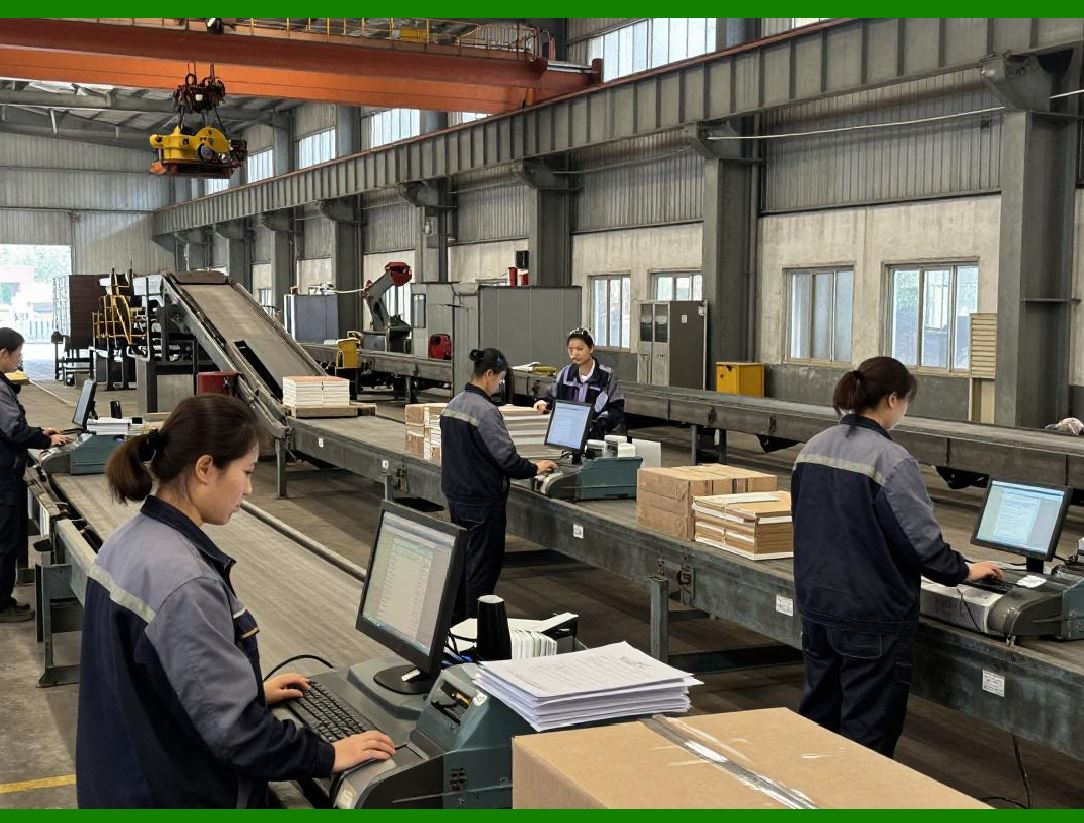
6.1.1 |
Size imbalance is a major inventory challenge in apparel operations. |
6.1.2 |
A style may sell out in medium sizes while small or extra-large sizes remain unsold. |
6.1.3 |
ERP systems analyze size-level sales trends to optimize: |
* Procurement quantities |
* Production ratios |
* Store allocations |
6.1.4 |
Size analysis improves inventory efficiency and reduces leftover stock. |
|
6.2 Color Distribution Optimization |
6.2.1 |
Color preferences vary significantly across: |
* Regions |
* Seasons |
* Demographics |
* Fashion trends |
6.2.2 |
ERP systems monitor color-level performance to support: |
* Replenishment decisions |
* Seasonal planning |
* Assortment optimization |
6.2.3 |
This improves inventory utilization and market responsiveness. |

|
7. Inventory Forecasting and Replenishment |
7.1 Demand Forecasting Integration |
7.1.1 |
Inventory management and demand forecasting are closely interconnected. |
7.1.2 |
ERP systems use forecasting models based on: |
* Historical sales |
* Seasonal trends |
* Promotional plans |
* E-commerce traffic |
* Social media influence |
7.1.3 |
Accurate forecasting reduces: |
* Overstock risks |
* Stockout situations |
* Excess procurement |

|
7.2 Automated Replenishment |
7.2.1 |
ERP systems increasingly support automated replenishment workflows. |
7.2.2 |
The system may automatically generate replenishment suggestions based on: |
* Minimum stock levels |
* Forecast demand |
* Sell-through rates |
* Lead times |
7.2.3 |
Automated replenishment is especially important for: |
* Fast fashion |
* High-volume retail |
* E-commerce operations |

|
8. Warehouse Operations in Apparel ERP |
8.1 Barcode-Based Warehouse Management |
8.1.1 |
Barcodes are widely used in apparel warehouse operations. |
8.1.2 |
ERP-integrated barcode systems support: |
* Receiving |
* Picking |
* Packing |
* Inventory counting |
* Shipping |
8.1.3 |
Barcode operations improve: |
* Accuracy |
* Labor efficiency |
* Inventory visibility |

|
8.2 RFID-Driven Inventory Operations |
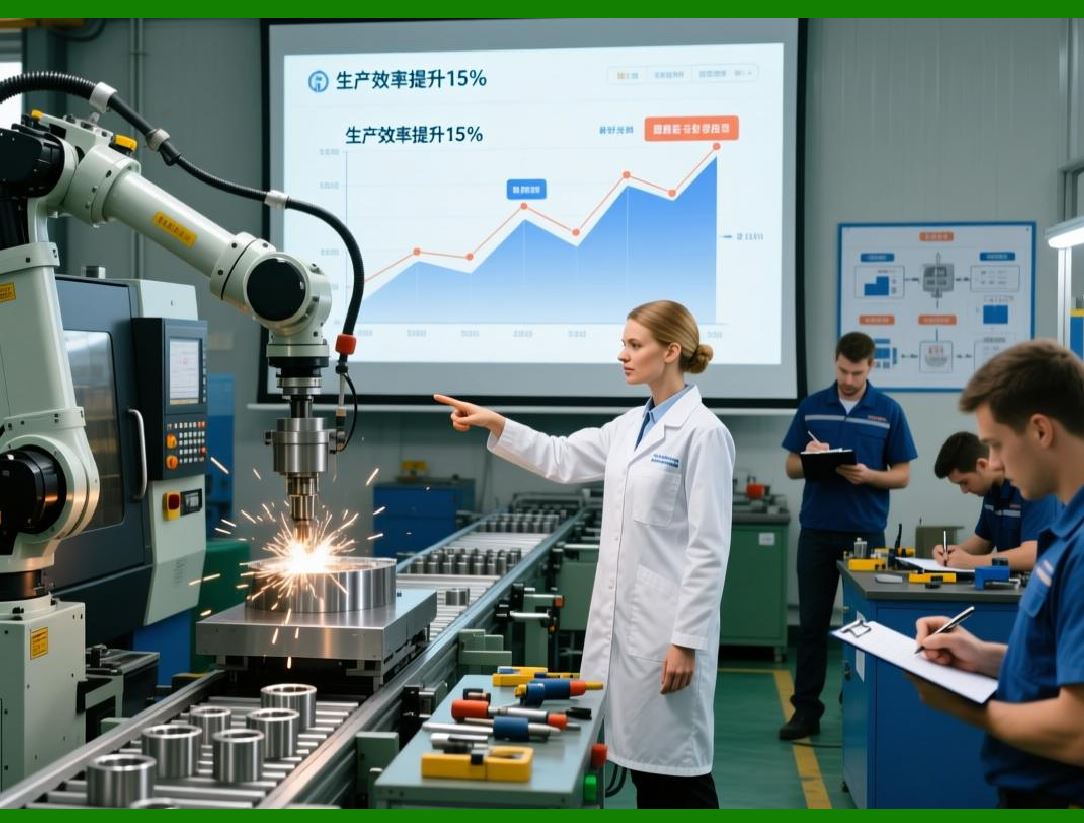
8.2.1 |
RFID technology is increasingly adopted in apparel warehouses. |
8.2.2 |
RFID enables: |
* Rapid inventory counting |
* Real-time item tracking |
* Automated receiving |
* Shrinkage reduction |
8.2.3 |
ERP systems integrate RFID data into centralized inventory records. |
8.2.4 |
Large fashion retailers increasingly rely on RFID for operational efficiency. |
|
9. Inventory Counting and Accuracy Control |
9.1 Physical Inventory Counting |
9.1.1 |
Regular inventory counting is essential for maintaining data accuracy. |
9.1.2 |
ERP systems support: |
* Full inventory counts |
* Cycle counts |
* Location-based counts |
* Exception counting |
9.1.3 |
Inventory accuracy directly affects: |
* Financial reporting |
* Fulfillment reliability |
* Procurement planning |

|
9.2 Inventory Discrepancy Analysis |
9.2.1 |
Inventory discrepancies may arise from: |
* Theft |
* Scanning errors |
* Misplaced items |
* Data synchronization failures |
* Warehouse mistakes |
9.2.2 |
ERP systems provide discrepancy analysis tools to identify operational weaknesses. |
9.2.3 |
Continuous monitoring improves inventory accuracy over time. |

|
10. Inventory Aging and Slow-Moving Stock Management |
10.1 Inventory Aging Analysis |
10.1.1 |
Inventory aging analysis is critically important in apparel operations. |
10.1.2 |
ERP systems classify inventory according to age: |
* 00 days |
* 310 days |
* 610 days |
* Seasonal carryover inventory |
10.1.3 |
Aging analysis helps enterprises identify: |
* Slow-moving products |
* Clearance risks |
* Procurement mistakes |
10.1.4 |
Managers can take corrective actions before inventory loses significant value. |

|
10.2 Markdown and Clearance Management |
10.2.1 |
ERP systems support markdown management workflows. |
10.2.2 |
The system may recommend: |
* Discount strategies |
* Outlet transfers |
* Bundling promotions |
* Cross-region redistribution |
10.2.3 |
Effective markdown management reduces inventory losses. |

|
11. Omni-Channel Inventory Management |
11.1 Unified Inventory Visibility |
11.1.1 |
Modern apparel businesses increasingly operate through omni-channel models. |
11.1.2 |
Customers may: |
* Browse online |
* Purchase in stores |
* Return through alternative channels |
* Use click-and-collect services |
11.1.3 |
ERP systems provide unified inventory visibility across: |
* Stores |
* Warehouses |
* E-commerce platforms |
11.1.4 |
This supports seamless customer experiences. |
11.2 Ship-from-Store Operations |
11.2.1 |
Many apparel retailers now use retail stores as fulfillment centers. |
11.2.2 |
ERP systems allocate online orders to nearby stores with available inventory. |
11.2.3 |
Ship-from-store operations improve: |
* Delivery speed |
* Inventory utilization |
* Regional fulfillment efficiency |

|
12. AI and Future Trends in Apparel Inventory Management |
12.1 AI-Based Inventory Optimization |
12.1.1 |
AI technologies increasingly improve apparel inventory management. |
12.1.2 |
AI applications include: |
* Predictive replenishment |
* Demand sensing |
* Dynamic safety stock calculation |
* Inventory balancing |
12.1.3 |
Machine learning models continuously improve forecasting accuracy using real-time sales data. |
|
12.2 Intelligent Inventory Automation |
12.2.1 |
Future ERP systems may increasingly automate inventory decisions. |
12.2.2 |
Potential capabilities include: |
* Automatic stock redistribution |
* Dynamic allocation optimization |
* AI-driven markdown timing |
* Autonomous replenishment workflows |
12.2.3 |
These technologies will further improve operational efficiency in apparel enterprises. |
|
Technical Content Summary of Part 5 |
This part provided a comprehensive examination of inventory management within apparel ERP systems. It explained the strategic importance of inventory as both a major operational asset and a significant financial risk in the fashion industry. The discussion covered the complexities of apparel inventory structures, including size-color matrices, multi-location inventory visibility, reserved stock, return inventory, and in-transit inventory management. |
Additional topics included inventory allocation logic, regional distribution optimization, size and color balancing, forecasting integration, automated replenishment, barcode and RFID-enabled warehouse management, inventory counting, discrepancy analysis, inventory aging control, markdown management, and omni-channel inventory synchronization. The part also explored emerging trends such as AI-based inventory optimization and intelligent automation technologies. |
These inventory management capabilities form one of the most essential pillars of successful apparel ERP implementation. |
|
URLs for reference: |
* [https://www.sap.com/](https://www.sap.com/) |
* [https://www.oracle.com/](https://www.oracle.com/) |
* [https://www.infor.com/](https://www.infor.com/) |
* [https://www.microsoft.com/](https://www.microsoft.com/) |
* [https://www.netsuite.com/](https://www.netsuite.com/) |
 cs@easiersoft.com