Part 7 |
Production Management and Manufacturing Execution in Apparel ERP Systems |
1. Introduction to Apparel Production Management |
1.1 The Complexity of Apparel Manufacturing |
1.1.1 |
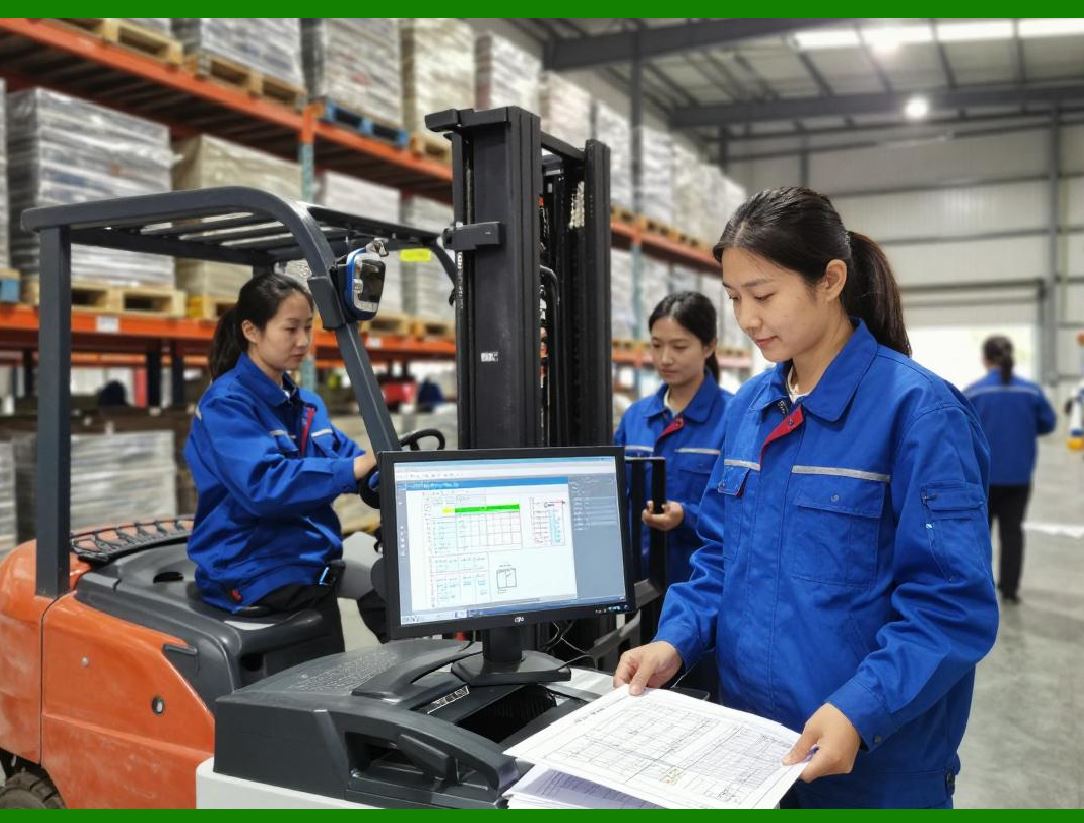
Apparel manufacturing is one of the most operationally dynamic and labor-intensive manufacturing sectors in the world. Unlike industries producing highly standardized products with stable production cycles, apparel manufacturing must continuously adapt to changing designs, fluctuating demand, seasonal collections, and short product life cycles. |
1.1.2 |
A typical apparel manufacturing process may involve: |
* Pattern development |
* Fabric inspection |
* Fabric spreading |
* Cutting |
* Printing |
* Embroidery |
* Sewing |
* Washing |
* Ironing |
* Quality inspection |
* Packaging |
|
1.1.3 |
Each garment style may require different: |
* Sewing methods |
* Machines |
* Labor skills |
* Process flows |
* Production sequences |
1.1.4 |
This operational complexity creates major management challenges involving: |
* Production scheduling |
* Capacity balancing |
* Material coordination |
* Labor management |
* Quality control |
* Delivery deadlines |
1.1.5 |
ERP systems help apparel enterprises coordinate and optimize these highly interconnected manufacturing activities. |
1.1.6 |
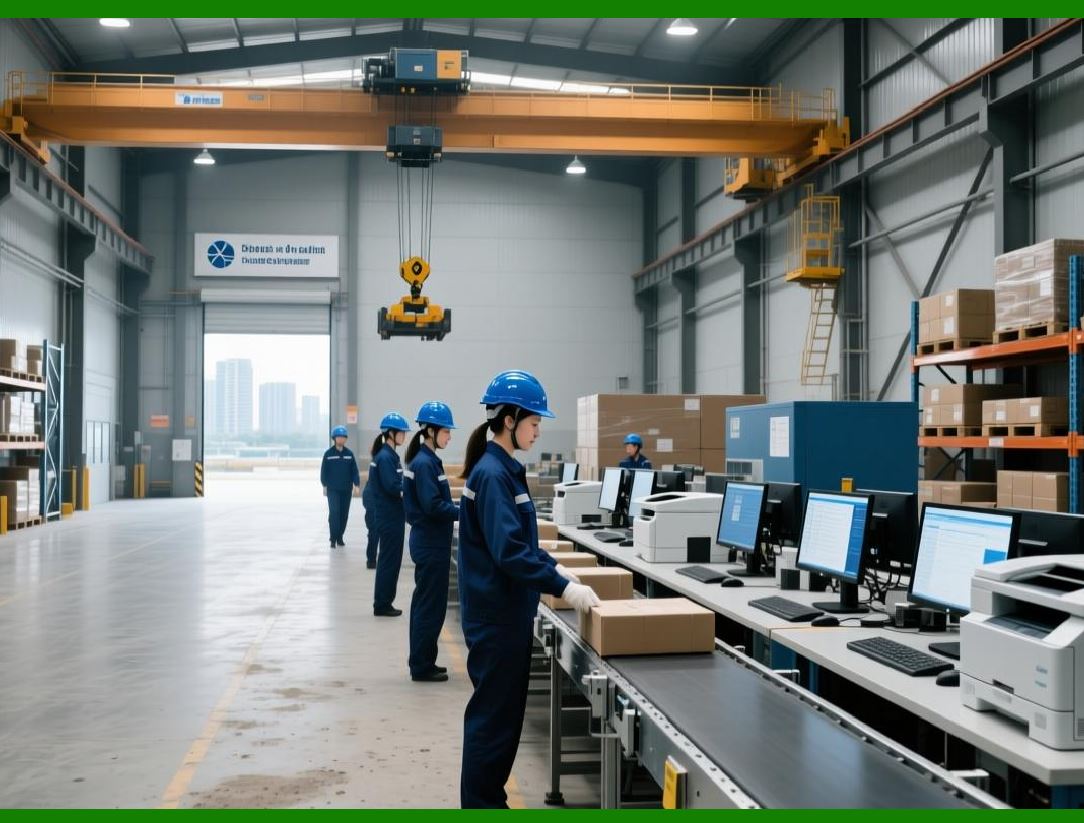
Modern apparel ERP systems increasingly integrate with Manufacturing Execution Systems (MES), automation equipment, and real-time factory monitoring technologies. |
|
2. Characteristics of Apparel Manufacturing |
2.1 High Product Variety and Small Batch Production |
2.1.1 |
One of the defining characteristics of apparel manufacturing is high product variety. |
2.1.2 |
Fashion enterprises often manufacture: |
* Thousands of styles |
* Multiple seasonal collections |
* Frequent trend-based products |
* Customized garments |
* Limited-edition items |
2.1.3 |
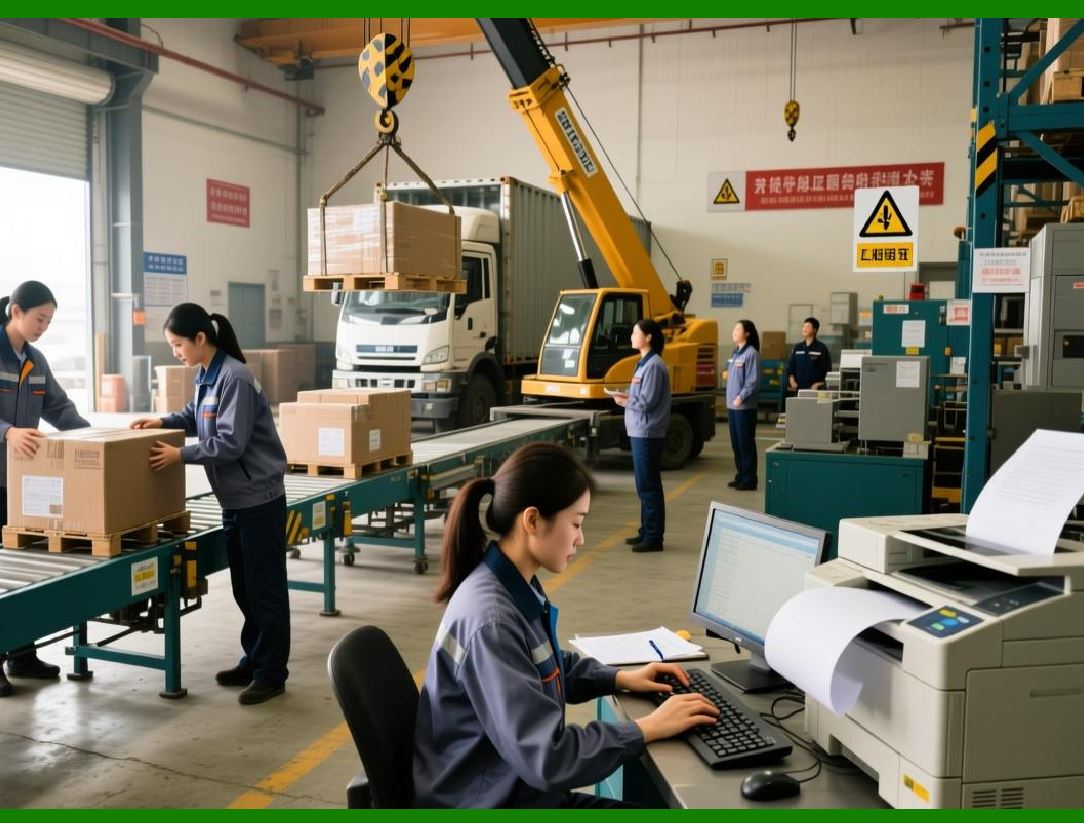
Many orders involve relatively small production quantities compared with traditional mass manufacturing industries. |
2.1.4 |
Frequent style changes create operational pressure because production lines require: |
* Machine adjustments |
* Pattern changes |
* Worker retraining |
* Material switching |
2.1.5 |
ERP systems help reduce transition inefficiencies through intelligent scheduling and standardized workflow management. |
|
2.2 Labor-Intensive Production Environment |
2.2.1 |
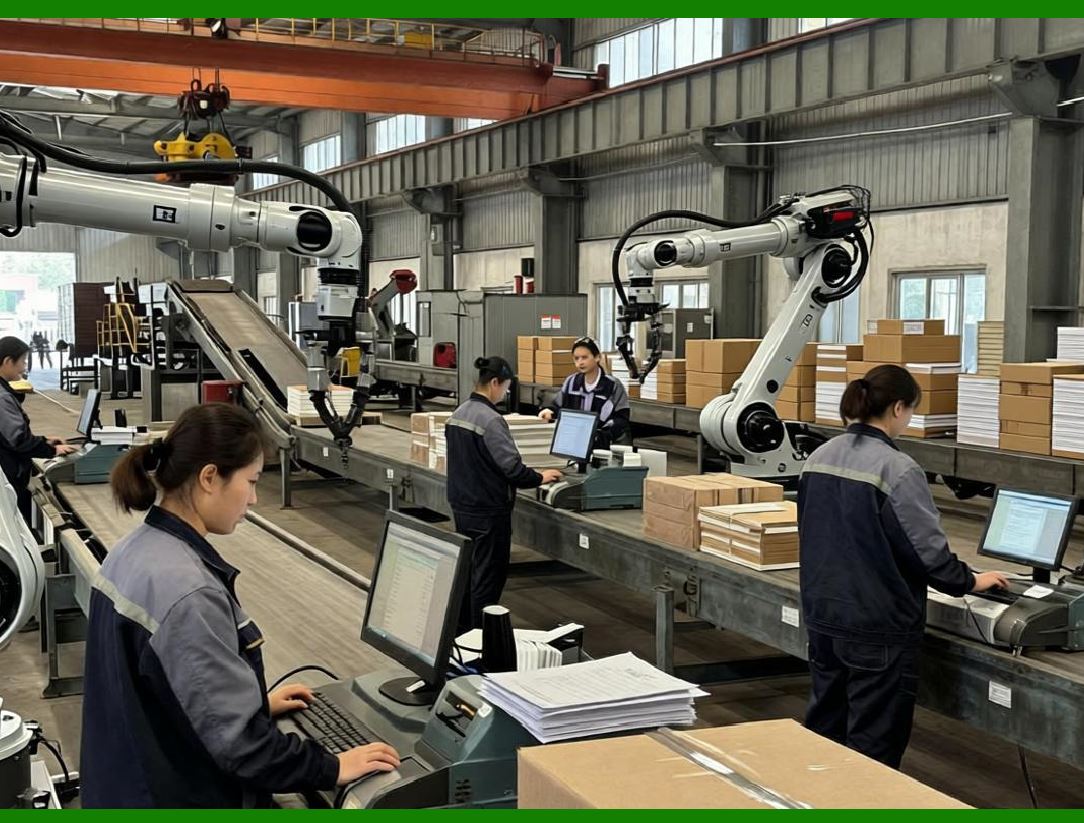
Although automation is increasing, apparel manufacturing remains highly labor-intensive. |
2.2.2 |
Many production stages still rely heavily on human workers, especially: |
* Sewing |
* Inspection |
* Finishing |
* Handcraft operations |
2.2.3 |
Labor productivity directly affects: |
* Manufacturing costs |
* Delivery speed |
* Product quality |
* Profitability |
2.2.4 |
ERP systems monitor labor performance and production efficiency in real time. |
|
3. Production Planning in Apparel ERP |
3.1 Master Production Planning |
3.1.1 |
Master Production Planning (MPP) is one of the core ERP manufacturing functions. |
3.1.2 |
Production plans are developed based on: |
* Sales forecasts |
* Customer orders |
* Inventory levels |
* Material availability |
* Factory capacity |
3.1.3 |
Apparel ERP systems generate production schedules that coordinate: |
* Cutting operations |
* Sewing lines |
* Finishing departments |
* Packaging operations |
3.1.4 |
Production planning must balance: |
* Delivery deadlines |
* Factory efficiency |
* Labor availability |
* Material lead times |
3.1.5 |
Accurate planning reduces production delays and overtime costs. |

|
3.2 Seasonal Production Scheduling |
3.2.1 |
Seasonality creates major scheduling challenges in apparel manufacturing. |
3.2.2 |
Winter products may require production months before actual sales periods. |
3.2.3 |
Production delays may result in: |
* Missed selling seasons |
* Excess inventory |
* Revenue loss |
3.2.4 |
ERP systems help synchronize production schedules with seasonal demand cycles. |
3.2.5 |
Rolling scheduling models improve production flexibility during demand fluctuations. |

|
4. Work Order Management |
4.1 Work Order Creation |
4.1.1 |
ERP systems generate work orders for manufacturing operations. |
4.1.2 |
A work order typically contains: |
* Style information |
* Production quantities |
* Size breakdown |
* Material requirements |
* Routing instructions |
* Delivery deadlines |
4.1.3 |
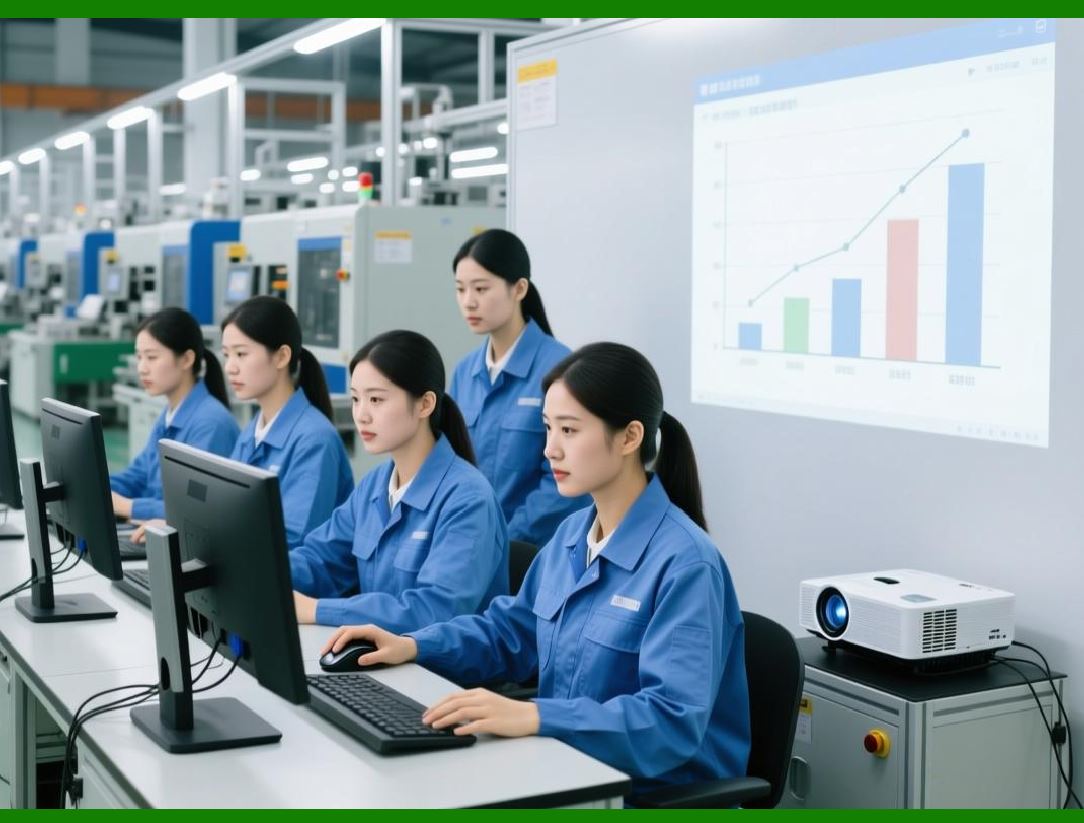
Work orders serve as the operational foundation for factory execution. |
4.1.4 |
ERP-generated work orders improve standardization and traceability. |
|
4.2 Work Order Tracking |
4.2.1 |
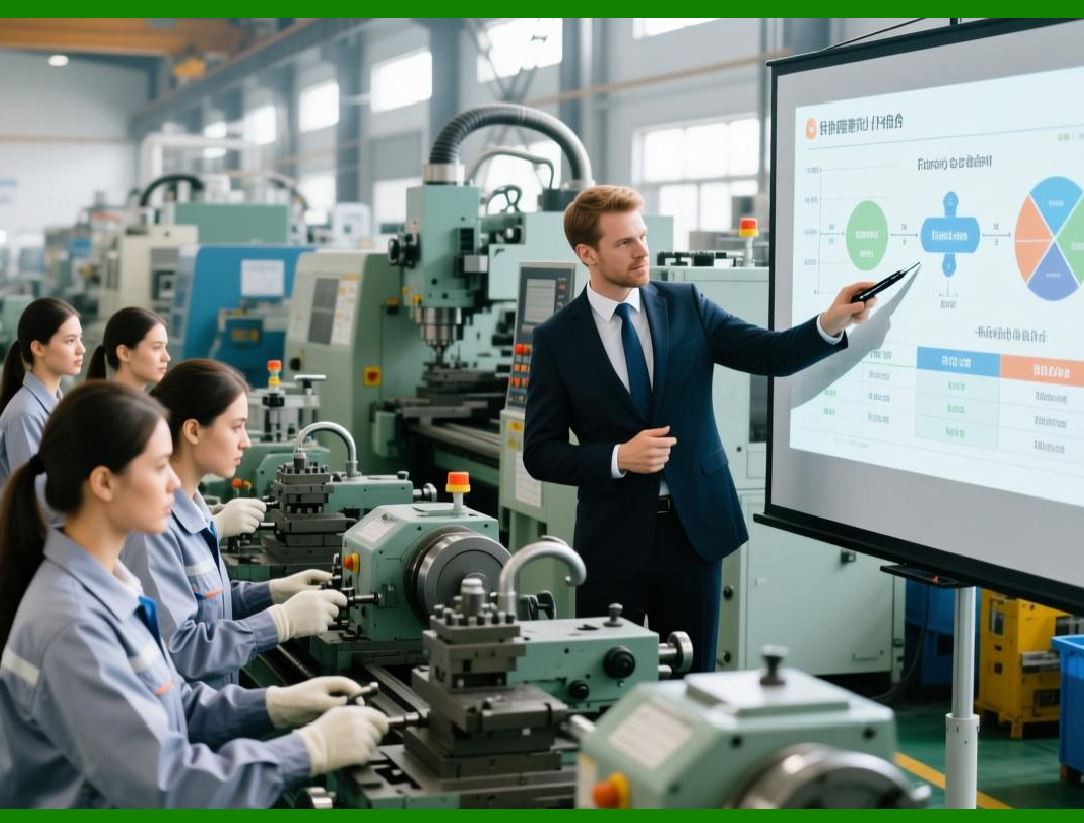
ERP systems track work order progress throughout the manufacturing process. |
4.2.2 |
Managers can monitor: |
* Production completion rates |
* Delayed operations |
* Material shortages |
* Labor productivity |
* Bottlenecks |
4.2.3 |
Real-time work order tracking improves operational visibility and decision-making. |
|
5. Production Scheduling and Capacity Planning |
5.1 Importance of Production Scheduling |
5.1.1 |
Production scheduling is one of the most technically challenging functions in apparel ERP systems. |
5.1.2 |
Scheduling must coordinate: |
* Machines |
* Workers |
* Materials |
* Production lines |
* Delivery commitments |
5.1.3 |
Improper scheduling may result in: |
* Production bottlenecks |
* Delivery delays |
* Excess overtime |
* Machine idle time |
* Labor inefficiency |

|
5.2 Capacity Planning |
5.2.1 |
Capacity planning determines whether factories can fulfill planned production volumes. |
5.2.2 |
ERP systems calculate: |
* Machine capacity |
* Labor capacity |
* Production line efficiency |
* Daily output capability |
5.2.3 |
Capacity analysis helps enterprises: |
* Balance workloads |
* Prevent overload |
* Optimize factory utilization |
5.2.4 |
Accurate capacity planning improves delivery reliability. |

|
5.3 Advanced Planning and Scheduling (APS) |
5.3.1 |
Many advanced apparel ERP systems integrate APS technologies. |
5.3.2 |
APS systems dynamically optimize schedules based on: |
* Material availability |
* Production priorities |
* Factory constraints |
* Labor efficiency |
* Machine utilization |
5.3.3 |
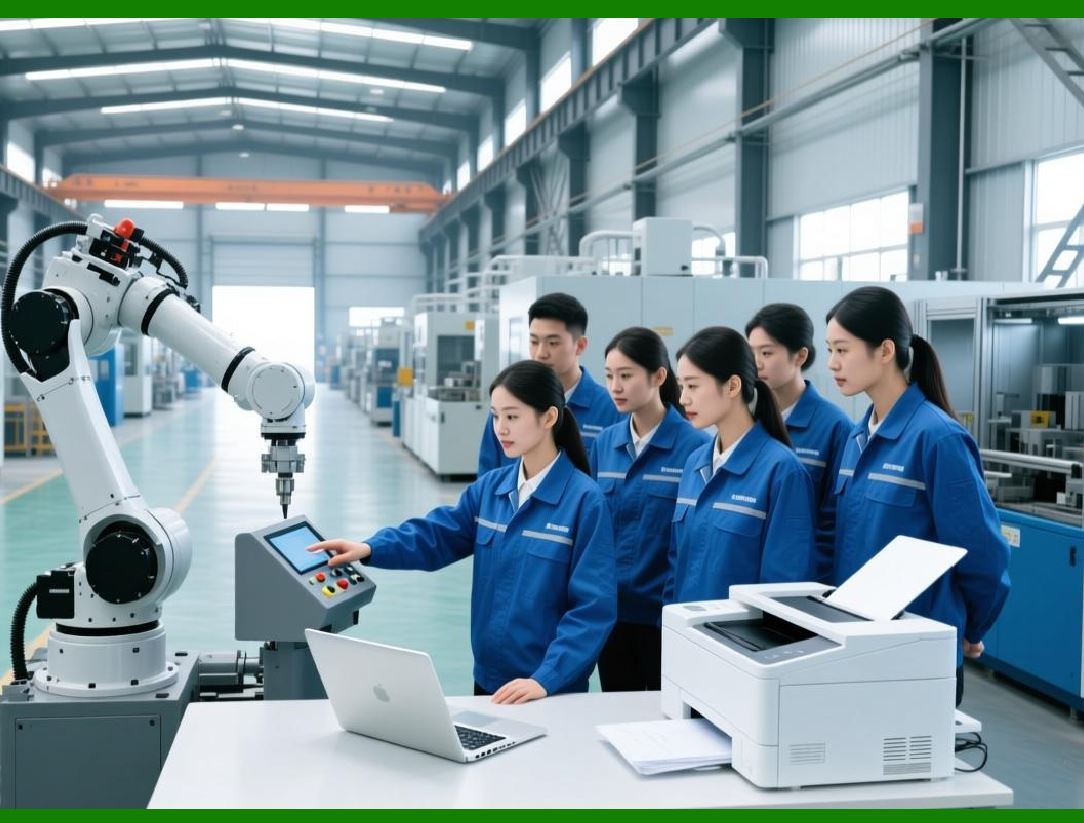
APS engines continuously recalculate schedules when disruptions occur. |
5.3.4 |
This improves responsiveness in fast-changing production environments. |
|
6. Cutting Room Management |
6.1 Fabric Spreading and Cutting Operations |
6.1.1 |
The cutting room is one of the most important stages in apparel manufacturing. |
6.1.2 |
Fabric spreading and cutting directly affect: |
* Material utilization |
* Product quality |
* Production efficiency |
6.1.3 |
ERP systems coordinate cutting plans according to: |
* Production schedules |
* Fabric availability |
* Marker efficiency |

|
6.2 Marker Planning and Fabric Optimization |
6.2.1 |
Marker planning determines how garment pieces are arranged on fabric to minimize waste. |
6.2.2 |
ERP systems may integrate with CAD systems to optimize: |
* Fabric consumption |
* Cutting layouts |
* Size combinations |
6.2.3 |
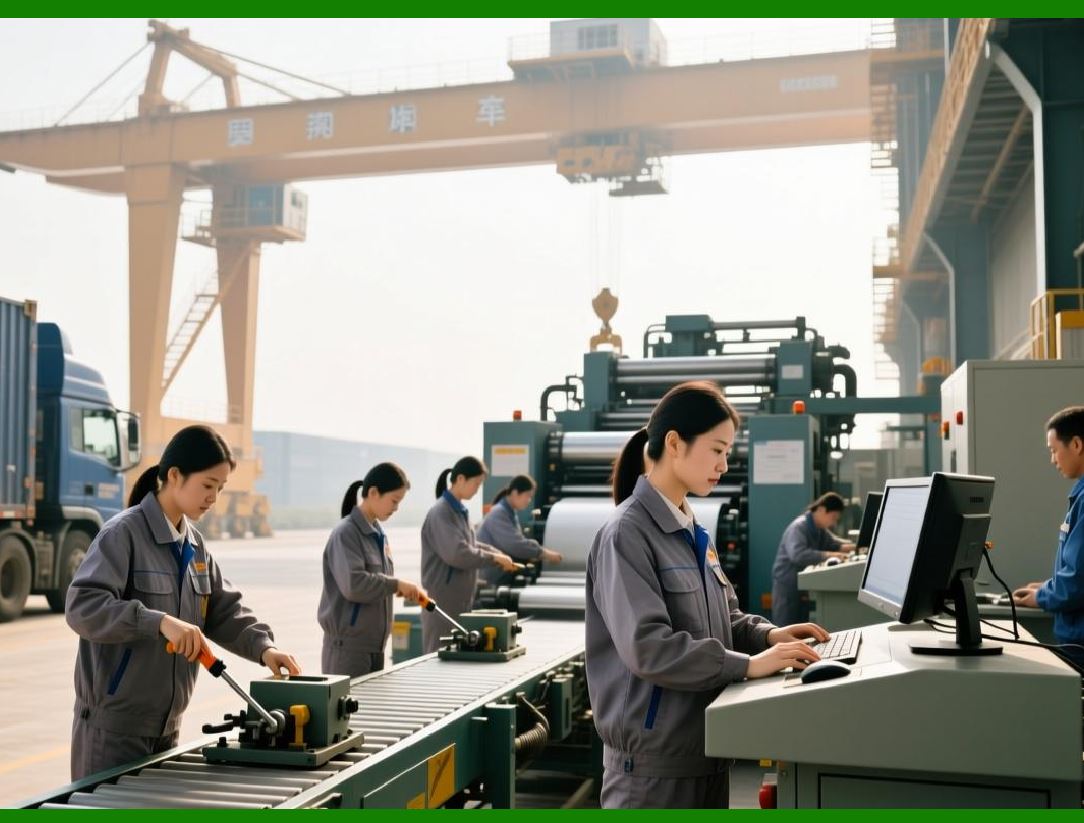
Material optimization significantly reduces production costs. |
|
7. Sewing Line Management |
7.1 Sewing as the Core Apparel Manufacturing Process |
7.1.1 |
Sewing operations are typically the most labor-intensive stage in garment production. |
7.1.2 |
Sewing line performance directly affects: |
* Production speed |
* Product quality |
* Manufacturing costs |
7.1.3 |
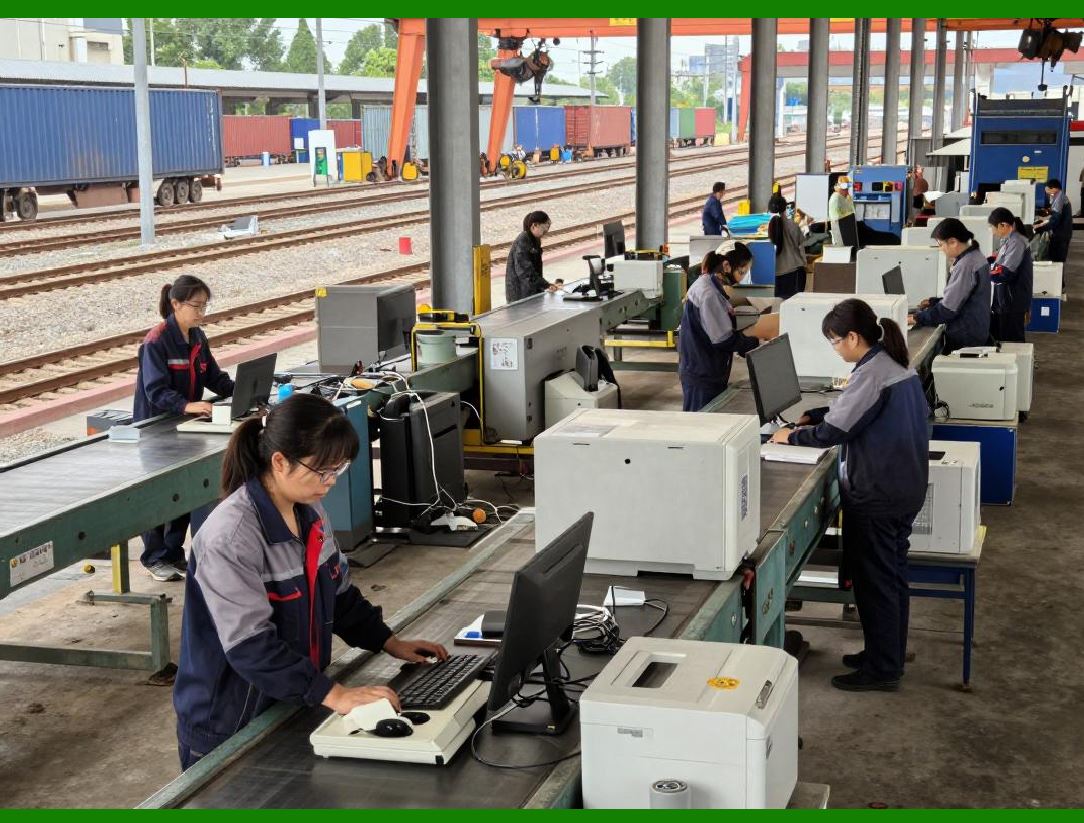
ERP systems monitor sewing line productivity in real time. |
|
7.2 Line Balancing |
7.2.1 |
Line balancing ensures that work is distributed evenly across sewing operations. |
7.2.2 |
Imbalanced lines create: |
* Bottlenecks |
* Worker idle time |
* Production delays |
7.2.3 |
ERP systems analyze operation times and recommend workload balancing strategies. |
7.2.4 |
Efficient line balancing improves overall factory productivity. |

|
7.3 Real-Time Production Monitoring |
7.3.1 |
Modern ERP systems increasingly integrate IoT devices and shop-floor terminals. |
7.3.2 |
Factories can monitor: |
* Output rates |
* Worker efficiency |
* Defect rates |
* Downtime events |
7.3.3 |
Real-time monitoring improves operational control and responsiveness. |

|
8. Material Coordination in Production |
8.1 Material Availability Verification |
8.1.1 |
Production cannot begin without required materials. |
8.1.2 |
ERP systems verify material availability before releasing work orders. |
8.1.3 |
This prevents: |
* Production interruptions |
* Incomplete manufacturing |
* Emergency procurement |

|
8.2 WIP (Work in Progress) Management |
8.2.1 |
WIP inventory refers to partially completed garments moving through production stages. |
8.2.2 |
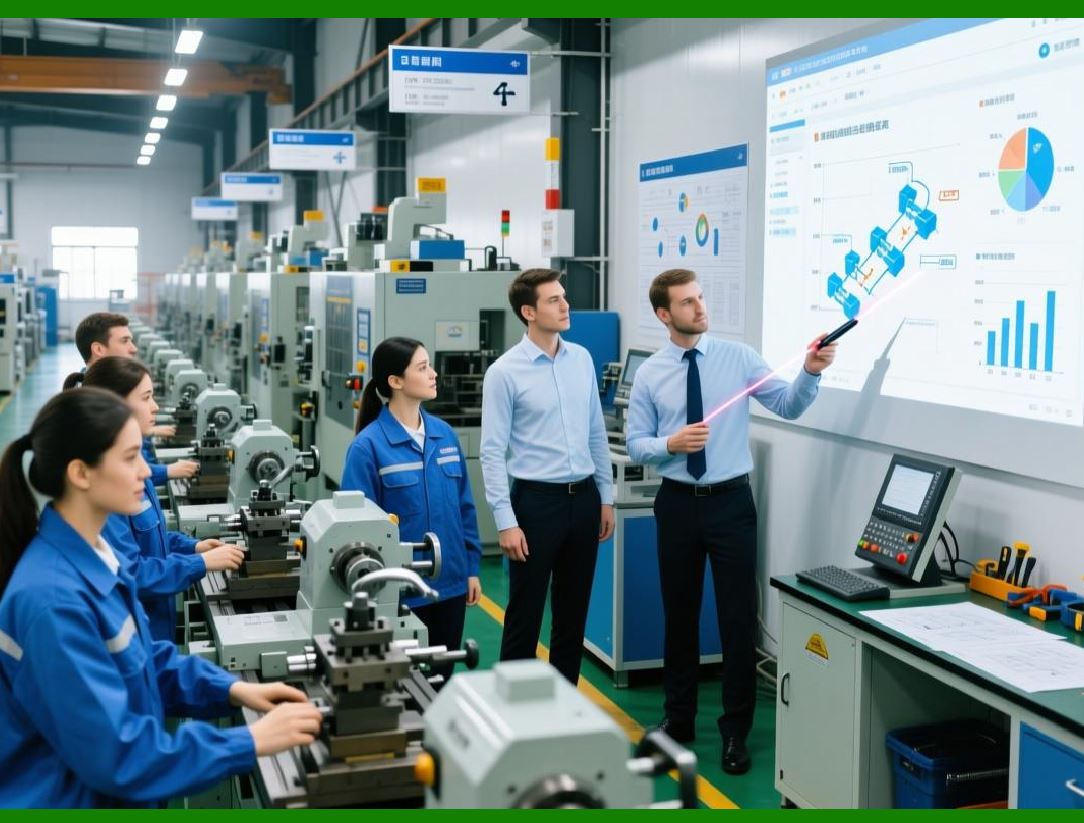
ERP systems track WIP quantities across: |
* Cutting |
* Sewing |
* Finishing |
* Packaging |
8.2.3 |
WIP visibility improves: |
* Production control |
* Bottleneck detection |
* Delivery forecasting |
|
9. Quality Control in Apparel Manufacturing |
9.1 Importance of Apparel Quality Management |
9.1.1 |
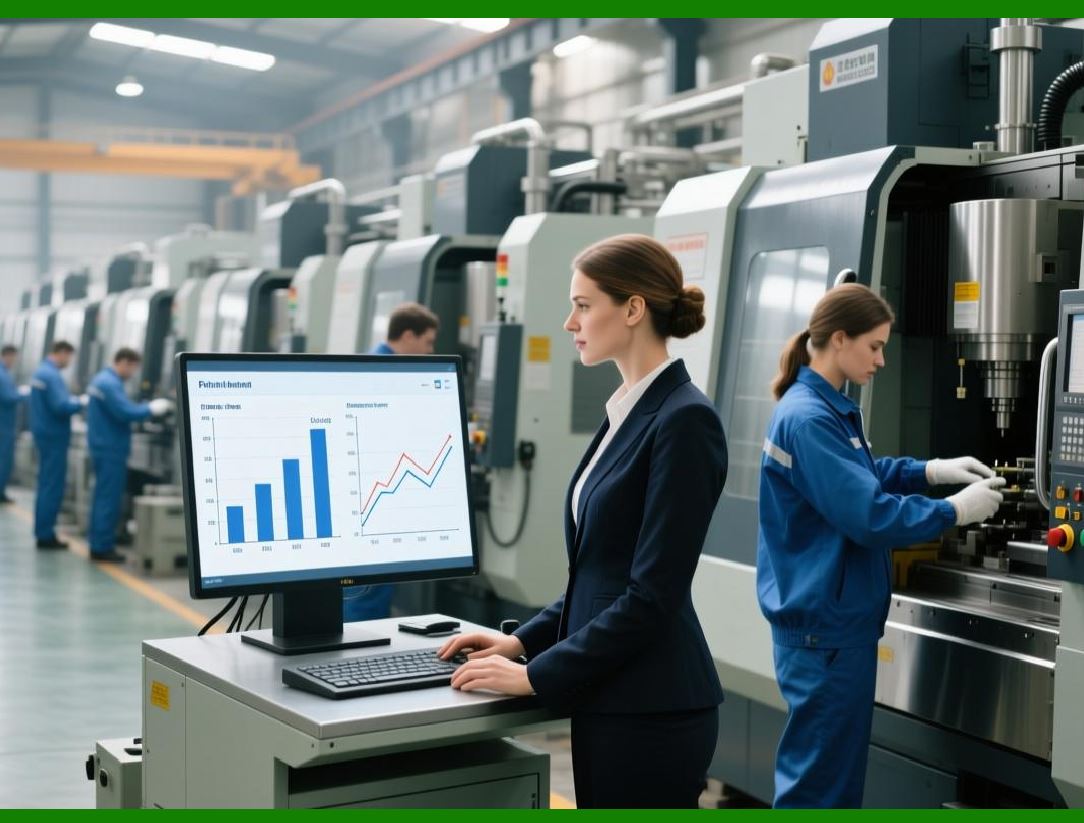
Quality control is critical in apparel manufacturing because product defects directly affect: |
* Customer satisfaction |
* Brand reputation |
* Return rates |
* Profitability |
9.1.2 |
Common apparel defects include: |
* Stitching problems |
* Color inconsistencies |
* Fabric damage |
* Measurement deviations |
|
9.2 ERP-Based Quality Inspection |
9.2.1 |
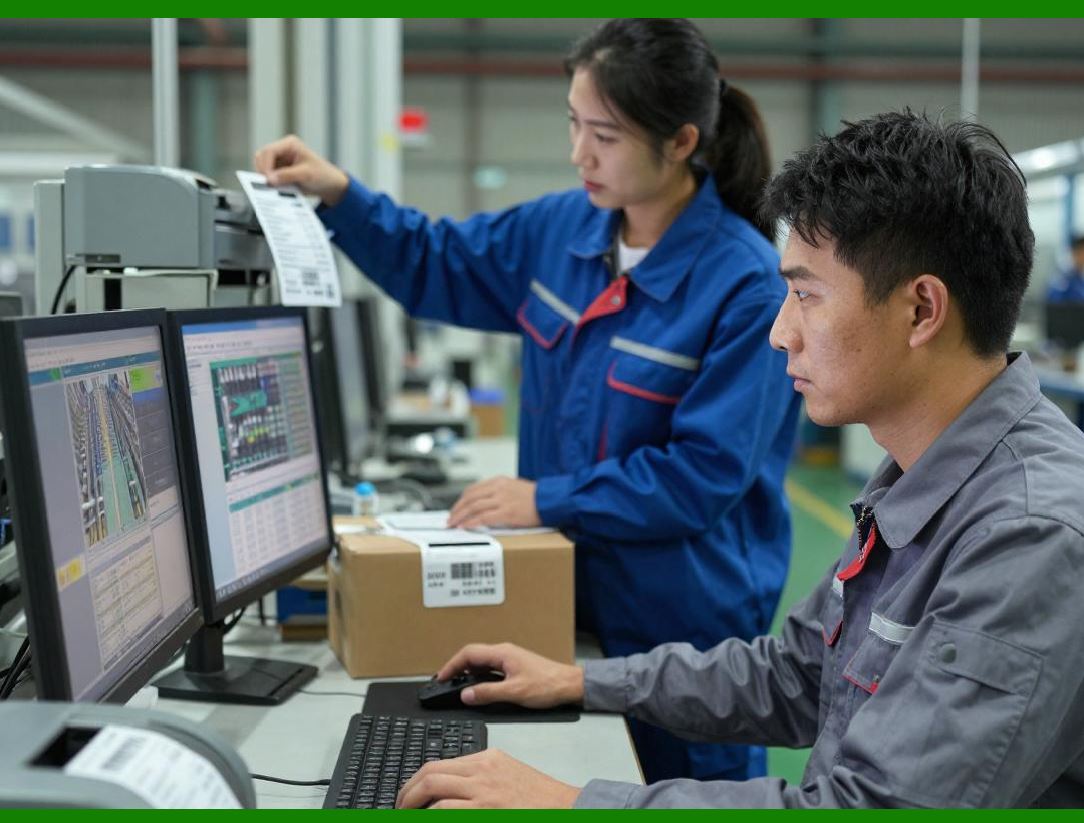
ERP systems integrate quality inspection workflows into production operations. |
9.2.2 |
Quality checkpoints may occur during: |
* Fabric inspection |
* Cutting |
* Sewing |
* Finishing |
* Final packaging |
9.2.3 |
ERP systems record: |
* Inspection results |
* Defect classifications |
* Corrective actions |
9.2.4 |
Quality analytics help enterprises identify recurring production issues. |
|
10. Outsourced Manufacturing Management |
10.1 Contract Manufacturing in Apparel |
10.1.1 |
Many apparel brands outsource production to external factories. |
10.1.2 |
ERP systems manage outsourced manufacturing through: |
* Production orders |
* Supplier collaboration |
* Shipment coordination |
* Quality monitoring |
10.1.3 |
Outsourcing management requires strong visibility and coordination capabilities. |

|
10.2 Factory Performance Monitoring |
10.2.1 |
ERP systems evaluate contract factory performance using indicators such as: |
* Delivery punctuality |
* Production quality |
* Defect rates |
* Capacity utilization |
10.2.2 |
Performance analytics improve supplier management decisions. |

|
11. Lean Manufacturing and Efficiency Improvement |
11.1 Lean Manufacturing Principles |
11.1.1 |
Many apparel enterprises adopt lean manufacturing principles to improve efficiency. |
11.1.2 |
Lean manufacturing focuses on reducing: |
* Waste |
* Idle time |
* Excess inventory |
* Unnecessary movement |
11.1.3 |
ERP systems support lean operations through: |
* Real-time monitoring |
* Production visibility |
* Workflow optimization |

|
11.2 Continuous Improvement Programs |
11.2.1 |
ERP systems provide production analytics that support continuous improvement initiatives. |
11.2.2 |
Managers can identify: |
* Efficiency losses |
* Defect trends |
* Downtime causes |
* Labor bottlenecks |
11.2.3 |
Data-driven improvement programs increase long-term productivity. |

|
12. Smart Factory and Future Trends |
12.1 Smart Manufacturing in Apparel |
12.1.1 |
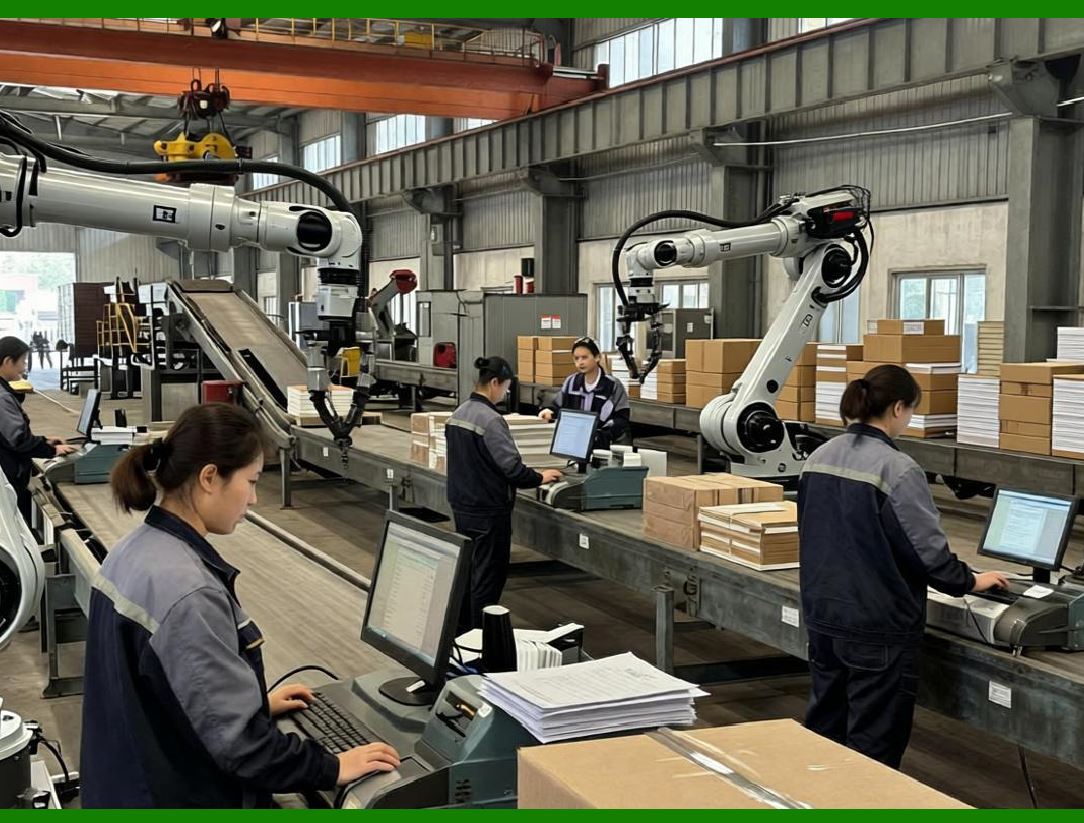
The apparel industry is gradually adopting smart manufacturing technologies. |
12.1.2 |
Emerging technologies include: |
* IoT sensors |
* Automated cutting machines |
* AI scheduling systems |
* Robotic handling systems |
12.1.3 |
ERP systems act as the central coordination platform for smart factories. |
|
12.2 AI-Driven Production Optimization |
12.2.1 |
AI technologies increasingly optimize apparel manufacturing operations. |
12.2.2 |
AI applications include: |
* Dynamic scheduling |
* Predictive maintenance |
* Labor optimization |
* Defect prediction |
12.2.3 |
These technologies improve manufacturing flexibility and efficiency. |
|
Technical Content Summary of Part 7 |
This part examined production management and manufacturing execution within apparel ERP systems. It explained the highly dynamic and labor-intensive nature of apparel manufacturing and discussed the challenges associated with production scheduling, capacity planning, material coordination, sewing line management, and quality control. |
The discussion covered master production planning, seasonal scheduling, work order management, APS systems, cutting room operations, marker optimization, sewing line balancing, WIP tracking, outsourced manufacturing management, lean manufacturing, and smart factory technologies. Additionally, the part explored real-time production monitoring, IoT integration, and AI-driven production optimization. |
These manufacturing management capabilities form a critical operational foundation for apparel ERP systems and directly influence delivery reliability, production efficiency, cost control, and product quality. |
|
URLs for reference: |
* [https://www.sap.com/](https://www.sap.com/) |
* [https://www.oracle.com/](https://www.oracle.com/) |
* [https://www.infor.com/](https://www.infor.com/) |
* [https://www.microsoft.com/](https://www.microsoft.com/) |
* [https://www.netsuite.com/](https://www.netsuite.com/) |
 cs@easiersoft.com