Part 9 |
Warehouse Management and Logistics Coordination in Apparel ERP Systems |
1. Introduction to Warehouse and Logistics Management in the Apparel Industry |
1.1 The Critical Role of Warehousing in Apparel Operations |
1.1.1 |
Warehousing and logistics management are among the most operationally intensive areas in the apparel industry. Because apparel products involve enormous SKU complexity, rapid inventory turnover, seasonal fluctuations, and omni-channel distribution requirements, warehouse operations must function with extremely high speed and accuracy. |
1.1.2 |
Modern apparel warehouses are no longer simple storage facilities. They have evolved into highly dynamic operational centers responsible for: |
* Inventory receiving |
* Product classification |
* Storage optimization |
* Order fulfillment |
* E-commerce picking |
* Store replenishment |
* Return processing |
* Cross-docking |
* Packaging |
* Shipment coordination |

|
1.1.3 |
The growth of e-commerce has dramatically increased warehouse complexity. Traditional wholesale apparel operations often processed large bulk shipments, while modern e-commerce operations may require: |
* Thousands of small-package shipments daily |
* Same-day fulfillment |
* Real-time inventory synchronization |
* High-speed picking operations |
1.1.4 |
ERP systems coordinate these warehouse and logistics activities through integrated Warehouse Management System (WMS) functions and logistics management capabilities. |
1.1.5 |
Without ERP integration, apparel warehouses frequently encounter: |
* Picking errors |
* Inventory inaccuracies |
* Shipment delays |
* Overselling problems |
* Poor inventory visibility |
* Labor inefficiencies |
1.1.6 |
Efficient warehouse and logistics coordination directly affects customer satisfaction, operational costs, and enterprise profitability. |

|
2. Characteristics of Apparel Warehouse Operations |
2.1 Extremely High SKU Density |
2.1.1 |
Apparel warehouses often manage extremely large SKU volumes. |
2.1.2 |
Each product may vary according to: |
* Style |
* Color |
* Size |
* Fabric |
* Season |
* Packaging |
2.1.3 |
A warehouse may contain: |
* Hundreds of thousands of SKU combinations |
* Millions of individual inventory units |
2.1.4 |
This complexity creates significant challenges for: |
* Storage organization |
* Inventory tracking |
* Picking accuracy |
* Replenishment management |
2.1.5 |
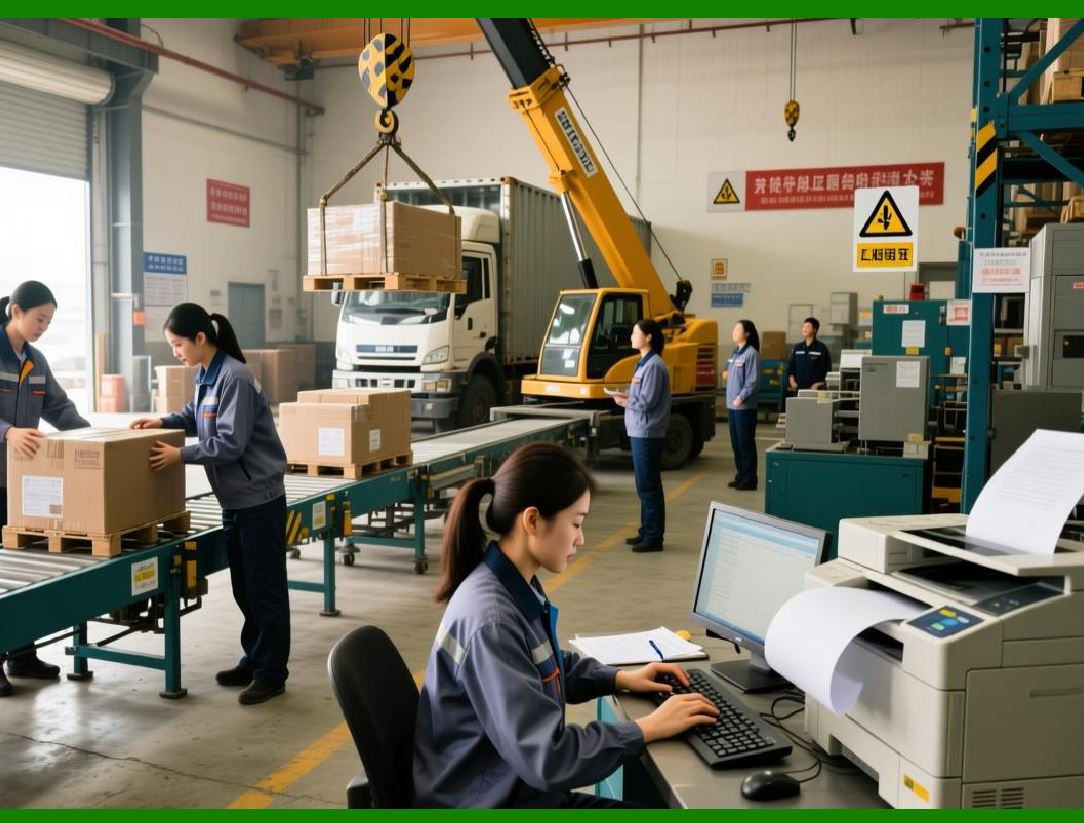
ERP systems provide structured inventory location management to improve warehouse organization and efficiency. |
|
2.2 Fast Inventory Turnover |
2.2.1 |
Fashion products move quickly through warehouse systems. |
2.2.2 |
Fast fashion enterprises especially emphasize: |
* Rapid inbound processing |
* Fast picking |
* Quick shipment turnaround |
* Continuous replenishment |
2.2.3 |
Warehouse delays may cause: |
* Missed delivery commitments |
* Lost sales |
* Customer dissatisfaction |
2.2.4 |
ERP systems help optimize operational speed through workflow automation and real-time inventory visibility. |

|
3. Warehouse Structure Management |
3.1 Warehouse Location Architecture |
3.1.1 |
ERP systems organize warehouses into structured location hierarchies. |
3.1.2 |
Typical warehouse structures include: |
* Warehouse zones |
* Aisles |
* Shelves |
* Bins |
* Hanging sections |
* Bulk storage areas |
3.1.3 |
Location management improves: |
* Picking efficiency |
* Inventory visibility |
* Storage optimization |
3.1.4 |
ERP systems track the exact location of every inventory item. |

|
3.2 Multi-Warehouse Coordination |
3.2.1 |
Many apparel enterprises operate multiple warehouses simultaneously. |
3.2.2 |
Warehouses may include: |
* Central distribution centers |
* Regional fulfillment centers |
* Retail backrooms |
* Overseas warehouses |
* Third-party logistics facilities |
3.2.3 |
ERP systems synchronize inventory across all warehouse locations. |
3.2.4 |
Centralized visibility improves: |
* Order allocation |
* Inventory balancing |
* Delivery optimization |

|
4. Receiving and Inbound Logistics |
4.1 Goods Receiving Processes |
4.1.1 |
Receiving operations are the first warehouse stage in inventory management. |
4.1.2 |
ERP systems support: |
* Purchase order verification |
* Barcode scanning |
* Quantity confirmation |
* Quality inspection |
* Location assignment |
4.1.3 |
Automated receiving reduces manual entry errors. |
4.1.4 |
Accurate inbound processing improves inventory reliability. |

|
4.2 ASN (Advanced Shipping Notice) Integration |
4.2.1 |
Many ERP systems support ASN functionality. |
4.2.2 |
Suppliers send shipment information before goods arrive. |
4.2.3 |
ASNs improve warehouse preparation by providing: |
* Shipment details |
* SKU information |
* Quantity forecasts |
* Expected arrival times |
4.2.4 |
Pre-arrival visibility improves receiving efficiency. |

|
5. Inventory Storage and Organization |
5.1 Dynamic Storage Assignment |
5.1.1 |
ERP systems increasingly use dynamic storage strategies. |
5.1.2 |
Storage assignments may depend on: |
* Product velocity |
* Product size |
* Picking frequency |
* Seasonal demand |
5.1.3 |
Fast-moving items are typically placed closer to picking areas. |
5.1.4 |
Dynamic slotting improves operational efficiency. |

|
5.2 Hanging Garment Management |
5.2.1 |
Many apparel products are stored on hanging systems rather than shelves. |
5.2.2 |
ERP systems support hanging inventory tracking and location management. |
5.2.3 |
Specialized apparel warehouse layouts improve: |
* Product protection |
* Picking speed |
* Garment presentation |

|
6. Order Picking and Fulfillment |
6.1 Picking Operations in Apparel Warehouses |
6.1.1 |
Order picking is one of the most labor-intensive warehouse activities. |
6.1.2 |
ERP systems optimize picking workflows through: |
* Picking route optimization |
* Batch picking |
* Zone picking |
* Wave picking |
6.1.3 |
Efficient picking directly affects: |
* Fulfillment speed |
* Labor costs |
* Order accuracy |

|
6.2 E-Commerce Picking Complexity |
6.2.1 |
E-commerce apparel operations require high-speed small-order fulfillment. |
6.2.2 |
Challenges include: |
* High order volumes |
* Multi-item orders |
* Same-day shipping expectations |
* Frequent promotional spikes |
6.2.3 |
ERP-integrated WMS systems automate picking prioritization and workload balancing. |

|
6.3 Barcode-Based Picking Verification |
6.3.1 |
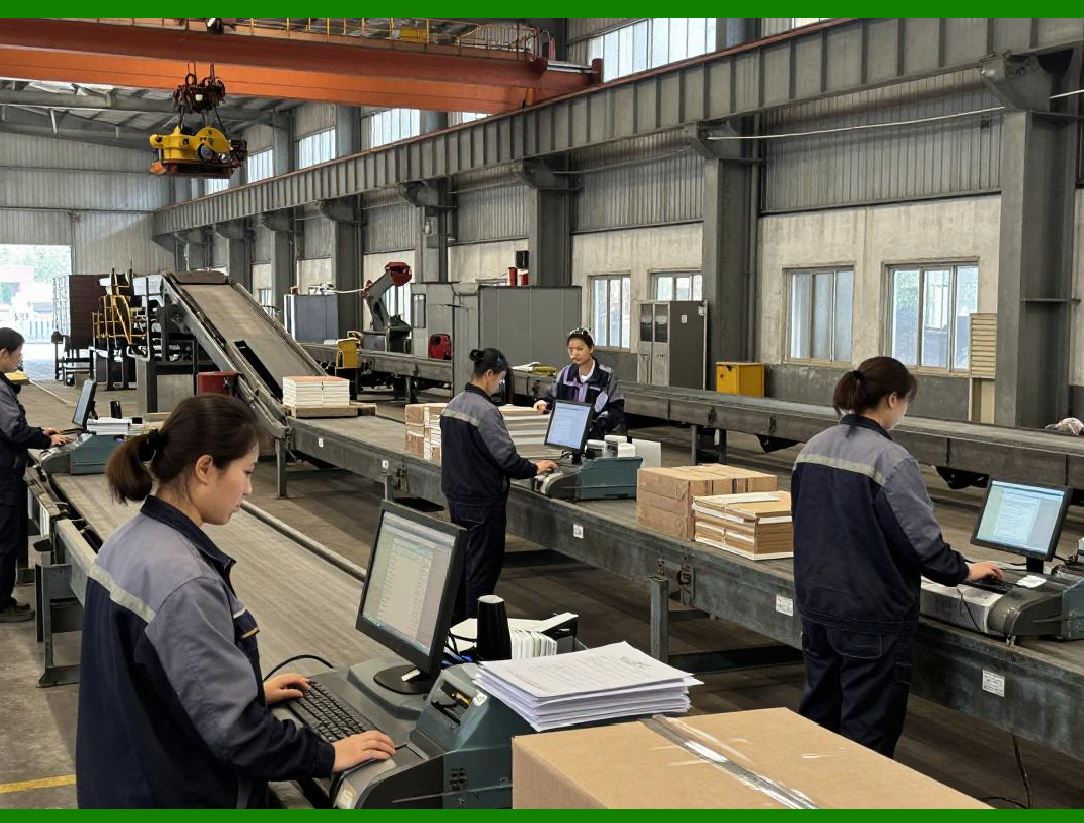
Barcode scanning improves picking accuracy. |
6.3.2 |
ERP systems verify: |
* SKU correctness |
* Quantity accuracy |
* Order matching |
6.3.3 |
Barcode verification reduces shipment errors and customer complaints. |
|
7. Packing and Shipment Processing |
7.1 Packing Workflow Management |
7.1.1 |
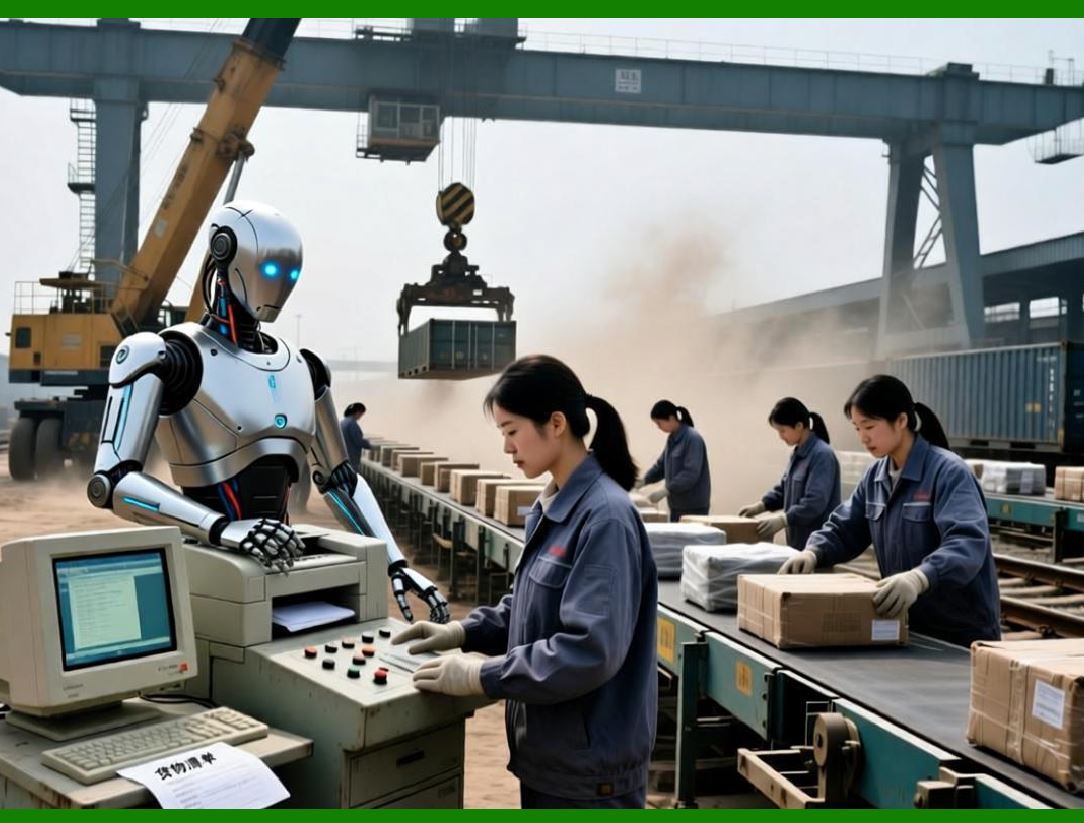
Packing operations prepare products for shipment. |
7.1.2 |
ERP systems support: |
* Carton selection |
* Shipping label generation |
* Packing verification |
* Packaging material tracking |
7.1.3 |
Standardized packing workflows improve operational consistency. |
|
7.2 Carrier Integration |
7.2.1 |
ERP systems integrate directly with logistics carriers. |
7.2.2 |
Integrated carriers may include: |
* UPS |
* FedEx |
* DHL |
* USPS |
* Regional delivery providers |
7.2.3 |
Carrier integration automates: |
* Shipping label generation |
* Tracking number assignment |
* Freight calculation |
7.2.4 |
Automated shipping coordination improves fulfillment speed. |

|
8. Logistics Management in Apparel ERP |
8.1 Transportation Coordination |
8.1.1 |
Apparel logistics involve complex transportation coordination. |
8.1.2 |
ERP systems manage: |
* Domestic shipping |
* International freight |
* Retail distribution |
* Store replenishment |
8.1.3 |
Transportation visibility improves delivery reliability. |

|
8.2 Shipment Tracking |
8.2.1 |
ERP systems track shipments throughout the delivery lifecycle. |
8.2.2 |
Tracked information may include: |
* Shipment status |
* Estimated delivery dates |
* Delivery confirmation |
* Delay alerts |
8.2.3 |
Shipment visibility improves customer communication and operational planning. |

|
9. Reverse Logistics and Return Management |
9.1 High Apparel Return Volumes |
9.1.1 |
The apparel industry experiences extremely high return rates. |
9.1.2 |
Returned products require: |
* Inspection |
* Repackaging |
* Quality verification |
* Inventory classification |
9.1.3 |
Reverse logistics operations are highly labor-intensive. |

|
9.2 ERP-Based Return Processing |
9.2.1 |
ERP systems automate return workflows. |
9.2.2 |
Functions include: |
* Return authorization |
* Return receipt tracking |
* Condition inspection |
* Refund processing |
* Restocking decisions |
9.2.3 |
Efficient return processing improves inventory recovery rates. |

|
10. Inventory Accuracy and Cycle Counting |
10.1 Inventory Accuracy Challenges |
10.1.1 |
Apparel warehouses frequently experience inventory discrepancies due to: |
* Picking mistakes |
* Misplaced products |
* Theft |
* Scanning errors |
* Return processing delays |
10.1.2 |
Inventory accuracy directly affects order fulfillment reliability. |

|
10.2 Cycle Counting Programs |
10.2.1 |
ERP systems support cycle counting workflows. |
10.2.2 |
Instead of shutting down warehouses for full inventory counts, enterprises perform continuous partial counts. |
10.2.3 |
Cycle counting improves: |
* Inventory accuracy |
* Operational continuity |
* Error detection |

|
11. Warehouse Labor Management |
11.1 Labor Productivity Monitoring |
11.1.1 |
Warehouse labor costs represent a significant operational expense. |
11.1.2 |
ERP systems monitor: |
* Picking productivity |
* Packing speed |
* Receiving efficiency |
* Error rates |
11.1.3 |
Performance analytics support workforce optimization. |

|
11.2 Workforce Scheduling |
11.2.1 |
ERP systems help schedule warehouse labor according to: |
* Order volumes |
* Seasonal demand |
* Promotional events |
11.2.2 |
Accurate labor planning improves operational efficiency and reduces overtime costs. |
|
12. Automation and Smart Warehousing |
12.1 Warehouse Automation Technologies |
12.1.1 |
Modern apparel warehouses increasingly adopt automation technologies. |
12.1.2 |
Examples include: |
* Conveyor systems |
* Automated sorting systems |
* Robotic picking systems |
* Automated storage systems |
12.1.3 |
ERP systems coordinate these technologies through centralized control platforms. |

|
12.2 RFID Integration |
12.2.1 |
RFID technology is becoming increasingly important in apparel warehousing. |
12.2.2 |
RFID enables: |
* Rapid inventory counting |
* Real-time location tracking |
* Automated receiving |
* Theft reduction |
12.2.3 |
ERP systems integrate RFID data into inventory management workflows. |

|
13. Omni-Channel Fulfillment |
13.1 Ship-from-Store Operations |
13.1.1 |
Many apparel retailers use stores as fulfillment centers. |
13.1.2 |
ERP systems allocate online orders to stores with available inventory. |
13.1.3 |
Ship-from-store models improve: |
* Delivery speed |
* Inventory utilization |
* Customer convenience |
|
13.2 Click-and-Collect Services |
13.2.1 |
ERP systems support buy-online-pickup-in-store operations. |
13.2.2 |
This requires: |
* Real-time inventory synchronization |
* Reservation management |
* Store pickup coordination |
13.2.3 |
Click-and-collect services improve omni-channel customer experiences. |
|
14. AI and Future Trends in Apparel Warehousing |
14.1 AI-Driven Warehouse Optimization |
14.1.1 |
AI technologies increasingly improve warehouse efficiency. |
14.1.2 |
AI applications include: |
* Picking route optimization |
* Labor forecasting |
* Inventory placement optimization |
* Demand prediction |
14.1.3 |
AI-driven optimization improves operational productivity. |
|
14.2 Autonomous Logistics Systems |
14.2.1 |
Future apparel warehouses may adopt: |
* Autonomous robots |
* Automated guided vehicles |
* AI-driven sorting systems |
14.2.2 |
ERP systems will function as the centralized coordination layer for these intelligent logistics environments. |
|
Technical Content Summary of Part 9 |
This part explored warehouse management and logistics coordination within apparel ERP systems. It explained the highly dynamic nature of apparel warehouse operations and discussed challenges involving SKU complexity, fast inventory turnover, omni-channel fulfillment, and e-commerce order processing. |
The discussion covered warehouse structure management, receiving workflows, ASN integration, dynamic storage assignment, hanging garment management, order picking optimization, barcode verification, carrier integration, transportation coordination, shipment tracking, reverse logistics, inventory accuracy control, warehouse labor management, automation technologies, RFID integration, and omni-channel fulfillment models such as ship-from-store and click-and-collect services. The part also examined future trends involving AI-driven warehouse optimization and autonomous logistics systems. |
These warehouse and logistics capabilities are essential for maintaining operational speed, inventory accuracy, customer satisfaction, and fulfillment efficiency in modern apparel enterprises. |
|
URLs for reference: |
* [https://www.sap.com/](https://www.sap.com/) |
* [https://www.oracle.com/](https://www.oracle.com/) |
* [https://www.infor.com/](https://www.infor.com/) |
* [https://www.microsoft.com/](https://www.microsoft.com/) |
* [https://www.netsuite.com/](https://www.netsuite.com/) |
 cs@easiersoft.com