Part 1: Core Pain Points and ERP Entry Points in Automotive Manufacturing | 1.1 Complexity of Product Variants | Automotive manufacturing is characterized by high product complexity and a wide range of variants for each vehicle model. This complexity arises from differing engine types, interior options, infotainment systems, safety packages, and regional compliance standards. Without an integrated ERP system, managing these variants becomes cumbersome, leading to delays in production planning, incorrect parts allocation, and increased inventory costs. ERP systems enter as a critical solution by providing structured Bill of Materials (BOM) management, variant configuration capabilities, and automated rules for option compatibility. By centralizing the product definition, ERP ensures that production orders are consistent with the actual customer orders, reducing errors and rework. | 
| 1.2 Supply Chain Volatility and Material Shortages | The automotive supply chain often involves multiple tiers of suppliers delivering thousands of components. Variations in demand, supplier lead times, and logistics disruptions can create frequent material shortages. ERP systems serve as entry points by integrating procurement, inventory management, and supplier collaboration functions. Real-time material availability checks, automated reorder points, and forecast-driven procurement allow manufacturers to maintain production continuity and reduce the risk of stockouts. ERP also facilitates supply chain visibility across multiple plants and supplier networks, enabling proactive interventions. | 
| 1.3 Production Scheduling Challenges | Automobile production often operates in mixed-model assembly lines with limited flexibility for sudden changes. Traditional scheduling methods struggle with optimizing line balancing, sequencing, and minimizing downtime due to machine maintenance or changeovers. ERP systems address this pain point through advanced production scheduling modules. These modules consider resource availability, work center capacity, labor allocation, and material readiness to generate optimized production plans. ERP-driven scheduling reduces bottlenecks, increases throughput, and allows real-time adjustments in response to demand fluctuations or unplanned downtime. | 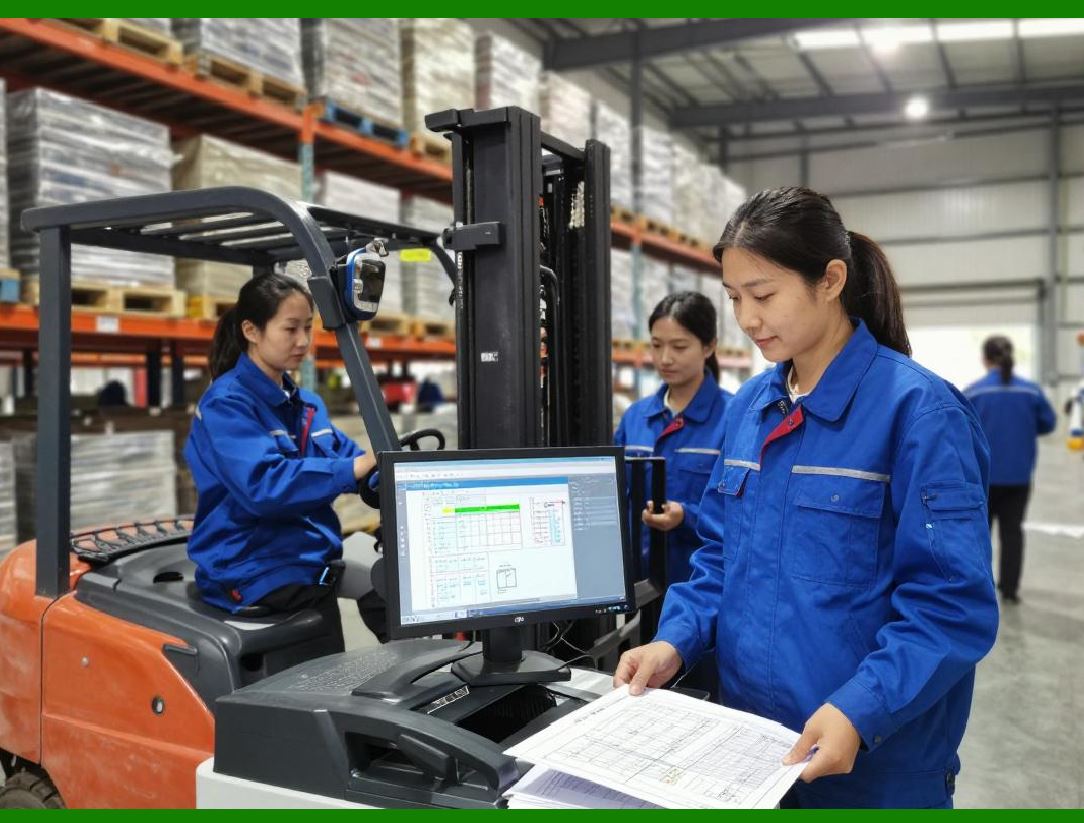
| 1.4 Quality Control and Traceability | Automotive manufacturers face strict quality and regulatory requirements. Every component must meet safety standards, and recalls require accurate traceability of affected parts. ERP systems provide core entry points for quality management, including inspection scheduling, defect logging, corrective action tracking, and batch-level traceability. By linking quality records with production and inventory data, ERP enables rapid identification of affected vehicles and components, supports compliance reporting, and minimizes the impact of recalls. | 
| 1.5 Financial and Cost Management Pain Points | In automotive manufacturing, cost management is complicated due to fluctuating material prices, labor costs, and overhead allocation across multiple product lines. Without integrated financial tracking, managers cannot accurately assess production profitability or plan budgets effectively. ERP systems integrate cost accounting, production costing, and financial reporting, enabling real-time visibility into costs at the component, assembly, or vehicle level. This integration allows automotive companies to monitor profitability per model or variant and make informed pricing and production decisions. | 
| 1.6 Customer Demand Volatility and Order Customization | Automotive manufacturers face increasingly dynamic customer demand, with buyers expecting personalized configurations. The variability in customer orders challenges traditional production planning. ERP systems provide entry points through sales order management and configuration engines that translate custom orders into feasible production plans. By linking customer orders with production scheduling, material requirements, and supplier commitments, ERP ensures that the end product aligns with customer expectations while optimizing internal resources. | 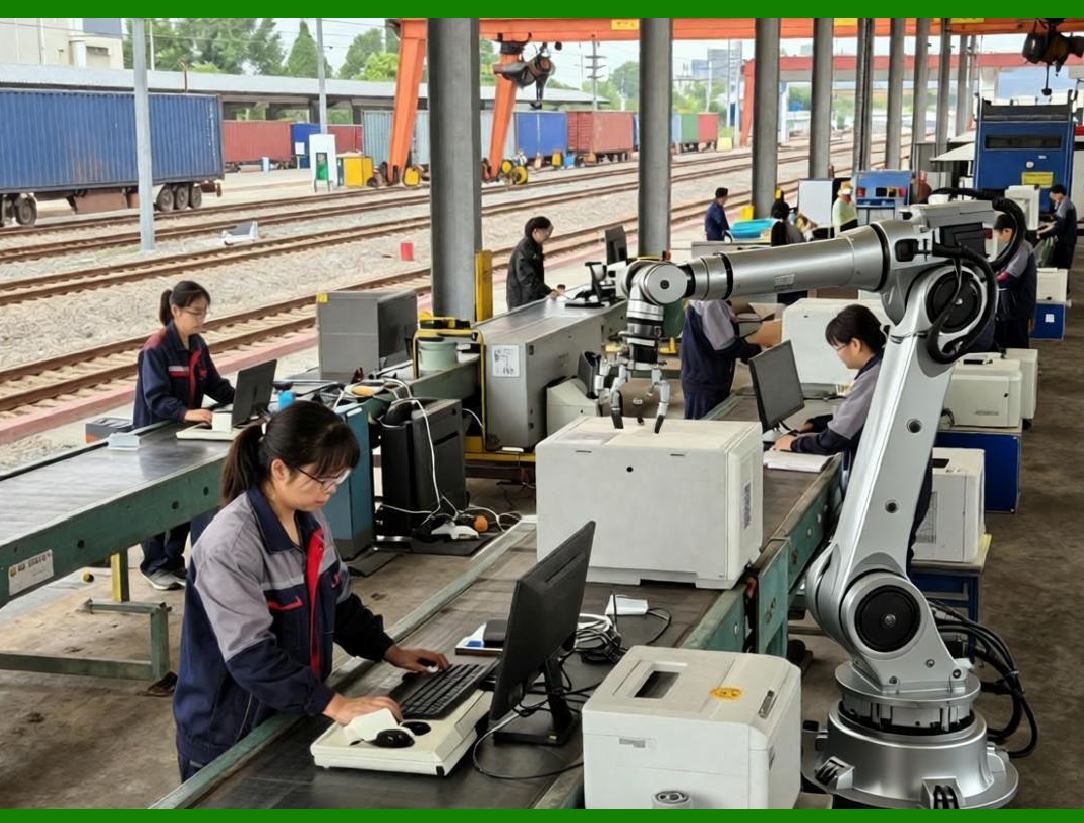
| 1.7 Regulatory Compliance and Reporting Requirements | Automotive manufacturing is subject to multiple regulatory standards, including environmental compliance, safety certifications, and local taxation rules. Manual compliance tracking is inefficient and error-prone. ERP systems centralize regulatory data, automate compliance reporting, and provide audit trails for components and processes. This reduces administrative burden, ensures timely reporting, and supports regulatory inspections without disrupting operations. | 
| Technical Content Summary for Part 1: | This part examined the core pain points in automotive manufacturing that justify ERP implementation. Key challenges include managing complex product variants, mitigating supply chain volatility, optimizing production schedules, ensuring quality control and traceability, integrating financial and cost management, handling customer demand variability, and meeting regulatory requirements. ERP systems provide entry points in each area through modules for BOM management, procurement, production scheduling, quality management, financial tracking, sales order integration, and compliance automation. By addressing these pain points, ERP enables automotive manufacturers to enhance operational efficiency, reduce errors, and respond flexibly to market and regulatory demands. |
|
 cs@easiersoft.com