Part 12: Supplier Collaboration Process Forecast Release Kanban Pull Receiving and Quality Inspection Reconciliation and Settlement |
12.1 Introduction |
Supplier collaboration is one of the most critical pillars of automotive manufacturing. Modern vehicle production depends on a deeply interconnected supplier ecosystem that can include hundreds or even thousands of tiered suppliers across different regions. These suppliers provide everything from raw materials and standard fasteners to highly specialized components such as electronic control units, battery modules, and safety systems. |
ERP systems act as the coordination backbone of this ecosystem. They synchronize demand signals, manage material flows, ensure quality compliance, and handle financial settlement. When combined with barcode tracking, EDI communication, and automotive-specific planning mechanisms such as Kanban and Just-In-Time (JIT), supplier collaboration becomes a highly structured, real-time digital process. |
This section breaks the supplier collaboration lifecycle into four core stages: forecast release, Kanban pull execution, receiving and quality inspection, and financial reconciliation. |

|
12.2 Forecast Release (Demand Signal Communication) |
12.2.1 Long-Term Forecast Generation |
ERP systems generate long-term forecasts based on: |
* Sales orders |
* Dealer demand signals |
* Historical consumption patterns |
* Market trend analysis |
* Production capacity planning |
These forecasts typically span weeks to months and provide suppliers with visibility into expected demand volumes. |

|
12.2.2 Medium-Term Scheduling |
In addition to long-term forecasts, ERP systems generate medium-term production schedules that refine demand into actionable plans. |
These include: |
* Weekly production requirements |
* Component-level demand breakdowns |
* Plant-specific supply requirements |
Suppliers use this information for production planning and raw material procurement. |

|
12.2.3 Short-Term Call-Off Signals |
Short-term demand signals are highly precise and often executed daily or hourly. |
ERP systems transmit: |
* Exact quantities required |
* Exact delivery dates and times |
* Sequence requirements (for JIS components) |
These signals ensure that suppliers deliver exactly what is needed, when it is needed. |

|
12.2.4 EDI-Based Forecast Distribution |
Most automotive ERP systems use Electronic Data Interchange (EDI) to transmit forecasts. |
Benefits include: |
* Standardized data formats |
* Reduced manual communication errors |
* Faster response times |
* Automated supplier system integration |
Suppliers receive structured digital messages directly into their systems. |

|
12.3 Kanban Pull Execution (Just-In-Time Replenishment) |
12.3.1 Kanban System Overview |
Kanban is a pull-based replenishment system widely used in automotive manufacturing. |
Instead of pushing materials based on forecasts alone, Kanban triggers replenishment based on actual consumption. |
ERP systems integrate Kanban logic into digital workflows. |
12.3.2 Consumption-Based Triggering |
When materials are consumed on the production line: |
* Barcode scanning records usage |
* Inventory levels are updated in real time |
* Threshold rules are evaluated |
Once inventory falls below a defined level, a Kanban signal is triggered automatically. |

|
12.3.3 Automated Replenishment Orders |
ERP systems convert Kanban signals into: |
* Purchase requisitions |
* Supplier call-off orders |
* Delivery instructions |
These are transmitted automatically to suppliers. |
12.3.4 Cycle Optimization |
Kanban loops are continuously optimized based on: |
* Consumption rates |
* Supplier lead times |
* Transportation schedules |
This ensures minimal inventory while avoiding stockouts. |

|
12.4 Receiving and Quality Inspection |
12.4.1 Goods Receipt Processing |
When supplier deliveries arrive at the plant: |
* Barcodes on packaging or containers are scanned |
* ERP verifies purchase order matching |
* Quantity and delivery timing are confirmed |
The system immediately updates inventory records. |
12.4.2 Batch and Lot Traceability |
Each delivered component is linked to: |
* Supplier ID |
* Production batch number |
* Manufacturing date |
* Delivery batch ID |
This enables full traceability throughout the vehicle lifecycle. |

|
12.4.3 Incoming Quality Inspection |
ERP systems automatically determine inspection requirements based on: |
* Supplier performance history |
* Component criticality |
* Regulatory requirements |
Inspection processes include: |
* Sampling inspection |
* Full inspection for critical parts |
* Automated test result recording |
12.4.4 Defect Handling and Non-Conformance Management |
If defects are detected: |
* ERP creates a non-conformance report (NCR) |
* Supplier is notified immediately |
* Materials may be quarantined or returned |
* Corrective actions are tracked |
This ensures strict quality control across the supply chain. |

|
12.5 Inventory Integration and Line Feeding |
12.5.1 Warehouse Integration |
After inspection approval: |
* Materials are stored in designated warehouse locations |
* Barcode scanning updates location data |
* Inventory becomes available for production allocation |
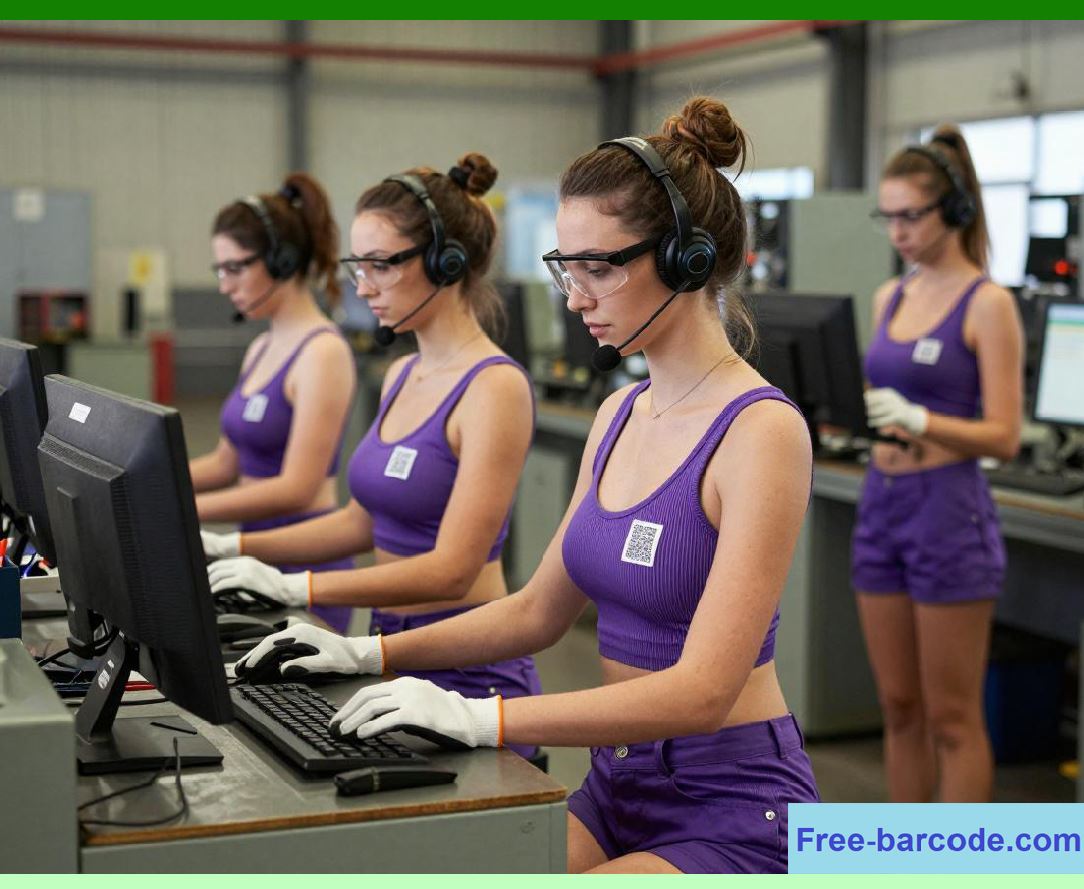
12.5.2 Line-Side Delivery |
ERP systems coordinate delivery to production lines based on: |
* Real-time consumption rates |
* Production sequencing |
* JIT/JIS requirements |
Materials are delivered directly to assembly points. |
|
12.5.3 Sequence Verification via Barcode |
For JIS components: |
* Each part is scanned before line delivery |
* ERP verifies correct sequence alignment |
* Errors trigger immediate alerts |
This prevents assembly mismatches. |

|
12.6 Supplier Performance Management |
12.6.1 Key Performance Indicators (KPIs) |
ERP systems continuously track supplier performance metrics such as: |
* On-time delivery rate |
* Quality rejection rate |
* Responsiveness to demand changes |
* Lead time adherence |
* Cost stability |
12.6.2 Performance Scorecards |
Suppliers are evaluated through automated scorecards generated by ERP. |
These scorecards support: |
* Supplier ranking |
* Contract renegotiation |
* Supplier development programs |

|
12.6.3 Continuous Improvement Collaboration |
ERP systems enable structured improvement processes: |
* Root cause analysis of defects |
* Corrective action tracking |
* Joint process optimization initiatives |
This strengthens long-term supplier relationships. |

|
12.7 Financial Reconciliation Process |
12.7.1 Purchase Order Matching |
ERP systems automatically match: |
* Purchase orders |
* Goods receipts |
* Supplier invoices |
This ensures financial consistency. |
12.7.2 Invoice Verification |
Invoices are verified against: |
* Delivered quantities |
* Contract pricing |
* Approved quality status |
Discrepancies trigger exception handling workflows. |

|
12.7.3 Payment Processing |
Once verified: |
* Payments are scheduled |
* Accounts payable is updated |
* Supplier financial records are adjusted |
ERP ensures timely and accurate payment execution. |
12.7.4 Cost Allocation |
Material costs are allocated to: |
* Individual vehicles |
* Production batches |
* Cost centers |
This enables accurate profitability analysis. |

|
12.8 Integration of Barcode Technology in Supplier Collaboration |
Barcode systems play a critical role throughout supplier collaboration: |
* Receiving verification of shipments |
* Batch identification and traceability |
* Quality inspection recording |
* Warehouse location tracking |
* Production line feeding validation |
This ensures data accuracy and eliminates manual entry errors across the supply chain. |

|
12.9 End-to-End Supplier Collaboration Flow Summary |
The supplier collaboration lifecycle in ERP systems follows a structured flow: |
1. Forecast release and demand communication |
2. Kanban-based pull execution |
3. Supplier delivery and goods receipt |
4. Quality inspection and validation |
5. Warehouse storage and line feeding |
6. Supplier performance evaluation |
7. Financial reconciliation and payment |
Each step is digitally integrated, ensuring continuous synchronization between manufacturing demand and supplier supply. |

|
Technical Content Summary of Part 12 |
This part detailed the supplier collaboration process in automotive ERP systems, covering the full lifecycle from forecast release to financial settlement. ERP systems generate long-, medium-, and short-term demand signals and distribute them via EDI to suppliers. Kanban-based pull mechanisms enable real-time replenishment based on consumption, while barcode integration ensures precise receiving, inspection, and inventory control. Quality management processes handle defects and non-conformance, while supplier performance is continuously evaluated through automated KPIs and scorecards. Finally, ERP systems manage financial reconciliation through invoice matching, payment processing, and cost allocation. This tightly integrated digital ecosystem ensures high supply chain responsiveness, quality assurance, and cost efficiency in automotive manufacturing. |
 cs@easiersoft.com