ERP System Application in the Electronics Industry |
Part 1: Core Pain Points and ERP Entry Points in the Electronics Industry (I) |
Industry Characteristics, Management Challenges, and ERP Digital Transformation Foundations |
The electronics industry is one of the most complex manufacturing sectors in modern industrial systems. Compared with traditional industries such as furniture, food processing, textiles, and basic machinery manufacturing, electronics manufacturing exhibits characteristics including multi-level BOM structures, rapid product iteration, frequent engineering changes, numerous material categories, high quality traceability requirements, strong supply chain dependence, and significant fluctuations in customer demand. These characteristics make conventional manual management methods, spreadsheets, and isolated software systems increasingly inadequate for supporting enterprise growth. |
As electronics enterprises expand from small workshops to medium-sized factories and eventually to large-scale manufacturing groups, management complexity rises exponentially. ERP systems become not only management tools but also the central nervous system of enterprise operations. |

|
1. Characteristics of the Electronics Manufacturing Industry |
1.1 Large Variety of Materials |
A typical electronics product may contain hundreds or even thousands of components. |
Examples include: |
* Resistors |
* Capacitors |
* Inductors |
* Diodes |
* Transistors |
* IC chips |
* Connectors |
* Relays |
* Crystals |
* LCD modules |
* Plastic housings |
* Metal parts |
* Packaging materials |
For example: |
A simple industrial controller may contain: |
* 800 electronic components |
* 50 mechanical parts |
* 20 packaging materials |
Total material count: |
* More than 870 SKUs |
A medium-complexity communication product may exceed: |
* 3,000 SKUs |
Without ERP management: |
Procurement personnel often encounter: |
* Duplicate purchases |
* Missing purchases |
* Incorrect purchases |
* Expired materials |
Inventory personnel often experience: |
* Inventory discrepancies |
* Inaccurate stock records |
* Difficulty locating materials |
Production departments often suffer from: |
* Material shortages |
* Work stoppages |
* Delayed delivery |
ERP becomes the unified material management platform that resolves these issues. |

|
1.2 Extremely Complex BOM Structures |
The BOM (Bill of Materials) is the core data foundation of electronics manufacturing. |
Electronics industry BOM structures often include: |
Single-Level BOM |
Finished Product |
Components |
Multi-Level BOM |
Finished Product |
PCB Assembly |
Sub-Assembly |
Component |
Variant BOM |
Different customers may require: |
* Different firmware |
* Different labels |
* Different packaging |
* Different connectors |
Resulting in: |
* Multiple versions of the same product |
Engineering BOM |
Used by R&D. |
Manufacturing BOM |
Used by production. |
Service BOM |
Used by after-sales service. |
The coexistence of multiple BOM types greatly increases management complexity. |
Without ERP: |
Engineering data and production data often become disconnected. |
Consequences include: |
* Wrong materials issued |
* Production errors |
* Quality incidents |
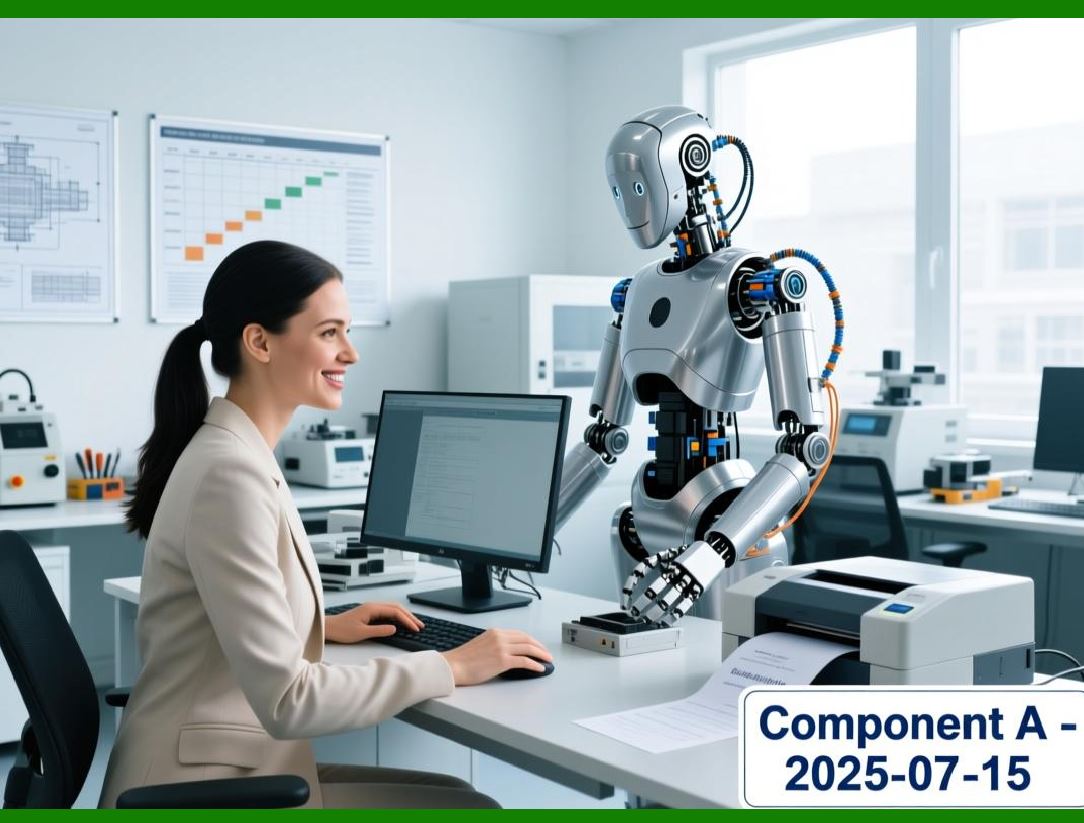
ERP establishes a unified BOM platform to ensure consistency. |
|
1.3 Frequent Engineering Changes |
Electronics products are updated very rapidly. |
Examples: |
* Chip substitution |
* PCB revision |
* Firmware upgrade |
* Packaging modification |
* Customer customization |
Some factories may process: |
* Hundreds of ECOs (Engineering Change Orders) |
* Every month |
Common challenges include: |
Change Notification Delays |
Engineering modifies BOM. |
Production still uses old version. |
Purchasing Lag |
Old materials continue to be purchased. |
Inventory Loss |
Old materials become obsolete. |
Shipment Errors |
Wrong product version reaches customers. |
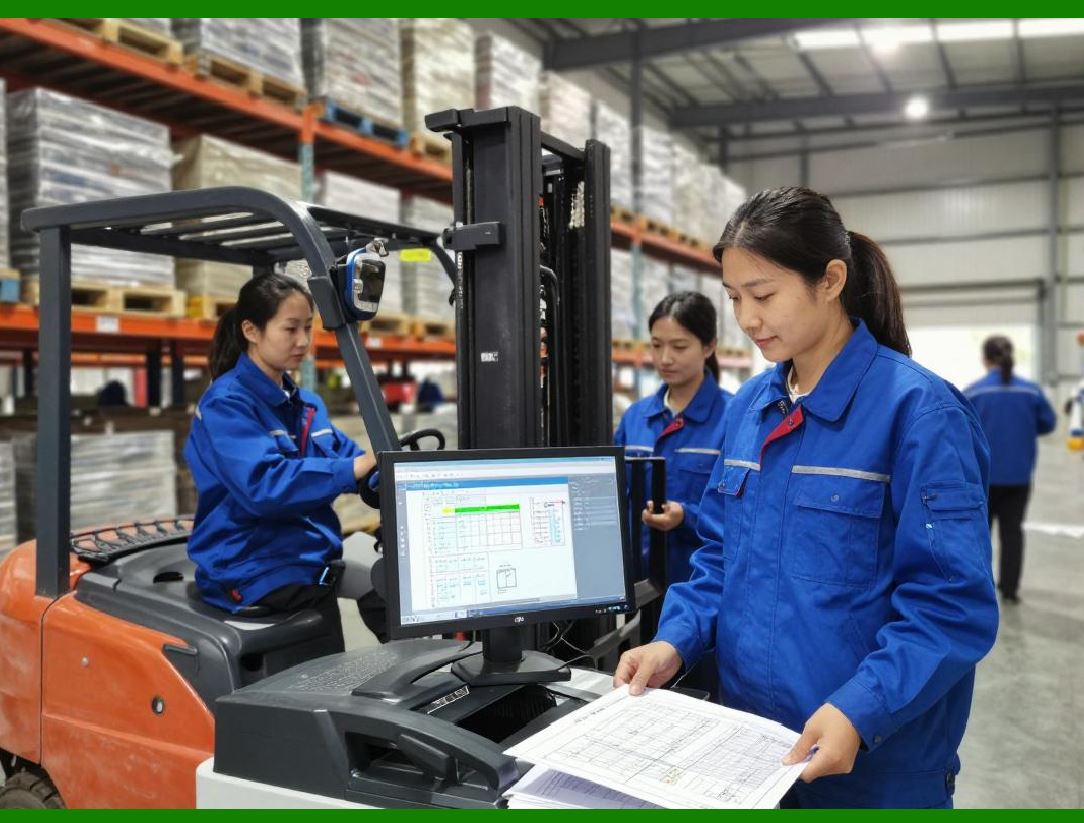
ERP introduces: |
* ECO management |
* Version control |
* Effective dates |
* Change approval workflow |
to reduce risks. |
|
1.4 Short Product Life Cycles |
Electronics industry products become obsolete quickly. |
Examples: |
Consumer electronics: |
* 6 to 18 months lifecycle |
Smart devices: |
* 12 to 24 months lifecycle |
Communication products: |
* 18 to 36 months lifecycle |
Challenges include: |
* Material obsolescence |
* Excess inventory |
* Forecasting difficulty |
ERP supports: |
* Demand forecasting |
* Inventory control |
* Product lifecycle management |
allowing enterprises to react faster. |

|
2. Core Management Pain Points in Electronics Manufacturing |
2.1 Material Shortage Problems |
Material shortages are among the most common issues. |
A production line may require: |
* 1,000 different components |
If one capacitor is missing: |
Entire production may stop. |
This phenomenon is often called: |
'One missing screw stops the whole machine.' |
Common causes: |
Inventory Inaccuracy |
System inventory differs from physical inventory. |
Delayed Purchasing |
Orders not placed in time. |
Supplier Delays |
Vendor delivery problems. |
Engineering Changes |
Materials become invalid. |
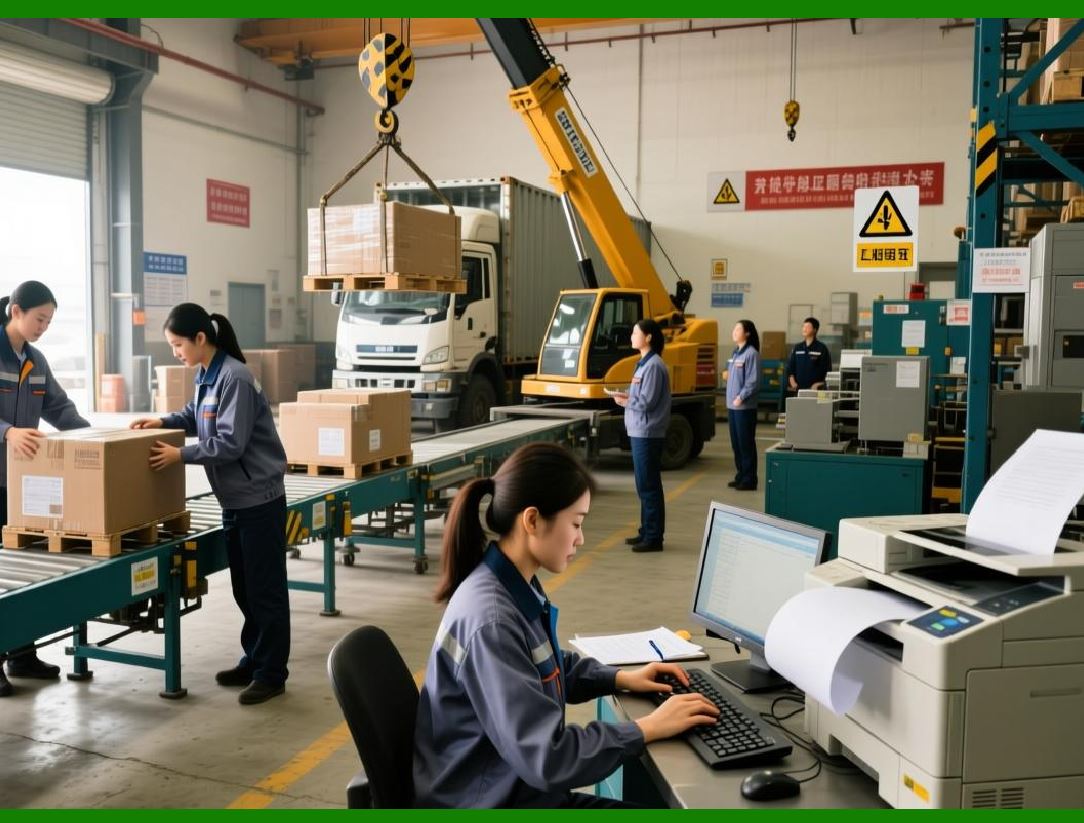
ERP addresses these through: |
* MRP planning |
* Safety stock |
* Purchase forecasting |
* Supplier collaboration |
|
2.2 Excess Inventory Problems |
While shortages occur, excessive inventory often exists simultaneously. |
This contradiction is very common. |
Examples: |
Warehouse inventory value: |
* $10 million |
Available inventory: |
* Only 60% |
Remaining inventory: |
* Slow-moving |
* Dead stock |
* Obsolete materials |
Consequences: |
* Capital occupation |
* Warehouse congestion |
* Inventory depreciation |
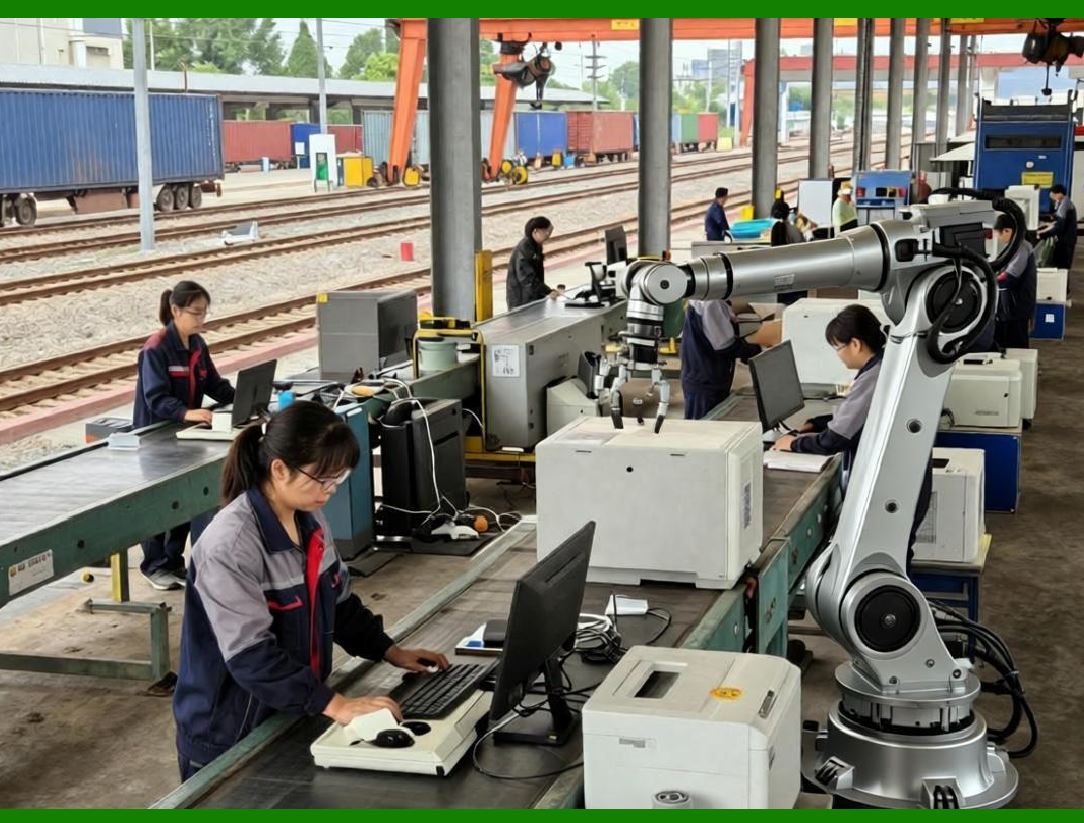
ERP provides: |
ABC Analysis |
High-value materials receive tighter control. |
Aging Analysis |
Identifies slow-moving inventory. |
Demand Forecasting |
Reduces over-purchasing. |
Inventory Alerts |
Prevents accumulation. |
|
2.3 Demand Volatility |
Electronics customers frequently adjust orders. |
Examples: |
Customer A: |
* Original order: 5,000 units |
Three days later: |
* Changed to 8,000 units |
One week later: |
* Reduced to 3,000 units |
These fluctuations affect: |
* Procurement |
* Production |
* Warehousing |
* Logistics |
ERP enables: |
* Rolling planning |
* Dynamic scheduling |
* ATP (Available to Promise) |
* Demand simulation |
to improve responsiveness. |

|
2.4 Multi-Department Data Isolation |
Many factories still operate through: |
* Excel |
* Email |
* Paper forms |
* WeChat communication |
* Independent software systems |
Consequences: |
Procurement Cannot See Real Demand |
Production Cannot See Material Status |
Sales Cannot See Capacity |
Finance Cannot See Actual Costs |
Each department becomes an information island. |
ERP establishes: |
* Unified database |
* Real-time data sharing |
* Cross-department collaboration |
creating enterprise-wide visibility. |

|
3. Why Traditional Management Methods Fail |
3.1 Spreadsheet Limitations |
At startup stage: |
Excel may be sufficient. |
When enterprise scale reaches: |
* 100 employees |
* 300 employees |
* 500 employees |
Excel becomes a bottleneck. |
Problems include: |
* Version confusion |
* Formula errors |
* Manual updates |
* Lack of traceability |
The larger the organization grows, the more severe these issues become. |

|
3.2 Human Dependency |
Many factories depend heavily on: |
* Experienced planners |
* Senior purchasers |
* Warehouse veterans |
These individuals hold critical knowledge. |
Risks include: |
Employee Resignation |
Knowledge disappears. |
Vacation |
Operations slow down. |
Human Error |
Incorrect decisions occur. |
ERP transforms: |
'People-driven management' |
into |
'System-driven management.' |

|
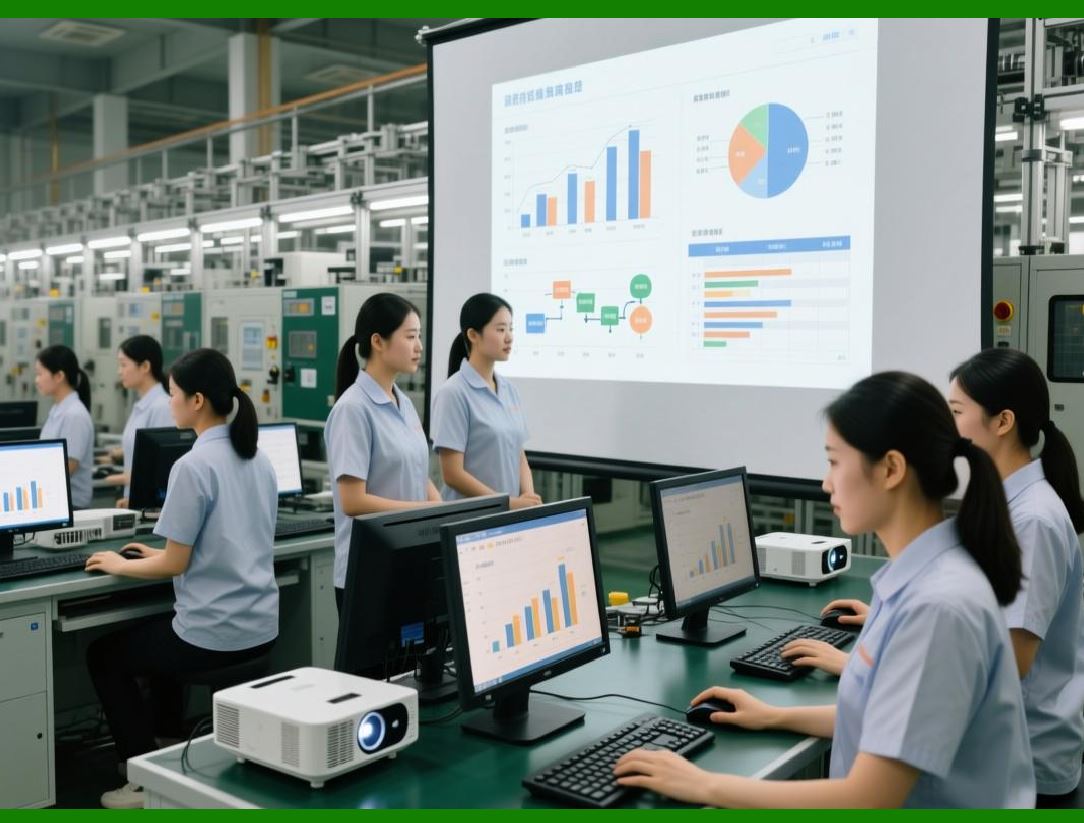
3.3 Delayed Decision-Making |
Management often receives reports: |
* Daily |
* Weekly |
* Monthly |
When problems appear: |
The actual issue may have occurred: |
* Days ago |
* Weeks ago |
ERP enables: |
Real-time visibility of: |
* Inventory |
* Production |
* Procurement |
* Sales |
* Costs |
thus shortening decision cycles dramatically. |
|
4. ERP Entry Point No.1: Master Data Standardization |
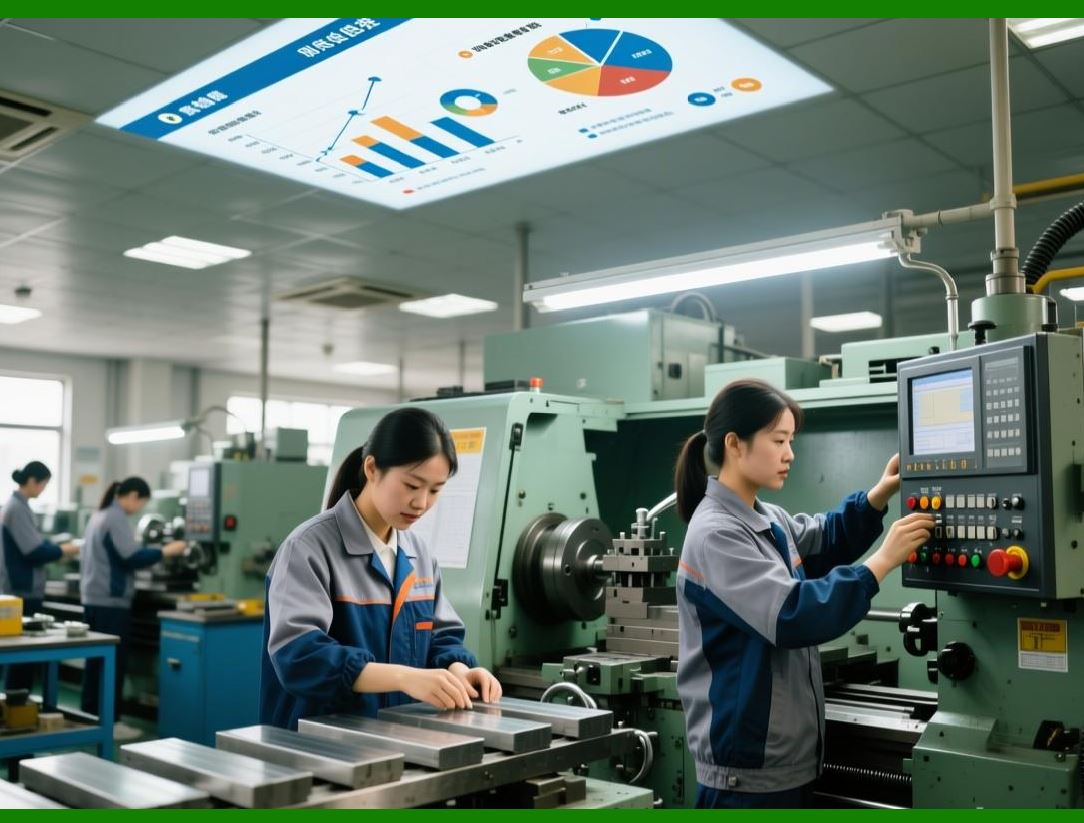
Many ERP projects fail because foundational data is poor. |
The first step is not software installation. |
The first step is: |
Master data governance. |
Key areas include: |
Material Coding |
Every material receives a unique code. |
Supplier Coding |
Standardized supplier database. |
Customer Coding |
Unified customer records. |
Product Coding |
Unique product identification. |
BOM Standardization |
Unified engineering structure. |
Without standardized data: |
ERP cannot function effectively. |
|
5. ERP Entry Point No.2: Material Management |
Material management is usually the first operational module deployed. |
Objectives: |
Inventory Visibility |
Know exact stock levels. |
Warehouse Standardization |
Unified receiving and issuing process. |
Batch Management |
Track material movement. |
Traceability Foundation |
Prepare for quality tracking. |
Benefits appear quickly: |
* Reduced shortages |
* Reduced excess inventory |
* Improved inventory accuracy |
* Faster warehouse operations |
These early successes often build confidence for broader ERP implementation. |

|
Technical Content Summary of Part 1 |
This part introduced the fundamental characteristics of the electronics manufacturing industry and explained why ERP systems are essential for modern electronics enterprises. |
Key technical points covered include: |
1. The electronics industry manages extremely large numbers of materials, often ranging from hundreds to thousands of SKUs per product. |
2. BOM structures are highly complex, involving multi-level BOMs, engineering BOMs, manufacturing BOMs, service BOMs, and product variants. |
3. Engineering changes occur frequently, requiring structured ECO management, version control, approval workflows, and effective-date management. |
4. Product life cycles are short, creating challenges in forecasting, inventory control, and obsolescence management. |
5. Core operational pain points include material shortages, excessive inventory, demand volatility, and departmental information silos. |
6. Traditional management methods based on spreadsheets, manual experience, and disconnected systems become ineffective as enterprise scale increases. |
7. ERP implementation in electronics manufacturing should begin with master data standardization, including material coding, product coding, customer records, supplier records, and BOM governance. |
8. Material management is often the first ERP operational module implemented because it produces immediate improvements in inventory visibility, warehouse control, and production support. |

|
In Part 2, we will continue exploring the remaining core pain points of electronics manufacturing and examine additional ERP entry points including production management, procurement collaboration, quality management, and enterprise-wide data integration. |
 cs@easiersoft.com