ERP System Application in the Electronics Industry |
Part 10: Refinements in Production Scheduling and E-Commerce Order Integration (I) |
Advanced Production Scheduling (APS), Capacity Planning, and Mixed-Model Manufacturing |
In Part 9, we examined practical ERP application scenarios across order management, production, quality control, repair operations, compliance management, and executive decision support. |
As electronics manufacturing becomes increasingly customer-driven and market-responsive, traditional production planning approaches are no longer sufficient. Modern electronics manufacturers must simultaneously cope with: |
* Frequent order changes |
* Small-batch customization |
* Multi-product production lines |
* E-commerce order fluctuations |
* Short delivery cycles |
* Global supply chain uncertainties |
As a result, production scheduling has evolved from simple planning into a sophisticated optimization discipline. |
This chapter begins a detailed exploration of production scheduling refinement and advanced planning technologies within electronics ERP systems. |

|
68. Why Traditional Production Scheduling Fails in Electronics Manufacturing |
68.1 The Limitations of Spreadsheet-Based Scheduling |
Many factories initially rely on: |
* Excel spreadsheets |
* Whiteboards |
* Manual planning |
These methods may work when: |
* Product varieties are limited |
* Production volume is small |
* Customer demand is stable |
However, as complexity increases: |
Scheduling becomes increasingly difficult. |
Common problems include: |
Capacity Overloading |
Too many orders assigned to a single production line. |
Material Mismatches |
Production plans created before material availability is confirmed. |
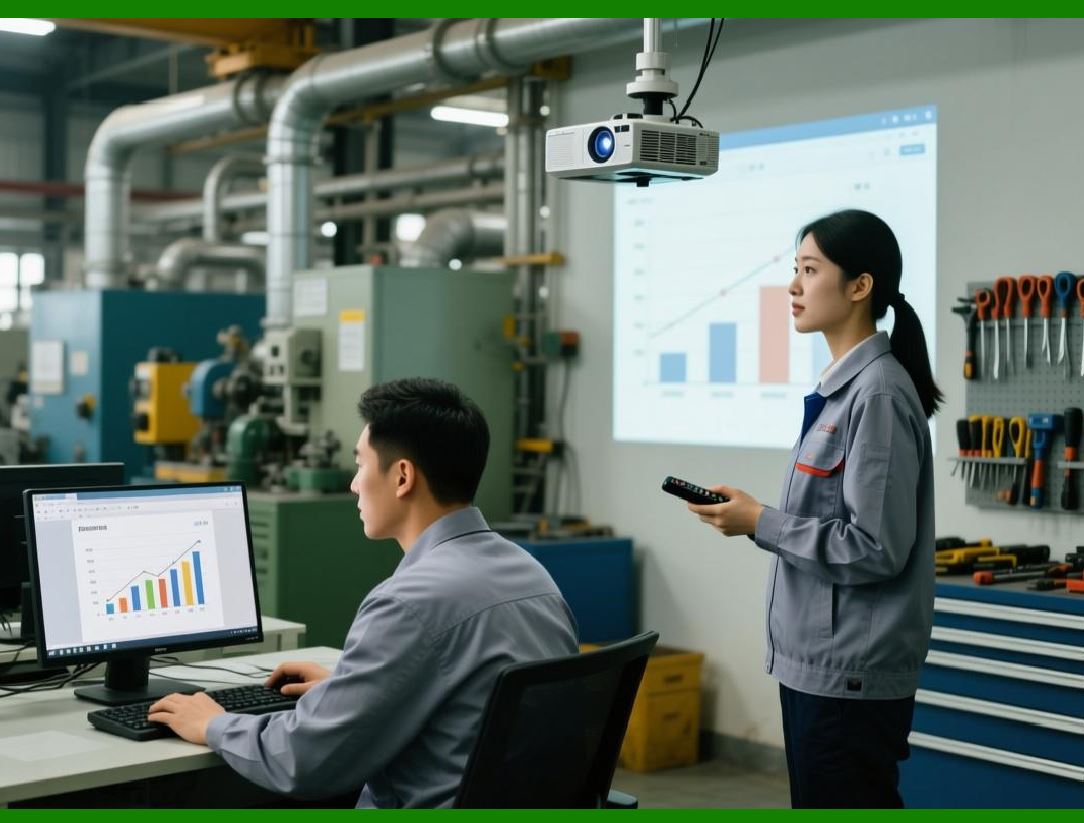
Frequent Rescheduling |
Customer changes force planners to repeatedly rebuild schedules. |
Poor Visibility |
Managers cannot see the overall production picture. |
ERP addresses these limitations through structured scheduling mechanisms. |
|
68.2 Complexity of Electronics Manufacturing Scheduling |
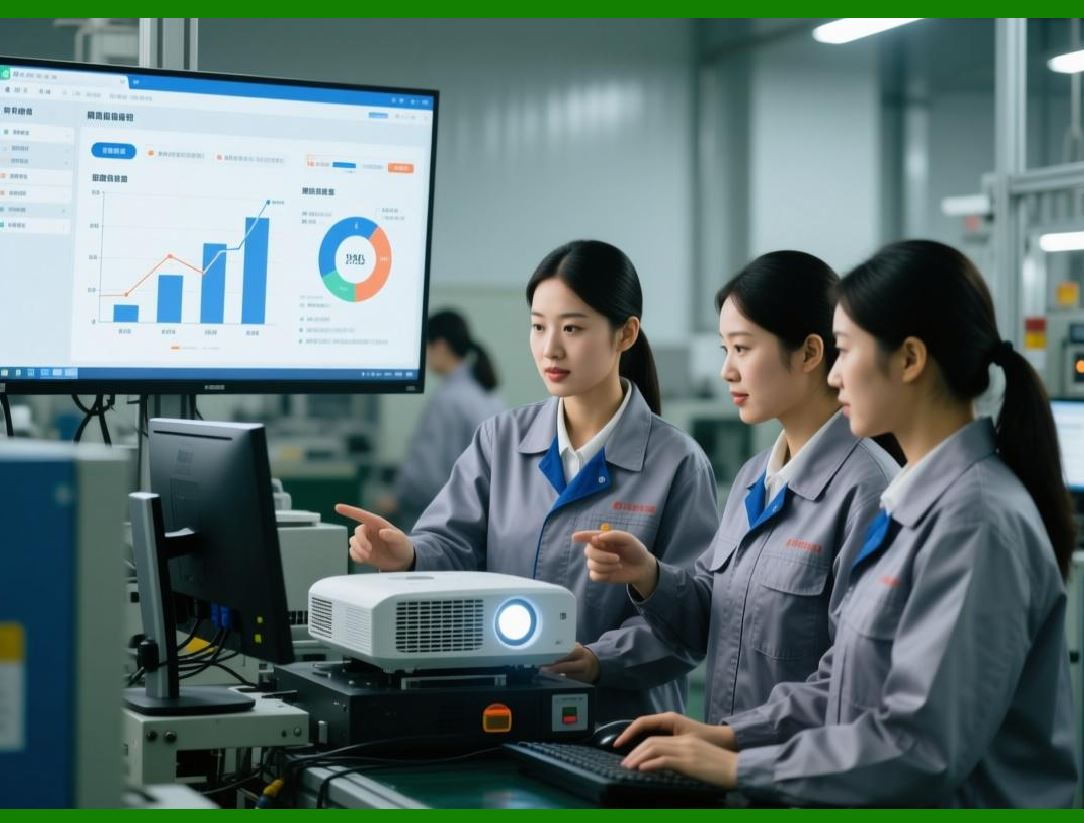
Unlike many industries, electronics production involves multiple interconnected processes. |
Examples: |
* SMT |
* DIP |
* Wave soldering |
* Functional testing |
* Burn-in testing |
* Final assembly |
* Packaging |
Each process has: |
* Different capacities |
* Different cycle times |
* Different constraints |
A delay in one stage affects downstream operations. |
ERP scheduling engines consider these dependencies automatically. |
|
68.3 Dynamic Customer Requirements |
Electronics customers frequently request: |
Delivery Date Changes |
Quantity Adjustments |
Product Configuration Changes |
Priority Modifications |
Manual scheduling struggles to respond quickly. |
ERP supports rapid schedule recalculation. |

|
69. Advanced Planning and Scheduling (APS) Concepts |
69.1 What Is APS |
APS stands for: |
Advanced Planning and Scheduling. |
APS extends traditional ERP planning capabilities by introducing: |
* Capacity simulation |
* Constraint-based scheduling |
* Optimization algorithms |
* Scenario analysis |
APS transforms production planning from estimation into scientific optimization. |
69.2 Difference Between MRP and APS |
Traditional MRP answers: |
'What materials are required' |
APS answers: |
'When can production realistically occur' |
MRP focuses on: |
* Material planning |
APS focuses on: |
* Resource optimization |
Together they provide comprehensive planning capability. |
69.3 APS Planning Objectives |
Typical APS objectives include: |
Maximizing On-Time Delivery |
Minimizing Setup Time |
Balancing Workloads |
Reducing Inventory |
Improving Equipment Utilization |
ERP scheduling engines continuously evaluate these objectives. |

|
70. Finite Capacity Scheduling |
70.1 Infinite Capacity Scheduling Problems |
Traditional planning often assumes: |
Unlimited production capacity. |
This creates unrealistic schedules. |
Examples: |
* Ten days of work scheduled into five days |
* Multiple jobs assigned simultaneously to one machine |
Result: |
Production delays become inevitable. |
70.2 Finite Capacity Scheduling Principles |
ERP evaluates actual resource limitations. |
Examples: |
SMT Line Availability |
Testing Equipment Capacity |
Labor Resources |
Tooling Availability |
Production plans become achievable. |

|
70.3 Capacity Constraint Modeling |
ERP models constraints including: |
Machine Hours |
Operator Availability |
Maintenance Windows |
Material Availability |
Tool Change Requirements |
Schedules reflect real-world conditions. |
70.4 Benefits of Finite Scheduling |
Benefits include: |
* Improved delivery reliability |
* Reduced overtime |
* Better workload balance |
* Higher customer satisfaction |

|
71. Multi-Line Production Optimization |
71.1 Electronics Factories Often Operate Multiple Lines |
Examples: |
* SMT Line 1 |
* SMT Line 2 |
* SMT Line 3 |
* SMT Line 4 |
Each line may possess: |
* Different speed |
* Different capabilities |
* Different feeder capacity |
ERP must determine the optimal line assignment. |
71.2 Line Capability Matching |
Certain products may require: |
High-Speed Placement Machines |
Specialized BGA Equipment |
Precision Optical Inspection |
ERP matches products with suitable resources. |

|
71.3 Load Balancing |
ERP distributes work across lines. |
Objectives: |
Avoid Bottlenecks |
Minimize Idle Time |
Maximize Throughput |
Production efficiency improves significantly. |
71.4 Dynamic Reassignment |
When unexpected events occur: |
* Equipment breakdown |
* Material delay |
* Urgent order |
ERP automatically recommends alternative scheduling solutions. |

|
72. Mixed-Model Production Scheduling |
72.1 Growing Demand for Product Diversity |
Customers increasingly demand: |
* Product customization |
* Variant configurations |
* Regional versions |
As a result: |
Production lines frequently manufacture multiple products. |
72.2 Mixed-Model Manufacturing Challenges |
Challenges include: |
Frequent Changeovers |
Material Complexity |
Scheduling Conflicts |
Increased Error Risk |
ERP helps coordinate these activities. |

|
72.3 Product Family Scheduling |
ERP groups products with similar characteristics. |
Benefits: |
Reduced Setup Time |
Improved Efficiency |
Better Material Utilization |
This is particularly valuable in SMT environments. |
72.4 Sequence Optimization |
ERP determines the best production sequence. |
Objectives include: |
Reducing Feeder Changes |
Reducing Program Changes |
Reducing Material Handling |
These optimizations increase line productivity. |
|
73. Setup Time Optimization |
73.1 Importance of Setup Time |
In electronics manufacturing: |
Setup activities include: |
* Feeder loading |
* Program loading |
* Stencil replacement |
* Material preparation |
Setup time directly affects productivity. |
73.2 ERP Setup Modeling |
ERP stores: |
Setup Standards |
Product Changeover Rules |
Equipment Configuration Requirements |
This enables accurate planning. |
73.3 Group Scheduling |
Products with similar setups are grouped together. |
Benefits include: |
Reduced Changeovers |
Higher Throughput |
Lower Labor Requirements |
73.4 Continuous Improvement |
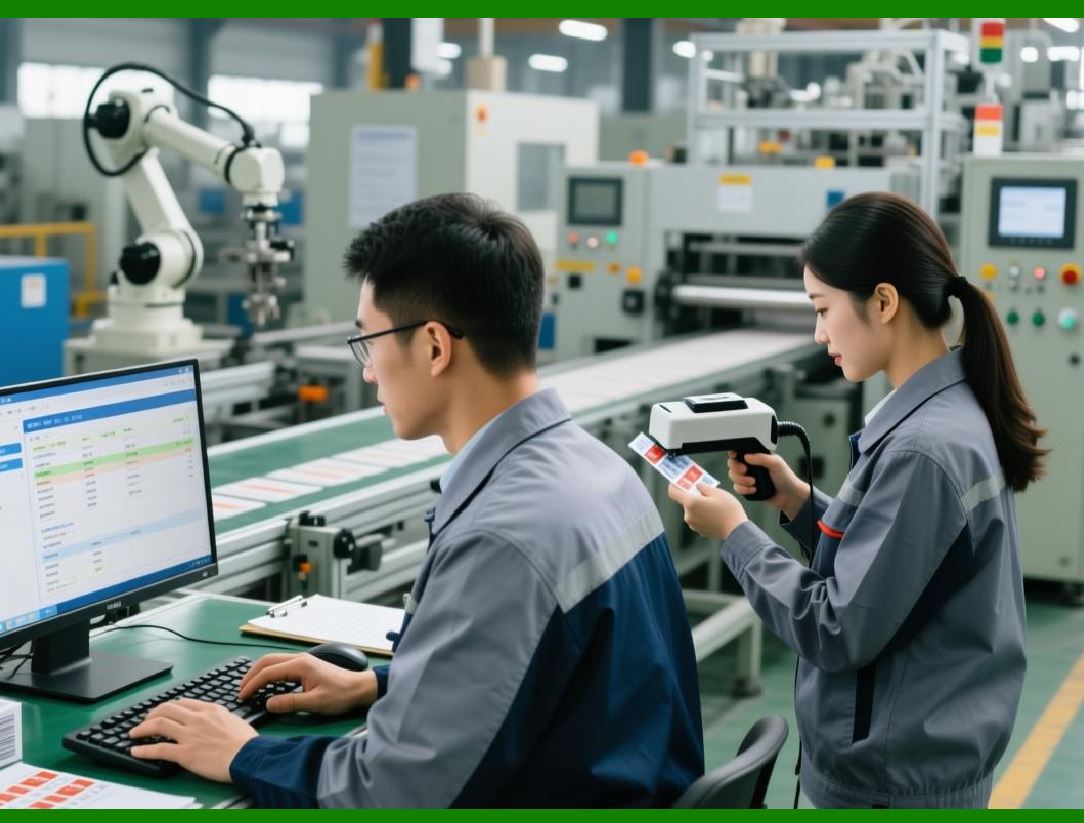
ERP tracks: |
Actual Setup Time |
Planned Setup Time |
Variance Analysis |
Management identifies improvement opportunities. |
|
74. Material-Constrained Scheduling |
74.1 Material Availability Is Critical |
A production schedule is meaningless if materials are unavailable. |
ERP validates: |
Inventory Availability |
Incoming Purchases |
Material Reservations |
Before releasing schedules. |
74.2 Shortage Simulation |
ERP identifies: |
Missing Components |
Risk Components |
Late Deliveries |
Schedules are adjusted accordingly. |
74.3 Priority Allocation |
When shortages occur: |
ERP allocates materials based on: |
Customer Priority |
Delivery Commitments |
Profitability |
Strategic Importance |
Management gains better control. |
74.4 Supply Chain Visibility |
ERP integrates: |
* Procurement data |
* Supplier commitments |
* Logistics information |
This improves planning accuracy. |
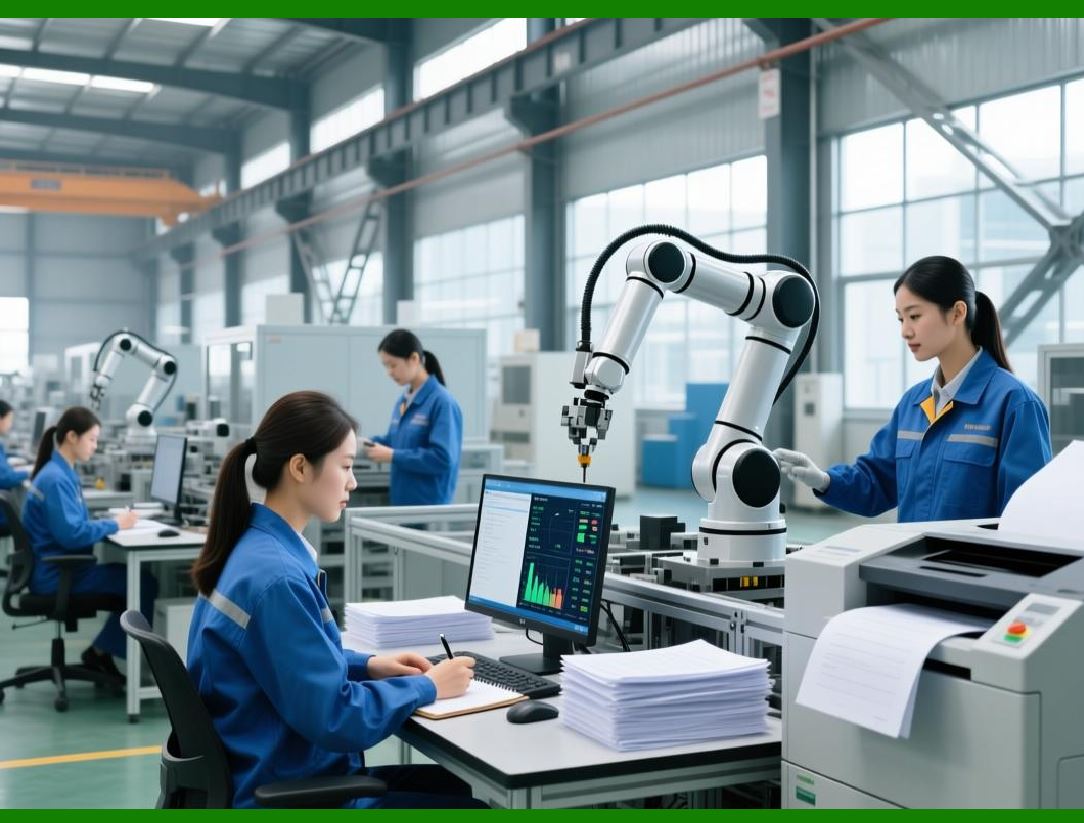
|
75. Production Scheduling KPI Management |
75.1 On-Time Delivery Rate |
One of the most important scheduling metrics. |
ERP calculates: |
Delivered Orders |
versus |
Planned Orders |
Management monitors performance continuously. |
75.2 Schedule Adherence |
Measures: |
Actual Production |
versus |
Planned Production |
High adherence indicates strong operational discipline. |
75.3 Capacity Utilization |
ERP tracks: |
Line Utilization |
Equipment Utilization |
Labor Utilization |
These metrics support optimization. |
75.4 Planning Stability |
Frequent schedule changes create disruption. |
ERP measures: |
Reschedule Frequency |
Schedule Volatility |
Emergency Order Impact |
These indicators help improve planning quality. |

|
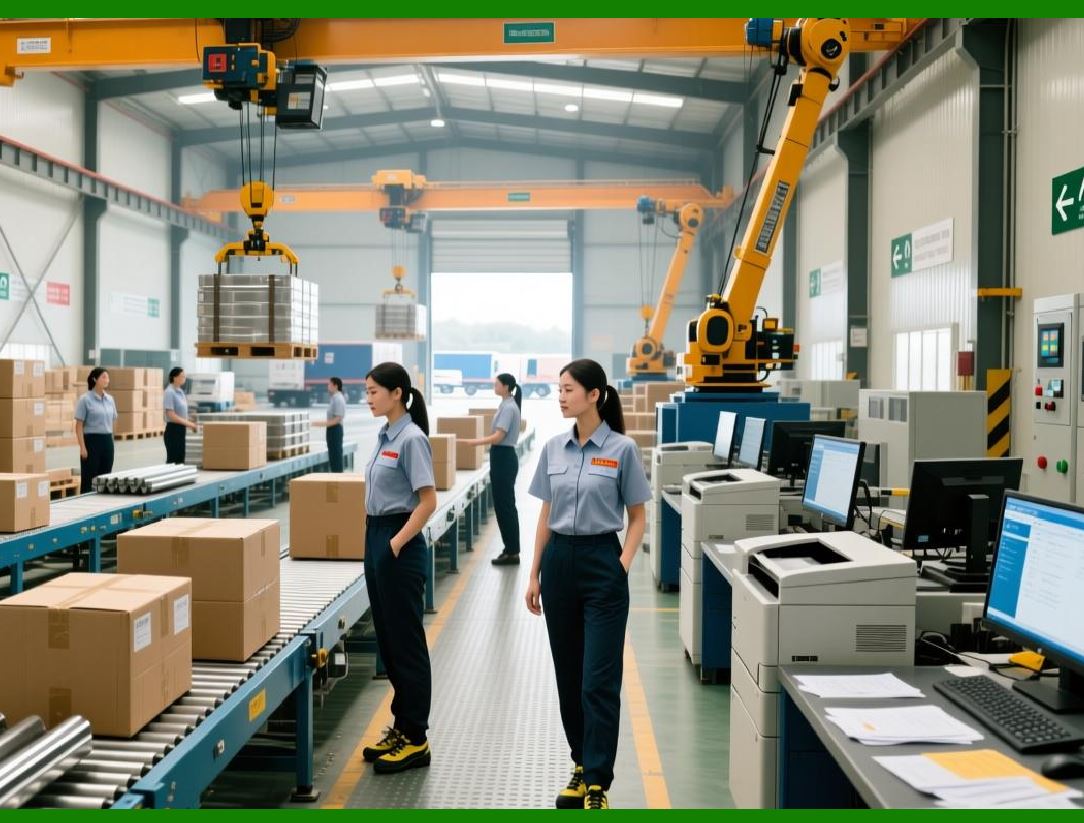
76. ERP Scheduling Integration with Manufacturing Execution |
76.1 Real-Time Production Feedback |
Production status updates automatically flow into ERP. |
Examples: |
* Work order completion |
* Material consumption |
* Equipment downtime |
Schedules remain current. |
76.2 Closed-Loop Planning |
ERP continuously compares: |
Planned Performance |
Actual Performance |
Schedules adjust dynamically. |
76.3 Predictive Scheduling |
Advanced systems use: |
* Historical data |
* Production trends |
* AI algorithms |
To predict future scheduling risks. |
76.4 Foundation for Smart Manufacturing |
Scheduling integration becomes a foundation for: |
* MES |
* Industrial IoT |
* AI optimization |
* Digital twin manufacturing |
ERP evolves into a strategic manufacturing platform. |
|
Technical Content Summary of Part 10 |
Part 10 introduced advanced production scheduling concepts and optimization techniques used in electronics ERP systems. |
Major technical topics covered include: |
1. Limitations of traditional spreadsheet-based scheduling and the increasing complexity of electronics manufacturing operations. |
2. APS (Advanced Planning and Scheduling) concepts, including capacity simulation, optimization algorithms, constraint-based planning, and scenario analysis. |
3. Finite capacity scheduling, which accounts for actual machine, labor, tooling, and material constraints. |
4. Multi-line production optimization through capability matching, load balancing, and dynamic reassignment. |
5. Mixed-model production scheduling to support high product variety, customization, and frequent changeovers. |
6. Setup time optimization using product grouping, changeover modeling, and continuous performance analysis. |
7. Material-constrained scheduling that integrates inventory availability, supplier commitments, and shortage simulation into planning decisions. |
8. Production scheduling KPI management, including on-time delivery, schedule adherence, capacity utilization, and planning stability. |
9. Real-time integration between ERP scheduling and manufacturing execution systems, creating closed-loop production control. |
10. The role of scheduling refinement as a foundation for MES integration, Industrial IoT deployment, AI-assisted planning, and smart factory development. |

|
In Part 11, we will continue with Production Scheduling Refinement and E-Commerce Order Integration, focusing on e-commerce platform integration, omnichannel order synchronization, online order processing automation, demand forecasting, and real-time order fulfillment strategies for electronics manufacturers. |
 cs@easiersoft.com