ERP System Application in the Electronics Industry |
Part 16: Integrated Application of Barcode Technology (I) |
Barcode-Enabled Material and Production Management in Electronics ERP |
In Part 15, we examined RoHS and lead-free compliance management, including material traceability, process verification, supplier certification, and automated reporting. |
Part 16 begins a detailed exploration of integrating barcode technology into electronics ERP systems. Barcodes are indispensable in electronics manufacturing due to high component diversity, small part sizes, rapid production cycles, and strict compliance requirements. Proper integration with ERP enables real-time material tracking, production visibility, quality assurance, and efficient warehouse management. |

|
118. Overview of Barcode Technology in Electronics Manufacturing |
118.1 Role of Barcodes |
Barcodes in electronics manufacturing provide: |
* Unique identification of components, sub-assemblies, and finished goods |
* Traceability from supplier to end customer |
* Support for automated material issuance and WIP tracking |
* Data capture for ERP analytics and compliance reporting |
118.2 Types of Barcodes Commonly Used |
Electronics manufacturers typically use: |
* 1D linear barcodes: For quick scanning of reels, trays, and pallets |
* 2D DataMatrix codes: For dense information like serial numbers, batch, production date, and supplier info |
* QR codes: Increasingly used for digital traceability links and customer-facing information |
ERP integration allows automatic recognition and decoding of these barcodes to update records in real time. |
118.3 Benefits of Barcode Integration |
* Reduces manual entry errors |
* Improves inventory accuracy |
* Speeds up material issuance and receiving |
* Supports WIP tracking and production scheduling |
* Enhances compliance and audit traceability |

|
119. Barcode-Enabled Material Handling |
119.1 Supplier Material Receiving |
ERP workflows include: |
* Scanning incoming material barcodes upon receipt |
* Automatically recording batch numbers, quantities, and supplier details |
* Validating against purchase orders and quality certificates |
This ensures material traceability from the moment of entry into the facility. |

|
119.2 Inventory Storage and Location Management |
ERP maps barcoded materials to specific warehouse locations: |
* Shelf, bin, or rack IDs are encoded or linked to barcodes |
* Material movements are tracked via scanners |
* ERP updates inventory balances in real time |
Benefits: |
* Reduced picking errors |
* Faster retrieval for production |
* Accurate real-time inventory visibility |

|
119.3 Material Issuance to Production |
When materials are issued for production: |
* ERP requires barcode scanning of components or reels |
* Confirms component compliance with BOM and production order |
* Updates WIP inventory records |
This ensures only approved, compliant materials are used. |

|
120. Work-in-Progress (WIP) Tracking |
120.1 Barcode Assignment for WIP |
ERP assigns barcodes to: |
* PCB assemblies |
* Sub-assemblies |
* Modules or partial builds |
Barcodes may include: |
* Production order number |
* Work center ID |
* Batch or lot number |
* Serial number if applicable |

|
120.2 Real-Time WIP Status Capture |
At each production stage, operators scan WIP barcodes to record: |
* Start and finish times |
* Process completion |
* Inspection results |
* Operator ID |
ERP updates production progress and machine utilization. |
120.3 Benefits for Production Management |
* Enables accurate progress tracking on the shop floor |
* Supports bottleneck identification and production optimization |
* Improves yield analysis and defect tracking |

|
121. SMT Component Verification with Barcodes |
121.1 Reel and Tray Identification |
Each component reel or tray includes a barcode with: |
* Part number |
* Lot number |
* Quantity |
* Expiration or storage date |
ERP validates components before SMT placement. |
121.2 BOM Verification at SMT Line |
* Operators scan reels before loading feeders |
* ERP confirms component matches BOM and program requirements |
* Misplaced or incorrect components trigger alarms |
This prevents wrong component placement and costly rework. |
121.3 SMT Production Reporting |
Barcodes scanned during pick-and-place operations: |
* Update ERP with actual component usage |
* Record placement success or errors |
* Track material consumption for throw rate calculation |
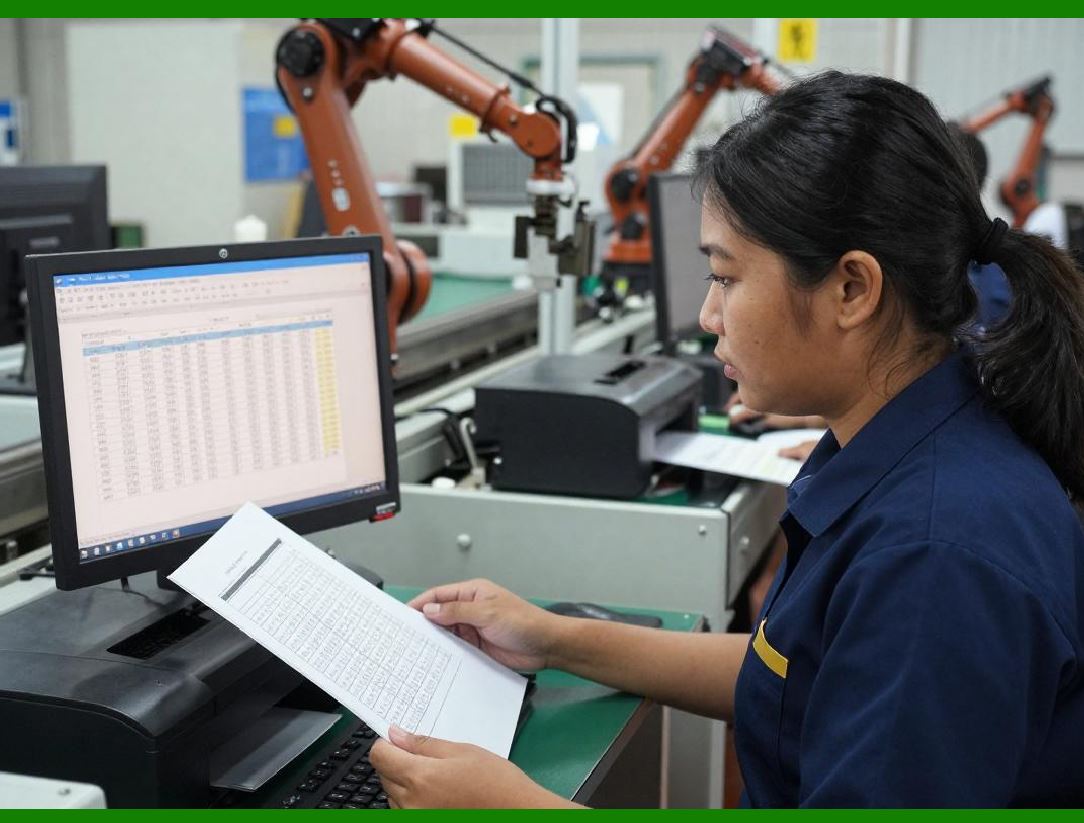
This ensures real-time synchronization between SMT machines and ERP. |
|
122. Barcode Application in Repair and RMA Processes |
122.1 RMA Item Identification |
Returned items are assigned or verified via barcodes: |
* Serial numbers |
* Production batch |
* Warranty or order ID |
ERP automatically associates RMA with original production and shipment data. |
122.2 Repair Workflow Tracking |
Barcodes enable: |
* Work order assignment to technicians |
* Recording of repair actions |
* Component replacements logged against scanned barcodes |
ERP maintains full repair history and traceability. |
122.3 Integration with Quality and Cost Analysis |
* Barcodes allow ERP to link defective components to suppliers and batches |
* Cost allocation is accurate, including labor and replacement parts |
* Failure trends are identified per lot or production date |
This strengthens quality management and continuous improvement. |

|
123. Warehouse Management and Logistics |
123.1 Barcode-Driven Picking and Packing |
ERP generates pick lists with barcodes: |
* Operators scan material to confirm correct selection |
* Packing labels include product ID, batch, compliance info |
* Shipments are tracked from warehouse to customer |
123.2 Inventory Audits |
Barcode scanning enables: |
* Rapid cycle counts |
* Real-time inventory verification |
* Error identification and correction |
ERP updates balances automatically, reducing manual reconciliation effort. |
123.3 Cross-Warehouse Transfers |
Barcodes track items during transfers: |
* Source and destination locations |
* Transfer quantities |
* Batch and lot information |
ERP ensures accurate stock allocation across facilities. |

|
124. Barcode Integration with Compliance |
* Barcode labels include RoHS or lead-free certification info |
* ERP scans verify material and product compliance at issue, WIP, and shipment |
* Provides audit-ready traceability from supplier to customer |

|
125. Key Benefits of Barcode Integration in Electronics ERP |
1. Error Reduction Scanning replaces manual entry, reducing mistakes. |
2. Real-Time Visibility ERP tracks inventory, WIP, and production progress instantly. |
3. Traceability Barcodes link components, assemblies, and finished goods to suppliers and batches. |
4. Quality Assurance SMT verification and RMA tracking improve quality control. |
5. Compliance Support Integration with RoHS, lead-free, and other regulatory data. |
6. Operational Efficiency Faster picking, packing, and warehouse management. |
7. Data-Driven Decisions ERP captures accurate data for cost, yield, and supplier analysis. |

|
Technical Content Summary of Part 16 |
Part 16 introduced barcode technology integration in electronics ERP systems: |
1. Explained the role of barcodes for identification, traceability, and compliance. |
2. Listed common barcode types: 1D linear, 2D DataMatrix, QR codes. |
3. Detailed material handling integration, including receiving, storage, and issuance. |
4. Covered work-in-progress tracking using barcodes for real-time production visibility. |
5. Described SMT component verification and reporting via barcode scanning. |
6. Explained barcode use in RMA management for item tracking, repair workflow, and cost analysis. |
7. Discussed barcode-driven warehouse and logistics operations including picking, packing, inventory audits, and transfers. |
8. Highlighted barcode support for regulatory compliance and traceability. |
9. Summarized operational benefits including error reduction, real-time visibility, traceability, compliance, efficiency, and data-driven decision-making. |

|
In Part 17, we will continue exploring typical application scenario examples, demonstrating how ERP and barcode technology interact in real electronics manufacturing workflows, including production planning, material issuance, SMT line execution, repair, and shipment. |
 cs@easiersoft.com