ERP System Application in the Electronics Industry |
Part 19: Value Summary (I) |
Strategic ROI, Operational Transformation, and Long-Term Competitive Advantage |
In Part 18, we analyzed ERP implementation realities in the electronics industry, including architecture design, data governance, integration challenges, and common misconceptions that often lead to project failure. |
Part 19 shifts to a higher-level perspective: what ERP actually delivers when successfully implemented in electronics manufacturing, and why it becomes a foundational system for long-term competitiveness rather than just an operational tool. |

|
141. ERP as a Strategic Infrastructure in Electronics Manufacturing |
141.1 From System Tool to Enterprise Nervous System |
In mature electronics enterprises, ERP is no longer just: |
* A production management system |
* A warehouse system |
* A financial system |
Instead, it becomes the central nervous system of the entire organization, connecting: |
* Demand signals (e-commerce, customers) |
* Engineering data (BOM, ECO) |
* Production execution (SMT, assembly, testing) |
* Supply chain (suppliers, logistics) |
* Financial settlement (costing, revenue, profit) |
Without ERP integration, these systems operate in isolation, creating inefficiency and inconsistency. |

|
141.2 Digital Backbone of Smart Manufacturing |
ERP acts as the backbone for: |
* MES (Manufacturing Execution Systems) |
* Industrial IoT devices |
* Automated SMT production lines |
* Warehouse automation systems |
* AI-driven planning systems |
It ensures that all subsystems operate on a shared, consistent data foundation. |

|
142. Operational Efficiency Value of ERP |
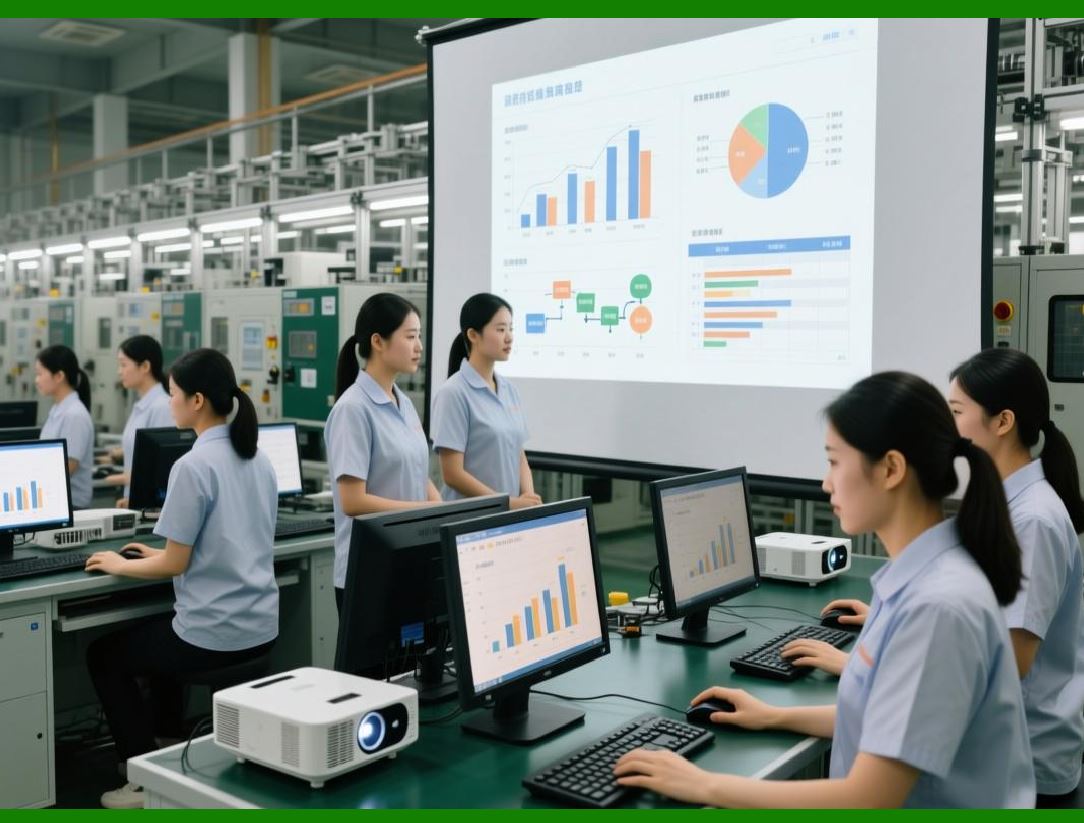
142.1 Inventory Optimization |
ERP significantly reduces: |
* Excess raw material stock |
* Work-in-progress accumulation |
* Finished goods overstock |
Through: |
* Accurate MRP calculation |
* Real-time demand updates |
* Multi-warehouse coordination |
This leads to lower working capital requirements. |
|
142.2 Production Efficiency Improvement |
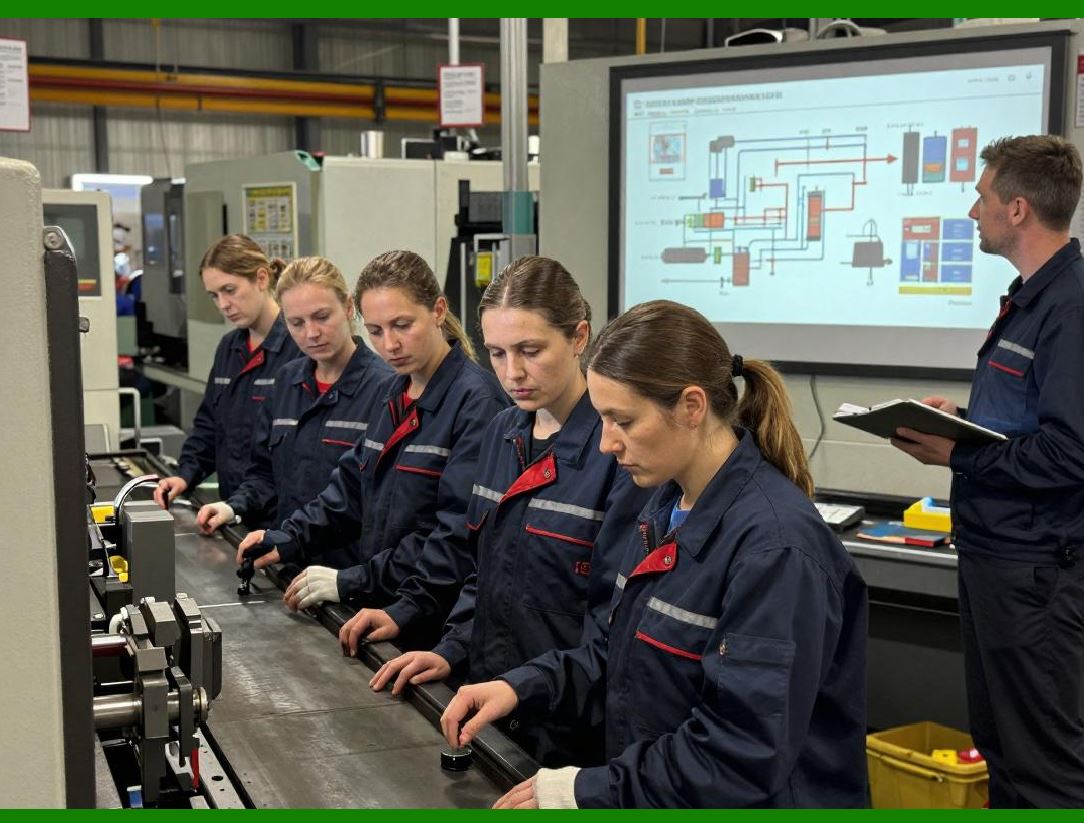
ERP improves production performance by: |
* Optimizing SMT line scheduling |
* Reducing setup and changeover time |
* Balancing workload across production lines |
* Preventing material shortages during production |
The result is: |
* Higher throughput |
* Lower downtime |
* More stable production cycles |
|
142.3 Labor Efficiency Gains |
ERP reduces manual work in: |
* Material tracking |
* Production reporting |
* Inventory reconciliation |
* Order processing |
Employees shift from data entry to decision-making and process optimization. |

|
142.4 Reduction of Rework and Scrap |
Through: |
* SMT program validation |
* Barcode-based verification |
* BOM version control |
* Real-time quality feedback |
ERP significantly reduces: |
* Assembly errors |
* Incorrect component usage |
* Production defects |

|
143. Financial Value and Cost Control |
143.1 Accurate Product Costing |
ERP provides precise cost breakdowns: |
* Material cost |
* Labor cost |
* Manufacturing overhead |
* Outsourcing cost (PCBA, assembly) |
* Repair and RMA cost |
This enables: |
* Real product profitability analysis |
* Accurate pricing strategies |
* Margin optimization |

|
143.2 Working Capital Reduction |
Through better planning: |
* Inventory turnover increases |
* Cash flow improves |
* Idle materials are minimized |
ERP directly impacts financial liquidity efficiency. |
143.3 Supplier Cost Control |
ERP enables: |
* Supplier performance evaluation |
* Scrap-related cost attribution |
* Procurement optimization |
This strengthens supply chain negotiation power. |
143.4 Loss Prevention |
ERP reduces financial loss caused by: |
* Material mismanagement |
* Production errors |
* Shipment mistakes |
* Untraceable defects |
Even small improvements scale significantly in high-volume electronics production. |

|
144. Supply Chain Visibility Value |
144.1 End-to-End Transparency |
ERP connects: |
* Supplier delivery |
* Warehouse inventory |
* Production usage |
* Customer shipment |
This creates a fully visible supply chain network. |
144.2 Real-Time Responsiveness |
ERP enables: |
* Immediate reaction to demand changes |
* Rapid supplier adjustment |
* Dynamic production scheduling |
This is essential in volatile electronics markets. |

|
144.3 Risk Reduction |
ERP reduces risks such as: |
* Component shortages |
* Delivery delays |
* Quality failures |
* Compliance violations |
Through predictive and real-time monitoring systems. |
144.4 Multi-Level Supply Coordination |
ERP supports coordination between: |
* Tier-1 suppliers |
* Subcontract manufacturers |
* Internal factories |
* Distribution networks |
This ensures stability in complex global supply chains. |

|
145. Quality and Compliance Value |
145.1 Full Traceability Capability |
ERP enables tracking of: |
* Component batch PCB finished product customer |
This is critical for: |
* RMA handling |
* Product recalls |
* Regulatory compliance |
145.2 Defect Containment |
When defects occur: |
ERP allows instant identification of: |
* Affected production batches |
* Suspect components |
* Related customers |
This minimizes impact scope. |

|
145.3 Regulatory Compliance Assurance |
ERP supports: |
* RoHS compliance |
* Lead-free verification |
* Environmental reporting |
* Customer certification requirements |
Automation reduces compliance workload significantly. |
145.4 Continuous Quality Improvement |
Through: |
* RMA analysis |
* SMT defect tracking |
* Supplier evaluation |
ERP drives long-term quality improvement cycles. |
|
146. Digital Transformation Value |
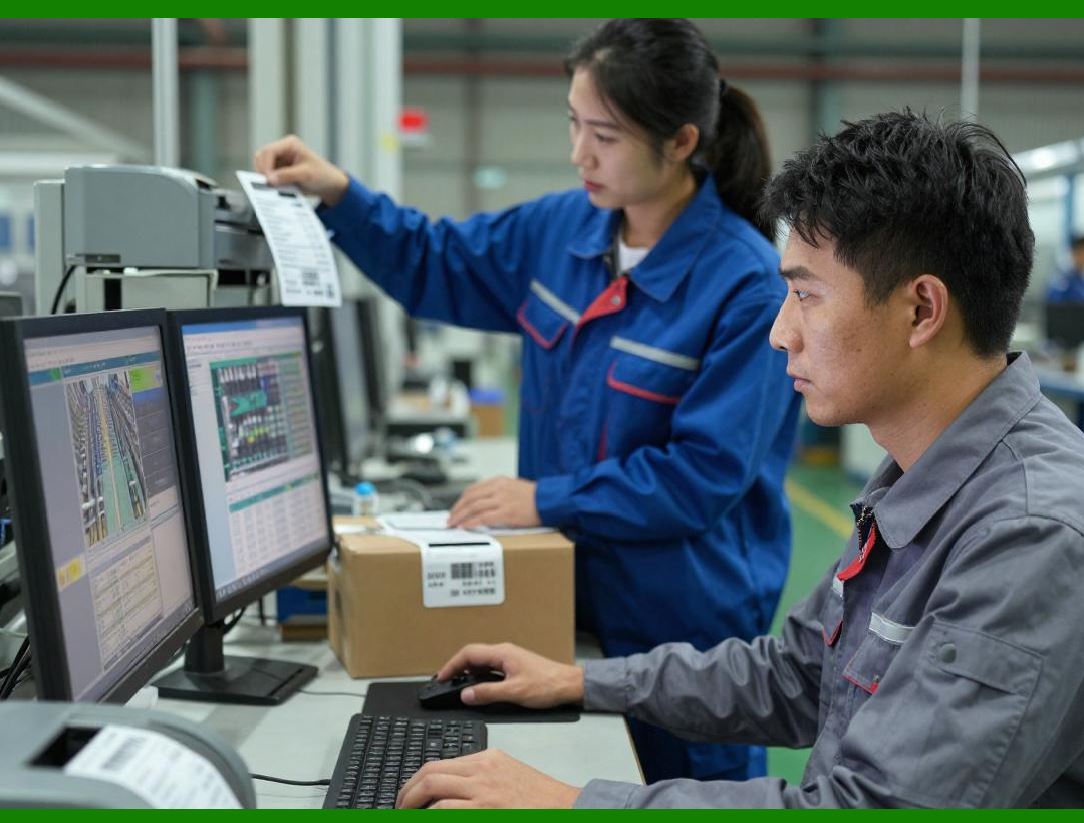
146.1 Transition from Manual to Data-Driven Manufacturing |
ERP replaces: |
* Paper-based workflows |
* Manual scheduling |
* Spreadsheet tracking |
With: |
* Real-time digital workflows |
* Automated decision systems |
* Data-driven execution |
146.2 Foundation for Smart Factory |
ERP enables: |
* MES integration |
* IoT device connectivity |
* AI-based planning systems |
* Digital twin modeling |
It becomes the foundation of Industry 4.0 transformation. |
146.3 Organizational Intelligence |
ERP transforms organizations from: |
* Experience-driven decisions |
to: |
* Data-driven decisions |
This improves consistency and scalability. |
146.4 Process Standardization Across Factories |
For multi-factory enterprises: |
* Standard processes can be replicated |
* Data consistency is maintained |
* Global operations become unified |
|
147. Strategic Competitive Advantage |
147.1 Faster Time-to-Market |
ERP reduces: |
* Design-to-production cycle time |
* Production setup time |
* Order fulfillment delays |
147.2 Higher Customer Responsiveness |
With e-commerce integration: |
* Orders are processed in real time |
* Delivery commitments are more reliable |
* Customer satisfaction improves |
147.3 Scalability Advantage |
ERP allows companies to scale: |
* Production volume |
* Product variety |
* Geographic operations |
without losing control. |
147.4 Barrier to Entry for Competitors |
Once fully implemented, ERP creates: |
* Process complexity barriers |
* Data integration barriers |
* Operational maturity gaps |
making it difficult for competitors to replicate performance quickly. |

|
Technical Content Summary of Part 19 |
Part 19 provided a comprehensive value summary of ERP systems in the electronics industry, focusing on strategic and long-term benefits. |
Key technical points include: |
1. ERP as the central enterprise nervous system integrating production, supply chain, engineering, and finance. |
2. Operational efficiency gains including inventory optimization, production improvement, labor efficiency, and scrap reduction. |
3. Financial value creation through accurate costing, working capital reduction, supplier control, and loss prevention. |
4. Supply chain visibility improvements enabling real-time responsiveness, risk reduction, and multi-tier coordination. |
5. Quality and compliance enhancements including full traceability, defect containment, and regulatory automation. |
6. Digital transformation impact, enabling shift from manual to data-driven manufacturing and supporting smart factory development. |
7. Strategic competitive advantages including faster time-to-market, improved customer responsiveness, scalability, and market entry barriers. |

|
In Part 20, we will continue with the final refinement section, focusing on a consolidated end-to-end architecture of electronics ERP systems, integrating all modules (SMT, barcode, RMA, e-commerce, compliance, outsourcing, and scheduling) into a unified operational model. |
 cs@easiersoft.com