ERP System Application in the Electronics Industry |
Part 2: Core Pain Points and ERP Entry Points in the Electronics Industry (II) |
Production Control, Procurement Collaboration, Quality Traceability, and Enterprise-Wide Data Integration |
In Part 1, we examined the fundamental characteristics of the electronics industry and the initial ERP entry points centered around master data and material management. However, material management alone cannot solve all operational challenges. As production scales increase and customer requirements become more demanding, enterprises encounter deeper management issues involving production scheduling, supplier collaboration, quality control, traceability, cost management, and decision-making efficiency. |
This part focuses on the next layer of ERP implementation and explains how ERP systems address critical operational bottlenecks in electronics manufacturing. |

|
6. Core Pain Point: Production Planning and Scheduling Complexity |
6.1 Electronics Production Is Not Simple Assembly |
Many people mistakenly assume electronics manufacturing consists merely of assembling components. |
In reality, a typical electronics production process may involve: |
1. Material preparation |
2. IQC inspection |
3. SMT production |
4. DIP insertion |
5. Wave soldering |
6. Functional testing |
7. Aging testing |
8. Calibration |
9. Assembly |
10. Packaging |
11. Final inspection |
12. Shipment |
Each stage has: |
* Different equipment |
* Different operators |
* Different capacities |
* Different production times |
Any bottleneck can affect the entire production chain. |
ERP provides centralized planning and scheduling management to coordinate these resources. |
|
6.2 Frequent Production Interruptions |
Electronics factories frequently experience production interruptions. |
Common causes include: |
Material Shortages |
Production cannot proceed. |
Machine Breakdowns |
SMT lines stop unexpectedly. |
Engineering Changes |
Production orders require revision. |
Quality Problems |
Entire batches may be placed on hold. |
Customer Priority Changes |
Urgent orders must be inserted. |
Without ERP: |
Schedulers spend large amounts of time manually adjusting plans. |
ERP enables: |
* Real-time schedule updates |
* Capacity balancing |
* Material availability checks |
* Automated rescheduling |
This significantly improves planning efficiency. |

|
6.3 Multi-Line Production Coordination |
A medium-sized electronics factory may operate: |
* 5 SMT lines |
* 3 assembly lines |
* 2 testing lines |
Each line has different: |
* Speeds |
* Capabilities |
* Product compatibility |
Improper scheduling can result in: |
Equipment Idle Time |
Machines wait for work. |
Material Waiting Time |
Materials remain unused. |
Labor Waste |
Operators have no productive tasks. |
ERP scheduling modules help balance workloads across multiple production resources. |

|
7. ERP Entry Point No.3: Production Management |
Production management is often the core module of an electronics ERP system. |
7.1 Production Order Management |
ERP generates production orders based on: |
* Customer orders |
* Sales forecasts |
* Replenishment requirements |
Each production order includes: |
Product Information |
What needs to be produced. |
Quantity |
How many units. |
BOM Version |
Which materials to use. |
Routing |
Which processes to follow. |
Due Date |
When completion is required. |
This creates standardized manufacturing execution. |

|
7.2 Work Order Control |
ERP controls: |
Work Order Release |
Work Order Modification |
Work Order Suspension |
Work Order Closure |
All actions are traceable. |
Benefits include: |
* Better discipline |
* Reduced unauthorized changes |
* Improved accountability |

|
7.3 Material Issuance Management |
Material issuance is a critical activity. |
Without ERP: |
Operators often request materials informally. |
Consequences include: |
* Over-issuing |
* Missing materials |
* Waste |
ERP controls: |
Planned Issuance |
Based on BOM. |
Excess Issuance Approval |
Requires authorization. |
Return Processing |
Unused materials return to inventory. |
This improves material control. |

|
8. Core Pain Point: Supplier Management Challenges |
8.1 Electronics Manufacturing Depends on Supply Chains |
Most electronics manufacturers rely heavily on suppliers. |
Critical components often come from: |
* Semiconductor suppliers |
* PCB manufacturers |
* Connector vendors |
* Plastic molding vendors |
Supplier performance directly affects factory operations. |
|
8.2 Long Lead-Time Components |
Certain electronic components have long lead times. |
Examples: |
Microcontrollers: |
* 8 to 52 weeks |
Power chips: |
* 12 to 60 weeks |
Specialized ICs: |
* Several months |
Without proper planning: |
Production may stop due to missing components. |
ERP supports: |
* Long-term forecasting |
* Purchase planning |
* Demand visibility |
to reduce risks. |

|
8.3 Supplier Delivery Uncertainty |
Suppliers may fail to deliver as promised. |
Common situations: |
Partial Deliveries |
Delayed Deliveries |
Quality Failures |
Quantity Shortages |
ERP tracks supplier performance metrics. |
Examples: |
* On-time delivery rate |
* Defect rate |
* Response speed |
* Purchase price trends |
This supports supplier evaluation. |
|
9. ERP Entry Point No.4: Procurement Management |
Procurement management is one of the highest-value ERP modules in electronics manufacturing. |
9.1 MRP-Driven Purchasing |
ERP uses MRP (Material Requirements Planning) to calculate demand. |
Inputs include: |
* Customer orders |
* Forecasts |
* Inventory |
* Open purchase orders |
* Lead times |
Outputs include: |
* Purchase recommendations |
* Planned orders |
* Shortage reports |
MRP eliminates guesswork. |
|
9.2 Purchase Order Management |
ERP manages: |
Purchase Requests |
Purchase Orders |
Order Revisions |
Supplier Confirmations |
Goods Receipts |
The entire procurement lifecycle becomes visible. |

|
9.3 Procurement Cost Control |
ERP records: |
* Purchase prices |
* Freight costs |
* Taxes |
* Discounts |
Historical analysis helps identify: |
* Cost increases |
* Supplier pricing trends |
* Savings opportunities |
This strengthens procurement negotiation capability. |

|
10. Core Pain Point: Quality Management and Traceability |
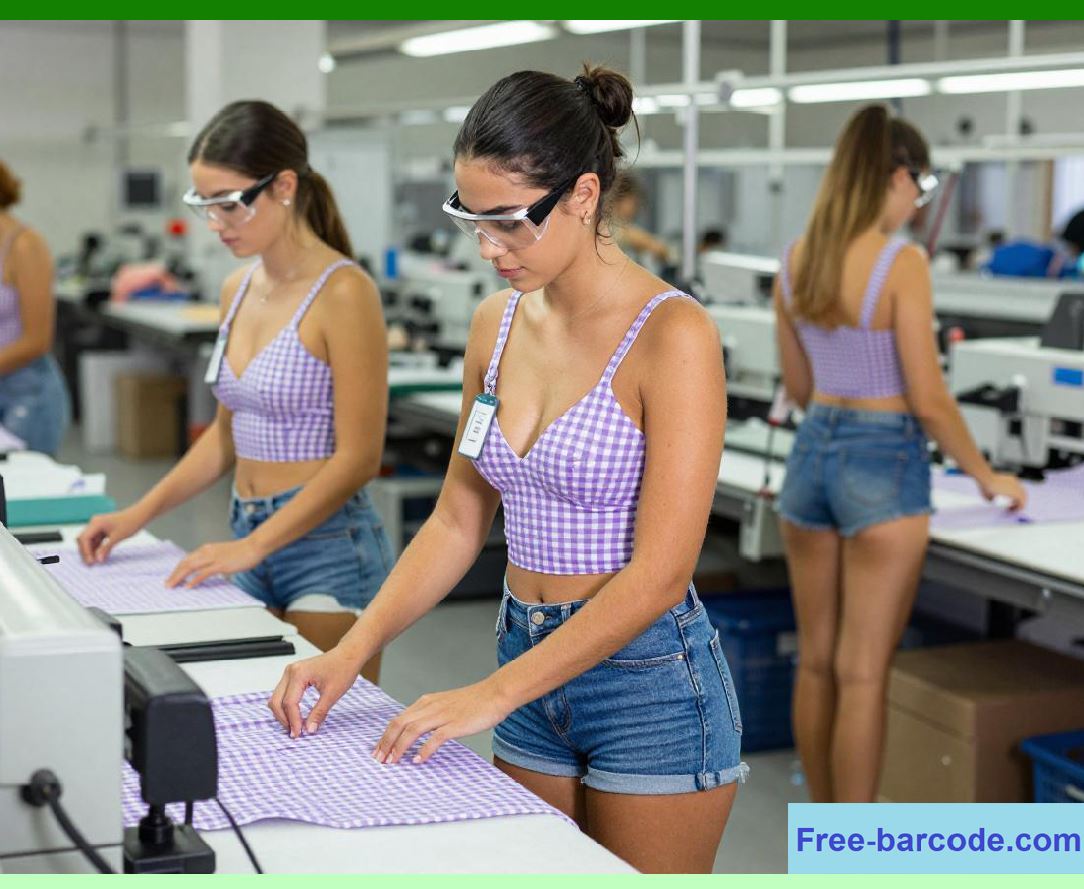
10.1 Quality Expectations Are Extremely High |
Electronics products often operate in critical environments. |
Examples: |
* Medical equipment |
* Automotive electronics |
* Industrial automation |
* Aerospace systems |
Even a single defective component can cause severe consequences. |
Therefore: |
Quality management becomes a strategic priority. |
|
10.2 Traditional Quality Systems Are Insufficient |
Paper-based quality systems often suffer from: |
Missing Records |
Illegible Handwriting |
Slow Retrieval |
Poor Traceability |
When customer complaints arise: |
Investigation may take days or weeks. |
ERP dramatically improves traceability speed. |
10.3 Customer Audit Requirements |
Many customers require compliance with standards such as: |
* ISO 9001 |
* IATF 16949 |
* ISO 13485 |
* AS9100 |
ERP provides structured quality records supporting audits. |

|
11. ERP Entry Point No.5: Quality Management |
Quality management modules provide end-to-end quality control. |
11.1 Incoming Quality Control (IQC) |
ERP records: |
Supplier |
Material |
Batch Number |
Inspection Results |
Defect Categories |
Acceptance Decisions |
Every incoming material becomes traceable. |
11.2 In-Process Quality Control (IPQC) |
ERP captures production quality information. |
Examples: |
* SMT defect rates |
* Assembly defects |
* Testing failures |
Real-time monitoring enables rapid corrective actions. |

|
11.3 Final Quality Control (FQC) |
Before shipment: |
ERP records: |
* Inspection results |
* Pass/fail status |
* Inspector information |
This creates shipment quality assurance. |
11.4 Corrective and Preventive Actions (CAPA) |
ERP supports: |
Problem Identification |
Root Cause Analysis |
Corrective Actions |
Verification |
Closure |
This establishes continuous improvement processes. |

|
12. Core Pain Point: Lack of Traceability |
12.1 Modern Electronics Require Full Traceability |
Customers increasingly demand: |
* Material traceability |
* Process traceability |
* Operator traceability |
* Equipment traceability |
Without ERP: |
This level of visibility is nearly impossible. |
12.2 Traceability Questions Customers Ask |
Typical customer inquiries include: |
Which PCB batch was used |
Which operator assembled the product |
Which SMT line produced it |
Which components came from which suppliers |
Which test results were recorded |
ERP enables rapid answers. |

|
12.3 Recall Management |
If quality issues occur: |
Companies may need to identify: |
* Affected products |
* Affected customers |
* Affected batches |
ERP minimizes recall scope by providing precise traceability. |

|
13. ERP Entry Point No.6: Enterprise-Wide Data Integration |
As ERP implementation matures, organizations begin integrating all operational functions. |
13.1 Sales Integration |
Sales personnel can see: |
* Inventory |
* Production status |
* Shipment schedules |
This improves customer communication. |
13.2 Procurement Integration |
Procurement sees: |
* Demand forecasts |
* Production plans |
* Inventory status |
Purchasing decisions become more accurate. |
13.3 Production Integration |
Production sees: |
* Material availability |
* Capacity constraints |
* Customer priorities |
Scheduling becomes more realistic. |
13.4 Financial Integration |
Finance gains visibility into: |
* Material costs |
* Labor costs |
* Manufacturing overhead |
* Profitability |
This supports business analysis. |

|
14. ERP Entry Point No.7: Real-Time Management Dashboards |
Modern ERP systems increasingly provide management dashboards. |
Executives can monitor: |
Sales Revenue |
Inventory Value |
Production Output |
Order Fulfillment |
Supplier Performance |
Quality Indicators |
Profitability Metrics |
Decision-making becomes data-driven rather than intuition-driven. |

|
15. Digital Transformation Roadmap for Electronics Manufacturers |
A typical ERP implementation roadmap may proceed as follows: |
Phase 1: |
* Master data standardization |
Phase 2: |
* Inventory management |
Phase 3: |
* Procurement management |
Phase 4: |
* Production management |
Phase 5: |
* Quality management |
Phase 6: |
* Financial integration |
Phase 7: |
* Advanced planning |
Phase 8: |
* Business intelligence |
Phase 9: |
* MES integration |
Phase 10: |
* Smart factory implementation |
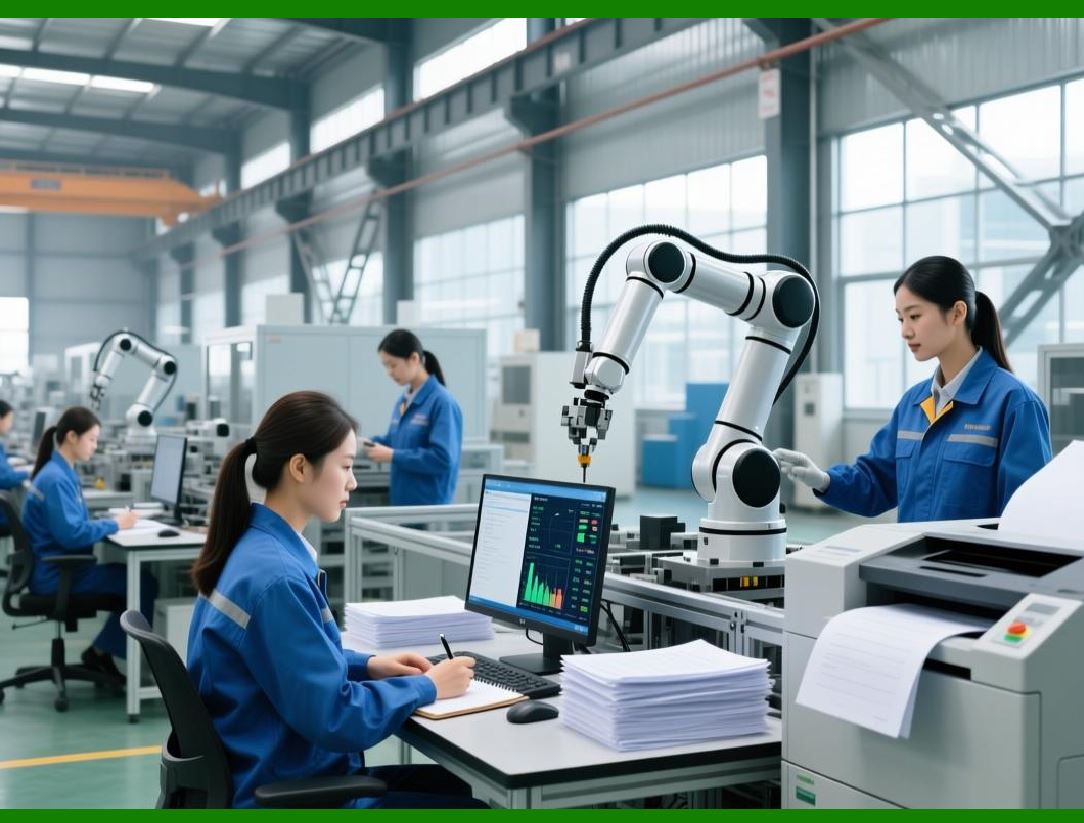
ERP becomes the foundation of digital manufacturing transformation. |
|
Technical Content Summary of Part 2 |
This part examined the operational challenges that emerge after basic material management and explained how ERP systems provide solutions through production control, procurement collaboration, quality management, and enterprise-wide integration. |
Key technical points include: |
1. Electronics production involves complex multi-stage manufacturing processes requiring coordinated scheduling across SMT, assembly, testing, and packaging operations. |
2. Production interruptions caused by shortages, equipment failures, engineering changes, and priority adjustments require dynamic ERP scheduling capabilities. |
3. Production management modules provide work order control, routing management, production order tracking, and controlled material issuance. |
4. Electronics manufacturers rely heavily on suppliers, making lead-time management, delivery performance monitoring, and supplier evaluation essential ERP functions. |
5. MRP-driven procurement planning transforms purchasing from reactive decision-making into systematic demand-based planning. |
6. Quality management modules support IQC, IPQC, FQC, CAPA, and regulatory audit requirements. |
7. Full traceability across materials, processes, operators, equipment, and shipments has become a mandatory requirement for many electronics manufacturers. |
8. Enterprise-wide ERP integration eliminates information silos between sales, procurement, production, quality, warehouse, and finance departments. |
9. Real-time dashboards provide management with operational visibility and support data-driven decision-making. |
10. ERP implementation typically progresses through multiple maturity stages, ultimately supporting MES integration and smart manufacturing initiatives. |
|
In Part 3, we will begin a comprehensive discussion of Core ERP Module Applications in the Electronics Industry, including inventory management, purchasing management, sales management, production management, finance management, and their detailed operational workflows. |
 cs@easiersoft.com