ERP System Application in the Electronics Industry |
Part 21: Refinements in Production Scheduling and E-Commerce Order Integration (I) |
Optimizing Electronics Manufacturing Processes for Dynamic Order Fulfillment |
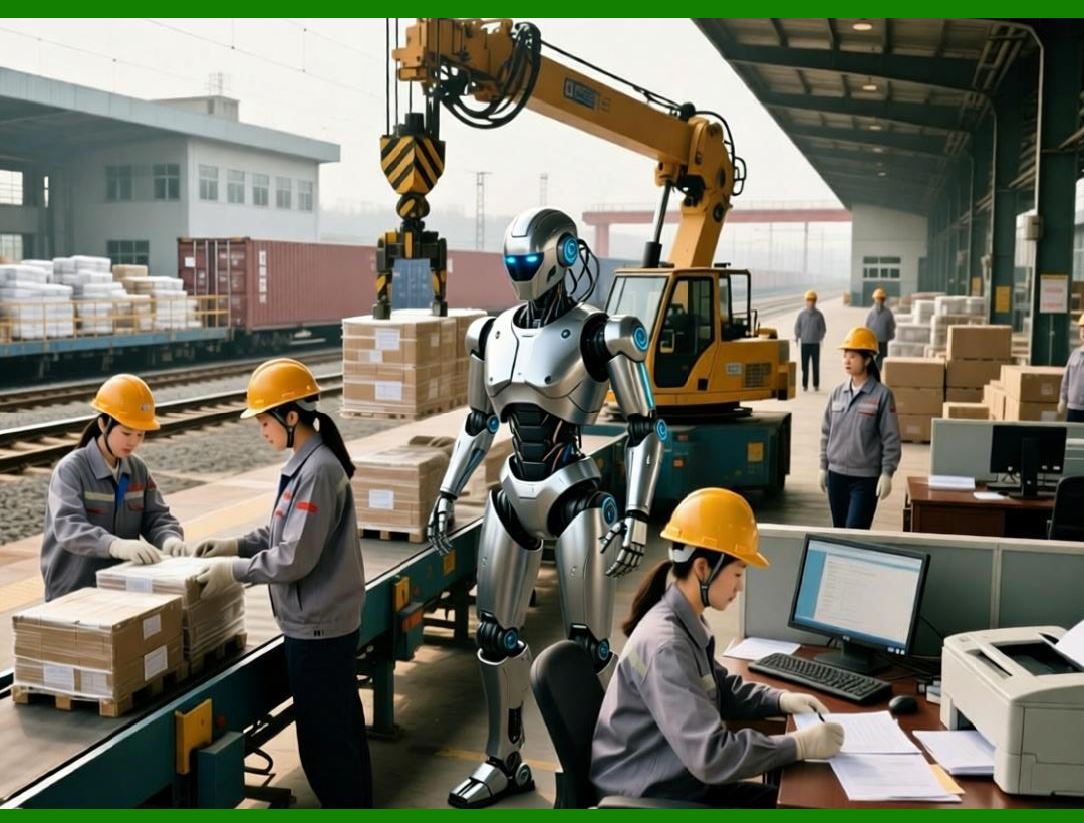
In the previous sections, we examined the architecture, module functions, and value of ERP in electronics manufacturing. Part 21 begins a detailed examination of production scheduling refinement and integration with e-commerce order management, which are critical in electronics due to high product variety, short lead times, and rapid market changes. |
This part focuses on how ERP can dynamically synchronize production schedules with real-time e-commerce orders, balancing manufacturing efficiency, inventory management, and customer responsiveness. |
|
155. The Challenge of Electronics Production Scheduling |
155.1 High-Mix, Low-Volume Complexity |
Electronics manufacturers often face: |
* Hundreds of SKUs per factory |
* Each SKU requiring unique BOMs, components, and testing protocols |
* Frequent new product introductions and design updates |
This complexity demands flexible, fine-grained scheduling that can dynamically adjust to changing demands. |
155.2 Short Lead Times and Rapid Order Changes |
E-commerce channels introduce: |
* Small, frequent orders |
* Rush orders that must bypass standard production queues |
* Customer-specific customization requests |
ERP must incorporate real-time order data into production scheduling to meet service level agreements. |
155.3 Multi-Stage Production Dependencies |
Production depends on sequential stages: |
* PCB assembly (SMT) DIP/manual assembly functional testing final packaging |
Each stage has different capacity constraints, tooling requirements, and operator availability. |
Effective scheduling must account for inter-stage dependencies to prevent bottlenecks. |

|
156. ERP-Based Production Scheduling Refinements |
156.1 Dynamic Scheduling Engine |
Modern ERP employs an Advanced Planning and Scheduling (APS) module: |
* Consumes real-time order data |
* Analyzes capacity, resource availability, and BOM constraints |
* Generates optimized production sequences across multiple lines |
Dynamic scheduling can automatically reprioritize production based on urgent orders or material shortages. |
156.2 Order Segmentation and Prioritization |
ERP allows orders to be categorized: |
* Standard orders |
* Rush orders |
* Backorders |
* E-commerce direct-to-customer orders |
Scheduling engine assigns priority levels, ensuring: |
* High-priority orders are completed first |
* Standard orders fill remaining capacity |
* Minimization of idle machine time |

|
156.3 Material-Driven Scheduling |
Scheduling is material-aware: |
* ERP checks availability of all components in BOM |
* If material shortage is detected: |
* Scheduler can move orders with sufficient materials forward |
* Notify procurement of critical shortages |
* Ensures smooth production flow without unnecessary delays |
156.4 Integration with SMT Program Generation |
ERP interacts with SMT programming systems to: |
* Generate component placement instructions automatically |
* Align machine setup with production schedule |
* Avoid misalignment between physical line configuration and ERP plans |
This reduces line idle time and setup errors. |
156.5 Resource-Constrained Scheduling |
ERP considers constraints such as: |
* Machine capacity |
* Operator skill levels |
* Shift schedules |
* Tooling availability |
Schedulers optimize sequences while avoiding overloads and conflicts, increasing throughput efficiency. |

|
157. E-Commerce Order Integration with Production |
157.1 Real-Time Order Capture |
ERP integrates with: |
* Online store platforms |
* Marketplaces (B2B and B2C) |
* Custom order portals |
Incoming orders automatically populate the ERP order management module. |
157.2 Order-to-Production Linking |
ERP maps each order to: |
* BOM for required SKU |
* Production line capability |
* Delivery schedule |
E-commerce orders can trigger automatic production allocation based on priority. |
|
157.3 Customer-Specific Customization |
For configurable electronics products: |
* ERP captures custom attributes (color, features, firmware version) |
* Scheduling engine allocates production with necessary options |
* Ensures order accuracy and reduces rework |
157.4 Backorder and Rush Order Handling |
ERP handles exceptions: |
* Rush order insertion into active schedule |
* Partial order fulfillment if materials are limited |
* Automated customer notification on expected delivery date |
This improves customer satisfaction and trust. |
157.5 Feedback Loop to Inventory and Procurement |
Orders trigger: |
* Material requirement updates |
* Inventory depletion recording |
* Procurement alerts for missing components |
This ensures continuous alignment between production, stock, and supply chain. |
|
158. Key Benefits of Integrated Scheduling and E-Commerce |
1. Reduced Lead Time: Rapid order-to-production integration accelerates fulfillment. |
2. Improved Line Utilization: Scheduling considers machine and operator capacity. |
3. Higher Customer Satisfaction: Real-time order tracking and priority management. |
4. Lower Inventory Holding: Material-driven scheduling avoids overproduction. |
5. Enhanced Operational Transparency: Managers see real-time production plan vs. actual execution. |
|
159. Strategic Implications |
* ERP transforms electronics factories into demand-responsive organizations. |
* Shorter product cycles and e-commerce demand spikes can be managed without disrupting regular operations. |
* Integration with barcode systems ensures production execution aligns with scheduled plans. |
This sets the stage for part 22, which will focus on industry-specific process optimization points, starting with PCBA outsourced processing management, including material issuing, processing fee calculation, scrap rate accounting, and finished product return to warehouse. |
|
Technical Content Summary of Part 21 |
Part 21 addressed production scheduling refinements and e-commerce order integration: |
1. Highlighted challenges in electronics manufacturing: high-mix, low-volume production, short lead times, and multi-stage dependencies. |
2. Explained dynamic scheduling using APS engines within ERP. |
3. Discussed order segmentation, prioritization, and material-driven scheduling. |
4. Showed integration with SMT programming for accurate machine setup and production alignment. |
5. Covered resource-constrained scheduling to optimize machine, operator, and tooling utilization. |
6. Detailed real-time e-commerce order capture and mapping to production schedules. |
7. Highlighted benefits including reduced lead time, better line utilization, higher customer satisfaction, lower inventory, and enhanced transparency. |
|
In Part 22, we will explore PCBA outsourced processing management, providing highly detailed technical guidance on how ERP manages outsourced manufacturing in the electronics industry. |
 cs@easiersoft.com