ERP System Application in the Electronics Industry |
Part 3: Core ERP Module Applications in the Electronics Industry (I) |
Inventory Management, Purchasing Management, and Sales Management |
In Part 2, we analyzed ERP entry points beyond materials, focusing on production, procurement, quality, and enterprise-wide integration. Part 3 delves into core ERP module applications, describing how specific modules function in the electronics industry, their operational workflows, and their interactions with other modules. These modules form the backbone of ERP-enabled digital transformation in electronics manufacturing. |
|
16. Inventory Management Module |
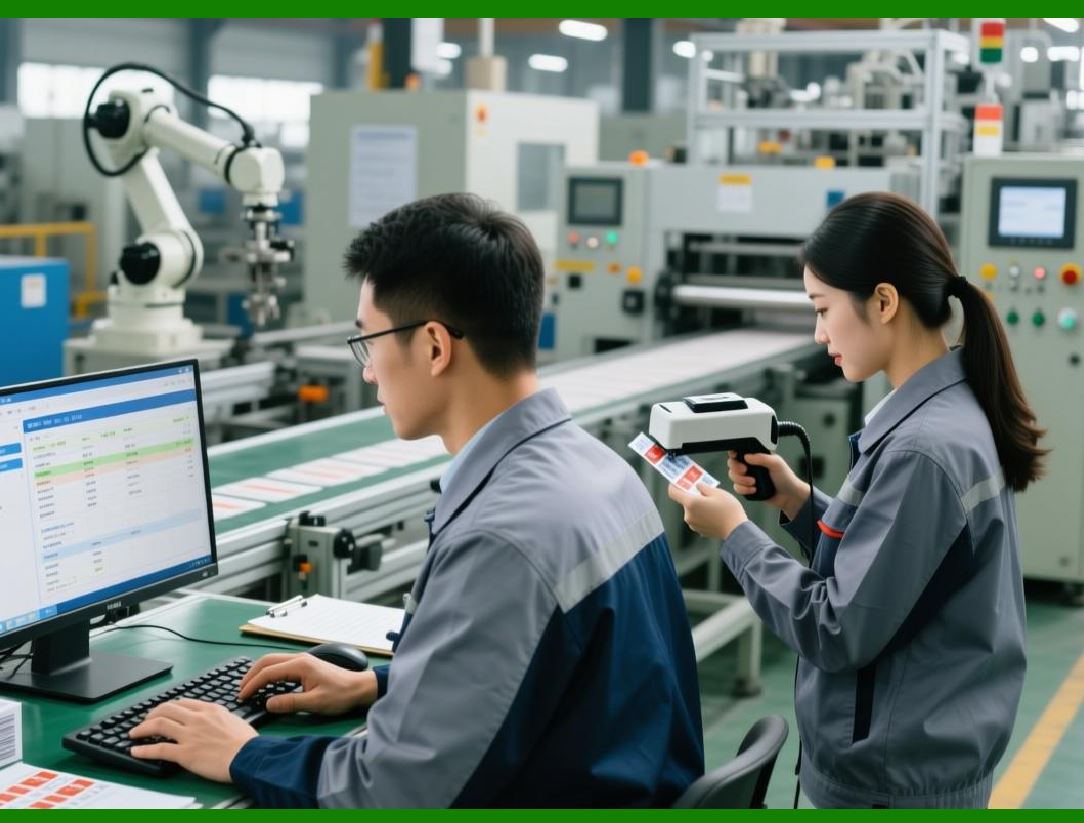
Inventory management is the foundation of ERP in electronics manufacturing. It addresses material complexity, traceability, and the balance between shortage and surplus. |
16.1 Multi-Warehouse and Multi-Location Management |
Electronics manufacturers often operate multiple warehouses, including: |
* Raw material warehouses |
* Component warehouses |
* Finished goods warehouses |
* QA inspection warehouses |
* Outsourced production warehouses |
Inventory can be further divided by storage location, such as racks, bins, shelves, or even production line side-stores. |
ERP enables: |
* Real-time stock visibility per warehouse and location |
* Automatic material allocation for production orders |
* Movement tracking between warehouses |
* FIFO (First-In, First-Out) or LIFO (Last-In, First-Out) inventory methods |
Benefits include reduced material search time, optimized storage utilization, and fewer stock discrepancies. |
|
16.2 Batch and Serial Number Management |
Batch and serial tracking are essential due to: |
* Component lot variance |
* Quality traceability requirements |
* Regulatory compliance |
ERP supports: |
* Batch-level inventory tracking |
* Serial number assignment for finished products |
* Linking batches/serials to production orders |
* Tracking supplier lot numbers |
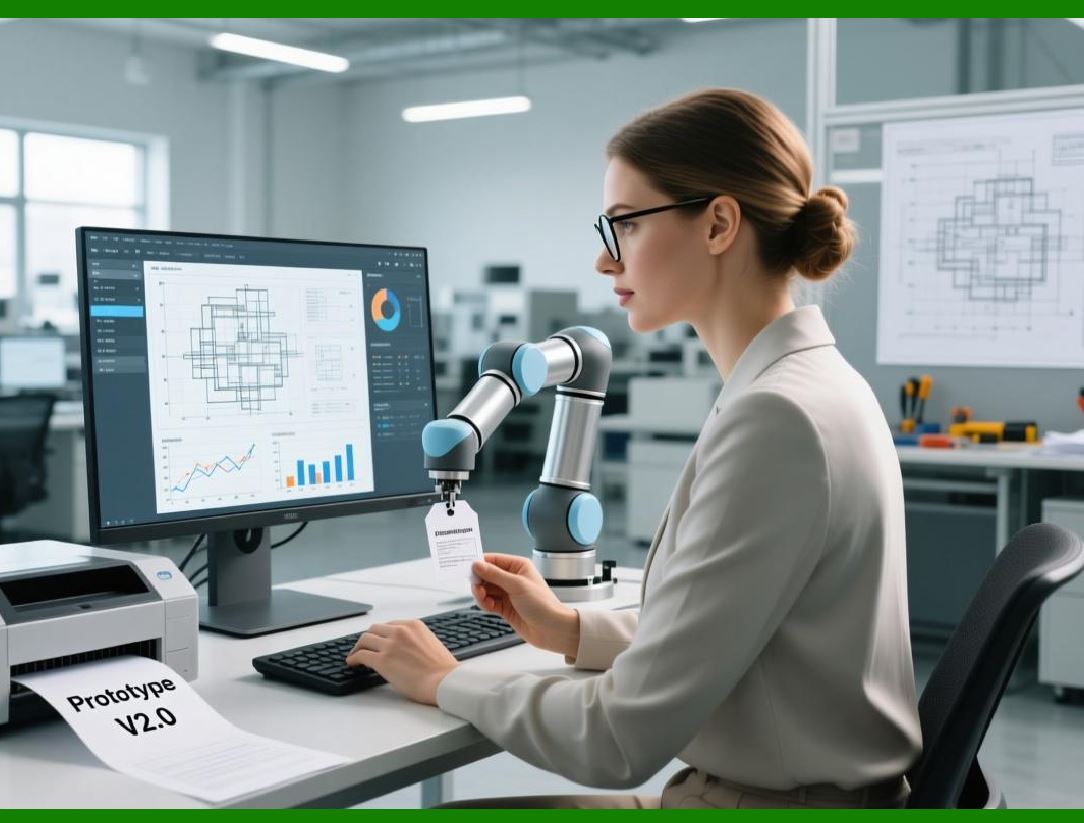
For example, a PCB may have a unique serial number that can be traced back to its solder paste batch, assembly line, and operator. This ensures rapid quality investigation and product recall containment. |

|
16.3 Material Reservation and Allocation |
Inventory management interacts closely with production. ERP enables: |
* Material reservation: Components are reserved for specific production orders to prevent conflicts. |
* Automatic allocation: ERP automatically deducts reserved quantities from available inventory. |
* Exception alerts: Insufficient stock triggers procurement requests. |
This ensures production continuity and prevents material wastage. |
16.4 Inventory Valuation and Cost Control |
Inventory cost management is crucial. ERP systems provide: |
* Multiple costing methods: FIFO, weighted average, standard cost |
* Material cost tracking: Including purchase price, freight, taxes |
* Inventory aging analysis: Identifying slow-moving or obsolete materials |
This allows accurate financial reporting, informed purchasing decisions, and reduced capital lockup. |
|
17. Purchasing Management Module |
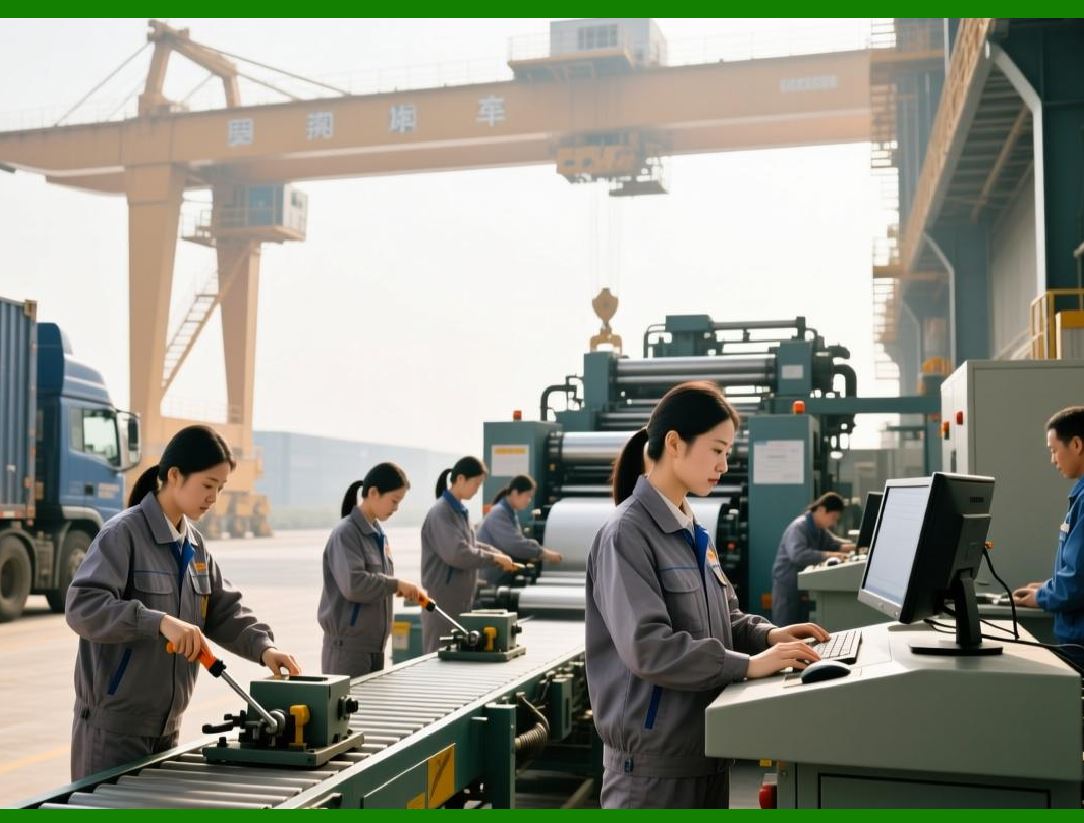
Purchasing management in electronics ERP handles procurement complexity, long lead times, and supplier coordination. |
17.1 Purchase Requisition and Approval Workflow |
ERP enables: |
1. Purchase Requisition Creation: Automatically generated from MRP, production orders, or manual request. |
2. Approval Workflow: Multi-level approvals based on purchase amount, urgency, or material type. |
3. Supplier Selection: Predefined vendor list, historical performance, and cost consideration. |
This standardizes procurement processes, ensures compliance, and reduces manual errors. |
17.2 Purchase Order Management |
Purchase orders are generated with: |
* Material and quantity |
* Delivery date and location |
* Supplier details |
* Linked production orders |
ERP tracks: |
* Order status: Pending, confirmed, delivered |
* Delivery schedule adherence |
* Quantity and quality discrepancies |
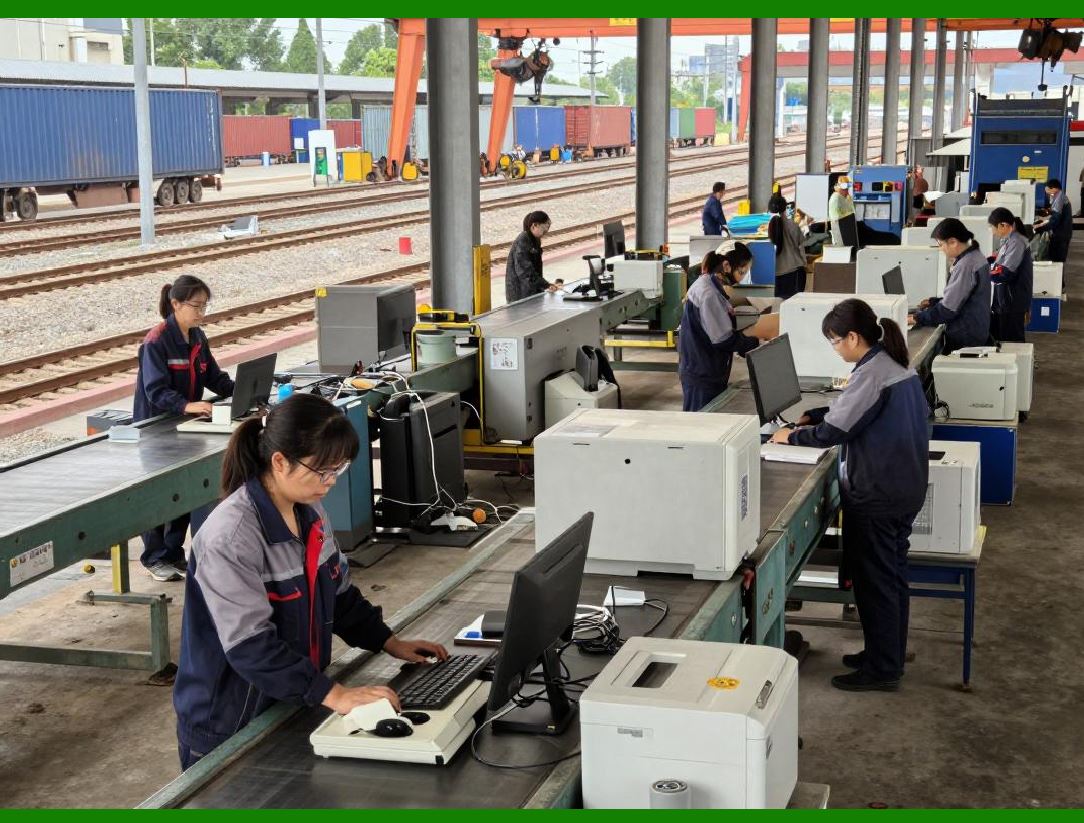
This ensures transparency and accountability in supplier interactions. |
|
17.3 Supplier Performance Evaluation |
Electronics manufacturing relies on high-quality, timely suppliers. ERP modules capture: |
* On-time delivery rate |
* Defect rate |
* Response time to inquiries |
* Price stability |
With this data, procurement managers can: |
* Adjust supplier rankings |
* Negotiate better terms |
* Identify risks proactively |
Supplier evaluation data is linked to material master records, influencing future procurement decisions. |
17.4 Cost Management and Forecasting |
ERP enables comprehensive purchase cost tracking: |
* Historical pricing trends |
* Freight, duty, and tax calculations |
* Budget versus actual comparisons |
MRP-driven procurement planning forecasts material demand, reducing shortages and overstock risks. This improves cash flow management and purchasing efficiency. |

|
18. Sales Management Module |
The sales module integrates customer orders, quotations, production capacity, and delivery schedules. |
18.1 Order Management |
ERP enables: |
1. Quotation Management: Generating accurate quotes based on BOM, production cost, and delivery time. |
2. Sales Order Creation: Linking directly to production scheduling and inventory availability. |
3. Order Confirmation: Automatic verification of material availability, production capacity, and delivery schedules. |
This ensures commitments to customers are realistic and executable. |
18.2 Delivery Scheduling and Logistics |
ERP modules provide: |
* Real-time inventory status |
* Production order progress visibility |
* Suggested delivery dates |
* Transportation planning integration |
Customers can be updated automatically on expected delivery times, improving customer satisfaction and reducing shipment delays. |

|
18.3 Pricing and Contract Management |
ERP manages: |
* Customer-specific pricing |
* Discounts, rebates, or special agreements |
* Contract validity periods |
* Credit limits |
Integration with financial modules ensures that invoicing is consistent and accurate. |
18.4 Sales Analysis and Forecasting |
ERP aggregates historical sales data for: |
* Trend analysis |
* Forecasting future demand |
* Identifying high-demand products |
* Supporting production planning |
This allows sales and production teams to collaborate on balancing supply and demand proactively. |

|
19. Module Interaction Summary |
Inventory, purchasing, and sales modules are highly interdependent: |
* Inventory Sales: Provides real-time availability for order fulfillment. |
* Inventory Procurement: Triggers MRP calculations for purchase requisitions. |
* Sales Production: Initiates production orders based on confirmed sales orders. |
* Procurement Production: Supplies components and raw materials for manufacturing. |
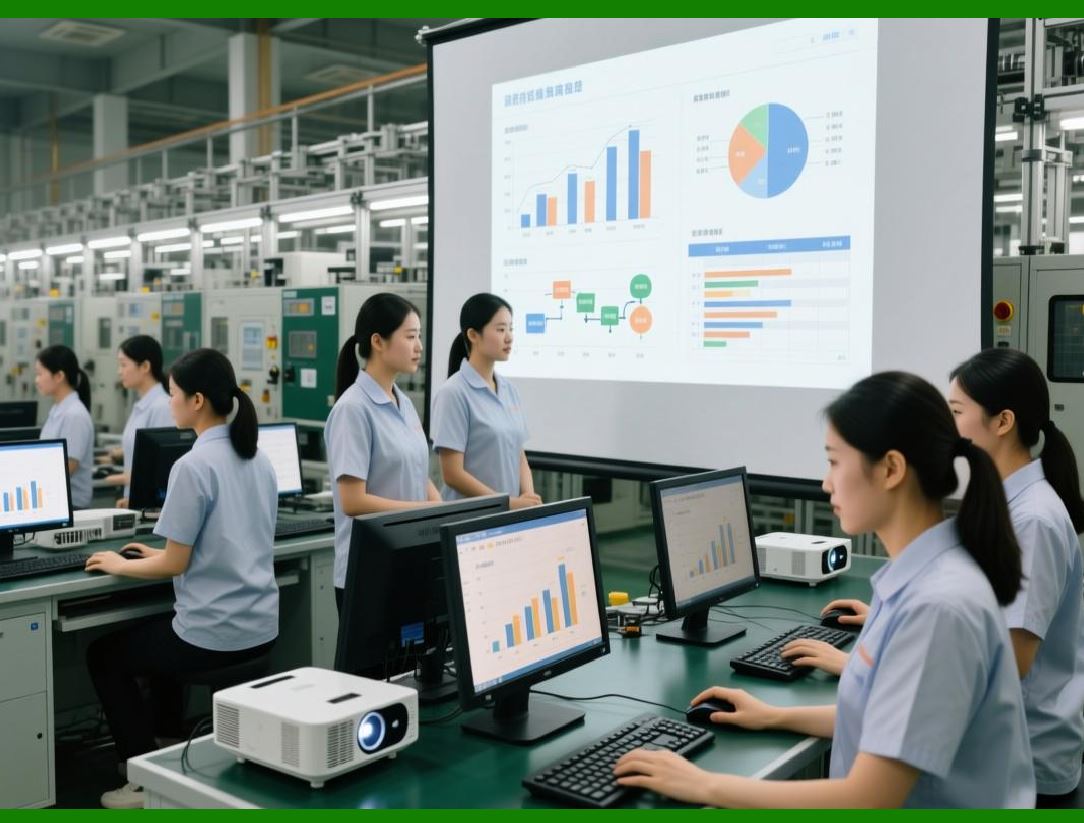
ERP establishes a closed-loop flow from sales forecasts and orders to material procurement, production execution, and shipment. |
|
20. Operational Workflows Integration |
A typical workflow in an electronics ERP environment: |
1. Customer submits order Sales module enters order. |
2. ERP checks inventory Determines if stock suffices. |
3. If insufficient MRP triggers procurement Purchase order created Supplier delivers. |
4. Production order generated Materials reserved Work order executed IPQC checks performed. |
5. Finished goods received FQC inspection Serial/batch numbers assigned. |
6. ERP updates inventory Finance module records costs. |
7. Shipment scheduled Customer notified Sales and logistics track delivery. |
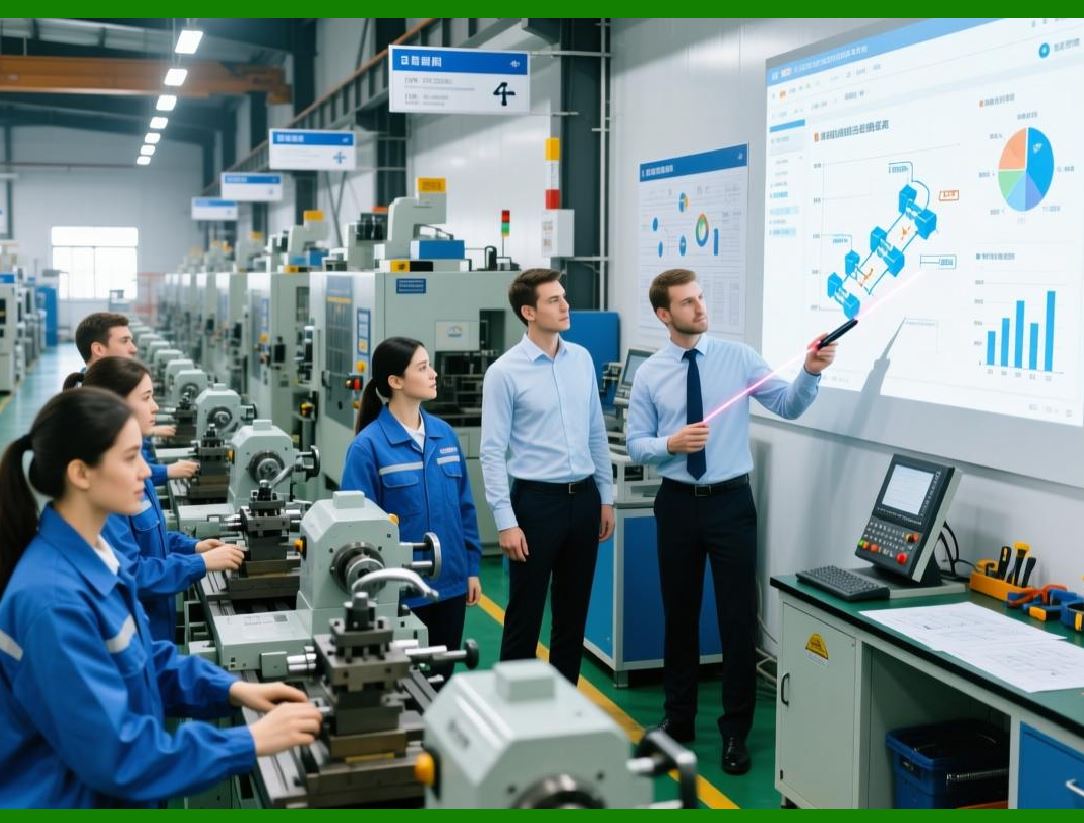
This workflow integrates multiple modules, ensuring real-time visibility and traceability throughout the process. |
|
Technical Content Summary of Part 3 |
Part 3 detailed the core ERP modules critical to electronics manufacturing and explained their operational workflows: |
1. Inventory Management Module: Handles multi-warehouse management, batch/serial tracking, material reservation, and inventory cost control. |
2. Purchasing Management Module: Manages purchase requisitions, order approvals, supplier performance evaluation, cost tracking, and MRP-driven planning. |
3. Sales Management Module: Covers order management, delivery scheduling, pricing, contract management, and sales forecasting. |
4. Module Integration: Emphasized the closed-loop connection among inventory, purchasing, sales, and production modules, supporting efficient workflow, material traceability, and data-driven decision-making. |
5. Operational Workflow Example: Illustrated how sales orders, procurement, production execution, and logistics are coordinated via ERP. |

|
In Part 4, we will focus on Production Management, Finance Management, and additional operational ERP modules, including their integration with quality management, RMA handling, and PCBA-specific processes. |
 cs@easiersoft.com