ERP System Application in the Electronics Industry |
Part 36: Financial Integration and Cost Control in Electronics ERP (I) |
Real-Time Production Costing, Hybrid Manufacturing Cost Allocation, and Profitability Analysis |
In Part 35, we explored advanced logistics and warehouse optimizations, including smart zoning, intelligent picking, shelf-life management, warehouse-to-production synchronization, automation integration, and KPI analytics. |
Part 36 focuses on financial integration and cost control within electronics ERP systems, an area critical for decision-making, margin optimization, and supplier and production line profitability analysis. In electronics manufacturing, costs fluctuate rapidly due to material price volatility, complex BOM structures, outsourced production, and rework expenses. |

|
265. Enhancement 17: Real-Time Production Costing |
265.1 Challenge in Electronics Manufacturing |
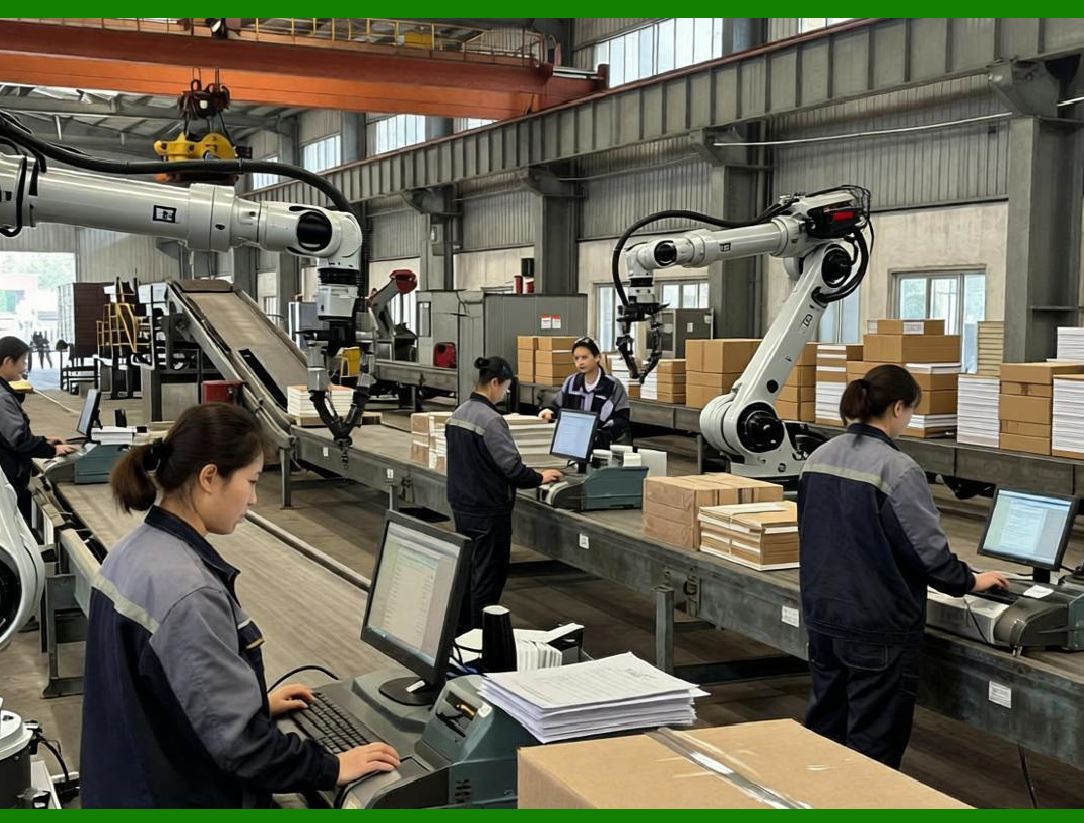
Traditional costing methods are often periodic and delayed, failing to capture: |
* Rapid component price changes |
* Outsourced processing fees |
* Rework and scrap impact |
* Mixed-material and multi-batch production |
Without real-time costing, managers lack visibility into true product profitability. |
|
265.2 ERP-Driven Cost Capture |
ERP collects cost data in real time from: |
* Material issuance (warehouse barcode scans) |
* SMT placement reports and component throw rates |
* Labor hours logged on assembly lines |
* Outsourced PCBA fees and material usage |
* Rework and scrap reporting |
Each cost element is assigned to the correct batch, SKU, and production line. |

|
265.3 Cost Aggregation and Transparency |
ERP aggregates costs by: |
* Individual production batch |
* SKU level |
* Customer order |
* Production line |
* Supplier or outsourced vendor |
This allows granular cost analysis and rapid profitability assessments. |

|
266. Enhancement 18: Hybrid Manufacturing Cost Allocation |
266.1 Complexity of Hybrid Production |
Electronics manufacturing often combines: |
* In-house SMT assembly |
* Manual assembly operations |
* Outsourced PCBA or subassembly |
Each segment has different cost structures, requiring ERP enhancements for hybrid cost allocation. |
266.2 ERP Allocation Logic |
* Material costs are allocated based on actual consumption |
* Labor costs are allocated based on time spent per batch |
* Outsourcing fees are directly linked to batch completion |
* Scrap and rework costs are assigned to responsible production line, operator, or supplier |
266.3 Real-Time Cost Feedback |
* ERP provides live updates on cost per unit as production progresses |
* Enables early detection of cost overruns |
* Managers can intervene before completion to reduce losses |

|
267. Enhancement 19: Multi-Level BOM Cost Rollup |
267.1 Multi-Level BOM Complexity |
Electronics products often have nested BOMs: |
* PCB assembly Sub-assemblies Components Raw materials |
* Each level may have separate costs, suppliers, and yield rates |
267.2 ERP Rollup Calculation |
* ERP calculates costs from the lowest component level up to finished product |
* Incorporates: |
* Material purchase cost |
* Labor and machine cost per operation |
* Outsourcing cost per subassembly |
* Scrap, rework, and yield adjustments |
* Provides accurate unit cost for complex products. |
267.3 Cost Scenario Simulation |
* ERP enables That-ifcost simulation for: |
* Alternative suppliers |
* Component substitution |
* Process change |
* Outsourced vs in-house production |
* Supports strategic pricing and procurement decisions. |

|
268. Enhancement 20: Margin and Profitability Analysis |
268.1 SKU-Level Profitability |
* ERP calculates gross margin per SKU by comparing real-time production cost with order selling price |
* Identifies high-cost or low-margin SKUs requiring process optimization or renegotiation with suppliers |
268.2 Vendor and Supplier Profit Analysis |
* ERP aggregates: |
* Outsourcing fees |
* Material costs |
* Delivery performance penalties |
* Enables evaluation of vendor profitability and reliability. |
268.3 Production Line Profitability |
* ERP compares actual vs standard costs per production line |
* Highlights underperforming lines due to inefficiencies, scrap, or labor variance |
268.4 Customer and Order Profitability |
* ERP integrates sales data with production cost to determine: |
* Order-level profitability |
* Customer-level contribution margins |
* ROI of special requests (e.g., expedited delivery or customization) |

|
269. Enhancement 21: Integration with Finance and Accounting |
269.1 ERP as a Single Source of Truth |
* Cost data from production flows directly into general ledger, AP/AR, and financial reports |
* Eliminates manual reconciliation and delayed reporting |
269.2 Automated Journal Entries |
* Material issuance debit COGS, credit inventory |
* Outsourced processing fee approval debit COGS, credit vendor payable |
* Scrap adjustment adjust inventory valuation and cost of goods sold |
269.3 Real-Time Financial Dashboards |
* ERP provides finance and management teams with live dashboards showing: |
* Current production costs |
* Scrap and rework losses |
* Margin per SKU, customer, and production line |
* Forecasted vs actual profitability |

|
270. Enhancement 22: Cost Exception and Alert Mechanism |
270.1 Cost Overrun Detection |
ERP continuously monitors: |
* Material usage variance |
* Labor efficiency deviation |
* Outsourcing fee overrun |
* Excessive scrap or rework |
270.2 Automated Alerts |
* ERP triggers alerts to: |
* Production manager |
* Procurement officer |
* Finance controller |
* Ensures timely corrective action, reducing cost leakage. |
270.3 Integration with Decision Support |
* Alerts are linked to recommended corrective actions: |
* Reallocate batches to lower-cost production lines |
* Substitute cheaper but compliant components |
* Adjust labor allocation or overtime |

|
271. Technical Content Summary of Part 36 |
Part 36 focused on financial integration and cost control within electronics ERP systems: |
1. Real-Time Production Costing: Captures material, labor, machine, outsourced, and scrap costs at the batch and SKU level. |
2. Hybrid Manufacturing Cost Allocation: Allocates costs accurately across in-house, manual, and outsourced production. |
3. Multi-Level BOM Cost Rollup: Computes cumulative costs for complex nested assemblies and supports cost simulations. |
4. Margin and Profitability Analysis: Provides SKU, vendor, production line, order, and customer-level profitability metrics. |
5. Finance Integration: Automates journal entries, provides live dashboards, and eliminates reconciliation delays. |
6. Cost Exception and Alerts: Detects overruns in real time and triggers corrective actions, improving cost control. |
Key insights: |
* ERP transforms from a production scheduling system to a full financial and operational control platform. |
* Real-time cost capture allows proactive management of margins and production efficiency. |
* Integration with finance ensures accurate reporting, audit readiness, and strategic decision-making. |
* Continuous monitoring of costs, exceptions, and profitability enables data-driven, real-time operational and financial decisions. |

|
In Part 37, we will explore integrated application of barcode technology for end-to-end traceability and operational efficiency, including barcode strategies for production, warehouse, RMA, and e-commerce fulfillment in electronics manufacturing. |
 cs@easiersoft.com