ERP System Application in the Electronics Industry |
Part 38: Typical Application Scenario Examples (III) |
Integrated Multi-Module ERP Execution in Real Electronics Operations |
In Part 37, we detailed barcode-driven integration across materials, SMT production, outsourcing, RMA, and e-commerce fulfillment, emphasizing how scanning becomes the real-time execution backbone of electronics ERP. |
Part 38 continues the scenario-based exploration, focusing on end-to-end integrated execution cases, where multiple ERP modules operate simultaneously: production scheduling, SMT control, warehouse logistics, outsourcing, compliance, finance, and RMA. |
These scenarios show how ERP behaves not as separate modules, but as a single coordinated manufacturing intelligence system. |

|
279. Scenario 11: End-to-End Consumer Electronics Product Launch |
279.1 Background |
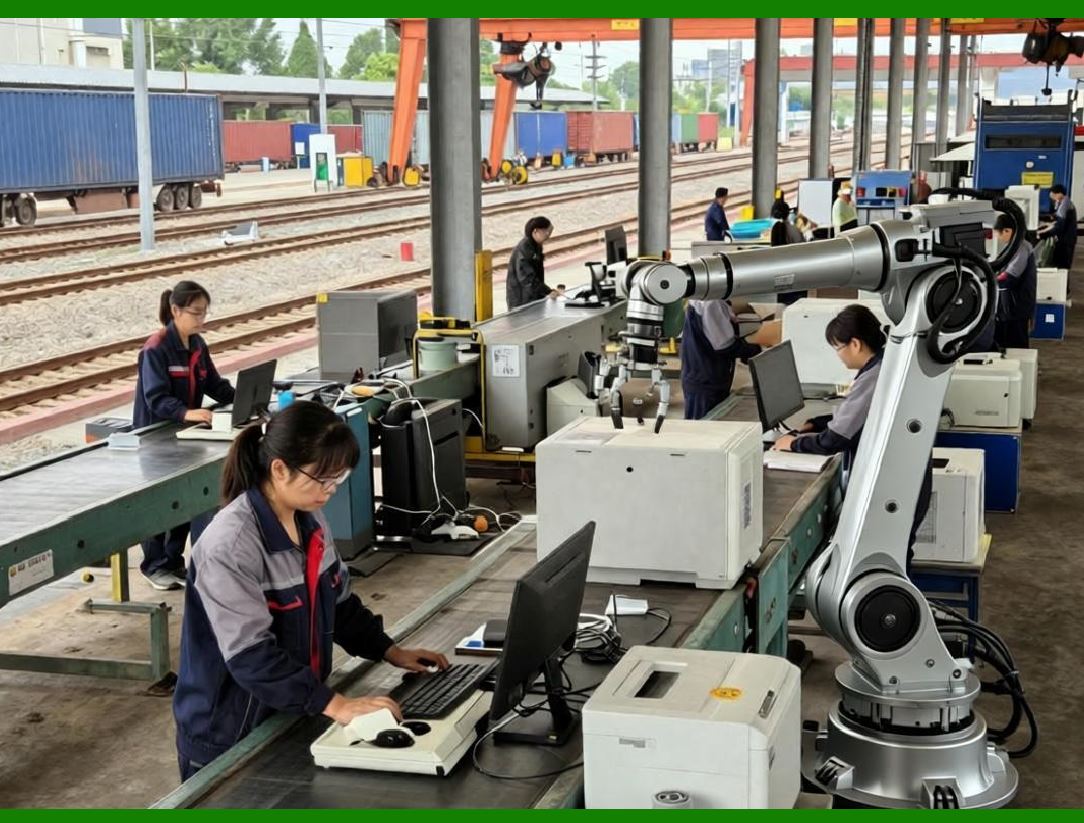
A company launches a new consumer electronics product (e.g., smart device or IoT controller) with: |
* Tight time-to-market requirement |
* Multi-SKU variations (WiFi / Bluetooth / storage options) |
* Rapid scaling from pilot to mass production |
* Simultaneous e-commerce and retail distribution |
|
279.2 ERP Execution Flow |
ERP coordinates the full lifecycle: |
1. BOM Finalization & ECO Control |
* Engineering finalizes BOM revisions |
* ERP locks version for pilot production batches |
* SMT programs are automatically updated |
2. Material Preparation |
* Barcode-based material picking |
* RoHS validation and shelf-life checks |
* Kit preparation for SMT lines |
3. Pilot Production |
* Small batch SMT execution |
* Real-time defect tracking via barcode + inspection systems |
* RMA simulation testing begins immediately |
4. Scale-Up Scheduling |
* APS module increases production volume based on demand signals |
* Hybrid outsourcing activated if internal SMT capacity is exceeded |
5. Launch Fulfillment |
* ERP synchronizes production output with e-commerce orders |
* Barcode verification ensures SKU accuracy during shipping |

|
279.3 Operational Outcome |
* Faster product launch cycle |
* Reduced early-stage defects |
* Smooth transition from pilot to mass production |
* Real-time inventory alignment with demand |

|
280. Scenario 12: High-Defect Batch Containment and Recall Management |
280.1 Background |
A defect is detected in field returns related to a specific capacitor batch used in multiple products. |
280.2 ERP Containment Response |
ERP immediately performs: |
1. Traceability Analysis |
* Identifies all finished products containing affected component lot |
* Maps across internal and outsourced production |
2. Production Freeze |
* Blocks further use of suspect material |
* Pauses affected production batches |
3. Warehouse Quarantine |
* Barcode system isolates inventory with matching lot numbers |
4. Customer Impact Analysis |
* Identifies shipped units and customer distribution |
* Calculates potential recall scope |
280.3 Corrective Workflow |
* Engineering evaluates replacement component options |
* Procurement initiates alternate supplier sourcing |
* Production schedules are dynamically adjusted via APS |
280.4 Operational Outcome |
* Rapid containment of quality issue |
* Minimized recall scope |
* Reduced financial and reputational damage |
* Improved supplier accountability |

|
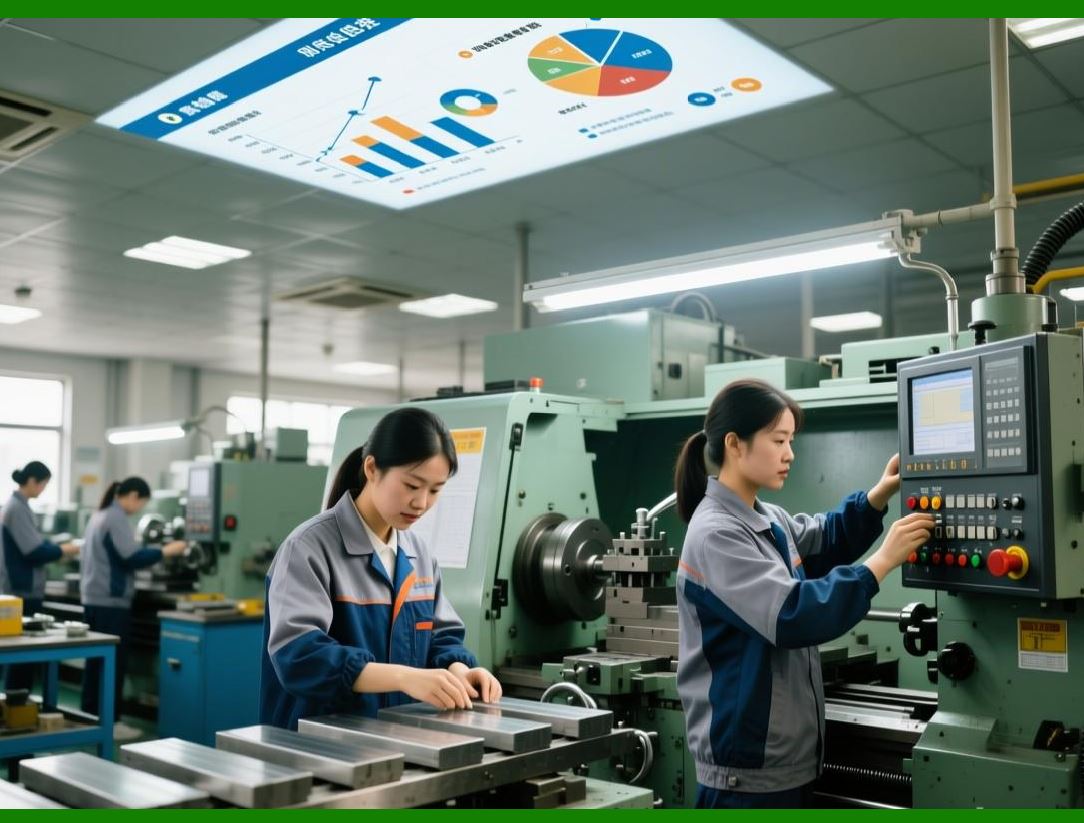
281. Scenario 13: Mixed SMT Line Production with Frequent Changeovers |
281.1 Background |
A factory runs: |
* Multiple SKUs per SMT line per day |
* High variation in BOM structures |
* Frequent urgent e-commerce orders |
281.2 ERP Scheduling Strategy |
ERP applies: |
* Batch grouping by shared components |
* Intelligent sequencing to minimize reel changes |
* Real-time rescheduling for urgent orders |
281.3 Execution Synchronization |
* Barcode scanning confirms each SMT setup change |
* Machine programs are auto-validated against BOM version |
* Component feeders verified before production start |
281.4 Operational Outcome |
* Reduced SMT downtime |
* Lower setup change frequency |
* Higher line utilization efficiency |
* Improved on-time delivery performance |
|
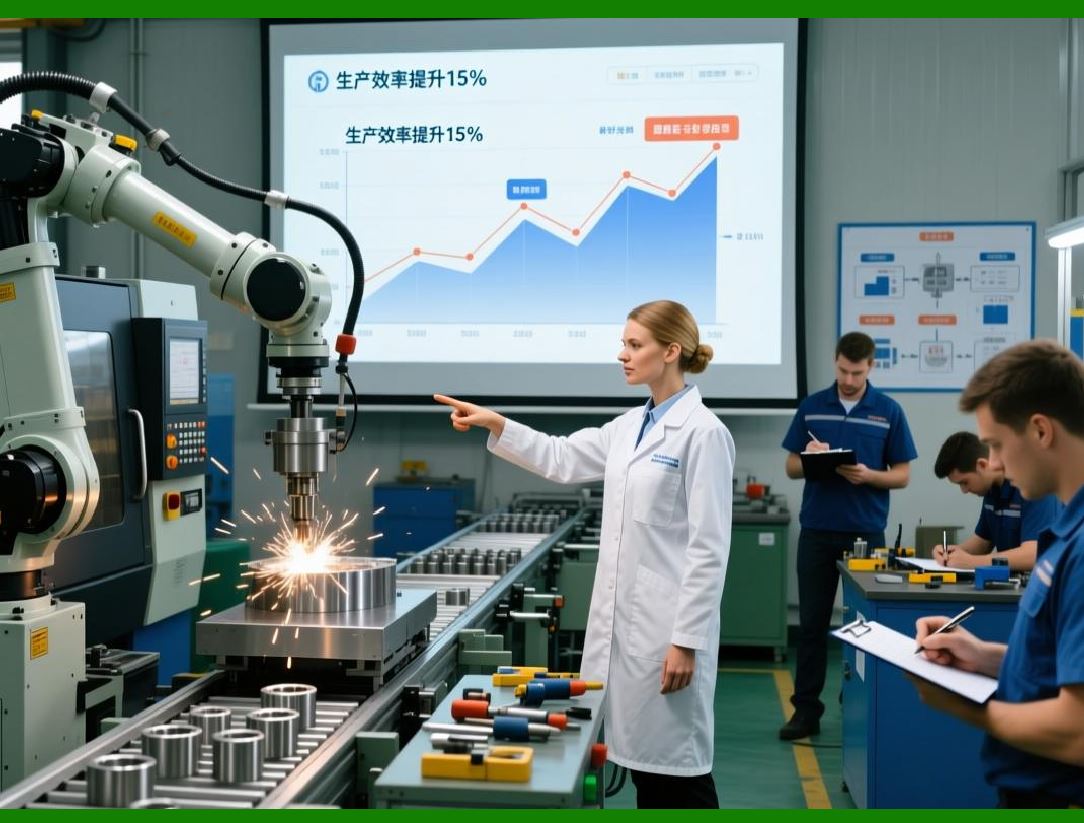
282. Scenario 14: Outsourced PCBA + Internal Assembly Hybrid Flow |
282.1 Background |
A product requires: |
* PCB assembly outsourced to EMS vendor |
* Final assembly performed in-house |
* Shared inventory of components |
282.2 ERP Coordination |
1. ERP splits production order into: |
* External PCBA work order |
* Internal assembly work order |
2. Barcode-enabled material kits shipped to vendor |
3. Vendor scans production progress into ERP |
4. Finished PCBA units returned and verified via barcode |
5. Internal assembly consumes verified PCBA units |
282.3 Financial Integration |
ERP consolidates: |
* Outsourcing fees |
* Internal labor costs |
* Scrap and yield differences |
282.4 Operational Outcome |
* Full visibility across external and internal operations |
* Accurate cost tracking |
* Reduced coordination delays |
* Improved supplier performance management |
|
283. Scenario 15: E-Commerce Surge During Promotional Events |
283.1 Background |
During a flash sale event: |
* Order volume increases 3x |
* SKU demand shifts rapidly |
* Delivery deadlines remain strict |
283.2 ERP Response Mechanism |
ERP dynamically: |
1. Captures real-time order inflow |
2. Reprioritizes production scheduling via APS |
3. Redirects some production to outsourced capacity |
4. Allocates warehouse picking priority based on shipping deadlines |
283.3 Barcode Execution Layer |
* Real-time scanning ensures correct SKU fulfillment |
* Prevents shipping mix-ups under pressure |
* Updates inventory instantly after each shipment |
283.4 Operational Outcome |
* Stable order fulfillment during peak demand |
* Minimal shipping errors despite volume surge |
* Improved customer satisfaction during promotions |

|
284. Scenario 16: Full RMA Lifecycle with Root Cause Feedback Loop |
284.1 Background |
A returned device shows intermittent failure after 3 months of use. |
284.2 ERP RMA Flow |
1. Barcode-based return registration |
2. Automated linkage to production batch and component lots |
3. Failure classification (AI-assisted) |
4. Repair or scrap decision |
5. Cost allocation to supplier or internal process |
284.3 Feedback Integration |
* Engineering receives failure pattern reports |
* SMT process parameters adjusted if needed |
* Supplier performance score updated |
284.4 Operational Outcome |
* Reduced repeat failure rates |
* Improved product design quality |
* Lower warranty cost over time |
* Stronger supplier accountability |

|
285. Technical Content Summary of Part 38 |
Part 38 focused on integrated real-world ERP execution scenarios in electronics manufacturing: |
1. Product Launch Scenario: End-to-end ERP coordination from BOM finalization to mass production and e-commerce fulfillment. |
2. Defect Containment & Recall Management: Rapid traceability, quarantine, and production freeze using ERP + barcode systems. |
3. SMT Multi-Batch Production: Efficient scheduling, changeover optimization, and real-time execution validation. |
4. Hybrid PCBA Flow: Integration of outsourced assembly and in-house production with unified tracking and cost control. |
5. E-Commerce Surge Handling: Dynamic APS rescheduling, warehouse prioritization, and high-volume fulfillment control. |
6. RMA Closed-Loop Lifecycle: AI-assisted failure analysis with engineering and supplier feedback integration. |
Key insights: |
* ERP functions as a real-time operational nervous system for electronics manufacturing. |
* Barcode systems ensure physical-to-digital synchronization at every step. |
* APS and scheduling engines enable rapid response to demand and supply fluctuations. |
* RMA feedback loops continuously improve product quality and supplier performance. |
* Integrated execution prevents fragmentation across production, logistics, and finance. |
|
In Part 39, we will continue with Key Implementation Points and Common Misconceptions (II), focusing on deeper architectural issues such as scalability, system performance, integration failure risks, and long-term ERP maintenance in electronics enterprises. |
 cs@easiersoft.com