ERP System Application in the Electronics Industry |
Part 4: Core ERP Module Applications in the Electronics Industry (II) |
Production Management, Finance Management, Quality Management, and RMA Integration |
In Part 3, we examined the inventory, purchasing, and sales modules, along with their interdependencies and operational workflows. In Part 4, we continue exploring core ERP module applications by focusing on production management, finance management, quality management, and RMA (Return Material Authorization) processes, all of which are critical for the electronics industry complex and fast-paced operations. |

|
21. Production Management Module |
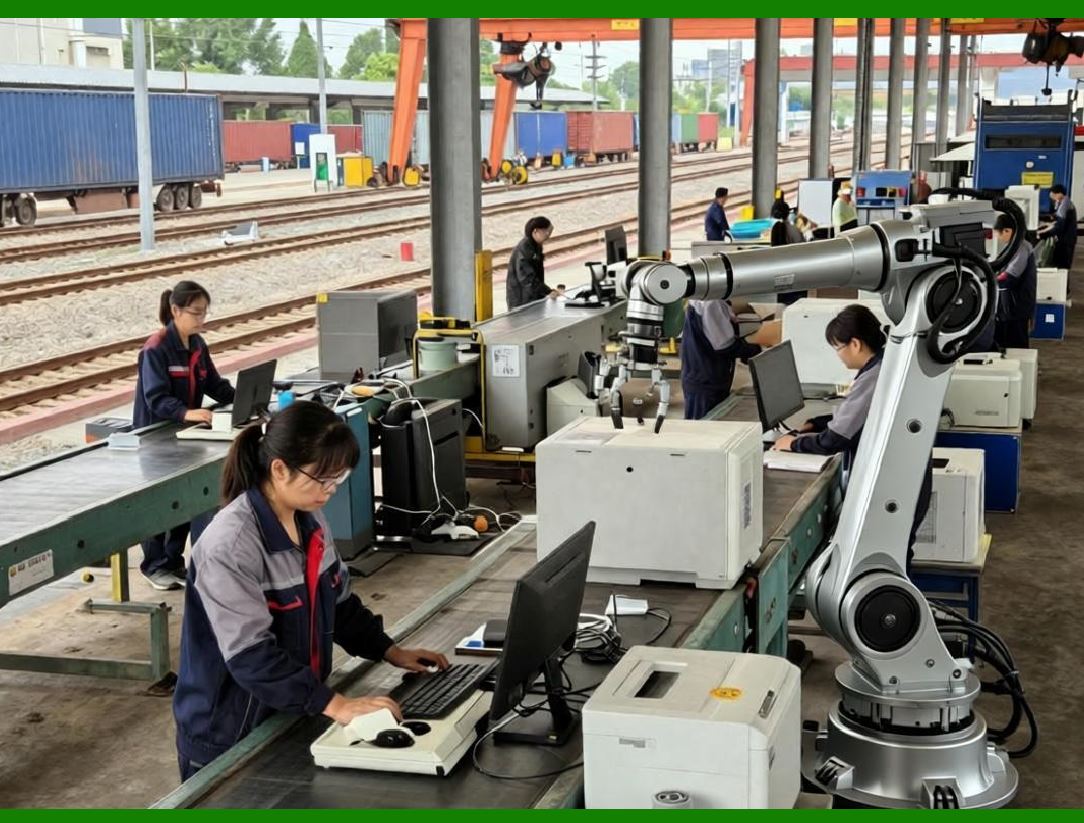
Production management is the central hub for manufacturing execution in the electronics industry. Its role is to coordinate materials, machines, labor, and schedules, ensuring that products are delivered on time with quality assurance. |
21.1 Production Order Lifecycle |
The ERP production module governs the full lifecycle of production orders: |
1. Creation: Based on sales orders, forecasts, or MRP suggestions. |
2. Release: Only approved orders are released for execution. |
3. Scheduling: Orders are assigned to specific production lines, shifts, and operators. |
4. Execution: Materials are issued, processes performed, and operations logged. |
5. Monitoring: ERP tracks production progress, labor hours, machine utilization, and yield rates. |
6. Closure: Completed orders are closed, and data flows to inventory, finance, and quality modules. |
This lifecycle ensures traceability, accountability, and operational efficiency. |

|
21.2 Routing and Work Center Management |
Electronics manufacturing involves multiple processing steps, each requiring specific equipment and skills. ERP modules manage: |
* Routing: Defines the sequence of operations for each product or assembly. |
* Work Centers: Represents production lines, machines, or labor teams, including capacity, efficiency, and availability. |
* Setup Times and Cycle Times: Used for accurate scheduling and resource optimization. |
ERP calculates expected completion times, identifies bottlenecks, and provides real-time production status to planners. |

|
21.3 Material Issuance and Consumption Tracking |
In production management, accurate material consumption is critical: |
* Issue of Materials: ERP ensures only the required quantities for a given order are released. |
* Tracking Consumption: System records actual component usage per batch, work order, and serial number. |
* Variance Analysis: Differences between planned and actual usage highlight scrap, waste, or process inefficiency. |
This enables precise cost allocation and supports inventory accuracy. |

|
21.4 Capacity Planning and Scheduling |
Electronics factories face dynamic production demands. ERP modules provide: |
* Finite Capacity Planning: Ensures production lines are not overloaded. |
* Dynamic Scheduling: Adjusts work orders based on urgent orders, material availability, or machine downtime. |
* Operator Assignment: Matches available skill sets to required operations. |
The result is higher on-time delivery rates and reduced idle resources. |
|
22. Finance Management Module |
Finance management in electronics ERP integrates seamlessly with operational modules to ensure accurate cost tracking, budgeting, and profitability analysis. |
22.1 Cost Tracking |
ERP captures detailed costs at multiple levels: |
* Material Costs: Actual purchase prices, freight, and duties. |
* Labor Costs: Operator hours, overtime, and shift differentials. |
* Overhead Costs: Machine depreciation, utilities, and indirect expenses. |
Integration with production and inventory modules allows for accurate per-unit product costing. |
22.2 Accounts Payable and Receivable |
ERP ensures: |
* Accounts Payable: Automatically matches purchase orders, goods receipts, and invoices, preventing duplicate or missed payments. |
* Accounts Receivable: Links sales orders, shipment confirmations, and invoices, improving cash collection. |
This reduces errors, streamlines financial operations, and ensures compliance. |
22.3 Budgeting and Financial Analysis |
Finance modules provide: |
* Real-time expense tracking |
* Departmental and project budgeting |
* Variance analysis (budget vs. actual) |
* Profitability analysis per product, order, or customer |
This allows management to make informed decisions regarding pricing, sourcing, and production prioritization. |

|
23. Quality Management Module |
Quality control is a non-negotiable aspect of electronics manufacturing. ERP quality modules ensure products meet standards and regulatory requirements. |
23.1 Incoming Quality Control (IQC) |
* Verifies supplier components upon receipt. |
* Checks specifications, batch numbers, and quantity accuracy. |
* Records inspection results, defects, and supplier performance. |
IQC data flows into procurement evaluation and production planning. |
23.2 In-Process Quality Control (IPQC) |
* Monitors quality during SMT, assembly, soldering, and testing. |
* Tracks defect rates and identifies process deviations. |
* Generates alerts for immediate corrective actions. |
IPQC ensures early detection of quality issues, reducing scrap and rework costs. |
23.3 Final Quality Control (FQC) |
* Confirms that finished products meet functional and aesthetic requirements. |
* Assigns serial numbers or batch codes for traceability. |
* Integrates with warehouse and shipping to prevent defective units from leaving the factory. |
23.4 Corrective and Preventive Actions (CAPA) |
* Captures quality incidents from IQC, IPQC, FQC, or customer complaints. |
* Tracks root cause analysis, corrective measures, verification, and closure. |
* Ensures continuous improvement and compliance with ISO/IATF standards. |

|
24. RMA (Return Material Authorization) Management |
Electronics products inevitably face returns due to defects, warranty claims, or customer dissatisfaction. ERP RMA modules manage the entire lifecycle. |
24.1 Customer Return Management |
* ERP captures customer return requests, reasons, and product details. |
* Automatically checks warranty and service agreements. |
* Generates return authorization numbers and tracks logistics. |
24.2 Repair and Replacement Processing |
* Returned products are directed to repair centers. |
* ERP manages inspection, failure analysis, rework, or replacement. |
* Material and labor costs are recorded for financial analysis. |
24.3 Closed-Loop Feedback |
* Repair outcomes and failure statistics feed back to production and quality modules. |
* Trend analysis identifies recurring issues, allowing preventive measures in design, sourcing, or production. |
24.4 Cost Allocation and Reporting |
* ERP tracks repair, scrap, and replacement costs. |
* Supports warranty cost analysis per product, model, or customer. |
* Provides insights for pricing, supplier evaluation, and product design improvements. |

|
25. Module Integration for Production, Finance, Quality, and RMA |
The integration among these ERP modules ensures: |
1. Production Inventory: Accurate material consumption and finished goods updates. |
2. Production Finance: Real-time cost tracking and profitability analysis. |
3. Production Quality: Defect data captured during execution informs process control. |
4. RMA Quality: Returns and failures analyzed to improve manufacturing processes. |
5. RMA Finance: Warranty and repair costs accurately allocated. |
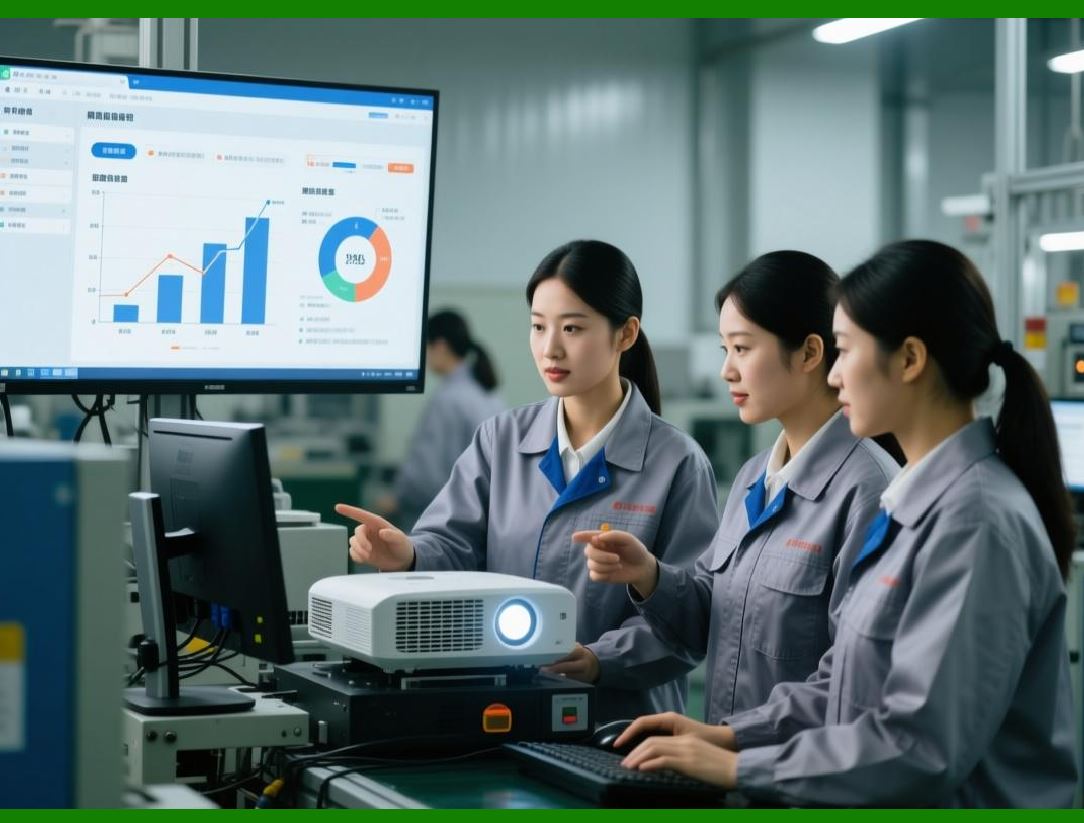
This creates a closed-loop system where operational data drives continuous improvement, cost efficiency, and customer satisfaction. |
|
Technical Content Summary of Part 4 |
Part 4 examined critical ERP modules in the electronics industry, focusing on production management, finance, quality, and RMA processes. Key technical points include: |
1. Production Management: Full lifecycle management of production orders, routing, work centers, material issuance, capacity planning, and dynamic scheduling. |
2. Finance Management: Integrated cost tracking, accounts payable/receivable, budgeting, and profitability analysis. |
3. Quality Management: IQC, IPQC, FQC, CAPA, and regulatory compliance. |
4. RMA Management: Customer return processing, repair/replacement handling, closed-loop feedback, and cost allocation. |
5. Module Integration: Production, finance, quality, and RMA modules interconnect to provide a comprehensive, traceable, and data-driven operational environment. |
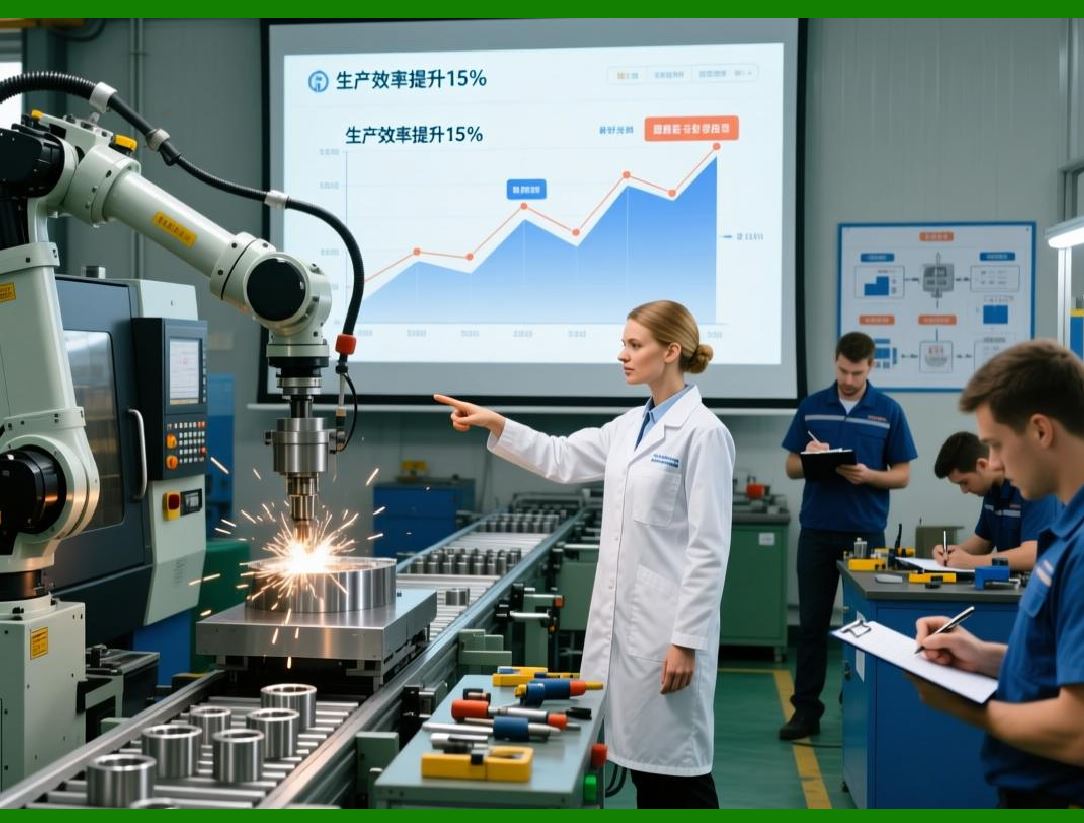
6. Operational Benefits: Improved efficiency, cost control, quality assurance, customer satisfaction, and continuous improvement. |
|
In Part 5, we will explore industry-specific function enhancements for electronics, including PCBA-specific workflows, SMT programming integration, RoHS compliance, repair closed-loop management, and environmental compliance reporting. |
 cs@easiersoft.com