ERP System Application in the Electronics Industry |
Part 41: AI-Driven Production Optimization Models |
Applying Artificial Intelligence to Enhance Electronics Manufacturing ERP |
In Part 40, we concluded the core ERP value in electronics manufacturing, focusing on traceability, efficiency, cost control, quality, and strategic agility. Part 41 expands into AI-driven production optimization, demonstrating how machine learning and intelligent algorithms enhance ERP decision-making, scheduling, and predictive insights. |

|
303. Enhancement 29: AI-Assisted Production Scheduling |
303.1 Challenge in Electronics Manufacturing |
Electronics manufacturers face: |
* High-mix, low-volume production |
* Frequent SKU changeovers |
* Variable SMT line performance |
* Limited labor and machine availability |
Traditional APS scheduling may struggle to optimize across multiple constraints. |
303.2 AI Model Integration |
* ERP integrates machine learning algorithms for: |
* Predictive line throughput |
* Optimal batch sequencing |
* SMT feeder change minimization |
* Dynamic load balancing across multiple lines |
* Algorithms learn from historical production data and real-time input from barcode scans and MES systems. |
303.3 Benefits |
* Reduced setup times |
* Minimized idle SMT machine time |
* Increased on-time delivery performance |
* Dynamic adjustment to urgent orders without human intervention |

|
304. Enhancement 30: Predictive Yield and Scrap Analysis |
304.1 Historical Data Modeling |
* ERP collects multi-year data on: |
* Component throw rates |
* SMT defect occurrences |
* Batch-specific yield |
* Vendor-related variations |
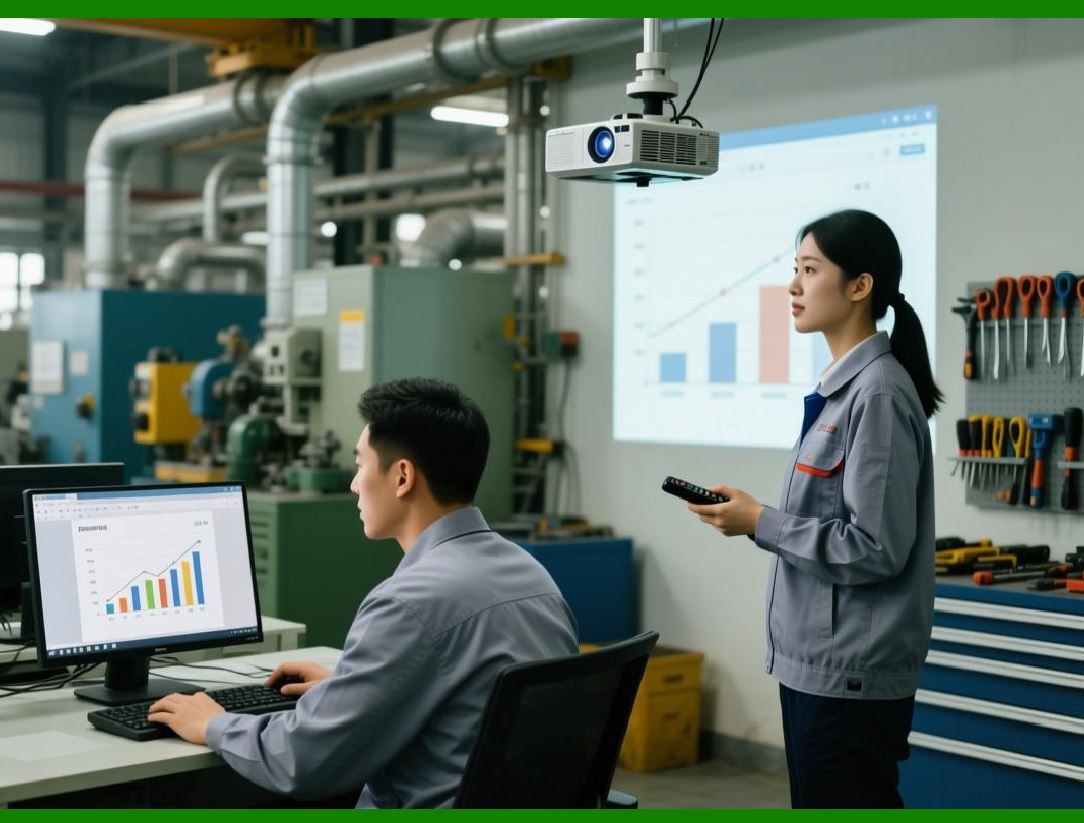
* AI models identify patterns that predict low-yield outcomes before production. |
304.2 Real-Time Application |
* ERP alerts production planners to: |
* Substitute risky components |
* Adjust SMT line parameters |
* Allocate higher-skilled operators to sensitive batches |
* Enables proactive defect prevention. |
|
305. Enhancement 31: Intelligent Material Allocation |
305.1 Optimizing Limited Resources |
AI algorithms analyze: |
* Material availability |
* Shelf-life constraints |
* Production priority orders |
* Warehouse storage location optimization |
305.2 ERP Execution |
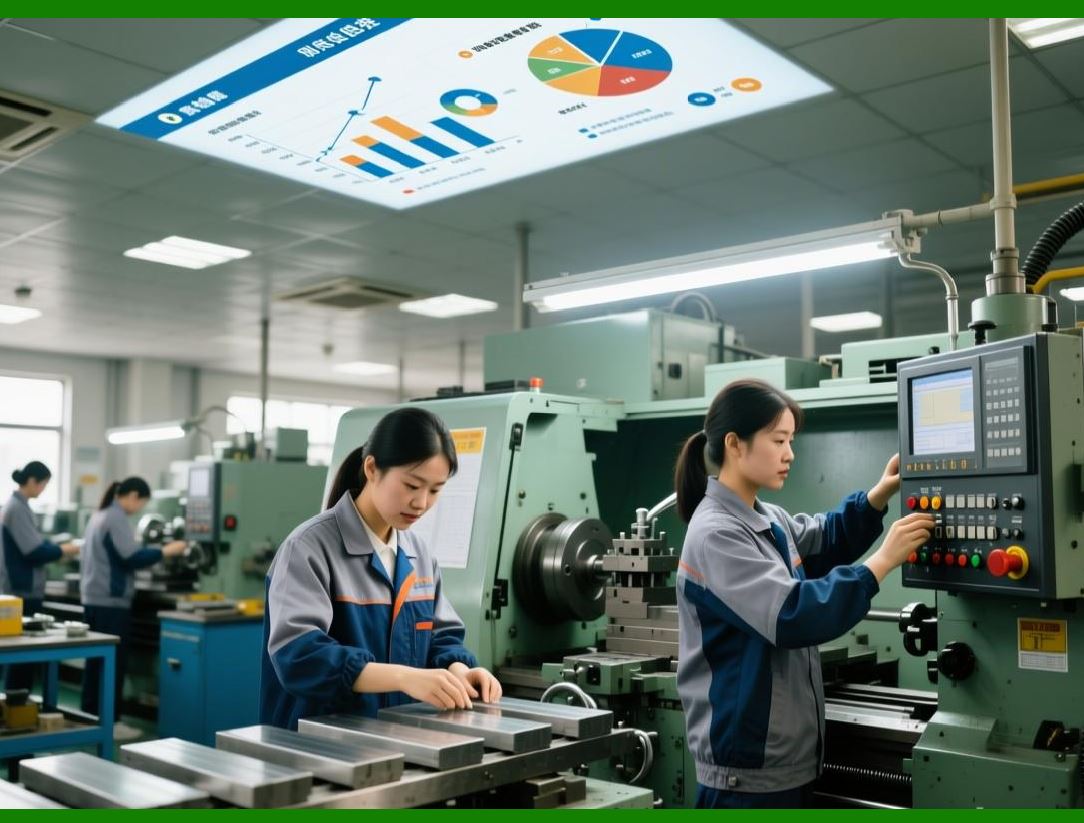
* ERP generates intelligent picking recommendations for material kits |
* Balances: |
* FIFO / FEFO compliance |
* High-priority production order needs |
* Minimization of material handling and movement |
305.3 Benefits |
* Reduced material expiry and wastage |
* Faster production setup |
* More efficient warehouse operation |
|
306. Enhancement 32: Predictive Maintenance Integration |
306.1 SMT and Assembly Machine Monitoring |
* ERP integrates IoT and MES sensors with AI to monitor: |
* Reflow oven temperature deviations |
* Pick-and-place machine alignment |
* Feeder vibrations |
* Conveyor motor performance |
306.2 Predictive Algorithm |
* AI predicts machine failure probability based on sensor trends |
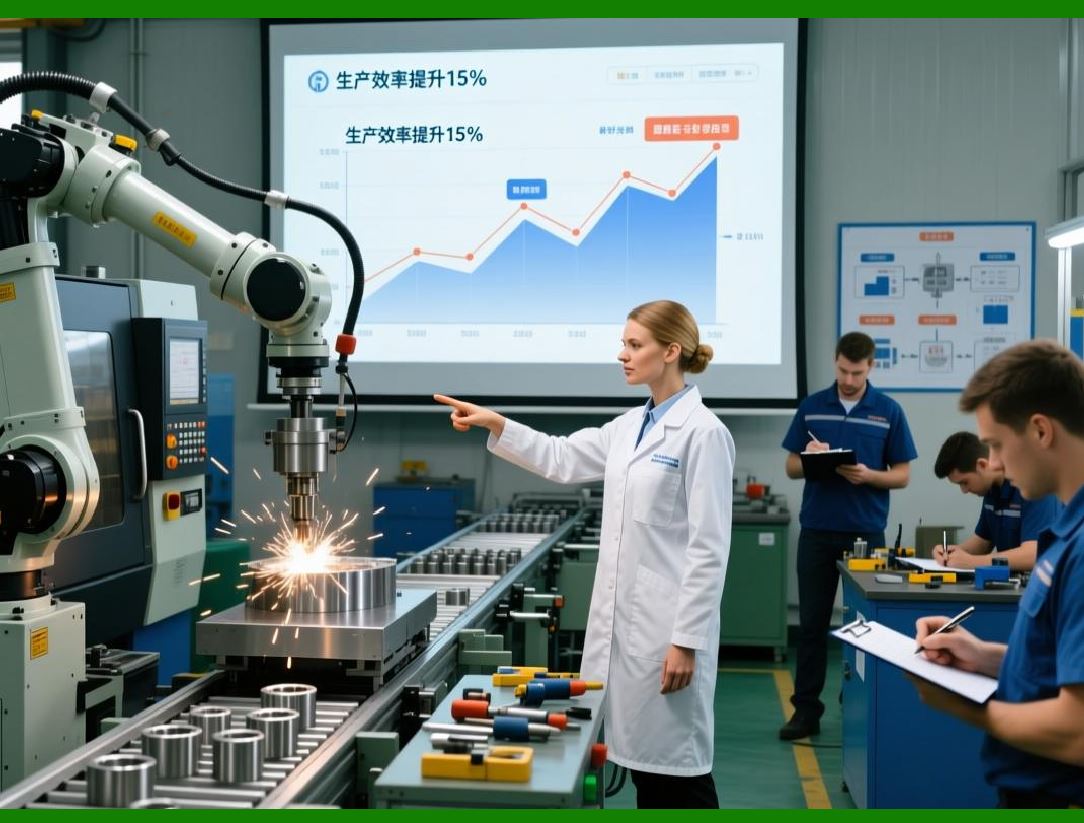
* Maintenance requests are triggered before breakdown occurs, reducing downtime |
306.3 Operational Outcome |
* Increased line uptime |
* Reduced emergency maintenance costs |
* Improved production predictability |
|
307. Enhancement 33: AI-Driven RMA and Quality Prediction |
307.1 RMA Data Analysis |
* ERP collects historical RMA records, defects, and batch-level details |
* AI models detect patterns in component failure and assembly defects |
307.2 Predictive Application |
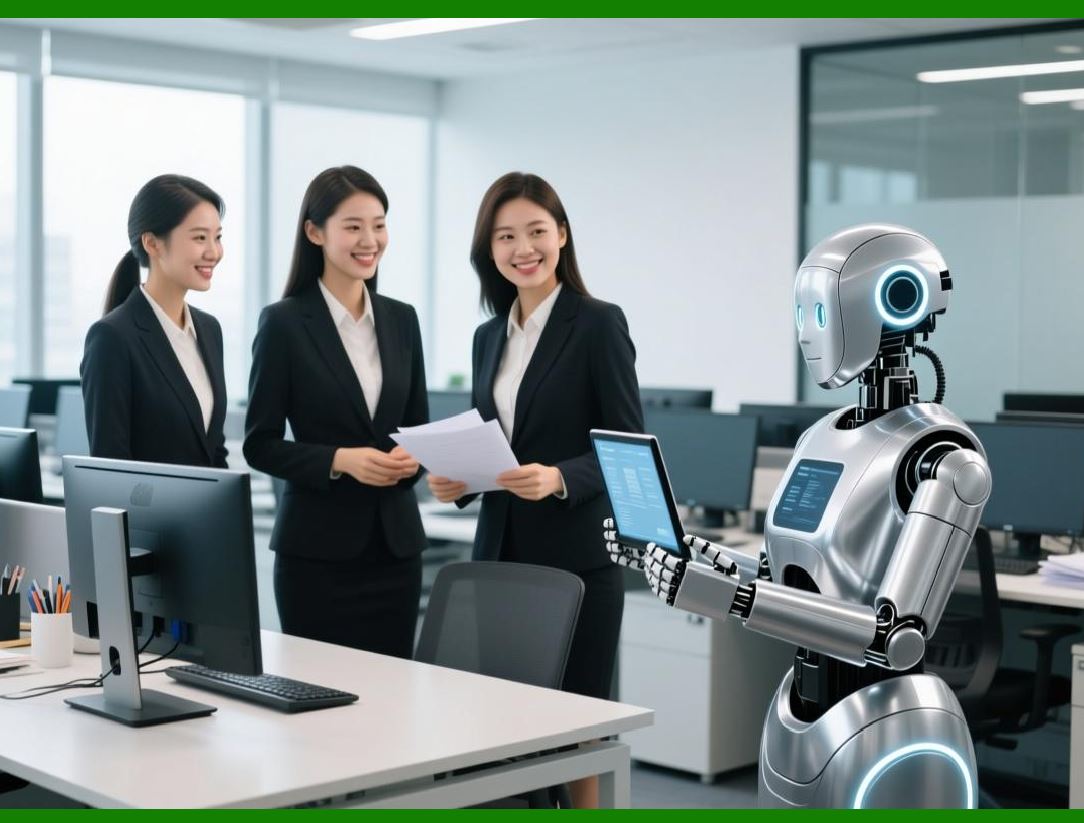
* ERP predicts which batches or SKUs are likely to generate returns |
* Quality teams can perform preemptive inspection or rework |
307.3 Strategic Outcome |
* Reduced warranty claims |
* Enhanced supplier performance monitoring |
* Continuous product quality improvement |
|
308. Enhancement 34: Dynamic Supplier Performance Evaluation |
308.1 Multi-Factor Scoring |
AI algorithms analyze: |
* Delivery punctuality |
* Component quality trends |
* Compliance adherence |
* Cost variance |
308.2 ERP Application |
* Supplier scorecards are automatically updated in ERP |
* Purchase recommendations prioritize high-performing suppliers |
* Poor performers trigger procurement review or secondary sourcing |
308.3 Operational Outcome |
* Reduced supply chain disruptions |
* Improved component quality |
* Lower rework and scrap costs |

|
309. Enhancement 35: Simulation and Scenario Planning |
309.1 Production That-IfScenarios |
* ERP integrates digital twin models with AI simulations |
* Users can test: |
* Production line changes |
* BOM substitution |
* Supplier delays |
* Order surges |
309.2 Benefits |
* Anticipate bottlenecks before they occur |
* Quantify cost and schedule impact of decisions |
* Optimize resource allocation and risk mitigation |
|
310. Technical Content Summary of Part 41 |
Part 41 introduced AI-driven production optimization in electronics ERP: |
1. AI-Assisted Scheduling: Machine learning improves SMT line sequencing, batch allocation, and urgent order response. |
2. Predictive Yield & Scrap Analysis: Historical and real-time data reduce defects and improve overall yield. |
3. Intelligent Material Allocation: AI optimizes picking, storage, and consumption of high-volume and shelf-life-sensitive components. |
4. Predictive Maintenance: ERP integrates IoT data and AI to prevent machine failures and reduce downtime. |
5. AI-Driven RMA and Quality Prediction: Identifies potential defects before product shipment, lowering warranty claims. |
6. Dynamic Supplier Performance Evaluation: Real-time supplier scoring improves procurement decisions. |
7. Simulation & Scenario Planning: Digital twin models allow preemptive decision-making for production and supply chain risks. |

|
Key insight: |
* AI transforms ERP from a reactive management tool into a predictive, self-optimizing production intelligence system, enabling electronics manufacturers to achieve higher yield, lower scrap, faster response, and more resilient operations. |
 cs@easiersoft.com