ERP System Application in the Electronics Industry |
Part 42: Digital Twin Simulation of Electronics Factories |
Virtual Replication of Production Systems for ERP-Driven Decision Intelligence |
In Part 41, we introduced AI-driven production optimization, including predictive scheduling, yield prediction, intelligent material allocation, predictive maintenance, supplier scoring, and scenario simulation. |
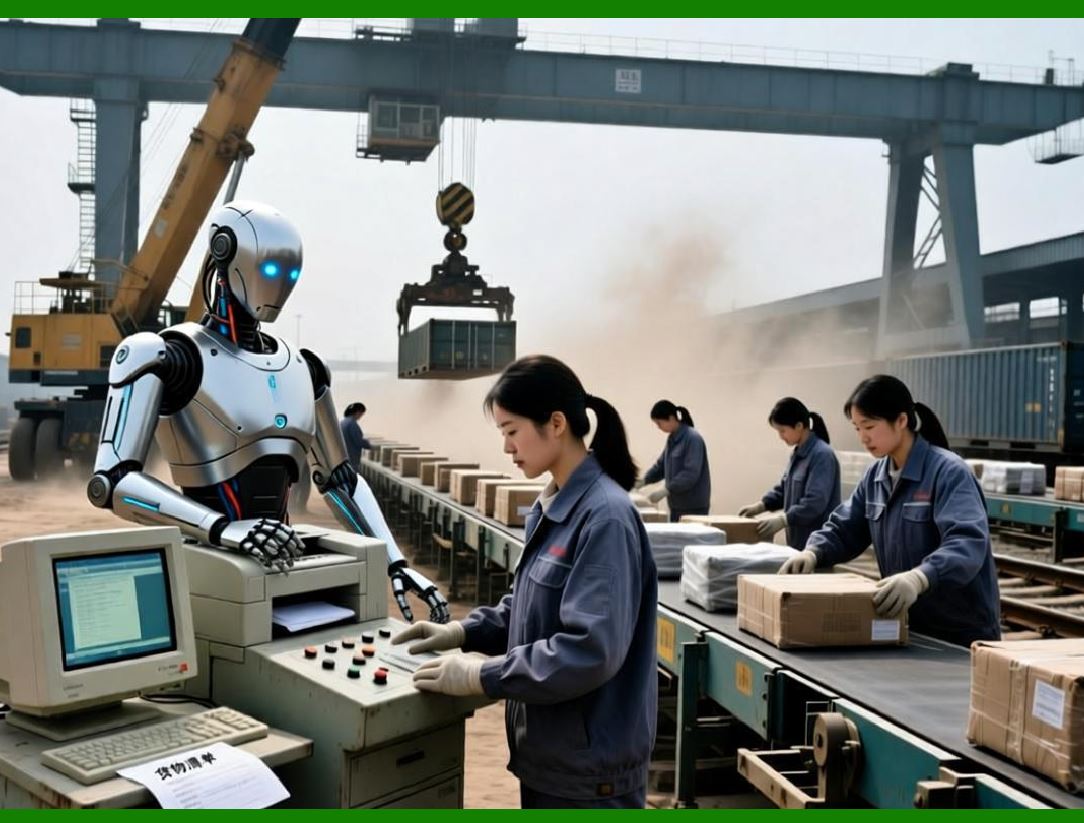
Part 42 expands this foundation into a more structural concept: the Digital Twin Factory Model, where the entire electronics manufacturing environment is mirrored digitally and continuously synchronized with ERP, MES, and shop-floor data. |
|
311. Enhancement 36: Concept of Digital Twin in Electronics ERP |
311.1 Definition and Industrial Meaning |
A digital twin in electronics manufacturing is a real-time virtual representation of the factory, including: |
* SMT production lines |
* Assembly stations |
* Warehouse and logistics systems |
* Supplier and outsourcing networks |
* Order and demand flows |
Unlike static models, the digital twin continuously updates using ERP and IoT data. |

|
311.2 ERP as the Core Data Backbone |
ERP serves as the central synchronization engine by providing: |
* BOM structures and revisions |
* Production orders and scheduling |
* Material flow and inventory states |
* Financial and cost data |
* RMA and quality feedback |
This ensures the digital twin reflects actual operational reality, not theoretical planning. |

|
311.3 Continuous Synchronization Mechanism |
The digital twin updates through: |
* Barcode scanning events (material, WIP, shipment) |
* SMT machine telemetry |
* Warehouse movement signals |
* Production completion updates |
* Quality inspection results |
Each event modifies the virtual factory state in real time. |

|
312. Enhancement 37: Virtual Production Line Simulation |
312.1 SMT Line Digital Replication |
Each SMT line is modeled digitally with: |
* Machine speed and throughput |
* Feeder configuration |
* Component placement rules |
* Maintenance status |
312.2 Simulation of Production Scenarios |
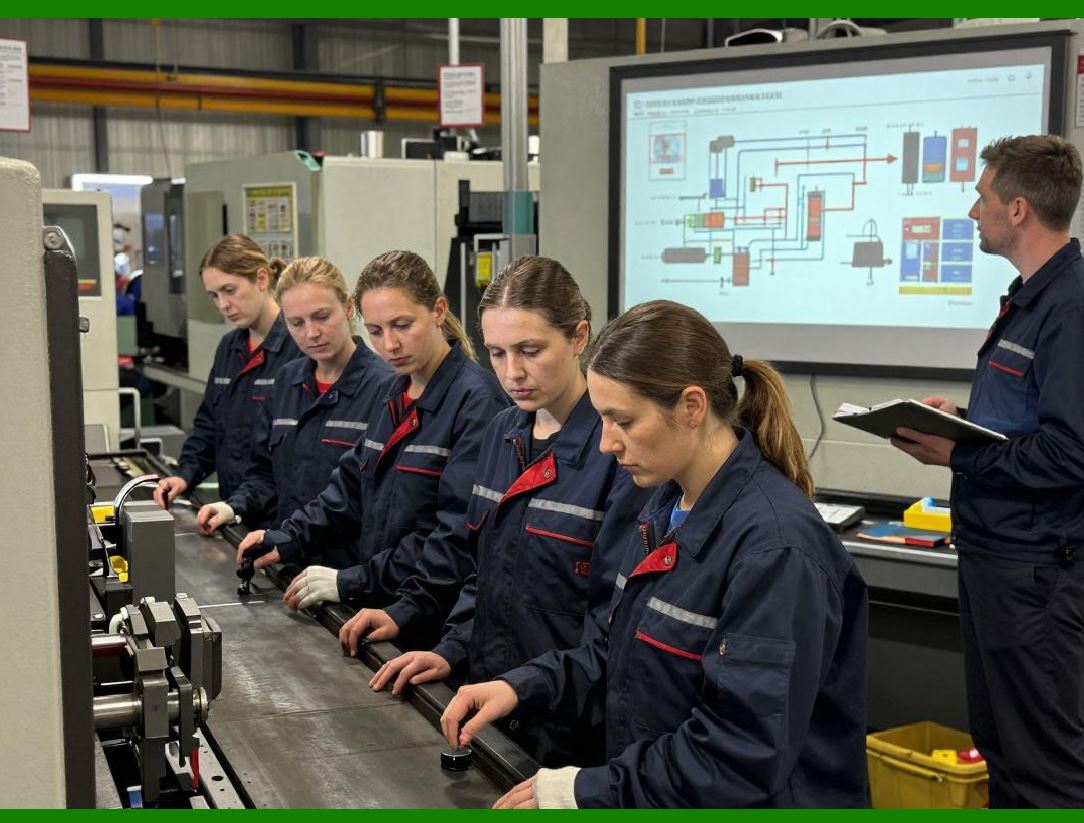
ERP + digital twin enables simulation of: |
* Changing production schedules |
* Adding urgent orders |
* Machine breakdown scenarios |
* Component shortages |
The system predicts: |
* Output delay |
* Cost impact |
* Yield variation |
312.3 Decision Support Function |
Managers can test: |
* That if Line 2 fails for 3 hours* That if we move SKU A to outsourcing* That if demand increases by 30% |
ERP provides quantitative outcomes before execution. |
|
313. Enhancement 38: Warehouse Digital Twin Modeling |
313.1 Virtual Warehouse Structure |
The digital twin includes: |
* Storage zones (ESD, RoHS, temperature-sensitive) |
* Rack-level inventory mapping |
* Real-time stock movement flows |
313.2 Dynamic Material Flow Simulation |
ERP simulates: |
* Picking route efficiency |
* Material congestion points |
* AGV or conveyor load balancing |
* Shelf-life optimization paths |
313.3 Optimization Output |
* Reduced warehouse travel distance |
* Improved picking efficiency |
* Lower material handling cost |
* Faster SMT line feeding readiness |
|
314. Enhancement 39: Supply Chain Digital Twin Integration |
314.1 Extended Ecosystem Modeling |
The digital twin extends beyond the factory to include: |
* Suppliers |
* Outsourced PCBA vendors |
* Logistics providers |
* Customer demand signals |
314.2 Supply Chain Risk Simulation |
ERP can simulate: |
* Supplier delay scenarios |
* Shipping disruptions |
* Raw material shortages |
* Geopolitical or market fluctuations |
314.3 Risk Mitigation Planning |
System suggests: |
* Alternate suppliers |
* Inventory buffer adjustments |
* Production redistribution strategies |

|
315. Enhancement 40: Real-Time KPI Feedback Loop in Digital Twin |
315.1 KPI Synchronization |
Digital twin continuously mirrors: |
* SMT efficiency |
* Yield rate |
* On-time delivery |
* Inventory turnover |
* RMA rates |
315.2 Predictive KPI Evolution |
ERP predicts KPI changes based on: |
* Current production conditions |
* Machine performance trends |
* Material availability |
315.3 Adaptive Optimization Loop |
Digital system cycle: |
Real Factory Data Capture Digital Twin Update AI Analysis ERP Adjustment Real Factory |
This forms a self-learning production ecosystem. |
|
316. Enhancement 41: Decision Intelligence Layer |
316.1 From Simulation to Decision |
Digital twin is not only for visualization It becomes a decision engine: |
* Prioritizes production orders |
* Suggests schedule adjustments |
* Recommends material reallocation |
* Optimizes outsourcing decisions |
316.2 Multi-Scenario Comparison |
ERP compares multiple scenarios: |
* Cost impact |
* Delivery performance |
* Yield variations |
* Resource utilization |
316.3 Executive-Level Decision Support |
Provides dashboards for: |
* Factory managers |
* Supply chain directors |
* Finance controllers |
Enabling data-driven strategic decisions. |

|
317. Technical Content Summary of Part 42 |
Part 42 focused on the Digital Twin framework for electronics ERP systems: |
1. Digital Twin Concept: Real-time virtual replication of factories, including SMT, warehouse, supply chain, and production systems. |
2. ERP as Data Backbone: ERP provides structured master data, production orders, financials, and traceability inputs. |
3. Production Line Simulation: Virtual SMT models allow scenario testing for delays, demand changes, and machine failures. |
4. Warehouse Digital Twin: Models storage zones, picking flows, AGV movement, and material optimization. |
5. Supply Chain Simulation: Extends visibility to suppliers, logistics, and external production partners. |
6. KPI Feedback Loop: Real-time performance metrics continuously update and optimize operations. |
7. Decision Intelligence Layer: Converts simulation outputs into actionable ERP decisions. |

|
Key insight: |
* The digital twin transforms ERP from a transaction system into a predictive and prescriptive intelligence platform, enabling electronics factories to simulate, optimize, and adapt before real-world execution occurs. |
 cs@easiersoft.com