ERP System Application in the Electronics Industry |
Part 43: Autonomous Procurement and Smart Supplier Negotiation |
AI-Enabled Procurement Decision Making in Electronics ERP |
In Part 42, we explored Digital Twin simulations that allow factories to virtually replicate production lines, warehouses, and supply chains, providing predictive insights and decision support. Part 43 extends this capability to procurement and supplier management, demonstrating how ERP integrates AI, predictive analytics, and digital twin data to enable autonomous, optimized purchasing and intelligent negotiation strategies for electronics manufacturing. |

|
318. Enhancement 42: Predictive Material Demand Forecasting |
318.1 Challenge in Electronics Procurement |
Electronics manufacturers frequently encounter: |
* High component SKU diversity |
* Volatile demand due to e-commerce fluctuations |
* Long lead times for specialized parts |
* Risk of material shortages or overstock |
Traditional ERP forecasts based on historical consumption often fail to capture sudden shifts in demand, leading to production delays or excess inventory. |

|
318.2 AI Integration in ERP |
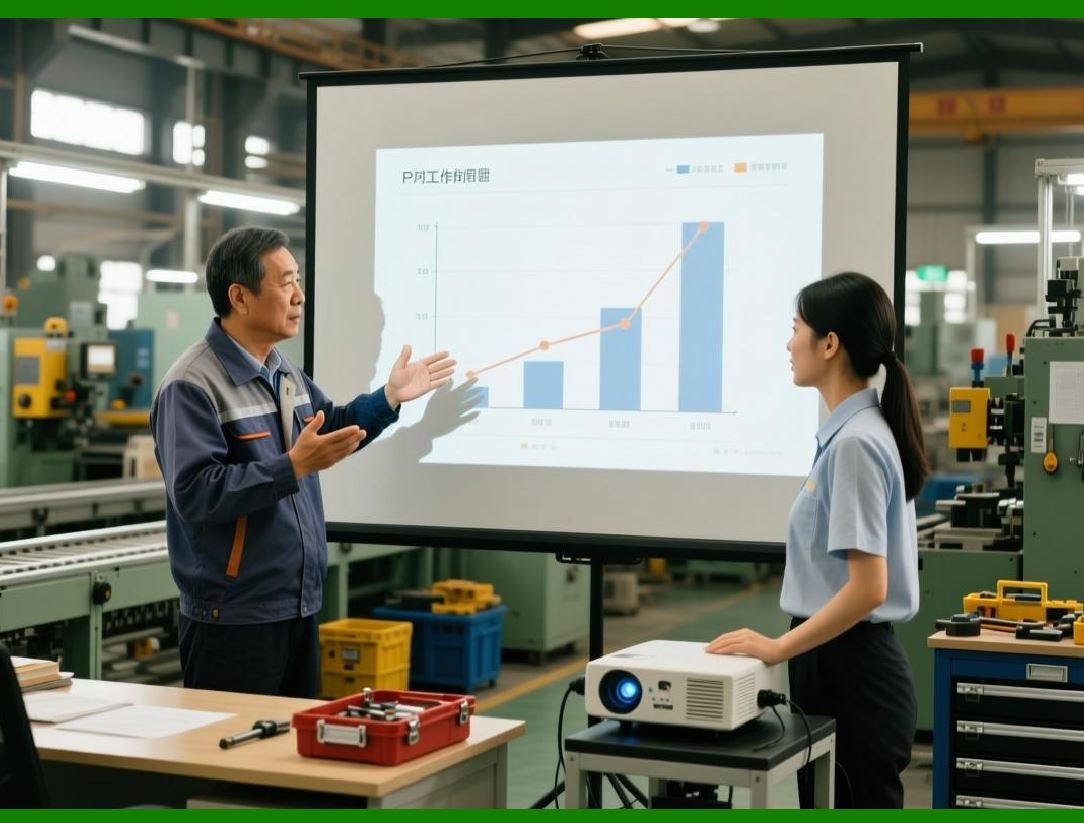
* ERP incorporates machine learning algorithms trained on: |
* Historical sales orders |
* Production schedules |
* Seasonal demand patterns |
* Supplier lead-time variability |
* Digital Twin outputs simulate future production scenarios to predict material needs accurately. |
|
318.3 Operational Outcome |
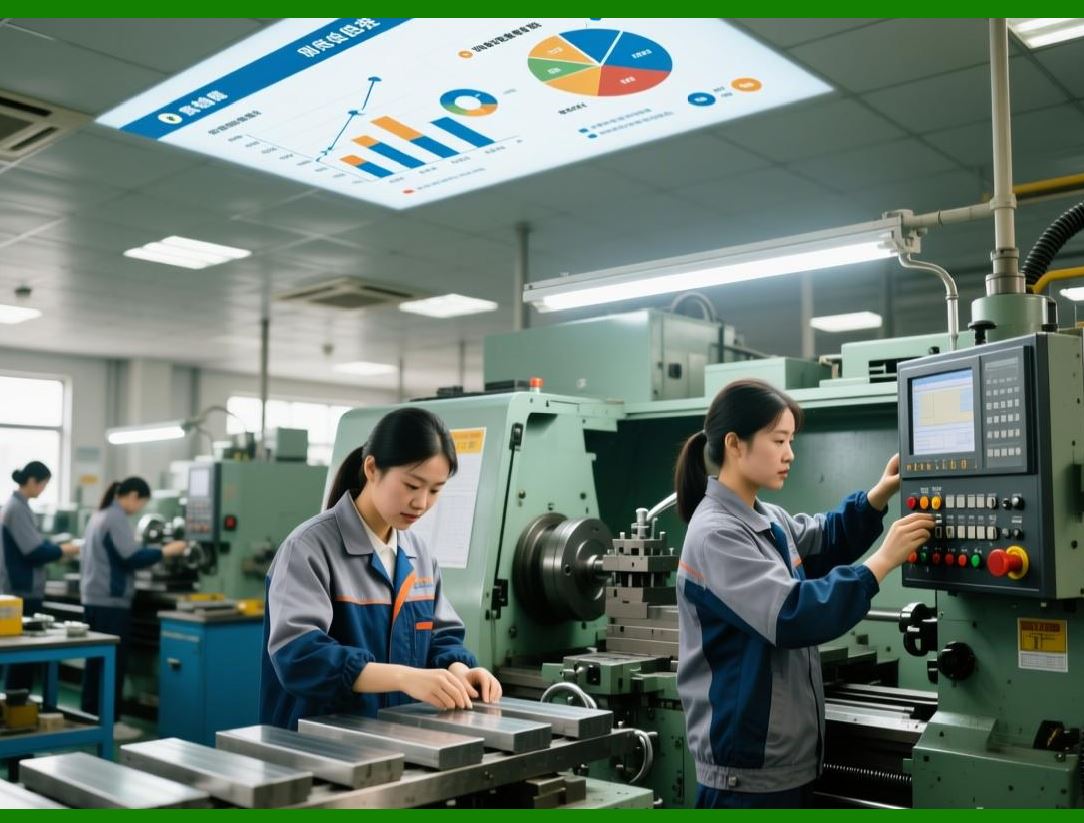
* Just-in-time procurement aligned with real production schedules |
* Reduced inventory holding costs |
* Minimized material shortages for critical SKUs |
* Enhanced flexibility to accommodate urgent orders |
|
319. Enhancement 43: Supplier Risk Analysis and Scoring |
319.1 Multi-Factor Supplier Evaluation |
AI models in ERP analyze suppliers based on: |
* On-time delivery performance |
* Historical quality trends (defects, RMA rates) |
* Financial stability and geopolitical risk |
* Responsiveness to urgent orders |
319.2 Autonomous Supplier Recommendation |
* ERP automatically assigns risk-weighted scores to all suppliers |
* Suggests preferred suppliers for procurement orders |
* Flags high-risk suppliers for contingency planning |
319.3 Strategic Outcome |
* Reduced supply chain disruptions |
* Improved product quality |
* Stronger negotiation leverage with reliable suppliers |

|
320. Enhancement 44: Autonomous Purchase Order Generation |
320.1 Automatic Order Triggering |
ERP autonomously generates POs when: |
* Forecasted inventory falls below safety stock |
* Production schedule indicates impending component need |
* Digital Twin predicts an upcoming production surge |
320.2 Integration with Supplier Systems |
* ERP interfaces with supplier portals via APIs |
* Orders can include: |
* SKU and lot specifications |
* Delivery schedule |
* Special quality or compliance requirements |
* Smart alerts notify procurement teams only when exceptions occur. |
320.3 Benefits |
* Reduced human error in PO generation |
* Faster response to changing production needs |
* Seamless alignment with supplier lead times |

|
321. Enhancement 45: AI-Assisted Price Optimization |
321.1 Price Negotiation Complexity |
Electronics manufacturing involves: |
* Thousands of component SKUs |
* Fluctuating market prices |
* Multiple supplier options |
* Bulk order discounts and contract compliance |
321.2 AI Integration |
* ERP analyzes historical purchase data, market trends, and supplier behavior |
* Suggests optimal order timing and quantity to minimize cost |
* Recommends negotiation strategies for contracts, including volume discounts and early payment incentives |
321.3 Operational Outcome |
* Improved procurement cost efficiency |
* Increased supplier compliance with negotiated contracts |
* Reduced procurement cycle time |

|
322. Enhancement 46: Lead-Time Optimization and Contingency Planning |
322.1 Challenges |
* Long or variable lead times for specialized electronic components |
* Delays due to customs, shipping, or supplier capacity |
* Risk of production stoppages |
322.2 ERP Strategy |
* AI predicts delivery risk using historical shipment and supplier data |
* ERP dynamically adjusts order timing, buffer stock levels, and sourcing strategy |
* Contingency suppliers are automatically suggested in case of delays |
322.3 Benefits |
* Reduced production downtime due to material unavailability |
* Increased supply chain resilience |
* Enhanced on-time delivery to customers |

|
323. Enhancement 47: Contract Compliance Monitoring |
323.1 Tracking Procurement Contracts |
* ERP monitors: |
* Supplier adherence to agreed prices |
* On-time delivery commitments |
* Component quality compliance |
* Contract renewal deadlines |
323.2 AI Insights |
* Alerts procurement managers to non-compliance |
* Provides supplier scorecards updated in real time |
* Suggests renegotiation or alternative sourcing strategies |
323.3 Operational Outcome |
* Stronger supplier accountability |
* Optimized procurement cost and quality |
* Reduced risk of contract penalties |

|
324. Enhancement 48: Supplier Collaboration and Data Sharing |
324.1 Integrated Supplier Network |
* ERP creates a digital ecosystem for: |
* Sharing demand forecasts |
* Providing production schedule visibility |
* Synchronizing inventory levels |
* Suppliers receive real-time alerts and updates for faster response |
324.2 Benefits |
* Enhanced supplier collaboration |
* Shortened replenishment cycles |
* Reduced stockouts and overstock |
* Improved overall supply chain efficiency |

|
325. Enhancement 49: Predictive Procurement KPI Analysis |
325.1 KPI Metrics |
ERP tracks procurement performance metrics, such as: |
* Cost variance per SKU or supplier |
* Average lead-time adherence |
* Purchase order cycle time |
* Supplier defect rates |
325.2 AI-Driven Predictive Insights |
* Predicts which suppliers or SKUs are likely to cause procurement risk |
* Provides proactive mitigation strategies |
* Generates actionable dashboards for procurement managers |
325.3 Operational Outcome |
* Data-driven supplier decisions |
* Enhanced procurement efficiency and reliability |
* Continuous improvement in sourcing strategy |

|
326. Technical Content Summary of Part 43 |
Part 43 explored autonomous procurement and smart supplier negotiation within electronics ERP systems: |
1. Predictive Material Demand: ERP + AI forecasts component needs using historical and Digital Twin data. |
2. Supplier Risk Scoring: AI evaluates suppliers across performance, quality, and financial stability. |
3. Autonomous PO Generation: ERP automatically issues orders based on predictive demand and inventory status. |
4. AI-Assisted Price Optimization: ERP recommends cost-effective purchasing strategies and negotiation tactics. |
5. Lead-Time Optimization & Contingency Planning: AI predicts and mitigates supply delays. |
6. Contract Compliance Monitoring: ERP ensures supplier adherence to agreements. |
7. Supplier Collaboration & Data Sharing: Real-time sharing of demand forecasts and production schedules. |
8. Predictive Procurement KPIs: Continuous monitoring and forecasting for proactive decision-making. |

|
Key Insight: |
Autonomous procurement transforms ERP into a self-regulating supply chain intelligence system, aligning material availability, cost efficiency, quality compliance, and supplier performance with real-time production demands and strategic objectives. |
 cs@easiersoft.com